








Modern AI agents like Cursor, Claude, Codex, Continue, and local agent runners are becoming modular.
Instead of writing bigger prompts, you can install skills — reusable capabilities that extend what an agent can do.
With the ecosystem built around:
you can install skills with one command:
npx skills add <owner/repo>
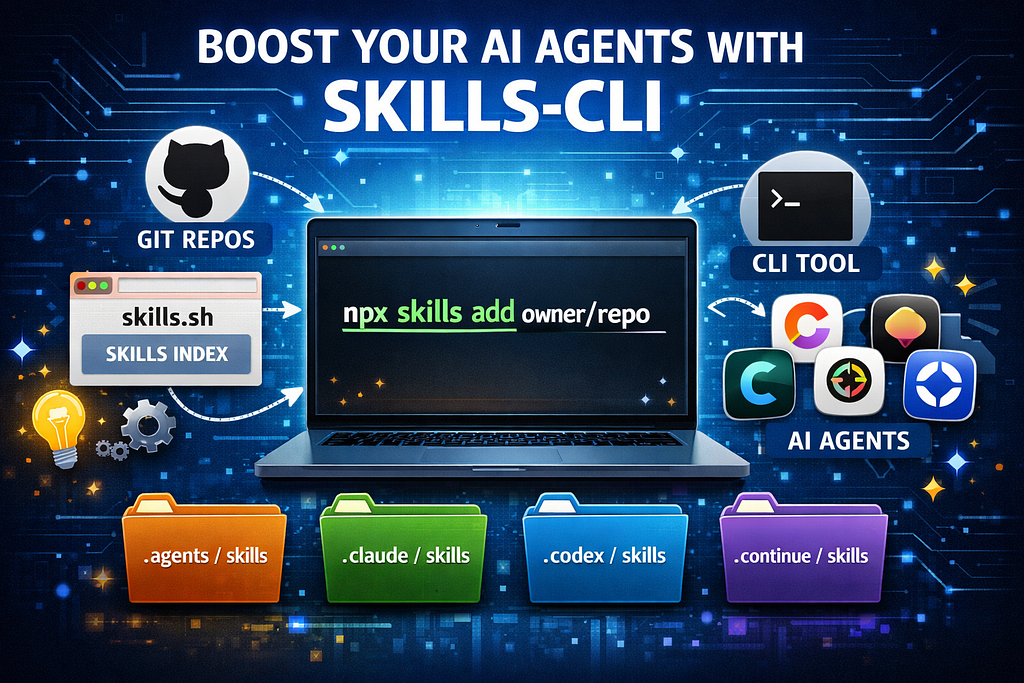
Skills is an open system for adding reusable capabilities to AI agents.
It has three main parts.
https://skills.sh
https://github.com/vercel-labs/skills
Skills are copied into agent-specific directory such as:
.agents/skills/
For the agents that cannot support agents folder, the skills can be copied in their specific folders such as Antigravity.
You don’t install it globally.
Use npx:
npx skills
Why this design?
To search the skills by keywords:
npx skills find <keywords>
What this does:
This uses the same registry as skills.sh.
Skills are installed from repositories, not from npm packages.
Basic command:
npx skills add <owner/repo>
Example:
npx skills add https://github.com/twostraws/swiftui-agent-skill
What happens when you run this:
No manual setup needed.
Some repos contain multiple skills.
Use:
npx skills add <owner/repo> --skill <skill-name>
Example:
npx skills add https://github.com/twostraws/swiftui-agent-skill --skill swiftui-pro
Useful when a repo contains many skills.
To see installed skills:
npx skills list
This shows:
To remove a skill:
npx skills remove <skill-name>
This deletes the skill from the local skills folder.
One of the best features of Skills is that the format is shared.
Skills can work with:
This means:
Skills become part of your workflow.
此内容由惯性聚合(RSS阅读器)自动聚合整理,仅供阅读参考。 原文来自 — 版权归原作者所有。