


Half the results for "vibe design tools" are actually vibe coding tools — and that's the most useful thing the search results will tell you. Here's the honest map: the one question that should decide your pick, a scorecard across five tool categories, and the trap almost every listicle sells you.
June 18, 2026 9 min read Guides
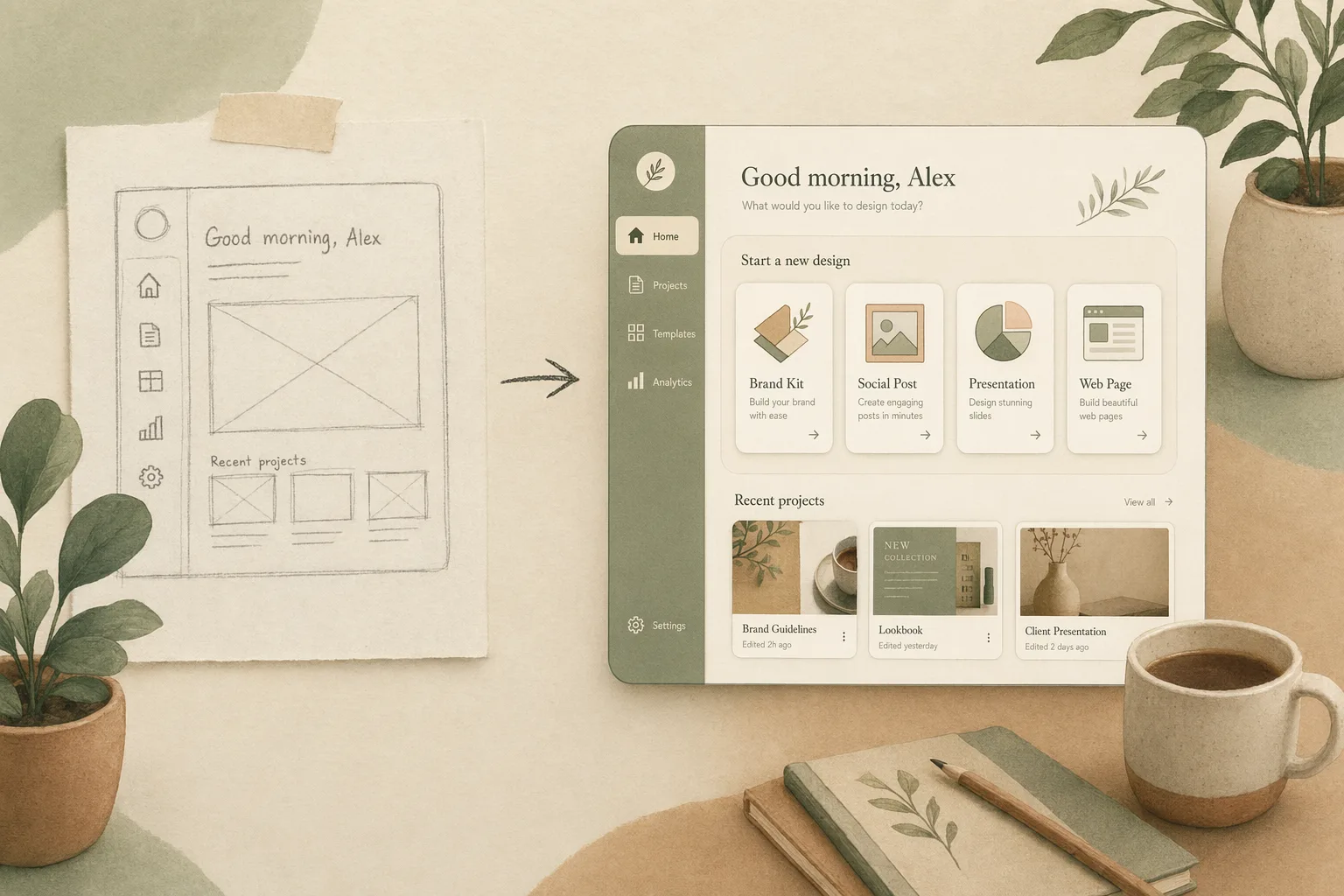
Search vibe design tools and look at what Google returns: a Figma listicle of coding tools, an “I tried every vibe-coding tool” roundup, a graphic-design post, and maybe one actual design generator. Google can’t keep the two categories apart — and that’s not sloppy SEO. It’s the market telling you something the listicles won’t: design and code are collapsing into one motion, and the tools that still treat them as separate steps are the ones quietly handing you a rebuild bill.
I’ve watched that play out firsthand. Running product at Open Design means putting most of these tools through real briefs, and the gap between a demo that wows and something you can actually ship is where almost every one of them breaks. We build in this category, so I have a stake here — and I’ll say plainly where our own tool fits and where it doesn’t. But this isn’t a ranking. It’s the map I wish the listicles drew: one question that decides everything, a scorecard you can use, and the trap to avoid.
Every other criterion is downstream of this one. A vibe design tool’s job is to take the feeling and direction of an interface — a prompt, a reference image, a sketch — and turn it into something real. The entire field splits on what “real” means to it:
This is the vibe design vs vibe coding line drawn where it actually matters: not “design or code,” but what you’re left holding when the demo’s over. The prettier the throwaway mockup, the bigger the sunk cost when you discover it was never connected to anything. That’s the handoff cliff, and most “top 10 vibe design tools” posts walk you straight off it.
So the real question isn’t “which tool is best.” It’s “how short is the distance between the vibe in my head and code I can ship and own?” Everything below scores tools on exactly that.
Five categories, scored on the five things that decide the handoff: how you get the vibe in, what fidelity comes out, whether you can take the output with you, who owns the file, and where it sits in your stack.
| Tool category | Input | Output fidelity | Portable? | You own it? | Best when |
|---|---|---|---|---|---|
| AI mockup generators (Visily, Uizard) | Prompt, image, sketch | Editable mockup — no real code | Export to Figma/PNG | Cloud doc | You need a credible screen in 60 seconds to think against |
| Big-platform AI (Google Stitch, Figma Make) | Prompt | Mockup → some export to code/Figma | Within their walls | Their cloud | You already live in that ecosystem |
| Figma-plugin generators (HTML-to-Figma, vibe2design) | Prompt, URL | Editable Figma layers | Inside Figma only | Figma file | Figma is your source of truth and stays that way |
| Code-first vibe tools (v0, Lovable, Bolt) | Prompt | Running front-end code | Real code, tied to their stack/host | Code yours, runtime theirs | The prototype has to actually run |
| Agent-native / open (Open Design) | Prompt + your design system as files | Prompt → shipped, via your agent | Plain files (SKILL.md, DESIGN.md) | Fully yours | Owning the whole loop is the point |
Read the table by your own priorities, not left to right. If you weight “credible screen, now,” the top row wins and you should stop reading. If you weight “I will have to ship and maintain this,” your eye should travel down — because portability and ownership are the columns that bill you later.
AI mockup generators — Visily, Uizard. Type a sentence or drop a screenshot, get editable wireframes in seconds. Genuinely the fastest way to turn a vague idea into something a stakeholder can react to, and the kind of tool that always demos best. The part nobody prints: fidelity has a hard ceiling. You leave with a polished mockup and a blank line where the build should be — and a mockup that looks done is harder to argue with, and harder to throw away, than a rough sketch. Use them to think, not to ship.
Big-platform AI — Google Stitch, Figma Make. The incumbents bolting generation onto surfaces you already pay for. Stitch will take a prompt to a UI and hand off toward Figma or front-end code; Figma’s AI lives right next to your existing files. Convenient, improving monthly. The part nobody prints: the convenience is the leash. The output and every downstream step assume you stay inside their product — fine until the quarter you want to compose this into a pipeline that doesn’t begin in their app. (We put one of these through its paces in vibe design with Google Stitch.)
Figma-plugin generators — HTML-to-Figma, vibe2design. They meet your team where it already works, turning a prompt or a live URL into editable Figma layers. If Figma is your source of truth and you want it to stay that way, this is the least disruptive on-ramp to vibe design. The part nobody prints: you inherit the canvas’s ceiling exactly. The generated layers are only as portable as a Figma file — which is to say, not — and the workflow can never leave the canvas to be driven by anything else.
Code-first vibe tools — v0, Lovable, Bolt. Prompt to a running front-end: v0 hands you React and Tailwind you can lift into a repo; Lovable and Bolt spin up a whole working app. The design is a side effect of a real build, which means there’s no handoff cliff — the thing already runs. The part nobody prints: you’re now in code-land whether you wanted to be or not, the “design” is whatever the framework rendered, and the running app is usually wedded to their stack and their host. You trade the mockup trap for lock-in of a different shape.
Agent-native / open — Open Design. This is the one we build, so read it with that in mind. Instead of a new app, it’s a thin layer that turns the coding agent you already run into a design engine, where every skill is a SKILL.md and every design system is a DESIGN.md you can open, diff, and keep. Honest placement: this isn’t a multiplayer canvas and won’t replace Figma for five people redlining one file in real time. What it does is close the loop the other four categories leave open — the vibe goes from prompt to shipped code in files that outlive any tool, with no per-seat meter because there’s no seat. It’s the answer when “who owns this” and “what is this wired into” are the questions you refuse to lose.
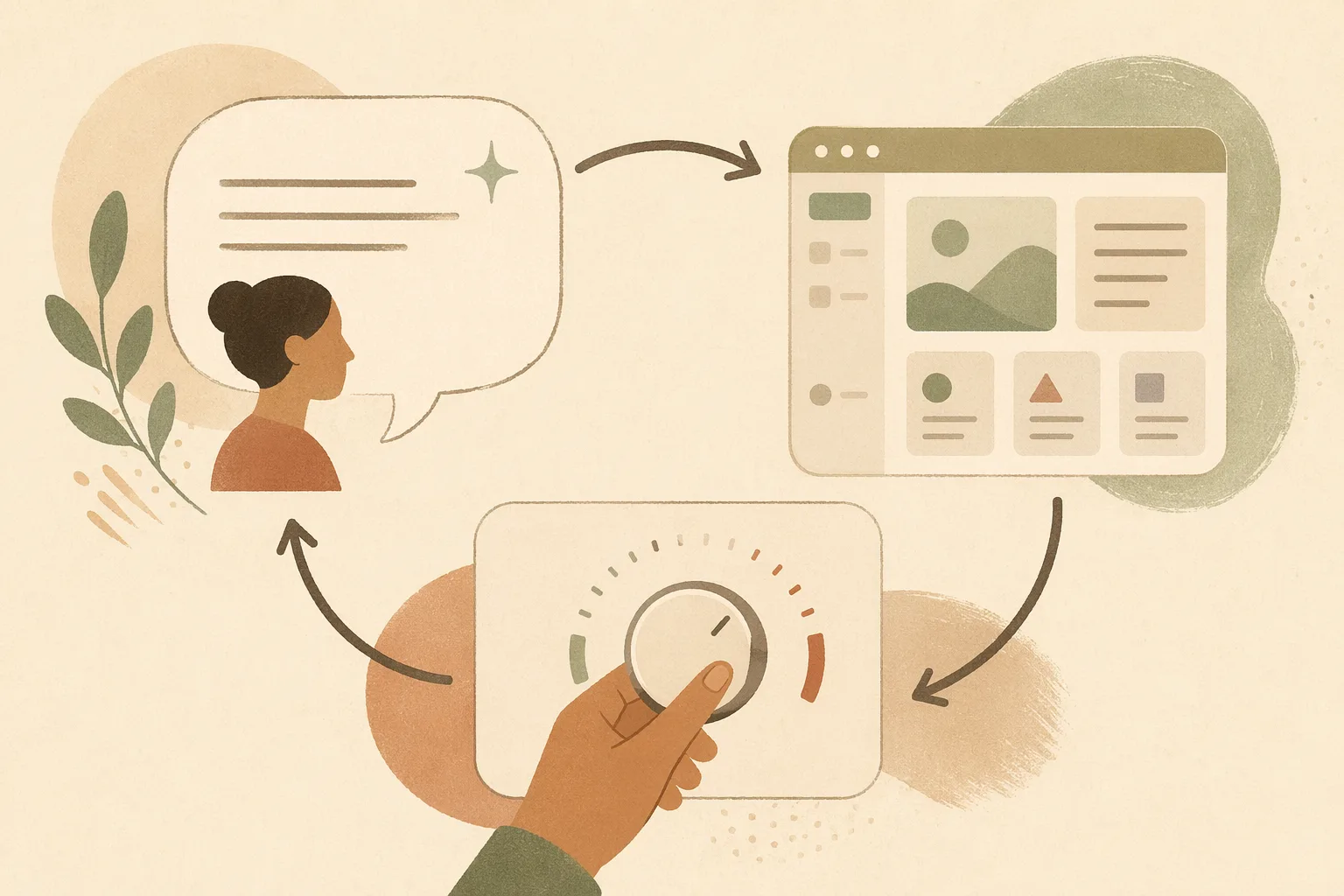
Here’s the opinion the affiliate listicles can’t afford to hold: most vibe design tools are optimized for the demo, not the ship — and the demo is exactly the part that was already easy. Generating a pretty screen stopped being hard in 2024. The hard part was always everything after: connecting it to data, surviving the second screen, keeping the design system coherent across forty states, getting it into production without a rewrite.
A tool that nails the first 5% and leaves you the 95% hasn’t saved you work — it’s moved the work to a worse place, behind a screen that now looks too finished to question. The tell is simple: ask any tool “what do I have when I’m done, and can I run it?” If the answer is “a mockup” or “a file inside our cloud,” you bought a faster way to make specs. Sometimes that’s genuinely what you need. Just never confuse it with shipping.
“Vibe design tools free” is one of the top follow-up searches, so be clear-eyed:
The honest boundary most posts skip. Vibe design tools are the wrong move when:
What is a vibe design tool? Software that turns a description, image, or sketch into UI — design by intent instead of by hand. The ones worth your time shorten the distance from that first prompt to something you can actually ship.
Are vibe design tools the same as vibe coding tools? No, but the line is blurring fast — Google’s own search results can’t keep them apart. Vibe design tools generate the design; vibe coding tools generate the running code. Vibe design vs vibe coding has the full distinction.
Are there free vibe design tools? Yes — most have a genuinely useful free tier for ideation. The cost shows up at export, fidelity, and team scale. Open-source, agent-native tools drop the per-seat meter entirely.
Which vibe design tool is best? Wrong question. The best one is whichever keeps the most of your vibe alive on the path to shipped code you own — score the categories above against your priorities, not a star rating.
The vibe design market looks crowded, but it’s really four jobs wearing a lot of logos: make a mockup, make code, plug into Figma, or own the whole loop. The listicles sell you the prettiest demo. The question that actually saves you is the boring one — what am I left holding, and can I ship it? Decide how much you care about keeping what you make, and the shortlist writes itself. If the answer is “I want the vibe to survive all the way to code I own,” that’s the exact bet Open Design is built on: your agent, your files, prompt to shipped.
此内容由惯性聚合(RSS阅读器)自动聚合整理,仅供阅读参考。 原文来自 — 版权归原作者所有。