












The best AI prototyping tools in 2026 split on one thing the listicles skip: is the prototype throwaway, or does it become the product you ship? Here's the honest map — mockup prototypes, code prototypes, planners, and agent-native pipelines — and how to pick the one that matches what you'll do next.
June 30, 2026 9 min read Guides
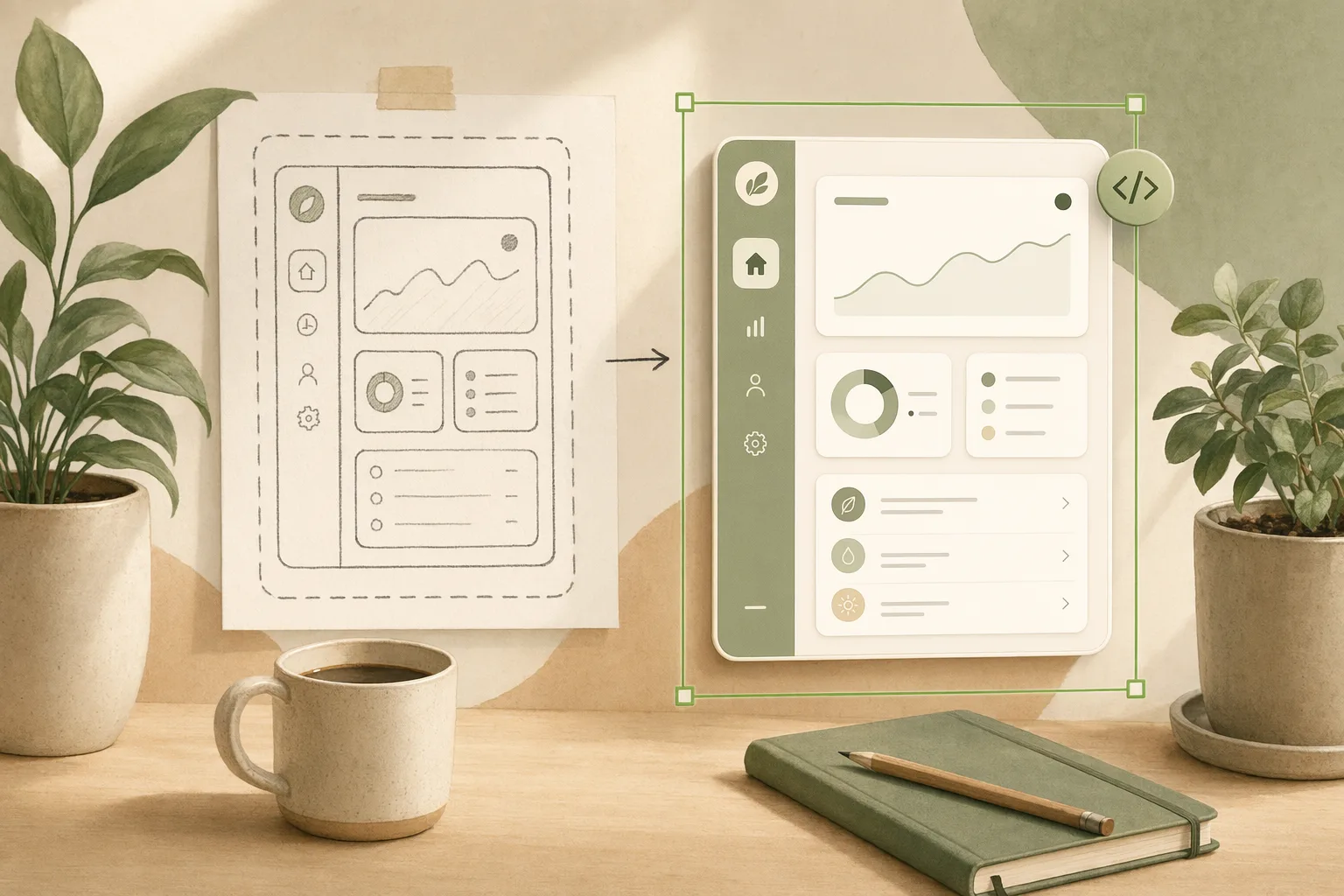
Every “best AI prototyping tools” list ranks the same dozen tools on speed and fidelity and skips the question that actually decides your pick: is this prototype a throwaway you’ll rebuild, or does it become the thing you ship? A clickable mockup and a running app both demo beautifully. Six weeks later they could not be more different — one was a sketch you threw away, the other was the first commit. Score prototyping tools on that, and the right choice changes depending on what you do after the demo.
I run product at Open Design, and we put these tools through real briefs — not demos, actual “prototype it, then ship it” work. We build in this category, so I have a stake, and I’ll mark plainly where our own tool fits and where it doesn’t. This isn’t a ranking. It’s the map I wish the lists drew.
A prototype’s whole value depends on what happens to it next:
Most AI prototyping tools are great at the first and quietly let you believe they’re doing the second. Knowing which you’re buying is the whole game.
| Category | Tools | Output | Becomes the product? | Best when |
|---|---|---|---|---|
| Mockup prototypes | Banani, Uizard | Editable, clickable hi-fi UI | No — rebuild in code | You’re validating a flow, fast |
| Code prototypes | v0, Lovable, Bolt | Running front-end / app | Yes, tied to their stack | The prototype must actually run |
| Big-platform AI | Figma Make, Google Stitch | Mockup → some code/export | Partly | You already live in that ecosystem |
| Planners | Relume | Sitemaps, wireframes, structure | No — a starting skeleton | You need the bones before the design |
| Agent-native | Open Design | Prompt → shipped UI via your agent | Yes, fully yours | The prototype should become ownable code |
Read it by what you’ll do next, not top to bottom. If you’ll throw it away, the top row wins on speed. If you’ll ship it, your eye should travel down — “becomes the product” and ownership are the columns that decide whether you prototyped or just made another mockup.
Describe a screen or flow, get editable, clickable hi-fi UI in seconds — Banani is especially strong here, generating multiple interactive variants so finalizing feels like comparison, not revision. Genuinely the fastest way to get something a stakeholder can click through.
The part nobody prints: the output is a mockup, however interactive it feels. When the test is over you (or an engineer) rebuild it in code, and a prototype that looks this finished is harder to throw away than it should be. Use them to learn, not to ship.
These skip the mockup and generate a running front-end or app: v0 hands you React you can lift into a repo; Lovable and Bolt spin up working apps with backend and deploy. There’s no rebuild cliff because it already runs — the prototype is code.
The part nobody prints: the running result is usually wedded to their stack and host, and “design” is whatever the framework rendered. You’ve removed the mockup-to-code gap and added a lock-in of a different shape. Worth weighing in the design-to-code tools comparison.
The incumbents adding prototyping onto surfaces you already use. Figma Make generates from inside Figma; Google Stitch turns a prompt or sketch into UI and now offers prototyping too, handing off toward Figma or front-end code. (We put Stitch through a real brief in vibe design with Google Stitch.)
The part nobody prints: convenient as long as you stay inside their world; the handoff out is where the fidelity and the ownership questions show up.
A different job: Relume generates the bones — sitemaps, wireframes, style-guide starting points — from a description. It’s less “prototype the screen” and more “give me the structure to prototype against.”
The part nobody prints: it’s a starting skeleton, not a finished prototype. Great as step one, not the deliverable.
This is the one we build, so read it with that in mind. Instead of generating a mockup or a hosted app, Open Design turns the coding agent you already run into a design engine: every design system is a DESIGN.md, every capability a SKILL.md, and the prototype goes from prompt to shipped code in plain files you own — so the prototype and the product are the same artifact, in your repo, not someone’s cloud.
Honest placement: it won’t hand you a clickable mockup in 60 seconds the way Banani does, and it isn’t a multiplayer canvas. It’s the answer specifically when “this prototype should become the product, and I want to own it” is the requirement. See how it fits a prototyping workflow.
What is the best AI prototyping tool in 2026? Depends on what happens next. Throwaway validation: Banani or Uizard. A prototype that must run: v0, Lovable, Bolt. Structure first: Relume. A prototype that becomes ownable, shipped code: an agent-native tool like Open Design.
What’s the best AI prototyping tool for UI/UX? Banani for fast hi-fi mockups; for taking the prototype to real code, v0 or an agent-native pipeline like Open Design.
Are there free AI prototyping tools? Yes — most have genuinely useful free tiers for throwaway prototypes. Cost appears at export, fidelity, and team scale; agent-native, file-based tools drop the per-seat meter.
Can an AI prototype become the real product? With mockup tools, no — you rebuild. With code prototypes and agent-native tools, yes — though code prototypes tie you to their stack while an agent-native pipeline keeps the files yours.
AI prototyping tools look interchangeable and aren’t: some make a mockup to throw away, some make code tied to their stack, some make the structure, and some make a prototype that is the shipped product. The lists rank them on speed. The question that saves you is the boring one — throwaway, or shipped? Decide that, and the shortlist writes itself. If the answer is “this should become the product, and I want to own it,” that’s the bet Open Design is built on: your agent, your files, prompt to shipped.
此内容由惯性聚合(RSS阅读器)自动聚合整理,仅供阅读参考。 原文来自 — 版权归原作者所有。