






Claude Code can produce genuinely good frontend design — but only with the right setup and prompting. Here's the practical guide: install the frontend-design plugin, prompt with aesthetic direction instead of pixels, guide the design dimensions, and take it from a one-off screen to an ownable design system.
June 30, 2026 9 min read Guides
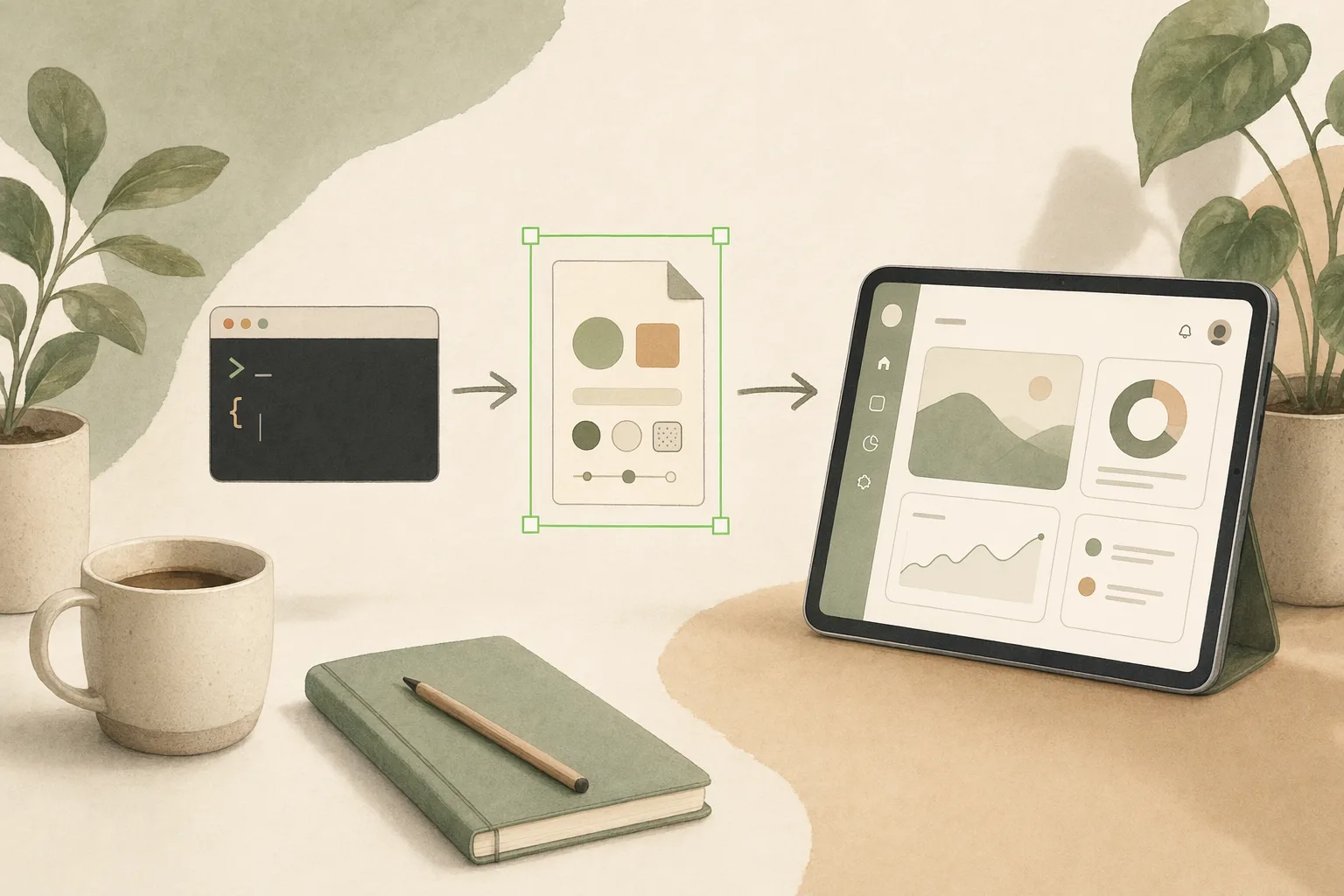
Out of the box, ask Claude Code to “build a landing page” and you’ll often get the same generic result everyone else gets — safe fonts, default blue, no point of view. That’s not a ceiling on the model; it’s a prompting and setup problem. With the right plugin and a few habits, Claude Code does frontend design with real taste. This guide is the practical version: how to set it up, how to prompt it, and how to take the output from a nice one-off screen to a design system you can actually ship and own.
I work on the design-to-code pipeline at Open Design, so I run Claude Code against real design briefs daily. We build in this space, so I have a stake — and I’ll be clear about where the official tooling ends and where something like ours starts. Most of this guide is just how to get great frontend design out of Claude Code, full stop.
Anthropic ships an official frontend-design plugin for Claude Code, and it’s the single biggest upgrade to design quality. In Claude Code:
/plugin.anthropics/claude-code.Once installed, the skill activates automatically whenever you ask Claude to build an interface. Its job is to push past defaults: it establishes a design framework first — purpose, audience, a specific aesthetic direction — before writing any code, so you get distinctive typography, deliberate color, and considered motion instead of template output.
The biggest mistake is over-specifying. Don’t hand Claude a spec of margins and hex codes; hand it a direction and let it make the choices inside that frame. Tell it what to think about:
Aesthetic direction is the vibe design approach applied to Claude Code: you describe the feeling and the constraints, the agent fills in the craft.
When the first result is close but generic, don’t restart — direct Claude’s attention to one dimension at a time. Each of these is a lever you can pull independently:
| Dimension | Weak prompt | Strong prompt |
|---|---|---|
| Typography | ”nicer fonts" | "more type contrast — oversized display headings, small-caps labels” |
| Color | ”different colors" | "drop to a near-monochrome base with a single saturated accent” |
| Motion | ”add animation" | "entrance fades ~200ms, decisive exits ~140ms, no bounce” |
| Background | ”less plain" | "subtle dot-grid texture, no gradients” |
| Reference | ”make it modern" | "lean toward a Linear/IDE-dark-theme aesthetic” |
Naming a reference (an IDE theme, a brand, a cultural aesthetic) is the fastest way to break Claude out of defaults — it gives the model a concrete target instead of an average.
Treat the first version as a foundation, not a finished feature. Two habits that compound:
If your prototype needs to actually run rather than just look right, that’s the vibe design vs vibe coding line — Claude Code is strong on both because the design is code from the start.
Here’s where the official plugin’s job ends and a harder problem begins — and where I’ll be transparent about our own tool. The frontend-design plugin makes a single screen look great. But a product is forty screens that must stay coherent, a design system that has to survive across features, and code you’ll maintain for a year. Prompt each screen independently and you get forty tasteful-but-inconsistent pages and a design system that lives only in your prompt history.
The fix is to make the design system a thing Claude Code reads, not something you re-describe every prompt. That’s what Open Design adds on top of Claude Code: every design system becomes a DESIGN.md and every reusable capability a SKILL.md — plain files your agent loads, so “build the settings page” inherits the same type scale, color system, and components as everything else, and the output goes from prompt to shipped code you own. Honest scope: for a single page or a quick prototype, the plugin alone is plenty — reach for a design-system layer when consistency across a real product and ownership of the files start to matter. See how it fits designers and engineering teams.
Can Claude Code actually do good frontend design? Yes, with the frontend-design plugin and direction-led prompting. Without them you get generic defaults; with them you get distinctive, intentional UI.
How do I install the Claude Code frontend-design plugin? Type /plugin in Claude Code → Add Marketplace → anthropics/claude-code → install frontend-design. It then activates automatically when you ask for interfaces.
How should I prompt Claude Code for design? With aesthetic direction (purpose, tone, font category, color family, motion philosophy) and references, not pixel values — then iterate 3–5 times, guiding one dimension at a time.
How do I keep design consistent across many screens? Move the design system out of your prompts and into files the agent reads. An agent-native layer like Open Design turns each design system into a DESIGN.md Claude Code loads on every build. See the best AI design tools guide for where this sits in the wider landscape.
Is Claude Code better than dedicated AI design tools? Different shape: Claude Code designs as code, so there’s no mockup-to-code handoff — see the design-to-code tools comparison for the trade-offs.
Claude Code’s frontend design is only as good as your setup and prompting: install the frontend-design plugin, prompt with aesthetic direction instead of pixels, guide one design dimension at a time, and plan to iterate. That gets you genuinely good single screens. To keep a whole product coherent and own the result, put the design system in files your agent reads — which is the bet Open Design is built on: your agent, your design system as DESIGN.md, prompt to shipped.
此内容由惯性聚合(RSS阅读器)自动聚合整理,仅供阅读参考。 原文来自 — 版权归原作者所有。