





Tag open-design-v0.12.0 — 103 PRs from 30 contributors in six days. Codename "Brand-backed Design System." Point Open Design at a live site, drop in a Figma file, or clip a page in your browser, and it lifts the real brand — colors, type, voice — into a reusable design system you can build from on every project after.
June 26, 2026 7 min read Product
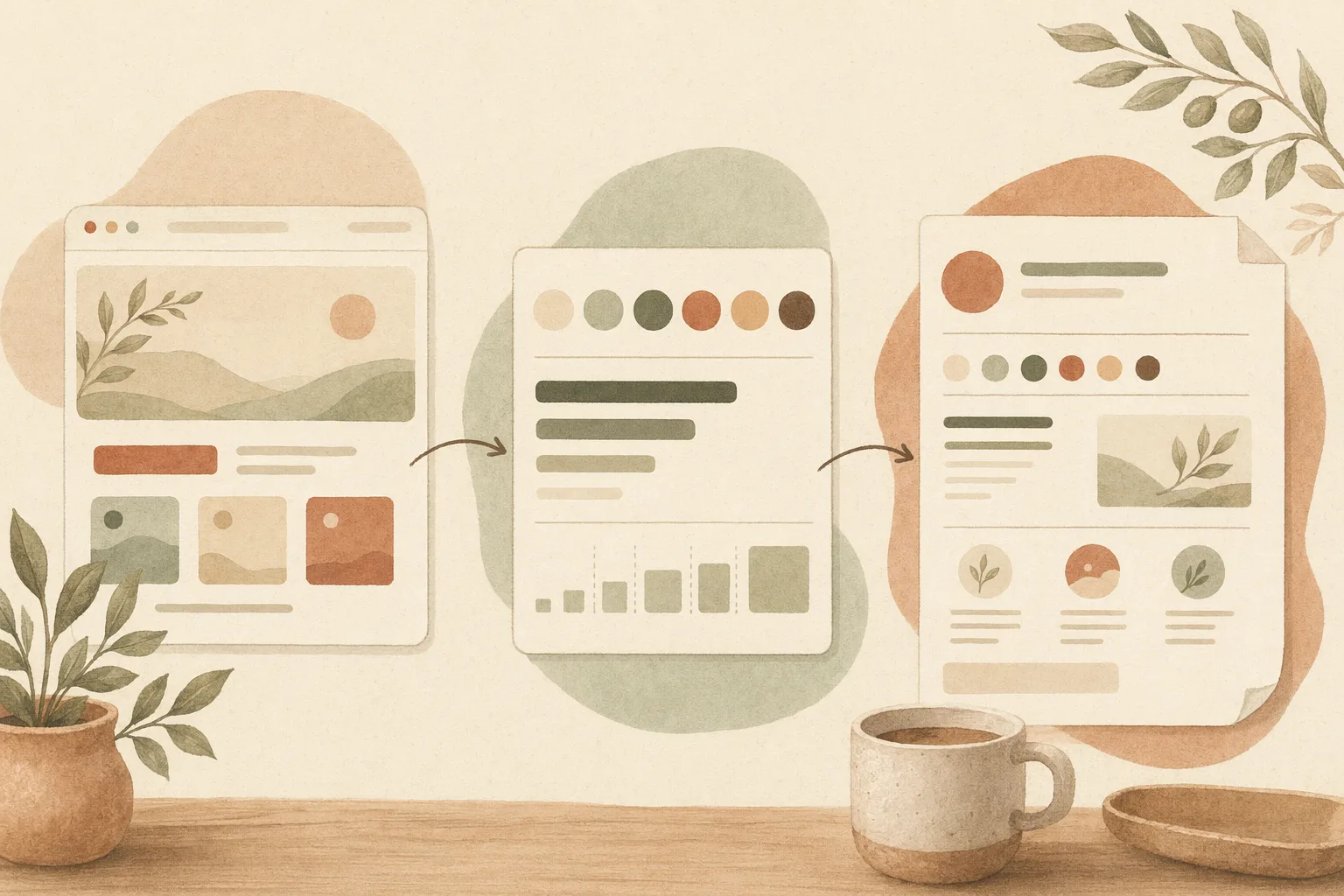
Tag open-design-v0.12.0, shipped 26 June 2026. 103 PRs from 30 contributors in six days. Codename “Brand-backed Design System.” For the past two months Open Design started from a blank page and designed for you. This release flips it: the brand you already own becomes a reusable design system.
If you want the long version, the release notes on GitHub have it. This post is the short version: what changed under the hood, what you can do with it today, and where to start.
This is the marquee of 0.12.0. Until now, the only way to get a brand-accurate design system was to hand-author a DESIGN.md — a wall for anyone not already steeped in the spec. Now every ingest path feeds one pipeline.
Point Open Design at a brand URL, drop in a DESIGN.md, hand it an offline .fig file (decoded locally, no Figma account), or capture a page with the new browser clipper — and each one extracts into a reusable user: design system. Because that’s the whole idea behind this release: a brand isn’t a separate thing, it is a design system. Capture it once and it runs through one unbroken loop, yours to reuse on every project after.
From there it’s one loop, end to end: preview the system as a kit plus templates, build straight from it (onboarding now finishes on a build step), and one-click export the result to PDF, PPTX, editable PPTX, or image. Captured logos, screenshots, and palettes finally have a home in the new OD Library, a content-addressed asset registry. And a fresh install now ships with 150 ready-made brand design systems — Airbnb, Stripe, Vercel, Tesla, Supabase, Uber, and more — so the picker is useful on day one. The CLI keeps full parity: od brand, od library, od figma import, od export.
The dreaded catch-all “execution_failed” is gone. Runs now name their cause — a startup crash, a resume expiry, an agent stuck in a tool loop, a stale provider config — so you know whether to retry or report. And when a run can recover, it now backs off with jitter and retries on its own instead of falling over.
It’s a small change with a big payoff: a failure used to be a dead end with a shrug attached. Now it points you at the fix, and the recoverable ones quietly fix themselves.
Cloud sign-in used to hang for five minutes in silence if the browser handoff flaked. Now it prints the login URL and code right there so you can finish by hand, and the whole onboarding Connect step was redesigned into a clean cloud sign-in landing. The first thing a new user touches no longer breaks on a browser that misbehaves.
The release is wide. A few more pieces worth pulling forward:
fnm, pnpm resolution through Corepack, a centralized reasoning-provider policy, preferred Codex subscription image generation, and the Warp launcher hidden where it doesn’t belong.bash and git, Docker defaults align with the GHCR releases, there’s an opt-in API-auth-disable flag for trusted networks, and a new one-click Sealos deployment option.The full list runs to 103 PRs. The release notes on GitHub carry the rest.
| If you’re… | Start here |
|---|---|
| New to Open Design | Download the desktop app and pick one of the 150 seeded brand design systems — onboarding now finishes on a real build step |
| Bringing your own brand | Point it at your brand URL, drop a DESIGN.md, hand it an offline .fig, or clip a page in the browser — all four feed one reusable design system |
| Shipping a deck or doc | Build straight from your design system and one-click export to PDF, PPTX, editable PPTX, or image |
| Hit by a failed run | Re-run it — failures now name their cause, and the recoverable ones back off and retry on their own |
A brand isn’t a separate asset you re-describe every project — it is a design system. Download the desktop app, point Open Design at a brand you already own, and watch it lift colors, type, and voice into something you can build from today and reuse on every project after.
103 PRs in six days, from 30 people turning a blank page into a starting point. Brand-backed design systems exist because contributors closed the gap between “the brand you own” and “the system you build from.” A movement doesn’t ship from one team’s laptops; it ships from the people who showed up and built. We see you. 🏛️
Next step
Take the open-source design workspace for a spin, inspect the release notes on GitHub, or join our Discord for live community feedback.
此内容由惯性聚合(RSS阅读器)自动聚合整理,仅供阅读参考。 原文来自 — 版权归原作者所有。