


There are two types of work. Features go into roadmaps, but where does the rest go? This short guide covers everything from zero-friction intake to effectively managing unplanned bug reports and requests.
There are two types of work.
Planned work and unplanned work.
Planned work are tasks and activities that have been organized and scheduled in advance. This type of work typically happens in projects that tie into roadmaps and larger company goals. Because the work has been planned before, you know what you’re trying to do, who’s going to work on it, and when they will get started.
Unplanned work, on the other hand, are issues and emergencies that appear suddenly and seemingly randomly in the form of a bug report, an important feature request, or an outage.
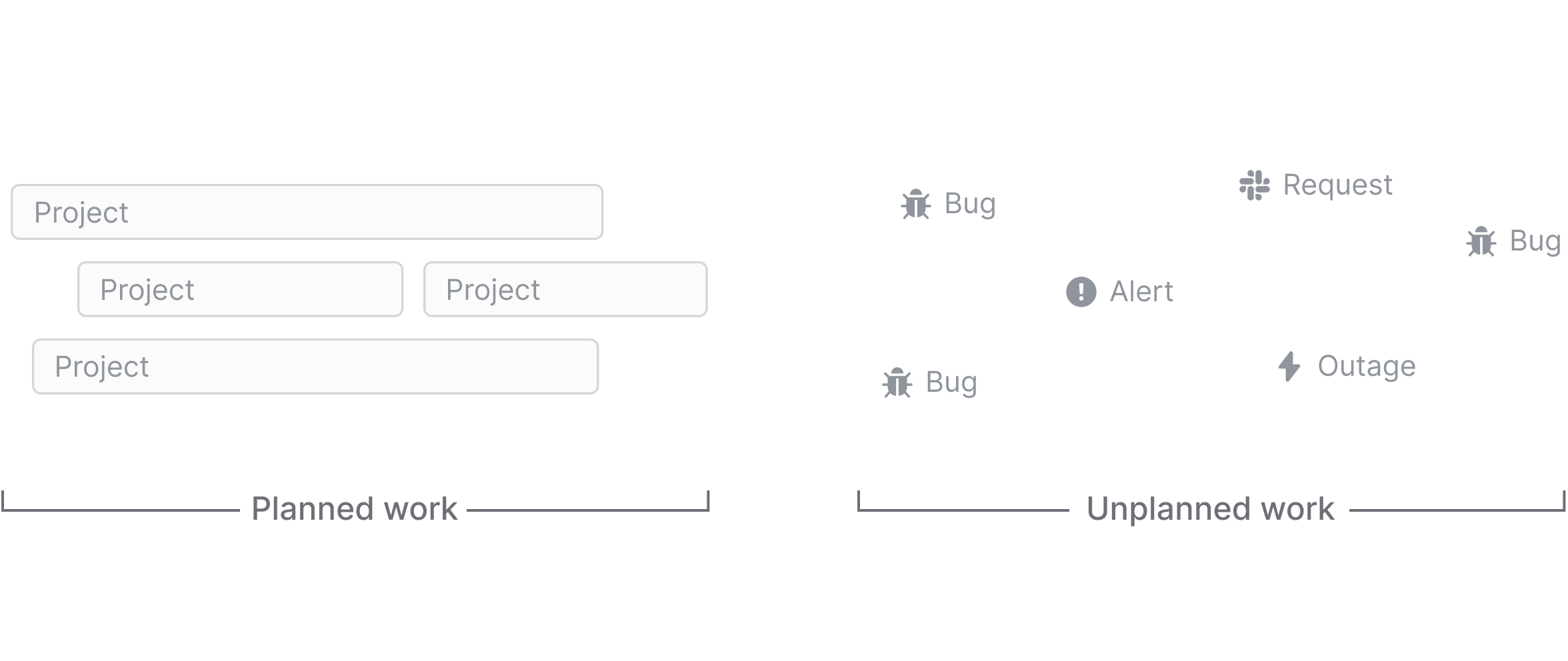
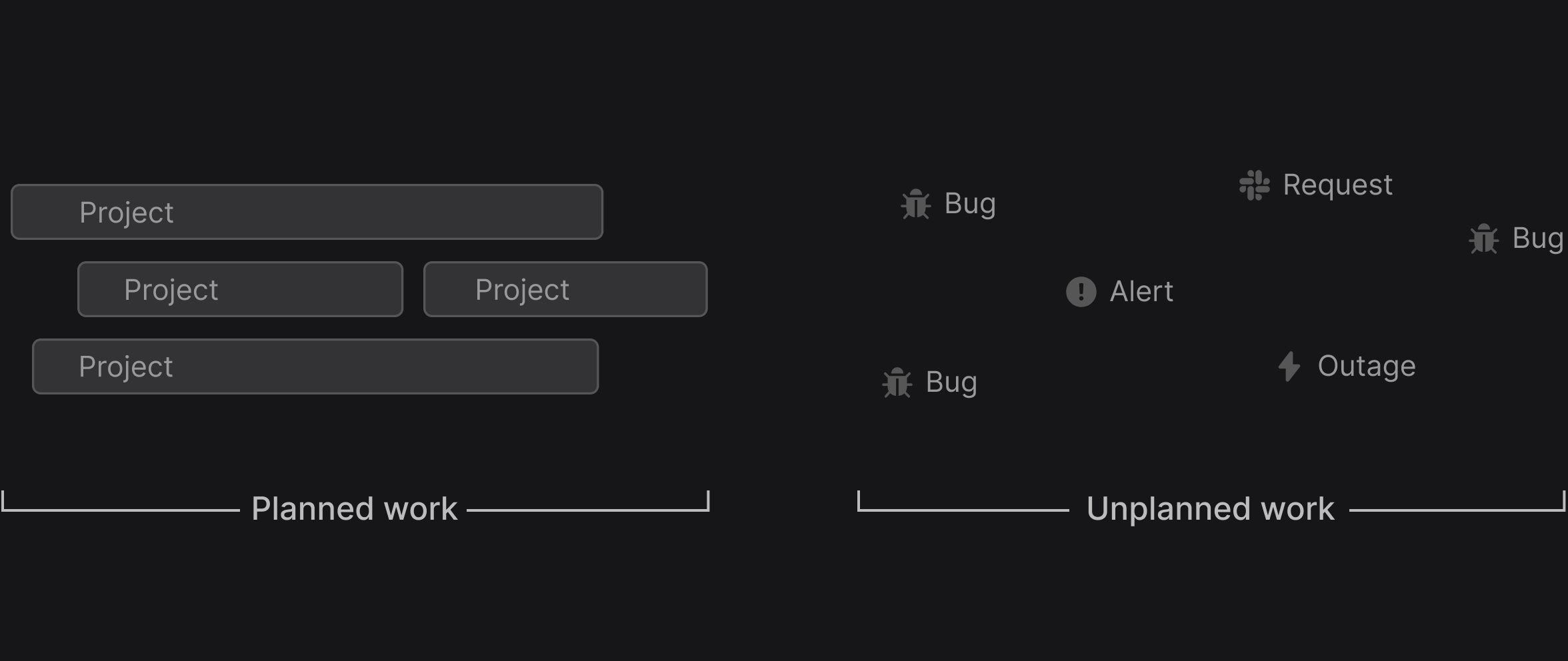
Unplanned work happens unexpectedly, but it’s not unexpected. You know that there will be bug reports, you just don’t know when, where, and in what shape they will come up. The only thing that is certain is that they will appear.
There is no way to escape these ad hoc forces of the product building process. But there are strategies to plan for unplanned work and tools to systematically manage it. What these are and how they work is what we’ll cover in the next few chapters.
Let’s begin.
Before we jump into the specifics, we should take a step back and think about what makes unplanned work so difficult to manage in the first place.
Unplanned work has two broad phases: There’s an intake phase where unplanned work gets reported. And there’s an execution phase in which the reported problems are actually resolved. Both of these phases have their own unique challenges.
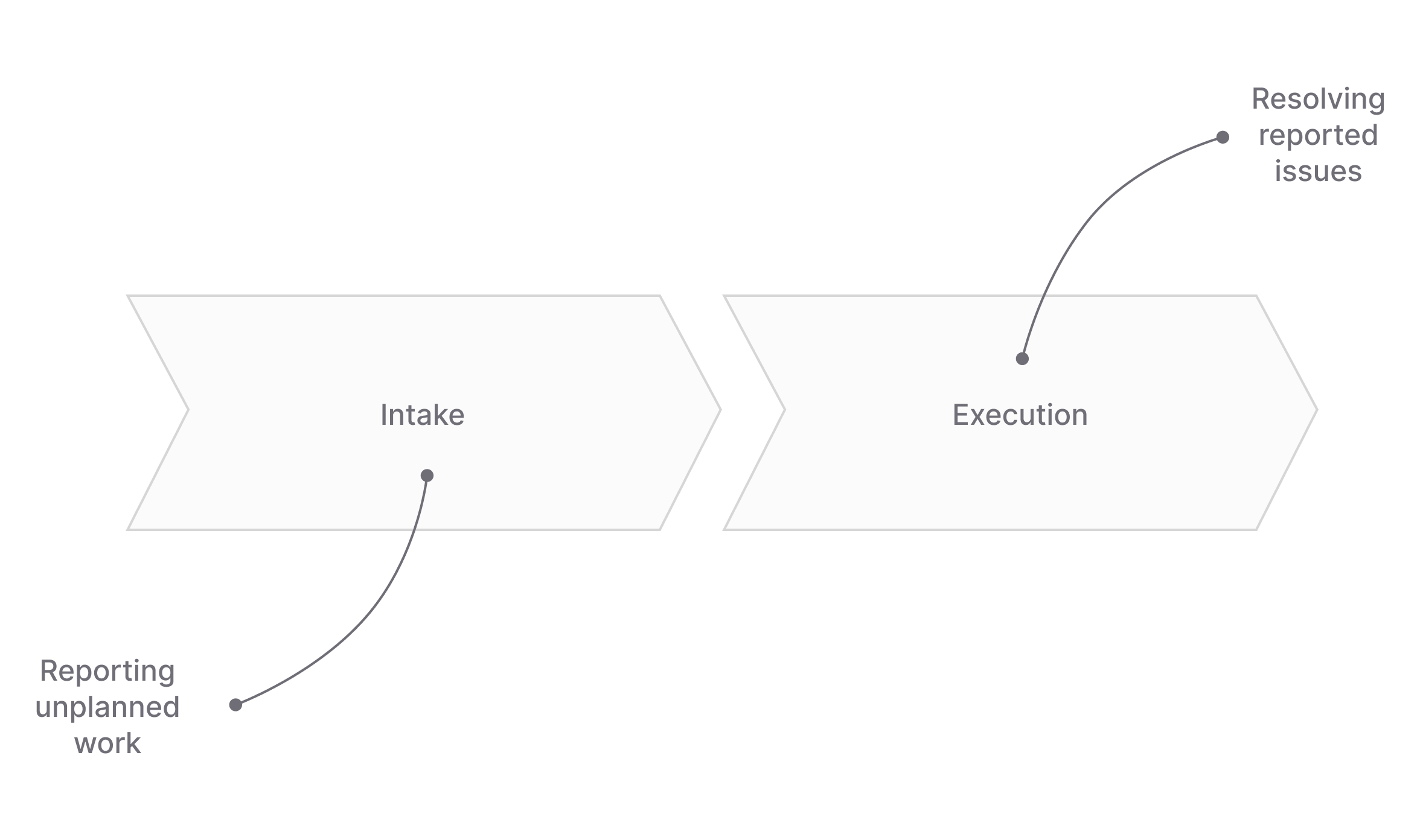
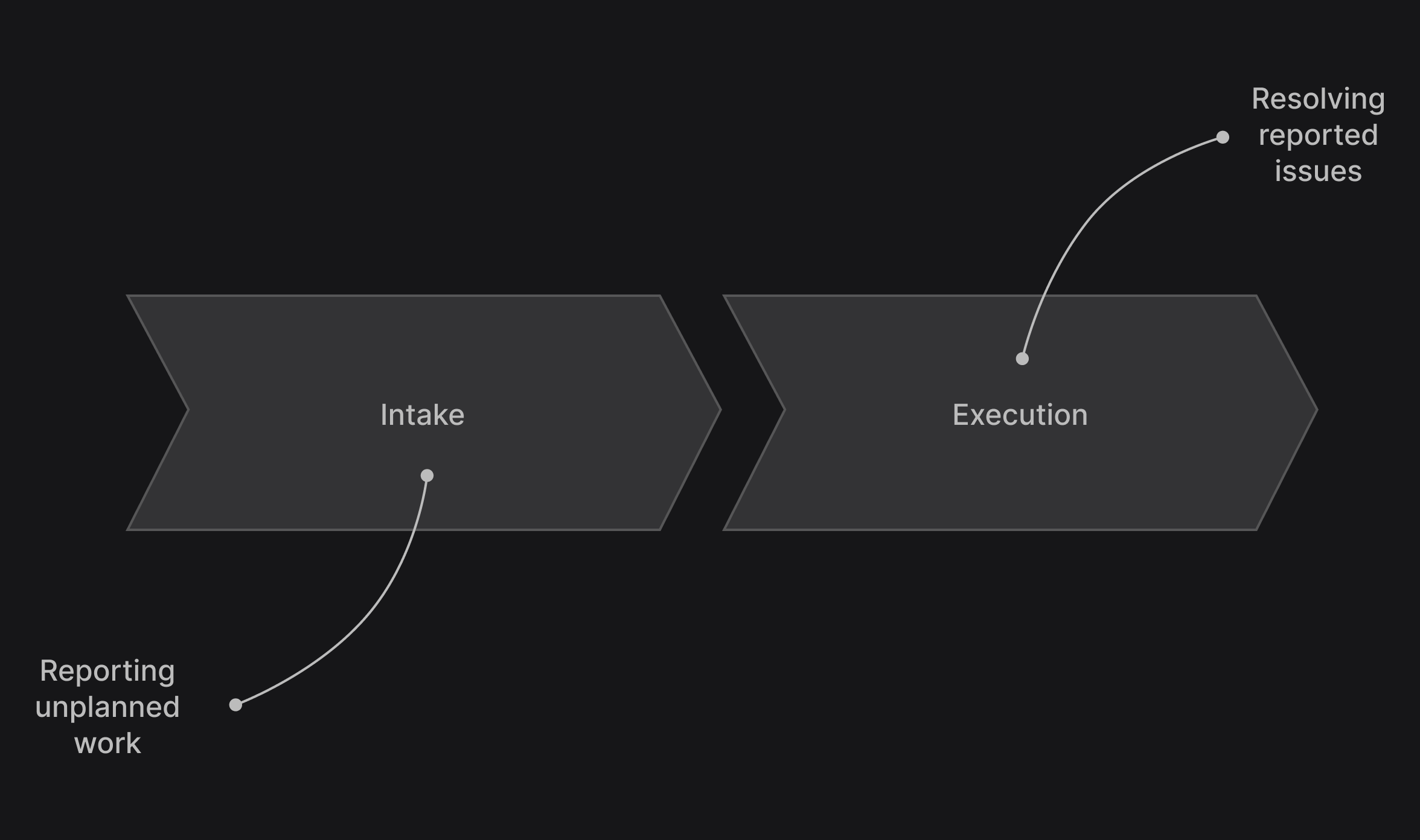
Intake is challenging because unplanned work appears in so many different and disconnected places. Take bugs as an example. They will turn up across many different channels, both internally and externally: social media, email, Slack, a meeting, your customer support tool, and half a dozen other places you didn’t even think about. Is every recipient across these various touch points able to quickly file a bug report? Do they know where to file it, how to write it, and who to send it to?
Execution is challenging due to uncertain responsibilities and priorities. Because unplanned work is unplanned, it’s not always clear who should work on it. In fact, it might not even be clear if anyone should work on it at all. Some issues are emergencies, but others can be ignored. Some requests seem irrelevant, but what if they come from your most important customer? How do you ensure the most important work actually gets done quickly?
Let’s take a closer look at each of these phases, starting with intake.
The intake phase is all about turning reported bugs and other requests into explicit, actionable company knowledge by feeding them into your issue tracking system. Because every piece of friction increases the likelihood that something doesn’t get reported, it is critical that this process is as simple and smooth as possible.
Why is this point so important?
Think of your issue tracking system as a hive mind or a collective brain that contains important knowledge about the state of your product building process. It’s the source of truth upon which you and your company make decisions and coordinate work.
If the data in your hive mind is incomplete or incorrect, however, it stops being a source of truth. It becomes a source of half-truths. You can’t know what people are thinking if it’s too hard for them to communicate with you, and you can’t act on what they say if you don’t keep track of it.
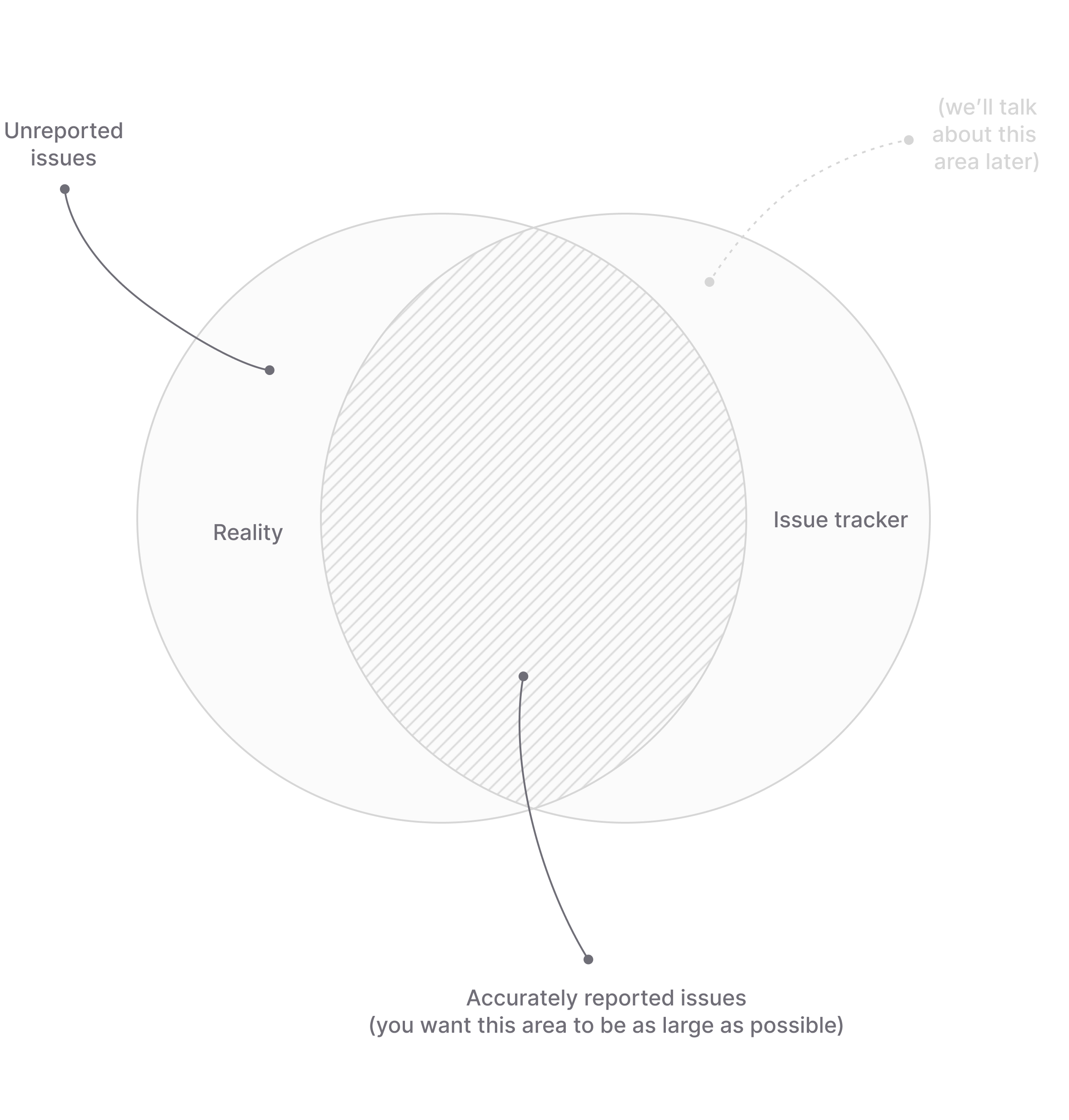
The focus of the intake process on the left side of the Venn diagram: We want to minimize the amount of unreported issues so that the knowledge in your issue tracking system accurately reflects the reality you are in.
So how do we get there?
The first step is to allow intake directly at the source where unplanned work first appears. It’s like instrumenting your organization to get full situational awareness of everything that’s happening. The complexity here is that there are many different sources and you want to cover as many of them as possible.
This is why at Linear we put such a strong emphasis on integrations. From the start, we developed integrations for the most common sources of unplanned work. They include customer support tools like Intercom, performance monitoring platforms such as Sentry, and popular communication services like Slack.
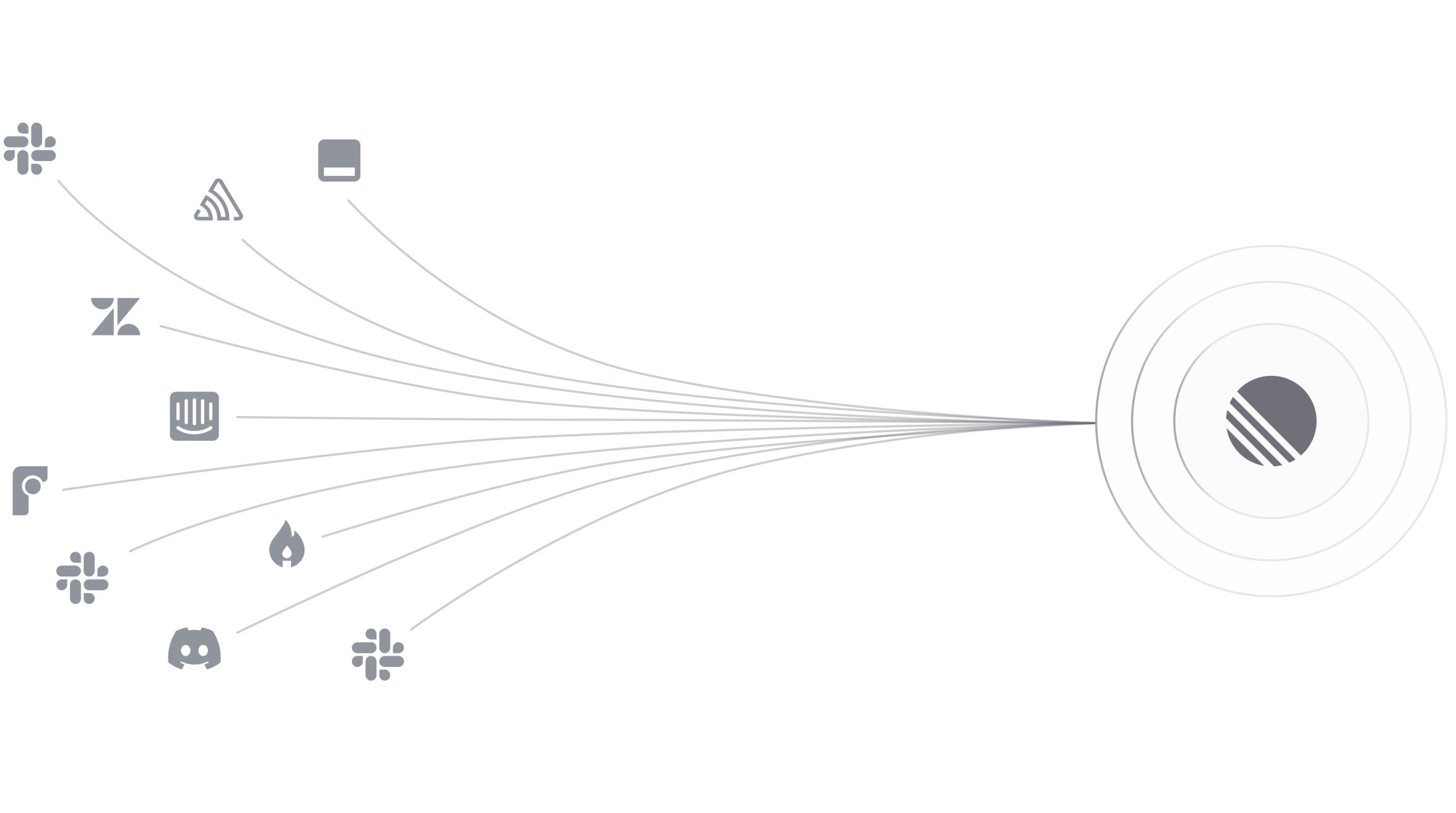
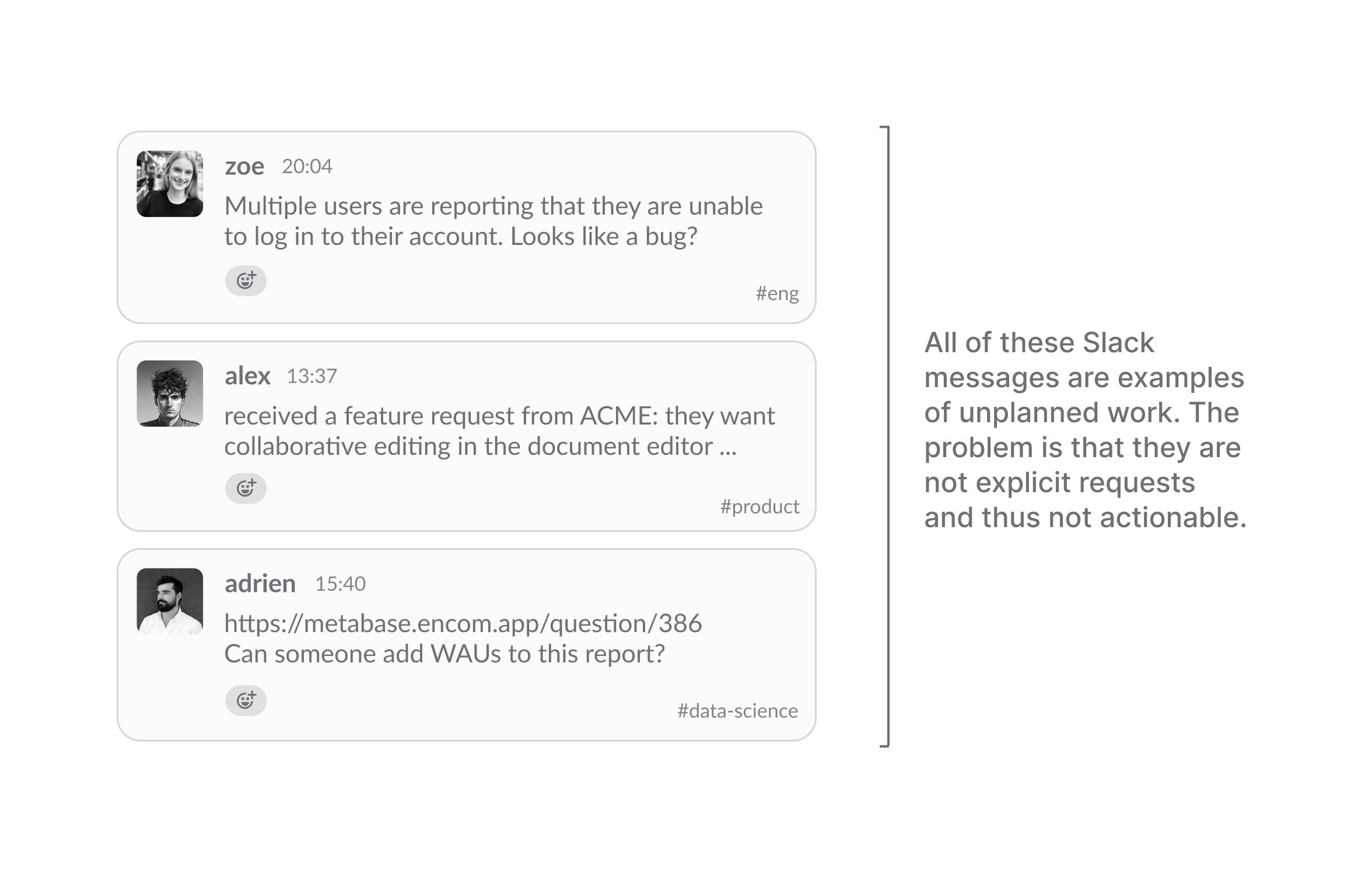
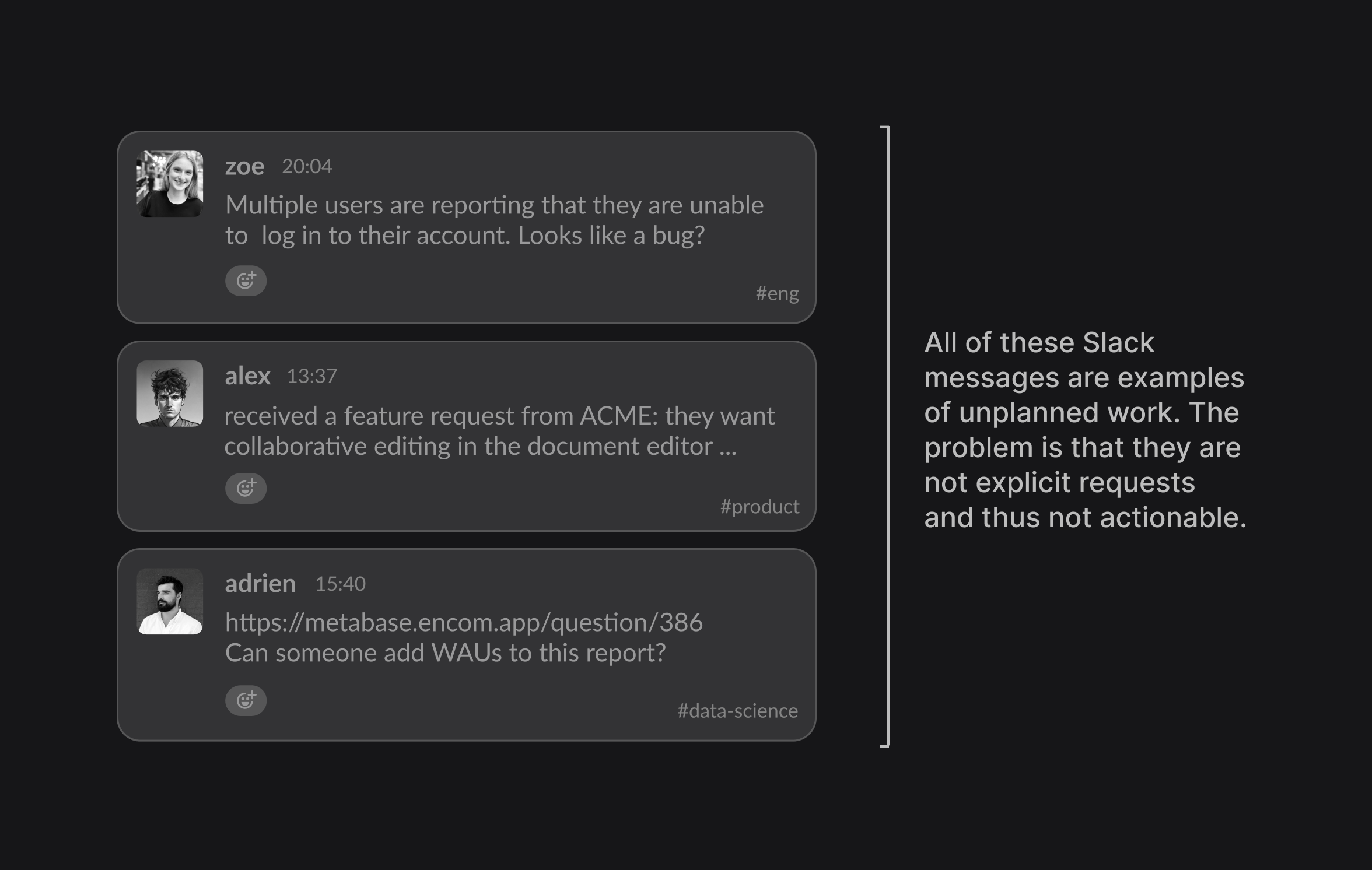
Slack plays a particularly important role in this stack because it’s the place where most unplanned work surfaces. It acts as a sort of catch-all for the long-tail of unplanned reports and requests. As others have described it, Slack is like “911 for whatever isn’t possible natively in a company’s productivity apps”.
The 911 analogy is interesting but not entirely accurate. When you call 911, someone will respond and take action. When you post on Slack, someone might respond and take action. You don’t know if anyone has seen your call for help or if you have just been shouting into the void.
To improve this area of unplanned work, we recently introduced a new feature called Linear Asks. With Asks, anyone in a Slack workspace can quickly turn a conversation into a request that automatically gets routed to the relevant team in Linear.
The core idea behind Asks is to make unplanned work explicit and actionable — but in the most frictionless way possible (remember, we want to maximize the probability that intake actually happens):
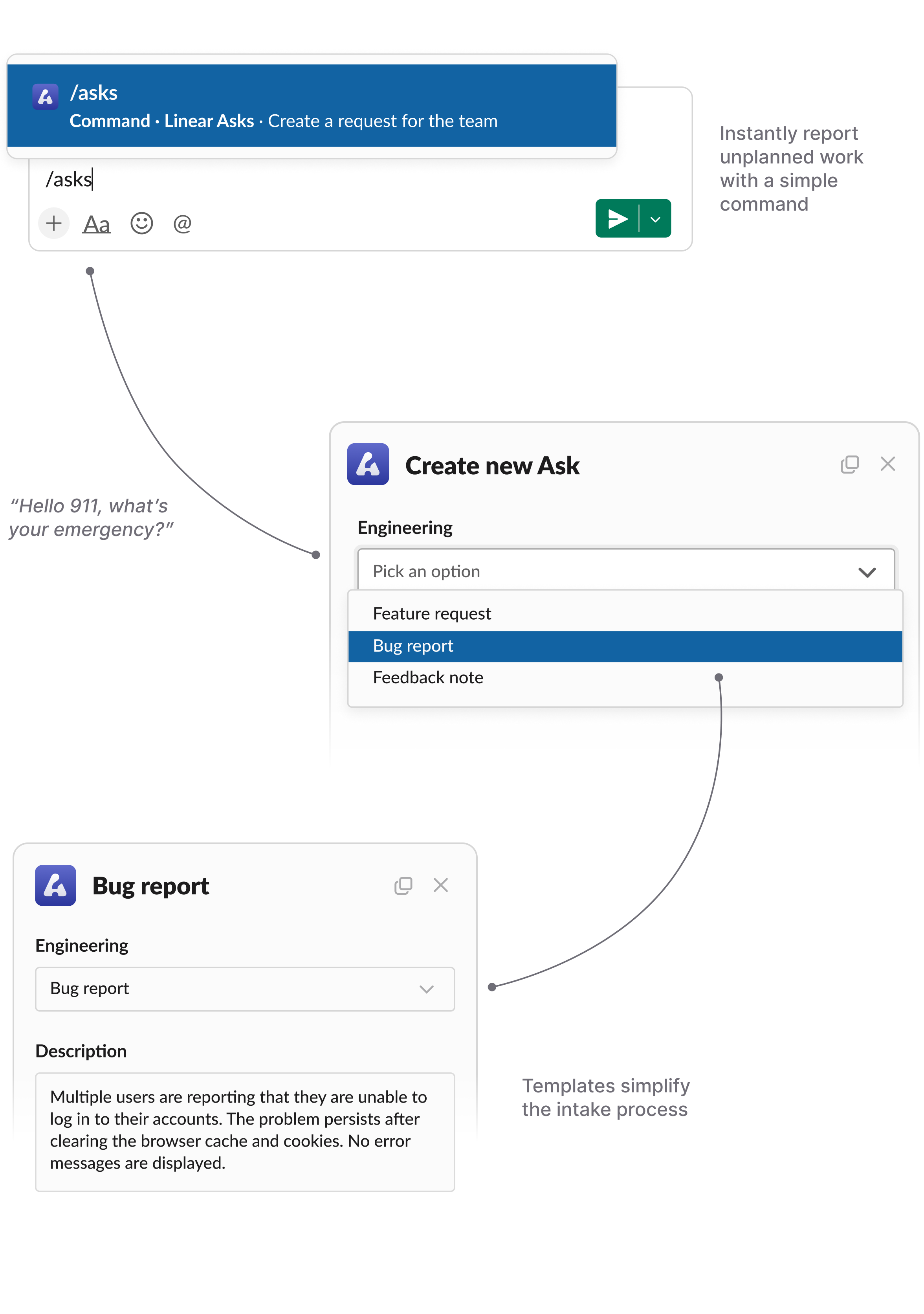
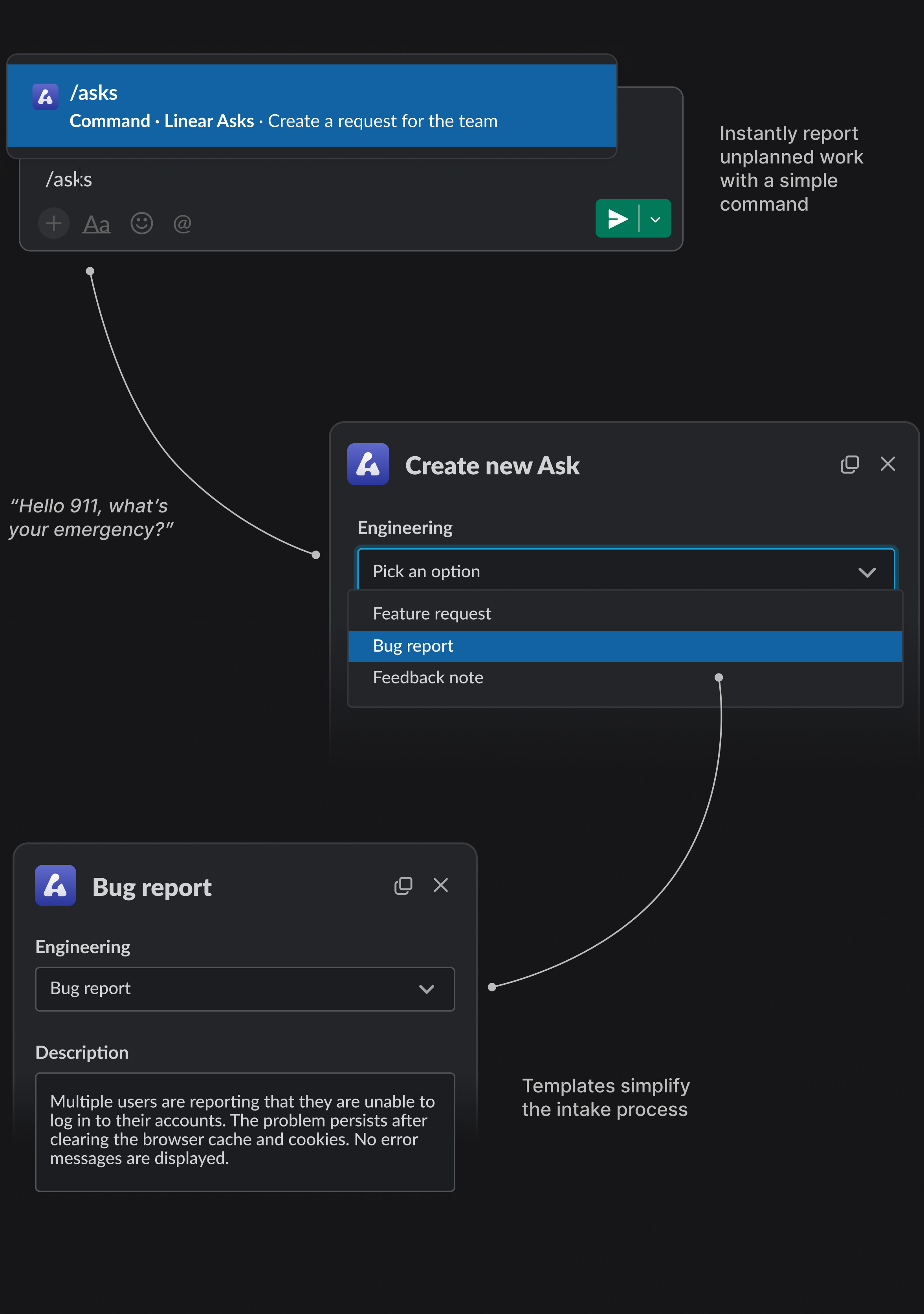
Most importantly, the person making the request has complete peace of mind that their request will be seen and taken care of. While we don’t like the comparison too much, there are a lot of conceptual similarities between Asks and an emergency hotline. It’s the missing piece that actually turns Slack into 911 for unplanned work.
Now that we have the intake process covered, let’s move on to the execution phase.
Most issue tracking systems have frameworks for planned work, but no native conceptual containers for unplanned work. While planned work is neatly organized in projects and roadmaps, there is no clear, predefined path for what should happen with unplanned work. It either constantly disrupts the team’s existing work or ends up being dumped onto an endless backlog never to be looked at again (or both).
To manage unplanned work systematically rather than just locally, Linear has an important concept called Triage.
Triage is a shared inbox for your team that centralizes all incoming unplanned work. All the bug reports, feature ideas, alerts, and other requests that get reported and filed in the various different channels we talked about in the previous chapter are added to this queue.
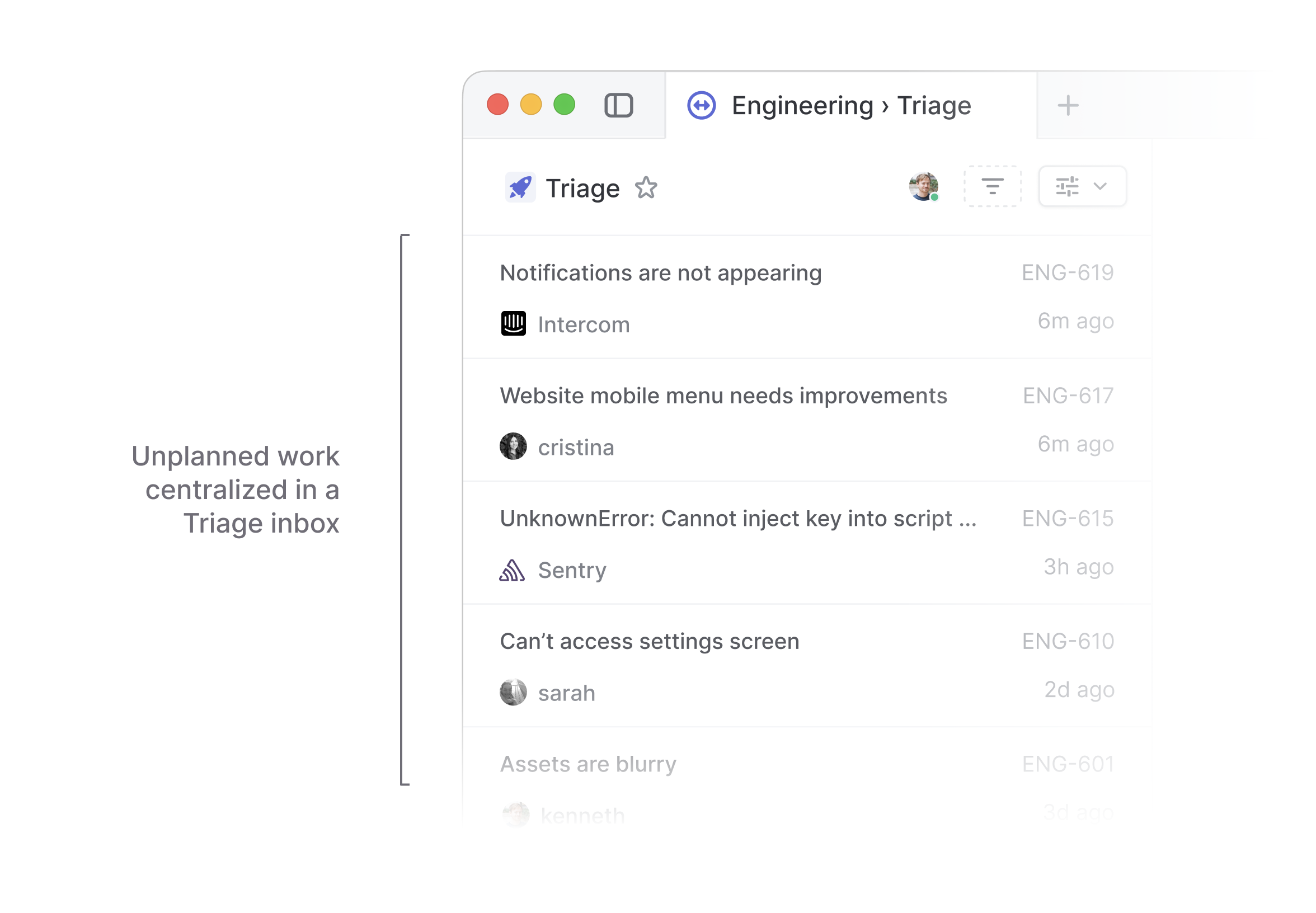
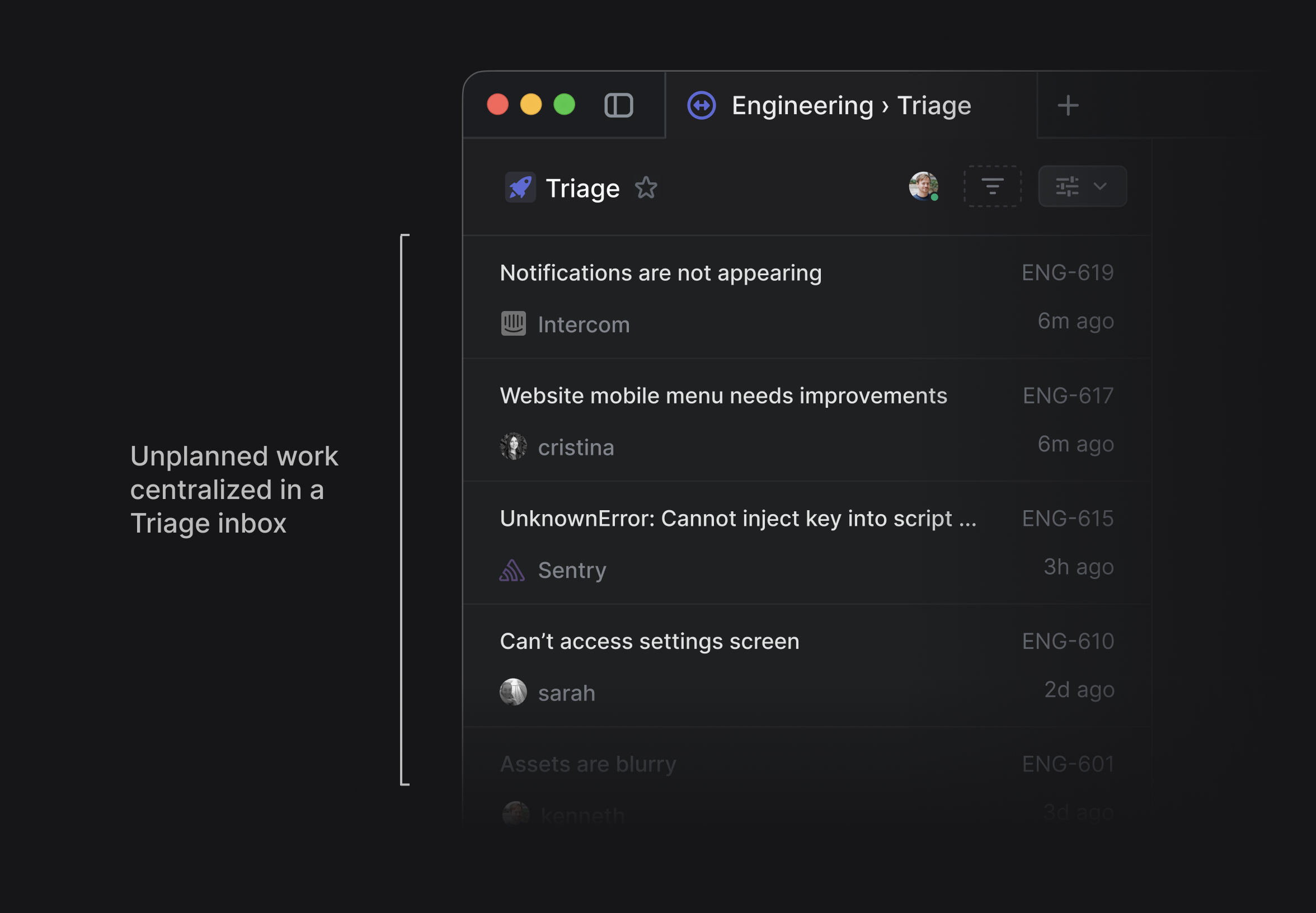
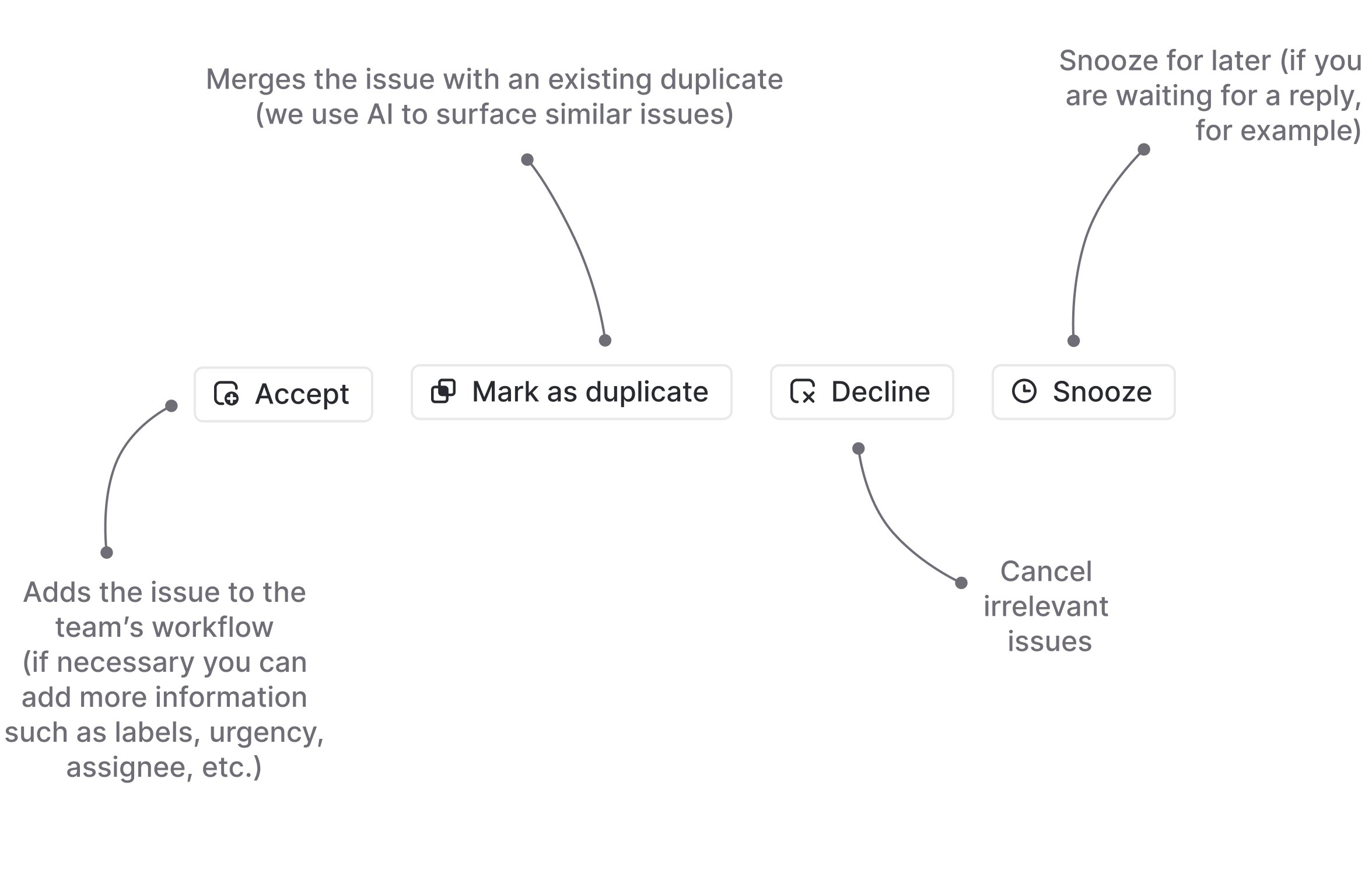
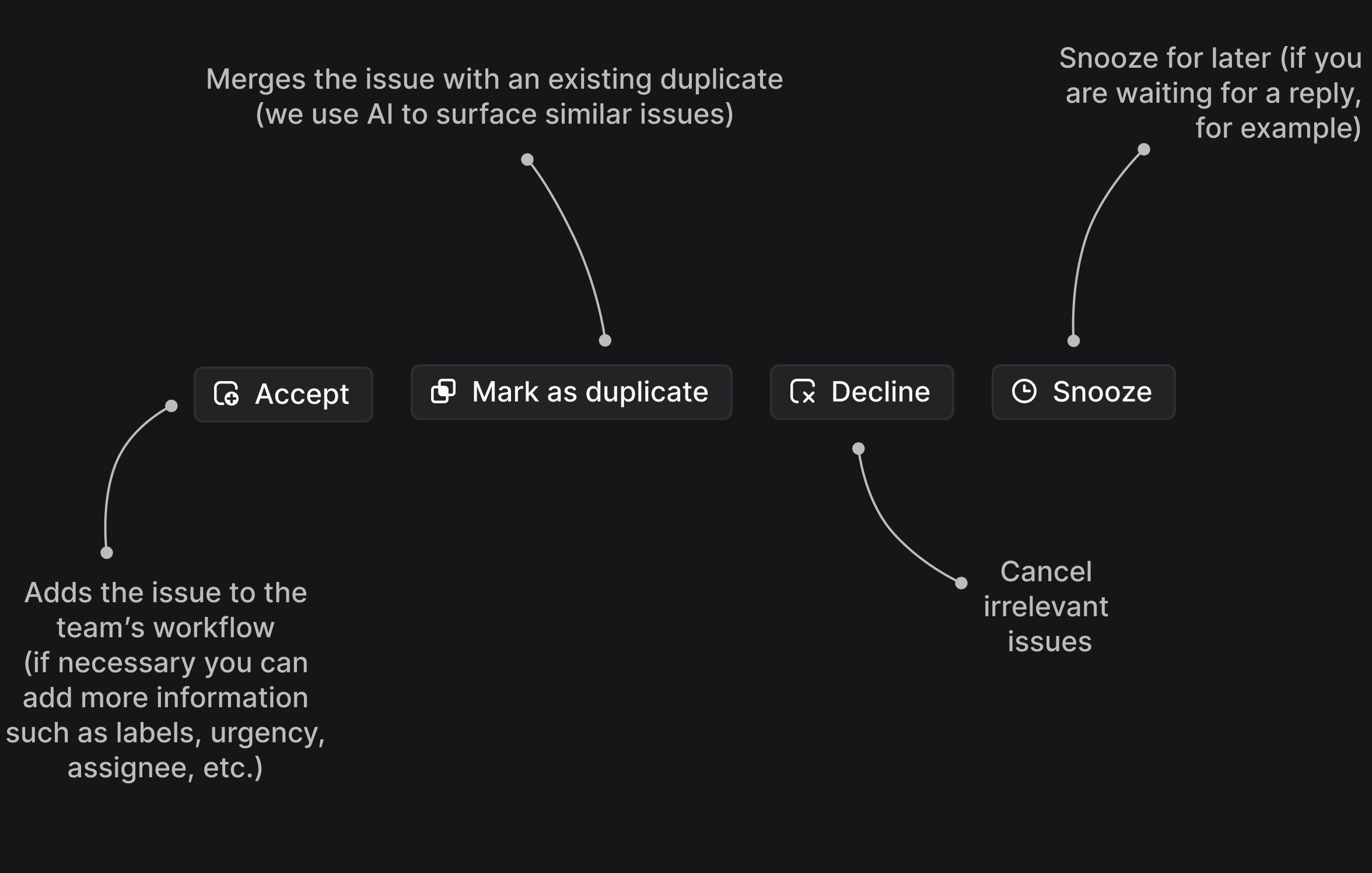
Triage provides a chance to review, update, and prioritize each issue before it gets assigned and added to the team’s workflow. This helps to filter out irrelevant requests and duplicates.
Let’s go back to our Venn diagram from earlier to understand why this is important.
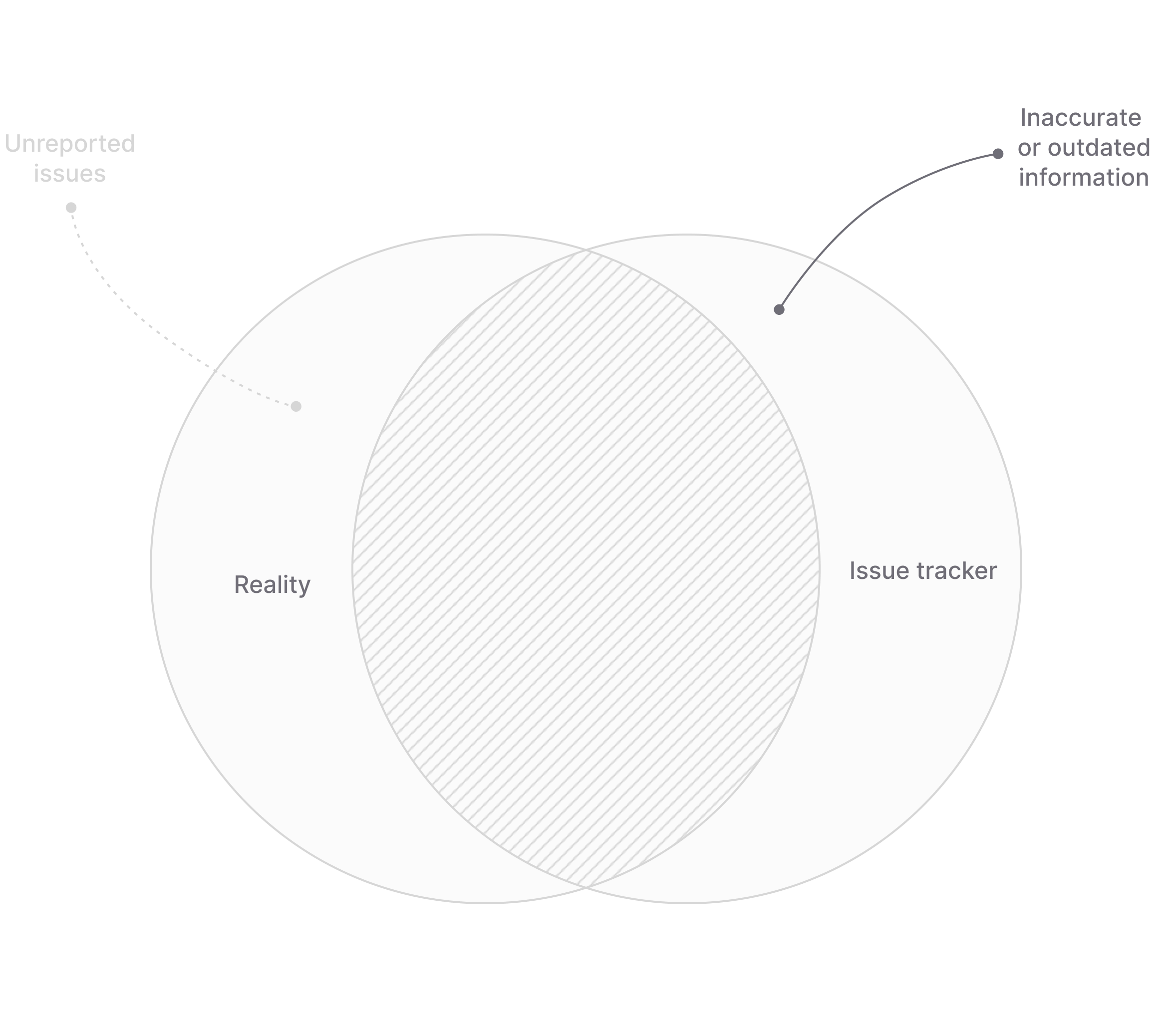
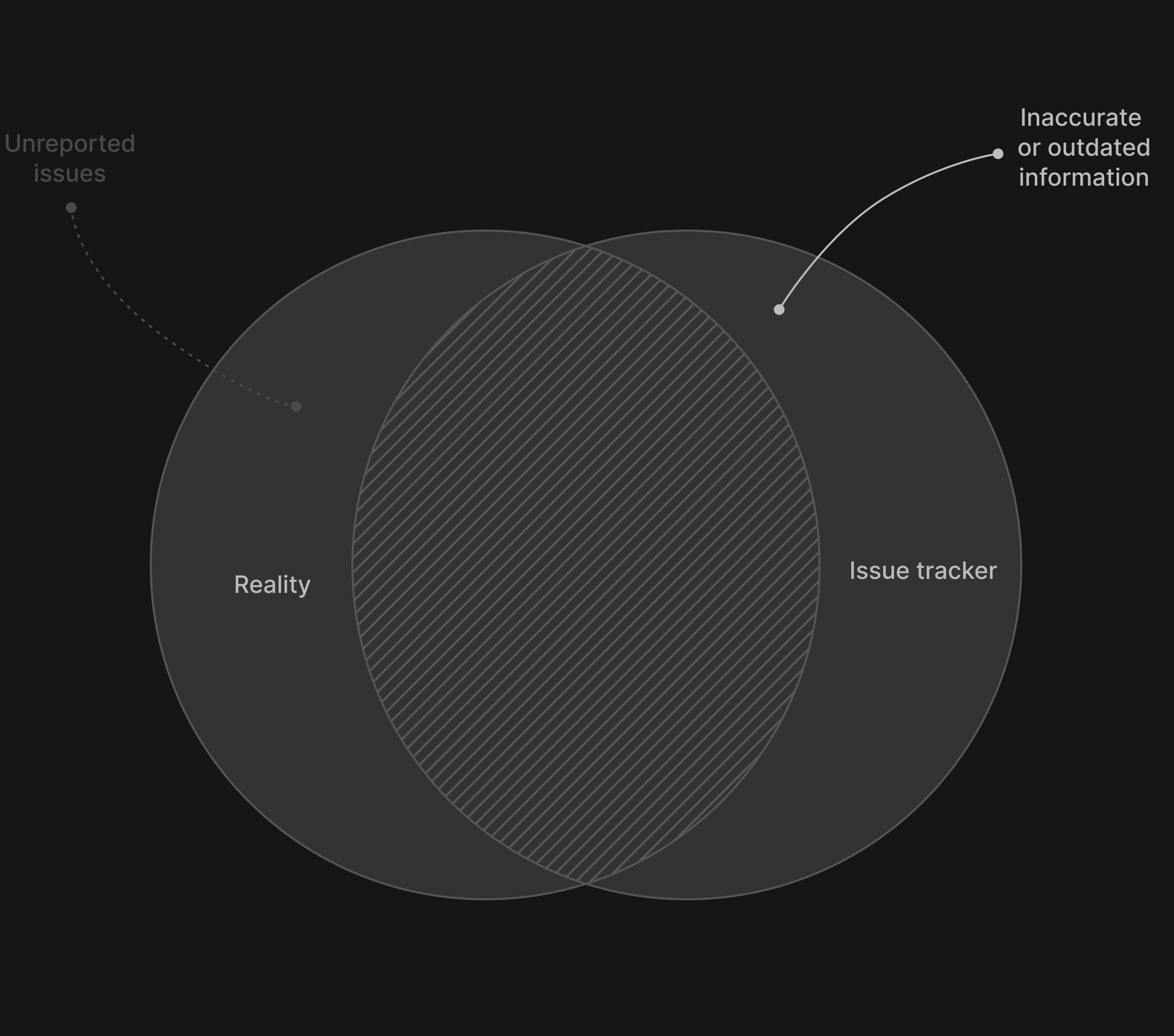
While the intake process is designed to reduce the number of unreported issues on the left side of the Venn diagram, the first part of execution phase is there to verify that whatever we are feeding into the issue tracking system is actually accurate.
By reviewing all issues, we can filter out invalid requests, ask for more information if necessary, and merge duplicates that have been reported before. This way we ensures that the knowledge in your “company hive mind” is not just a complete but also an accurate reflection of reality.
The review process also helps to clarify what part of the unplanned workload is most important and who should work on it. This avoids scope creep and distractions that usually happen when unplanned work doesn’t get managed systematically.
The review process boils down to four primary actions:
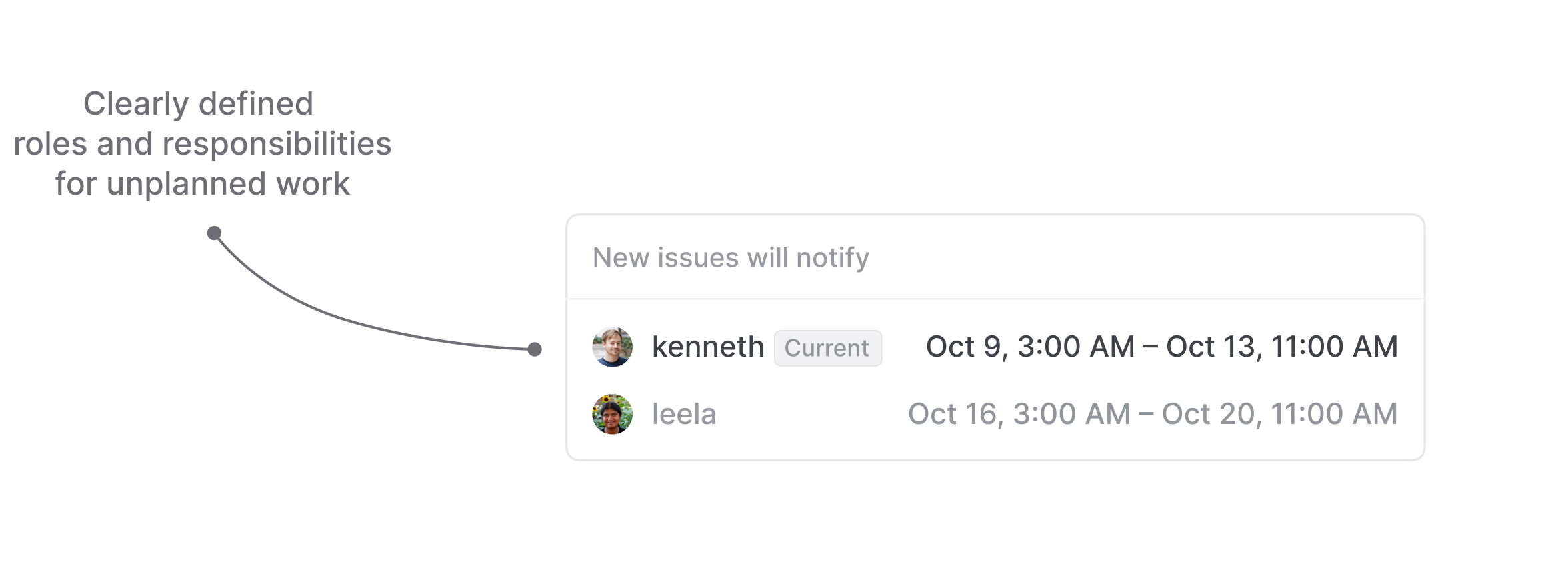
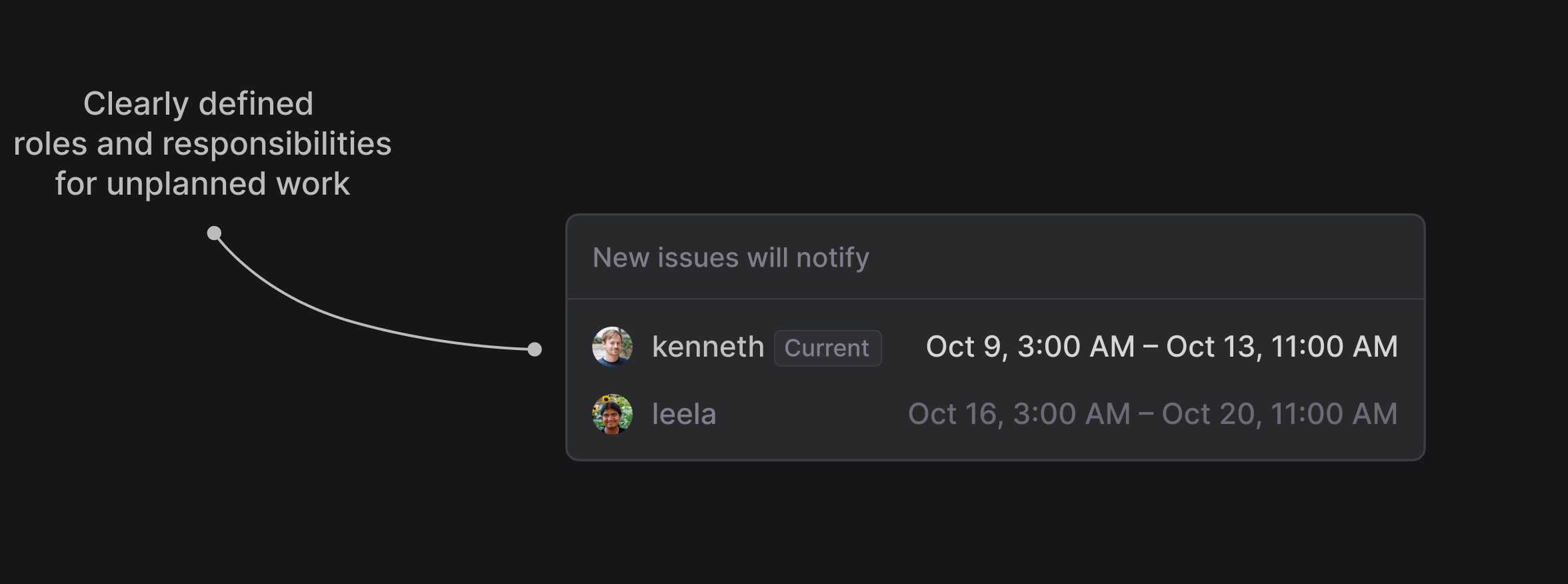
This leaves us with the challenge of accountability (or the lack thereof). To plan for unplanned work we need to define roles and priorities, so that tasks are actually taken care of in a timely manner. We solve the accountability problem with Triage responsibilities. This is an explicitly defined person responsible for dealing with incoming requests in the Triage queue.
If we stick to our 911 analogy, this person is effectively the first responder.
You can manually select one or multiple team members who will get notified (or auto-assigned) for each new issue, or use an existing PagerDuty schedule to automate the process.
Lastly, we can use service-level agreements (SLAs) to communicate urgency and set guidance on completion deadlines. SLAs are applied automatically depending on pre-defined variables. For example, you can set specific timelines for urgent bugs or for requests from your most important customers.
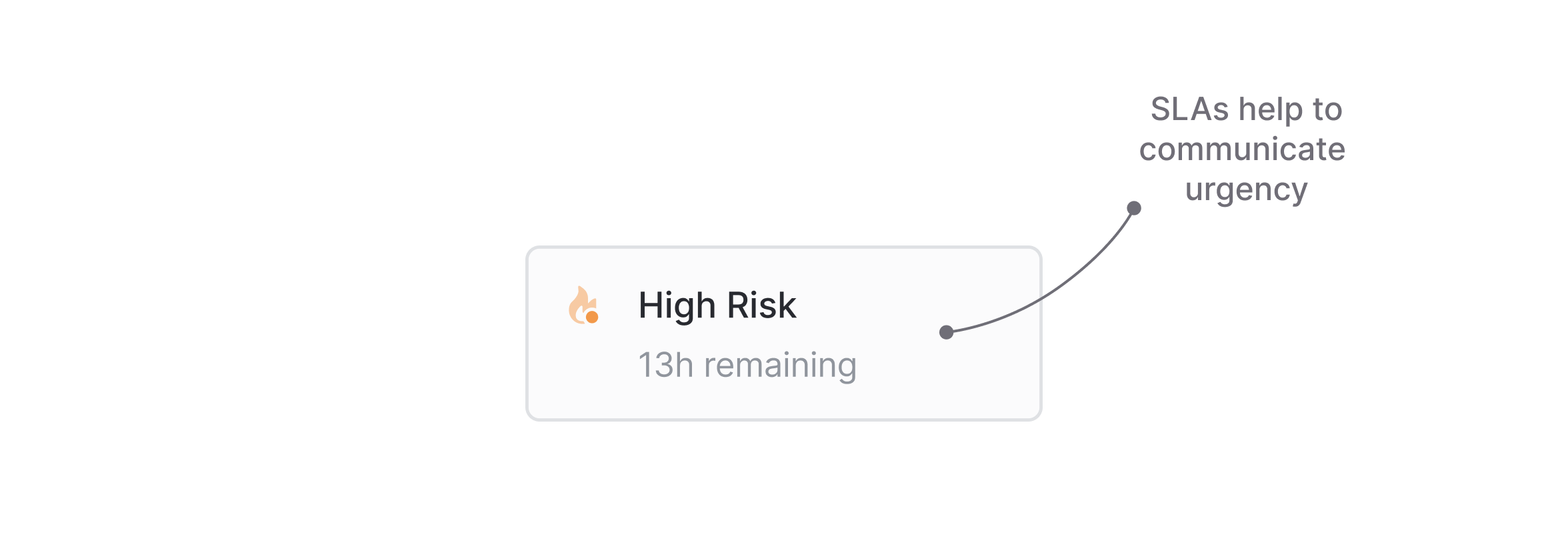
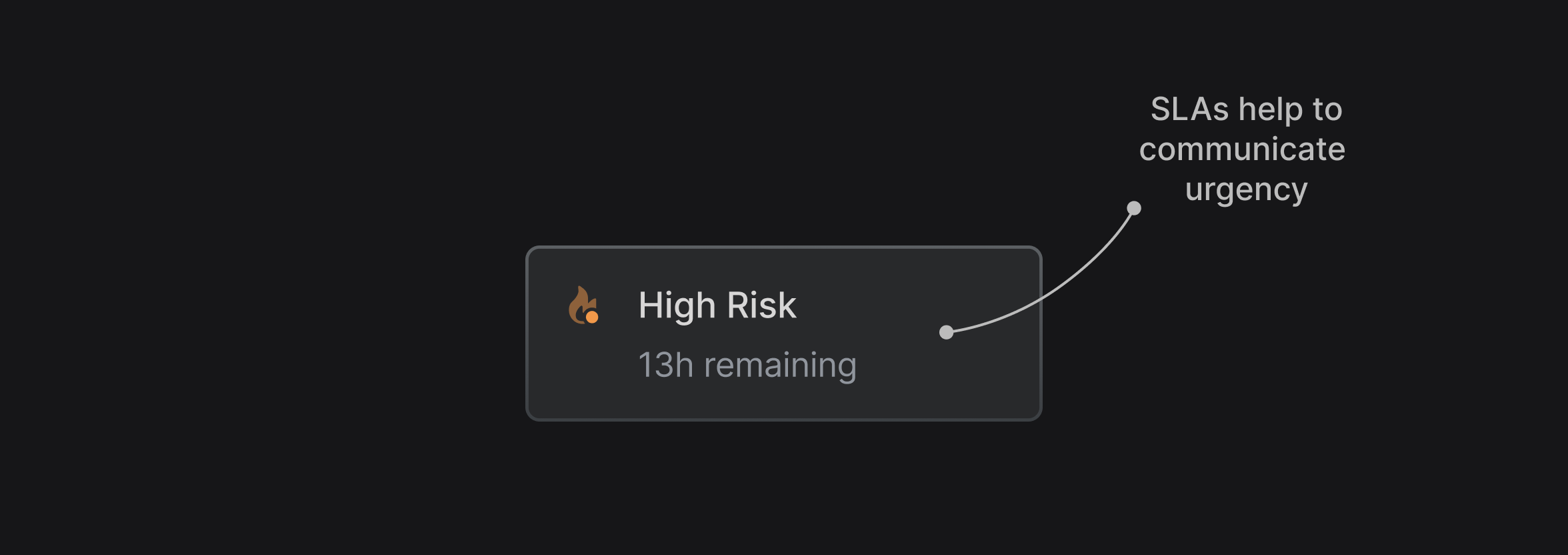
SLAs help you to establish and maintain internal standards for how quickly unplanned work gets resolved. But they also give your team a framework for prioritization, so that the most important issues and requests get resolved first.
Wrapping up, let’s summarize the most important points and provide you with some useful links so you can set up your own plan for unplanned work.
此内容由惯性聚合(RSS阅读器)自动聚合整理,仅供阅读参考。 原文来自 — 版权归原作者所有。