







Over the last few years, powerful new tools have emerged for software development. They’ve delivered big gains on their own, and one of the most important productivity levers now is making them work closely together.
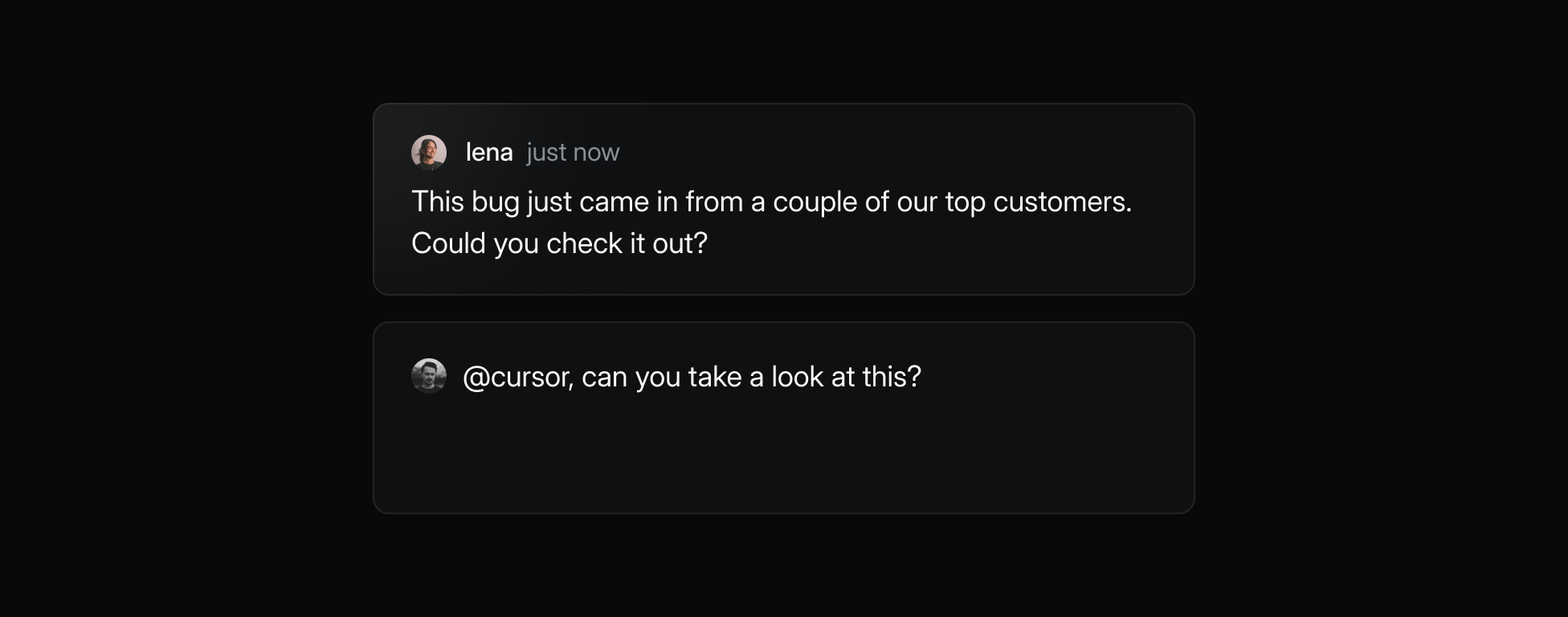
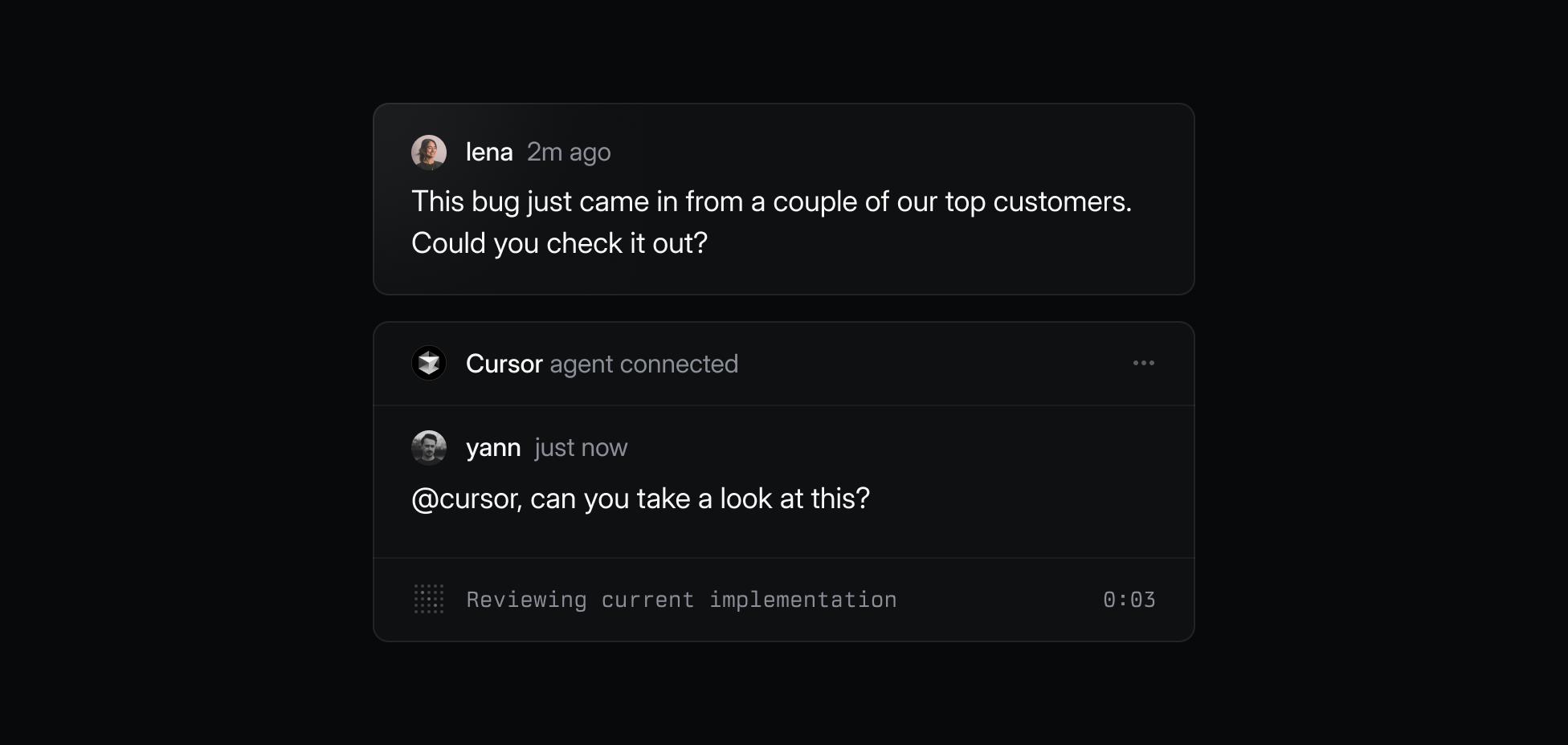
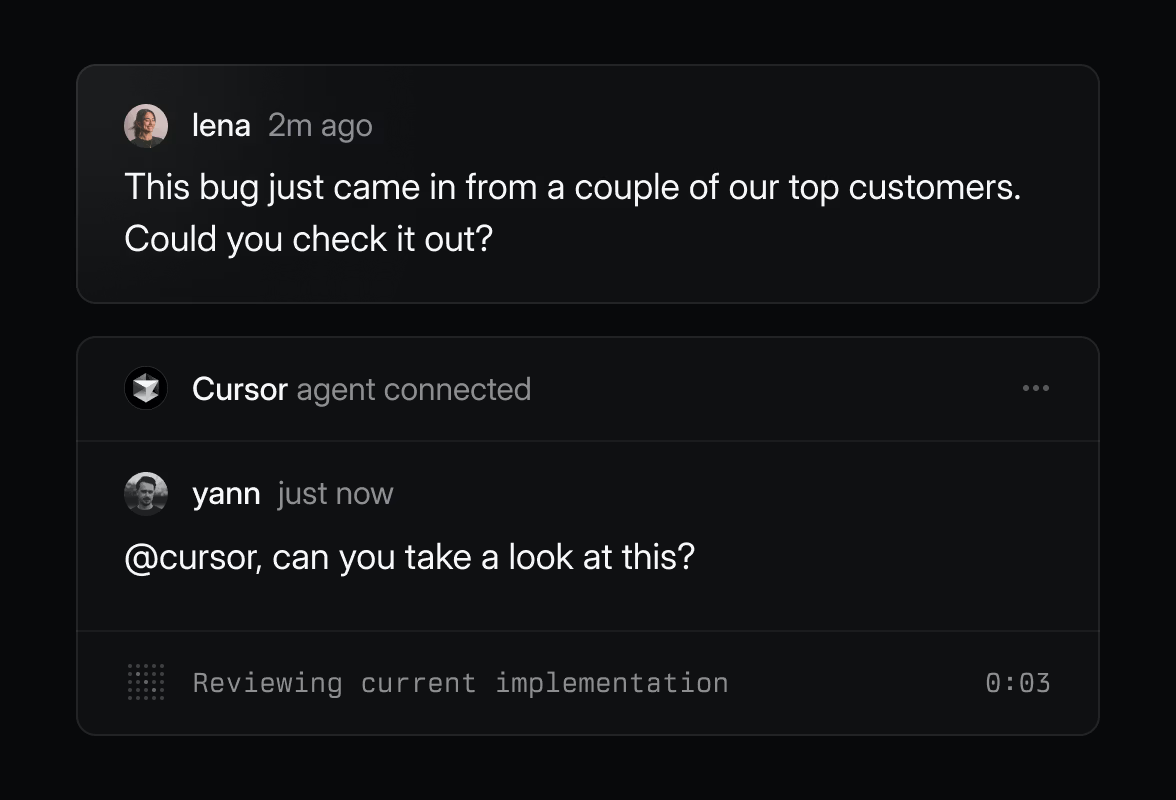
That’s why today we’re announcing a new Cursor integration for Linear, letting you assign issues directly to Cursor agents the same way you already assign issues to teammates. Many teams already use both Linear and Cursor, and this integration ties them together at the point of maximum leverage: inside Linear, where teams already manage their work and where the full context lives to spin up and manage high-quality agents.
Today, Cursor agents can take on coding tasks, open pull requests, and update progress back in Linear. The benefits of this tight integration will only grow as agents continue to improve, teams get used to writing issues with the context needs of agents in mind, and it becomes possible to have agents work with increasing automation—drafting PRs before you even open the issue, or tackling multiple issues at once in the background.
To share more about the integration—what it took to build and where it’s going next—Kevin Hartnett from Linear spoke with Rohan Varma, the product manager from Cursor who led the project. We talked about the workflows this supports, the technical decisions behind the integration, how Rohan sees agents evolving inside Linear, and advice he has for other teams building agent integrations with Linear.
This interview has been edited for clarity.
Rohan: Basically, you can assign work to Cursor, you can mention Cursor, and you can also follow up in the same session to Cursor. We’ll show you the thoughts and tools, to-dos, as it progresses.
For a lot of users, working with coding agents is still new. The reliability of these coding agents is improving a ton week over week, but it’s not perfect. So the assumption here is: how does a new user understand and use these agents? How do they build trust in them?

Rohan: We think it’s important that you can go to Cursor, open it up with the code, see what the agent’s done, and clean it up yourself if you want, or give the agent feedback on its approach. A lot of that is best done in an IDE where you can explore the code and build confidence—or lose it—or understand where the agent went wrong.
Rohan: Linear is the expert on product, customer, and project context. Cursor is the expert on the codebase, development history, and engineering practices. When you put those together, agents start with a much more complete picture. That makes their output better and lets teams move faster—because the agent isn’t starting from scratch.
Rohan: For a while they’ve been very effective for smaller changes, where they can pattern match or easily verify correctness, and for larger tasks where power users provide rich prompts with clear context, file pointers, and an outline of the approach. There’s also a category of more difficult changes where the agent can ramp on codebase context a lot faster than I can, like making a fix in a really old, tricky part of the codebase.
I think the bigger point, though, is that agent capabilities are expanding rapidly as models get better. The things they’re great at have already progressed from small issues to now medium ones, and soon to really large, complex tasks without much user iteration.
Rohan: It lowers the activation energy for getting work done. A lot of teams have P2s or P3s that linger in the backlog because they’re not urgent enough to justify the context switch. With this integration, those tickets can get scoped, have a PR drafted, and be ready for review without much extra effort from an engineer. It’s a way to make progress on the polish and quality work that otherwise gets deprioritized.
Rohan: It was overall very easy. I think I got the new API up and working in a day. Working with Tom [Linear’s head of engineering] and Mingjie [a Linear engineer] over Slack was very easy. Having that high-fidelity touchpoint with the Linear team helped a lot. Having the Linear SDK and the auto-generated GraphQL types also helped a lot. It just reduces how much you have to look things up in the documentation.
Rohan: One was understanding the agent API data model and whether it was safe to always assume an issue ID exists. Tom explained that in the future there might be agents acting outside issues, so we made our code handle missing IDs. That kind of long-term context was valuable. I also gave feedback on surfacing the “open in Cursor” link more prominently. Our workflow often starts in Linear but continues in Cursor, so it should be easier to get back there.
Rohan: The main one was working with webhooks. You have to set up and run your own instance, so it’s a little hard to collaborate with other people on the team. If multiple people are working on webhooks, you create a Linear test app, but then it has to talk to my local server on my laptop and sometimes someone else’s laptop. If we both set up things to forward events to our laptops, it gets confusing.
Another thing that could be better is having an even deeper developer experience for running locally and testing everything end-to-end.
Rohan: One thing we talked about was how often the agent should leave comments in Linear. It’s tempting to have it comment whenever it does something, but that can get noisy and fatigue users.
Another principle I noticed was “an agent cannot be held accountable.” That’s important for us—it solves the problem of communicating to our users that ultimately it’s the human engaging with the agent who’s responsible. Linear encoding that as a design really helps set the default. I was also pleasantly surprised by the support for “thoughts” and “tools” in the API. That maps well to our agent model, and I was able to quickly show that internal state to the user through Linear.

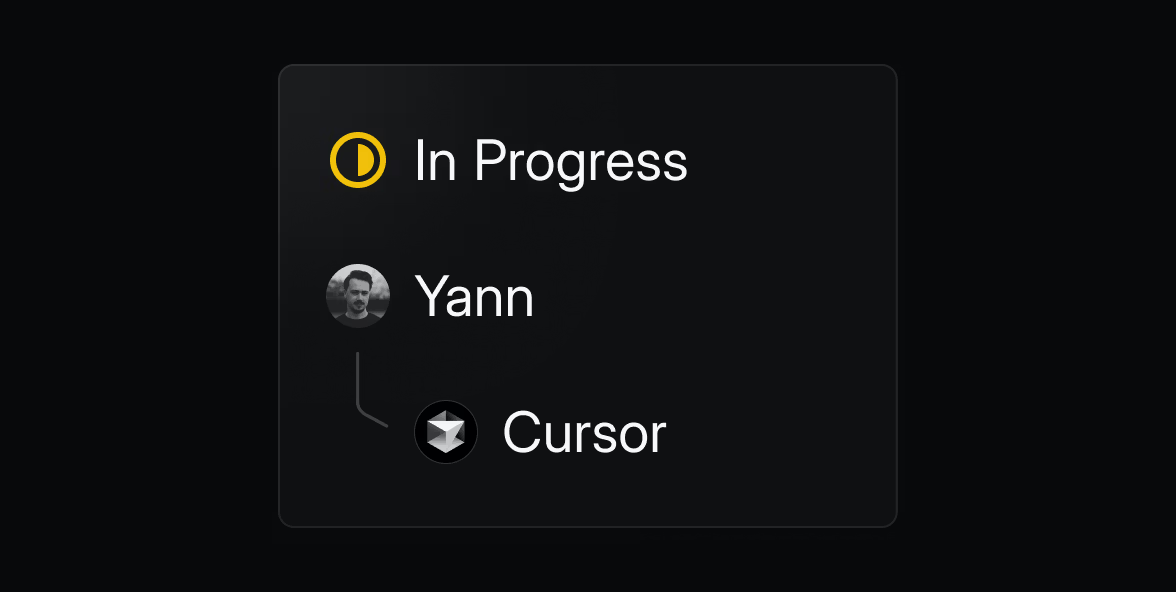
Rohan: It was pretty simple to work with overall. It complicates things a little bit because you can’t just key things off an issue. If there’s no issue, we just say we don’t know how to work with this. But it simplifies the idea of how the agent gets back to the user. Rather than trying to figure out which comment to edit or starting a thread, it’s a much simpler API for what we need.
Rohan: I wonder if you guys would have a taxonomy of some sort at some point. Things like bug, typo, feature, documentation, testing, tech debt, or refactoring. I think it’d be interesting if the platform itself understood that and could give agents a cleaner decision-making process on what to do. It would help with refusals—if it’s too hard or underspecified, we shouldn’t try to solve it. You could also use different models or budgets depending on the work.
Rohan: Mostly it’s just moving up the automation hierarchy. Imagine label-based or rule-based triggers that automatically assign issues to agents—“in this project, with this label, and t-shirt size small or less, let the agent handle it.” That’s a stepping stone toward richer collaboration with coding agents.
Rohan: I think it’d be really interesting to see how agents can help do planning in Linear. Potentially take a lot of the context from a large ticket and create smaller Linear issues out of it. Or take something that an agent isn’t comfortable working on and turn it into smaller pieces that it can work on.
Rohan: I’d recommend thinking about how your agent will handle longer-running tasks. The Linear API is designed so you accept the work, queue up the task, and then update back when it’s done. This works fine for quick jobs, but for something that takes hours you need a way to check in periodically or stream updates back. That way the user knows it’s still making progress. And think about how your agent communicates in those updates—like a new hire explaining what they did so the reviewer can quickly decide if it’s ready.
To learn more, read about the Cursor integration and check out our agent developer docs.
此内容由惯性聚合(RSS阅读器)自动聚合整理,仅供阅读参考。 原文来自 — 版权归原作者所有。