


Set-ExecutionPolicy RemoteSigned -scope CurrentUser在windows中默认不允许任何脚本运行,所以我们可以使用 **Set-ExecutionPolicy**来改变PowerShell运行环境,共有4种运行权限,如下所示:
Invoke-Expression (New-Object System.Net.WebClient).DownloadString('https://get.scoop.sh')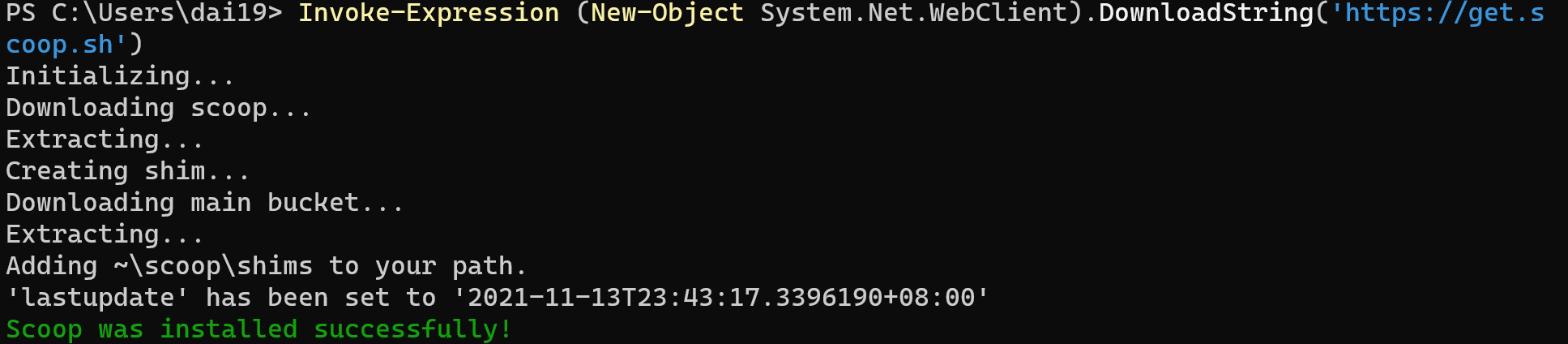
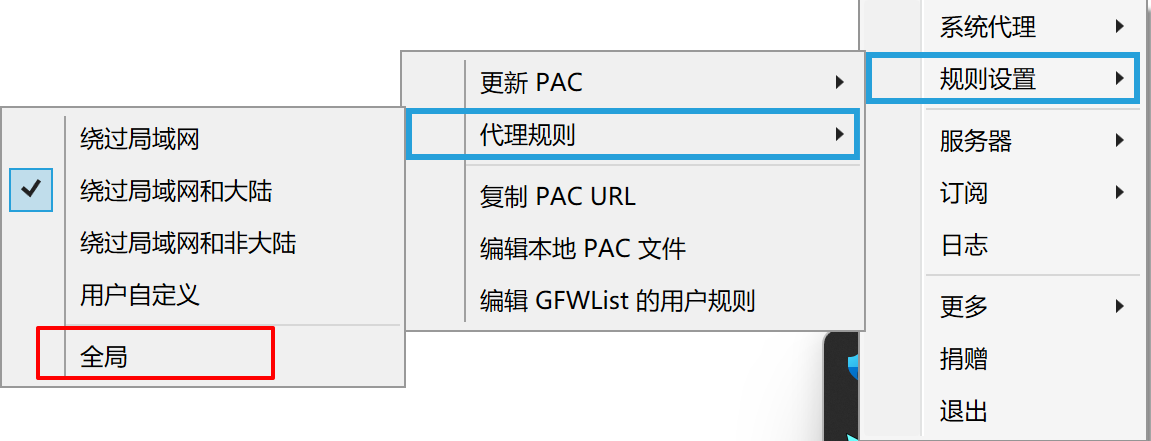
# 设置全局代理
scoop config proxy 127.0.0.1:1080
# 去除全局代理
或者给windows powershell设置socks代理
$env:HTTPS_PROXY="http://127.0.0.1:1080"
$env:HTTP_PROXY="http://127.0.0.1:1080"
这样设置代理可以大大加速scoop安装和更新软件的速度,其主要原因是scoop大部分软件源都来自github,而国内访问github的速度太慢了
scoop install git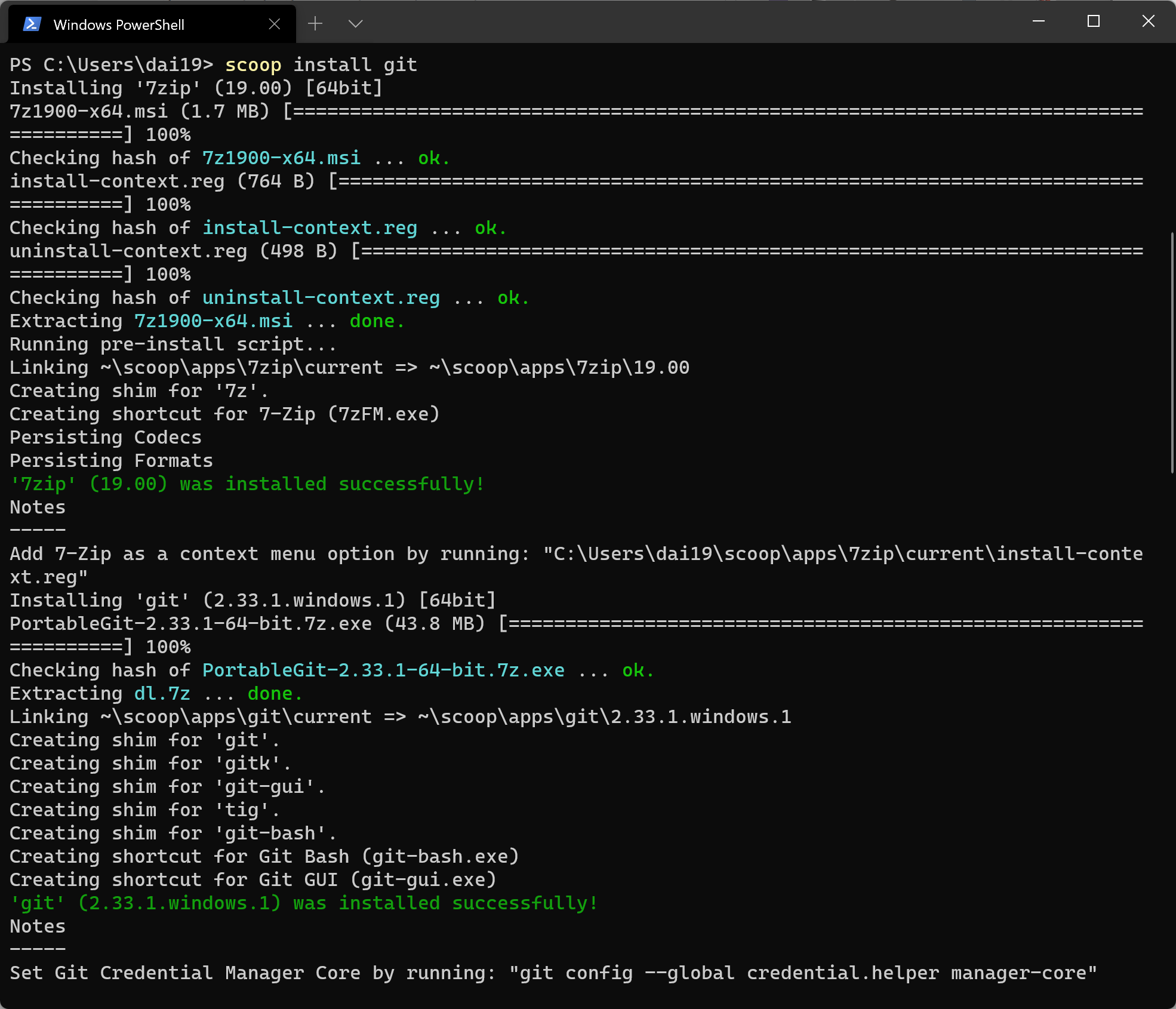
scoop update
scoop bucket类似于软件集合源,不同的bucket包含不同的软件集合
scoop bucket known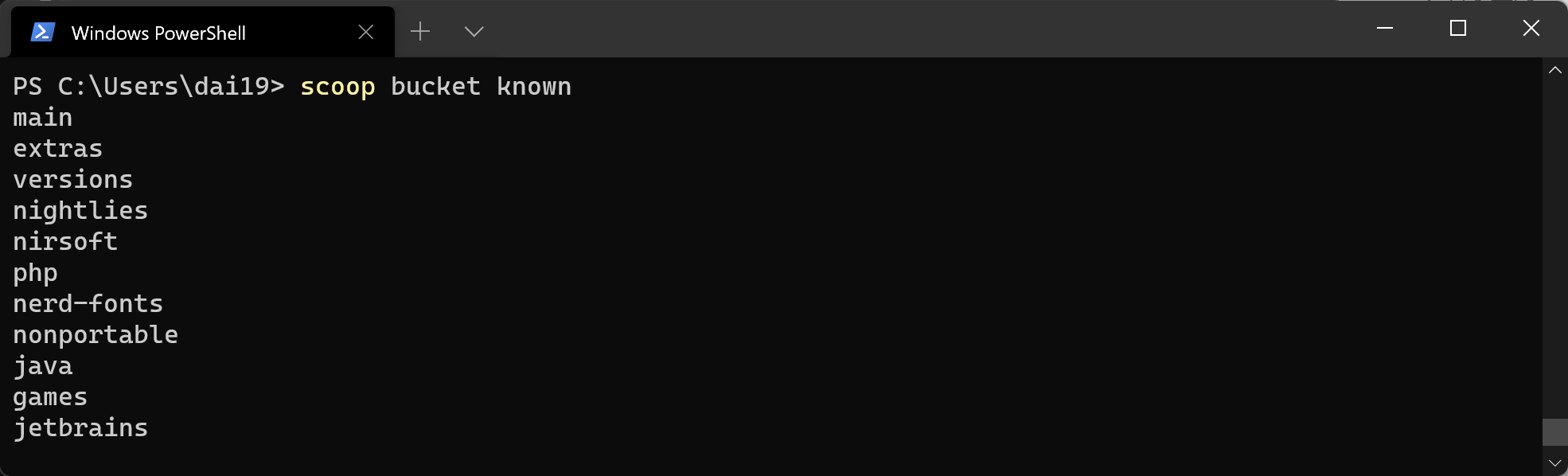
scoop bucket add extras
scoop bucket add versions
scoop bucket add nightlies
scoop bucket add nirsoft
scoop bucket add php
scoop bucket add nerd-fonts
scoop bucket add nonportable
scoop bucket add java
scoop bucket add games
scoop bucket add jetbrains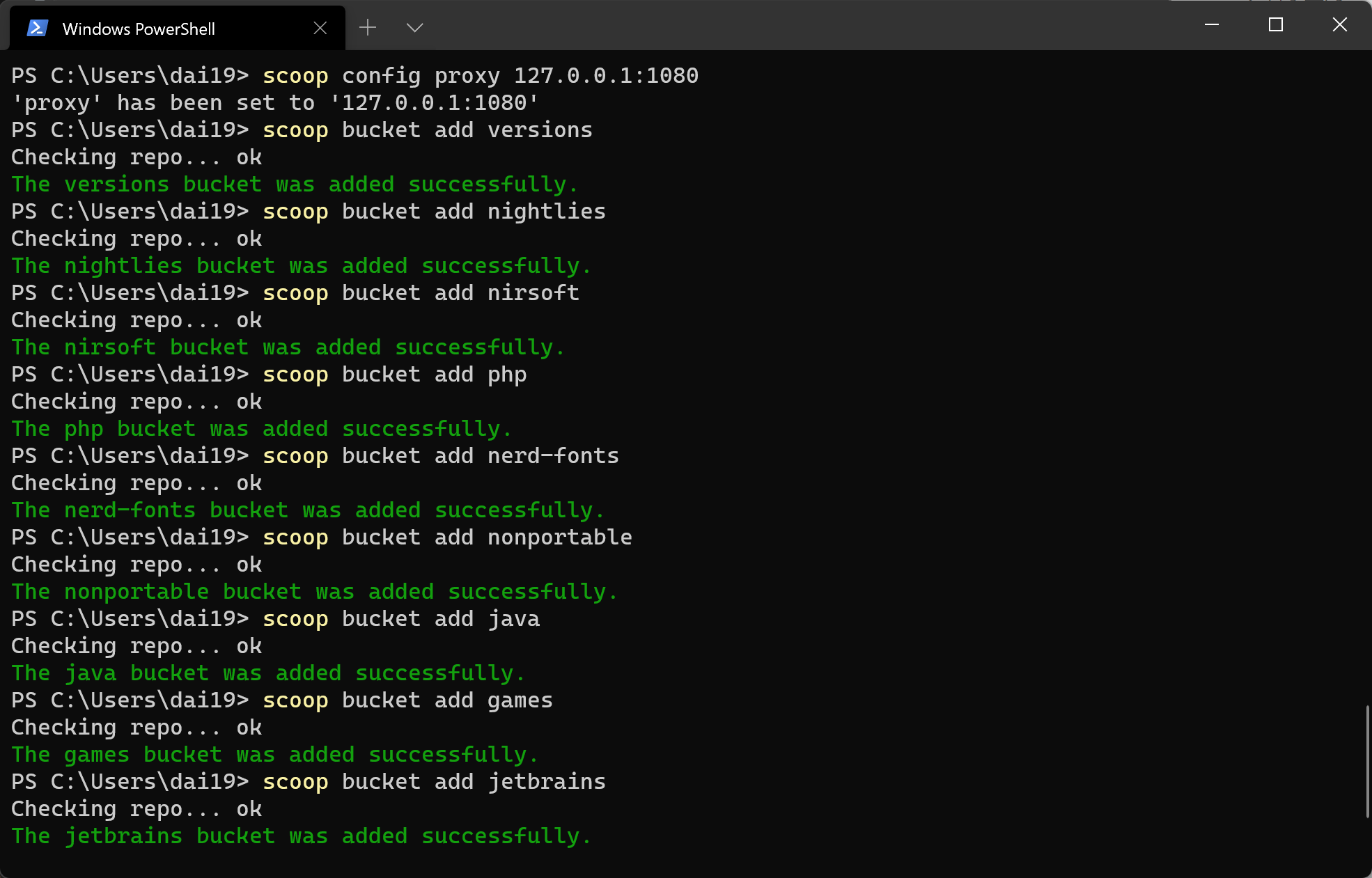
scoop bucket add dorado https://github.com/chawyehsu/dorado
scoop bucket add Ash258 https://github.com/Ash258/Scoop-Ash258
scoop bucket add scoopet https://github.com/integzz/scoopet
scoop bucket add 42wim https://github.com/42wim/scoop-bucket.git
# raresoft 破解版软件集合
scoop bucket add raresoft https://github.com/L-Trump/scoop-raresoftscoop bucket list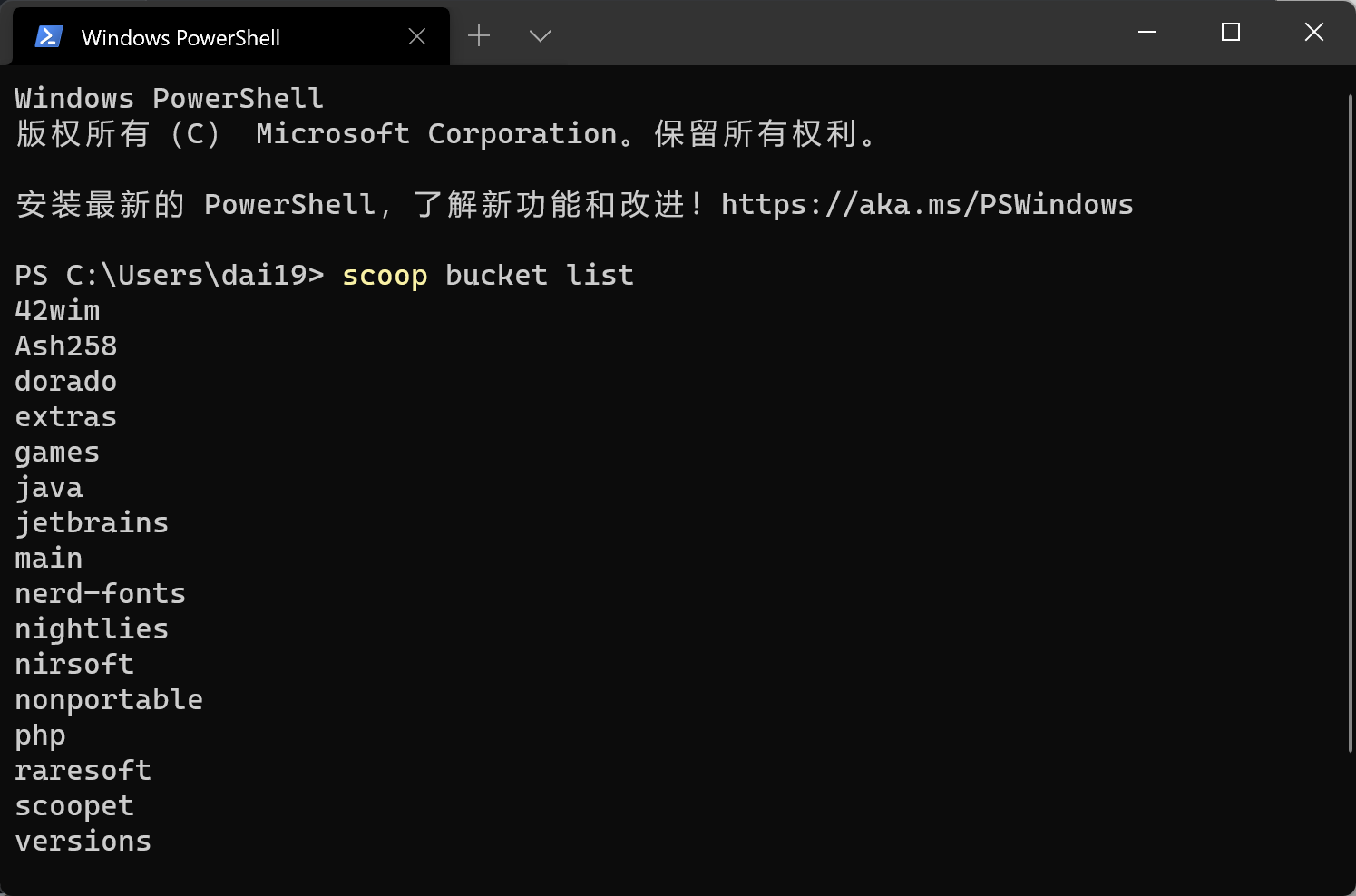
此内容由惯性聚合(RSS阅读器)自动聚合整理,仅供阅读参考。 原文来自 — 版权归原作者所有。