





Qwen3.6 and Gemma4 on my gaming PC. llama.cpp on Windows is tedious to compile, and I have littered my Windows installation with too many toolchains already. Python venvs, Mingw, Cuda, UCRT64 & WSL to name a few. Windows still does not feel developer friendly to me. I think I’m ok with it being a frontend for Steam’s Big Picture mode.Installing Debian on a network drive will indeed be noticeably slower than a native install. Since I’m going to use some portion of my local NVMe drive to store & load the models, I didn’t really care about the OS performance as I have enough RAM to run everything smoothly once the OS has booted up. I won’t be using this for browsing stuff using Firefox.
A single Debian 13 based server is used for Netboot.xyz, tftpd, iSCSI Target & ZFS ZVol. My Proxmox install works perfectly fine for this. I used my Asus Router with the Merlin firmware for DNSMasq.
The post is broken down into the following sections:
I’m using my Proxmox host to export my iSCSI targets. Install the required packages.
apt install apache2 git ansible tftpd-hpa targetcli-fb
Clone & compile netboot. One can use netboot directly without compiling, but then it downloads all the assets at runtime which, although handy, is not something that I would recommend.
cd /opt
git clone https://github.com/netbootxyz/netboot.xyz.git
cd netboot.xyz
We edit a few config files to tailor our netboot install.
Edit /opt/netboot.xyz/user_overrides.yml with the below contents:
generate_menus: true
generate_disks: true
generate_checksums: true
generate_local_vars: false
make_num_jobs: 1

site_name: 192.168.50.167
boot_domain: 192.168.50.167
Ensure site_name & boot_domain points to the netboot host. It is the same as the Proxmox host in my case.
Now we fix up some netboot templates so we can boot our installer & iSCSI.
Edit /opt/netboot.xyz/roles/netbootxyz/templates/menu/boot.cfg.j2 — find the :end section and change it to:
:end
chain local-vars.ipxe ||
exit
Edit /opt/netboot.xyz/roles/netbootxyz/templates/local-vars.ipxe.j2 and change it to:
#!ipxe
set custom_url http://192.168.50.167
Use ansible to install netbootxyz to /var/www/html. This can take a while…
ansible-playbook -i inventory site.yml
Now we need to add a custom menu to boot from our disks. If the disk does not have an OS, it will start the Debian installer. If you want to install the OS on multiple machines, feel free to create different ipxe files for the installer & the boot disks.
Create /var/www/html/debian13-iscsi.ipxe and change it as below. Make sure the IP addresses & IQNs are correct.
#!ipxe

set iscsi-server 192.168.50.167
set iscsi-target iqn.2026-05.xyz.716697.pve-vt:tank-debian-disk-12700k
set initiator-iqn iqn.2026-05.xyz.716697.pve-vt:12700k
set username myuser
set password mypassword
set reverse-username targetuser
set reverse-password targetpassword

sanboot iscsi:${iscsi-server}::::${iscsi-target} || goto installer

:installer
imgfree
kernel http://${iscsi-server}/assets/debian13/linux
initrd http://${iscsi-server}/assets/debian13/initrd.gz
imgargs linux root=/dev/ram0 initrd=initrd.gz vga=normal
boot
Create the custom netboot.xyz entry. Create a new file /var/www/html/custom.ipxe
#!ipxe
menu Local Custom Menu
item --gap Local iSCSI Installs:
item debian13-iscsi  Debian 13 iSCSI Boot (192.168.50.167)
item --gap --
item back            Back to main menu
choose menu || goto back
goto ${menu}

:debian13-iscsi
chain http://192.168.50.167/debian13-iscsi.ipxe ||
goto back

:back
chain http://192.168.50.167/menu.ipxe
Download the Debian initrd installer.
mkdir -p /var/www/html/assets/debian13
cd /var/www/html/assets/debian13
wget http://ftp.debian.org/debian/dists/trixie/main/installer-amd64/current/images/netboot/debian-installer/amd64/initrd.gz
wget http://ftp.debian.org/debian/dists/trixie/main/installer-amd64/current/images/netboot/debian-installer/amd64/linux
In case you want the fancy GTK/GUI installer, use as below. This might be an issue if you are using an exotic GPU.
mkdir -p /var/www/html/assets/debian13-gtk
cd /var/www/html/assets/debian13-gtk
wget http://ftp.debian.org/debian/dists/trixie/main/installer-amd64/current/images/netboot/gtk/debian-installer/amd64/initrd.gz
wget http://ftp.debian.org/debian/dists/trixie/main/installer-amd64/current/images/netboot/gtk/debian-installer/amd64/linux
Configure in /etc/default/tftpd-hpa
TFTP_USERNAME="tftp"
TFTP_DIRECTORY="/srv/tftp"
TFTP_ADDRESS=":69"
TFTP_OPTIONS="--secure"
Copy the netboot.xyz binaries we compiled into tftp/ipxe.
mkdir -p /srv/tftp/ipxe
cp /var/www/html/ipxe/netboot.xyz-undionly.kpxe /srv/tftp/ipxe/
cp /var/www/html/ipxe/netboot.xyz-snp.efi /srv/tftp/ipxe/
cp /var/www/html/ipxe/netboot.xyz.efi /srv/tftp/ipxe/
chown -R tftp:tftp /srv/tftp/ipxe
service tftpd-hpa restart
Configure DNSMasq on your default router / DHCP server to redirect to the TFTP Server. I have an Asus router with the Merlin firmware that uses dnsmasq. Custom config goes in: /jffs/configs/dnsmasq.conf.add. Make sure IP is the same as the TFTPD host.
The different sections below are necessary to support PXE & iPXE both. I realized I needed them as my VM supported iPXE but my 12700k did not.
aniket@RT-AX86U-D290:/tmp/home/root# cat /jffs/configs/dnsmasq.conf.add
# BIOS Clients
dhcp-boot=tag:!ipxe,ipxe/netboot.xyz-undionly.kpxe,,192.168.50.167

# UEFI x86-64 clients
dhcp-match=set:efi-x86_64,option:client-arch,7
dhcp-boot=tag:efi-x86_64,ipxe/netboot.xyz-snp.efi,,192.168.50.167

# Tag iPXE clients (option 175 present)
dhcp-match=set:ipxe,175

# All other iPXE clients get the netboot.xyz menu
dhcp-boot=tag:ipxe,http://192.168.50.167/menu.ipxe
Restart dnsmasq:
service restart_dnsmasq
I will be very brief about ZFS. I won’t go into any specifics, apart from the fact that ZFS is cool. There is a ton of literature available elsewhere on how you can create ZFS Pools & ZVols. In lieu of ZFS, iSCSI can very well use any other connected disks.
zpool create tank /dev/disk/by-id/${DISK_ID}
zfs create -V 32G tank/debian-disk-12700k
This is the trickiest part. We export the ZVOL (or any other disk) as an iSCSI target. The below block does the following:
demo_mode_write_protect=1. This enables write protect for non-authenticated clients.generate_node_acls=0.root@pve-vt:~# targetcli
targetcli shell version 2.1.53
Copyright 2011-2013 by Datera, Inc and others.
For help on commands, type 'help'.
/> cd /backstores/block
/backstores/block> create debian-disk-12700k /dev/zvol/tank/debian-disk-12700k
Created block storage object debian-disk-12700k using /dev/zvol/tank/debian-disk-12700k.
/backstores/block> cd /iscsi
/iscsi> create iqn.2026-05.xyz.716697.pve-vt:tank-debian-disk-12700k
Created target iqn.2026-05.xyz.716697.pve-vt:tank-debian-disk-12700k.
Created TPG 1.
Global pref auto_add_default_portal=true
Created default portal listening on all IPs (0.0.0.0), port 3260.
/iscsi> cd iqn.2026-05.xyz.716697.pve-vt:tank-debian-disk-12700k/
/iscsi/iqn.20...n-disk-12700k> cd tpg1/
/iscsi/iqn.20...k-12700k/tpg1> set attribute demo_mode_write_protect=1
Parameter demo_mode_write_protect is now '1'.
/iscsi/iqn.20...k-12700k/tpg1> set attribute generate_node_acls=0
Parameter generate_node_acls is now '0'.
/iscsi/iqn.20...k-12700k/tpg1> cd acls
/iscsi/iqn.20...00k/tpg1/acls> ls
o- acls ....................................................................... [ACLs: 0]
/iscsi/iqn.20...00k/tpg1/acls> create iqn.2026-05.xyz.716697.pve-vt:12700k
Created Node ACL for iqn.2026-05.xyz.716697.pve-vt:12700k
/iscsi/iqn.20...k-12700k/tpg1> cd acls/iqn.2026-05.xyz.716697.pve-vt:12700k/
/iscsi/iqn.20...pve-vt:12700k> set attribute authentication=1
Parameter authentication is now '1'.
/iscsi/iqn.20...pve-vt:12700k> set auth userid=myuser
Parameter userid is now 'myuser'.
/iscsi/iqn.20...pve-vt:12700k> set auth password=mypassword
Parameter password is now 'mypassword'.
/iscsi/iqn.20...pve-vt:12700k> set auth mutual_userid=targetuser
Parameter mutual_userid is now 'targetuser'.
/iscsi/iqn.20...pve-vt:12700k> set auth mutual_password=targetpassword
Parameter mutual_password is now 'targetpassword'.
/iscsi/iqn.20...pve-vt:12700k> get auth
AUTH CONFIG GROUP
=================
mutual_password=targetpassword
------------------------------
The mutual_password auth parameter.
mutual_userid=targetuser
------------------------
The mutual_userid auth parameter.
password=mypassword
-------------------
The password auth parameter.
userid=myuser
-------------
The userid auth parameter.
/iscsi/iqn.20...pve-vt:12700k> cd ../../luns/
/iscsi/iqn.20...00k/tpg1/luns> create /backstores/block/debian-disk-12700k
Created LUN 0.
Created LUN 0->0 mapping in node ACL iqn.2026-05.xyz.716697.pve-vt:12700k
/iscsi/iqn.20...00k/tpg1/luns> cd ../portals/
/iscsi/iqn.20.../tpg1/portals> ls
o- portals ................................................................. [Portals: 1]
o- 0.0.0.0:3260 .................................................................. [OK]
/iscsi/iqn.20.../tpg1/portals> cd /
/> saveconfig
Configuration saved to /etc/rtslib-fb-target/saveconfig.json
/> cd iscsi/iqn.2026-05.xyz.716697.pve-vt:tank-debian-disk-12700k/
/iscsi/iqn.20...n-disk-12700k> ls
o- iqn.2026-05.xyz.716697.pve-vt:tank-debian-disk-12700k ...................... [TPGs: 1]
o- tpg1 ................................................... [no-gen-acls, auth per-acl]
o- acls ................................................................... [ACLs: 1]
| o- iqn.2026-05.xyz.716697.pve-vt:12700k ............. [mutual auth, Mapped LUNs: 1]
| o- mapped_lun0 ............................. [lun0 block/debian-disk-12700k (rw)]
o- luns ................................................................... [LUNs: 1]
| o- lun0 [block/debian-disk-12700k (/dev/zvol/tank/debian-disk-12700k) (default_tg_pt_gp)]
o- portals ............................................................. [Portals: 1]
o- 0.0.0.0:3260 .............................................................. [OK]
/iscsi/iqn.20...n-disk-12700k> cd /
/> exit
Global pref auto_save_on_exit=true
Last 10 configs saved in /etc/rtslib-fb-target/backup/.
Configuration saved to /etc/rtslib-fb-target/saveconfig.json
root@pve-vt:~#
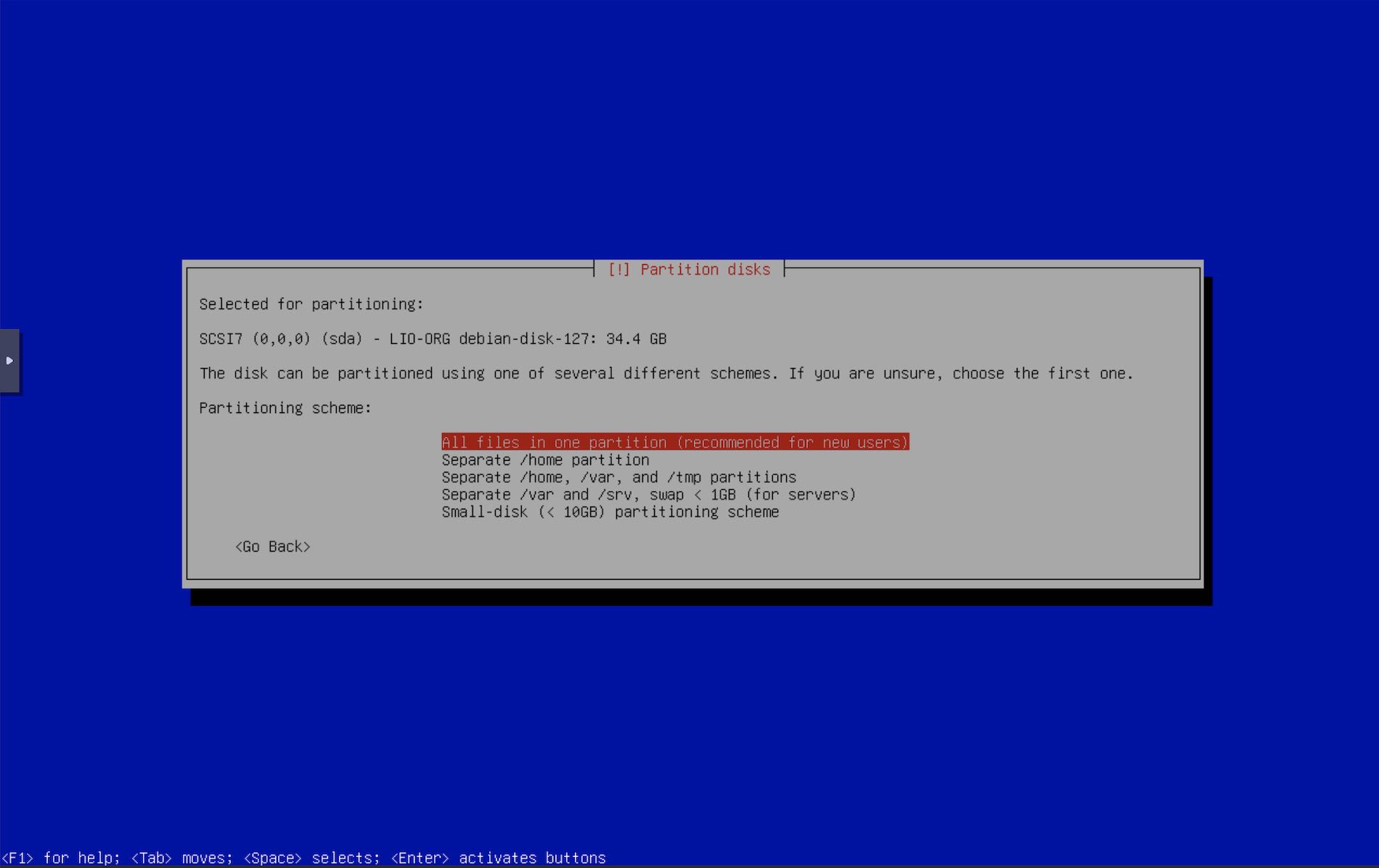
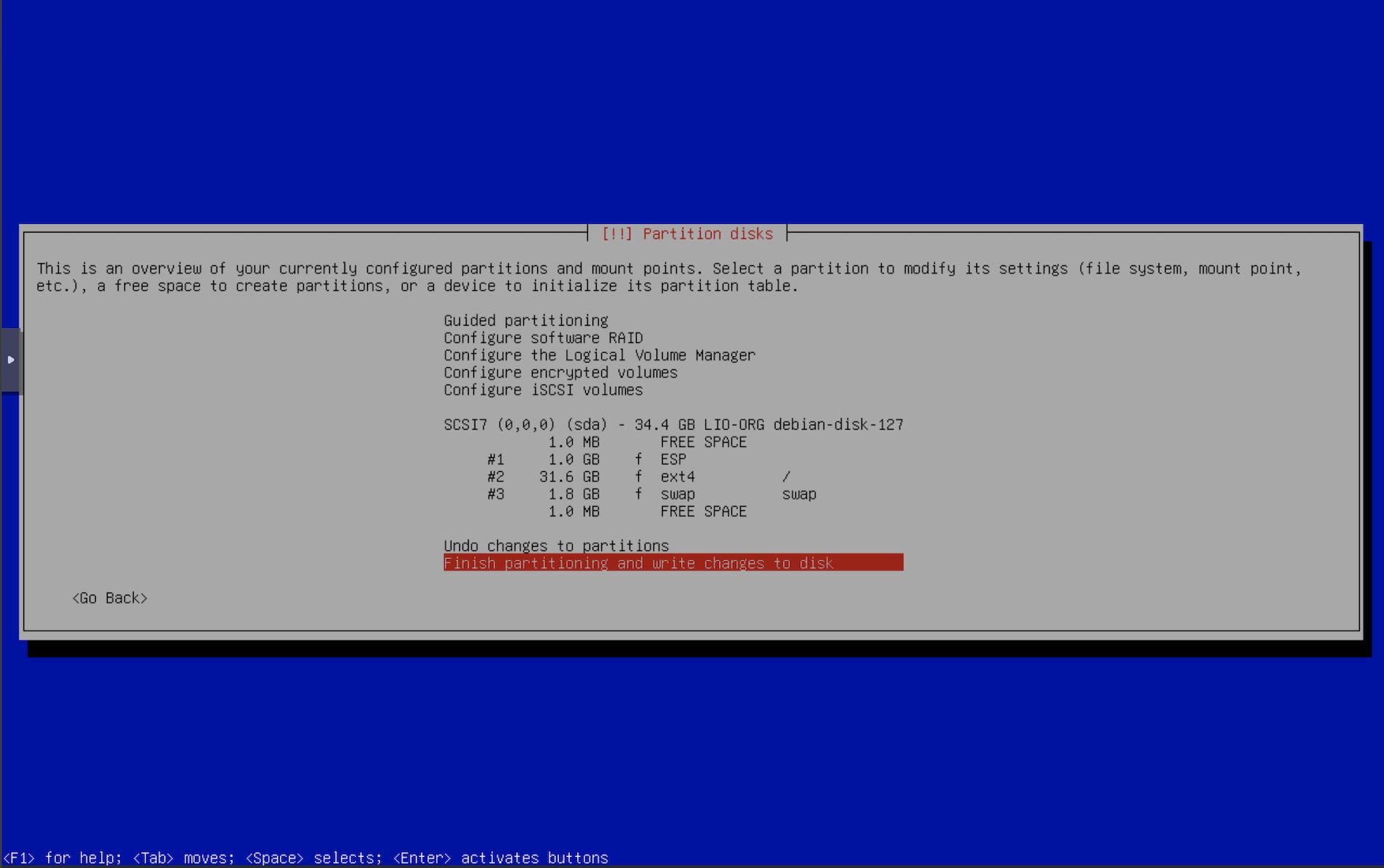
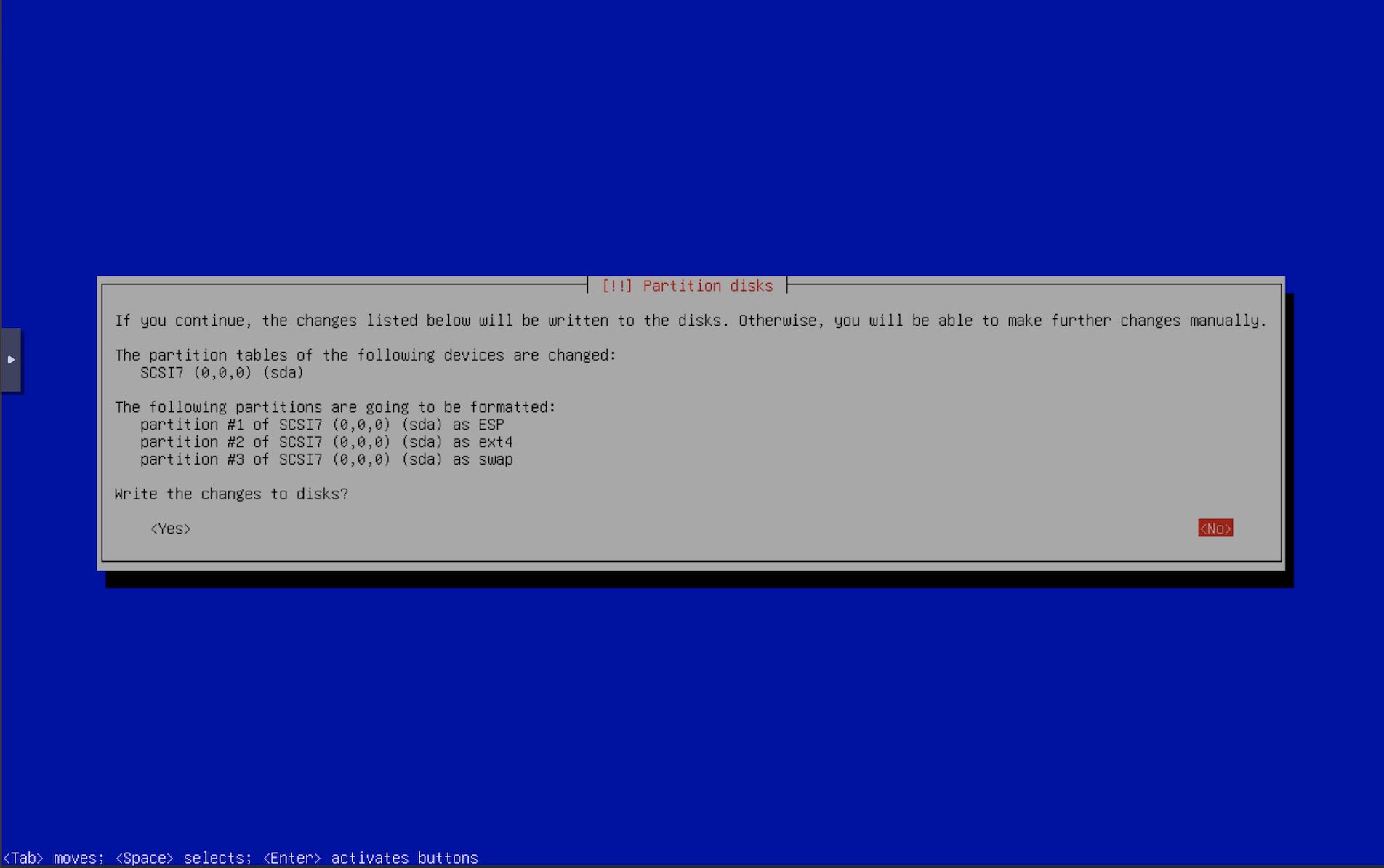
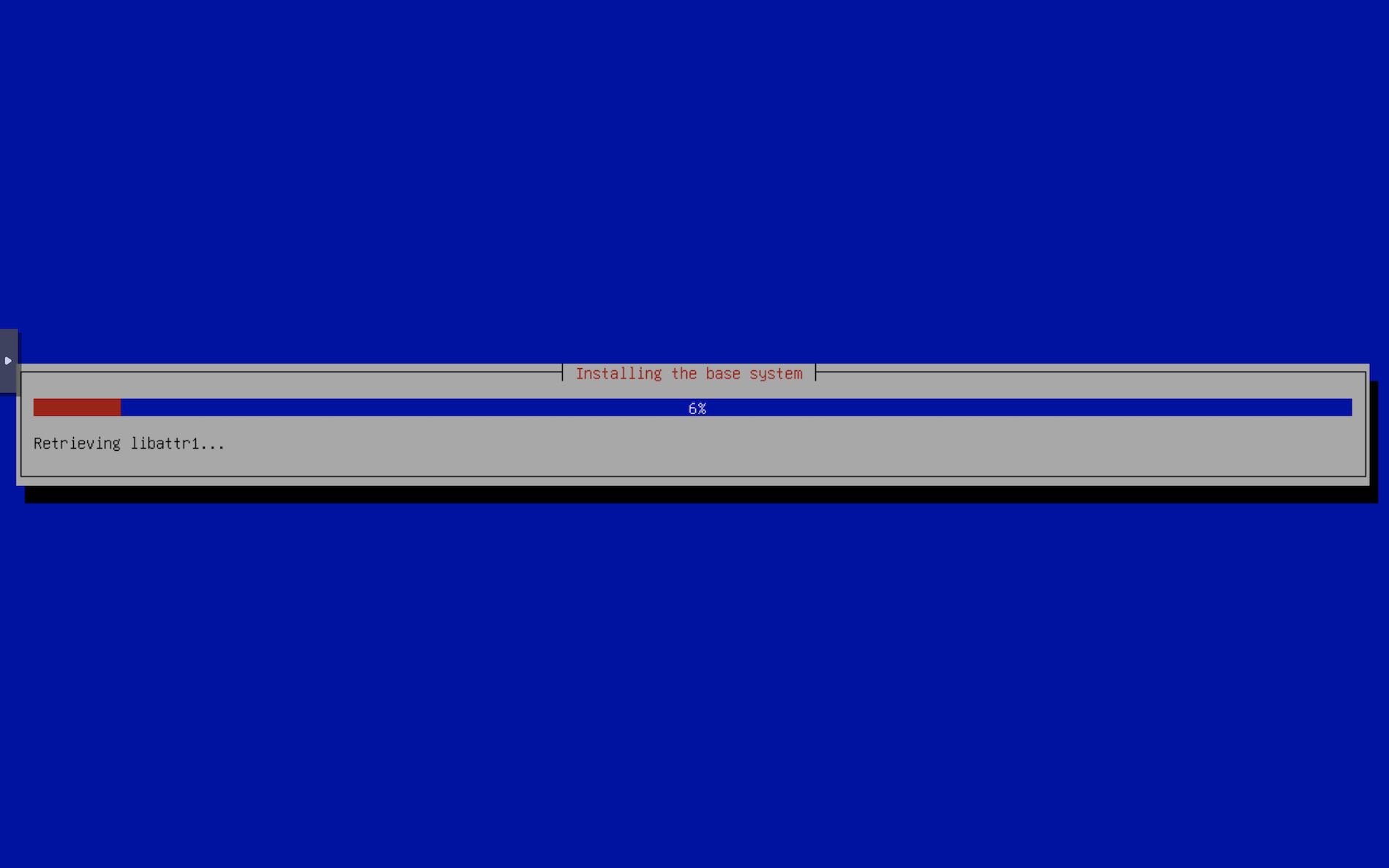
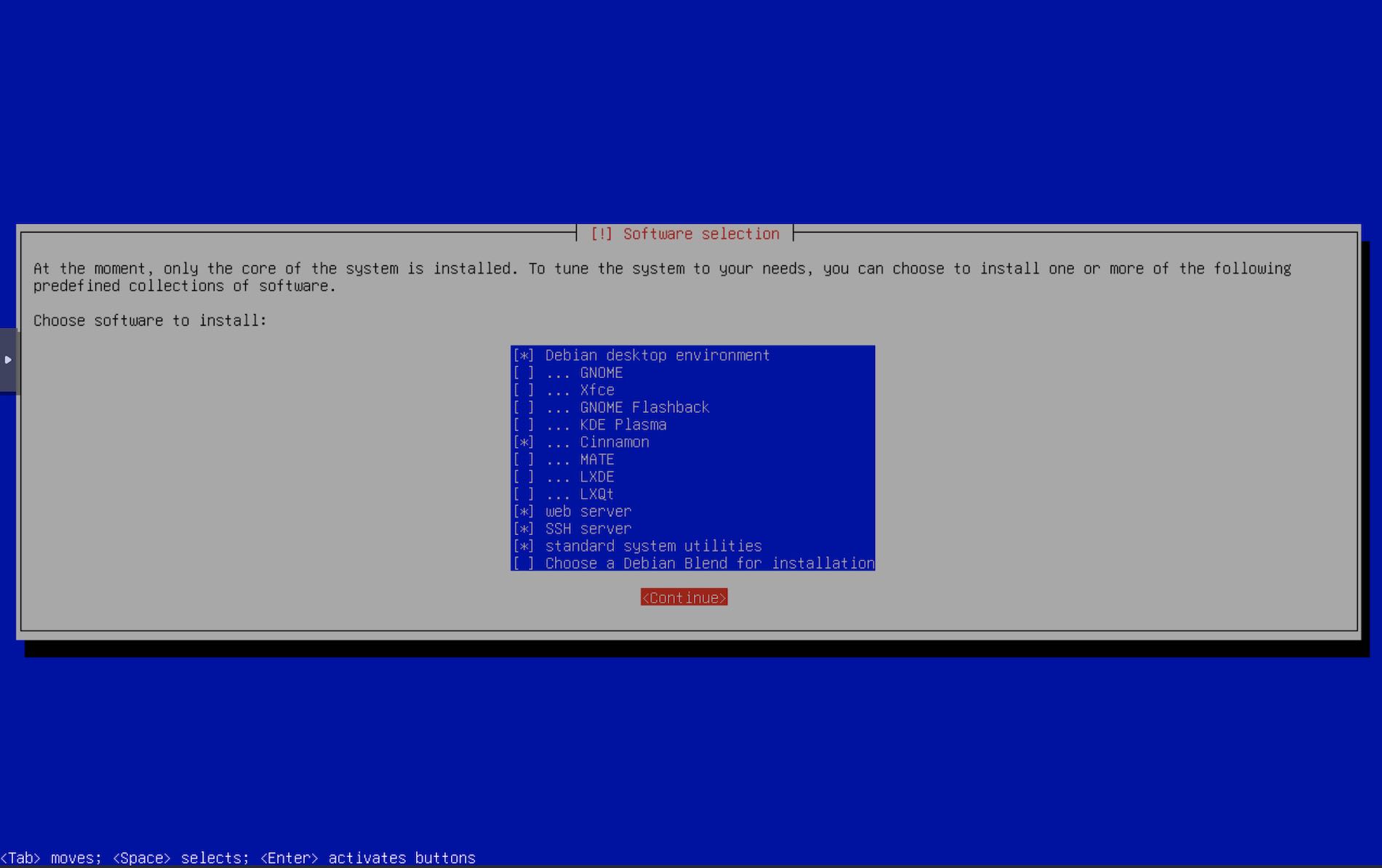
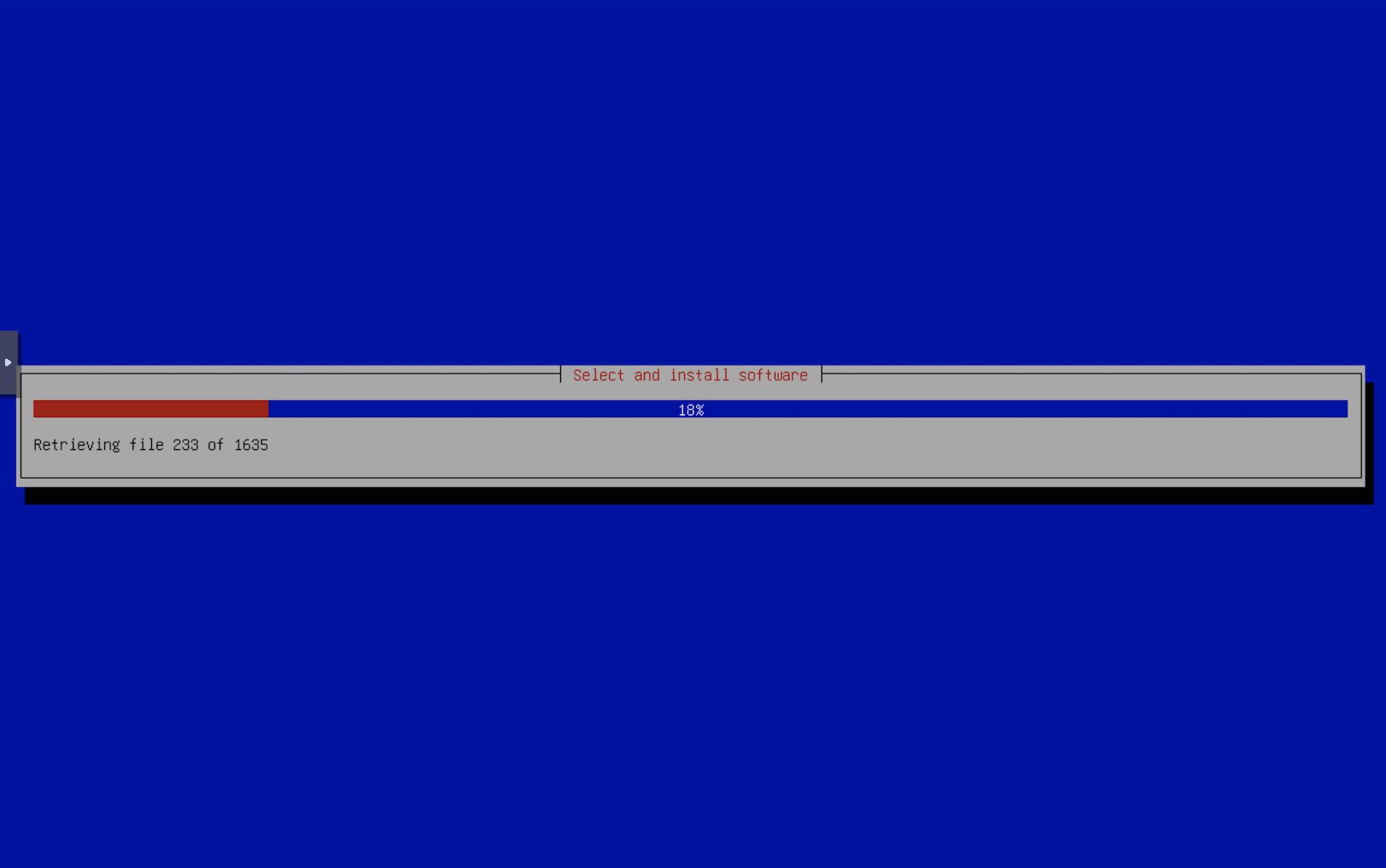
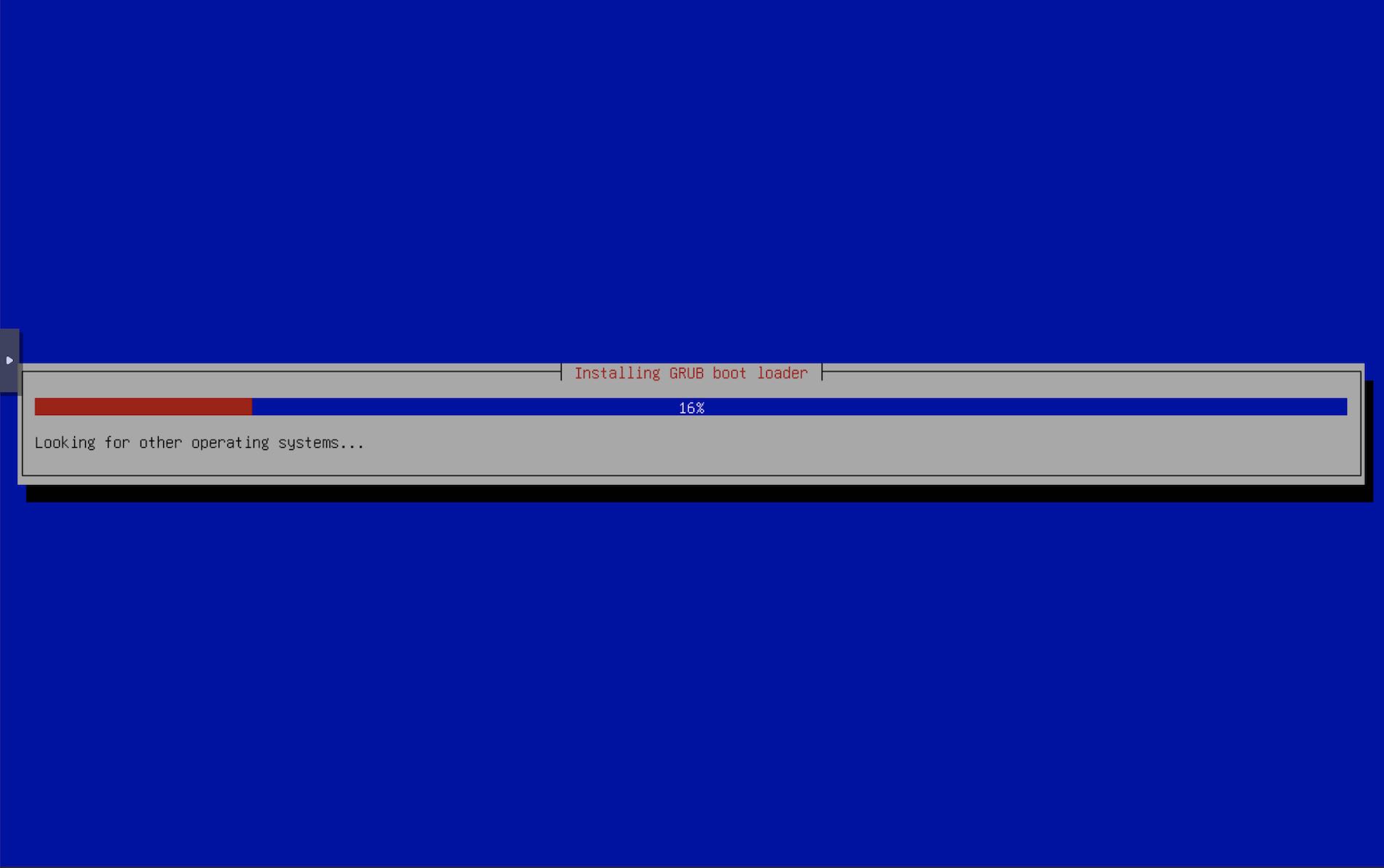
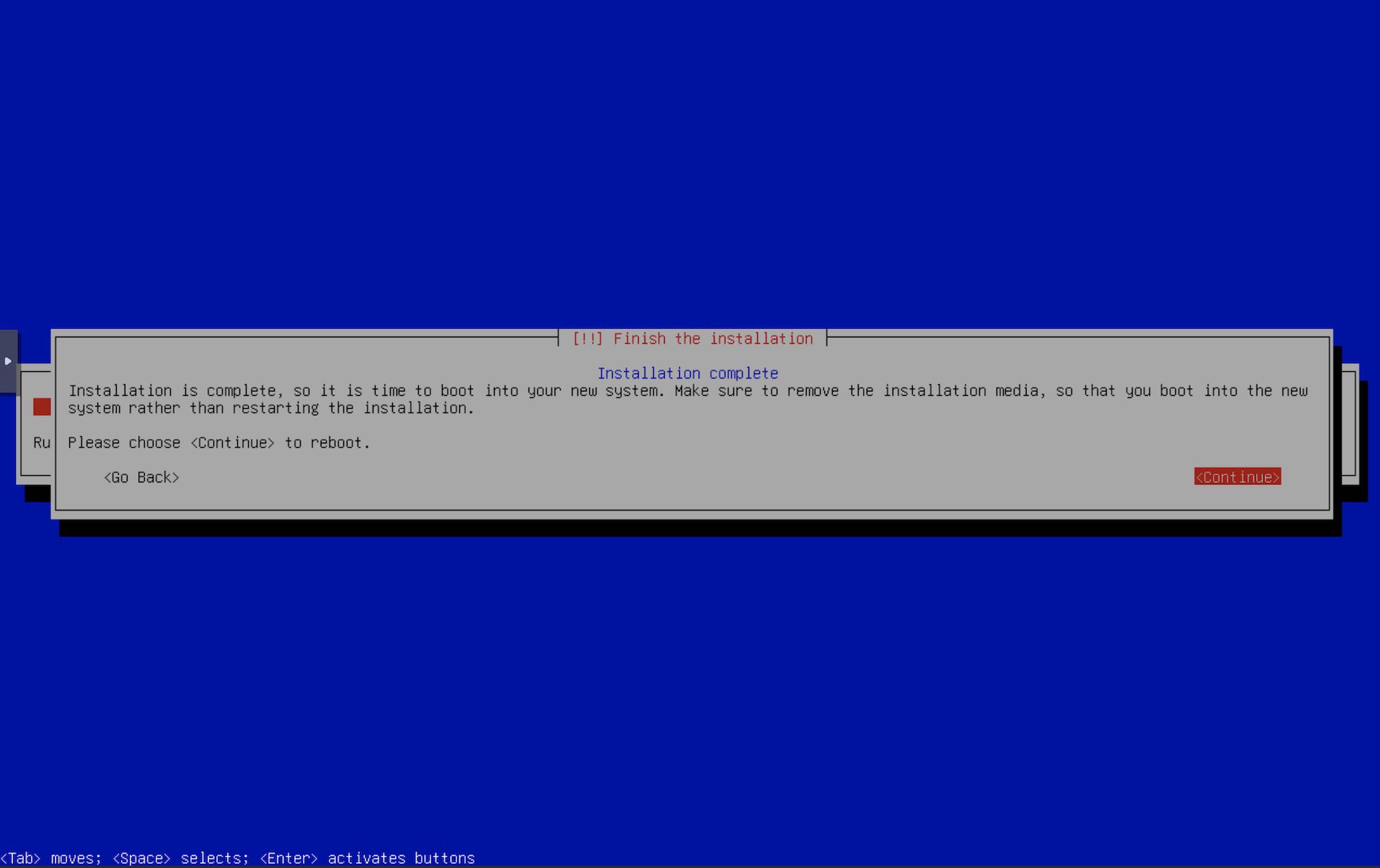
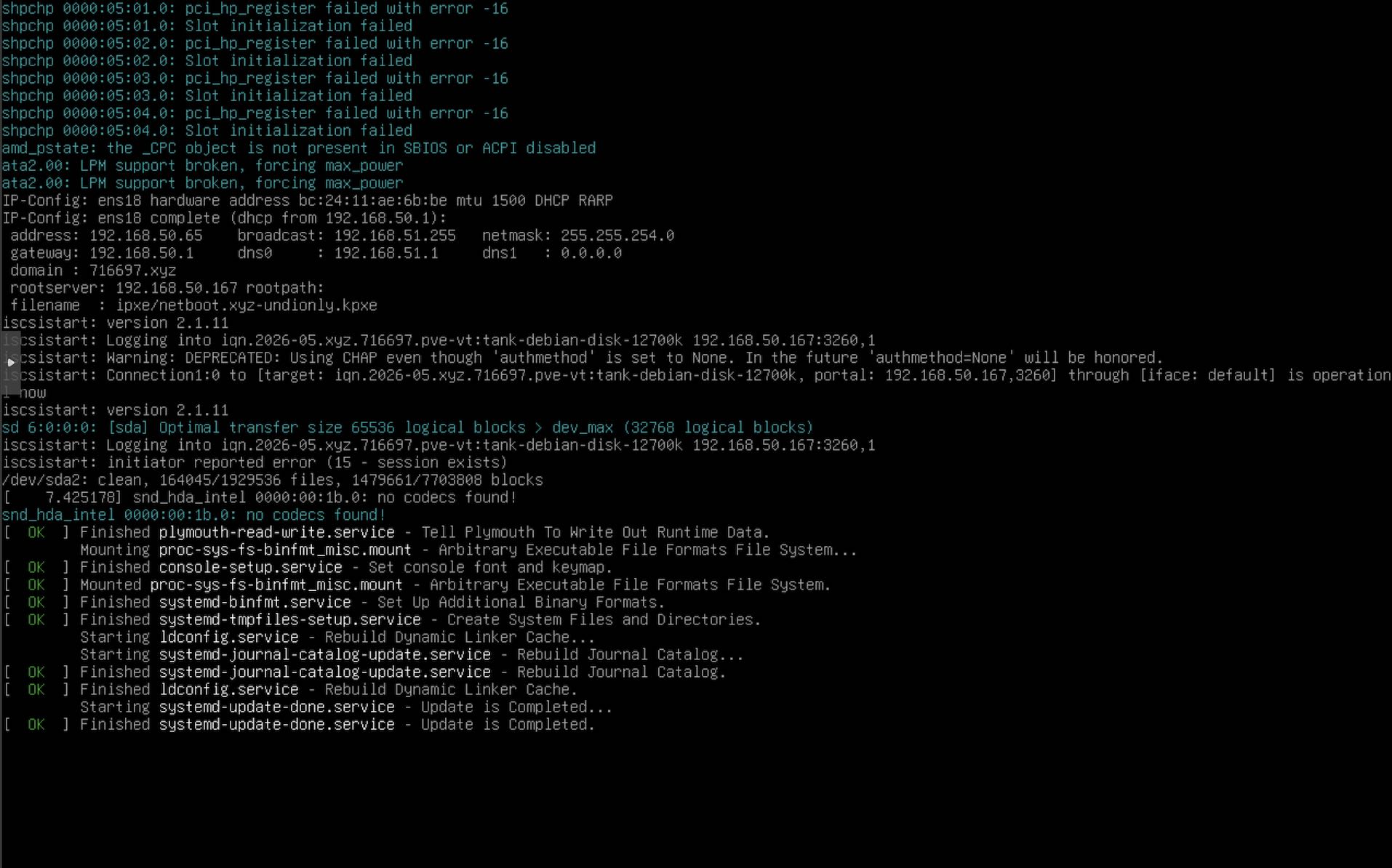
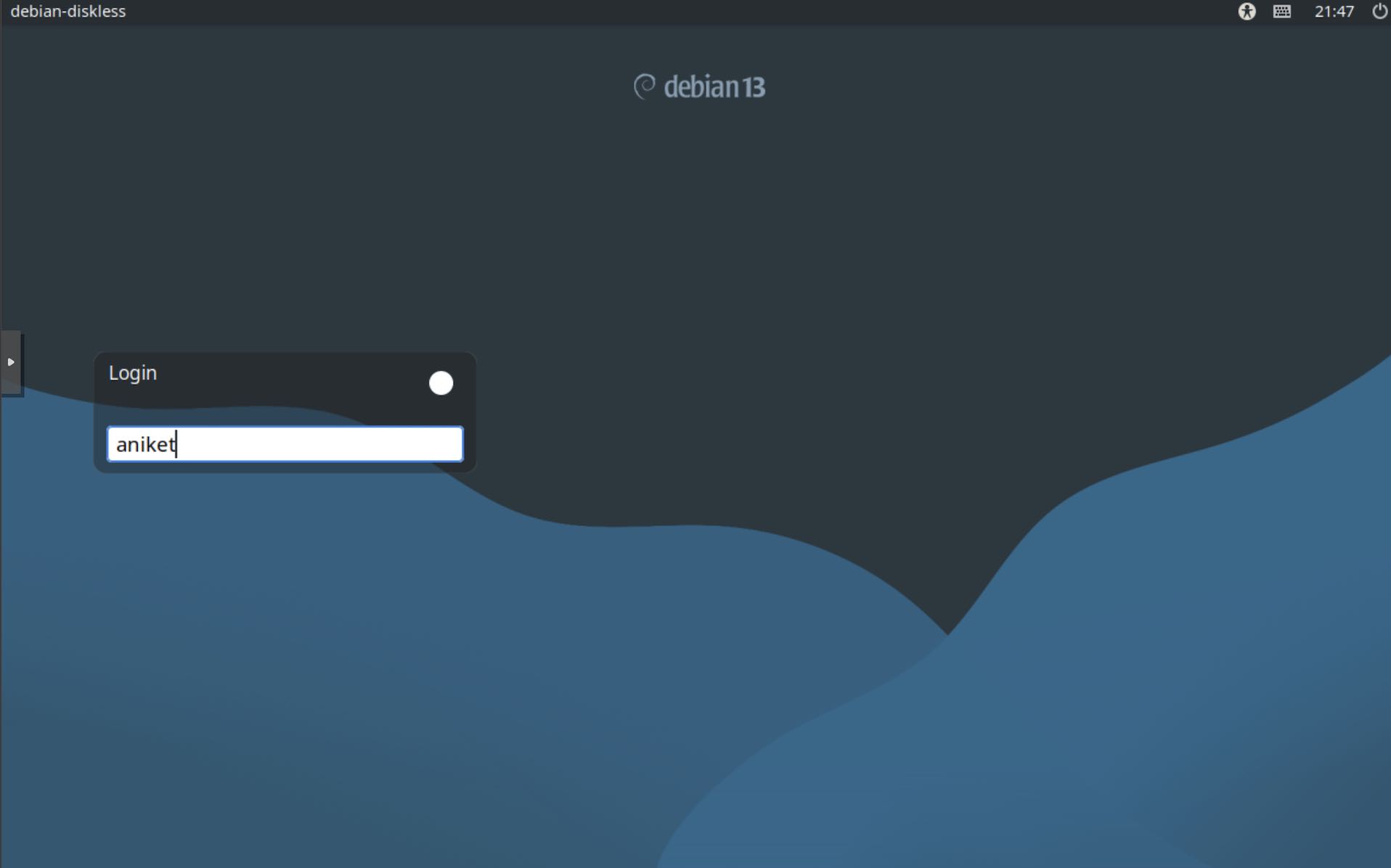
The screenshots are taken from a Debian install on a VM. This method works just as fine on my PC with the 12700k. Documenting screenshots would have been a pain with the installer running on my PC.
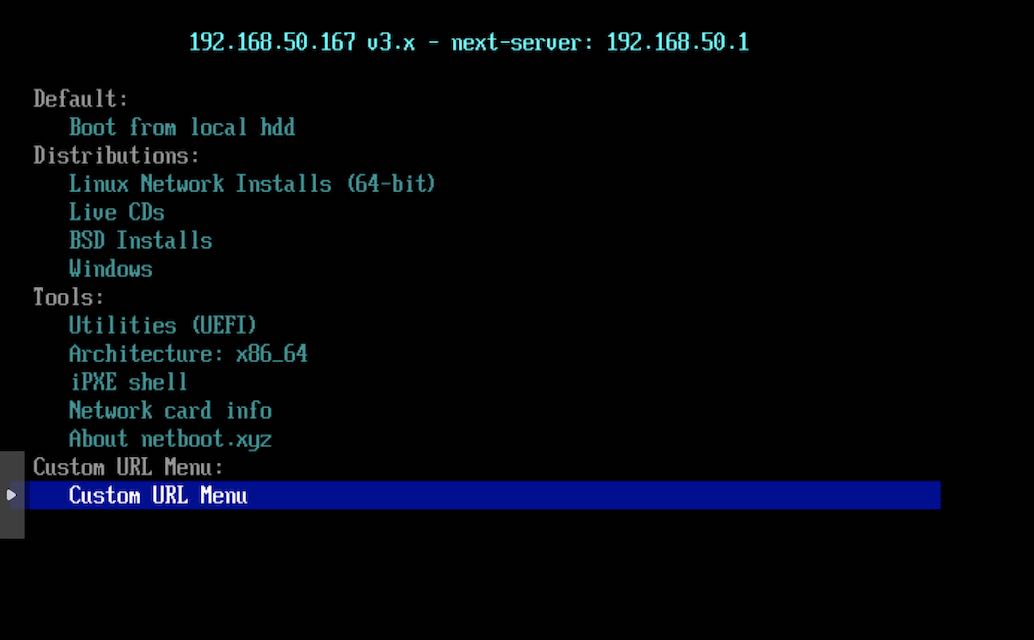
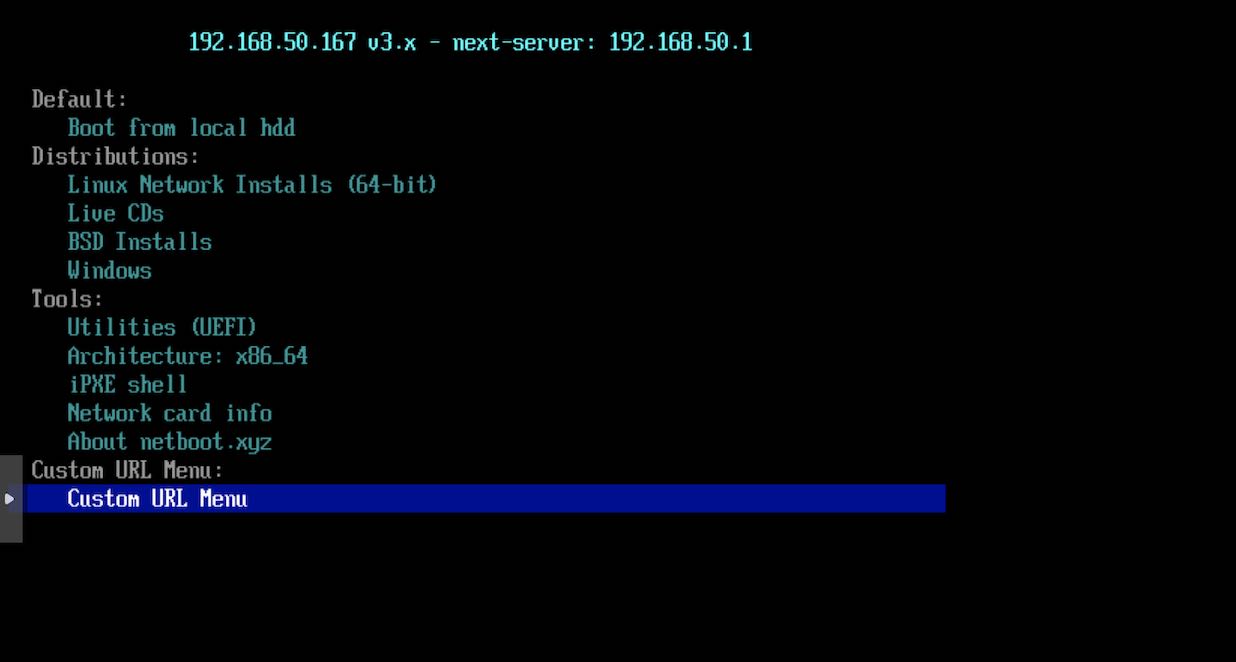
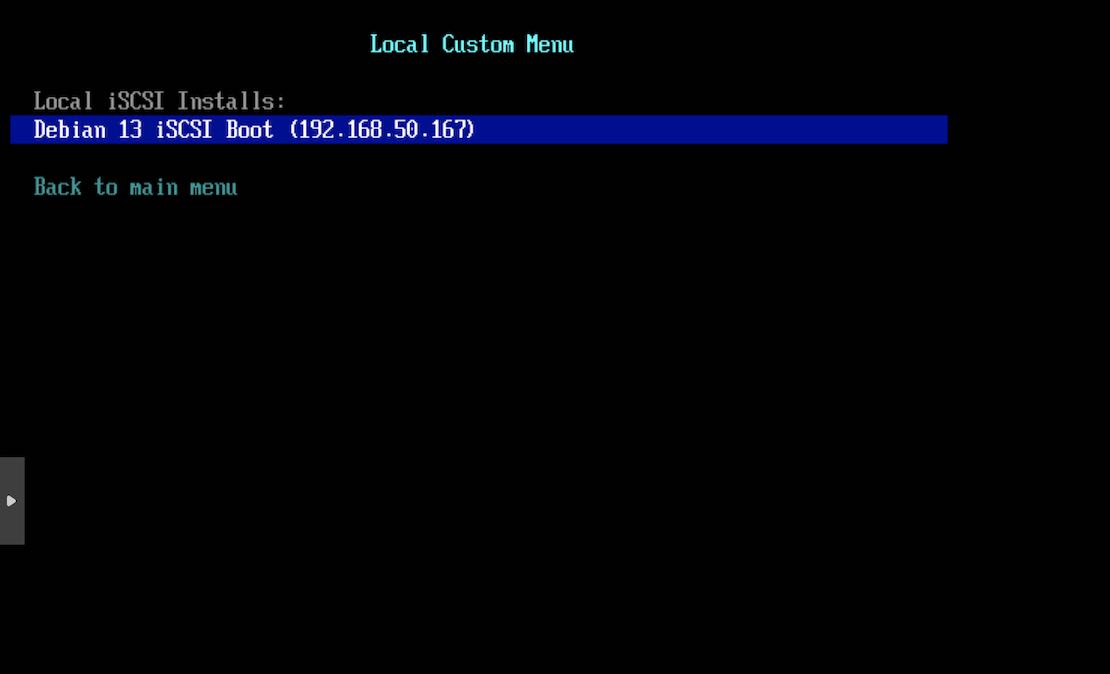
netboot menu along with our custom menu item. Select Custom URL Menu
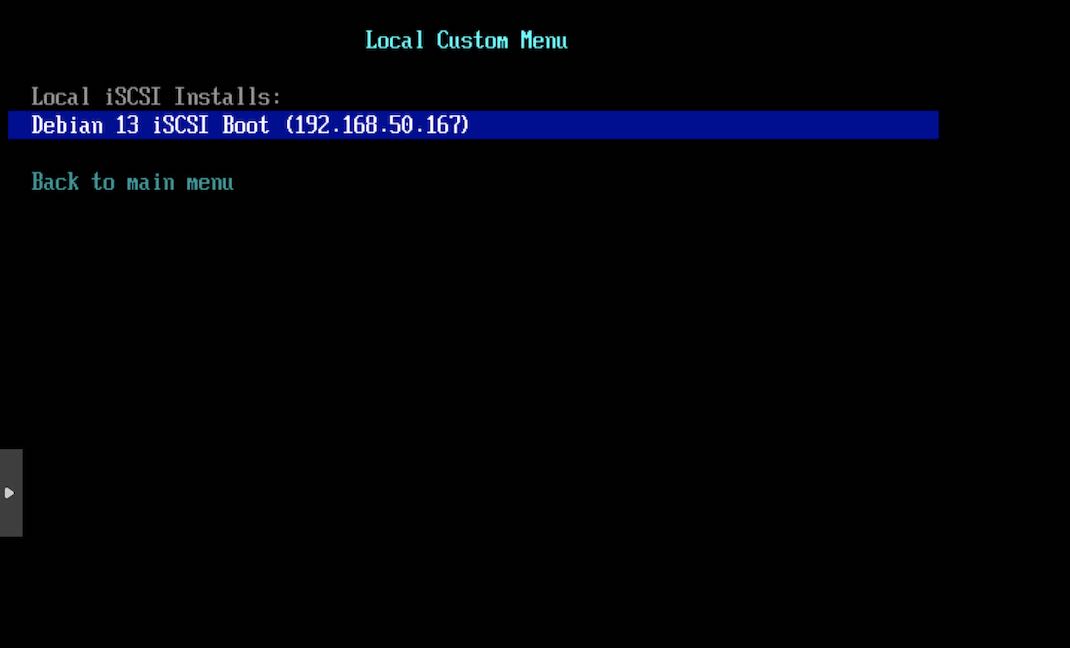
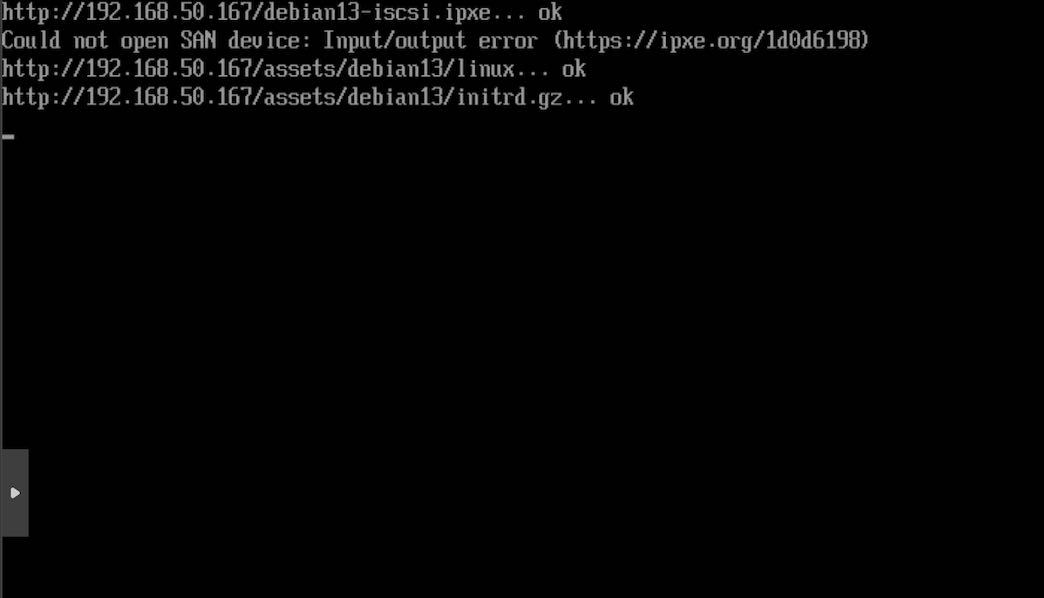
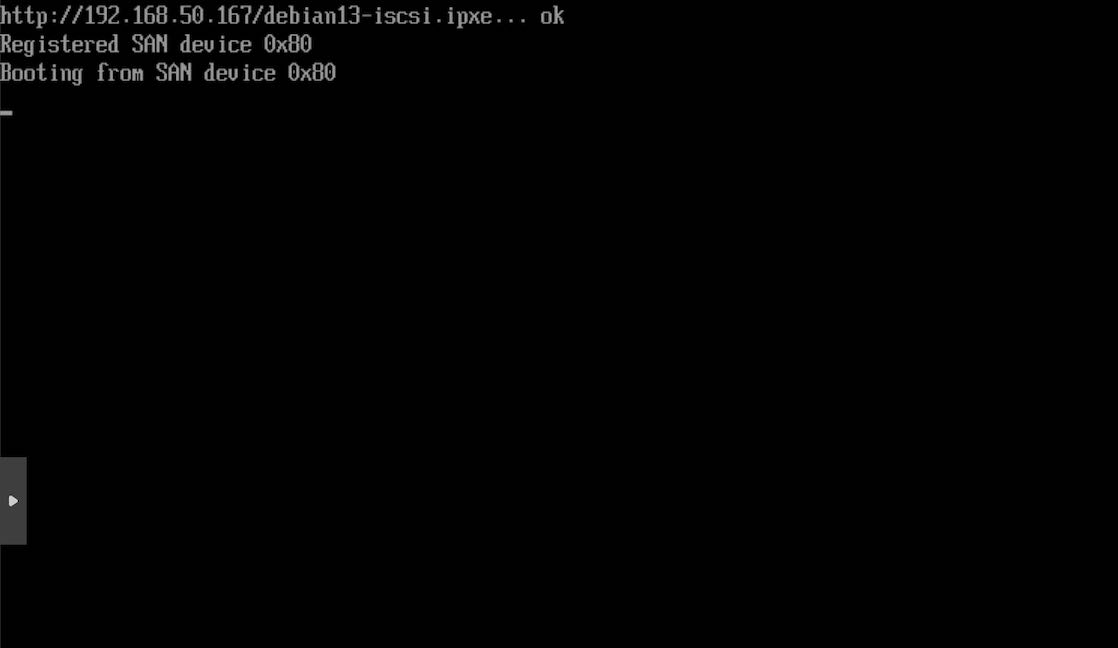
debian13-iscsi.ipxe
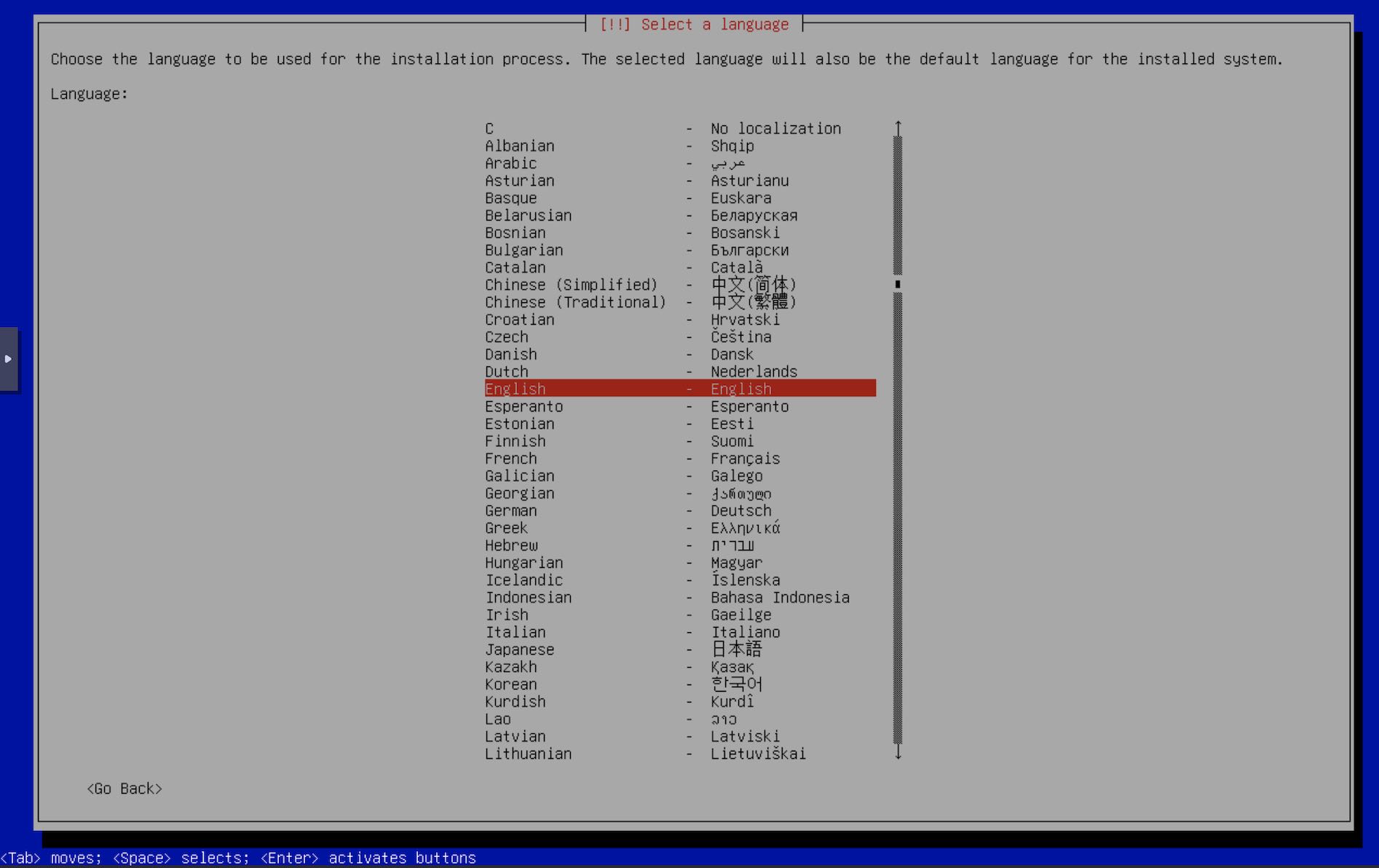
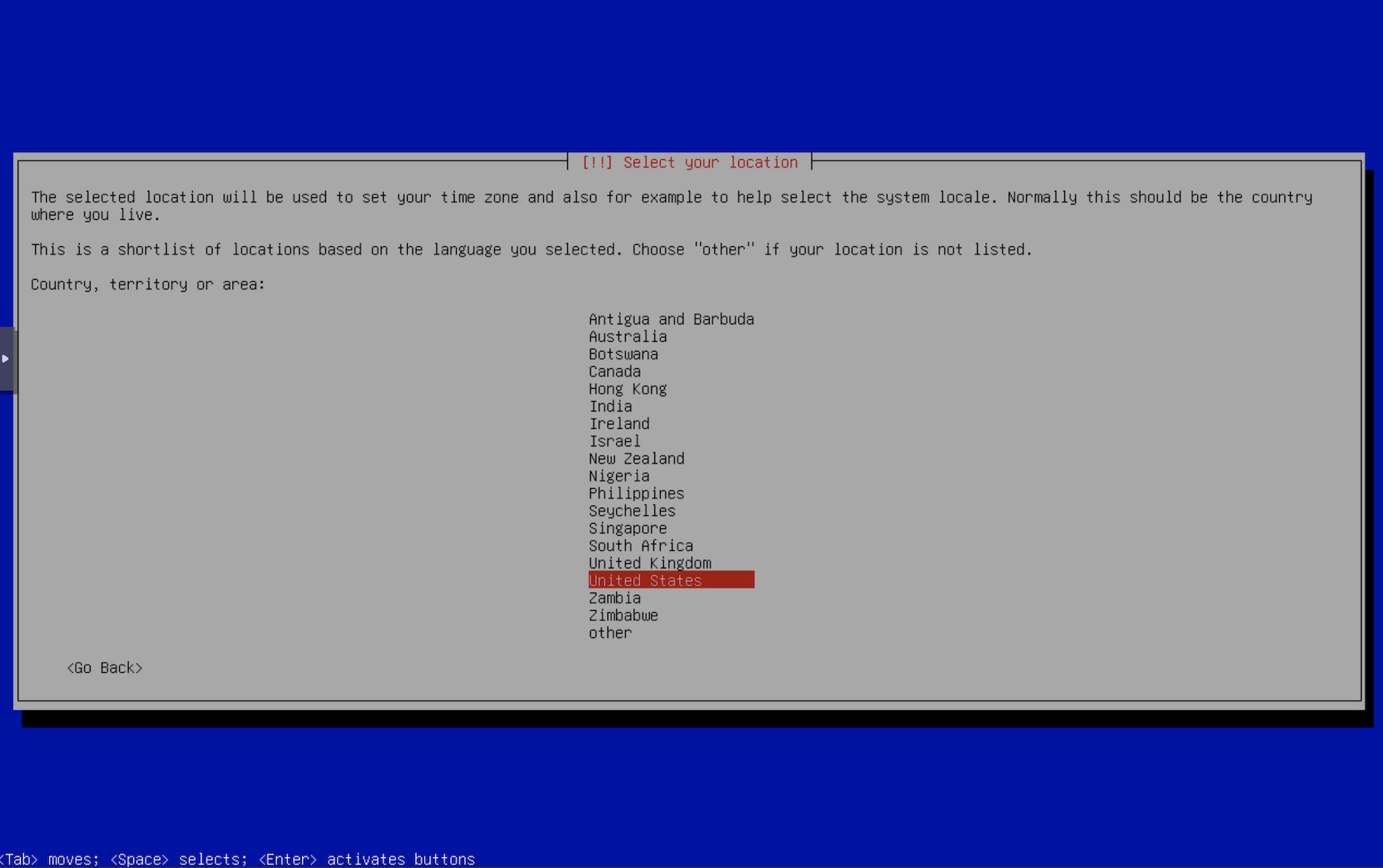
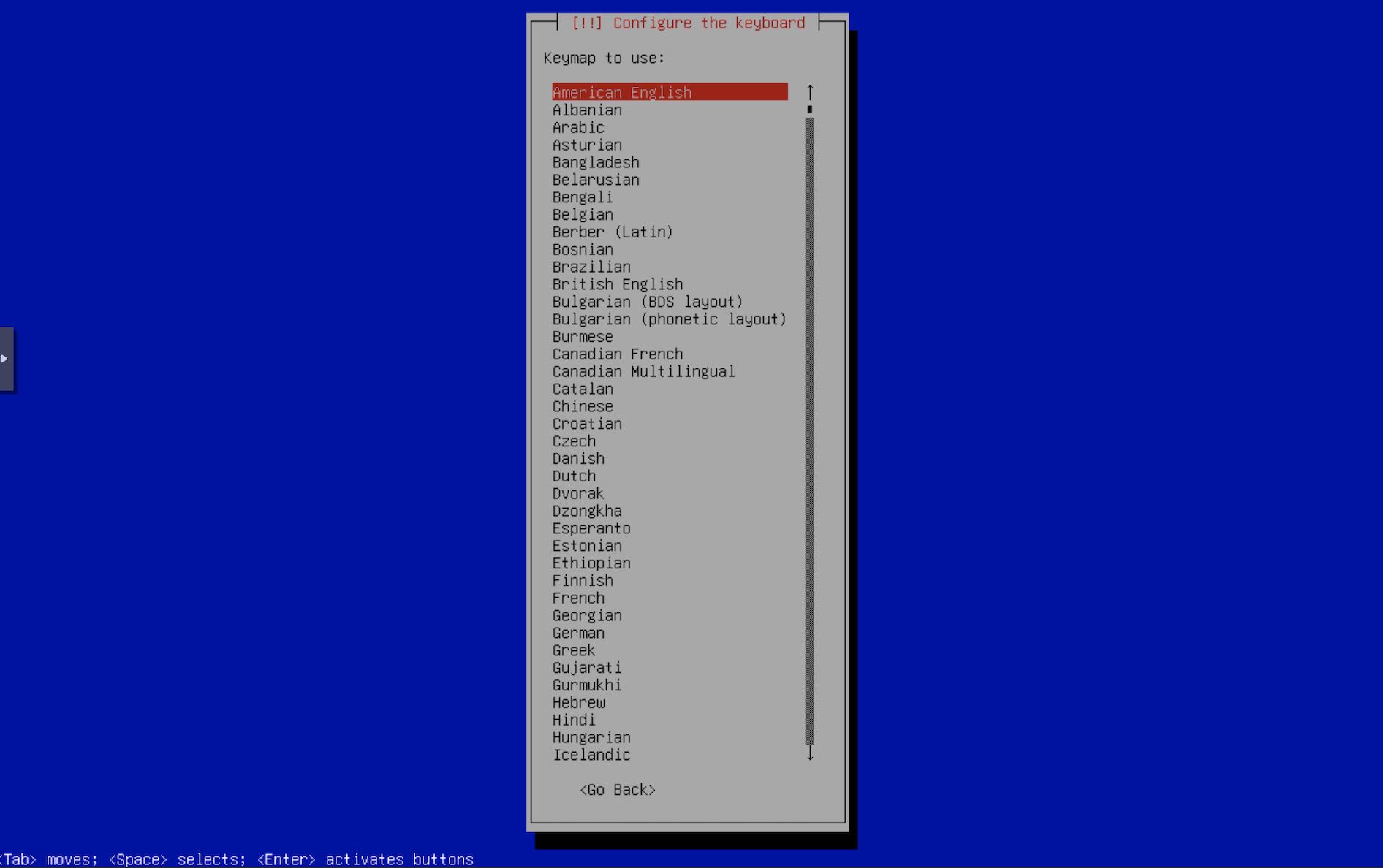
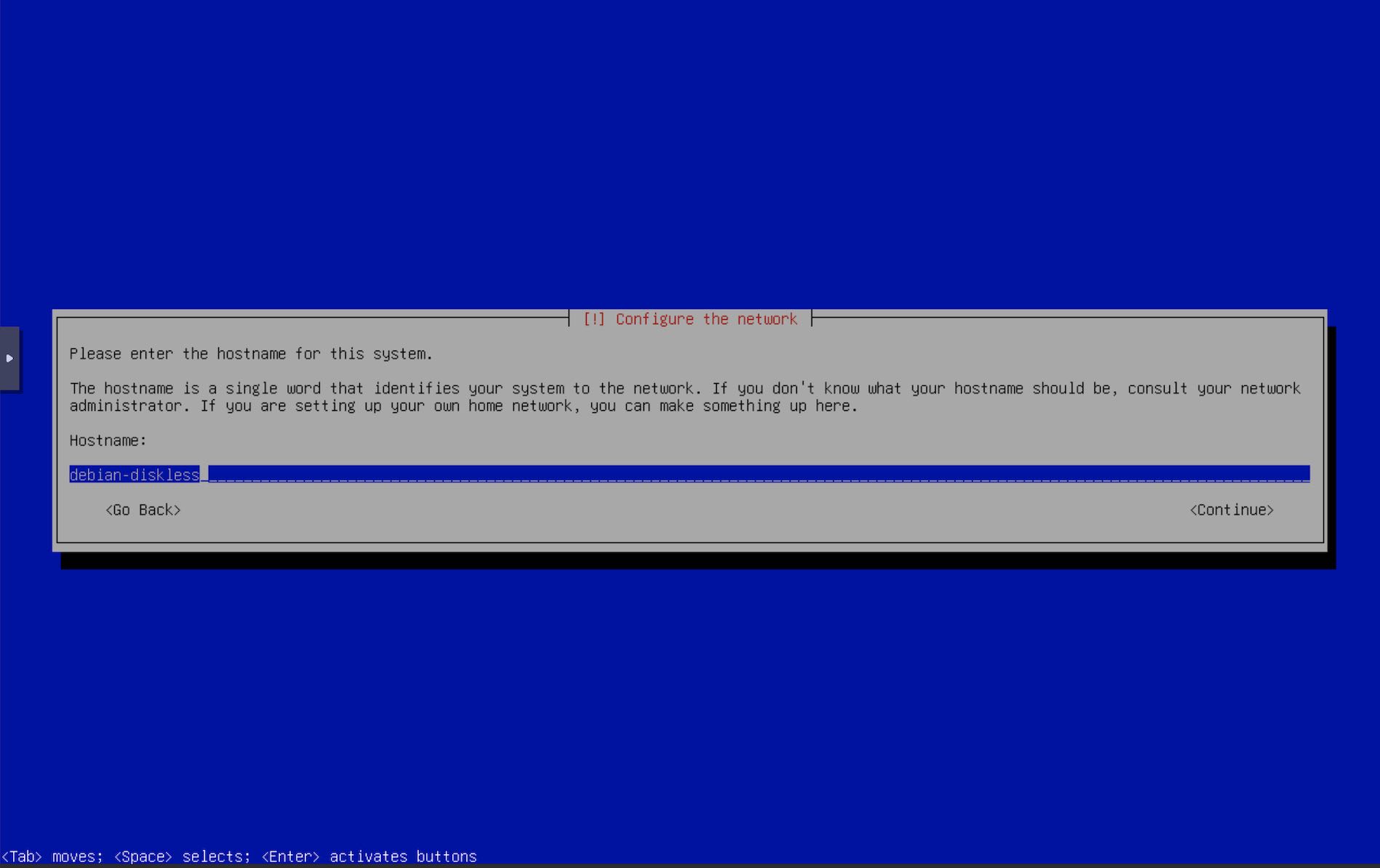
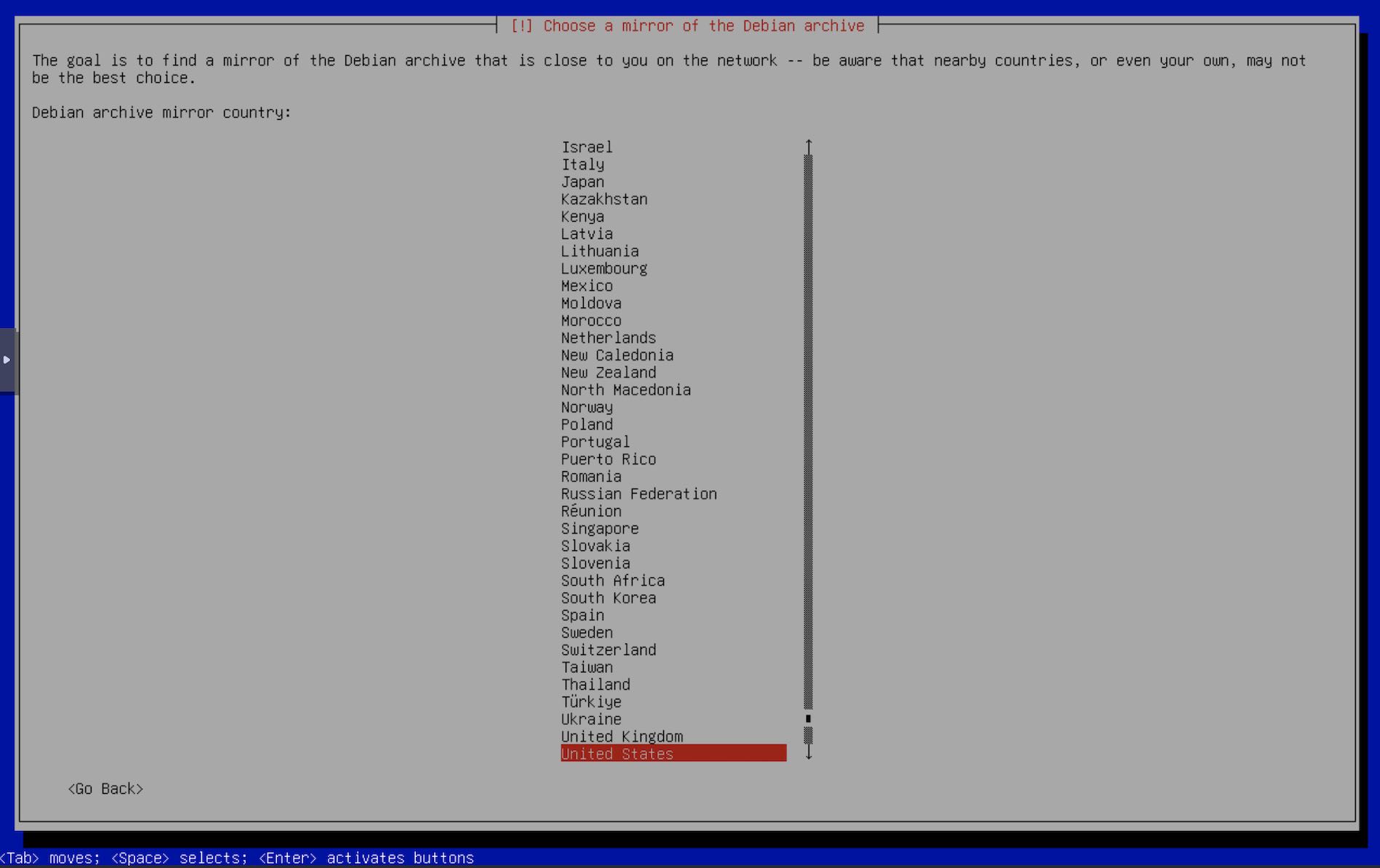
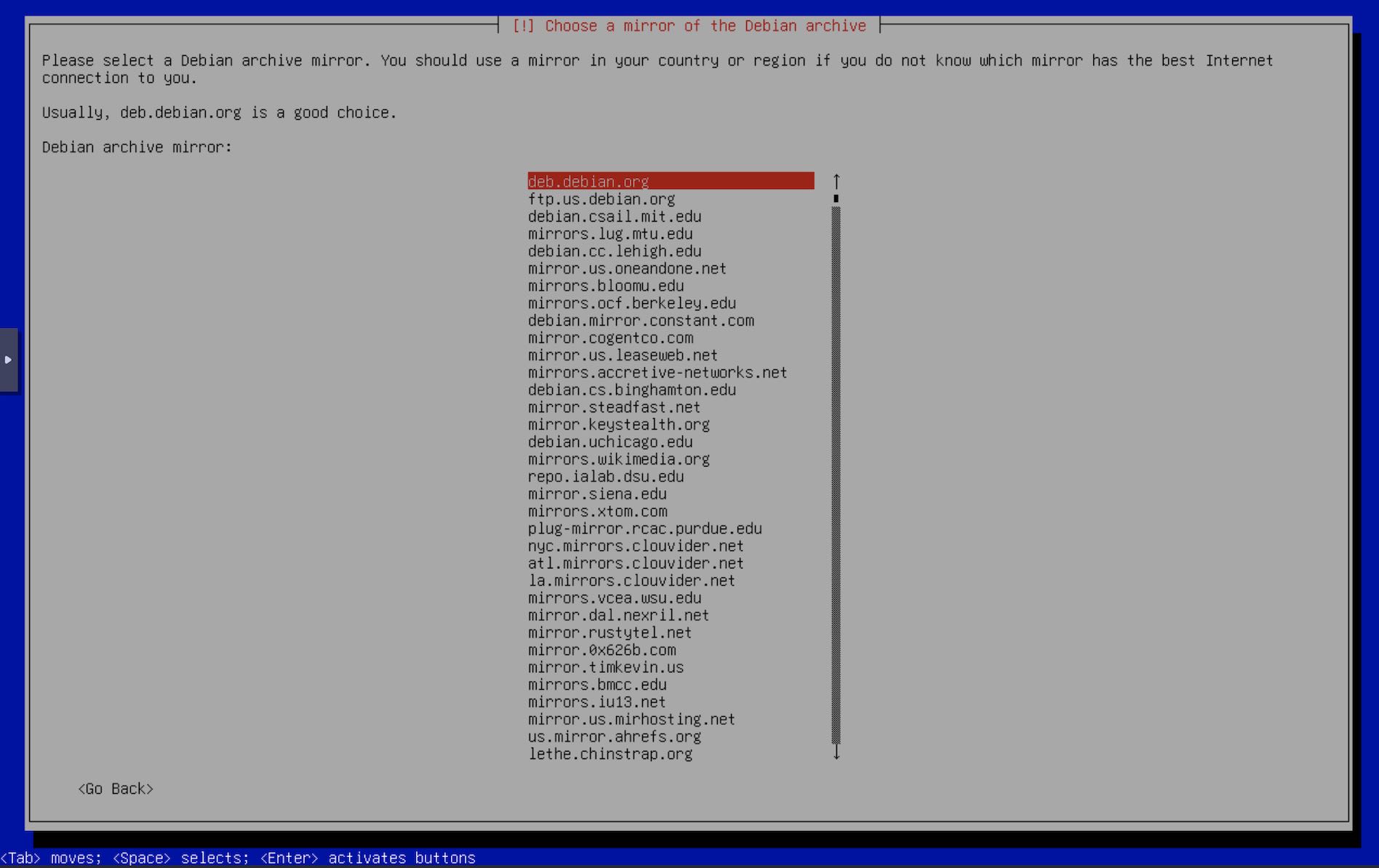
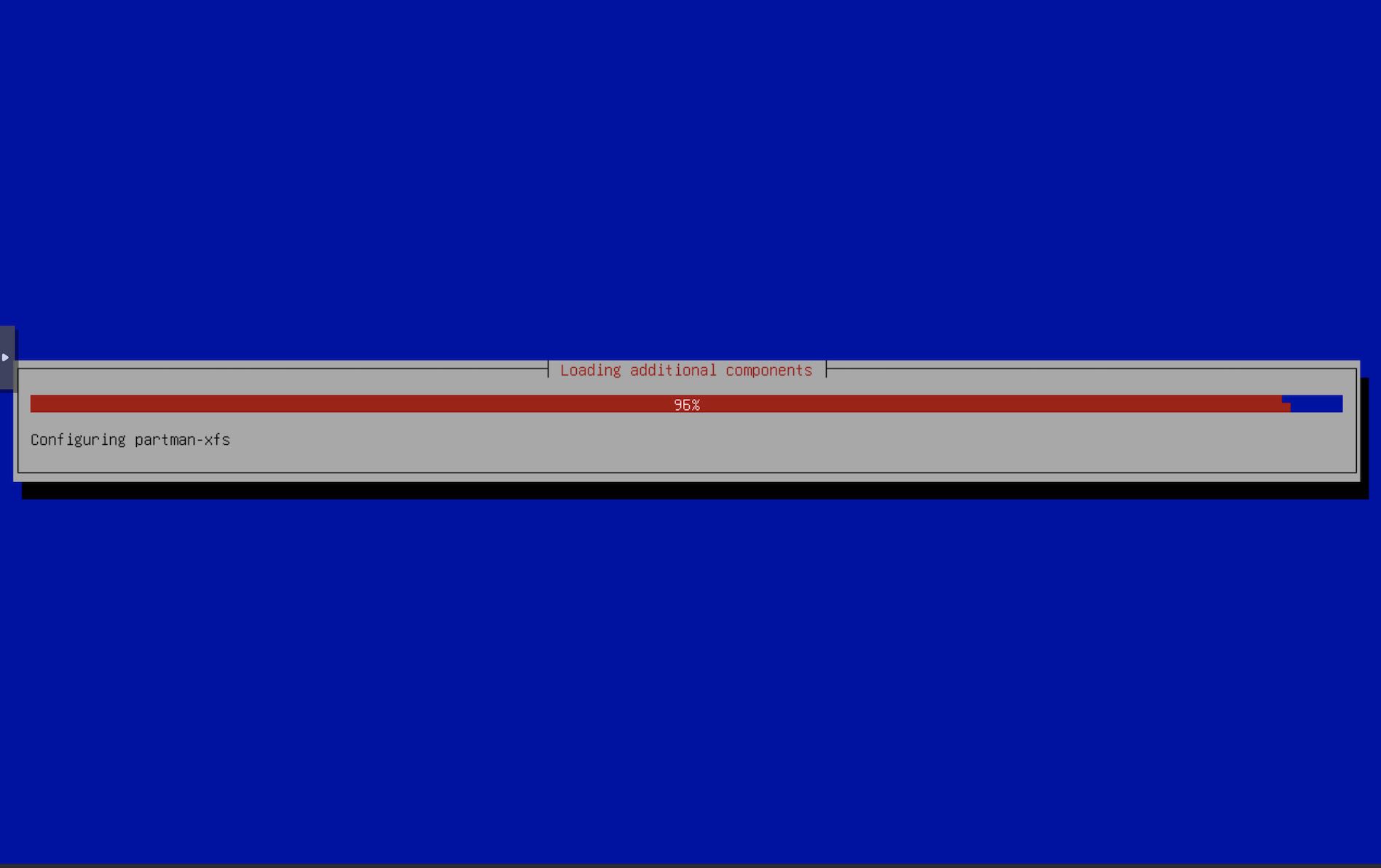
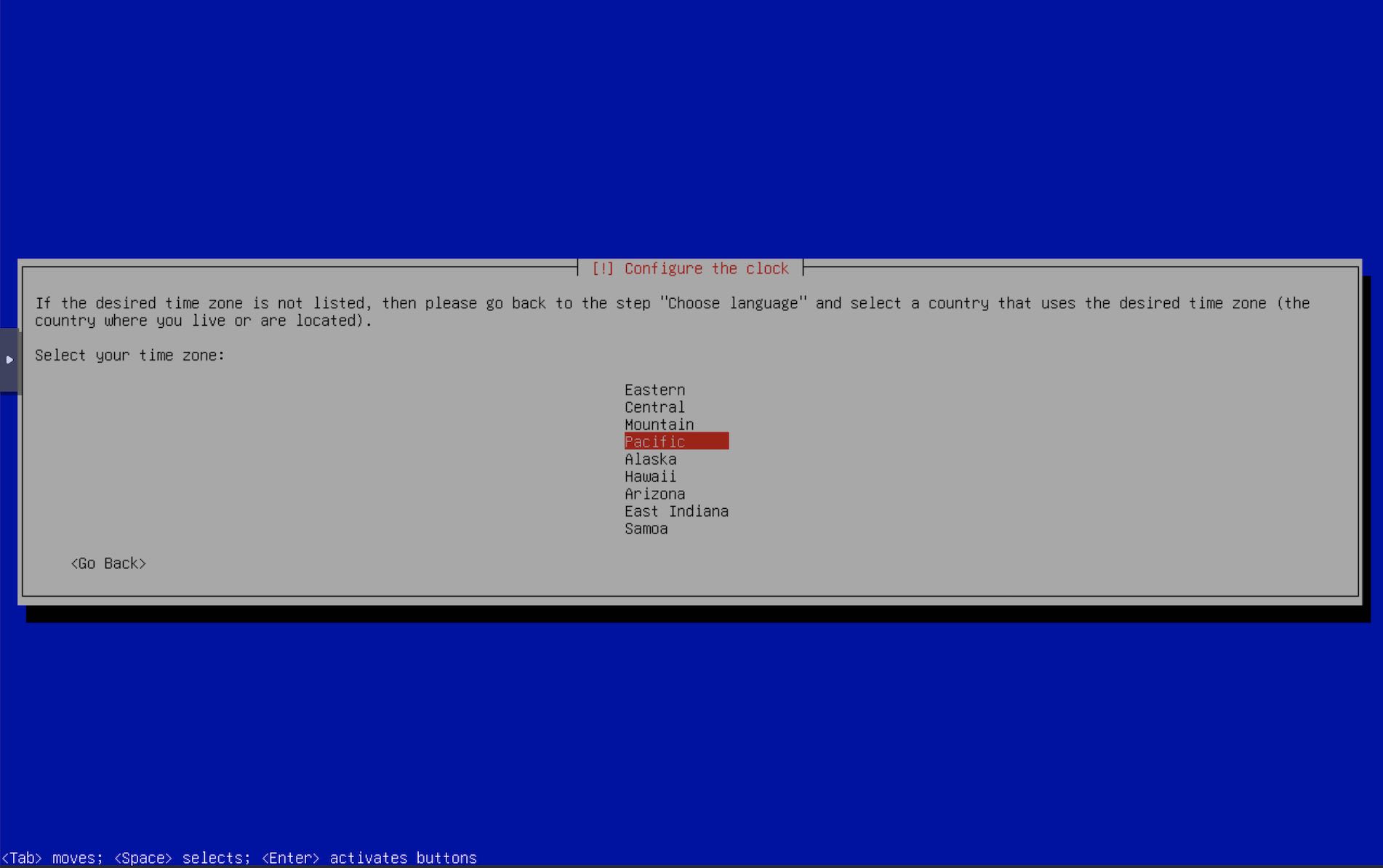
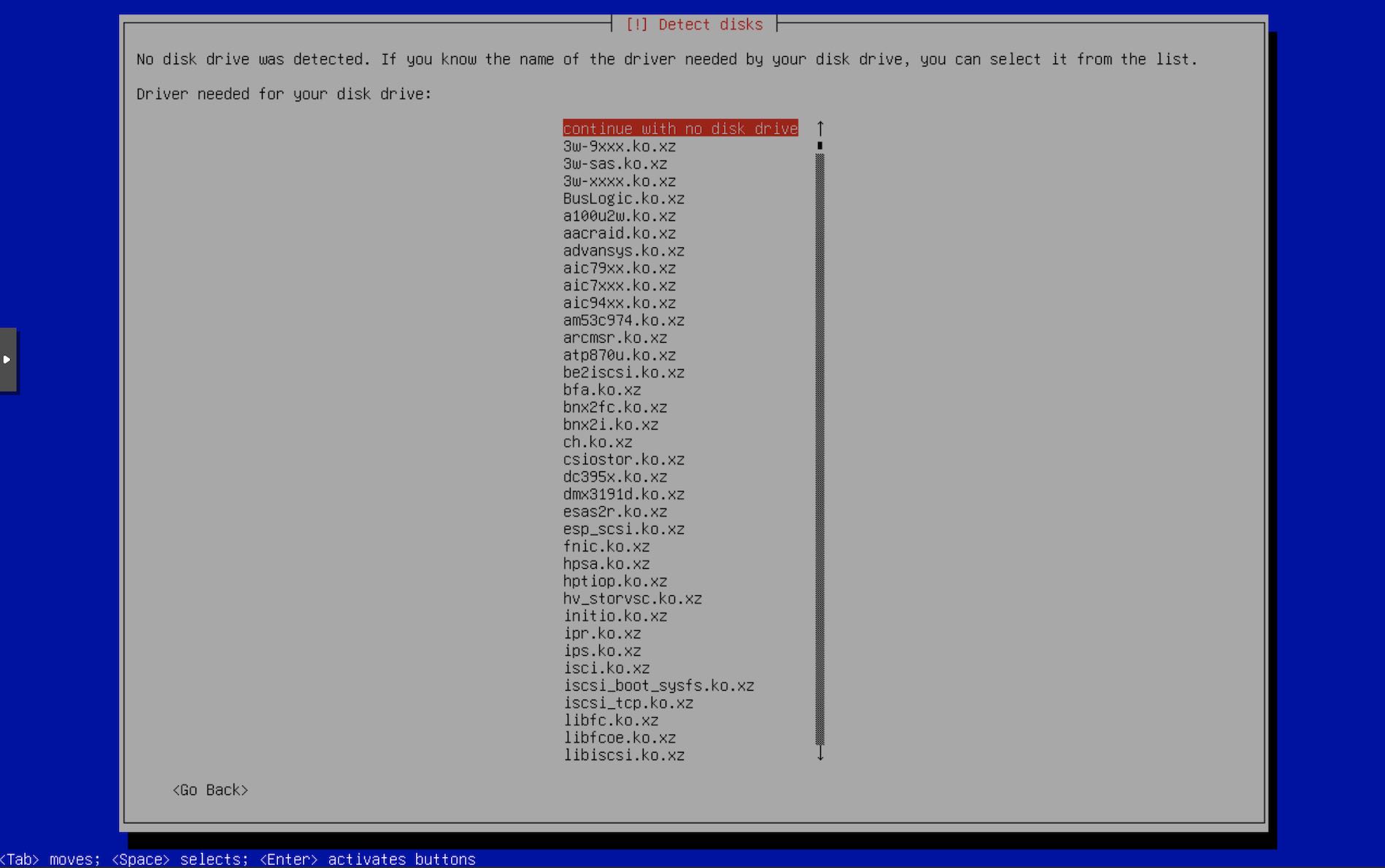
Continue with no disk drive.
You may not see this screen if the installer finds some disks on the system. We don’t have any.
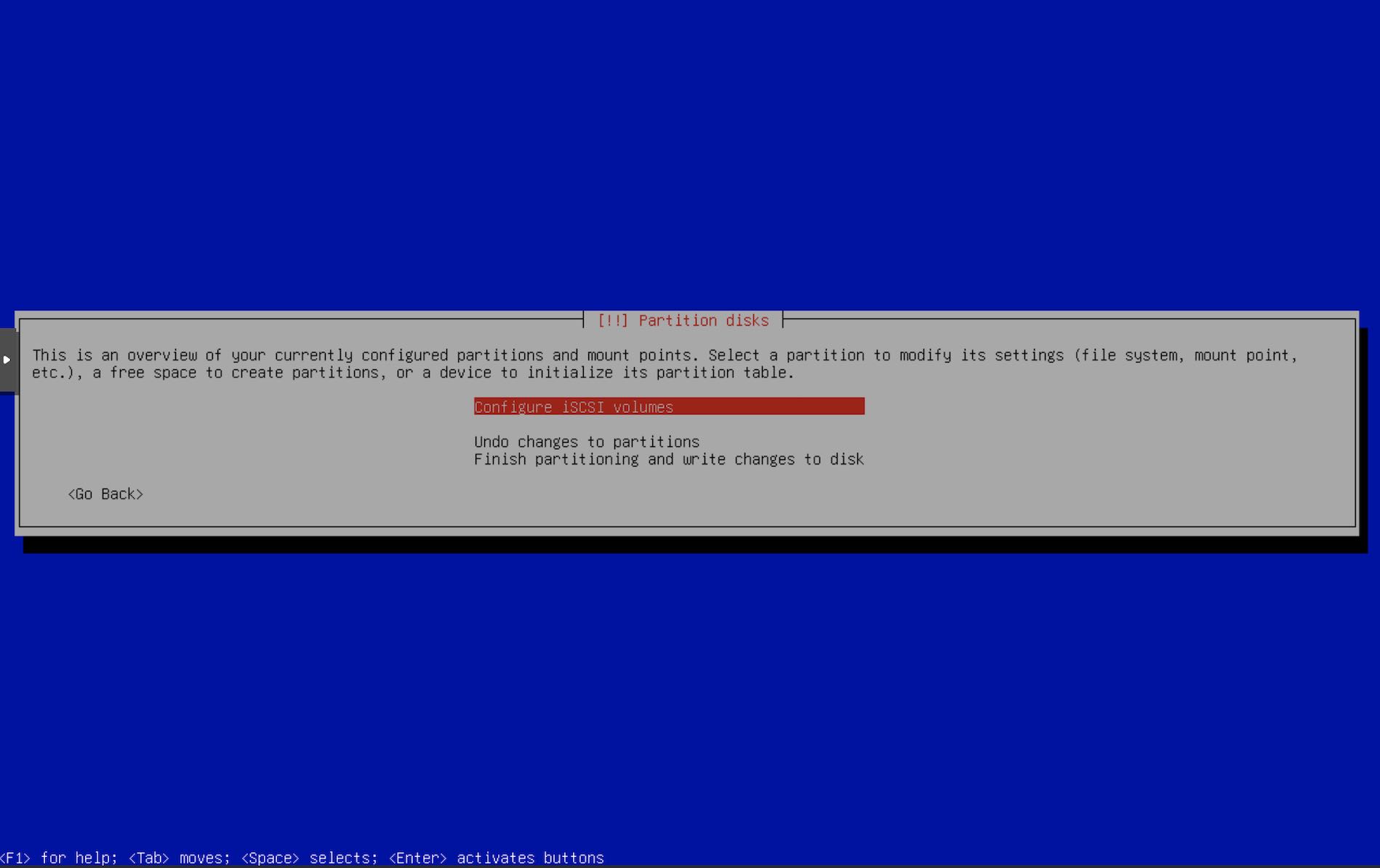
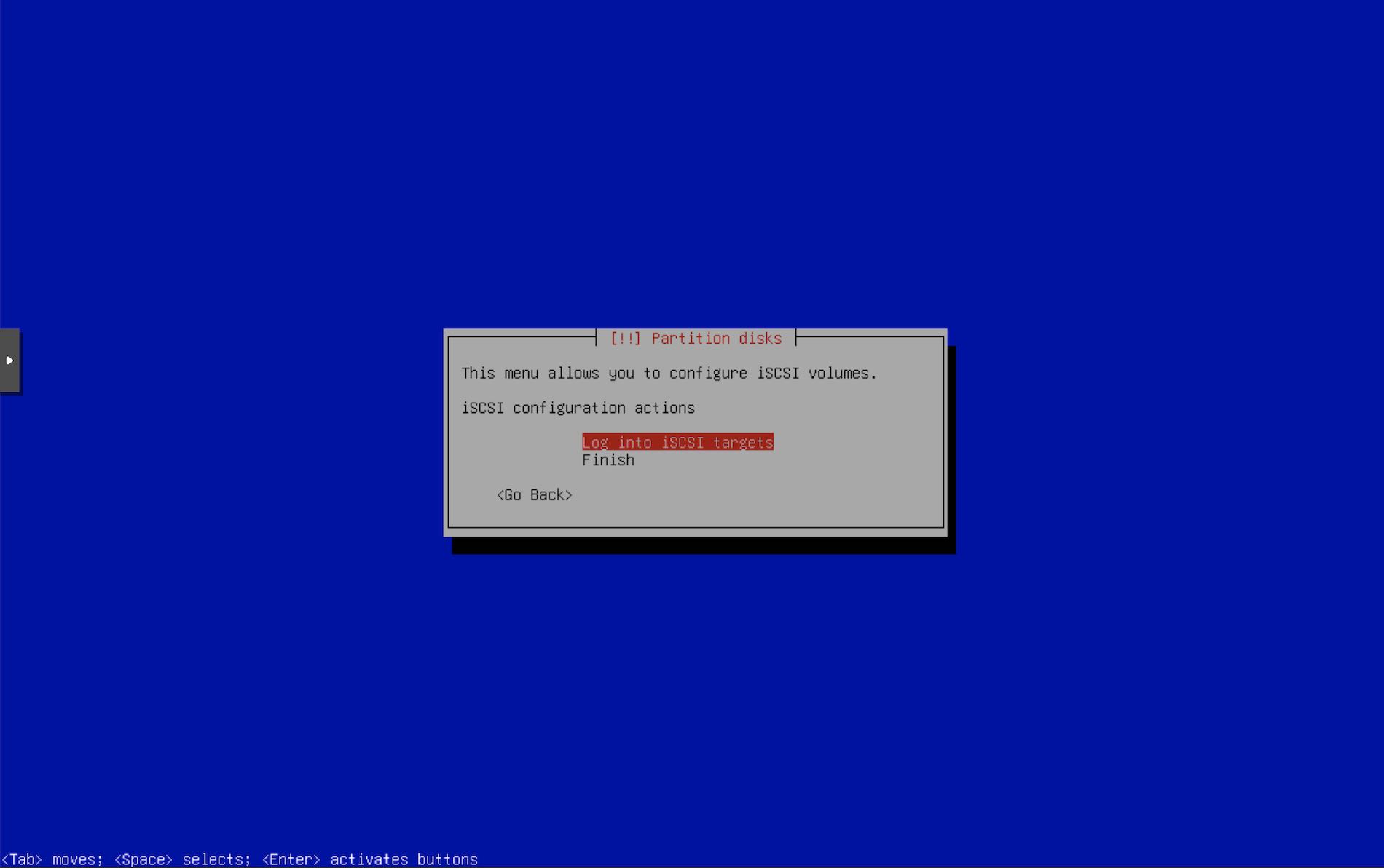
Configure iSCSI volumes.
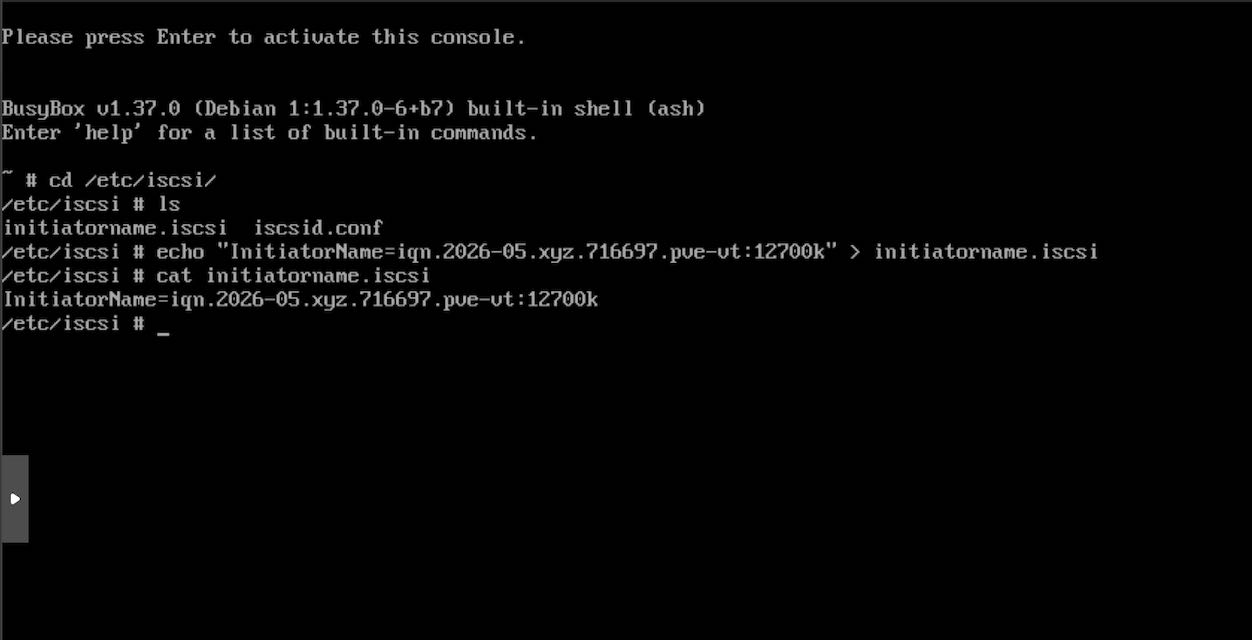
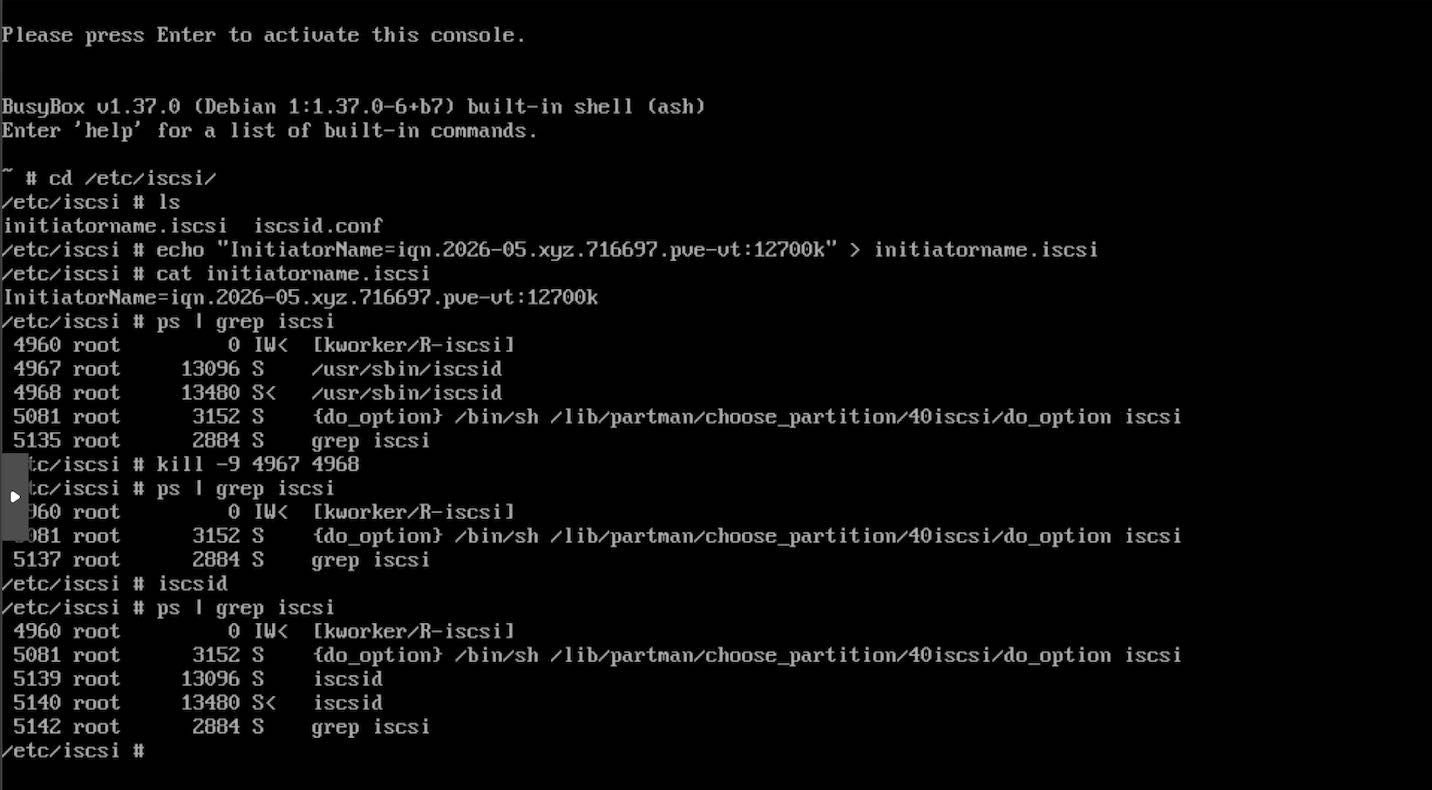
/etc/iscsi/initiatorname.iscsi with the InitiatorName that we configured for the iSCSI ACLs using targetcli. For me it is InitiatorName=iqn.2026-05.xyz.716697.pve-vt:12700k
iscsid processes. Restart iscsid, it will be started as a background daemon process by default. Confirm by ps | grep iscsi to see the iscsid processes running.ps | grep iscsi
kill -9 ISCSI_PIDs
iscsid
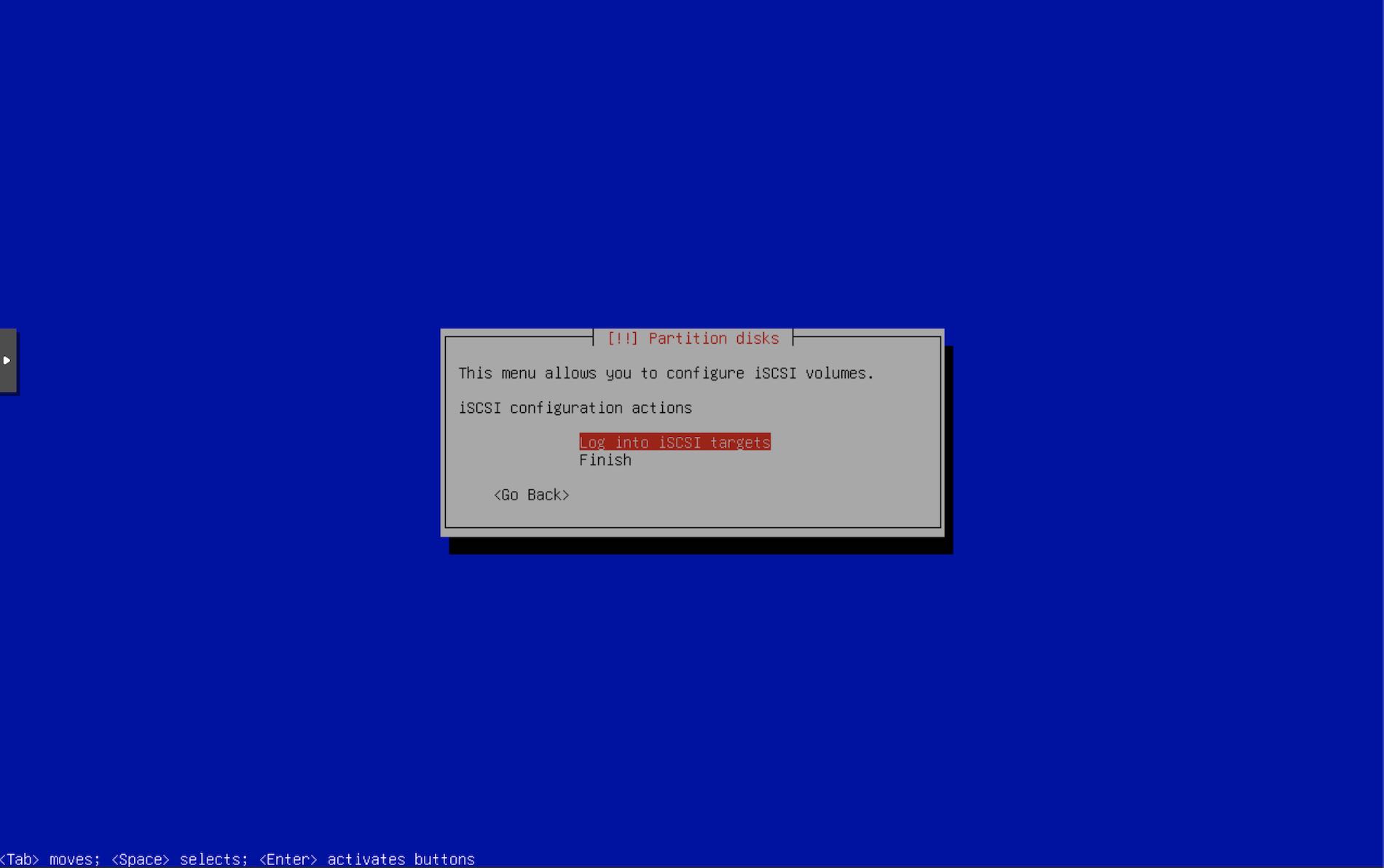
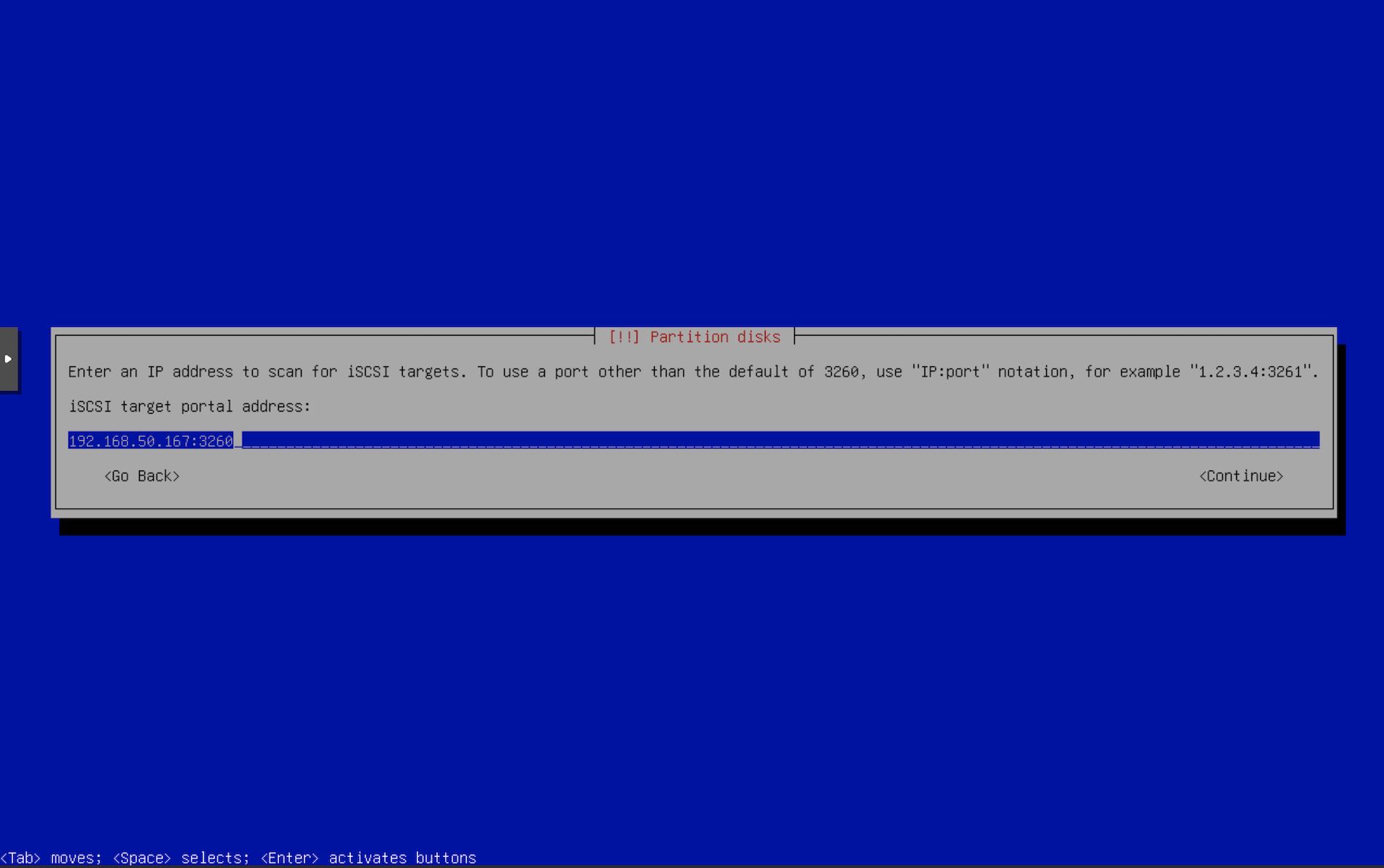
targetcli. Enter Initiator username.
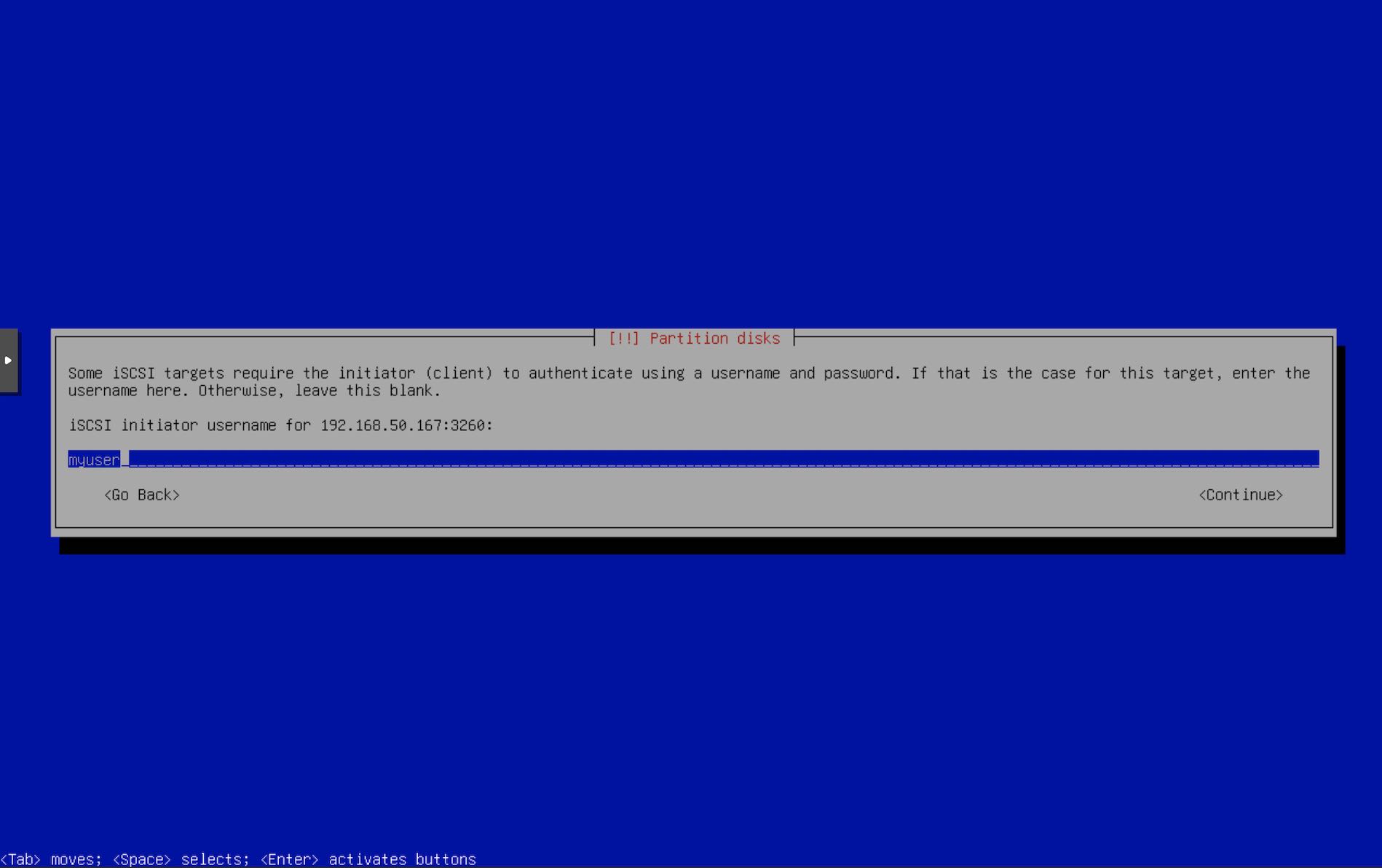
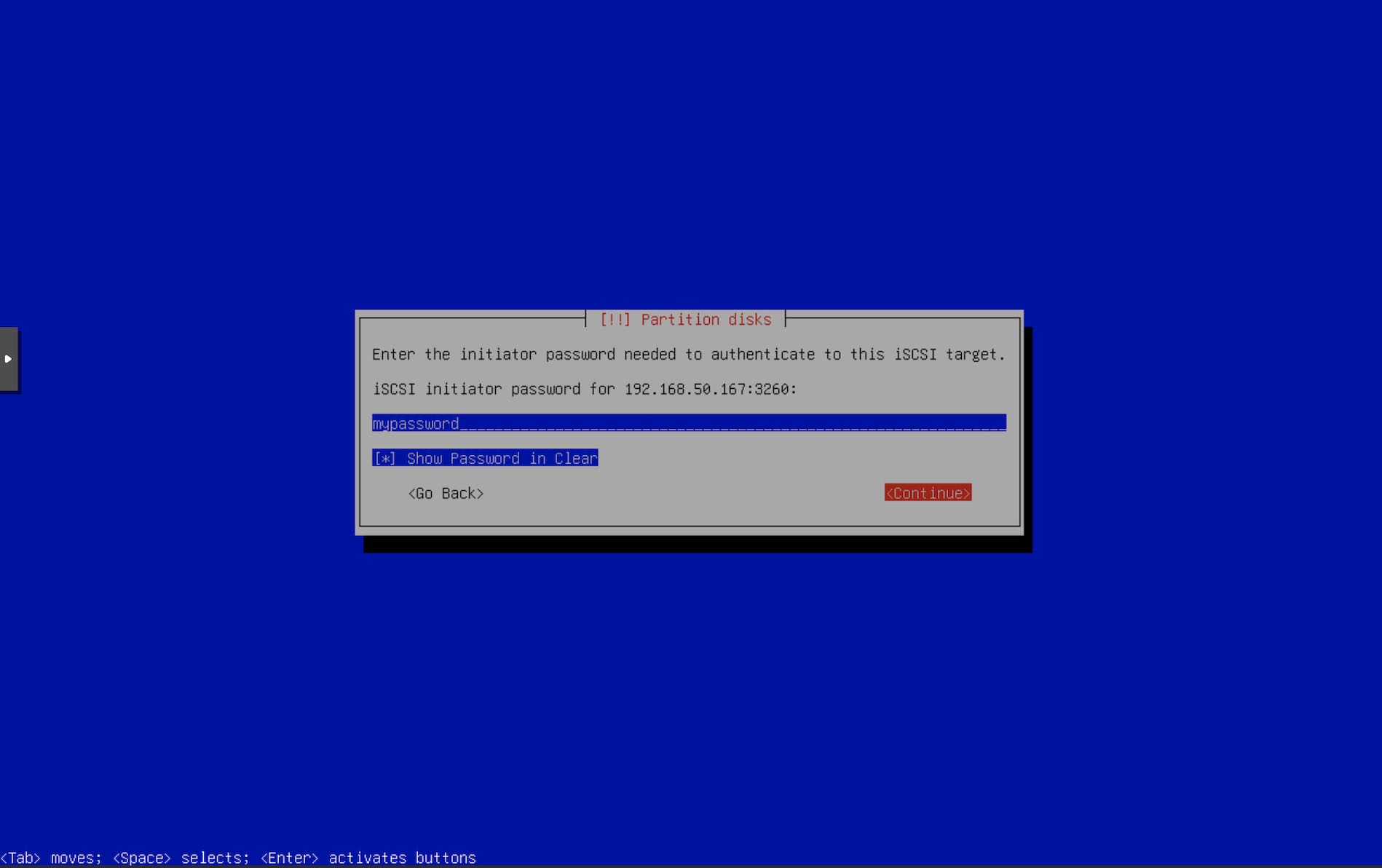
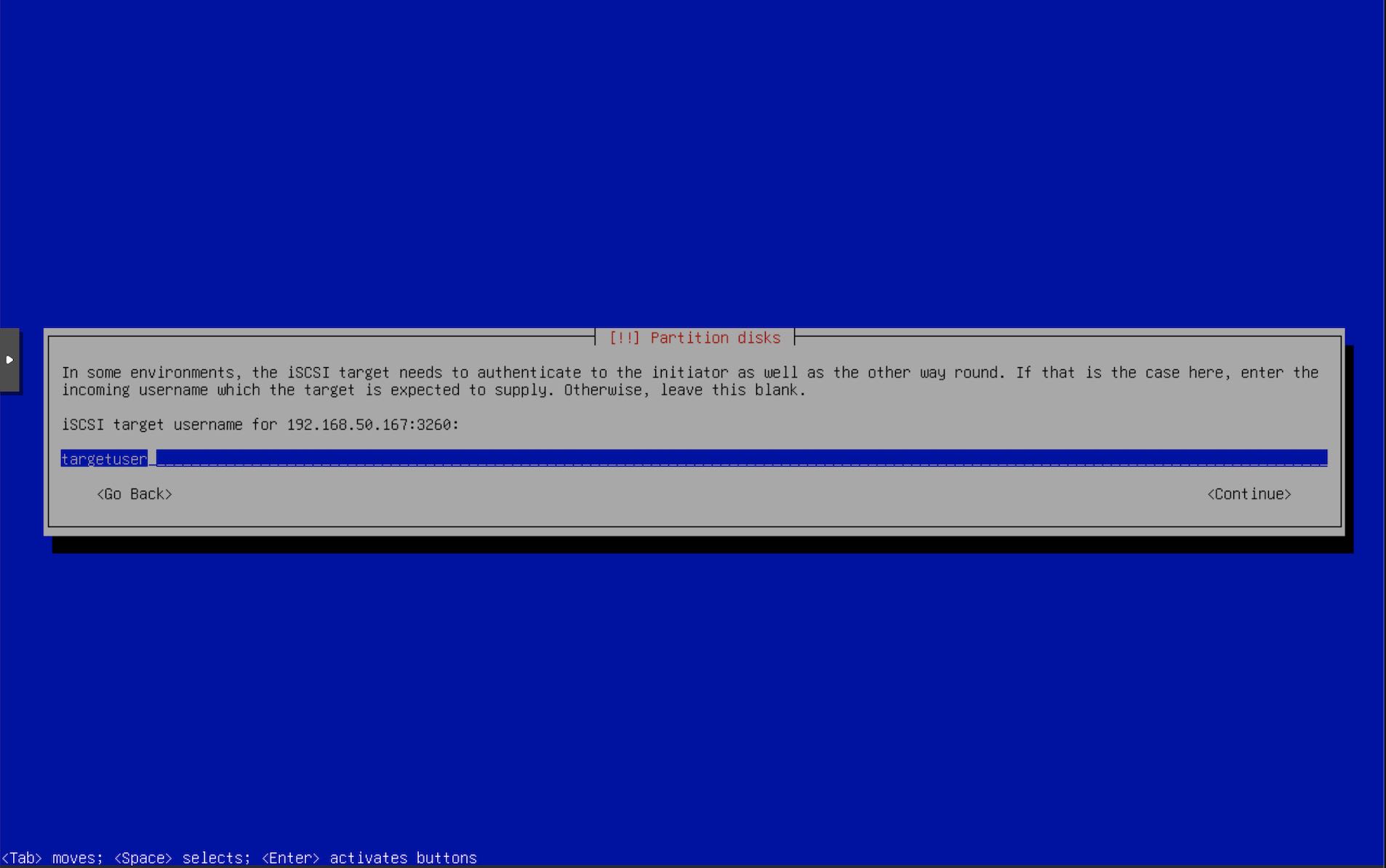
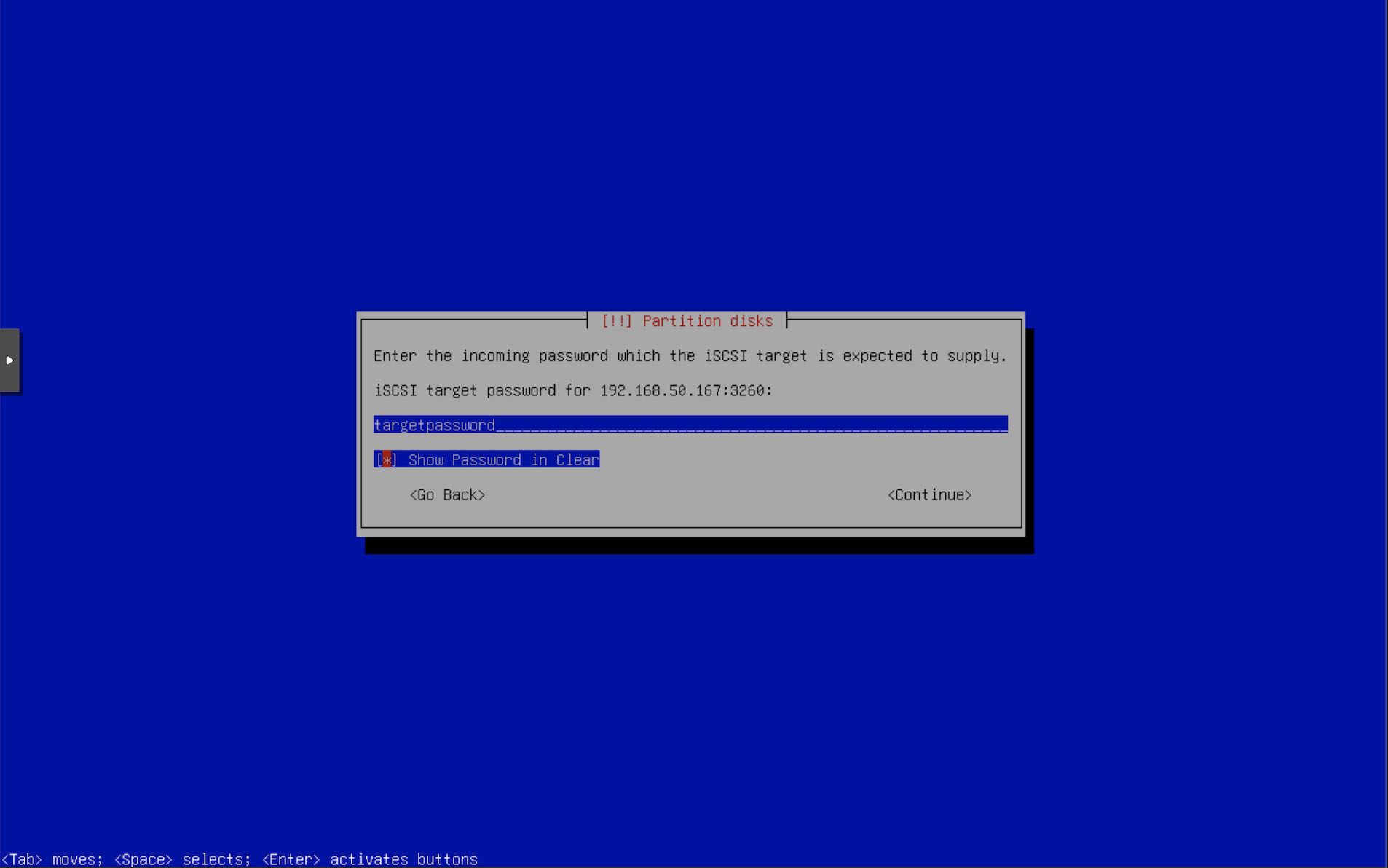
targetcli.
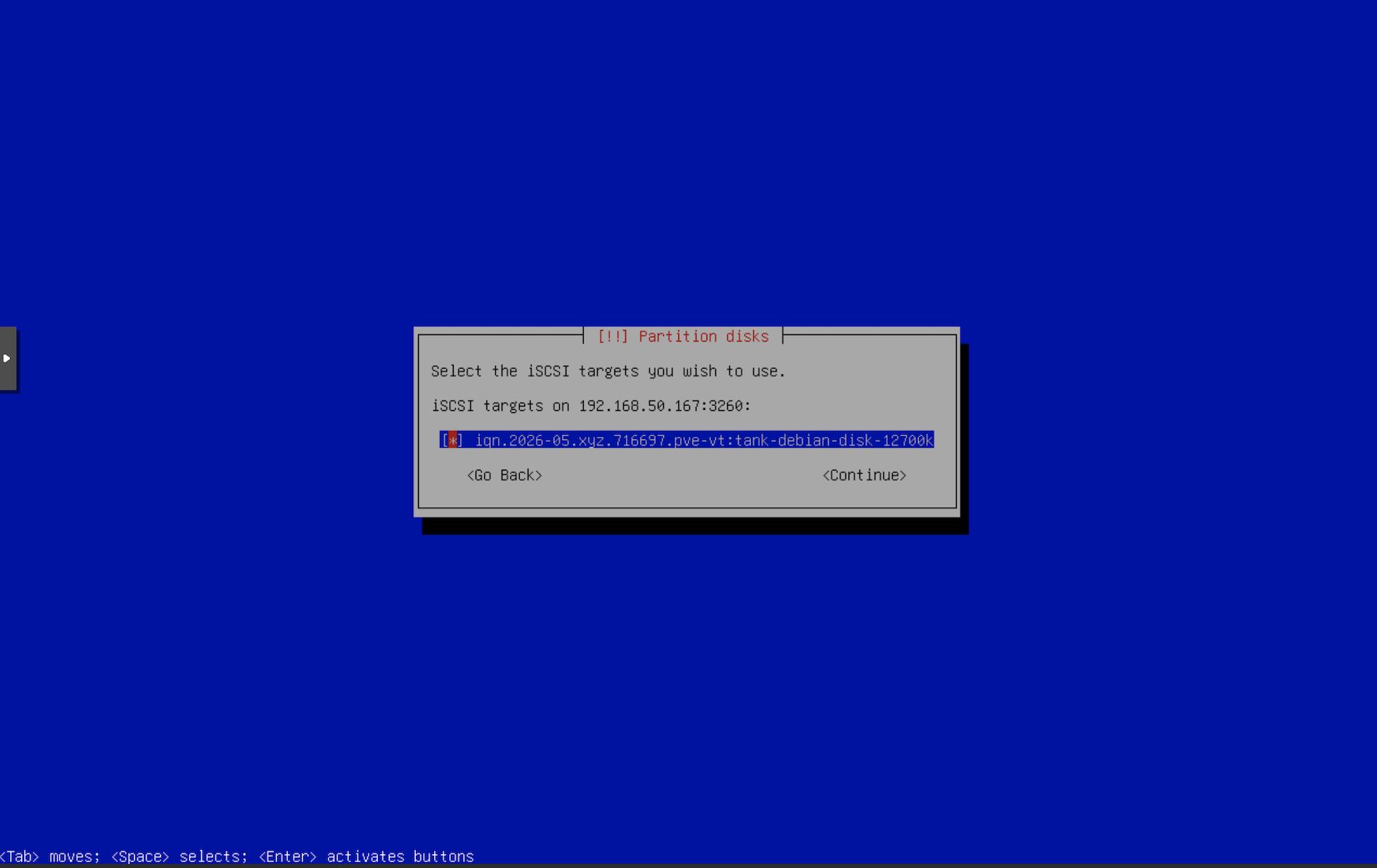
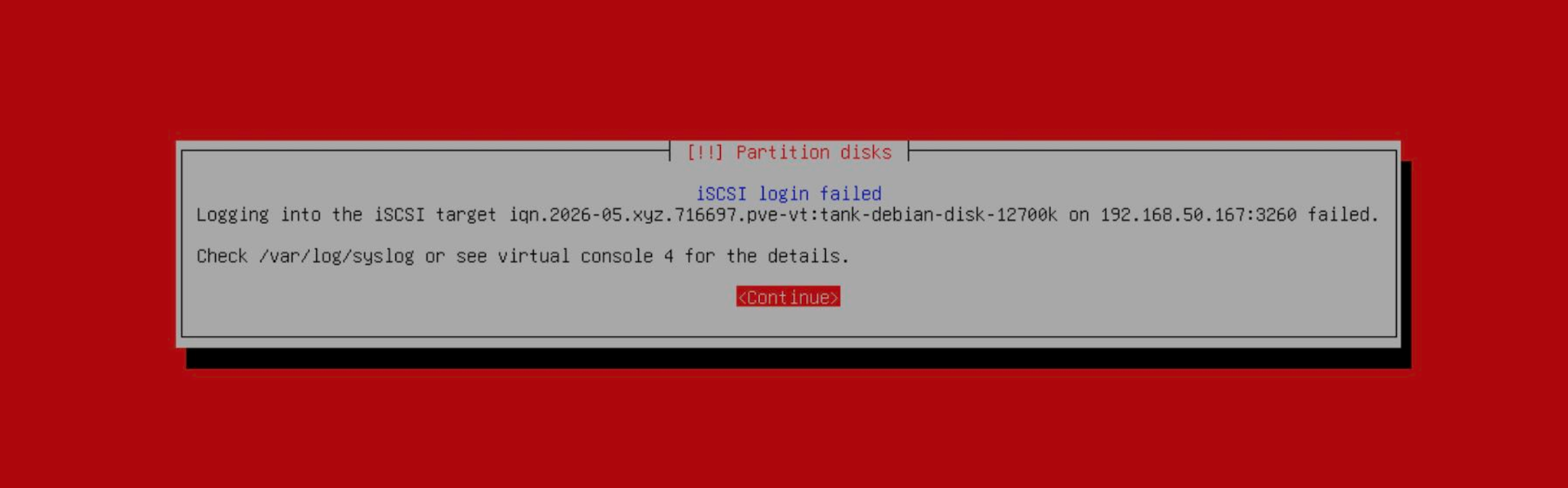
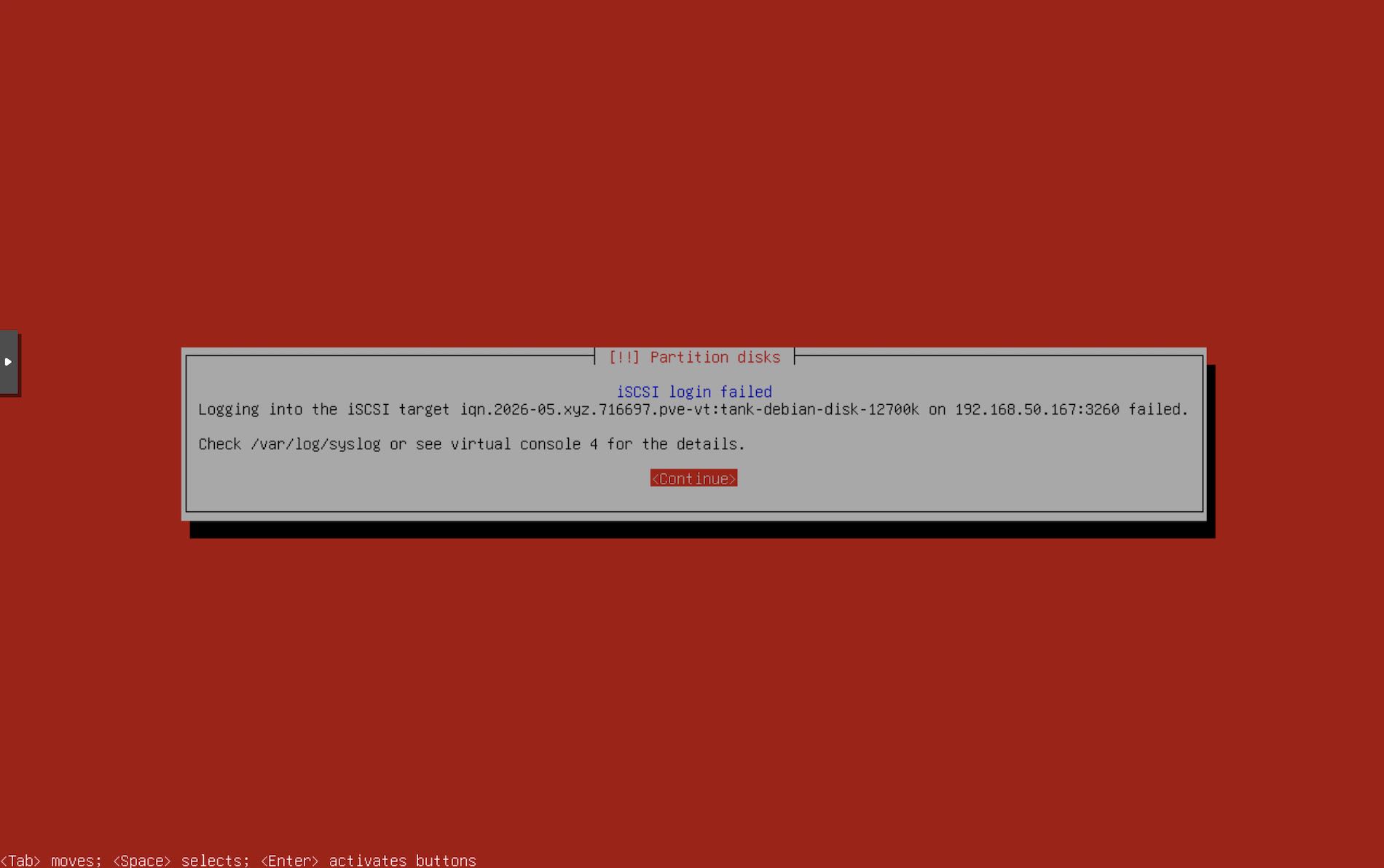
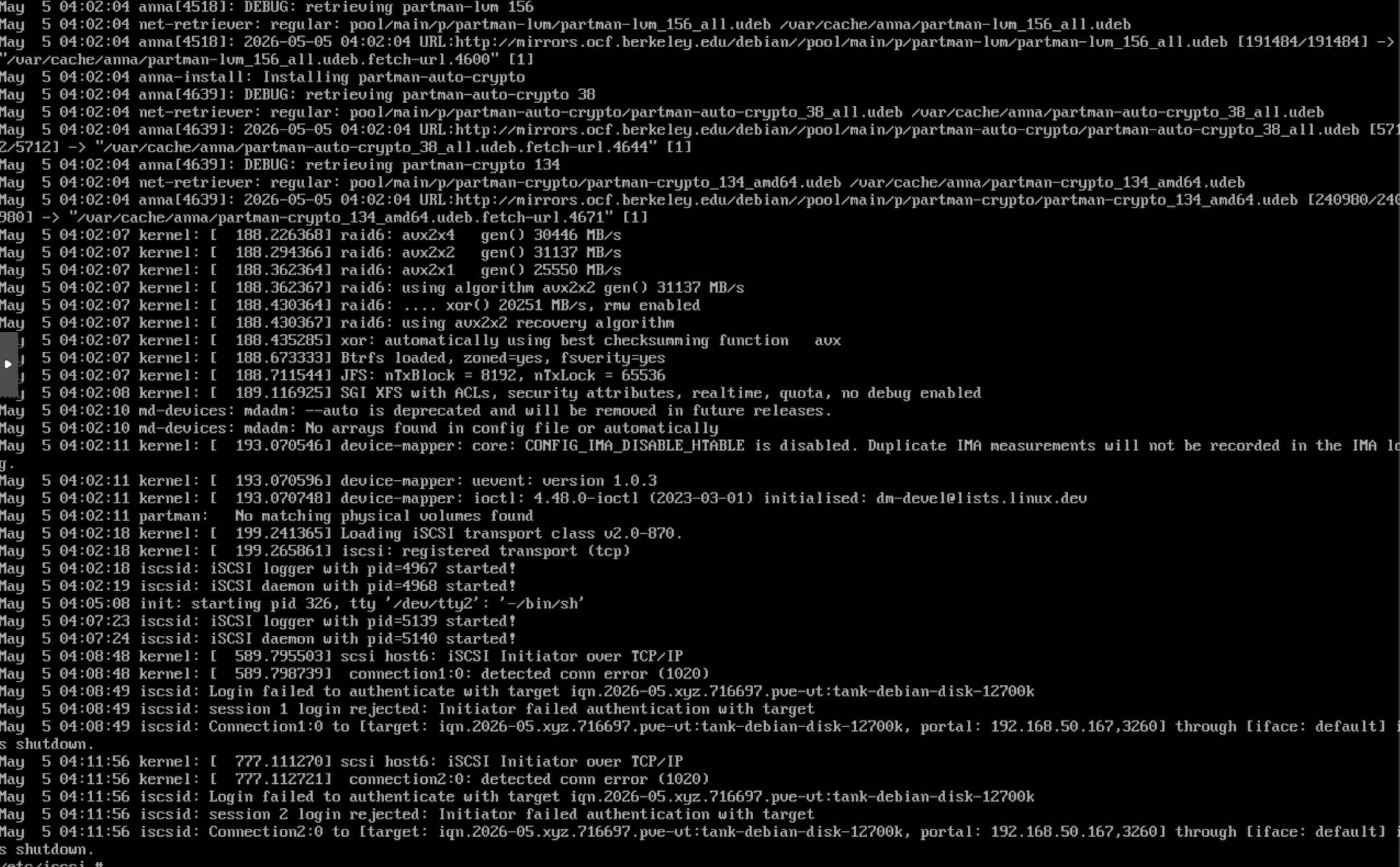
/var/log/syslog. In this example, it failed due to bad auth. Recheck the iSCSI configuration & reconfigure the targets. The installer will take you back to Step 17.
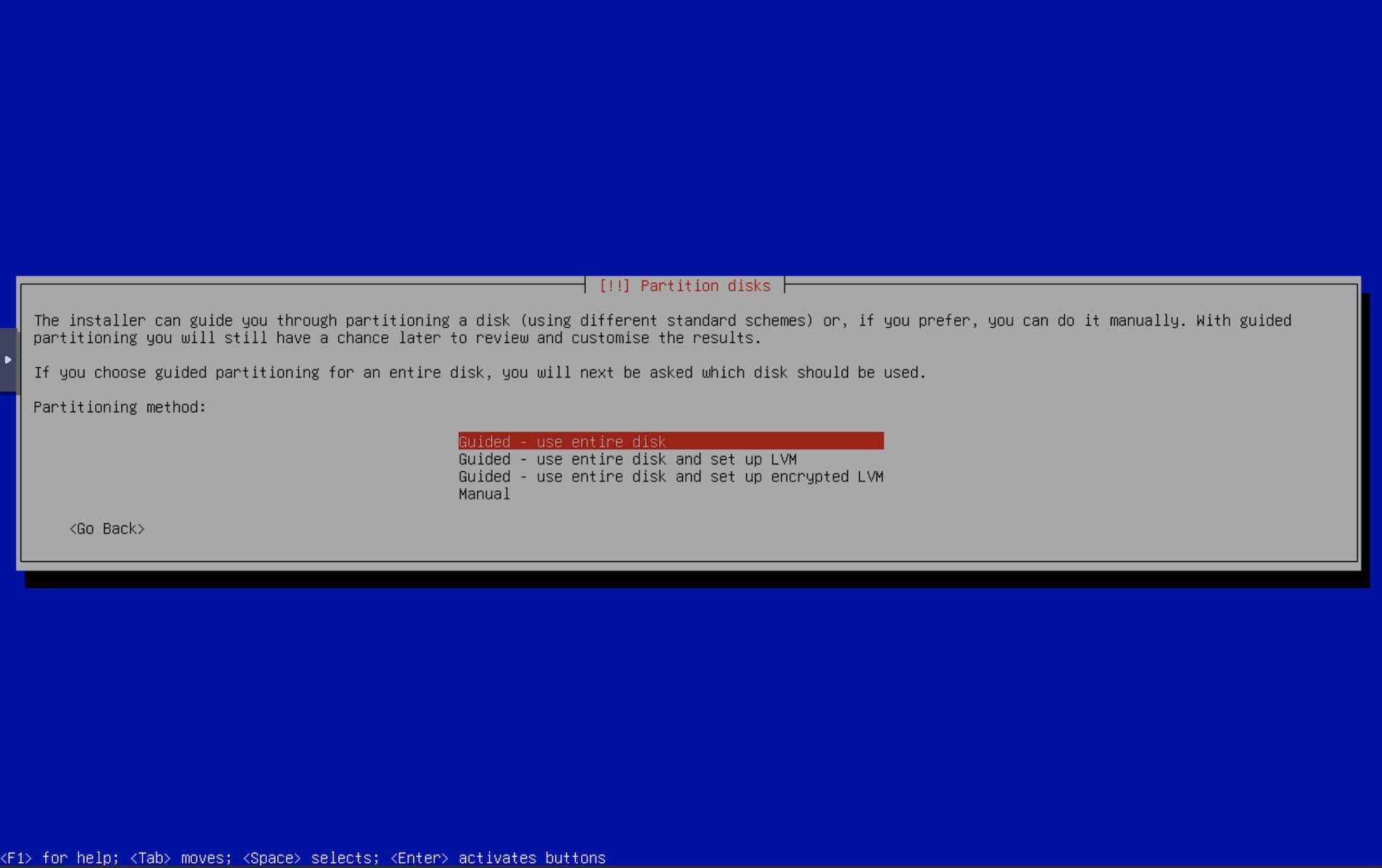
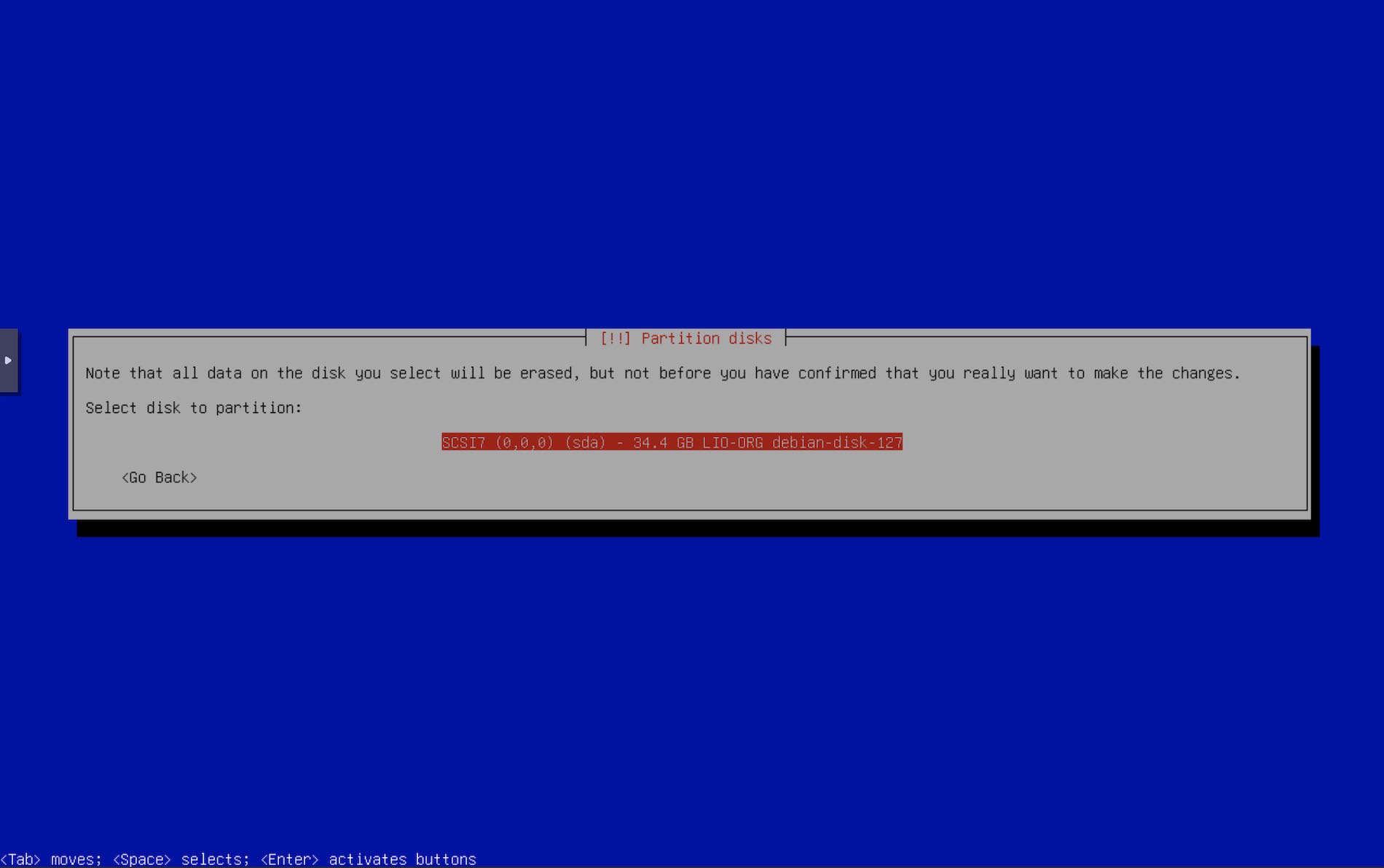
LIO-ORG
Netboot.xyz
此内容由惯性聚合(RSS阅读器)自动聚合整理,仅供阅读参考。 原文来自 — 版权归原作者所有。