



惯性聚合 高效追踪和阅读你感兴趣的博客、新闻、科技资讯
阅读原文 在惯性聚合中打开

推荐订阅源

U
Unit 42
Microsoft Azure Blog
Engineering at Meta
Engineering at Meta
博客园 - 【当耐特】
人人都是产品经理
人人都是产品经理
Cyber Security Advisories - MS-ISAC
WordPress大学
WordPress大学
有赞技术团队
有赞技术团队
Blog — PlanetScale
Blog — PlanetScale
酷 壳 – CoolShell
酷 壳 – CoolShell
aimingoo的专栏
aimingoo的专栏
Jina AI
Jina AI
小众软件
小众软件
博客园 - 叶小钗
MongoDB | Blog
MongoDB | Blog
大猫的无限游戏
大猫的无限游戏
博客园 - 聂微东
Y
Y Combinator Blog
云风的 BLOG
云风的 BLOG
I
InfoQ
OSCHINA 社区最新新闻
OSCHINA 社区最新新闻
Martin Fowler
Martin Fowler
P
Proofpoint News Feed
MyScale Blog
MyScale Blog

轶哥博客

blog blog blog blog blog blog blog blog blog blog blog blog blog blog blog blog blog blog blog blog blog blog blog blog blog blog blog blog blog blog
blog
2022-06-13 · via 轶哥博客

如何安装Xcode 14 Beta?

Xcode的版本总是和操作系统绑定,因此升级了到MacOS 13 beta(macOS Ventura)后Xcode13将不再可用。

在安装MacOS 13 beta描述文件页面有提示:

在运行 macOS 13 Beta 版的 Mac 上构建 app 时,需要 Xcode 14 Beta 版。要使用Xcode 13构建应用程序,您可以在Mac上创建单独的卷并运行macOS 12。

升级到MacOS 13 beta后,在应用商店是没有Xcode 14 Beta版本的更新提示的。只能手工下载。

下载地址: https://developer.apple.com/download/all/

需要登录Apple开发者账号。
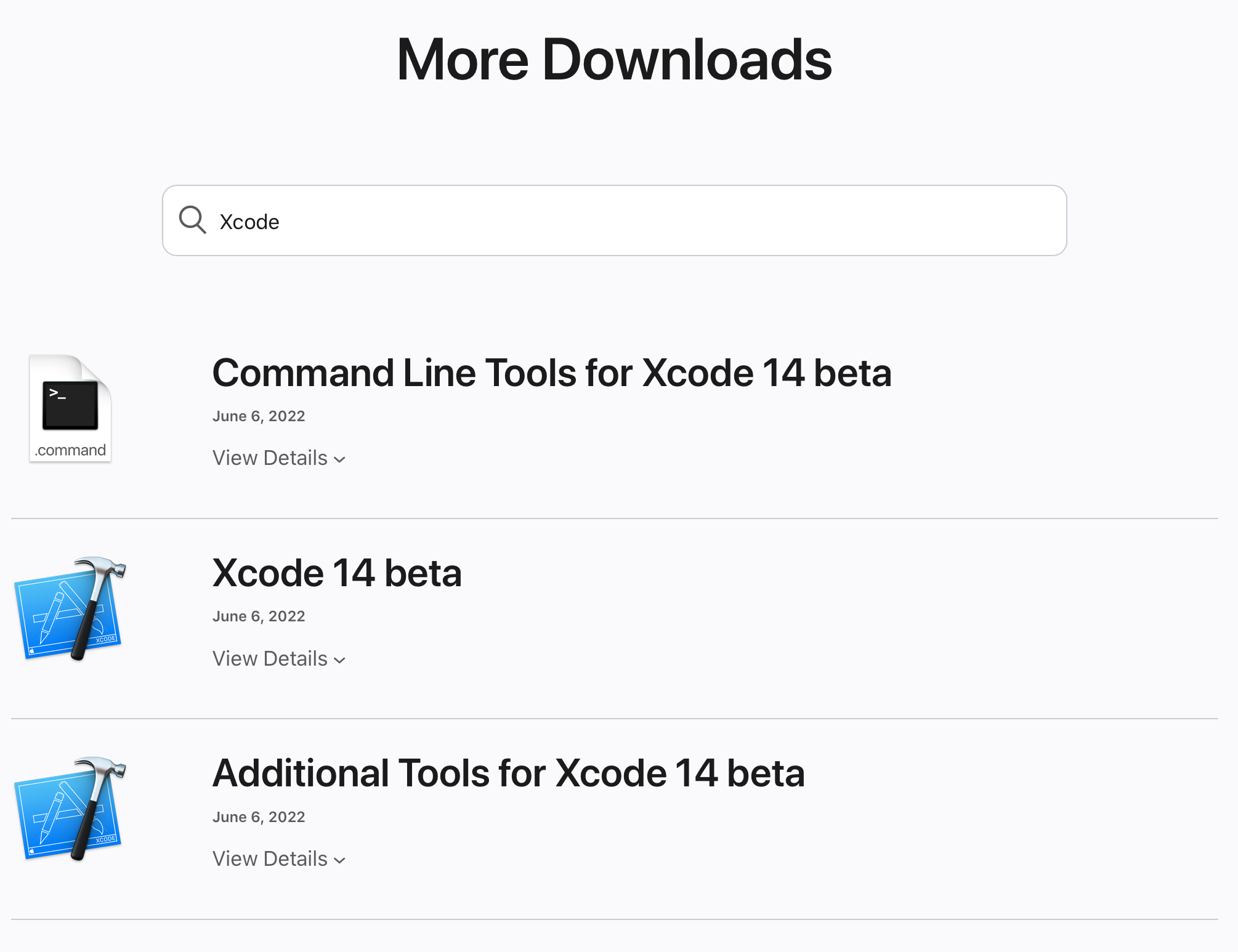
Xcode14.png

正常情况下,Xcode 14 betaCommand Line Tools for Xcode 14 betaAdditional Tools for Xcode 14 beta都需要下载并依次安装。

除特别注明外,本站所有文章均为原创。原创文章均已备案且受著作权保护,未经作者书面授权,请勿转载。