




惯性聚合 高效追踪和阅读你感兴趣的博客、新闻、科技资讯
阅读原文 在惯性聚合中打开

推荐订阅源

Jina AI
Jina AI
Recent Announcements
Attack and Defense Labs
P
Proofpoint News Feed
WordPress大学
WordPress大学
雷峰网
雷峰网
Apple Machine Learning Research
博客园 - 叶小钗
I
Intezer
Hugging Face - Blog
Hugging Face - Blog
博客园 - 司徒正美
月光博客
月光博客
freeCodeCamp Programming Tutorials: Python, JavaScript, Git & More
T
Threat Research - Cisco Blogs
有赞技术团队
有赞技术团队
T
Tailwind CSS Blog
S
Securelist
Cyberwarzone
Cyberwarzone
云风的 BLOG
云风的 BLOG
V
Visual Studio Blog
Stack Overflow Blog
Stack Overflow Blog
T
Tor Project blog
Project Zero
Project Zero
腾讯CDC
Recorded Future
Recorded Future
Help Net Security
Help Net Security
Spread Privacy
Spread Privacy
T
The Blog of Author Tim Ferriss
阮一峰的网络日志
阮一峰的网络日志
The Register - Security
Google DeepMind News
K
KPMG report finds enterprise disconnect between AI and its ROI | CIO
L
Lohrmann on Cybersecurity
D
Darknet – Hacking Tools, Hacker News & Cyber Security
Security Latest
Security Latest
Cisco Talos Blog
Cisco Talos Blog
A
Arctic Wolf
N
News and Events Feed by Topic
D
DataBreaches.Net
V
Vulnerabilities – Threatpost
L
LangChain Blog
博客园 - 【当耐特】
V2EX - 技术
V2EX - 技术
Simon Willison's Weblog
Engineering at Meta
Engineering at Meta
The Last Watchdog
The Last Watchdog
Security Archives - TechRepublic
D
Docker
C
CXSECURITY Database RSS Feed - CXSecurity.com
人人都是产品经理
人人都是产品经理

轶哥博客

blog blog blog blog blog blog blog blog blog blog blog blog blog blog blog blog blog blog blog blog blog blog blog blog blog blog blog blog blog blog blog blog blog blog blog blog blog blog blog blog blog blog blog blog blog blog blog blog blog blog blog blog blog blog blog blog blog blog blog blog blog blog blog blog blog blog blog blog blog blog blog blog blog blog blog blog blog blog blog blog blog blog blog blog blog blog blog blog blog blog blog blog blog blog blog blog blog blog blog blog
blog
2023-06-09 · via 轶哥博客

本文以Windows 11系统下复制密钥到另一台Windows 11设备为例,介绍如何在 Windows 设备之间迁移 SSH 密钥(此方法也使用于Unix设备的密钥迁移到Windows平台)。无论是在工作场景还是个人使用环境下,网络安全都至关重要。SSH 密钥为用户提供了一种更安全的身份验证方法,可以保护和远程服务器通讯过程中的数据。直接将~\.ssh\id_rsa~\.ssh\id_rsa.pub复制到另外一台设备是无法正常工作的,因为密钥对文件权限有着严格要求,本文讨论的就是Windows平台中密钥权限修改的问题。

准备工作

首先,确保您已经在原始设备(源设备)上生成了 SSH 密钥对。如果尚未生成,请按照以下步骤操作:

  1. 打开 PowerShell:点击开始菜单,输入 "powershell",然后右键选择 "以管理员身份运行"。
  2. 输入以下命令以生成一个新的 SSH 密钥对:
ssh-keygen -t rsa -b 4096 -C "your_email@example.com"

完成后,密钥对将保存在 %USERPROFILE%\.ssh 目录下。

导出 SSH 密钥

在原始设备上执行以下操作以导出 SSH 密钥:

  1. 打开文件资源管理器,导航至密钥所在目录(例如:C:\Users\your_username\.ssh)。
  2. 将 "id_rsa" 文件(私钥)和 "id_rsa.pub" 文件(公钥)复制到一个外部存储设备,如 U 盘或其他可移动存储介质。

导入 SSH 密钥至新设备

将原始设备上的 SSH 密钥导入到新设备(目标设备),请执行以下操作:

  1. 使用外部存储设备将 "id_rsa" 和 "id_rsa.pub" 文件传输至新设备。
  2. 在新设备上,打开文件资源管理器并导航至用户目录(例如:C:\Users\your_username)。
  3. 如果不存在,创建一个名为 ".ssh" 的文件夹。
  4. 将 "id_rsa" 和 "id_rsa.pub" 文件从外部存储设备复制到新设备的 ".ssh" 文件夹中。

设置并检查 SSH 密钥

设置 SSH 密钥的权限并检查密钥格式,请遵循以下步骤:

  1. 设置 ".ssh"、"id_rsa" 和 "id_rsa.pub" 的权限以确保只有当前用户可以访问这些文件。在管理员权限的命令提示符中输入以下命令:
icacls %USERPROFILE%\.ssh /inheritance:r
icacls %USERPROFILE%\.ssh /grant "%USERNAME%":(OI)(CI)F

icacls %USERPROFILE%\.ssh\id_rsa /inheritance:r
icacls %USERPROFILE%\.ssh\id_rsa /grant "%USERNAME%":(M)
icacls %USERPROFILE%\.ssh\id_rsa.pub /inheritance:r
icacls %USERPROFILE%\.ssh\id_rsa.pub /grant "%USERNAME%":(M)
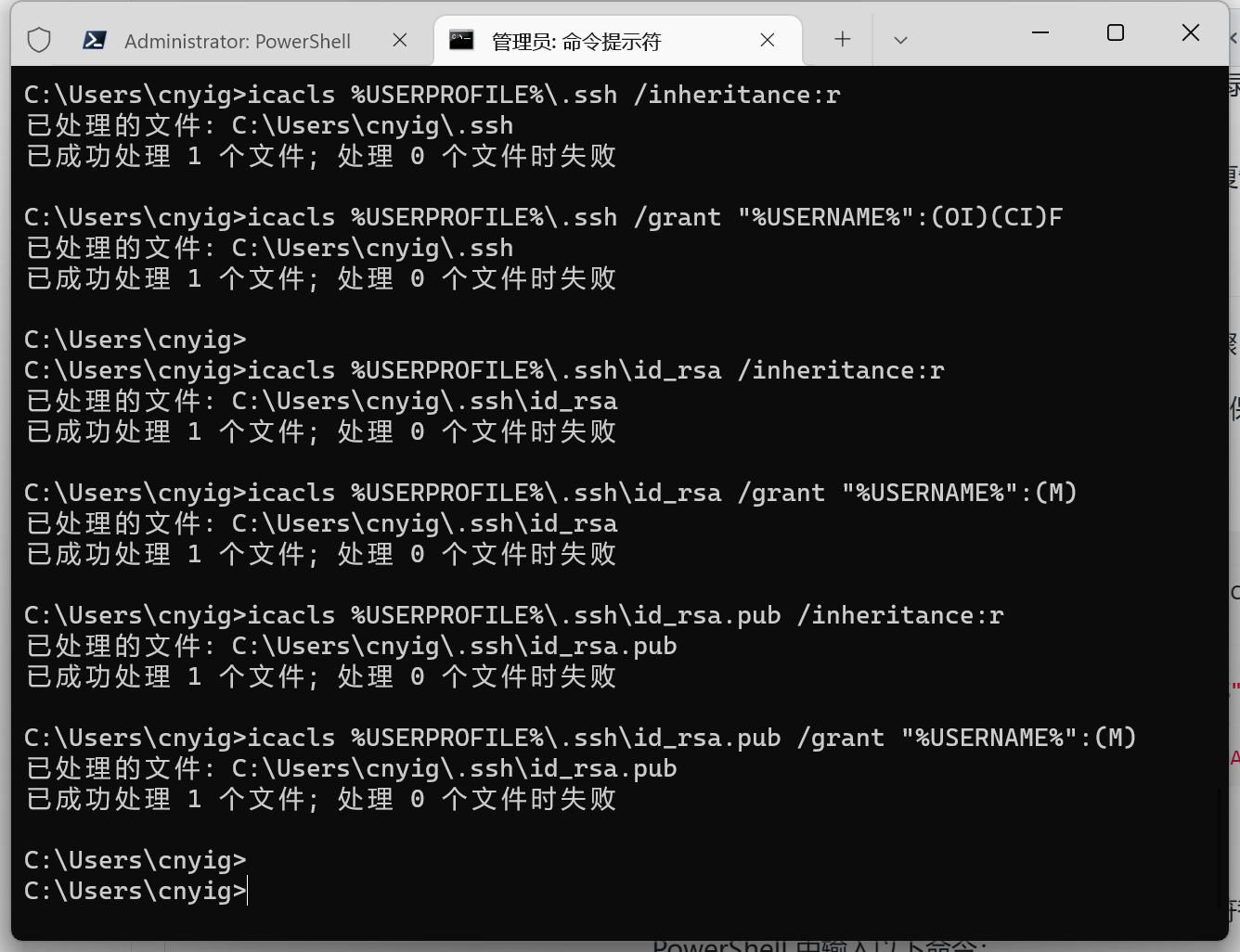
image.png

  1. 将 "id_rsa" 和 "id_rsa.pub" 文件中的 CRLF 换行符替换为 LF,然后创建临时文件并覆盖原始文件。在 PowerShell 中输入以下命令:
(Get-Content -Path $Env:USERPROFILE\.ssh\id_rsa -Raw) -replace "`r`n", "`n" | Set-Content -NoNewline -Encoding utf8 $Env:USERPROFILE\.ssh\id_rsa_tmp
Move-Item -Force $Env:USERPROFILE\.ssh\id_rsa_tmp $Env:USERPROFILE\.ssh\id_rsa

(Get-Content -Path $Env:USERPROFILE\.ssh\id_rsa.pub -Raw) -replace "`r`n", "`n" | Set-Content -NoNewline -Encoding utf8 $Env:USERPROFILE\.ssh\id_rsa.pub_tmp
Move-Item -Force $Env:USERPROFILE\.ssh\id_rsa.pub_tmp $Env:USERPROFILE\.ssh\id_rsa.pub
  1. 检查 SSH 密钥格式。私钥(id_rsa)应具有以下格式:
-----BEGIN RSA PRIVATE KEY-----
... (private key content) ...
-----END RSA PRIVATE KEY-----

注意,最后一行需要有换行

公钥(id_rsa.pub)应具有以下格式:

ssh-rsa AAAAB3NzaC1yc2EAAAADAQABAAABAQC... (rest of public key) your_email@example.com

确保文件内容与上述格式匹配且没有额外的空格或换行。