惯性聚合 高效追踪和阅读你感兴趣的博客、新闻、科技资讯
阅读原文 在惯性聚合中打开

推荐订阅源

酷 壳 – CoolShell
酷 壳 – CoolShell
T
Threatpost
Latest news
Latest news
N
News | PayPal Newsroom
Threat Intelligence Blog | Flashpoint
Help Net Security
Help Net Security
D
Darknet – Hacking Tools, Hacker News & Cyber Security
AI
AI
Simon Willison's Weblog
TaoSecurity Blog
TaoSecurity Blog
The Last Watchdog
The Last Watchdog
L
LINUX DO - 热门话题
Google DeepMind News
T
Threat Research - Cisco Blogs
O
OpenAI News
钛媒体:引领未来商业与生活新知
钛媒体:引领未来商业与生活新知
T
The Exploit Database - CXSecurity.com
NISL@THU
NISL@THU
Application and Cybersecurity Blog
S
Securelist
小众软件
小众软件
cs.CL updates on arXiv.org
Martin Fowler
Martin Fowler
S
SegmentFault 最新的问题
Cisco Talos Blog
Cisco Talos Blog
云风的 BLOG
云风的 BLOG
AWS News Blog
AWS News Blog
GbyAI
GbyAI
N
News and Events Feed by Topic
cs.CV updates on arXiv.org
美团技术团队
Engineering at Meta
Engineering at Meta
A
About on SuperTechFans
博客园 - 三生石上(FineUI控件)
S
Schneier on Security
博客园 - 聂微东
V2EX - 技术
V2EX - 技术
T
Troy Hunt's Blog
SecWiki News
SecWiki News
S
Secure Thoughts
B
Blog RSS Feed
Hugging Face - Blog
Hugging Face - Blog
WordPress大学
WordPress大学
腾讯CDC
H
Heimdal Security Blog
Exploit-DB.com RSS Feed
Apple Machine Learning Research
月光博客
月光博客
www.infosecurity-magazine.com
P
Privacy International News Feed

Lisp

大佬们有没有推荐 lisp 的资料,最好是 ansi lisp - V2EX Lem 编辑器, Emacs 的继任者 - V2EX 请问 lisp people, 哪些能力是只有宏能实现,而函数不能实现的? - V2EX 试了试缩进语法写 Lisp - V2EX 是什么原因没有让 lisp 进入工业界(公司)的首选语言呢 - V2EX 一款 lisp 写的基于 GPU 渲染的编辑器 - V2EX SICP 走起 - V2EX [101]如何在迭代展开过程中输出中间数据? - V2EX The Humble Book Bundle: be a coder - V2EX lambda calculus 解决了什么问题? 为什么会出现这个理论? 为什么说它很有价值? - V2EX 哪里可以找到关于 ANSI Common Lisp 中函数名字的由来? - V2EX Ask Him Anything: Lisp 社区的核心贡献者 - Kartik Agaram - V2EX 怎么看 Clozure Common Lisp 的 image 的内容? - V2EX 写了一份 Racket/Emacs 的入门配置指南 - V2EX Scheme 与 Church Number - V2EX 用过 racket 的进,其实只要你觉得有兴趣的都可以过来看看 - V2EX 又一个玩具 Scheme 解释器,使用 Python 编写 - V2EX 我使用 GNU Common Lisp 开始 Lisp 的学习 - V2EX 在读 On Lisp - V2EX 学Clojure的朋友们快去做4clojure啊! - V2EX Exercise SICP in Lua - V2EX 想给身边的人推荐lisp但是发现接受的很少 - V2EX Lisp 的 Vim 插件有什么推荐? - V2EX 有人关注ansi common lisp么?可以看一下豆瓣上的这两个贴 - V2EX SICP一書學完大約要多長時間? - V2EX 看了《黑客与画家》就觉得Lisp很强大要去学一下的人弱爆了,你们到底看没看明白作者的中心主旨是什么? - V2EX 求lisp的一些简单demo - V2EX 有对Lisp感兴趣的不? 自从看了黑客与画家就对这个很神往,除了AutoLisp有没有别的著名的应用呢? - V2EX 有人学或用Lisp的吗? - V2EX a haiku - V2EX 在Lisp节点里新建个主题 - V2EX
scheme 一个好玩的开源库 - V2EX
evilbinary · 2017-06-12 · via Lisp

一个很好玩的开源库 https://github.com/evilbinary/scheme-lib

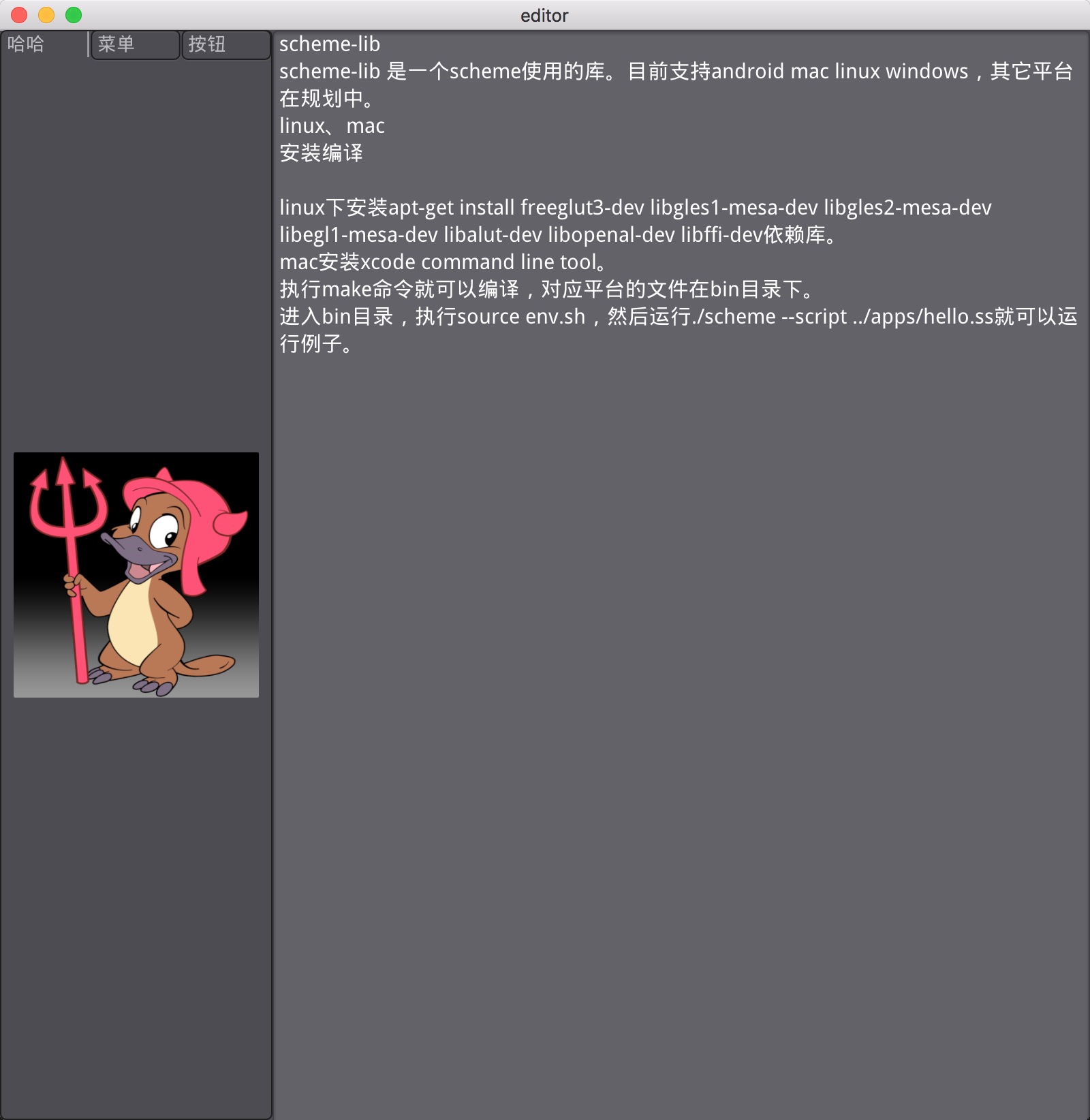
scheme-lib

scheme-lib 是一个 scheme 使用的库。目前支持 android mac linux windows,其它平台在规划中。

linux、mac

安装编译

  1. linux 下安装apt-get install freeglut3-dev libgles1-mesa-dev libgles2-mesa-dev libegl1-mesa-dev libalut-dev libopenal-dev libffi-dev依赖库。
  2. mac 安装 xcode command line tool。
  3. 执行make命令就可以编译,对应平台的文件在bin目录下。
  4. 进入bin目录,执行source env.sh,然后运行./scheme --script ../apps/hello.ss就可以运行例子。
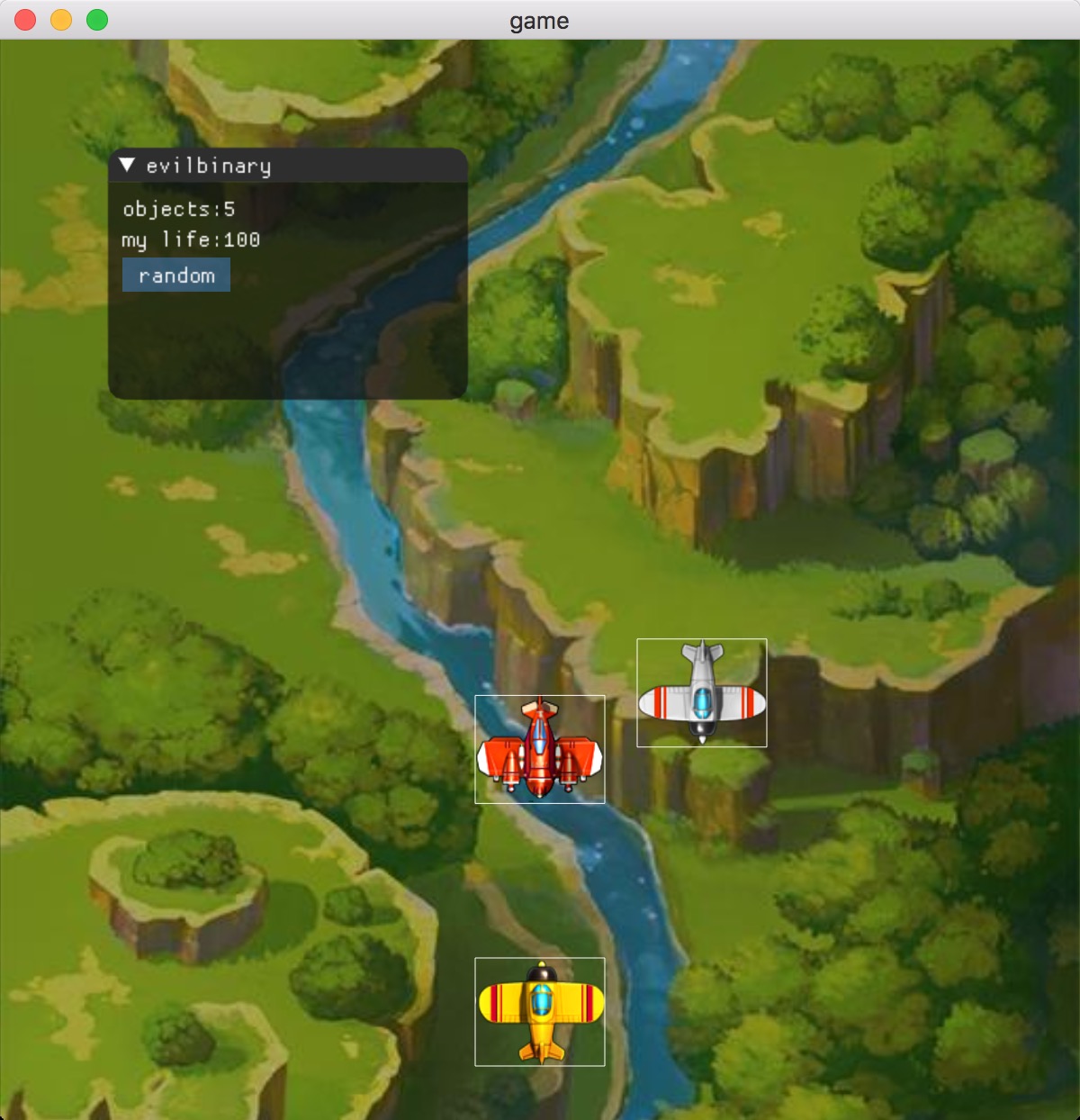
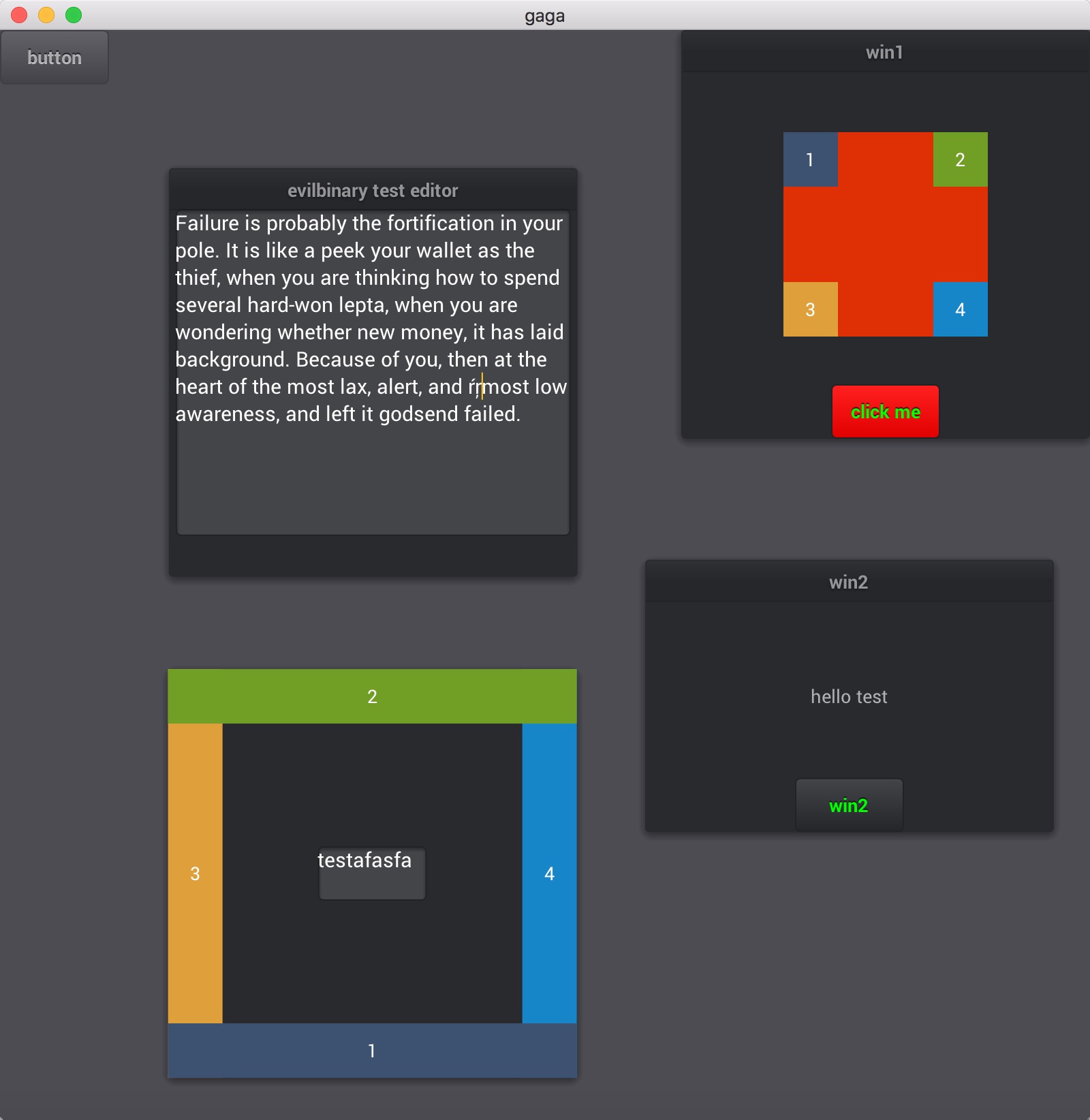
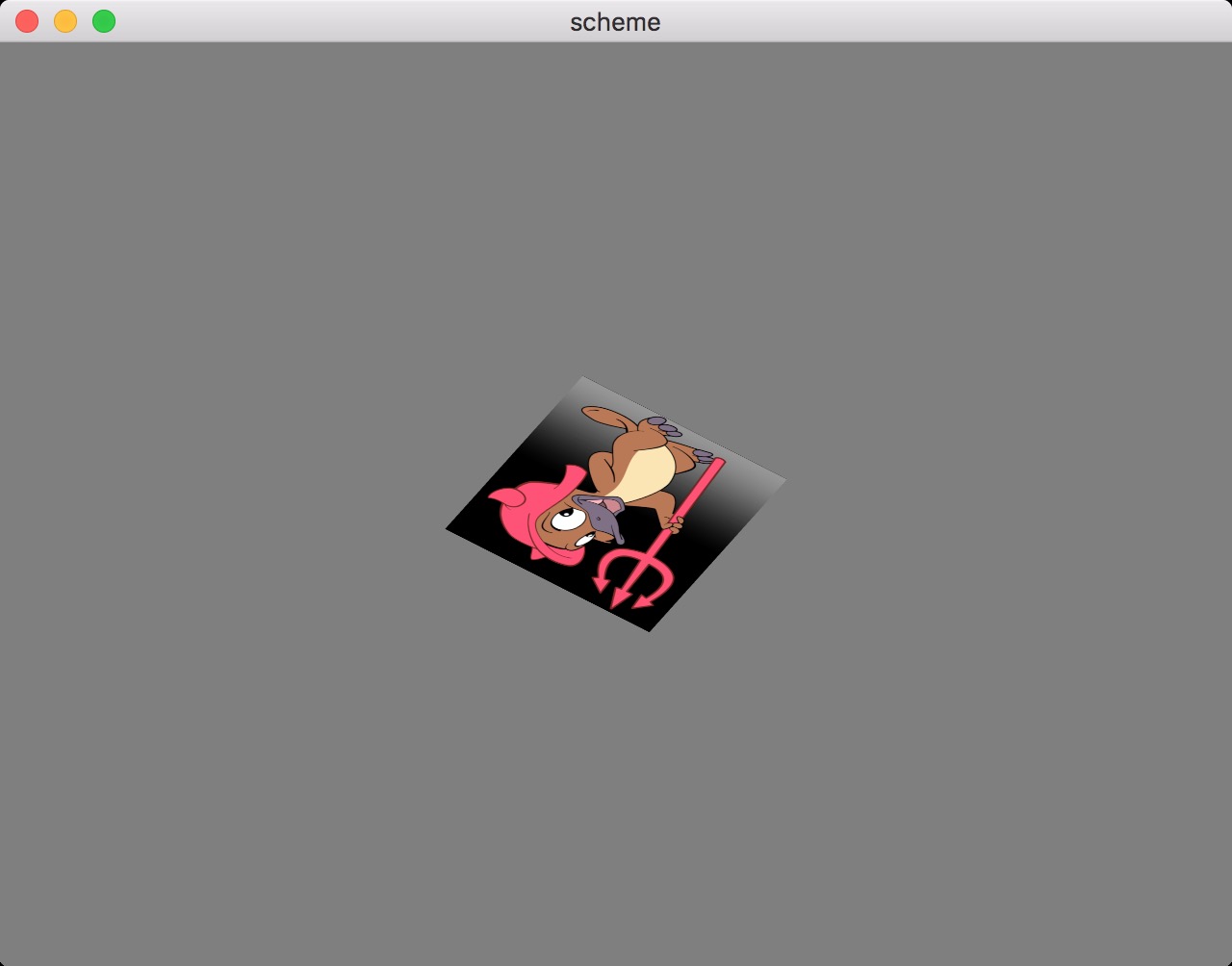
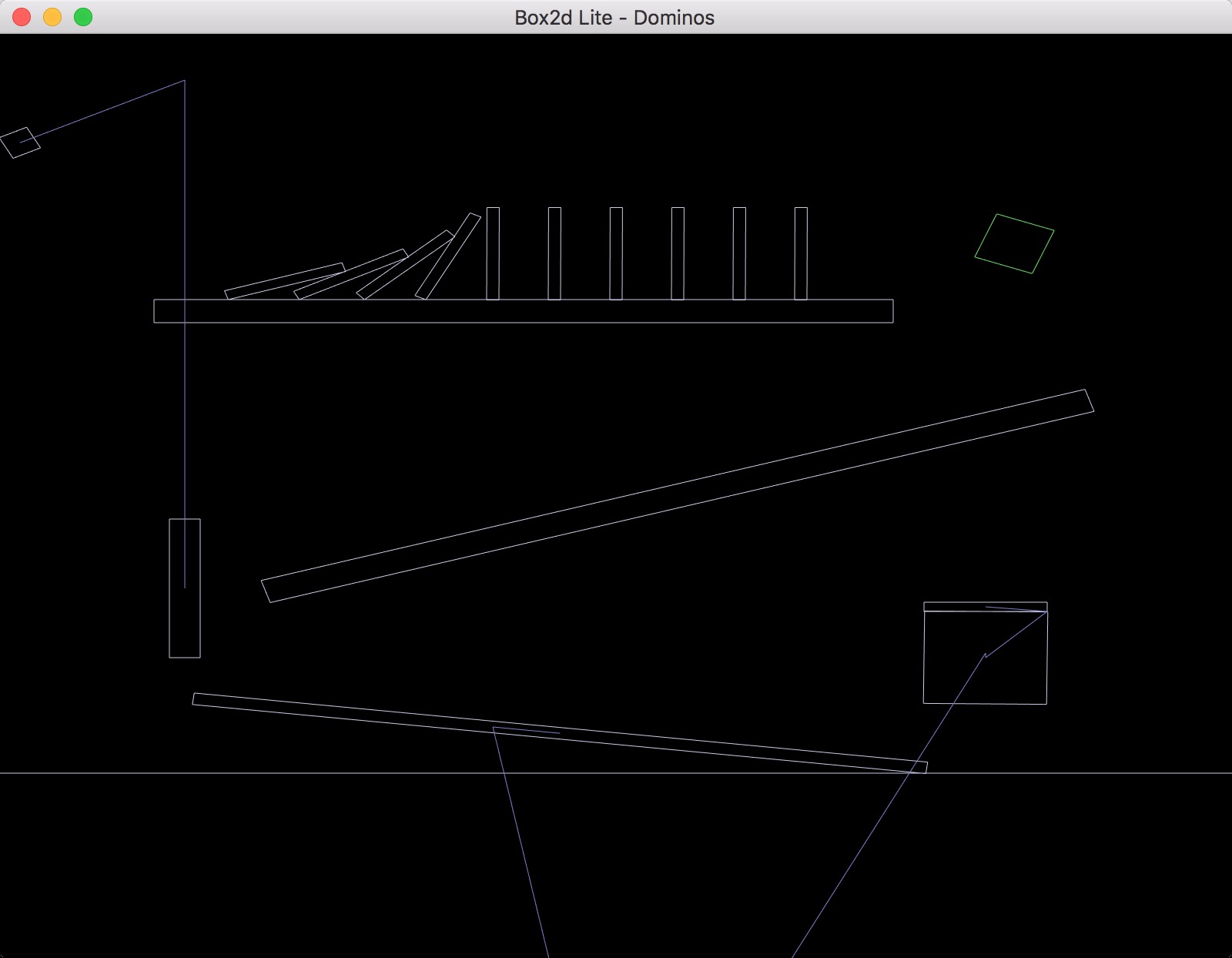
截图

android

新手入门

环境安装

  1. 先安装scheme-release-1.2.apk
  2. 将手机连接电脑,开启 adb 调试模式(需要安装 adb 命令,不会用 goolge )。进入cd scheme-lib/android/src/packages,在 shell 下执行python sync.py命令,这样每次修改后,会自动同步 packages 下的代码到手机/sdcard/org.evilbinary.chez/lib目录下面,这样方便运行了。
  3. 在 run 界面里面输入测试代码。比如:
(import (test) (gles1) (glut) ) 
(load "/sdcard/org.evilbinary.chez/lib/apps/hello.ss")

demo 例子

;imgui 例子
;imgui hello,world
(define (imgui-test-hello-world)
       (glut-init)
       (imgui-init)
       (imgui-scale 2.5 2.5)
       (glut-touch-event (lambda (type x y)
            (imgui-touch-event type x y)
                  ))
            (glut-key-event (lambda (event)
                  (imgui-key-event
                     (glut-event-get event 'type)
                     (glut-event-get event 'keycode)
                     (glut-event-get event 'char)
                     (glut-event-get event 'chars))
                   (if (= 4 (glut-event-get event 'keycode ))
                     (begin (imgui-exit)
                     (glut-exit)))
                  ))
         (glut-display (lambda ()
                   (imgui-render-start)
                   ;(imgui-test)
                   (imgui-set-next-window-size (imgui-make-vec2 200.0 140.0) 0)
                   (imgui-begin "evilbinary" 0)
                   (imgui-text "hello,world")
                   (imgui-end)
                   (imgui-render-end)
                  ))
         (glut-reshape (lambda(w h)
                            (imgui-resize w h)
                             ))
         (glut-main-loop)
         (imgui-exit))		

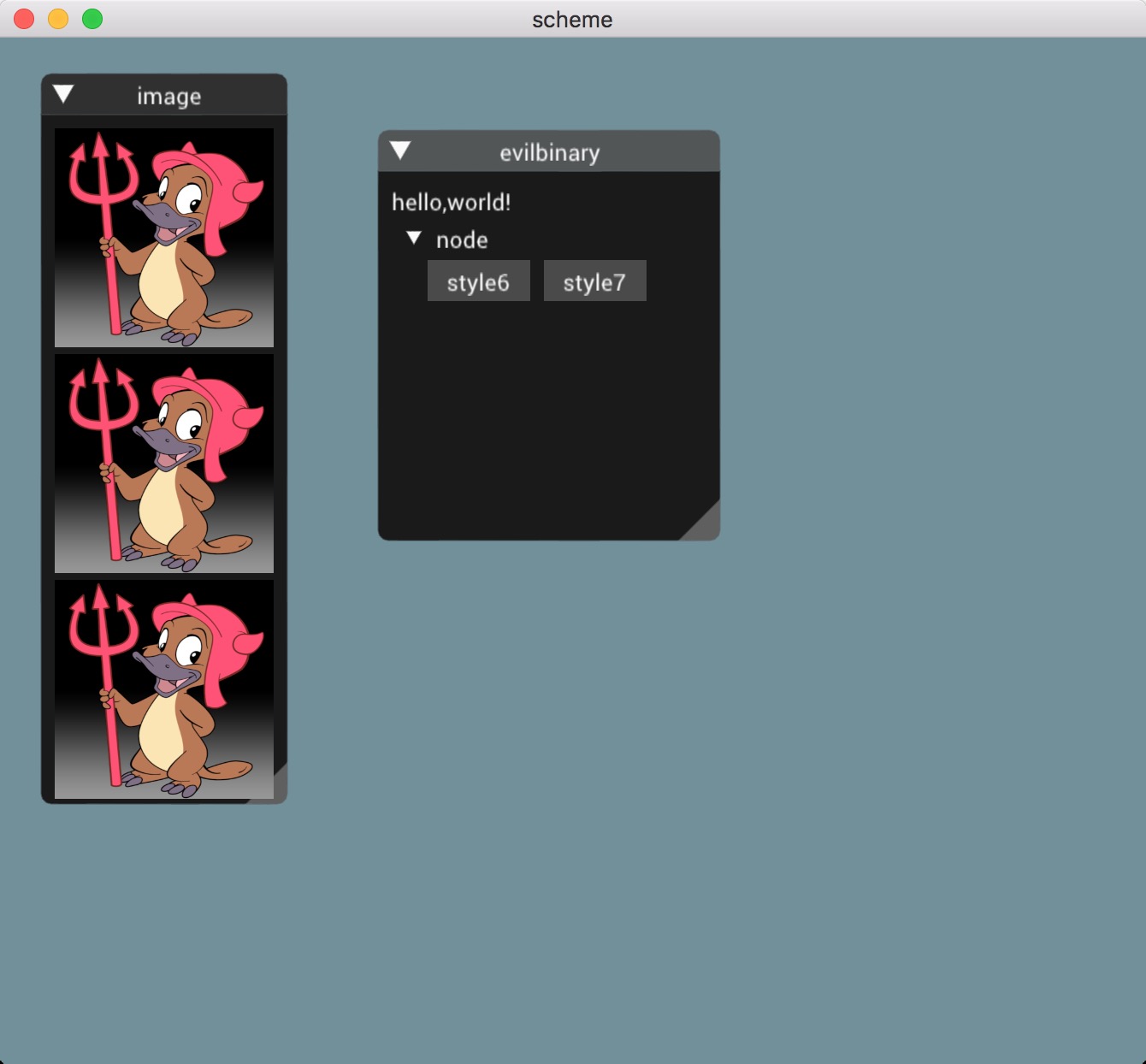
运行效果如下:

测试配置

  1. 在手机上输入运行代码可能不方便,所以弄了个配置文件,把需要运行的代码放到配置中会自己加载代码运行。配置文件为config.xml内容如下:

    <?xml version='1.0' encoding='utf-8' standalone='yes' ?>
    <map>
    	<string name="debugCode">(import (test) (gles1) (glut) ) (load "/sdcard/org.evilbinary.chez/lib/apps/draw-point.ss") ;(imgui-test-hello-world) </string>
    </map>
    
  2. adb push config.xml /sdcard/org.evilbinary.chez/conf/config.xml

  3. 打开 scheme app 就可以直接运行啦。

高级篇

android 使用外部库

  1. 手工添加 Android.mk 和源码文件到scheme-lib/android/src下命名为 libhadd 的文件夹。 add.c 内容如下:

    #include <stdio.h>
    #include <stdarg.h>
    int add(int a,int b){ 
       return a+b;
    }    
    

    Android.mk 内容如下:

    LOCAL_PATH := $(call my-dir)
    include $(CLEAR_VARS)
    include $(LOCAL_PATH)/../Optimizations.mk
    LOCAL_MODULE    := add
    LOCAL_SRC_FILES := add.c
    LOCAL_C_INCLUDES := 
    LOCAL_CFLAGS +=  -I. -I./c/
    LOCAL_CFLAGS += -g -Wall -DANDROID    -DINLINES -DGC_MACROS   -Wno-unused-parameter -pie -fPIE   -fPIC
    LOCAL_LDLIBS += -ldl -llog -lz
    include $(BUILD_SHARED_LIBRARY)
    
  2. 执行make android

  3. 将编译后生成的库android/src/libs/libadd.so 同步到/sdcard/org.evilbinary.chez/lib目录下,这样能调用外部库了。

  4. 调用外libadd.so库和使用代码如下:

    (import  (scheme) (utils libutil) )
    (load-lib "libadd.so")
    (define-c-function int add (int int) )
    (display (add 100 1234))