







In the last few months, coding agents have basically become my primary day-to-day tool, and I have stopped coding manually.
Looking back to the same time last year, I questioned whether Claude Code could actually handle real coding tasks in a six-year-old repository. Today, that is no longer a question.
There was a difficult period when I opened too many threads at once and couldn’t get any of them across the finish line. That was frustrating, and it led me to start practicing Human Context Engineering . It worked well.
Two months in, I want to share the next evolution of that methodology.
The core concept is simple: Shift Left
Software engineering is never just writing code. It is the cumulative result of a series of complex intellectual activities, broadly divided into two sides: understanding the problem on the left, and implementing the solution on the right.
Early in my career, almost all my time went into implementation. As I gained experience, the portion dedicated to understanding the problem grew. Before modern coding agents emerged, my split was roughly 50/50.
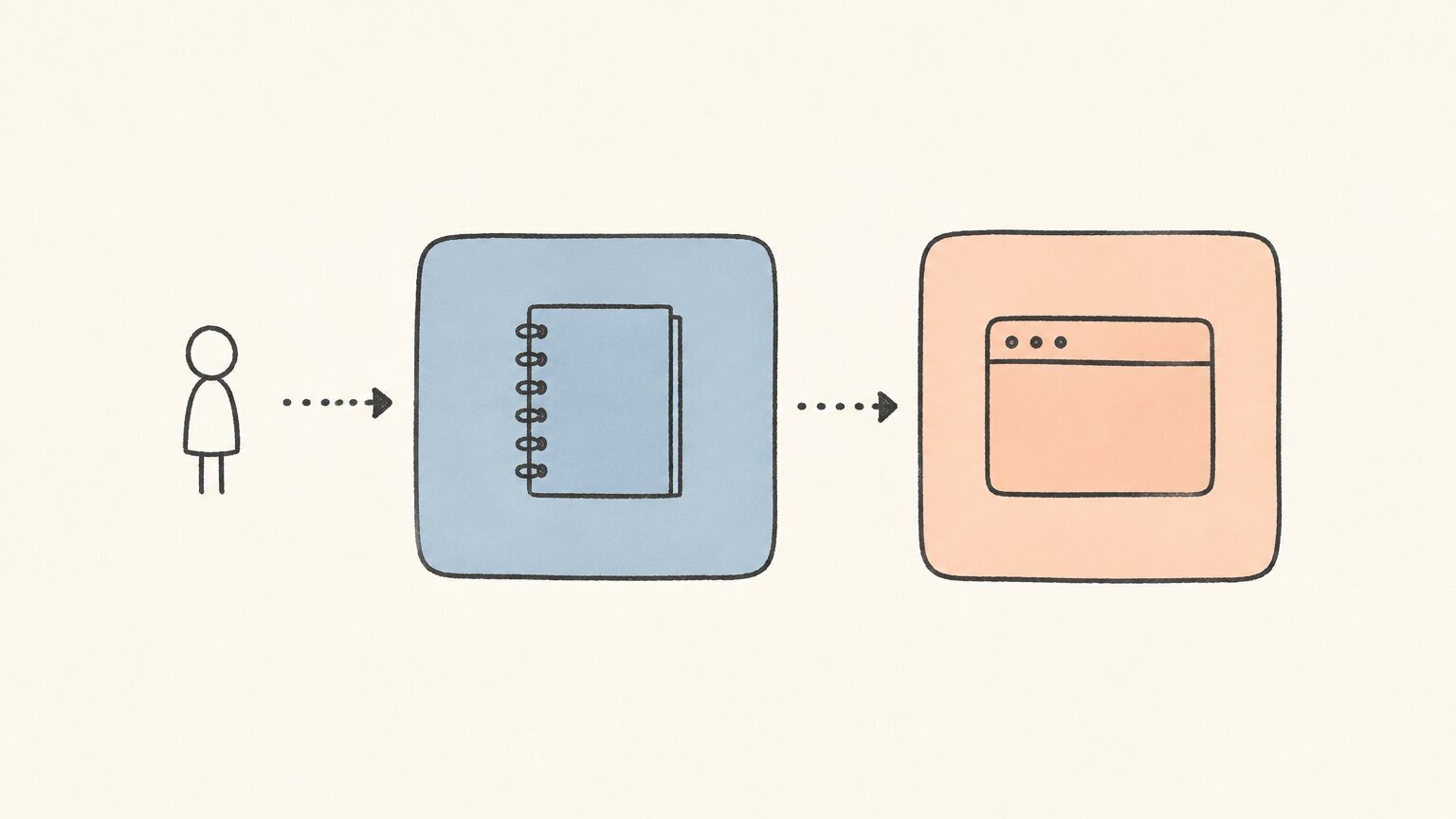
I intentionally kept at least 50% of my time for coding because until code actually runs, you never know what will happen. There might be a compatibility issue that crashes the service, or a newly pulled package that changed its contract. I wouldn’t know until I tried. Diagnosing those problems was also time-consuming: going through changelogs, searching Stack Overflow, and manually testing possible solutions.
My brain was trained to always reserve at least half of its time for implementation. That worked well, and I trusted that process.
Coding agents changed the math completely.
As a human, I can never match the throughput of tools like Pi or Claude Code. I cannot read changelogs faster than an LLM, and I cannot work through the night.
That said, AI is fast and autonomous. It is like driving a race car at 300 km/h: steer properly and you reach your destination easily; drive recklessly and you crash violently.
In my day-to-day workflow, the most frustrating scenario is not when an agent takes a long time on a task. It is when, after waiting, I don’t get a reliable result — wasting both time and tokens.
To solve this, I shifted nearly all my effort to the thinking side before handing anything to an agent.
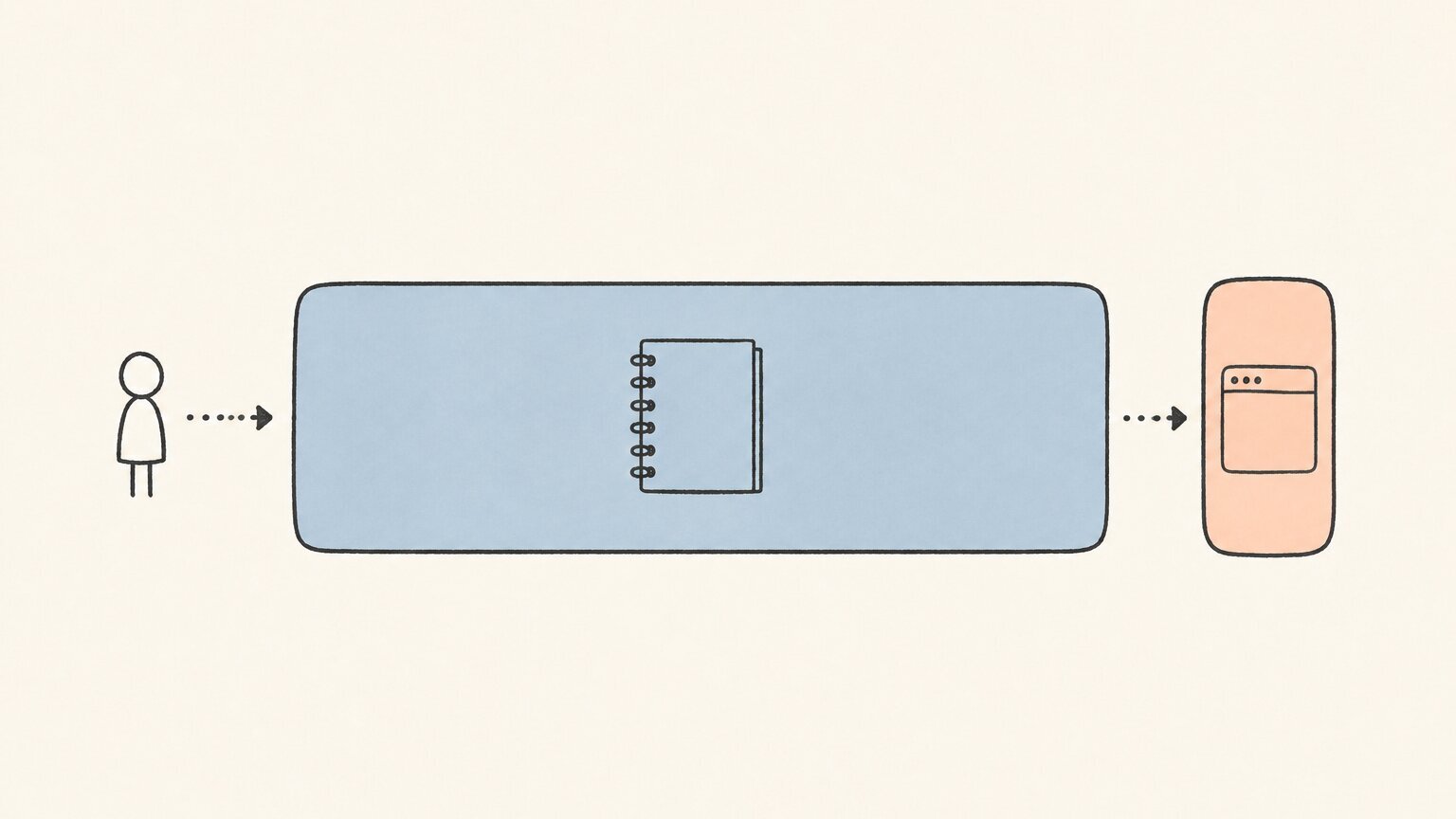
Right now, I spend most of my working hours grilling the plan repeatedly until the spec is crystal clear:
This takes thirty minutes, sometimes half a day for complex problems. But once the spec is solid, I can comfortably leave execution to the agent and switch to the next problem.
Though this is not as flashy as social media posts showing off fully autonomous agents, it is the most efficient way for me to improve productivity without burning myself out.
In order to think better, I set up a dedicated thinking space in secondBrain.
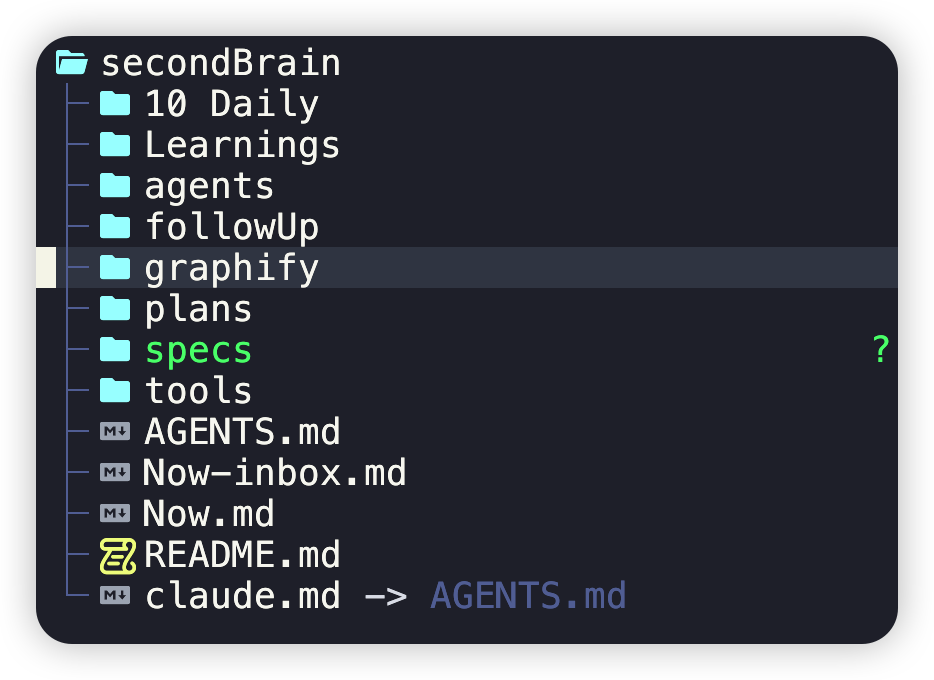
All my AI sessions originate from this space, and all specs, learnings, and task lists are tracked in git. Instructions in AGENTS.md and custom hooks capture knowledge automatically, ensuring that prior trade-offs and decisions stay in context when drafting the next spec.
Superpowers is the primary planning skill I use in this space. Though some criticize its token usage and execution speed, its ability to explore every corner of different codebases and connect them together is invaluable. It forces structured thinking by breaking complex challenges into smaller questions and answering them one by one, clarifying goals step by step.
To review and refine specs effectively, I built a custom Pi plugin for annotations. It works similarly to commenting tools in Codex or Claude Code, but tailored to my exact workflow. (I strongly recommend building tools for yourself whenever standard products don’t fit your needs.)
For validation, I still follow the traditional testing pyramid, but with a lightweight agent testing layer using agent-browser.
Instead of manually opening the browser or app to click around and see what is going on, the agent tester captures screenshots and video recordings. A reasoning agent then inspects those artifacts against the expectations agreed upon in the spec.
I have been working with this approach for nearly two months, and it remains what works best for me.
I am not encouraging everyone to blindly follow the exact setup here — everyone will find their own unique way to work with AI. But if any of these ideas help your own workflow, it was worth sharing.
此内容由惯性聚合(RSS阅读器)自动聚合整理,仅供阅读参考。 原文来自 — 版权归原作者所有。