


Let's create a beautiful RSS feed UI for human before its dead in next year again.
"RSS is dead" every year; it will be dead in the next year again. But before the dead coming in next year, we can do something to make it dead in an elegant way.
RSS feed is meant to be used by machine (apps) not by human. But people may visit a feed link directly and shout out WTF is this.
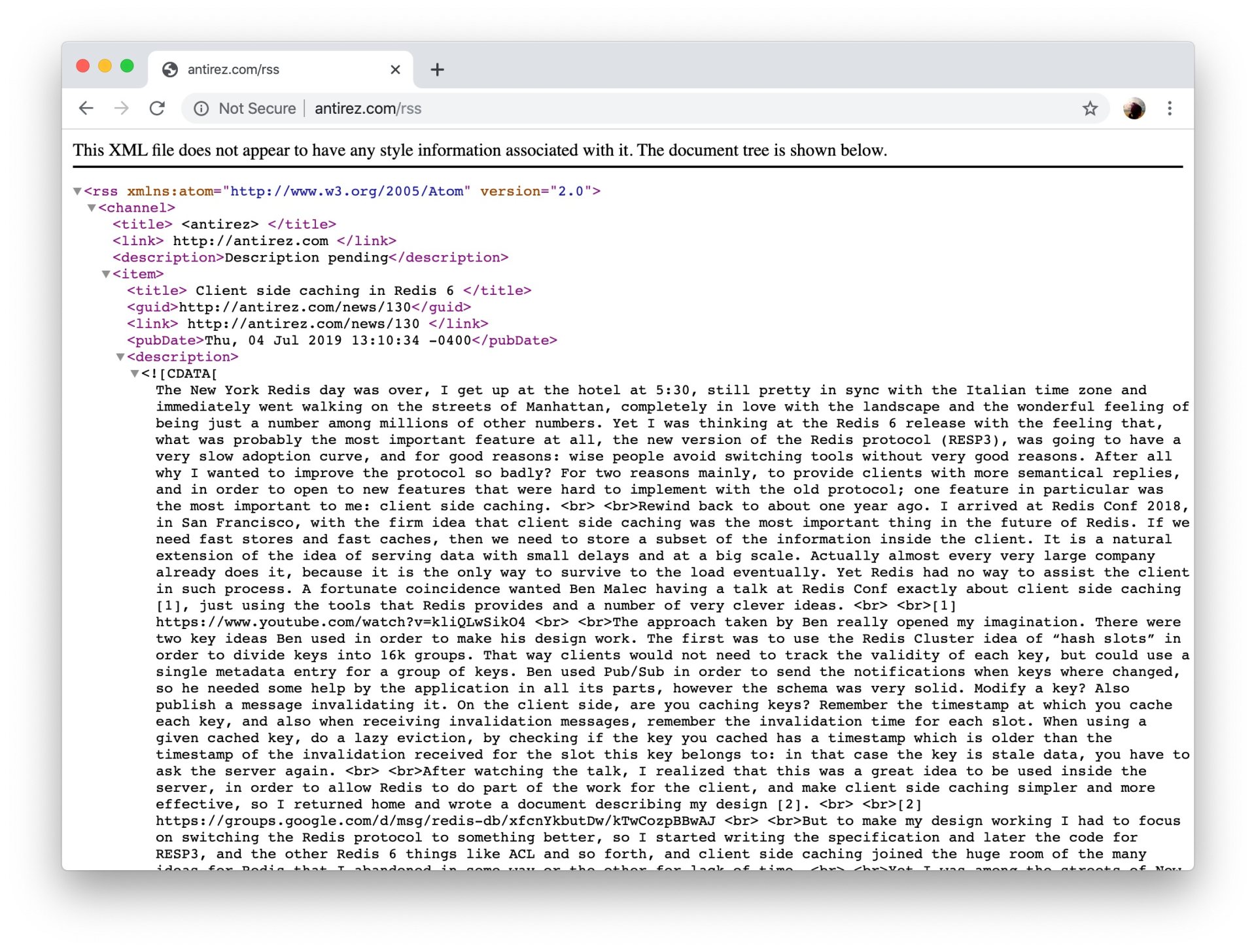
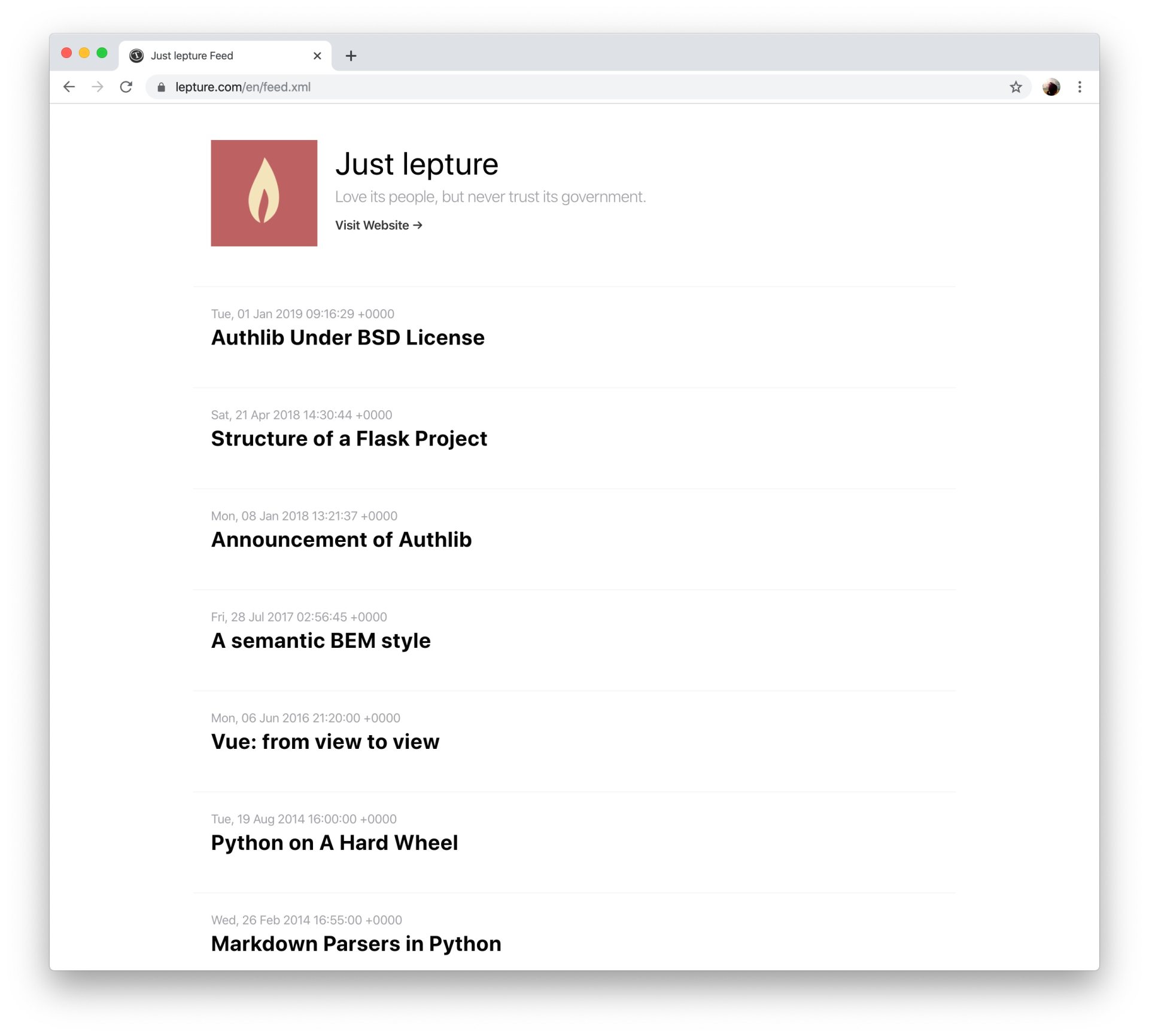
The RSS feed however can be human friendly. Take an example of my blog's RSS feed. It is simple and clean, not so scary to ordinary people.
XSL URL
But how can we make a RSS feed look like the above UI?
We added this UI in Typlog recently. It is pretty simple with xsl. I'm not going to explain XSL in this post, instead, we can quickly decorate our RSS feeds with the famous copy paste method.
<?xml version="1.0" encoding="UTF-8"?>
<?xml-stylesheet href="/rss.xsl" type="text/xsl"?>
<rss version="2.0">
Here you can see, the feed is styled by an external file /rss.xsl. Note here, instead of providing a shared URL typlog.com/rss.xsl, we are using a relative path here. Because it is required by some browsers for security reasons; we need to put the xsl file under the same domain, protocol and port with the RSS feed.
Next, we can inspect the source code of rss.xsl:
view-source:https://lepture.com/_style/default.xslXSL Template
Here is an overview of the XSL file:
<?xml version="1.0" encoding="utf-8"?>
<xsl:stylesheet version="3.0" xmlns:xsl="http://www.w3.org/1999/XSL/Transform"
xmlns:atom="http://www.w3.org/2005/Atom">
  <xsl:output method="html" version="1.0" encoding="UTF-8" indent="yes"/>
  <xsl:template match="/">
    ...
  </xsl:template>
</xsl:stylesheet>
Things to do:
- XML namespaces: register the required namespace when you need to select it via xpath.
- XSL template: create the UI in XHTML
XSL Methods
We will use some XSL methods to create our XHTML template:
xsl:ifxsl:for-eachxsl:attributexsl:value-of
Take a look at https://lepture.com/_style/default.xsl, follow the example. It is not hard to create a pretty UI for RSS feed.