



惯性聚合 高效追踪和阅读你感兴趣的博客、新闻、科技资讯
阅读原文 在惯性聚合中打开

推荐订阅源

博客园 - 【当耐特】
Help Net Security
Help Net Security
P
Proofpoint News Feed
J
Java Code Geeks
爱范儿
爱范儿
Last Week in AI
Last Week in AI
钛媒体:引领未来商业与生活新知
钛媒体:引领未来商业与生活新知
F
Full Disclosure
Google DeepMind News
H
Help Net Security
G
Google Developers Blog
Jina AI
Jina AI
Vercel News
Vercel News
cs.AI updates on arXiv.org
L
Lohrmann on Cybersecurity
S
Schneier on Security
Microsoft Azure Blog
IT之家
IT之家
Security Archives - TechRepublic
阮一峰的网络日志
阮一峰的网络日志
N
News and Events Feed by Topic
GbyAI
GbyAI
B
Blog
O
OpenAI News
博客园_首页
Cisco Talos Blog
Cisco Talos Blog
K
KPMG report finds enterprise disconnect between AI and its ROI | CIO
Hacker News: Ask HN
Hacker News: Ask HN
TaoSecurity Blog
TaoSecurity Blog
腾讯CDC
MongoDB | Blog
MongoDB | Blog
M
MIT News - Artificial intelligence
C
Cybersecurity and Infrastructure Security Agency CISA
Cyberwarzone
Cyberwarzone
Webroot Blog
Webroot Blog
Simon Willison's Weblog
Y
Y Combinator Blog
C
Cisco Blogs
A
Arctic Wolf
CTFtime.org: upcoming CTF events
T
The Exploit Database - CXSecurity.com
Security Latest
Security Latest
AI
AI
W
WeLiveSecurity
aimingoo的专栏
aimingoo的专栏
The Register - Security
Project Zero
Project Zero
H
Hackread – Cybersecurity News, Data Breaches, AI and More
N
Netflix TechBlog - Medium
Blog — PlanetScale
Blog — PlanetScale

博客园 - stefanie

SQL - 获取多机构最近相同节点 PowerShell-将CSV导入SQL Server [Powershell] 检查IIS设置 VBS 操作注册表 十六进制 无法在People Picker中选择用户 Microsoft Certification List Auto Install Workflow Manager 1.0 批量删除Kindle Personal Documents 导入Excel表格到SharePoint站点 用户中心 - 博客园 [Powershell] FTP Download File [PowerShell] Backup Folder and Files Across Network SSRS 请求并显示SharePoint人员和组字段 VS 2010 安装 .net framework2.0/3.0/3.5 How to Setup AssociatedOwnerGroup / AssociatedMemberGroup / AssociatedVisitorGroup RPC服务不可用 [转]SharePoint Versions 安装 64 位版本的 Office 2010 后,无法查看数据表视图中的列表 [MOSS]关闭弹出窗口
WINDOWS 2012忘记密码之后。。。
stefanie · 2014-10-30 · via 博客园 - stefanie

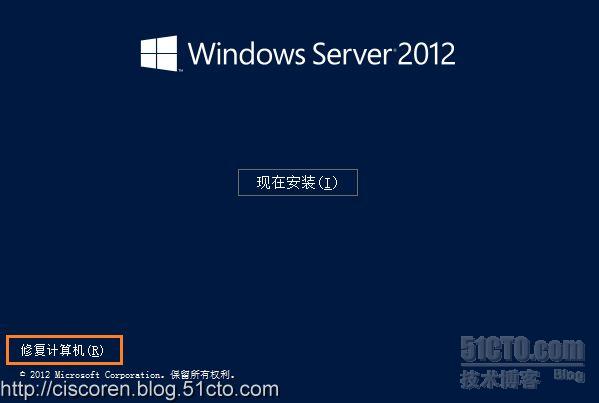
要使用windows server 2012安装DVD,选择光盘引导进入

进入修复系统
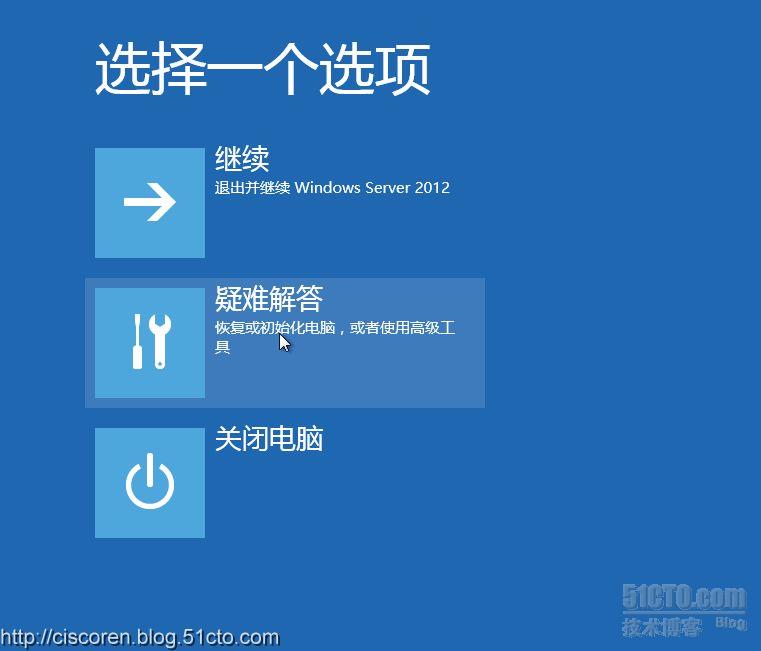
选择疑难解答,进入界面
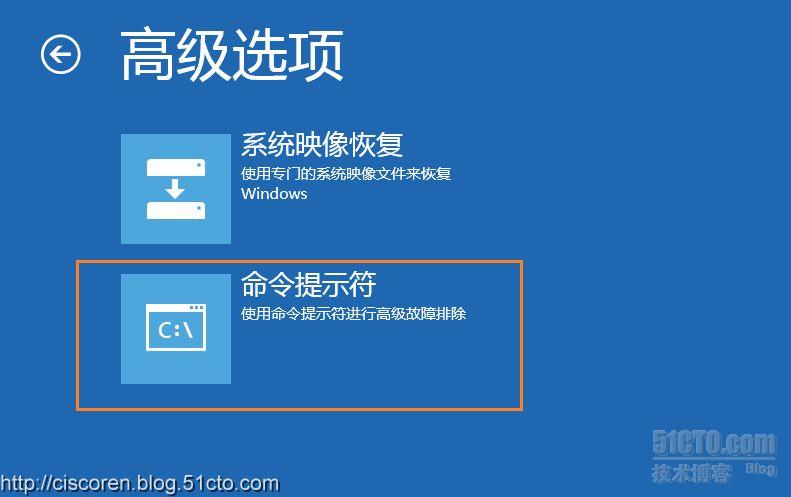
选择命令提示符
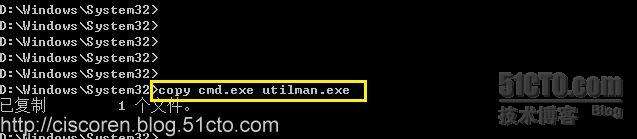
切换目录至系统目录

执行move命令
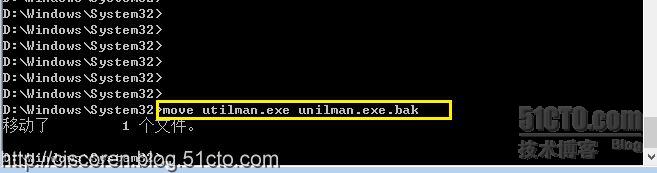
执行 copy命令
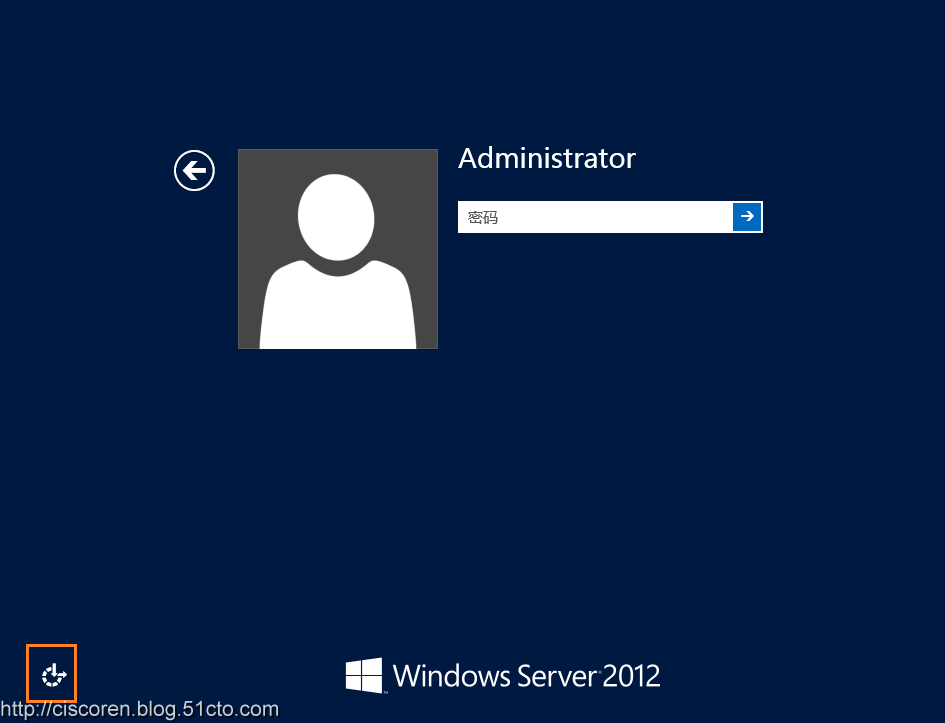
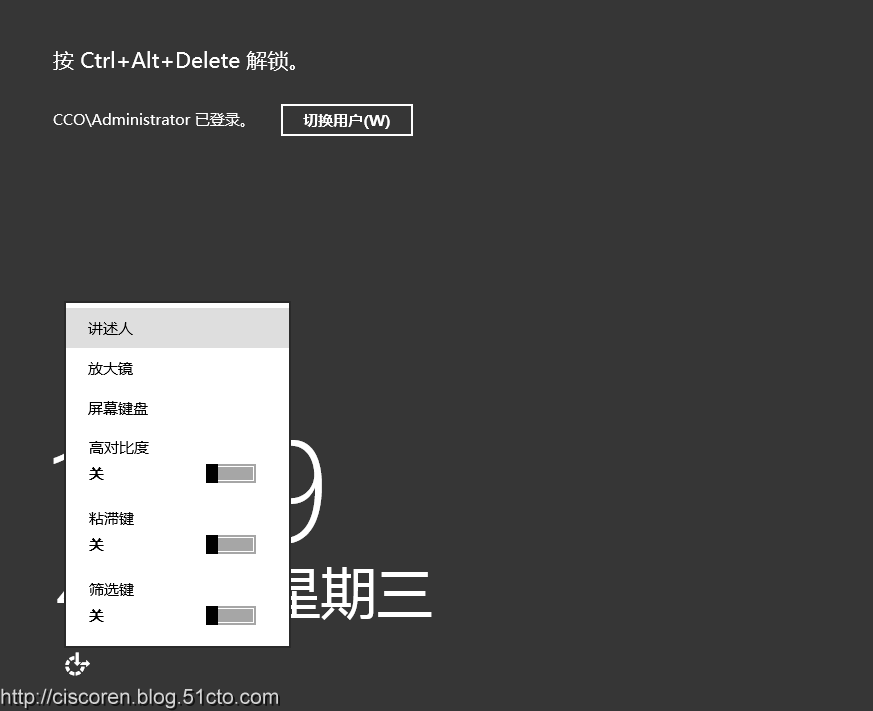
重新启动系统,进入正常登陆界面,点击下面的图标,进入命令行
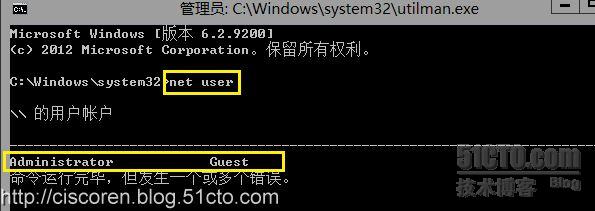
 输入命令,net user
更新administrator 密码
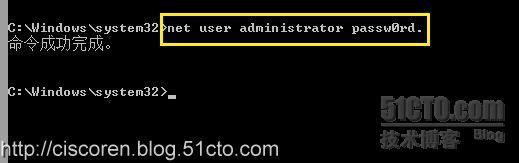
关闭提示符,在登陆界面输入密码。
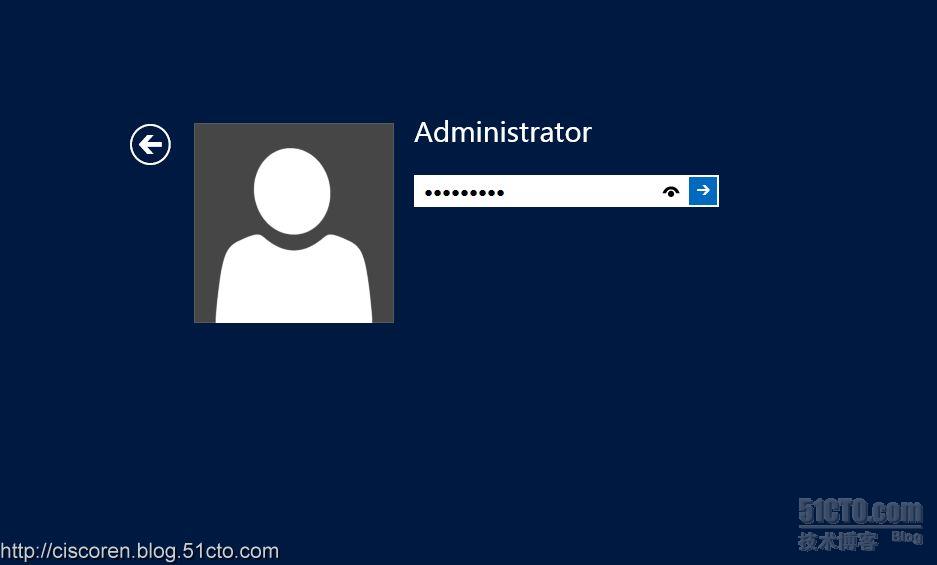
 ok,正常登陆系统
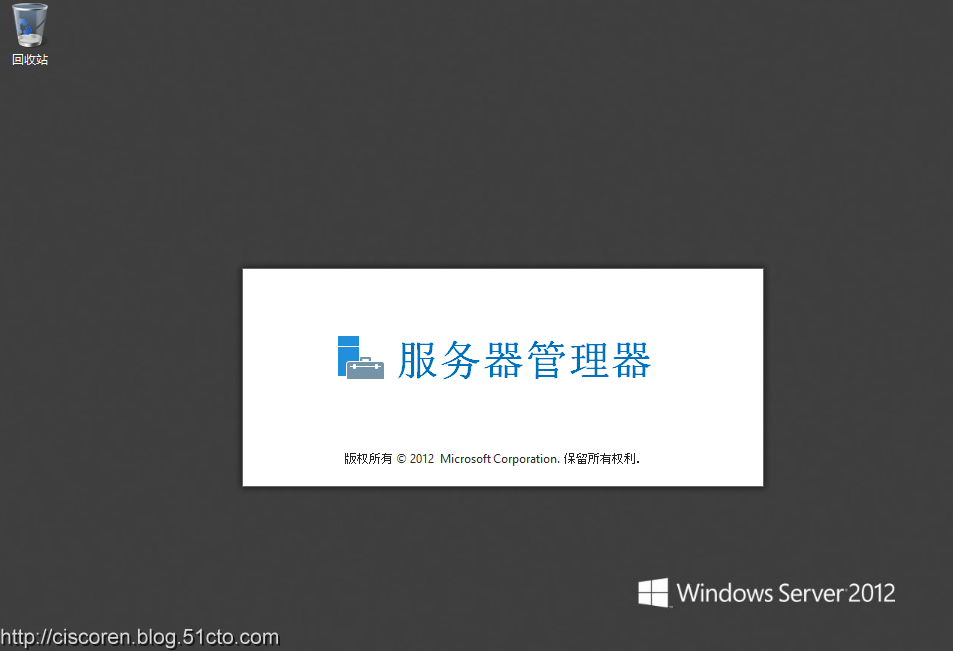
 到这边,就已经成功更新了密码,当时还没有结束,还需要把刚才的那个utilman.exe还原回去。否则就是留下个后门了。
当然,这个方法也是非常规的方式,今天作为管理者做了,是不走寻常路,但是如果其他人这么做也是会更换密码的,那么这就是入侵了。所以服务器的物理安全很重要,切记!

引自:http://ciscoskys.blog.51cto.com/1066670/1169878