惯性聚合 高效追踪和阅读你感兴趣的博客、新闻、科技资讯
阅读原文 在惯性聚合中打开

推荐订阅源

V
V2EX
爱范儿
爱范儿
Martin Fowler
Martin Fowler
T
The Blog of Author Tim Ferriss
B
Blog RSS Feed
博客园 - 聂微东
G
GRAHAM CLULEY
Engineering at Meta
Engineering at Meta
Threat Intelligence Blog | Flashpoint
WordPress大学
WordPress大学
Scott Helme
Scott Helme
AI
AI
S
Security Affairs
T
Threat Research - Cisco Blogs
M
MIT News - Artificial intelligence
T
Troy Hunt's Blog
H
Hackread – Cybersecurity News, Data Breaches, AI and More
人人都是产品经理
人人都是产品经理
AWS News Blog
AWS News Blog
T
Threatpost
Cyberwarzone
Cyberwarzone
www.infosecurity-magazine.com
U
Unit 42
V
Vulnerabilities – Threatpost
J
Java Code Geeks
博客园 - Franky
月光博客
月光博客
Blog — PlanetScale
Blog — PlanetScale
NISL@THU
NISL@THU
D
Docker
小众软件
小众软件
N
News and Events Feed by Topic
Microsoft Security Blog
Y
Y Combinator Blog
A
Arctic Wolf
D
DataBreaches.Net
云风的 BLOG
云风的 BLOG
Forbes - Security
Forbes - Security
量子位
PCI Perspectives
PCI Perspectives
美团技术团队
K
KPMG report finds enterprise disconnect between AI and its ROI | CIO
I
InfoQ
Security Archives - TechRepublic
有赞技术团队
有赞技术团队
腾讯CDC
P
Proofpoint News Feed
S
Security @ Cisco Blogs
G
Google Developers Blog
C
Cisco Blogs

博客园 - zqstc

The following module was built either with optimizations enabled or witherout debug information QQQQQQQ sql 2005 分页 Java学习路线图 SQL 链接服务器及权限限制 apache与tomcat整合 eclipse学习 Eclipse3.6版本汉化 Eclipse 的版本历史 MOSS2007下载 SQL简繁体转换 SQL2000 递归问题 Tomcat+JSP学习一 JavaScript---radio组 Office2003关联的word文档图标无法显示解决方案 用于主题检测的临时日志(f328f8e5-34df-4189-bccc-47d1025dc7dd - 3bfe001a-32de-4114-a6b4-4005b770f6d7) wa gaga Requested registry access is not allowed(不允许所请求的注册表访问权) SQL学习 continue~~
MOSS安装全过程
zqstc · 2010-09-11 · via 博客园 - zqstc

这个是在网上看到的,留个记录 链接

一,安装操作系统

操作系统不多说了,需要Server系统,这里我选了Windows Server 2003,比较省资源:

image

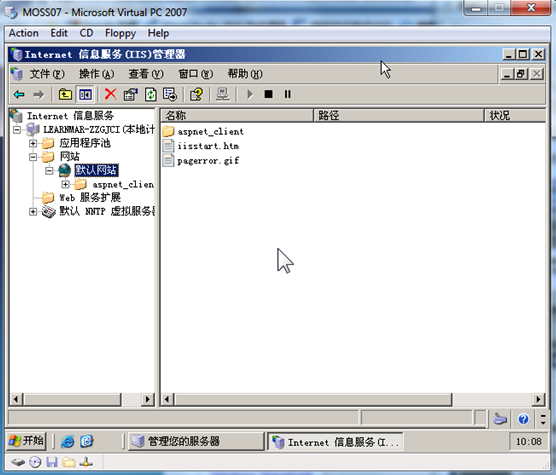
这里不多说装系统的步骤了,系统安装完成需要注意我们要为他安装好几个服务,首先是IIS,其次是域控:

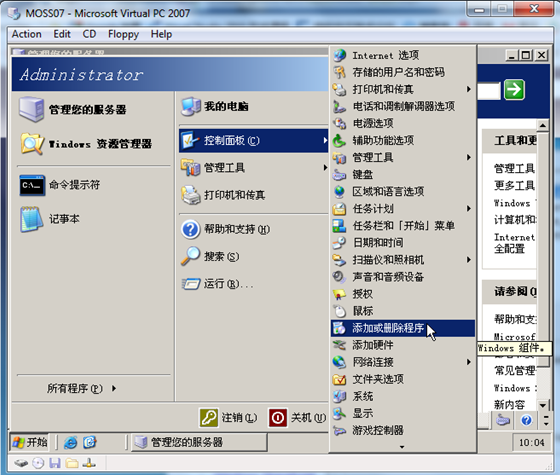
找到控制面板中的“添加或删除程序”中的“添加/删除Windows组件” :
image

选择添加“应用程序服务器”:

image

image

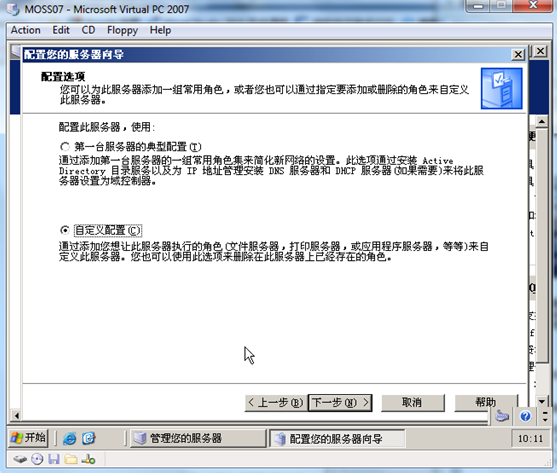
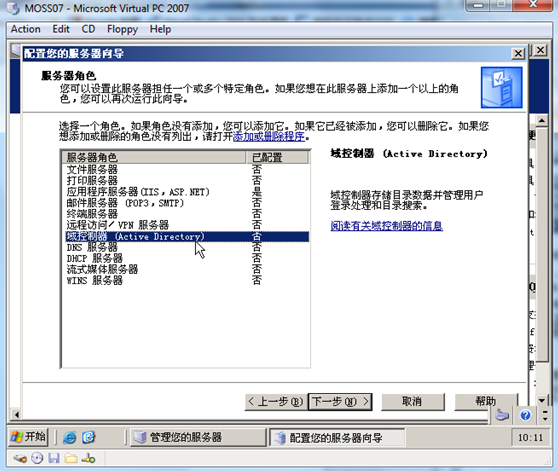
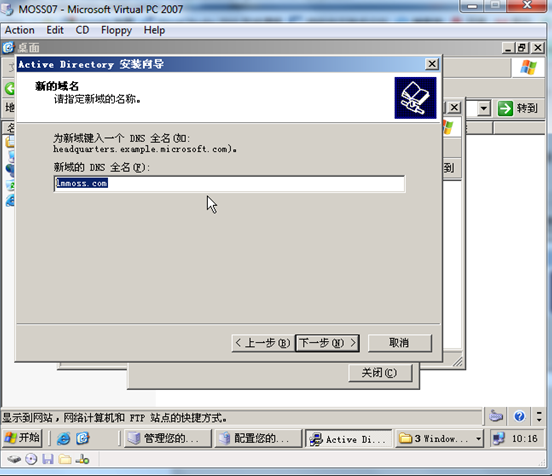
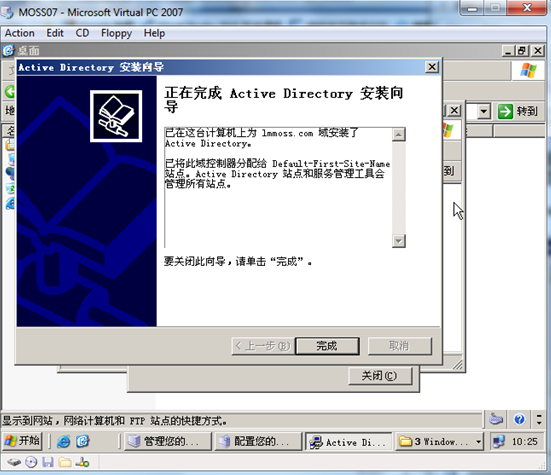
另外,安装域控:

image

image

image

image

image

image

image

image

image

好,到了这里操作系统环境基本完成。

二,数据库

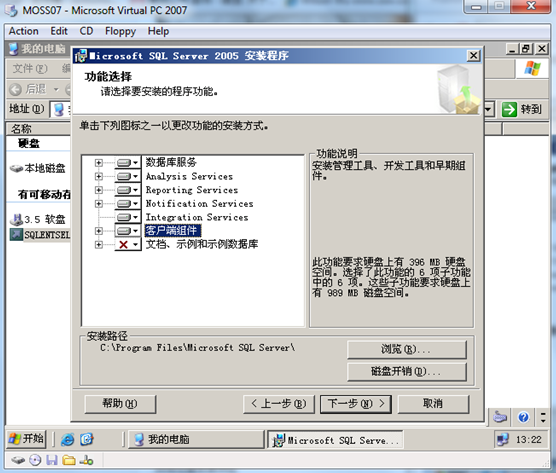
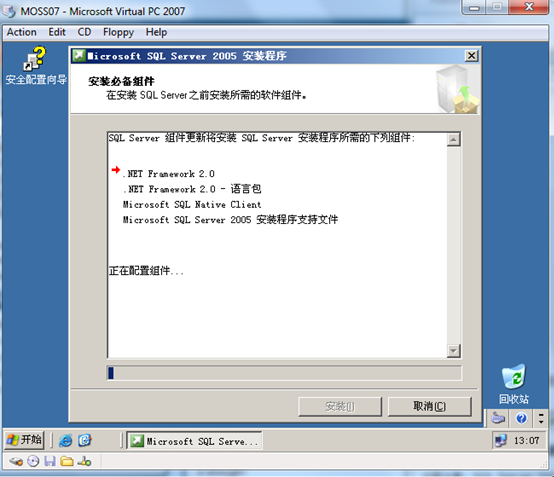
我们这里选择SQL Server 2005企业版作为服务器数据库:

image

这里注意,SQL Server 2005需要Windows Server 2003 SP1以上版本,建议安装SP2.
image

image 

这里需要注意的是,SQL Server服务帐户要配置一个域帐户

image

等待安装完成即可,另外这里大家如果是做测试或讲课用这个环境,最好安装Office和SharePoint Designer。

三,安装MOSS 2007

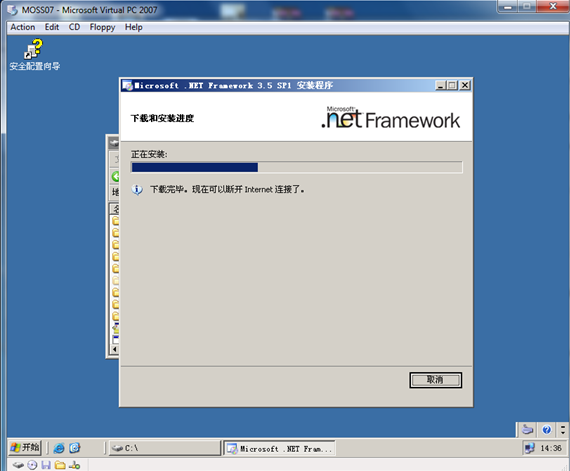
首先要安装.NET Framework 3.0,这里建议直接安装3.5,省得以后麻烦。
image 

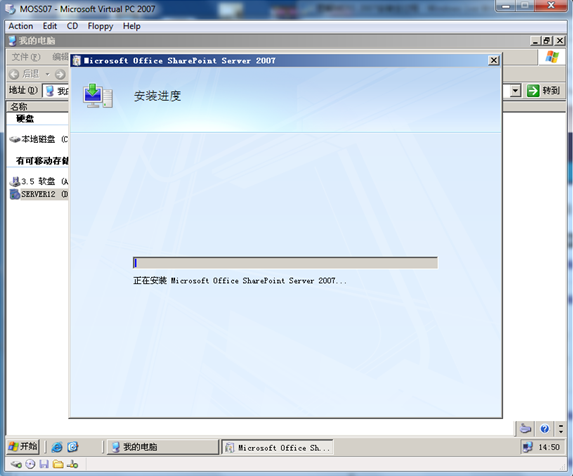
一切就绪,我们可以安装MOSS了:

image 

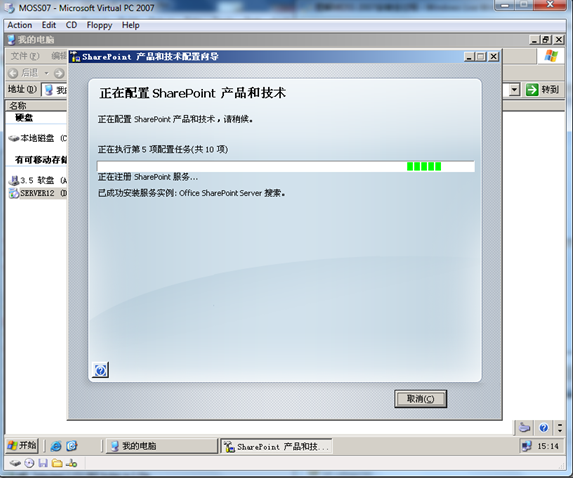
安装完成之后配置SharePoint服务:

image 

image

到此,MOSS 2007安装完成,建议备份一下虚机,开启UNDO,再进行工作或学习,吴慧锋我也开始初学MOSS了。