





Scams
Here’s how the most common scams targeting Apple Pay users work and what you can do to stay one step ahead
22 Jan 2026 • , 6 min. read
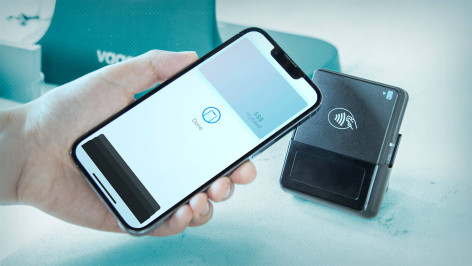
Apple Pay is clearly a hit with consumers. According to estimates, it had hundreds of millions of global users and processed trillions of payments in 2025 alone. But where there is money to be made, scammers will not be far behind.
Apple is well known for designing digital ecosystems with security and privacy in mind. That’s why Apple Pay uses biometric authentication (i.e., Face ID) to authorize payments. And it features measures such as tokenization, so hackers can’t steal card details directly from your device/wallet and your purchases remain protected. But the platform and its solid reputation can still be abused for scams, typically by “hacking“ the owner of the device/wallet.
Google Pay users should take note too, as common scams mainly seek to manipulate user behavior, rather than exploit technological gaps. Meanwhile, the near-field communication (NFC) technology that is at the heart of mobile payment services is increasingly in the crosshairs of some ne’er-do-wells – ESET researchers have found that detections of NFC-abusing Android malware almost doubled between the first and second halves of 2025.
Here are some common scams targeting Apple Pay users.
Apple Pay scammers are usually after your financial information, your money or your Apple ID and logins/2FA codes. Here are the most common types of fraud:
You receive a text message, phone call or email usually claiming your details need to be verified. The lure could be a prize you need to reclaim, or a refund that is due to you. Or it could be a fake story about how your Apple Pay account has been suspended, your card was added to Apple Pay or similar pretexts. Clicking through on the links provided will usually take you to a phishing site where you’ll be asked to provide your bank account or card details. Much the same scenario occurs with smishing texts that either ask you click a link or call a phone number..
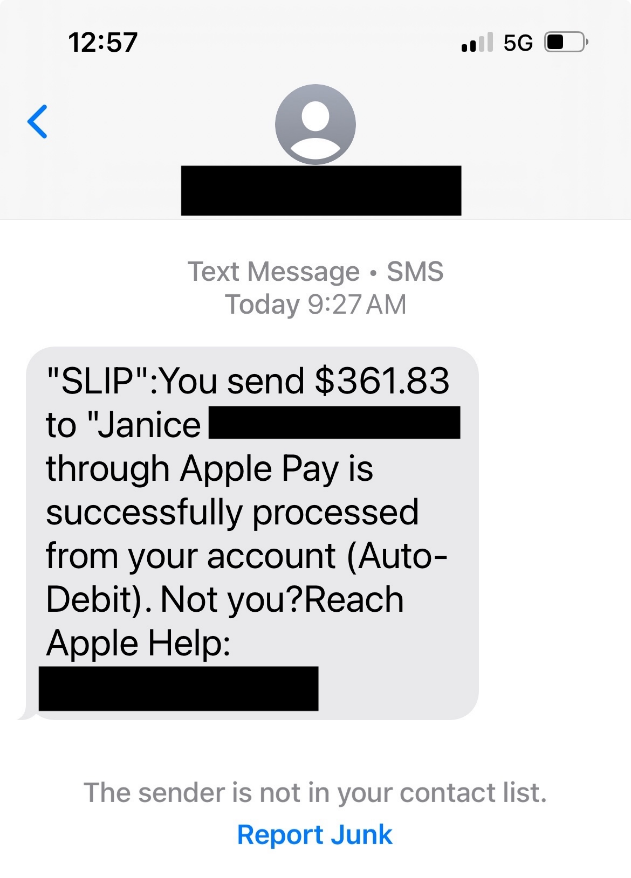
In some cases, the scammer may harvest those details in real time. If this happens, your bank will send a one-time passcode to confirm the new setup. The phishing site instantaneously requests this code. If you enter it, the fraudster will have your card details added to their wallet.
A fake buyer connects stolen cards to their Apple Pay account and uses them to purchase an item (usually of high value) that you’re selling on a digital marketplace. Once the legitimate cardholder finds out what’s happened, they’ll dispute the charges with their bank. You’ll then be ordered to reimburse them. By this time, of course, you’ve already shipped your item to the scammer.
A fraudster messages you about an item you’re selling on a marketplace. They pay but send you too much money. They ask you to refund then the difference, using Apple Cash (the peer-to-peer service available to Apple Pay customers in the US) or another cash app (e.g., Venmo, Zelle). It turns out the buyer used a stolen card, meaning you lose the product, the original payment they made and the refund amount.
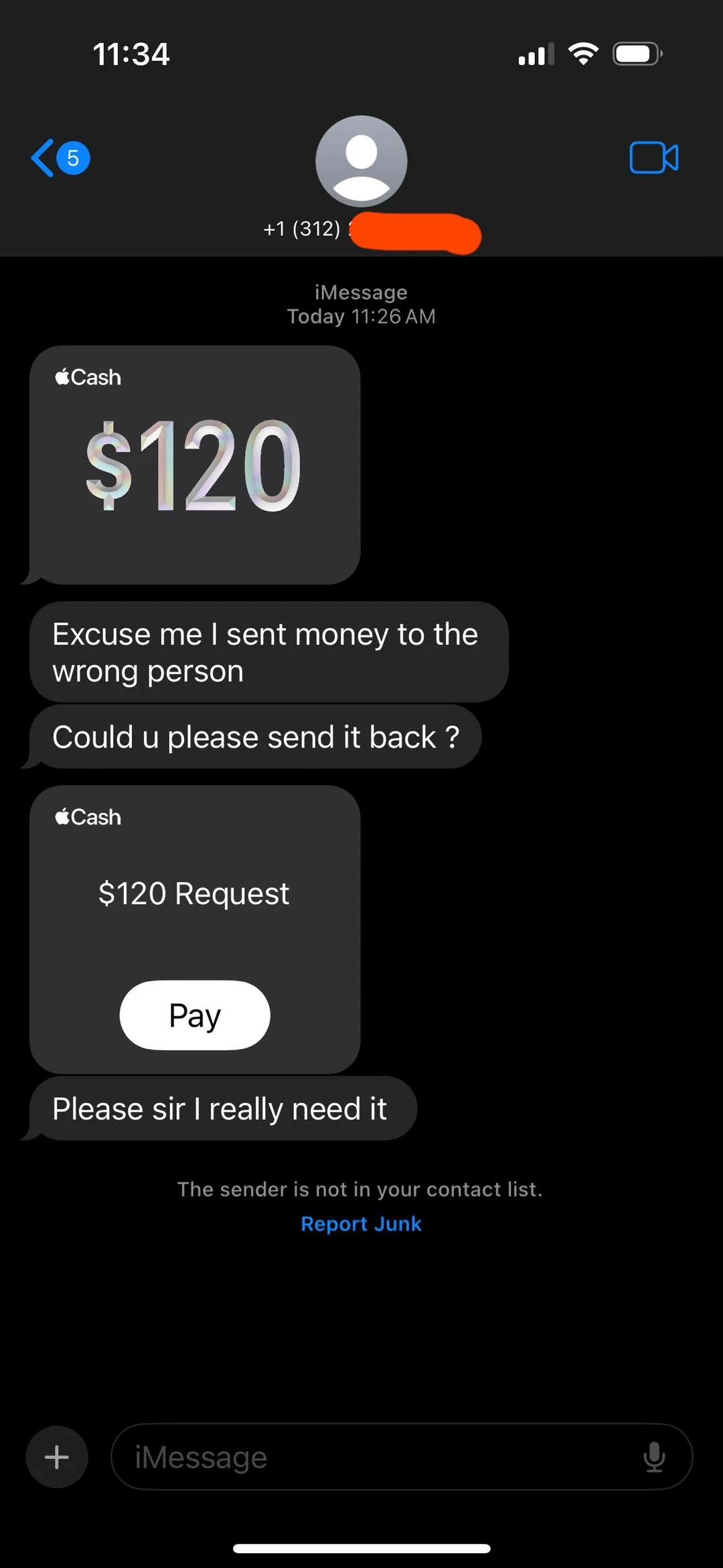
Similar to the above scam, except you receive a payment out of the blue from someone using Apple Pay. They ask you to return it via Apple Cash or a gift card. Once again, you’ll eventually be required to pay the original amount back to the rightful owner of the card that was used by the scammer. And, of course, you’ll be out of pocket to the tune of the refund.
Scammers agree to buy an item you’re selling online. They send you a screenshot showing they’ve paid via Apple Pay. They may claim the money is pending or in ‘escrow’ until you ship it and provide a tracking number. In fact, they’ve never paid – Apple Pay doesn’t hold funds in escrow.
Hackers could run an “evil twin” hotspot in a public area like a café or airport that mimics a legitimate public Wi-Fi network. They use it to monitor traffic to and from your device, and may redirect you to a fake Apple portal in order to harvest your Apple ID and password. These can, in some cases, be used for attempts to drain your Apple Cash balance.
If you spot any of the following, it’s likely you have been contacted by a scammer:
Apple Pay scams may seem disconcertingly widespread, but keeping your personal information, money and accounts safe and secure isn’t as difficult as you might think. First, take a moment to recognize the most common red flags and Apple Pay scams, as listed above. Keep checking in from time to time to refresh your memory and update your knowledge as these scams evolve. Next, consider:
If you think you’ve fallen victim to an Apple Pay scam, time is of the essence. It may be possible to cancel a payment, by clicking through in the Apple Pay app, or contacting your bank. If you’ve unwittingly shared your Apple ID/logins or card information, change your passwords immediately and contact your bank to cancel and reissue your cards.
It may also be worth reporting fraud to the Federal Trade Commission (FTC) or, in Europe, the relevant authorities, which can be reached via Europol.
Digital payment services and wallets make our lives easier. But they also make it quicker and easier to fall for fraud. It pays to slow down and think for a second when buying, selling and reviewing messages online.
Sign up for our newsletters
此内容由惯性聚合(RSS阅读器)自动聚合整理,仅供阅读参考。 原文来自 — 版权归原作者所有。