惯性聚合 高效追踪和阅读你感兴趣的博客、新闻、科技资讯
阅读原文 在惯性聚合中打开

推荐订阅源

G
Google Developers Blog
WordPress大学
WordPress大学
奇客Solidot–传递最新科技情报
奇客Solidot–传递最新科技情报
小众软件
小众软件
人人都是产品经理
人人都是产品经理
美团技术团队
Blog — PlanetScale
Blog — PlanetScale
S
SegmentFault 最新的问题
博客园 - 【当耐特】
V
V2EX
Microsoft Azure Blog
博客园 - 叶小钗
Google DeepMind News
量子位
罗磊的独立博客
月光博客
月光博客
N
Netflix TechBlog - Medium
大猫的无限游戏
大猫的无限游戏
博客园_首页
P
Proofpoint News Feed
Jina AI
Jina AI
云风的 BLOG
云风的 BLOG
博客园 - 司徒正美
腾讯CDC

博客园 - kkun

audit message types system_call specifies the system call by its name AUDIT SYSTEM REFERENCE ausyscall --dump NodeJS package.json NodeJS Hello world NodeJS 安装 透过 HoloLens,微软抢先看到了个人计算机的未来 [MSSQL2008]Spatial Data in SQL Server 2008 - 根据经纬度计算两点间距离 [MSSQL2005]再看CTE 博文阅读密码验证 - 博客园 博文阅读密码验证 - 博客园 [MSSQL2012]LEAD函数 [MSSQL2012]First_Value函数 [MSSQL2012]CUME_DIST函数 [MSSQL]SQL疑难杂症实战记录-巧妙利用PARTITION分组排名递增特性解决合并连续相同数据行 [ALM]一步一步搭建MS ALM环境 - 安装TFS + SQL SERVER [ALM]一步一步搭建MS ALM环境 - 安装域服务器 [Hyper-V]制作一个干净的操作系统模板
NodeJS http 模块
kkun · 2015-11-09 · via 博客园 - kkun

#4 NodeJS http 模块


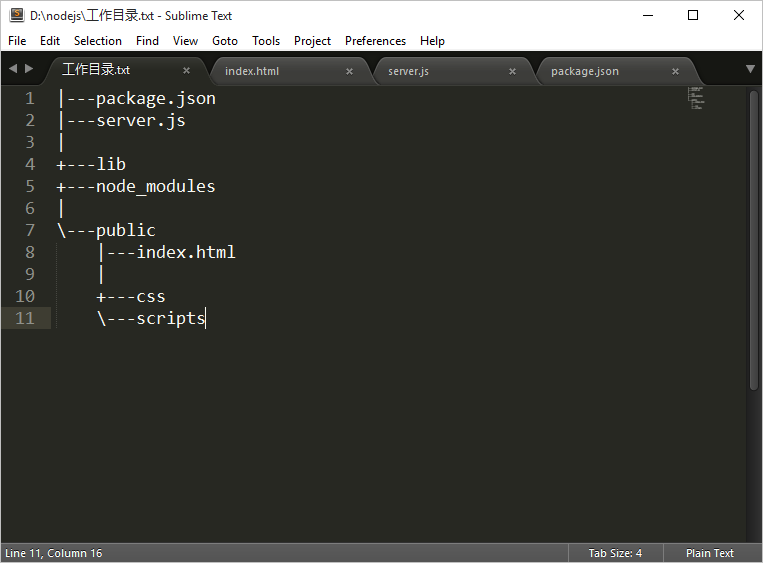
工作目录
Image

server.js

var http = require('http');
var fs = require('fs');
var path = require('path');
var mime = require('mime');
function send404(response){
     response.writeHead(404,{
          'Content-Type':'text/plain'
     });
     response.write('Error 404 : resource not found.');
     response.end();
}
function sendFile(request,response,filePath){
     fs.exists(filePath,function(exists){
          if(!exists){
               return send404(response);
          }
          fs.readFile(filePath,function(err,data){
               if(err) send404(response);
               response.writeHead(200,     {
                    'content-type':mime.lookup(path.basename(filePath))
               });
               response.end(data);
          })
     })
}
var server = http.createServer(function(request,response){
     var filePath = '';
     if(request.url == '/'){
          filePath = 'public/index.html';
     }else{
          filePath = './public' + request.url;
     }
     sendFile(request,response,filePath);
});
server.listen(3000,function(){
     console.log('Server listening on 3000');

})

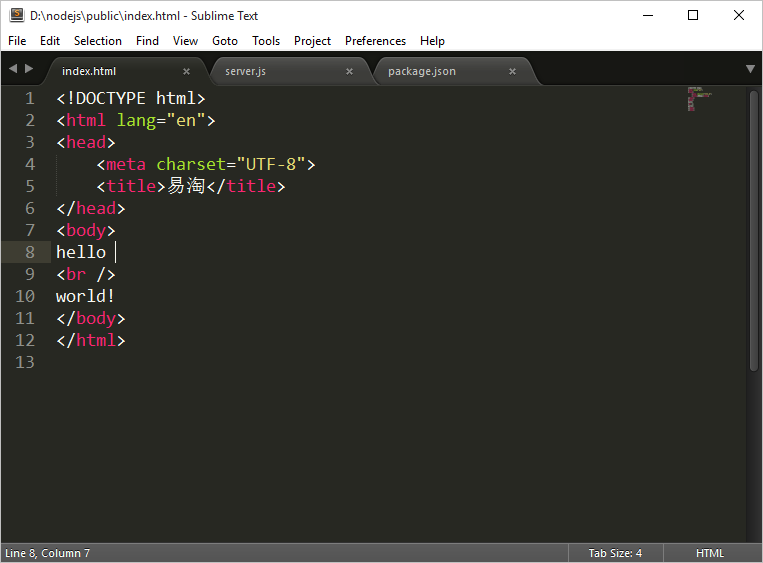
index.html
Image(13)

按住Shift键不放,空白处右键,选择Open command windows here
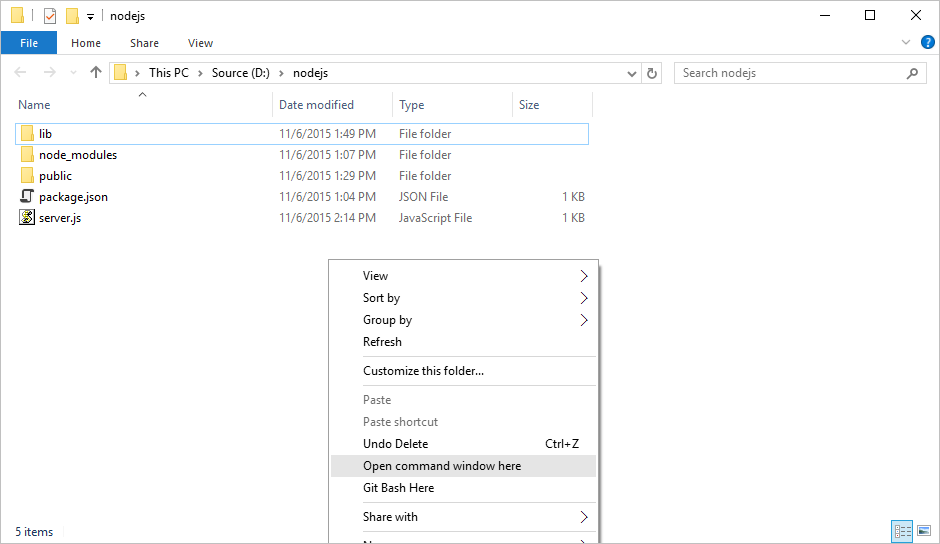
Image(14)

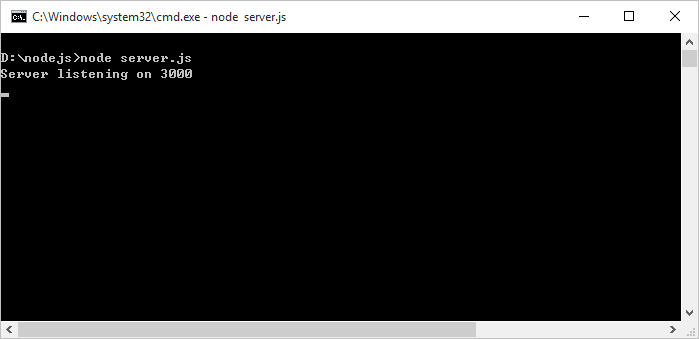
执行下图命令

Image(15)

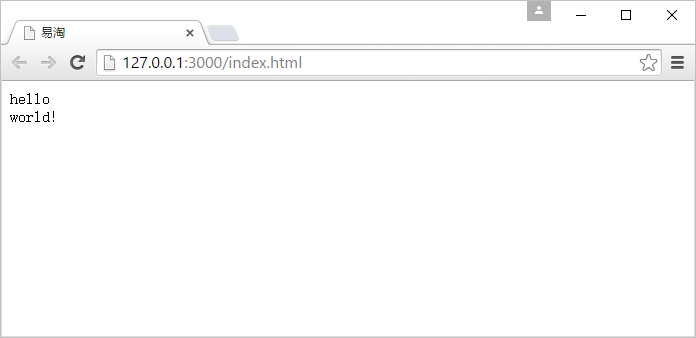
看到下图收摊

Image(16)


------------------------------------------
除非特别声明,文章均为原创,版权与博客园共有,转载请保留出处
BUY ME COFFEE