




Note: The information in this article is correct as of May 7, 2025, and is subject to change.
Back-to-back meetings, scattered notes, and forgotten action items are familiar challenges in the modern workplace. But with AI tools becoming more capable, meetings don’t have to be a productivity drain. According to DigitalOcean’s 2025 Currents Report, 79% of organizations surveyed are integrating AI in some form, a sharp rise from 49% the previous year.
AI meeting tools are changing how we capture and act on conversations. Whether you’re a solo founder or part of a large team, these tools will help you simplify collaboration, reduce admin work, and ensure important decisions aren’t lost in translation. In this article, we’ll explore 10 AI meeting tools worth considering in 2025 and how they can make every meeting count.
💡 Lepton AI, Supermaven, Nomic AI, and Moonvalley use DigitalOcean GPU Droplets to improve AI inference and training, refine code completion, derive insights from extensive unstructured datasets, and create high-definition cinematic media, delivering scalable and accessible AI-driven solutions.
An AI meeting tool is a software solution that uses artificial intelligence technologies like natural language processing (NLP), machine learning (ML), and speech recognition to automate tasks related to virtual or in-person meetings.
AI meeting tools work by capturing the meeting audio (via native app integration, browser extensions, or bots that join calls), then applying speech-to-text algorithms to produce accurate transcripts. NLP models process this text to identify key segments such as decisions, questions, and follow-ups. Some tools also use ML techniques to personalize outputs based on meeting context, speaker roles, or historical patterns. Advanced AI meeting tools offer multi-language support, sentiment analysis, and AI-driven prompts for follow-up actions or coaching.
AI meeting tools are hybrid in nature; many combine multiple deployment models (like bot-based and native) with varied interaction styles. For example, a tool might passively record a meeting while also offering an embedded copilot to generate follow-ups. This flexibility helps you personalize your workflow automation based on privacy needs, team size, and technical setup.
| Type | Classification | Description | |
|---|---|---|---|
| Deployment model | Bot-based | AI tools join virtual meetings as participants to capture and transcribe audio. | |
| Native integrations (Non–bot) | Built directly into meeting or calendar platforms without joining as a visible bot. | ||
| Manual uploads (Non–bot) | Users upload meeting recordings manually for processing. | ||
| User interaction style | Passive | Runs in the background, auto-records, and transcribes without user prompts. | |
| Interactive | Allows users to ask questions or request summaries post-meeting. | ||
| Embedded copilots | AI agents assist with tasks like writing emails, generating summaries, CRM updates, etc. |
Choosing the right AI meeting tool depends on how you work and what you need help with: note-taking, summaries, task follow-ups, or CRM updates. Some tools are better for solo use, while others offer collaboration features for teams. Most importantly, pick one that fits into your existing workflow without adding extra friction.
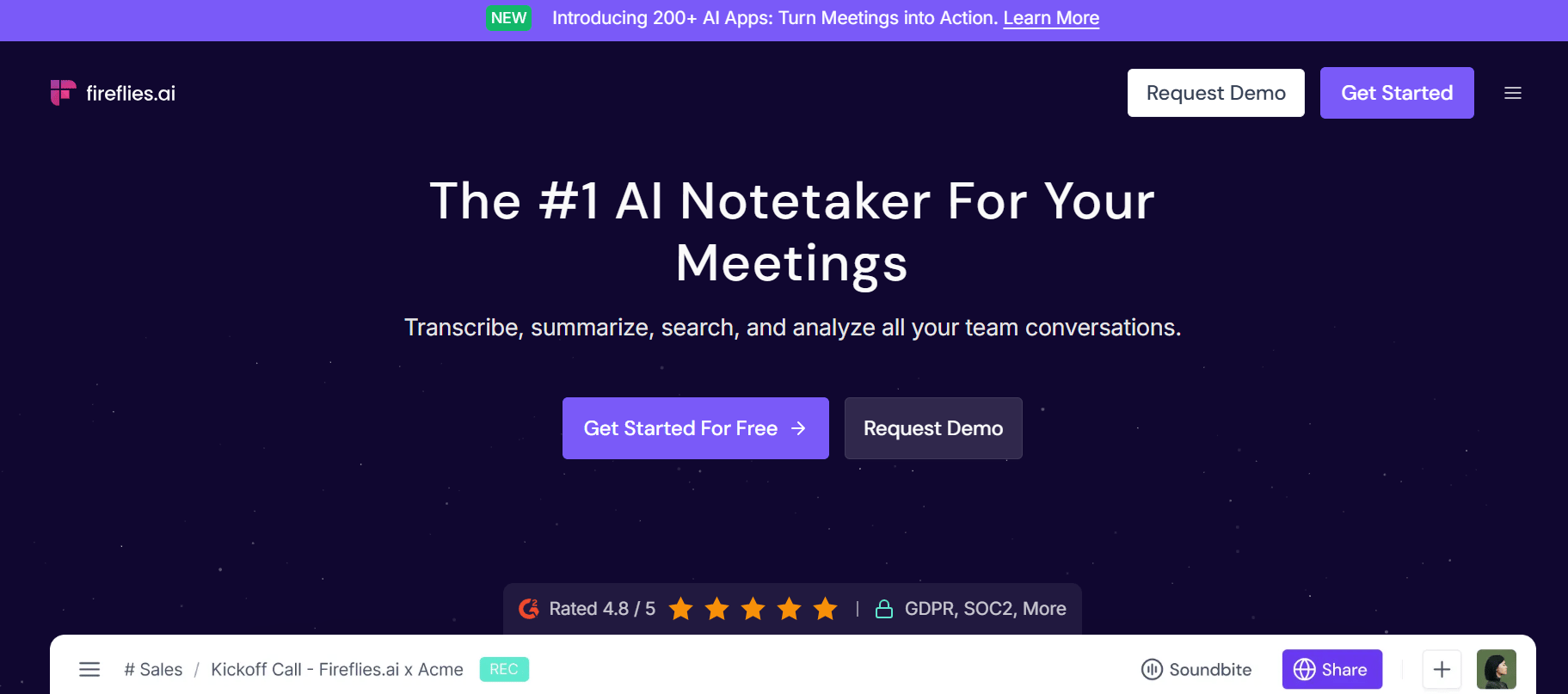
Fireflies.ai is an AI meeting assistant that helps teams capture and analyze conversations across various platforms. It automatically records, transcribes, and summarizes meetings with high accuracy, supporting over 100 languages and recognizing different speakers. It has a mobile app to record and summarize in-person conversations. Its AI Notetaker bot can auto-join meetings from the calendar, and its search features allow users to revisit conversations down to the exact sentence and timestamp.
Key features:
AI-powered filters to extract key elements like questions, tasks, metrics, and budget mentions
Dialer and API integrations with platforms like Aircall and RingCentral
Audio/video file transcription for formats such as MP3, MP4, WAV, and M4A
Free plan: $0; Pro plan: $10 (annual)/$18 (monthly); Business plan: $19 (annual)/$29 (monthly); Enterprise plan: $39 (annual).
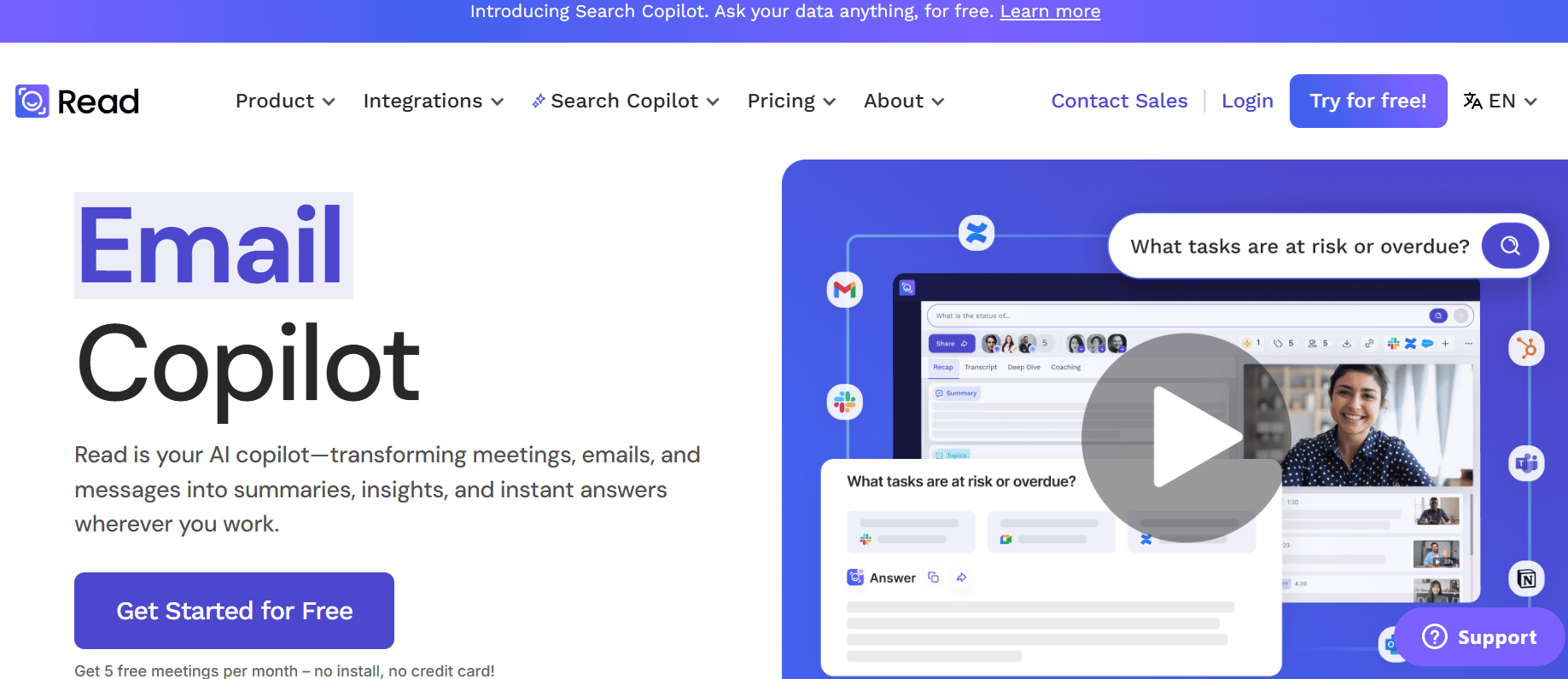
Read.ai helps individuals and teams turn conversations, whether in meetings, emails, or messages, into actionable insights. It automatically joins meetings to record and summarize discussions, generates highlights and action items, and allows teams to share knowledge. With Search Copilot, users can instantly retrieve answers across conversations, documents, and apps, and maintain privacy and security standards like SOC II compliance.
Key features:
Works across platforms like Google Meet, Zoom, Microsoft Teams, Gmail, Outlook, Slack, and more, making it easy to unify and search through fragmented communications.
Supports multi-language use and integrates with CRM tools such as Salesforce, Notion, Jira, and HubSpot, offering a centralized view of organizational intelligence.
Chrome extension for quick access in Google Meet, Gmail, and other browser tools.
Free plan: $0; Pro plan: $15 (annual)/$19.75 (monthly); Enterprise plan: $22.50 (annual)/$29.75 (monthly); Enterprise+: $29.75 (annual)/$39.75 (monthly)
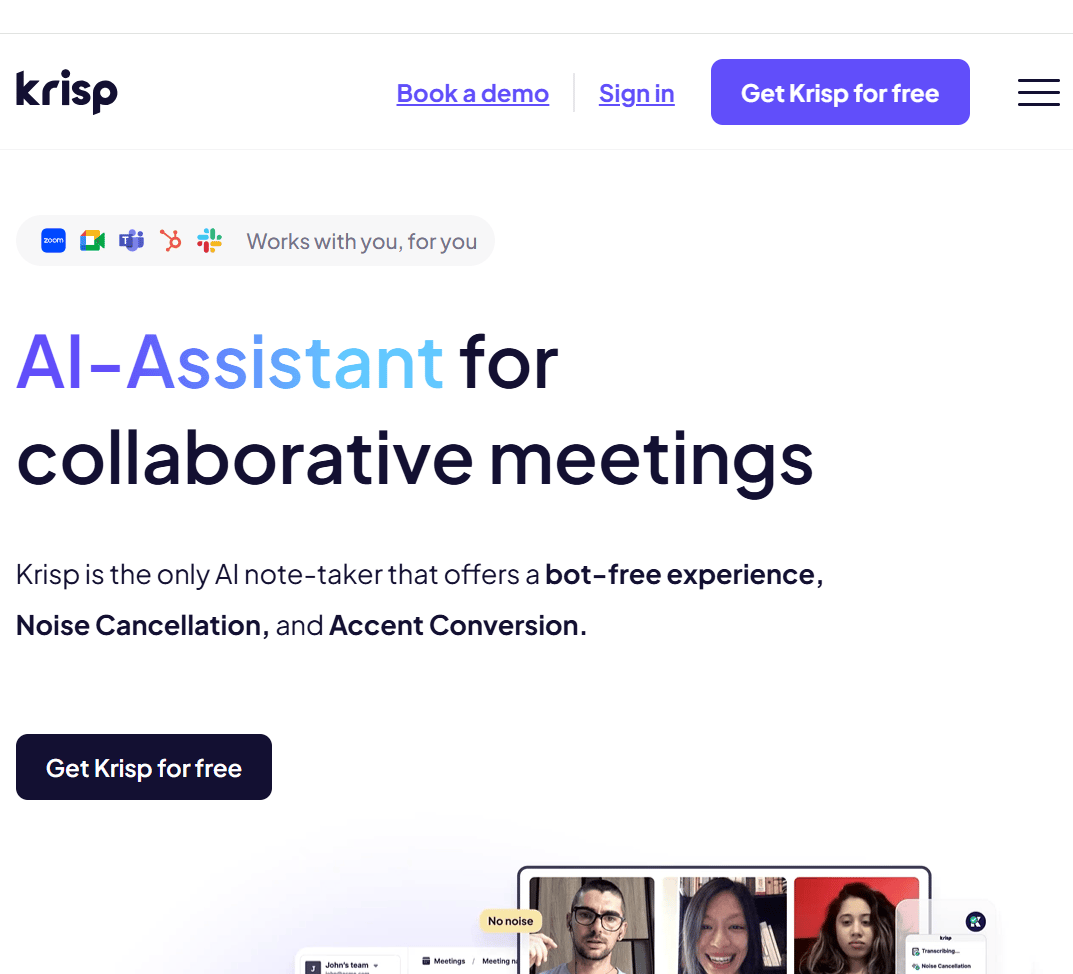
Krisp is a voice-focused AI platform designed to improve digital communication through audio clarity and meeting productivity tools. It supports individuals, teams, and enterprise use cases by offering real-time noise cancellation, accent conversion, transcription, and meeting summarization. Krisp operates without bots, functioning directly across communication apps and hardware setups. The platform is also used globally to process billions of minutes of voice data each month, to support more efficient and distraction-free collaboration.
Key features:
Uses AI noise cancellation to remove background noises, voices, and echoes from calls in real time to improve clarity.
Implements AI accent conversion to adjust speaker accents (e.g., Indian-English) in real time to better understand during meetings or support interactions.
Serves developers and call centers with SDKs for integrating voice AI into custom products.
Free plan: $0; Pro plan: $16 (annual)/$8 (monthly); Business plan: $15 (annual)/$30 (monthly); Custom pricing for enterprises.
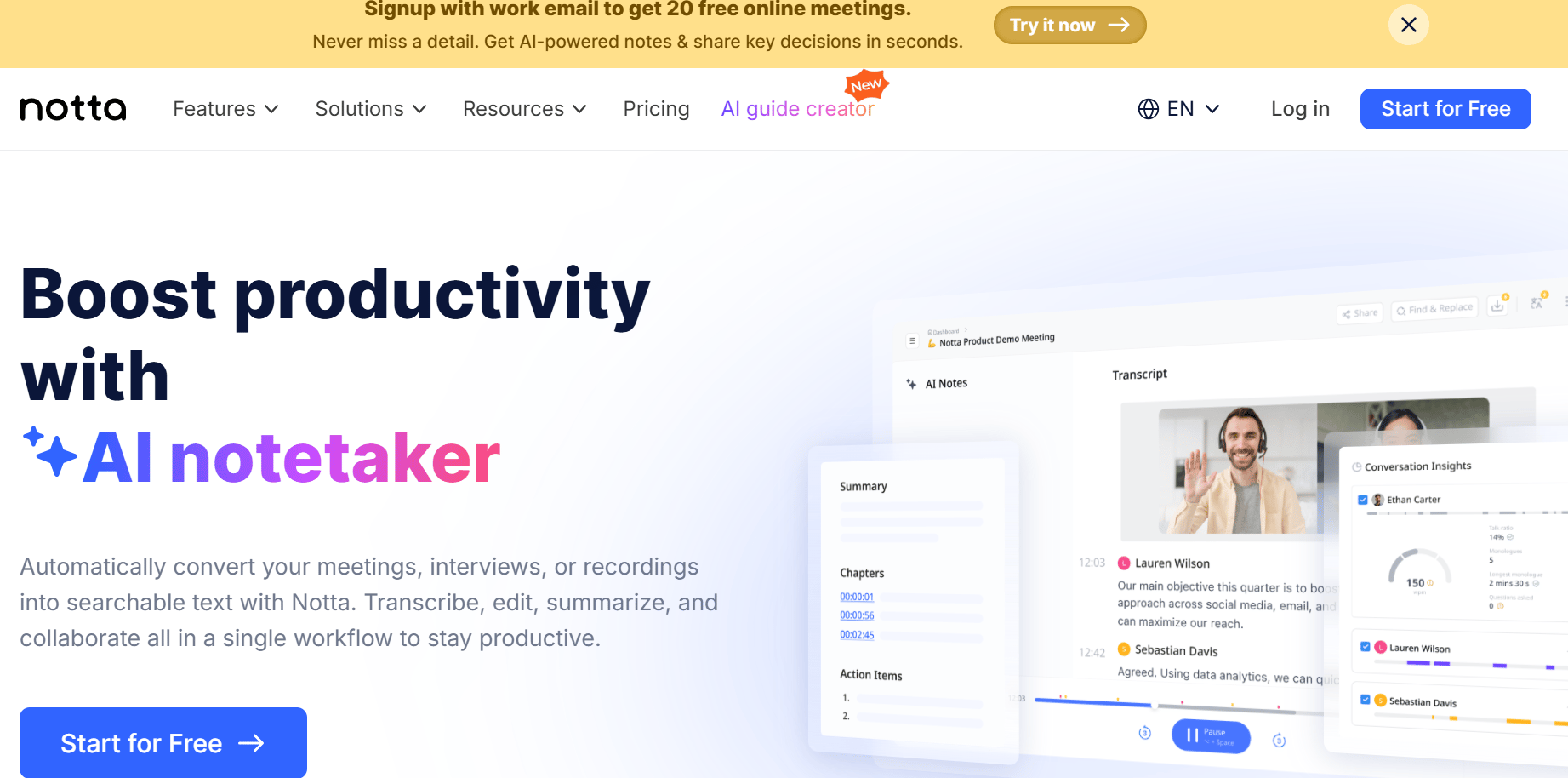
With Notta, users can convert live or recorded conversations into structured, searchable text. It supports transcription in 58 languages, including bilingual meeting capabilities, and offers tools to extract summaries, action items, and insights. Notta facilitates collaboration by allowing users to share notes, highlight key segments, and export content in multiple formats. With its web-based interface and support for asynchronous collaboration, Notta helps individuals and teams analyze discussions, track decisions, and simplify follow-up tasks.
Key features:
Integrates with a wide range of platforms, like Zoom, Google Meet, Slack, and Salesforce, which enables teams to maintain workflows.
Export options in TXT, DOCX, PDF, and SRT formats for flexible content reuse
Provides calendar sync and scheduling to automate meeting organization
Free plan: $0; Pro plan: $8.17(annual)/$13.49 (monthly); Business plan: $16(annual)/ $27.99 (monthly); Enterprise plan offers custom pricing; Add-on services available at an additional fee.
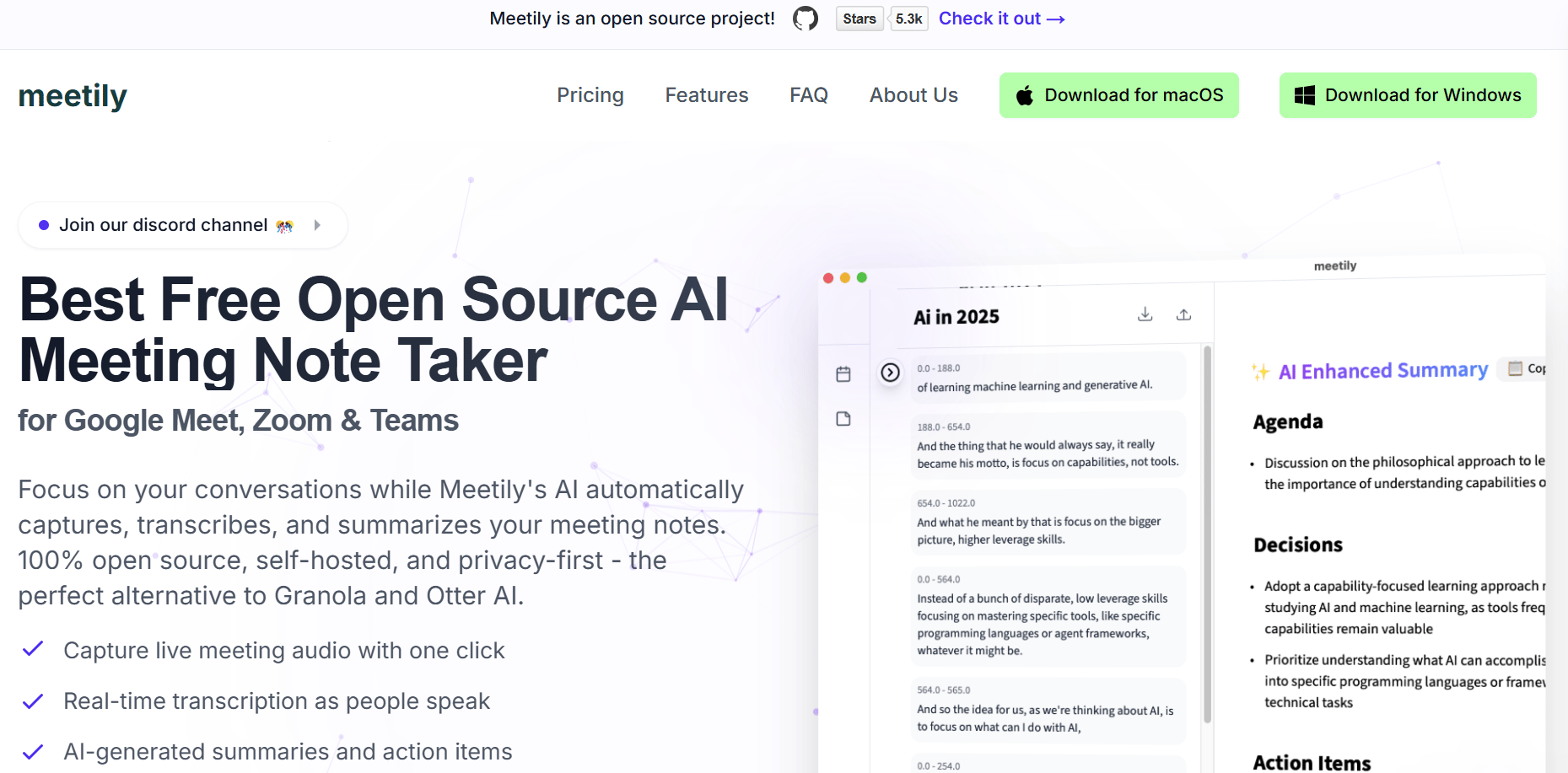
Meetily, by Zackriya Solutions, is a free, open-source AI meeting assistant that offers real-time transcription, automated summaries, and note-taking across major conferencing platforms like Google Meet, Zoom, and Microsoft Teams. Built with a privacy-first approach, Meetily processes all data locally on your machine, making it a suitable choice for individuals or organizations with strict data control requirements. Its lightweight design and transparent operation appeal to both developers and teams seeking a reliable, bot-free alternative for capturing meeting insights.
Key features:
Fully self-hosted and customizable, giving users complete access to source code and infrastructure management.
Local processing of audio and transcripts for privacy.
Cross-platform support for Google Meet, Zoom, Microsoft Teams, and more.
Open Source Edition is free under the MIT License. For larger organizations, the enterprise edition offers custom pricing.
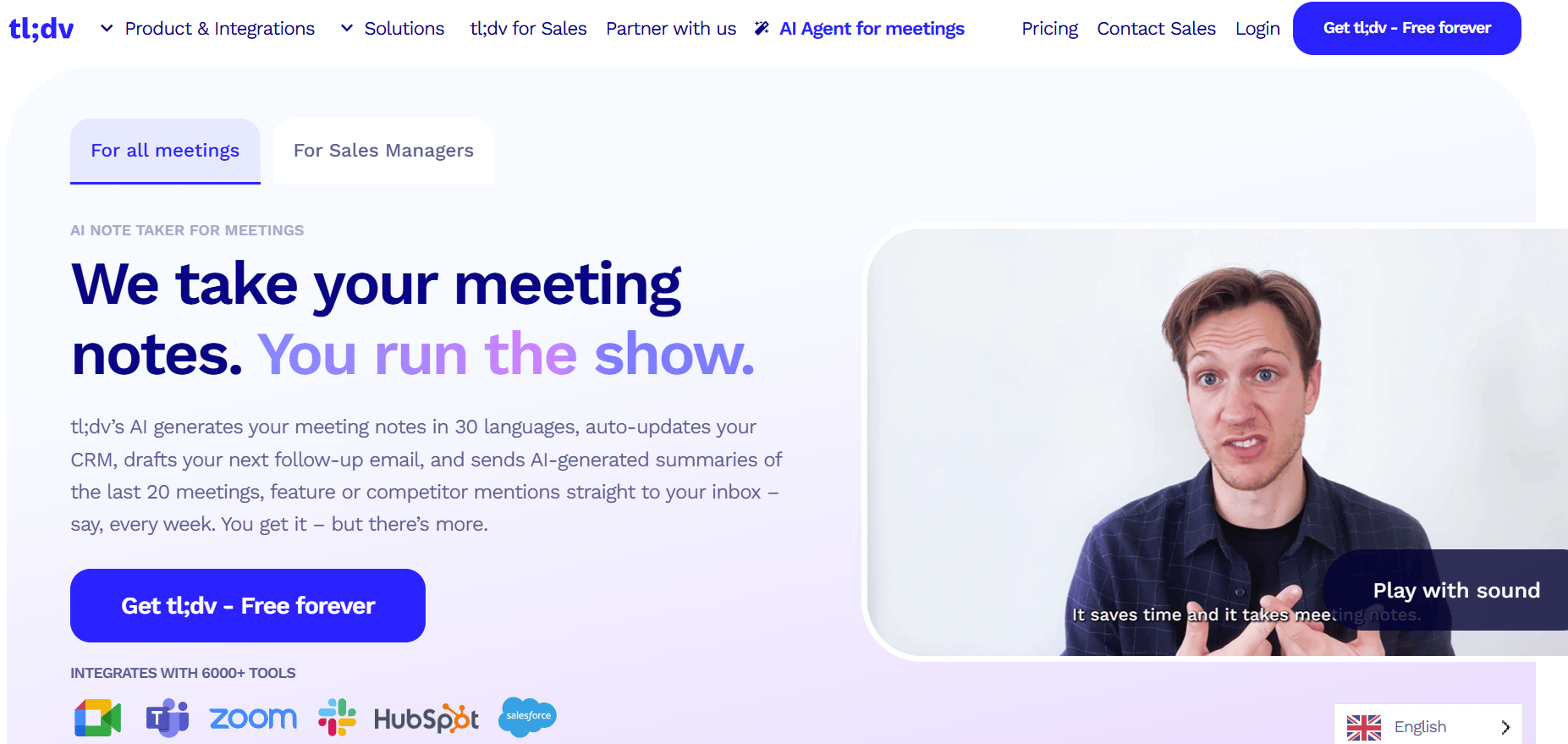
tl;dv (too long; didn’t view) transcribes, summarizes, and analyzes online meetings in over 30 languages using AI. It supports features such as CRM logging, follow-up email drafting, and multi-meeting analysis to help teams review and organize meeting outcomes. It has options for data security and privacy, including GDPR compliance, end-to-end encryption, and private AI processing configurations for organizations that require tighter control over sensitive information.
Key features:
Analyzes trends across multiple calls to surface patterns like customer objections, feature requests, and product feedback.
Tracks playbook adherence, objection handling, and provides curated learning clips to onboard reps and improve performance.
Integrates over 5,000 applications, including CRMs, project management tools, calendars, dialers, and video conferencing platforms like Google Meet, Zoom, and Microsoft Teams, using native integrations and Zapier to create custom workflows and simplify meeting-related tasks.
‘Free Forever’ plan: $0; Pro plan: $18 (annual)/$29 (monthly); Business plan: $39 (annual)/$65 (monthly); Enterprise plan offers custom pricing.
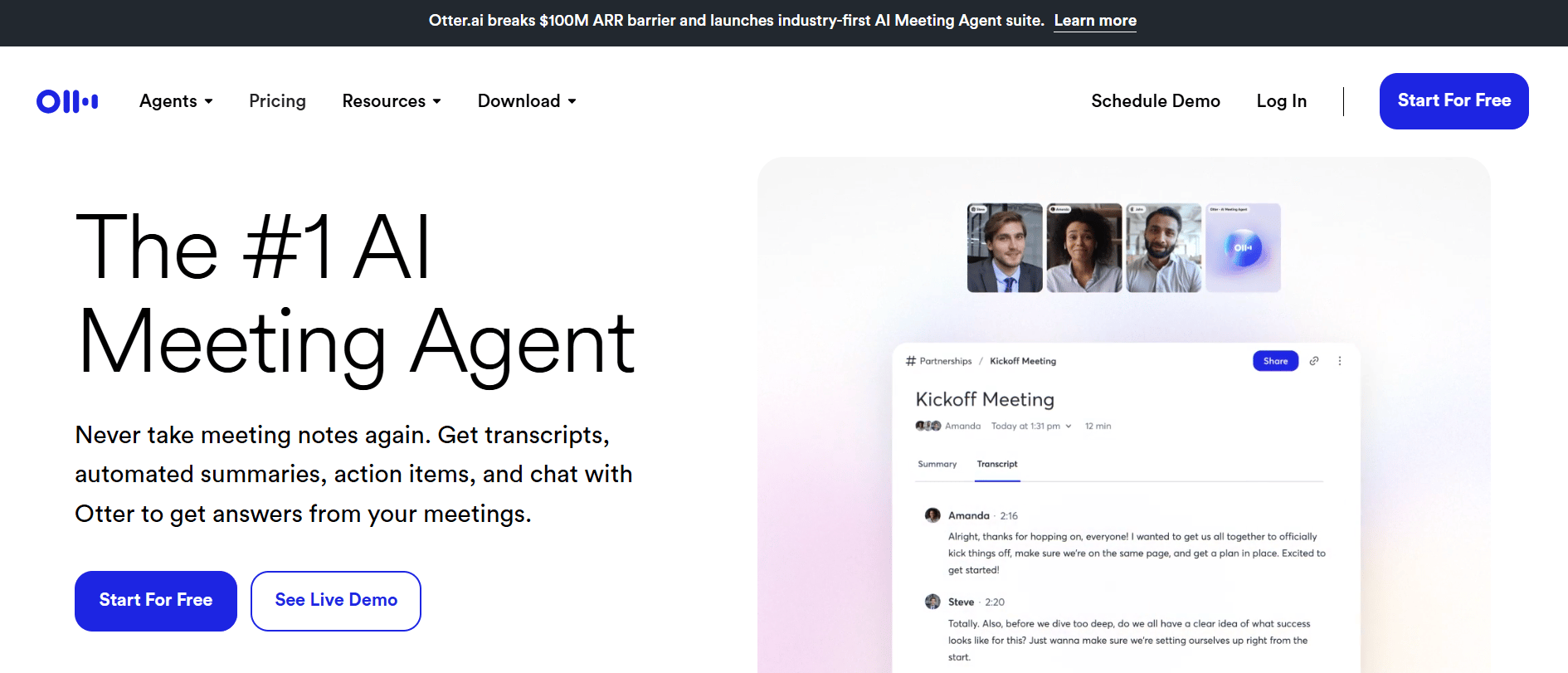
Otter supports live transcription, automated meeting summaries, and action item extraction across popular conferencing platforms such as Zoom, Google Meet, and Microsoft Teams. It allows users to search and query meeting content through a built-in AI chat feature and offers agent-specific functionality for roles in sales, recruiting, education, and media. Otter integrates with tools like Slack, HubSpot, Jira, Asana, Notion, and Salesforce to help post-meeting workflows. It also includes features like voice-activated commands, speaker recognition, and the ability to review key takeaways without needing to replay entire meetings.
Key features:
An AI chat interface to ask questions or retrieve details from past conversations on demand.
Role-specific agents for sales, recruitment, education, and media to tailor insights and follow-ups.
Collaborative note editing to allow multiple team members to refine meeting documentation.
💡 Confused about AI agents vs chatbots? Learn the key differences between the two and find out which one makes the most sense for your business needs, from customer support to data automation.
Explore how different types of AI agents, from reactive to goal-based, are reshaping automation across industries like healthcare and software development.
Step through building your own AI assistant using DigitalOcean’s GenAI platform, complete with model selection, RAG integration, and hands-on testing.
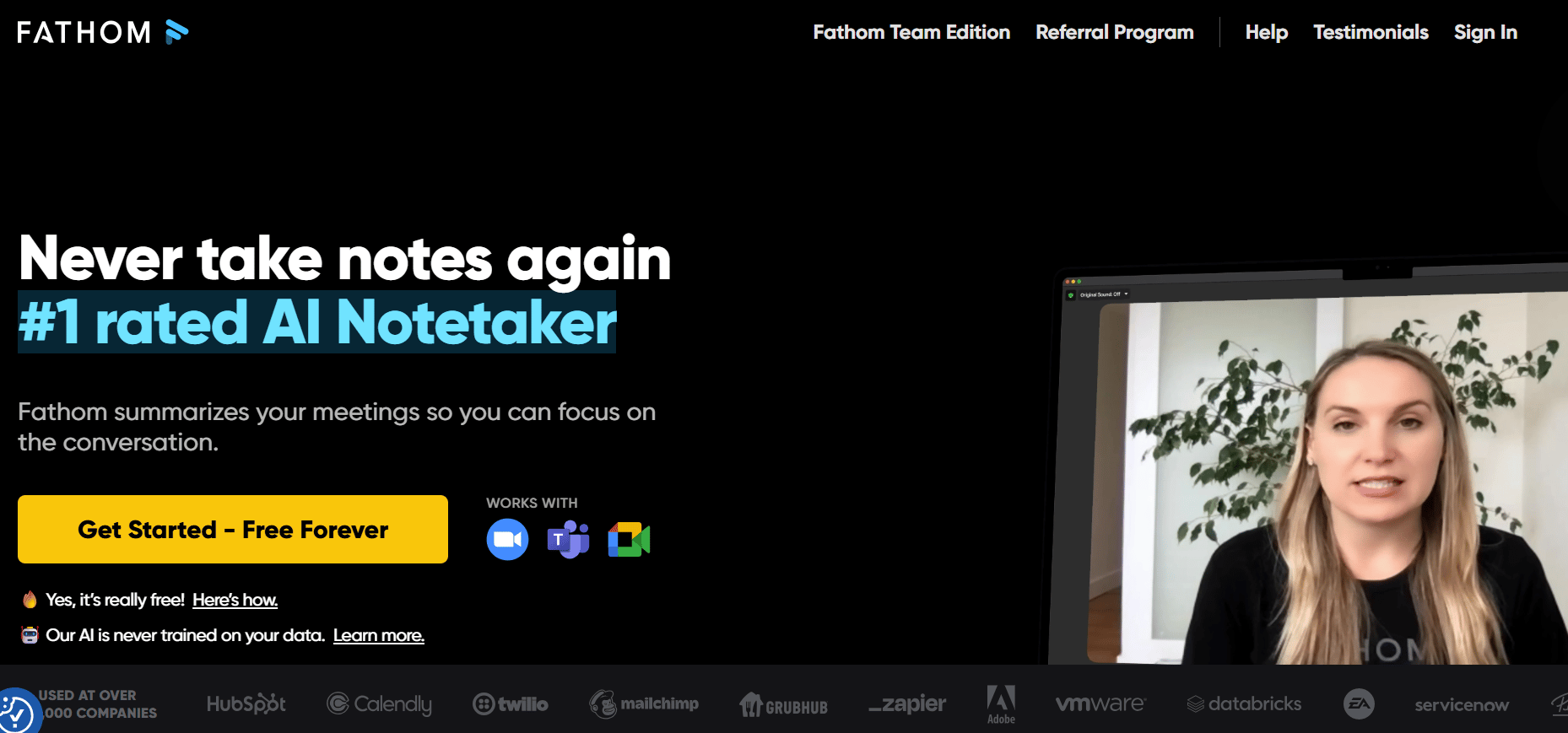
Fathom simplifies the process of capturing, summarizing, and organizing virtual conversations by automatically generating transcripts and structured summaries. It integrates with tools like Salesforce, HubSpot, Notion, and Google Docs to sync meeting insights into their existing workflows. It supports transcription and summary in multiple languages, with translation capabilities across more than 28 languages.
Key features:
Automatically transcribes and summarizes meetings with speaker attribution and time-stamped sections.
Supports major video conferencing platforms such as Zoom, Google Meet, and Microsoft Teams.
Allows users to tag highlights, create clips, and share specific meeting moments with stakeholders.
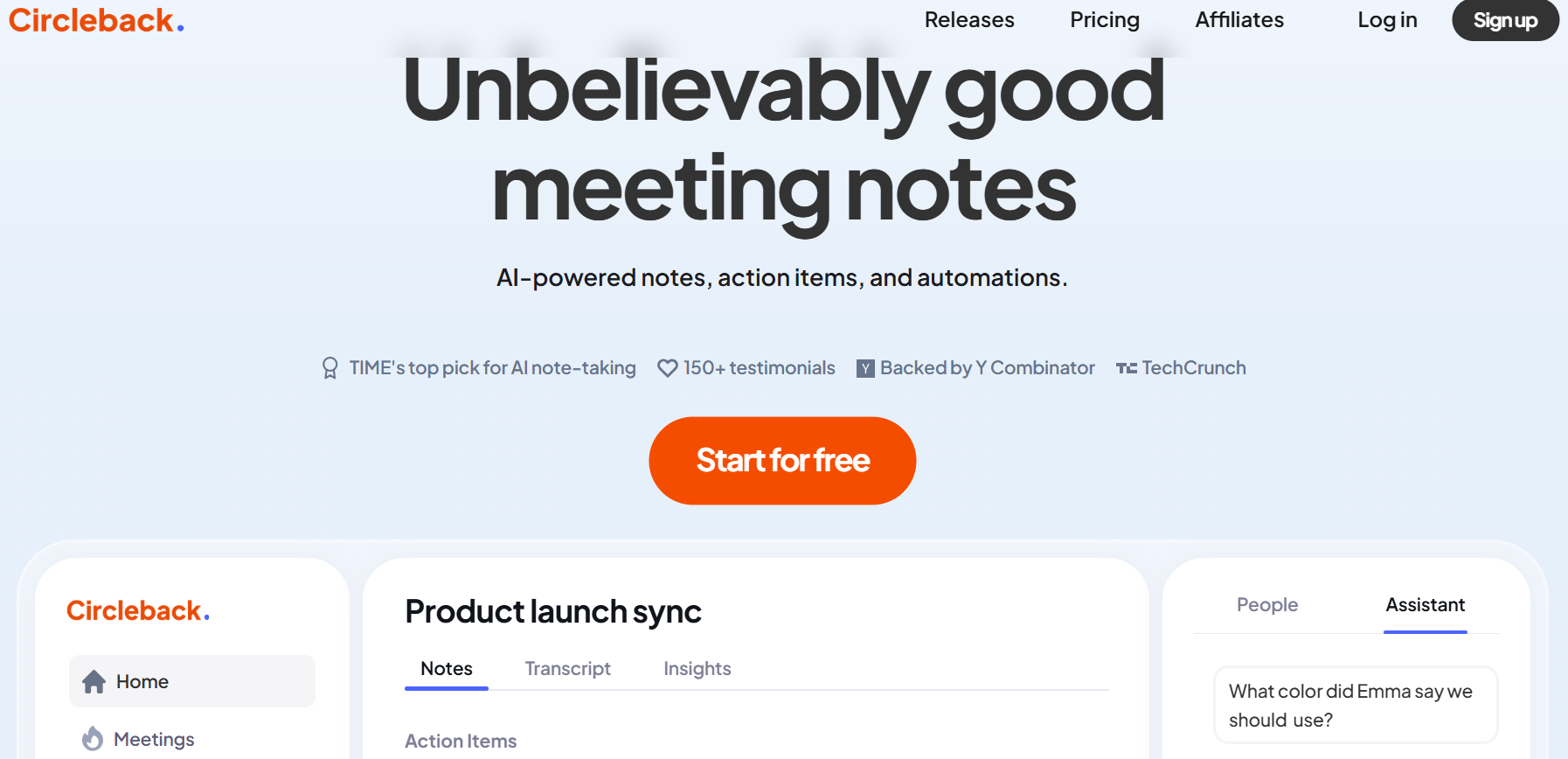
Circleback is a meeting documentation and productivity platform designed for teams to manage conversations across both virtual and in-person settings. It captures audio from meetings and produces structured notes, action items, and searchable transcripts with minimal manual effort. The tool integrates with popular work apps and calendars, helping users to stay present during discussions while automating post-meeting follow-ups. With a focus on accuracy, security, and ease of use, Circleback helps teams centralize knowledge, reduce repetitive tasks, and maintain clarity across collaborative workflows.
Key features:
Transcribes meetings in over 100 languages with speaker attribution and support for technical vocabulary.
Records both online and offline meetings, with options to import past audio or video files for processing.
Connects with Salesforce, HubSpot, Notion, Slack, Google Calendar, Microsoft Outlook, and more for task and data sync.
A 7-day free trial; Individual plan $25(annual)/ $20.83(monthly); Team plan $25(annual)/$30(monthly); Enterprise plan with custom pricing.
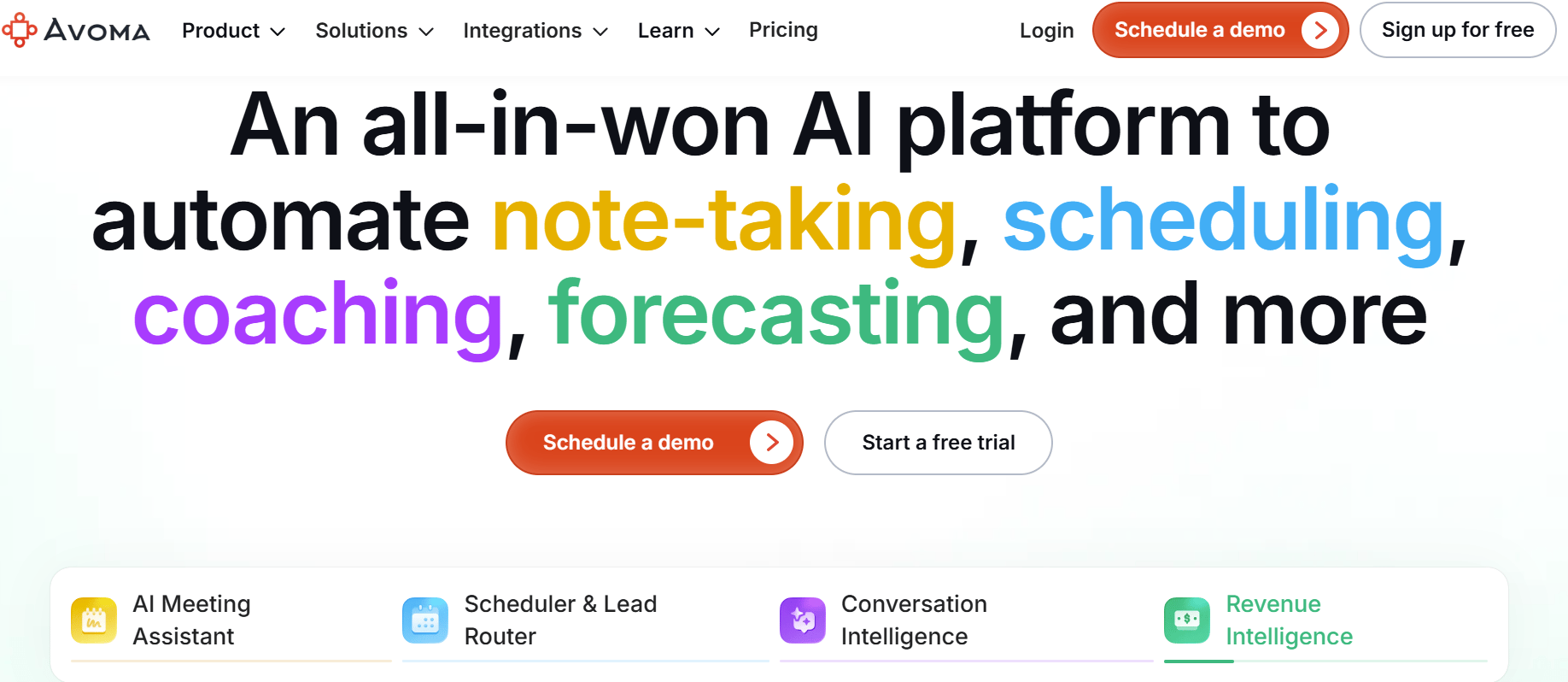
Avoma is an AI meeting and revenue intelligence platform that helps businesses automate meeting documentation and improve sales operations. Designed for teams looking to reduce manual tasks and improve decision-making, Avoma integrates tools for note-taking, scheduling, coaching, and pipeline analysis.
Key features:
Supports real-time transcription in over 75 languages and offers automated CRM data entry.
Offers AI-driven call scoring, talk-pattern analysis, and personalized coaching to improve team performance.
Uses scheduler and lead router for supporting unlimited 1:1 and group scheduling, lead qualification, and intelligent routing for both inbound and outbound workflows.
Yes, most AI meeting assistants support Zoom, Google Meet, and other platforms, either through direct integrations, browser extensions, or meeting bots that join calls to record and generate notes.
Many AI meeting tools offer enterprise-grade security features such as SOC 2 compliance, data encryption, SSO, and custom access controls to meet organizational privacy and compliance standards.
Unlock the power of NVIDIA H100 GPUs for your AI and machine learning projects. DigitalOcean GPU Droplets offer on-demand access to high-performance computing resources, enabling developers, startups, and innovators to train models, process large datasets, and scale AI projects without complexity or significant upfront investments.
Key features:
Powered by NVIDIA H100 GPUs with 640 Tensor Cores and 128 Ray Tracing Cores
Flexible configurations from single-GPU to 8-GPU setups
Pre-installed Python and Deep Learning software packages
High-performance local boot and scratch disks included
Sign up today and unlock the possibilities of GPU Droplets. For custom solutions, larger GPU allocations, or reserved instances, contact our sales team to learn how DigitalOcean can power your most demanding AI/ML workloads.
此内容由惯性聚合(RSS阅读器)自动聚合整理,仅供阅读参考。 原文来自 — 版权归原作者所有。