





While ChatGPT made AI mainstream in late 2022, AI transcription tools quietly changed how we capture speech years earlier. AI transcription has been one of the fastest-advancing areas of artificial intelligence, driven by powerful speech recognition engines that achieved high accuracy rates well before other AI applications reached maturity. Unlike image generation or large language models that needed massive breakthroughs, speech-to-text had more precise training data and more defined success metrics, allowing it to advance rapidly. Tools like Otter.ai, Rev, and others have already used machine learning and automatic speech recognition well before the generative AI boom.
While these tools are now widely available, most companies aren’t weaving them into their core processes, and they should be. Organizations could transform customer feedback sessions into searchable databases, turn internal meetings into institutional knowledge for new hires, record engineering incident post-mortems that become troubleshooting guides, and convert sales calls into training libraries where successful techniques can be studied. In these scenarios, remote workers stop being second-class participants, international team members can review transcripts at their own pace, and project managers can search across dozens of meetings to identify patterns and track decisions over time. Read on to discover how the best AI transcription tools are reshaping everything from healthcare documentation to corporate strategy sessions.
Key takeaways:
AI transcription tools automatically convert spoken language in audio or video files into written text, using advanced speech recognition to achieve high accuracy and speed.
The top tools in 2025 offer features like real-time transcription, support for multiple languages and accents, speaker identification, and integration with other services (e.g., video conferencing or note-taking apps).
By using AI transcription, businesses and content creators save time on manual transcription, improve accessibility (through captions and subtitles), and can easily search or analyze spoken content for insights using the generated text.
AI transcription tools are software applications powered by artificial intelligence and machine learning algorithms that automatically convert audio and spoken language into written text. These systems leverage neural networks, natural language processing systems, and deep learning models to interpret the audio and convert it into the perfect transcription.
They’re used now across industries, from healthcare providers documenting patient consultations and legal firms transcribing depositions to journalists converting interviews into articles and researchers analyzing focus group discussions. You can integrate these tools into your workplace to capture brainstorming sessions where breakthrough ideas might otherwise be lost, document architecture decisions that your team will need to reference months later, and transcribe user interviews to spot patterns across hundreds of customer conversations.
AI transcription tools rely on automatic speech recognition (ASR) technology to convert spoken words into written text. These systems have evolved from simple pattern-matching algorithms to sophisticated neural networks that understand context, accents, and background noise. The process happens remarkably fast, often transcribing speech in real time or quicker than the original audio duration.
Here’s how the transcription process works:
Audio preprocessing: The system cleans up the audio file by removing background noise, normalizing volume levels, and sometimes splitting the audio into smaller segments for easier processing.
Feature extraction: The AI analyzes the audio waves and identifies key acoustic features, such as frequency patterns, phonemes (individual speech sounds), and timing information, that help distinguish between words and sounds.
Pattern recognition: The system matches the audio patterns to probable words and phrases in its vocabulary using machine learning models trained on massive datasets of speech and text pairs.
Language modeling: The AI applies grammar rules and contextual understanding to make sense of word sequences, helping it choose between similar-sounding words based on what makes sense in context.
Text output: The system generates the final transcript, often including confidence scores for each word and sometimes adding punctuation and formatting automatically.
Post-processing: Many tools include a final step where they check for common errors, apply spell-checking, and format the text according to standard writing conventions.
Companies boost their efficiency by building transcription tools directly into their work. Instead of having people split their attention between listening and writing notes, everyone can focus entirely on the discussion. The transcribed meetings become accessible resources that employees, customers, and partners can review later, whether they attended the original meeting or needed to catch up on decisions made while unavailable.
AI transcription tools reduce the turnaround time for transcription. What used to take hours of manual effort can now be completed within minutes. This speed becomes critical when tech companies must rapidly transcribe user feedback sessions, sprint retrospectives, or incident post-mortems, situations where decisions hinge on quickly understanding what went wrong or what users said, not what you think they said. Real-time capabilities also enable live captioning for webinars and events.
By automating transcription, businesses lower the costs of hiring manual transcribers and the overhead expenses of training and infrastructure for traditional transcription departments. Most providers charge based on usage, either by the minutes of audio processed or the number of transcription hours per month, which means small teams aren’t stuck paying enterprise prices for occasional use.
Advanced models in 2025 can handle complex speech patterns, multiple accents, and background noise. With machine learning, these tools continuously improve, leading to fewer errors and less need for human correction. Many offer custom vocabulary and language models for domain-specific accuracy.
AI transcription tools are built to handle large volumes of audio, making them ideal for companies that produce frequent audio/video content. Whether you’re processing hundreds of customer calls daily, transcribing weeks’ recorded meetings, or handling enterprise-scale podcast libraries with thousands of episodes, these systems maintain consistent accuracy and speed. Batch processing and API access make scaling operations simple.
Transcribed content can be indexed and searched, allowing teams to retrieve specific information quickly. It also makes content more accessible to individuals with hearing impairments. Many tools include timestamps and highlight features for improved navigation.
Many platforms integrate with commonly used business tools such as Zoom, Microsoft Teams, Dropbox, and CRMs, allowing transcription to become a natural part of your workflow. These integrations support automation and reduce manual intervention in daily operations.
Most leading transcription platforms offer end-to-end encryption, access controls, and compliance with data regulations like HIPAA, GDPR, and SOC2, making them suitable for sensitive industries. Some tools even offer on-premises deployment for sectors like healthcare and law.
AI transcription tools are versatile and can be applied across many professional settings. They support real-time and recorded audio transcription, helping with content management and repurposing.
AI transcription tools assist healthcare professionals in converting patient conversations, doctor notes, and consultations into accurate EMR records. This improves patient documentation and reduces the administrative burden. Platforms with HIPAA compliance, such as Amazon Transcribe Medical, ensure privacy and security. This enables practitioners to spend more time with patients and less on paperwork, streamlining diagnostics and care coordination. Hospitals are also integrating these tools into clinical trial documentation and telemedicine services to reduce overhead and enhance workflow accuracy.
Law firms and courts use AI transcription tools to record depositions, hearings, and client meetings accurately. Speaker identification and time-stamped transcripts ensure clarity and traceability, making documentation easier for case reviews, appeals, and compliance with legal standards. Courtroom recordings can be converted into certified transcripts faster, helping streamline judicial workflows and evidence submission processes.
Tools like Sonix are used for transcribing legal documents into easy-to-understand transcripts. Its advanced AI delivers highly accurate legal transcription services for attorneys, paralegals, court reporters, and legal teams. Sonix converts your legal audio and video into searchable, time-stamped transcripts, whether you’re handling case law analysis, depositions, or discovery.
Transcription software lets journalists quickly convert interviews into publishable text, identify quotable moments, and streamline editing. Tools like Trint offer storyboard features, helping media teams piece together narratives from raw audio data. Broadcast media companies use AI transcription to generate subtitles, live captions, and searchable recorded interviews and episode archives.
Educators and researchers document lectures, seminars, or study interviews using transcription tools. The ability to highlight and annotate transcriptions helps students and scholars analyze content, collaborate, and reference accurately. Universities use transcription services to support hybrid learning environments and make course materials more accessible.
Students benefit from Otter.ai by capturing lecture content verbatim, which can be reviewed and studied later. Michigan State University uses Zoom Live Transcript with the Otter.ai caption engine to generate live transcripts and captions during Zoom Meetings and Webinars.
Many companies rely on transcription tools to document virtual meetings, create minutes automatically, and track department decisions. AI-driven insights from these tools help refine internal communication and improve transparency across distributed teams. Companies use transcripts to enhance knowledge management and accelerate onboarding by making past meeting discussions searchable.
Otter.ai auto-joins Zoom, Google Meet, and Microsoft Teams meetings to take notes, allowing everyone to participate freely automatically.
Content creators and marketing teams repurpose audio content like webinars, podcasts, and interviews into SEO-optimized blogs, newsletters, and social media snippets. This boosts engagement and visibility without increasing workload. Transcription tools with multi-language support help localize content for global campaigns while reducing turnaround time.
Content creators use Rev to transcribe YouTube videos for closed captions and blog content. Marketing departments transcribe focus groups and customer interviews to identify key themes and insights. Many companies now use automated transcription services like Sonix to quickly add captions to marketing videos for platforms like LinkedIn and Instagram.
Here’s a breakdown of the leading AI transcription tools, including what they do best and what they cost, so that you can pick the right one for your situation:
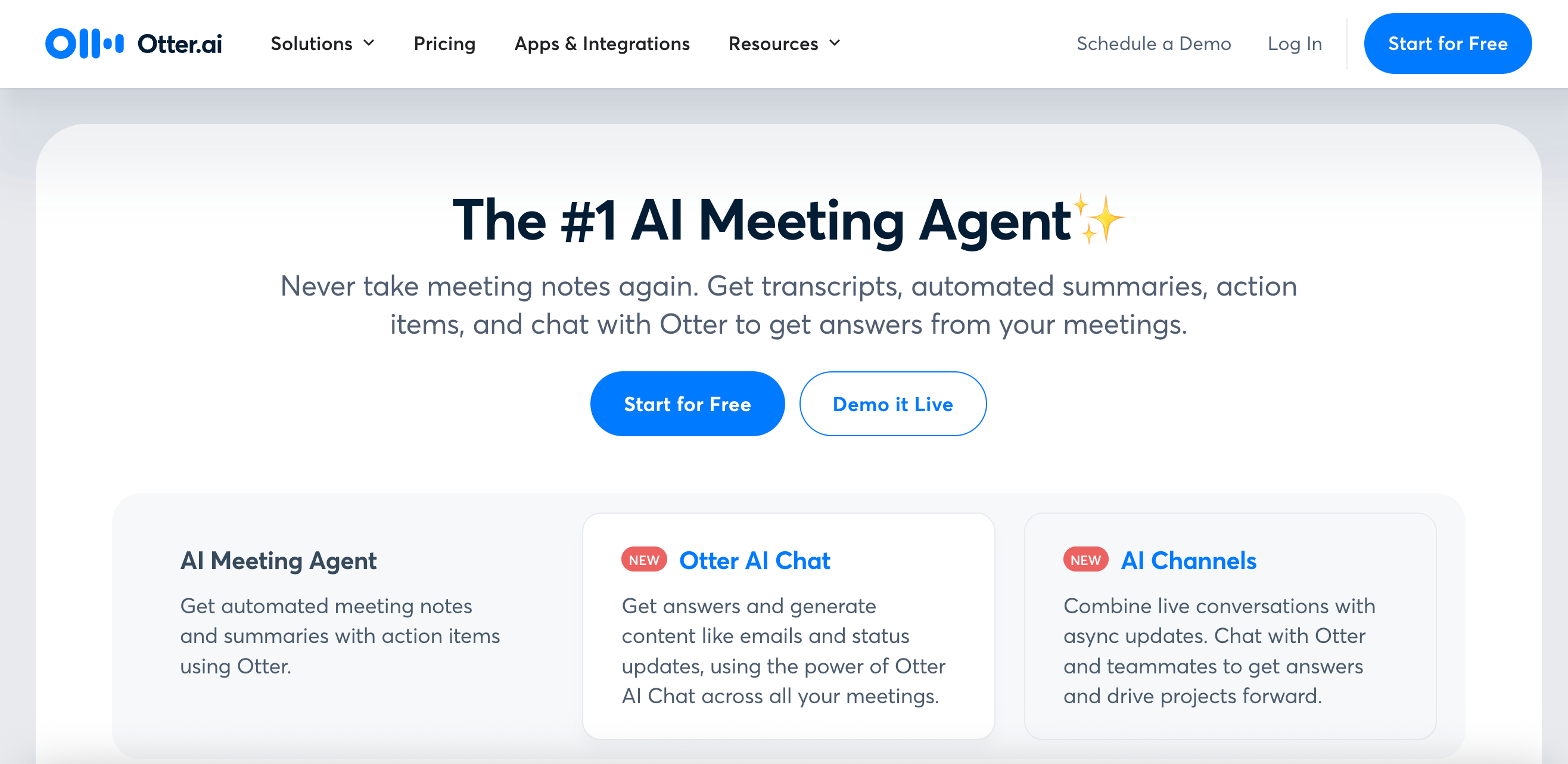
Otter is a business-focused real-time transcription tool optimized for meetings, lectures, and interviews. It supports collaborative note-taking, automatic summaries, and team workspace integration. Otter supports English and offers advanced speaker identification and search tools. The platform creates conversation intelligence by analyzing speech patterns, identifying key topics, and providing sentiment analysis of discussions.
Key Features:
Integrations with Zoom, Google Meet, Dropbox, and Slack
Live meeting join capability without requiring host permission
Voice meeting notes with audio playback synchronization
Free: $0/month
Pro: $16.99/month
Business: $30/month per user
Enterprise: Custom pricing
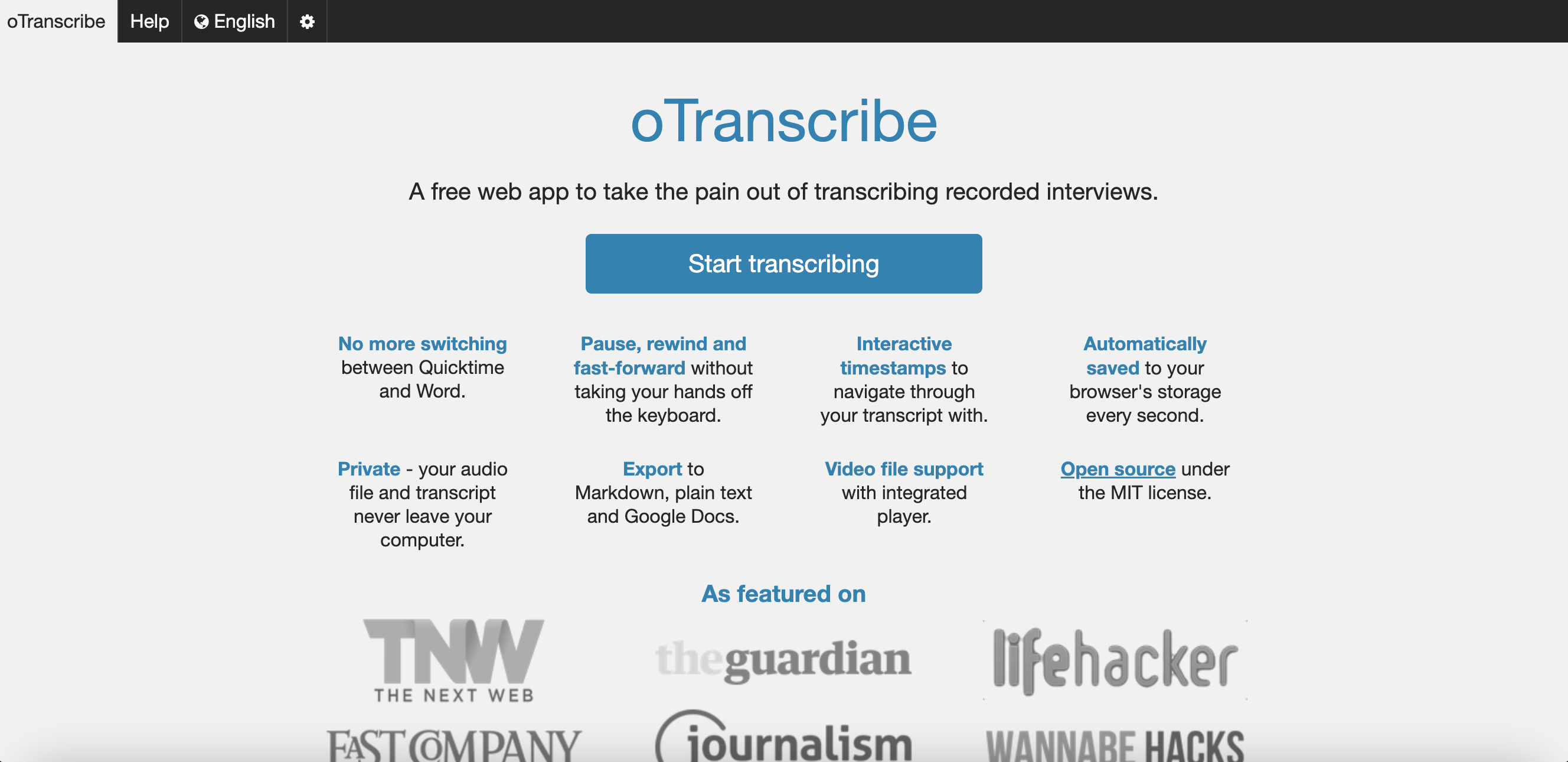
oTranscribe is an open-source, browser-based transcription tool ideal for journalists and academic researchers who need a free and private solution. It offers a distraction-free interface where users can control audio playback and transcription in one window. Speaker labeling must be done manually.
Key Features:
Export to Google Docs or Markdown
Data stored locally ensures privacy and security
Variable playback speed controls with keyboard shortcuts
Works entirely offline after initial page load
Integrated media player synchronized with text editor
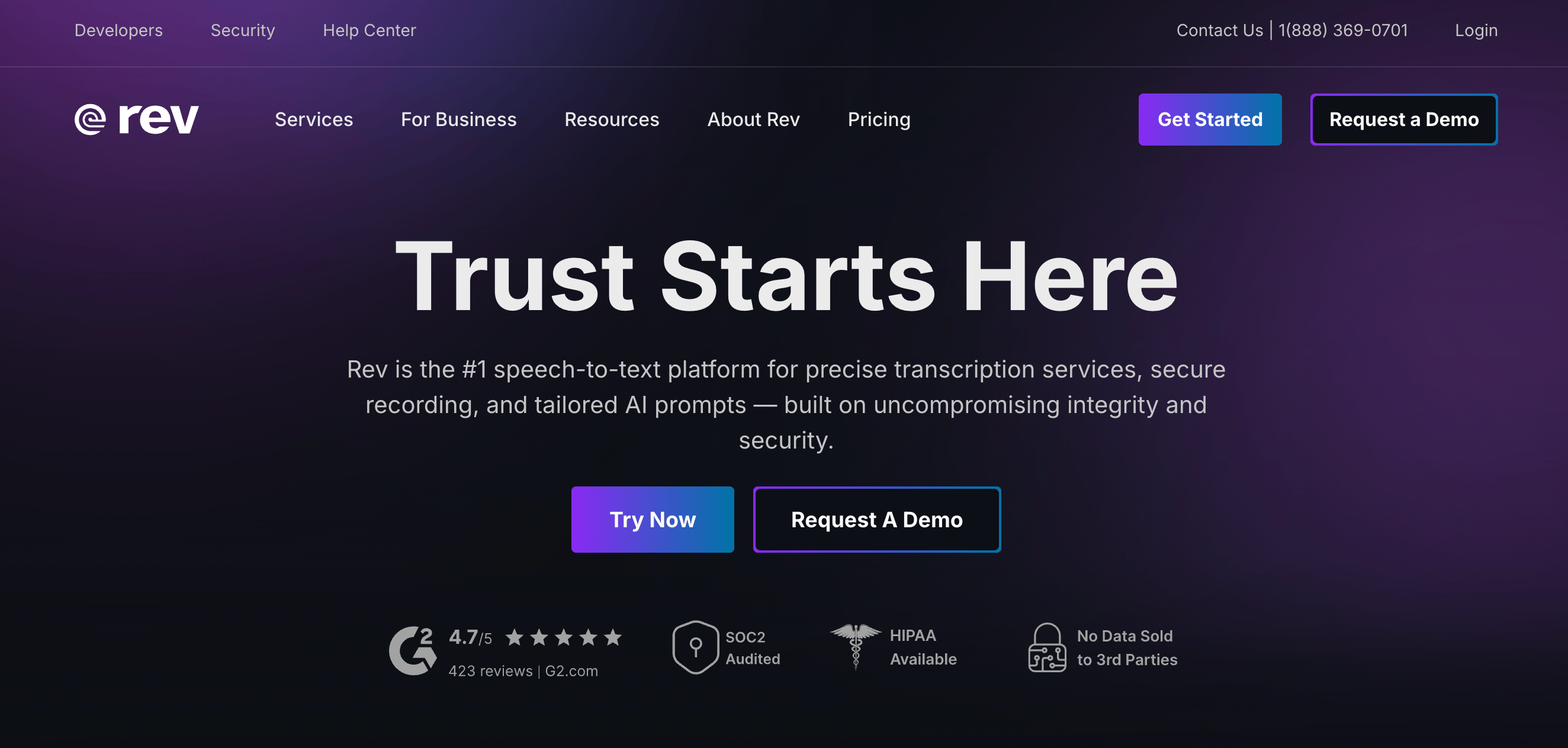
Rev AI offers enterprise transcription with high accuracy and robust API access, which is suitable for call centers and media companies. It supports multiple languages (including Spanish, French, and German) and speaker diarization. Its unique hybrid approach allows users to choose between fast AI transcription and highly accurate premium human transcription.
Key Features:
Real-time streaming and batch transcription
Custom vocabulary for industry-specific terms
Robust RESTful API and webhook support for automation
Legal and medical transcription with specialized formatting
Basic: $14.99/month
Pro: $34.99/month
Enterprise: Custom pricing
Descript is an all-in-one audio/video editing and transcription tool. It offers high-quality transcription, speaker labeling, and seamless media editing through a text-based interface. Descript supports multiple languages and integrates with podcasting platforms. The platform allows multi-track editing through text manipulation and can generate video content by combining transcript segments with visual elements.
Key Features:
Overdub AI voice cloning for seamless corrections
Screen recording and overdub capabilities
Filler word and silence removal automation
Hobbyist: $24/month
Creator: $35/month
Business: $65/month
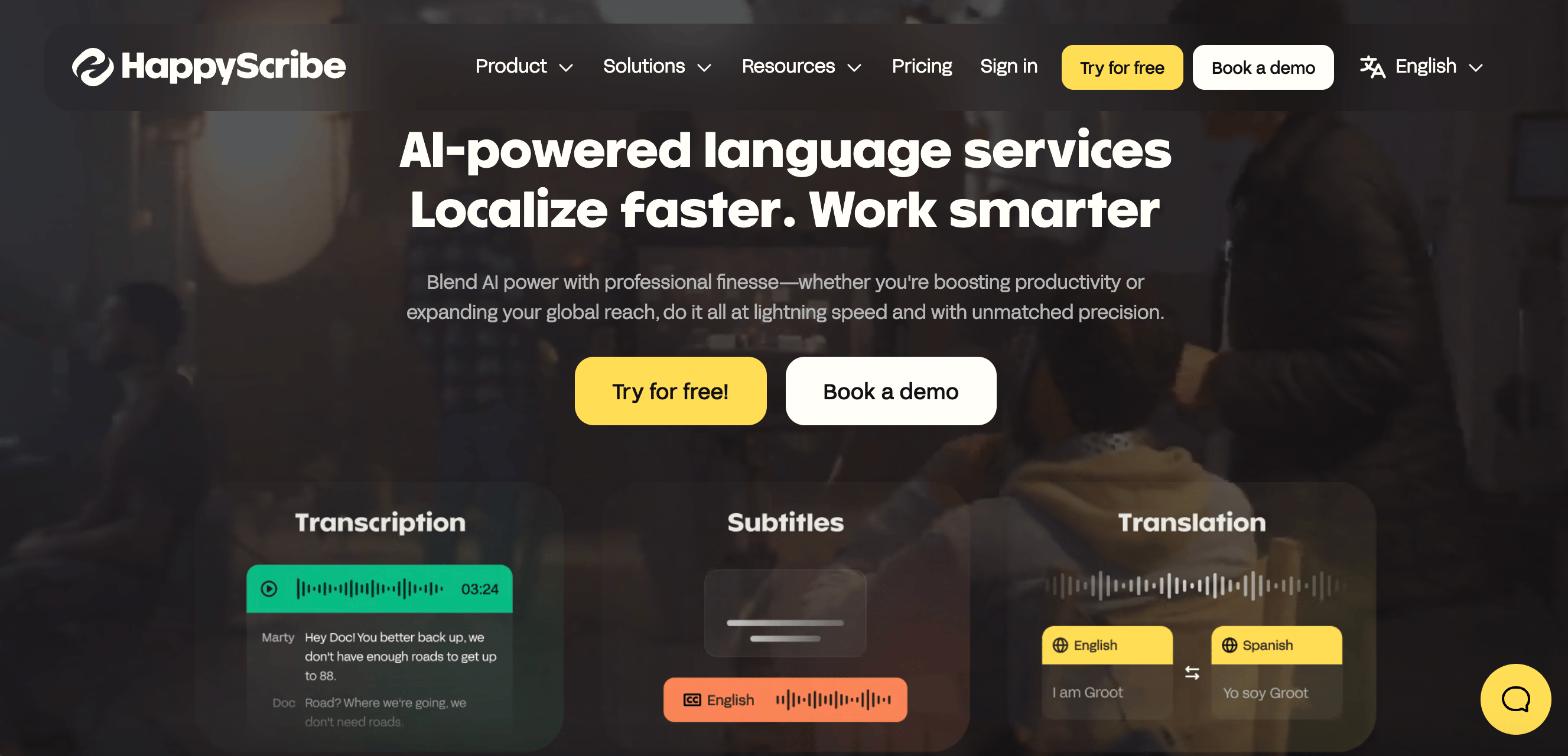
Happy Scribe offers transcription and subtitle services supporting 120+ languages. Educational institutions, media companies, and marketing teams widely use it. Happy Scribe provides speaker diarization, punctuation correction, and integration with video platforms (YouTube, Vimeo, and Zoom).
Key Features:
Batch upload and API access
Interactive transcript editor with collaborative annotations
Time-coded transcripts with precise timestamp accuracy
SRT, VTT, PDF, and Word export formats
Custom speaker labeling and management
Starter: Pay-as-you-go from $12 per minute
Lite: $9/month
Pro: $29/month
Business: $89/month
Enterprise: Custom pricing
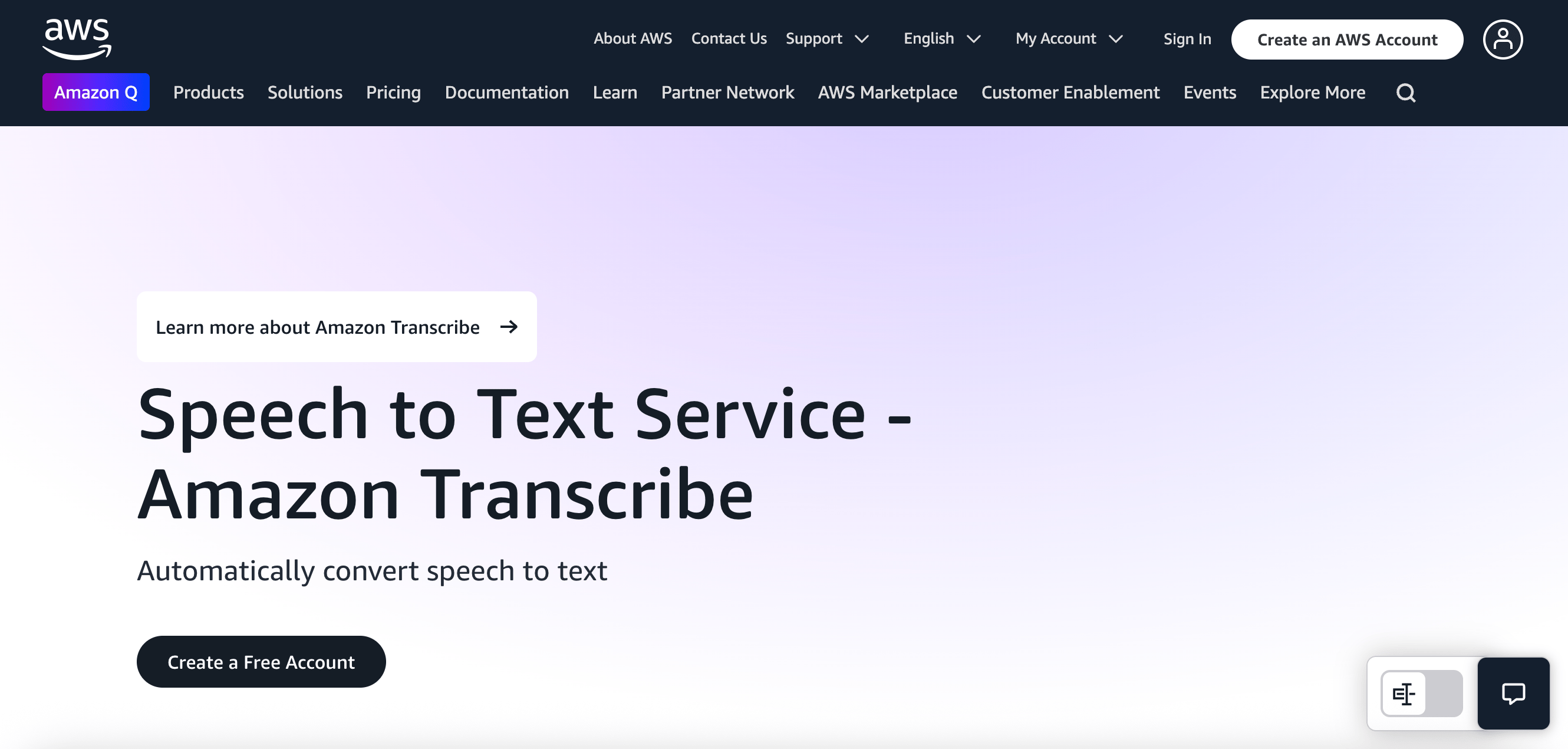
Amazon Transcribe is an enterprise-grade transcription service offered as part of AWS. Designed for scalability and accuracy, it processes real-time and batch audio and supports multiple languages, speaker identification, and custom vocabulary. The service provides confidence scores for each transcribed word and supports custom language models for specialized domains.
Key Features:
Automatic language detection across dozens of global languages
Seamless integration with AWS ecosystem (S3, Lambda, Comprehend)
Content redaction for PII and sensitive information
Multi-channel audio separation for call center recordings
Streaming transcription for live audio feeds
Pay-as-you-go pricing
Free tier: 60 minutes/month for 12 months
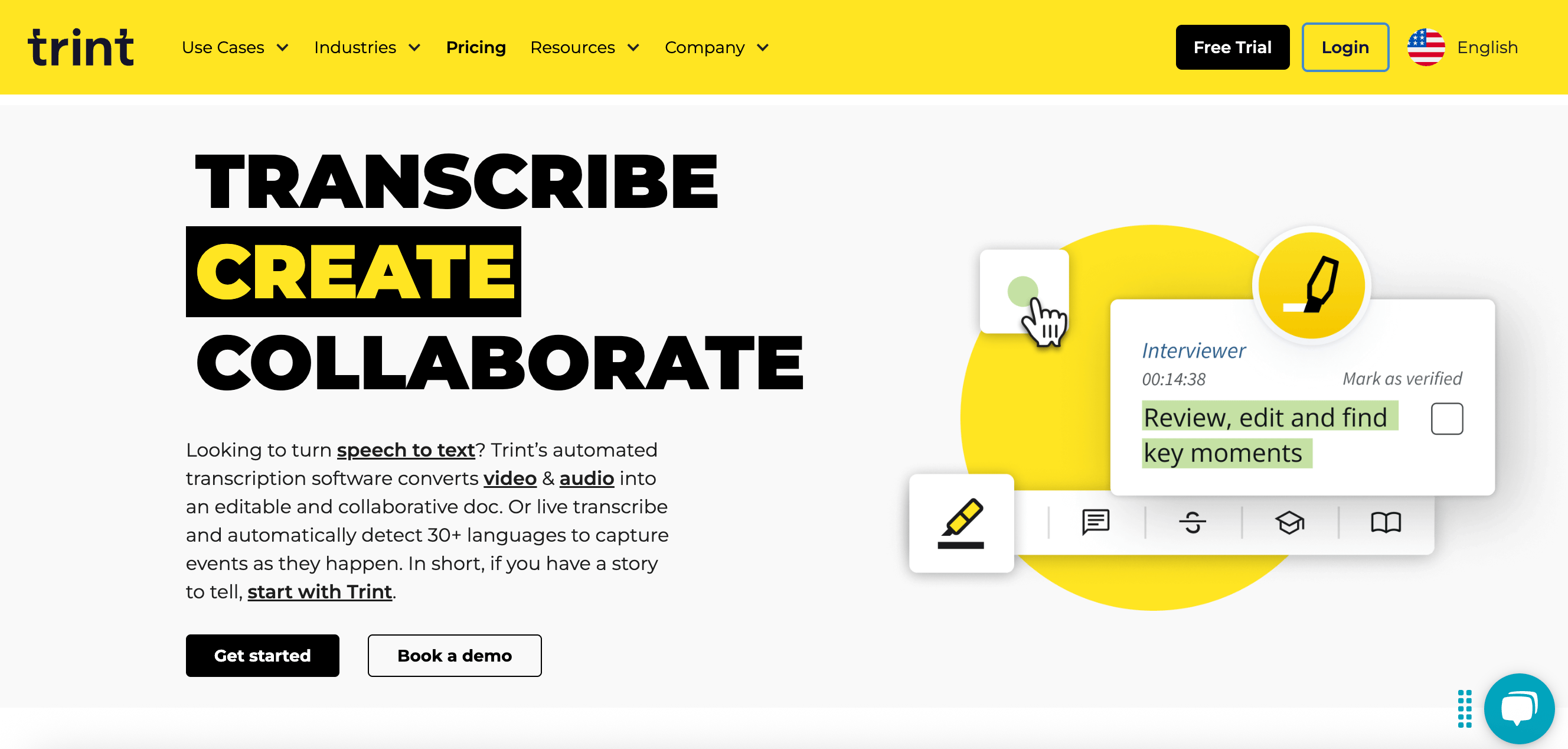
Trint combines AI transcription with an intuitive editor for media and journalism professionals. It supports over 30 languages and multiple speakers with dialects. Trint’s collaboration features allow teams to edit and annotate transcripts in real time.
Key Features:
Interactive transcript editor with multi-speaker support
Integration with Adobe Premiere Pro and other video tools
Advanced search functionality across transcript libraries
Story builder for creating articles from transcripts
Mobile app for recording and transcribing on the go
Starter: $80/month
Advanced: $100/month
Enterprise: Custom pricing
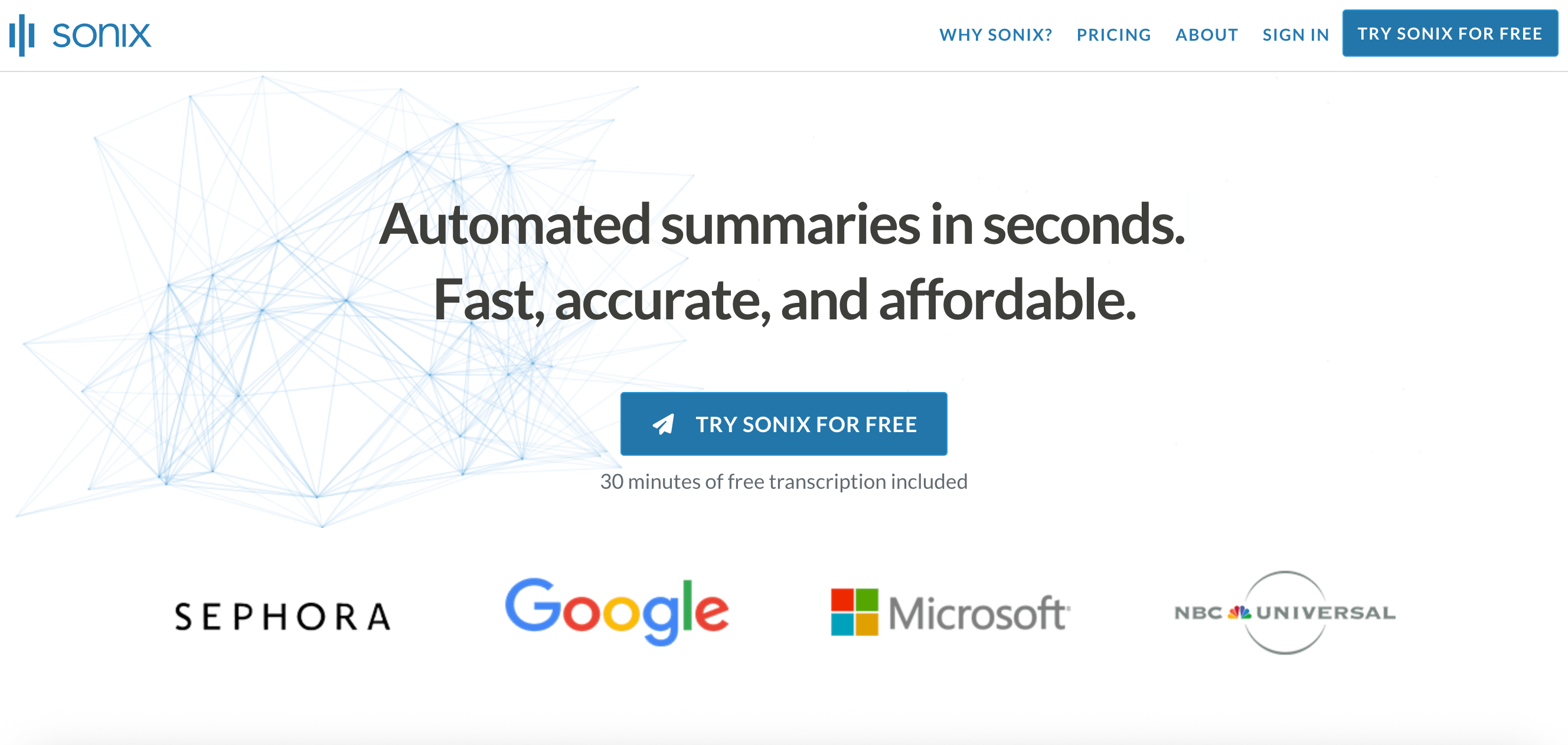
Sonix is an AI transcription platform favored by podcasters and content creators. It offers automated transcription in 40+ languages and includes advanced features like automated translation, multi-speaker labeling, and SEO-friendly export formats. Sonix offers advanced search functionality to find specific phrases across multiple transcripts, automated subtitle generation with customizable styling and timing, and collaborative editing with granular user permissions.
Key Features:
Speaker diarization with manual correction tools
Cloud-based collaborative editing
API access for enterprise integration
Media player synchronized with transcript editing
Standard: Pay-as-you-go
Premium: $16.50/month
Enterprise: Custom pricing
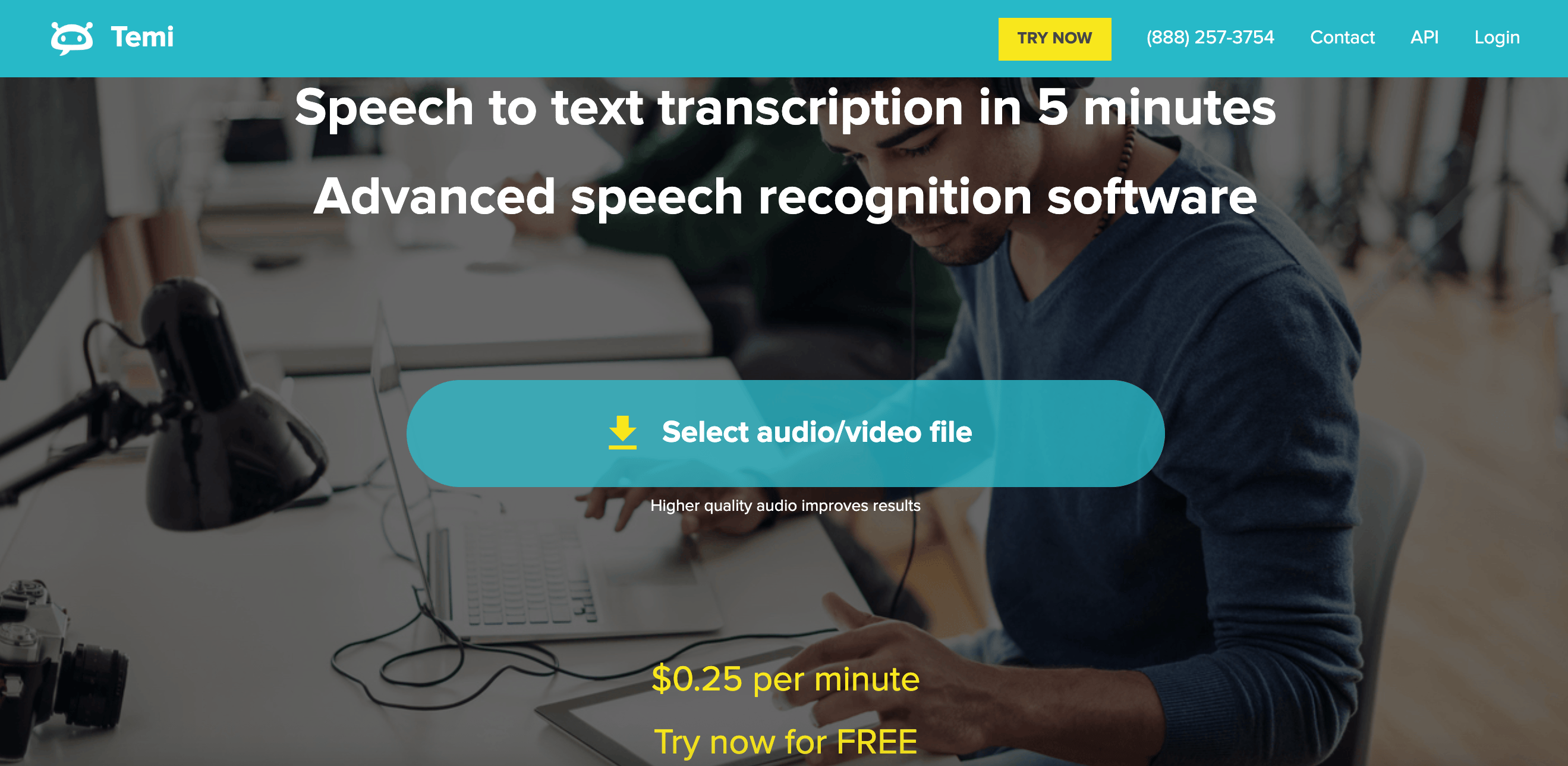
Temi is a user-friendly transcription tool for quick and affordable audio-to-text conversion. It supports English primarily, but offers fast turnaround and easy editing. Temi exports to formats like TXT, DOCX, and PDF and is popular among freelancers and small businesses. Temi’s mobile apps allow for direct recording and transcription, making it convenient for journalists, students, and professionals who need quick transcription on the go.
Key Features:
Fast transcription with high accuracy for clear audio
Simple editor with playback controls
Time-stamped transcripts
Mobile app availability
Progress tracking with a simple upload interface
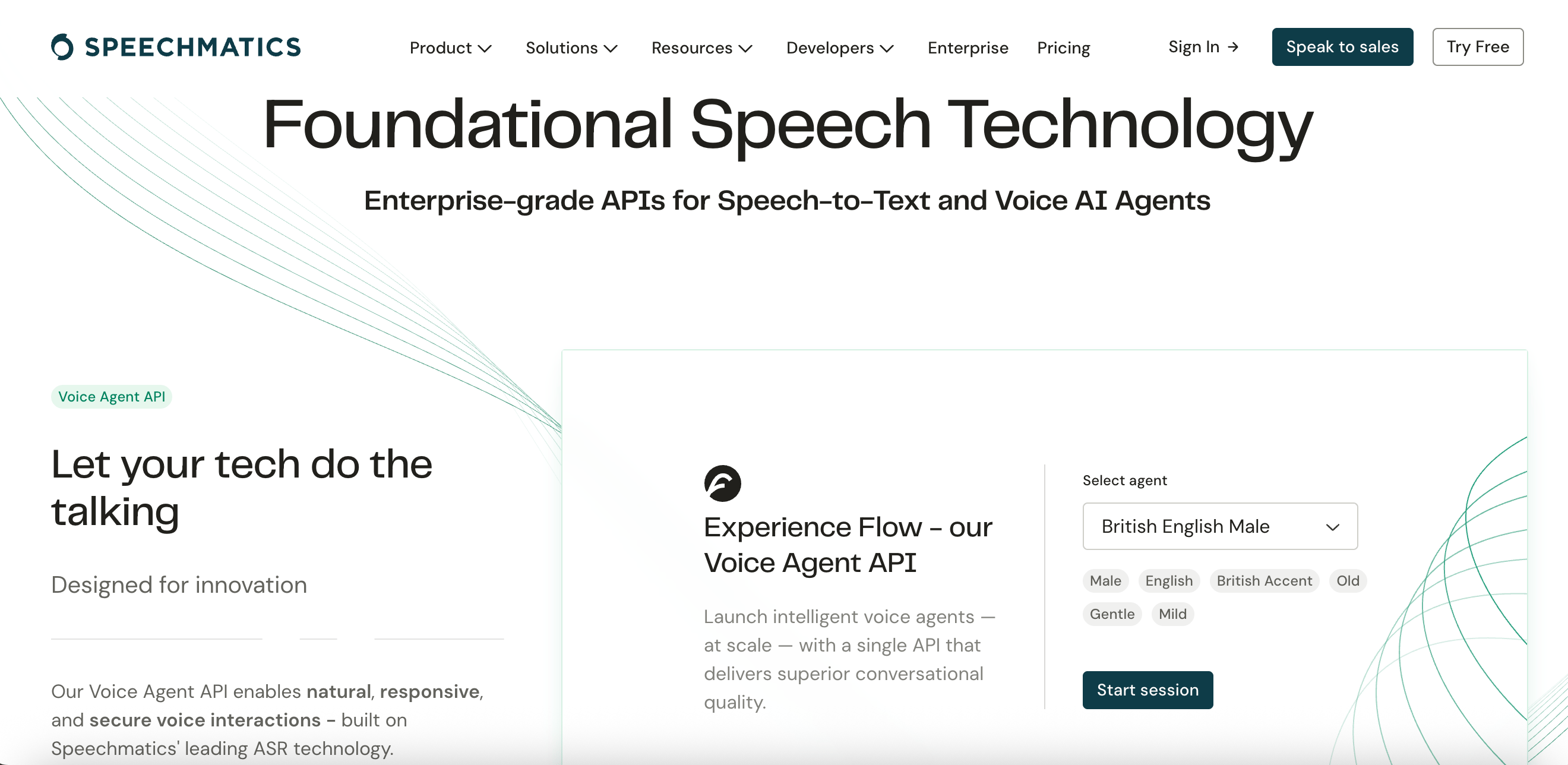
Speechmatics provides automatic speech recognition with strong support for regional accents and languages. It offers flexible deployment options, including on-premise and cloud. The platform is used in finance, media, and government sectors due to its accuracy and compliance capabilities.
Key Features:
Real-time and batch transcription
Advanced punctuation and formatting capabilities
Batch processing for large-scale projects
Channel separation for multi-speaker audio analysis
Integration with media workflows
Free: $0
Pro: $0.24/hour
Enterprise: Custom pricing
What are AI transcription tools and how do they work?
AI transcription tools are software applications powered by artificial intelligence and machine learning algorithms that automatically convert audio and spoken language into written text. These systems leverage neural networks, natural language processing, and deep learning models to interpret audio signals and convert them into accurate transcriptions using automatic speech recognition (ASR) technology.
What are the main business benefits of using AI transcription tools?
AI transcription tools significantly reduce costs by eliminating the need for manual transcribers and training overhead, with most providers offering usage-based pricing that scales with business needs. Advanced 2025 models can handle complex speech patterns, multiple accents, and background noise while continuously improving through machine learning, leading to fewer errors and less need for human correction.
Which AI transcription tools are considered most accurate in 2025?
Amazon Transcribe, Rev, Otter.ai, and Trint are regarded as highly accurate AI transcription tools in 2025 due to their advanced machine learning models and continuous improvements, especially in noisy environments. These tools offer custom vocabulary and language models for domain-specific accuracy, with some achieving up to 99% accuracy rates for clear audio recordings.
How do AI transcription tools handle large-scale business needs?
AI transcription tools are built to handle large volumes of audio, making them ideal for companies that produce frequent audio/video content or process hundreds of customer calls daily. They can scale to handle enterprise-level podcast libraries with thousands of episodes, recorded meetings, and other high-volume transcription needs without requiring additional infrastructure investment.
DigitalOcean Gradient Platform makes it easier to build and deploy AI agents without managing complex infrastructure. Build custom, fully-managed agents backed by the world’s most powerful LLMs from Anthropic, DeepSeek, Meta, Mistral, and OpenAI. From customer-facing chatbots to complex, multi-agent workflows, integrate agentic AI with your application in hours with transparent, usage-based billing and no infrastructure management required.
Key features:
Serverless inference with leading LLMs and simple API integration
RAG workflows with knowledge bases for fine-tuned retrieval
Function calling capabilities for real-time information access
Multi-agent crews and agent routing for complex tasks
Guardrails for content moderation and sensitive data detection
Embeddable chatbot snippets for easy website integration
Versioning and rollback capabilities for safe experimentation
Get started with DigitalOcean Gradient Platform for access to everything you need to build, run, and manage the next big thing.
此内容由惯性聚合(RSS阅读器)自动聚合整理,仅供阅读参考。 原文来自 — 版权归原作者所有。