








AI productivity tools are becoming a mainstay in businesses today. DigitalOcean’s 2025 Currents report found that 36% of organizations already use AI tools, of which 26% use them to improve internal processes and automate workflows. Developers use them to automate tasks like document writing, meeting transcription, code review, and knowledge gathering, ultimately enabling them to focus on the projects they enjoy and provide larger business value.
Using AI for automation and productivity doesn’t have to be an extensive process; developers can start right at their web browser. AI Chrome extensions are a straightforward way to use AI applications with a few clicks. They can integrate specific application features into Chrome and customize your browsing experience to fit your daily workflow.
Let’s examine how AI Chrome extensions can boost your productivity, their main use cases, and which ones you should install.
Key takeaways:
AI Chrome extensions enhance browsing by integrating smart features into your web experience—like summarizing articles with one click, offering writing and grammar suggestions in web forms, or providing on-page translation and insights powered by AI.
These extensions can also streamline tasks such as managing emails (using AI to draft or sort messages), scheduling (finding meeting times via an AI assistant in your browser), or shopping (comparing prices or suggesting products), all within the Chrome environment.
By supercharging your browser with AI, you can save time and effort as you surf the web—routine actions become easier and information becomes more accessible, effectively turning the browser into a personalized, intelligent workspace.
Chrome extensions help you customize your browser experience to fit your needs and preferences. This includes buttons, menus, and toolbars to simplify tasks, modify website appearances and behavior, and integrate with external applications and services. You can either add them from the Chrome Web Store or build them yourself using HTML, CSS, and JavaScript.
AI Chrome extensions are browser versions of AI desktop applications, such as CoPilot or Grammarly. These extensions help you interact with multiple applications directly from your web browser, sync content between your browser and desktop and mobile applications, and automate desired tasks.
Even with their capabilities, you might still wonder how AI Chrome extensions can improve the overall web browsing experience. Integrating these extensions can help increase:
Productivity: Use productivity tool extensions to summarize items, generate text, automate tasks, reduce overall manual effort, and do more in less time. It can also decrease time spent switching between applications or looking for specific information.
Customization: AI extensions can learn your preferences over time for writing styles, types of documents to save, and general browsing preferences. This leads to a more customized experience that doesn’t require you to constantly update it or re-enter your preferences from time to time.
Collaboration: Chrome extensions are easy to connect with communication apps and across browsers and devices. This helps you get the information you need across your devices, saving you time from constantly transferring information.
There is certainly no shortage of Chrome extensions, with over a hundred thousand options that help to create the browsing and workflow experience that best suits your needs. There are extensions for web appearance, news, communication, retail, social network, and games. But the most common use cases you’ll use AI Chrome extensions include:
Coding: These extensions offer assistance when it comes to code review, editing, debugging, REST API connections, extraction, formatting, and testing. Chrome also has a variety of tools to build your own AI extension if you can’t find what you’re looking for in its webstore.
Productivity: These extensions can streamline your workflows by saving bookmarks and passwords, scheduling meetings, assisting with email inbox management, generating to-do lists, and recording on-screen content.
Summarization: Spend less time deciphering content across the web as these extensions can quickly summarize webpages, PDFs, YouTube videos, and shared documents.
Writing: You can leverage AI to generate and edit text with specific Chrome extensions. Whether it’s writing an email, filling out forms, or composing a document, the extension can detect fillable fields and help provide whatever type of copy that you need.
Chrome extensions that use AI fall into a few main categories: content creation, productivity, and developer tools. With thousands of options just within these categories, you might be wondering where to begin and what features each extension can offer. Here’s a list of some of the top AI Chrome extensions to get you started:
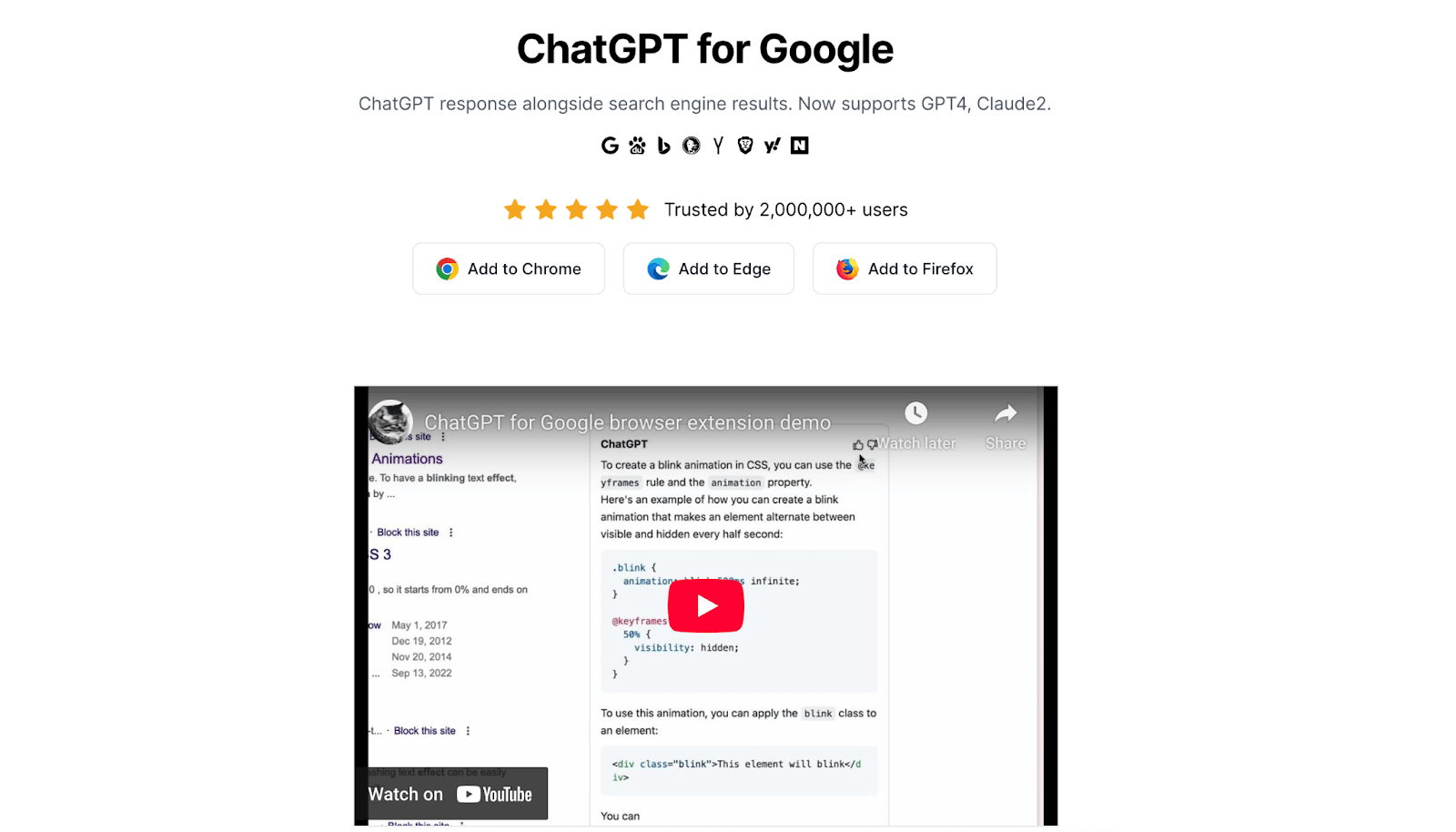
ChatGPT for Google lets you integrate ChatGPT’s capabilities into Chrome and use it to get answers, create text responses, and provide relevant information whenever necessary. It supports advanced text generation, responses based on webpage information, and assistance with tasks such as problem solving, coding, and writing. It can also provide multilingual support and integrates across websites.
Key features:
AI tools for DeepSeek R1, AI image generator, AI detector, AI mind map maker, AI video generator, and AI math solver.
YouTube summary capabilities
ImageTools for image editing with AI
AI resume scanner and invoice scanner
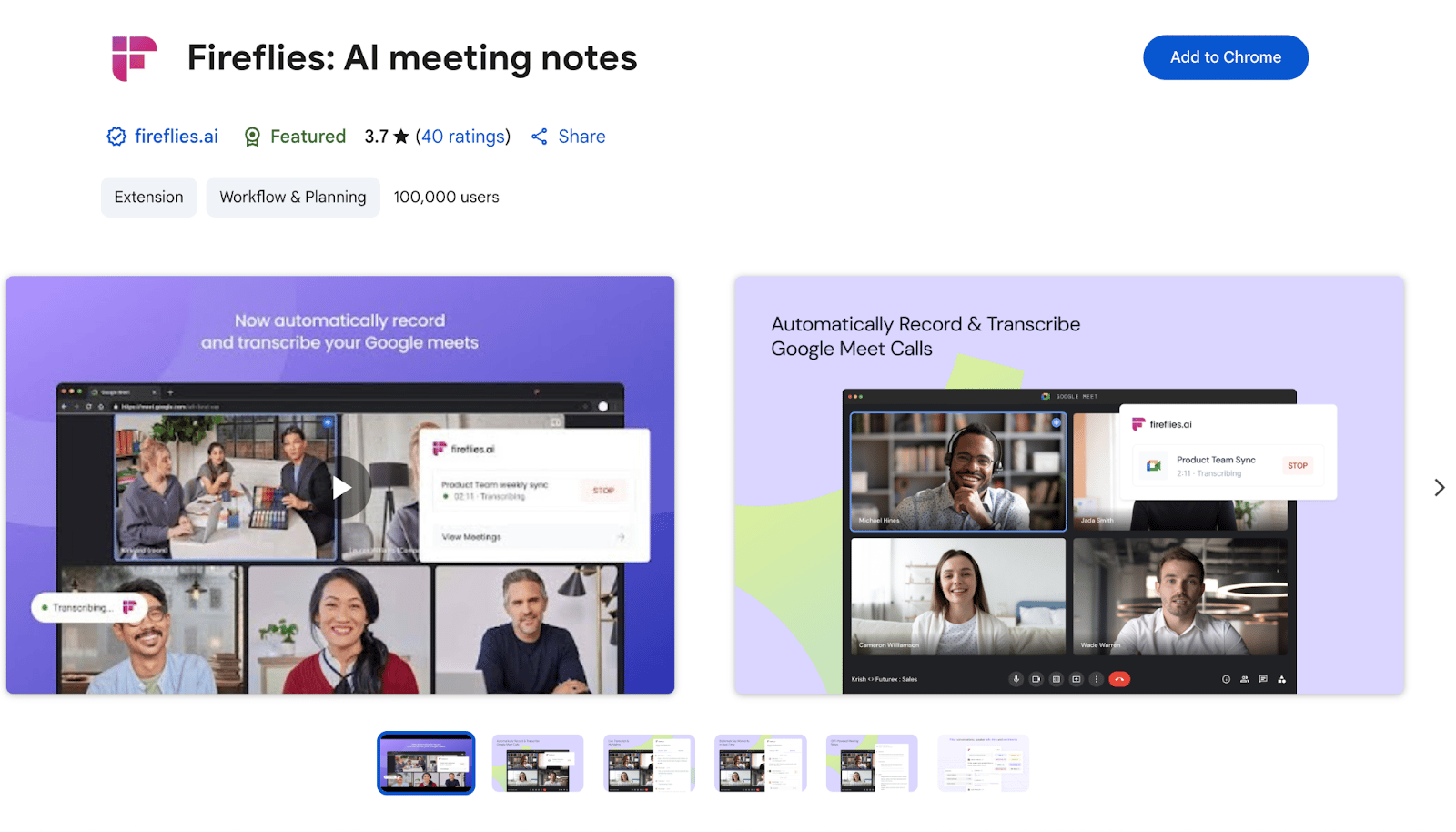
Fireflies.ai, an AI-based transcription extension, saves time spent notetaking and annotating action items. You can set it to automatically record Google Meet meetings and provide a full transcript and audio after they are over. It provides live transcription, automatic speaker detection, language detection, and transcription support for over 100 languages. It will also scan for and automatically generate action items, summarize important information, provide meeting analytics, and make it easy to share transcripts and soundbites with colleagues.
Key features:
Record and transcribe meetings and calls from your browser for Google Meet
Create notes along with the automatic audio transcription
Transcript search capabilities
Automatic language and speaker detection
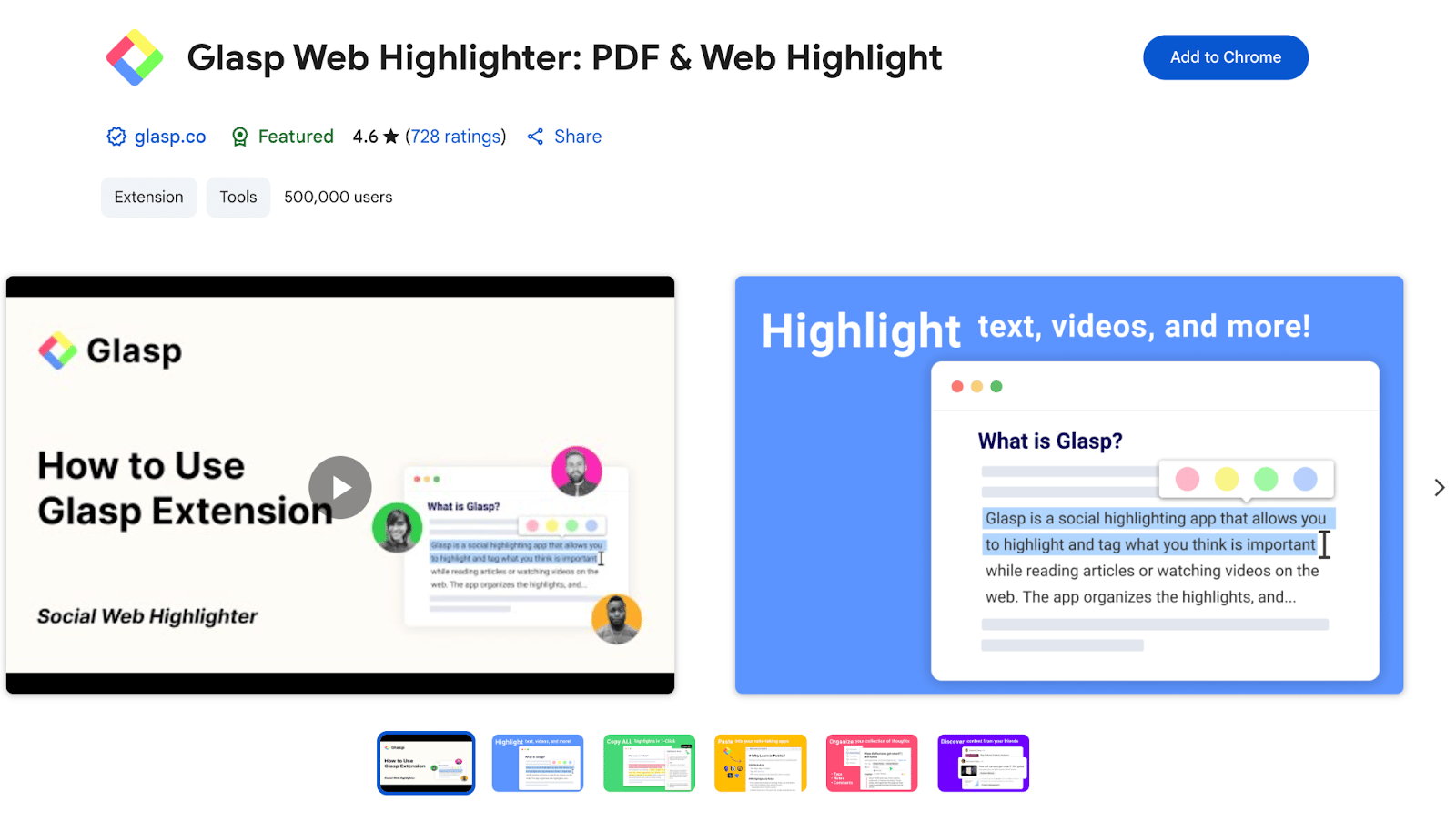
Ideal for knowledge gathering and sharing, Glasp AI makes it simple to summarize, highlight, and share knowledge and important information from your browsing sessions. You can directly highlight knowledge from the desired webpage or YouTube video, and it’ll collect everything and provide a searchable repository that you can organize, annotate, tag, share, and sync across devices.
Key features:
Highlight and annotate web text, YouTube videos, PDFs, and images
YouTube summaries via ChatGPT and Claude
Copy and paste highlights and notes into external apps
Make notes on highlights and create tags for easy retrieval
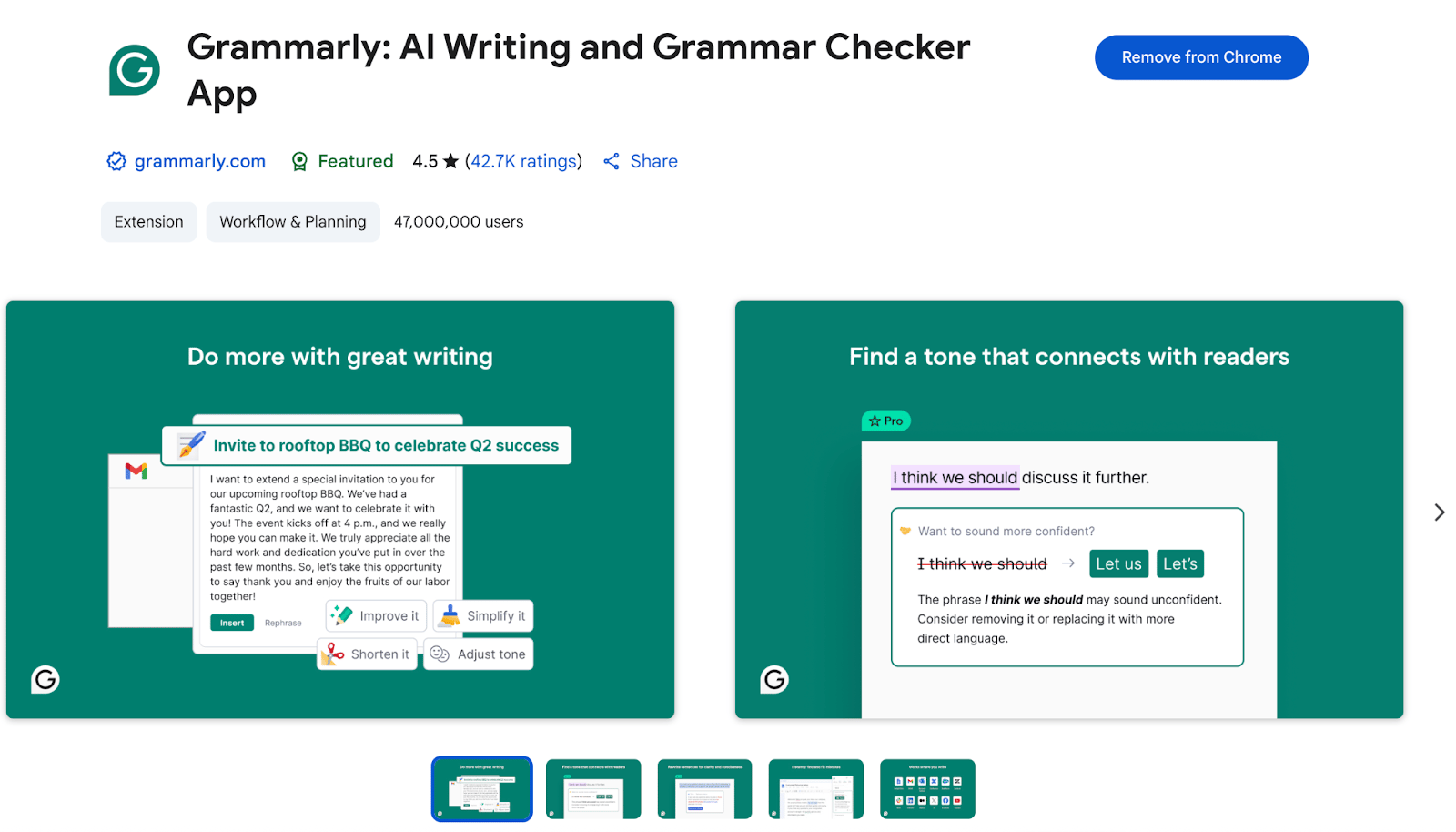
An established AI writing assistant, this extension can easily provide feedback on spelling, punctuation, grammar, and word choice for whatever you write in the Chrome browser. You can build out your own style guide and dictionary to include preferences for wording, punctuation, and acronyms. Beyond proofreading and editing capabilities, Grammarly can also provide plagiarism detection, vocabulary enhancements, and tone guidelines for whatever you decide to write.
Key features:
Checks for grammar, spelling, and punctuation
Automatic citation generation
Integration of custom style guides and organization dictionaries
Reviews for clarity, tone, and vocabulary
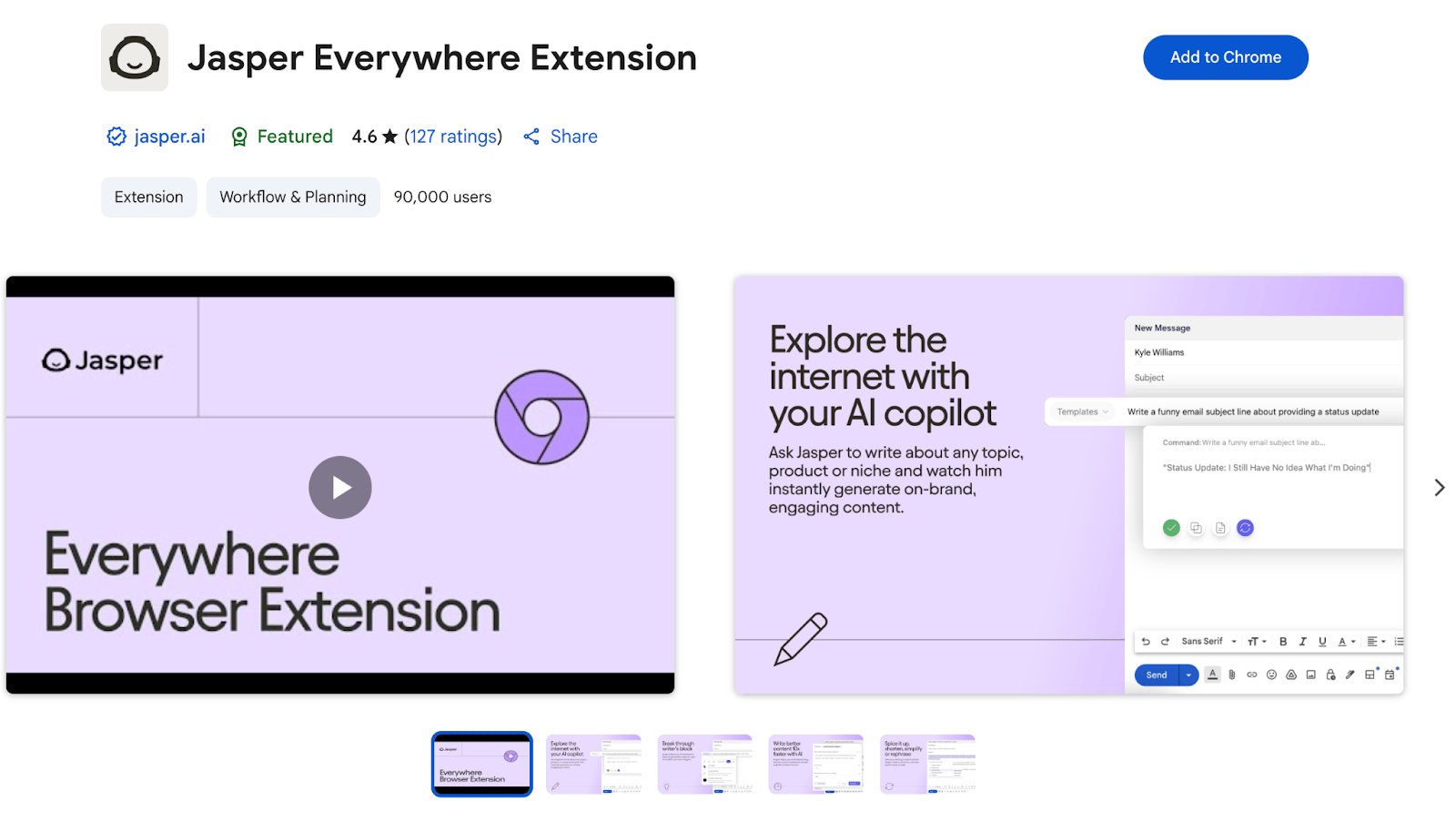
Jasper helps with content creation and removes the need to have another Chrome tab where you ask prompts, provide feedback, and tweak your AI-generated responses. It integrates with Gmail, Google Docs, WordPress, Webflow, Google BigQuery, and other applications so you can quickly create content, refine it, and save content creation preferences. You can use these features with content creation and iteration, as Jasper’s machine learning algorithms can analyze copy and provide predictive recommendations.
Key features:
Over 60+ content templates for platforms such as Gmail, Google BigQuery, and Google Docs.
Writes content in over 80 languages
Can summarize, rewrite, and repurpose content with a one-sentence prompt
Generates content from a completely blank page for blog posts, social media, reports, and product campaigns.
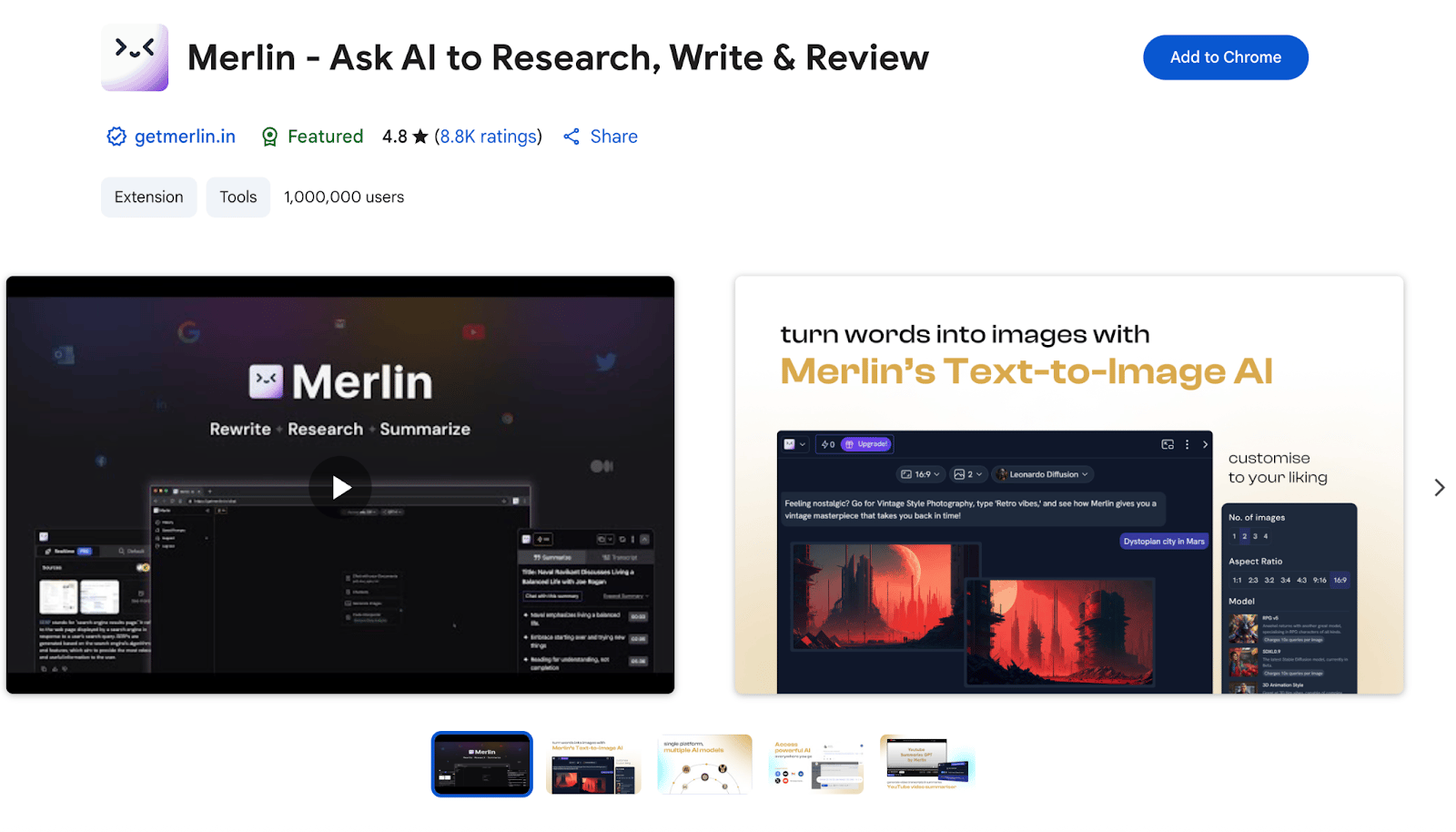
AI-based assistant Merlin makes it easy for you to research, write, and review content, with access to multiple AI models (ChatGPT, Gemini, Claude, Mistral, and DeepSeek). Along with page summarization, content generation, and code assistance, it can also analyze your most repetitive tasks and suggest ways to integrate automation and reduce time spent on frequently performed administrative tasks. It also lets you select your preferred AI model, providing access to specific models without downloading another application or opening another Chrome tab.
Key features:
Real-time file integration that lets you access data, webpages, and documents
Access over 70 AI tools through one extension
Save and store your top and most-used prompts
Instant code generation with any integrated AI model from Merlin’s chat
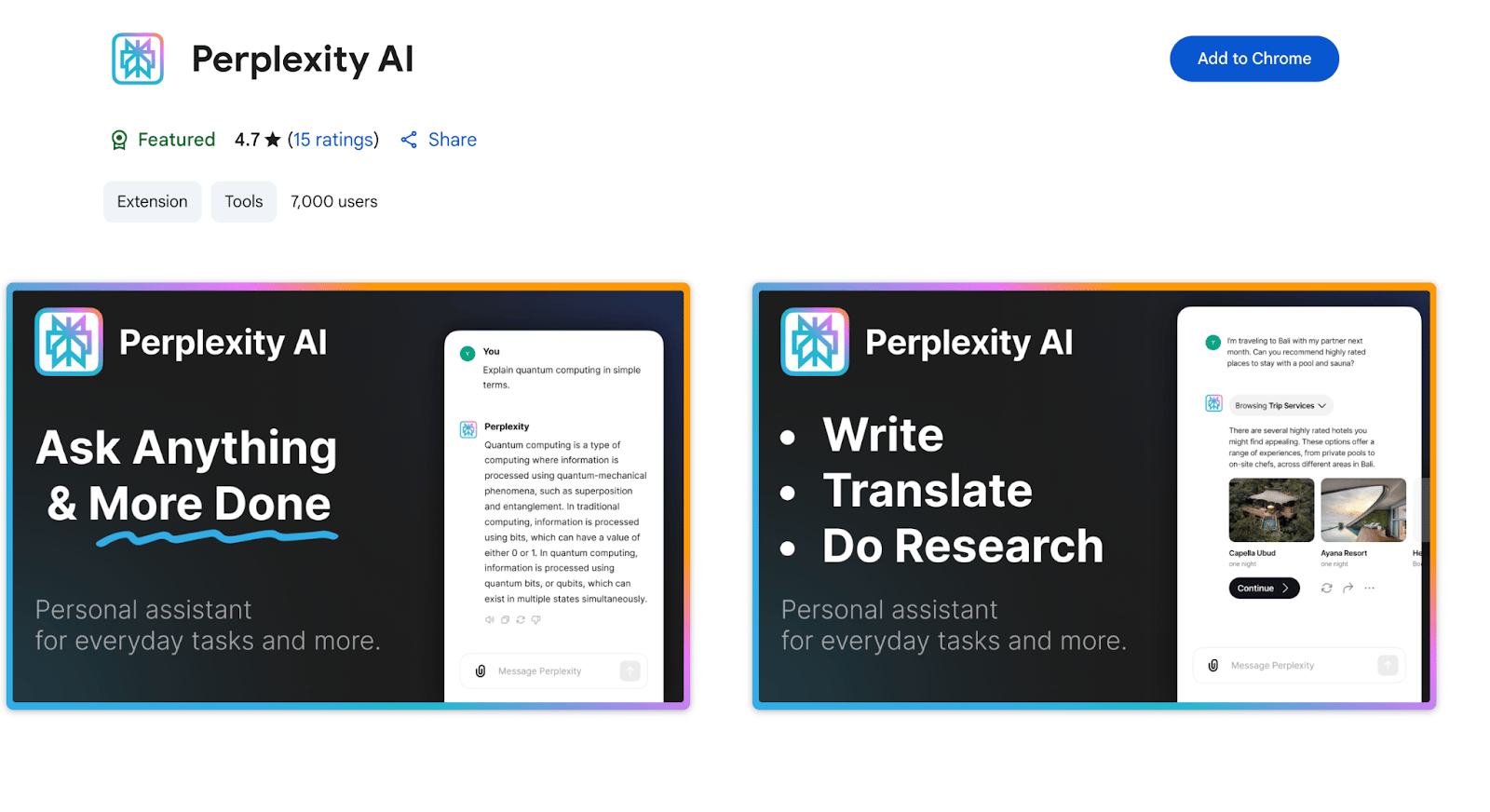
Perplexity AI supports topic research and AI-powered search. It can provide direct answers to complex questions, integrate knowledge from multiple sources, allow for follow-up questions and clarifications, and include source citations. It can also gather information from multiple sources, provide webpage summaries, direct search capabilities from the Google search bar, and generate content for emails and code.
Key features:
Web page summarization and search engine integration
Customized answers and solutions based on search habits and tasks
Connected links that make responses easy to share
Ability to ask follow-up questions to responses and provide feedback.
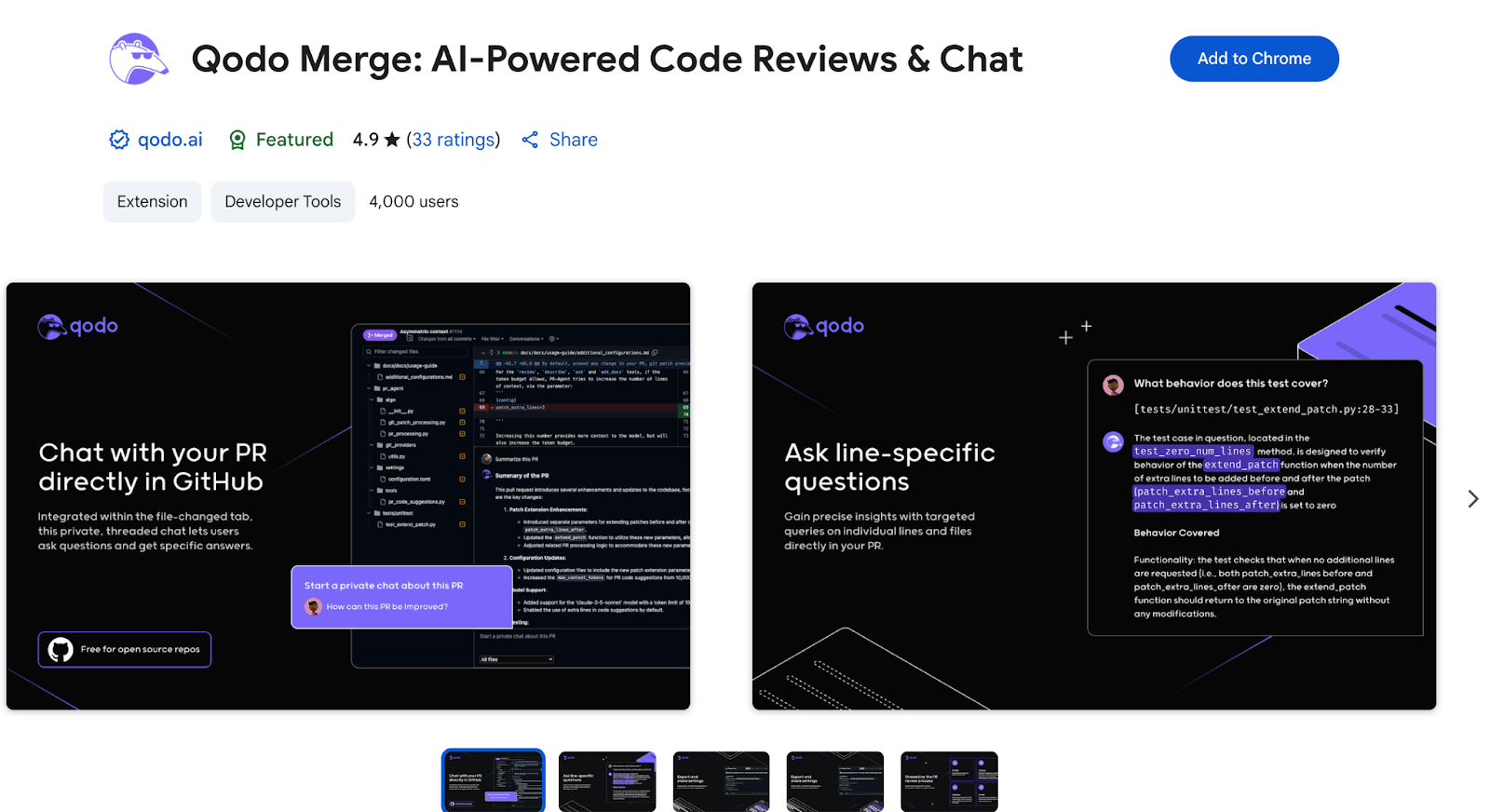
Qodo Merge, an AI-powered code review extension, lets you automate GitHub pull requests, highlight changes, suggest improvements, and streamline configuration export. It will conduct code reviews, provide code suggestions with a simple command, generate pull request descriptions, and evaluate adherence to company best practices. The extension is completely compatible with open source repositories and requires a paid account to work with private repositories.
Key features:
Automated code reviews and AI-powered chat in pull requests
Automatically generated pull request descriptions
Private chat sessions for your own personal notes and reference
Streamlined configuration export capabilities
What are the main benefits of using AI Chrome extensions?
AI Chrome extensions provide increased productivity by helping users summarize content, generate text, automate tasks, and reduce manual effort while decreasing time spent switching between applications. They also offer customization by learning user preferences over time for writing styles and browsing habits, plus enable easier collaboration across browsers and devices.
What are the most common use cases for AI Chrome extensions?
The most common use cases include coding assistance for code review, editing, debugging, and formatting, plus productivity tools for streamlining workflows like scheduling meetings and email management. Other popular uses are content summarization for webpages, PDFs, and YouTube videos, and writing assistance for generating and editing text in forms and documents.
Which AI Chrome extensions are considered the best for different tasks?
ChatGPT for Google offers comprehensive AI assistance with text generation and multilingual support, while Fireflies.ai provides excellent meeting transcription with automatic speaker detection. Grammarly excels at writing assistance with grammar and tone feedback, and Jasper offers strong content creation capabilities with over 60 templates for various platforms.
Are AI Chrome extensions secure and do they affect browser performance?
Google Chrome reviews extensions before listing them in the web store, making them generally secure, though users should read developer documentation for specific security details. However, AI Chrome extensions can affect browser performance including slower page load times, increased memory usage, and lag between tab switching, with performance impact depending on the number of installed extensions and their optimization.
How do these extensions compare to standalone apps?
Google Chrome extensions are usually more limited in function and system scope. They often focus on application-based solutions that are based on what the user can do within the web browser and don’t have full OS access. They can also only run when the web browser is online, unless it can support offline data synchronization.
DigitalOcean Gradient Platform makes it easier to build and deploy AI agents without managing complex infrastructure. Build custom, fully-managed agents backed by the world’s most powerful LLMs from Anthropic, DeepSeek, Meta, Mistral, and OpenAI. From customer-facing chatbots to complex, multi-agent workflows, integrate agentic AI with your application in hours with transparent, usage-based billing and no infrastructure management required.
Key features:
Serverless inference with leading LLMs and simple API integration
RAG workflows with knowledge bases for fine-tuned retrieval
Function calling capabilities for real-time information access
Multi-agent crews and agent routing for complex tasks
Guardrails for content moderation and sensitive data detection
Embeddable chatbot snippets for easy website integration
Versioning and rollback capabilities for safe experimentation
Get started with DigitalOcean Gradient Platform to get access to everything you need to build, run, and manage the next big thing.
此内容由惯性聚合(RSS阅读器)自动聚合整理,仅供阅读参考。 原文来自 — 版权归原作者所有。