


Developing production-ready apps can be a long and arduous process involving different project teams, software testing, and hours spent staring at code to to craft the perfect design element or next big feature. But this doesn’t need to be the de facto development process—especially with the number of AI application builders available to software developers.
From vibe coding tools to AI coding assistants, these tools make it easy to spin up an application; all you need is an idea and a series of well-crafted prompts to add to a conversational AI interface. The AI app builder can take care of the rest and provide you with an application framework to tweak and customize as necessary. Whether you’re getting started on a personal side project or rapidly prototyping an idea at work, these AI app builders can help you create functional applications without the typical development overhead.
This article explores what AI app builders can do, the main considerations of using them, features to look for during evaluation, and some of the best options on the market in 2025.
Key takeaways:
AI app builders are programs that use AI to help you develop applications by automating specific parts of the process. This includes code generation, feature integration, and design element creation.
These programs can decrease the time to market for application development, reduce the learning curve, and provide a variety of customization options. However, it’s important to be careful of code ownership and application hosting terms, as well as application maintenance over time.
Examples of AI app builders include Anything, Bolt, Databutton, and Softr.
An AI app builder is a program that can help you build an application through artificial intelligence and handle specific parts of development, including code generation, design, testing, and data integration. This often starts with creating a prompt that describes your application to an AI algorithm that will then take the time to spin up a baseline for your application and allow you to provide further feedback through prompts or a design interface. This allows you to create an application much faster than manually developing something from scratch or working with legacy code.
AI application builders can vary in the features that they offer and the parts of applications they help automate. Even so, there are some common features across the board to look out for during your selection process for a low- or no-code application builder. They include:
Natural language prompt capabilities: Whether it’s through a main prompt box or AI assistant, the main feature you should look for with an AI application builder is the ability to describe features or update designs or capabilities via text input instead of requiring you to code everything.
Code and back end logic generation: A time-saving feature of AI application builders is the fact that they can generate all the required application code, database schematics, and workflow automation as part of your original prompt.
AI-prompted feedback: Certain tools will analyze your application and help provide feedback or make suggestions for code, features, or design elements to improve overall application performance and user engagement.
Design element generation: Low- or no-code generators will create design elements as part of the initial application design. Some tools will allow you to integrate custom design libraries from Figma to incorporate brand guidelines or you can update design choices and user interfaces through natural language prompts.
Template library: Most AI app builder tools will have a template library of pre-built examples and use cases, along with community-created applications and features that you can draw inspiration from (or integrate into your own application).
Using AI for application building has a host of benefits, such as reduced development timelines, an easy user experience, and readily available templates. Some top reasons to use AI as part of your development process include:
Automating the application building and development process can decrease project timelines, increase overall productivity, and speed up your application’s time to market. With AI as part of your application development toolkit, you can systematically integrate features, design elements, and third-party apps without much manual coding.
Some AI builders generate editable code and can also provide data models, relationships, and logic flows. This helps create a backend engineering framework that can help you understand how the application works and map internal interdependencies, which can be useful for later development or troubleshooting.
AI app builders make it much easier for someone, regardless of coding experience, to create an application or website for their business or personal projects. These tools allow you to simply describe what you want in terms of application capabilities, design elements, or use cases with natural language prompts, reducing the need for coding experience for application creation. These tools also make it easy to test out different versions, designs, and integrations with just a few clicks.
Even with the benefits of automation, accelerated time to market, and customization, there are still several considerations when it comes to using AI application builders. They are:
When creating with an AI app builder or generator, be sure to look into who owns the code and the application itself. Even with proprietary data or company creations, it is possible that these companies might have some level of ownership over your data or application development process and have certain terms and conditions regarding how they can use it for internal or external marketing or development purposes.
These AI tools are great at helping you create your own application or webpage, but that doesn’t mean that they automatically come with a suite of tools to help you maintain the application as it grows or changes over time to suit user needs. This requires you to have some knowledge of application development and maintenance to ensure that the user experience doesn’t degrade over time and that features stay online.
Using AI models or algorithms can potentially introduce security vulnerabilities with its code. AI application tools might also not be suitable for certain industries that require specific certifications or data compliance requirements such as GPDR, HIPAA, or SOC2.
AI app builders come loaded with templates for common business needs like budgeting apps, customer forms, and ecommerce stores, and they can spin these up impressively fast. The catch is that most of these tools work best when your project fits into familiar patterns. If you need something highly specific to your industry or want to implement complex business rules that don’t match standard templates, you’ll likely bump into limitations pretty quickly. Think of AI builders as an excellent starting point that can get you 70-80% of the way there, but the final stretch to a truly custom solution often requires traditional development work or significant workarounds.
Some AI app builders work best for quick prototypes, while others can handle complex business applications that serve thousands of users. The platform that makes sense for you depends on what you’re building and how much coding you want to do yourself. Here’s a look at a handful of options:
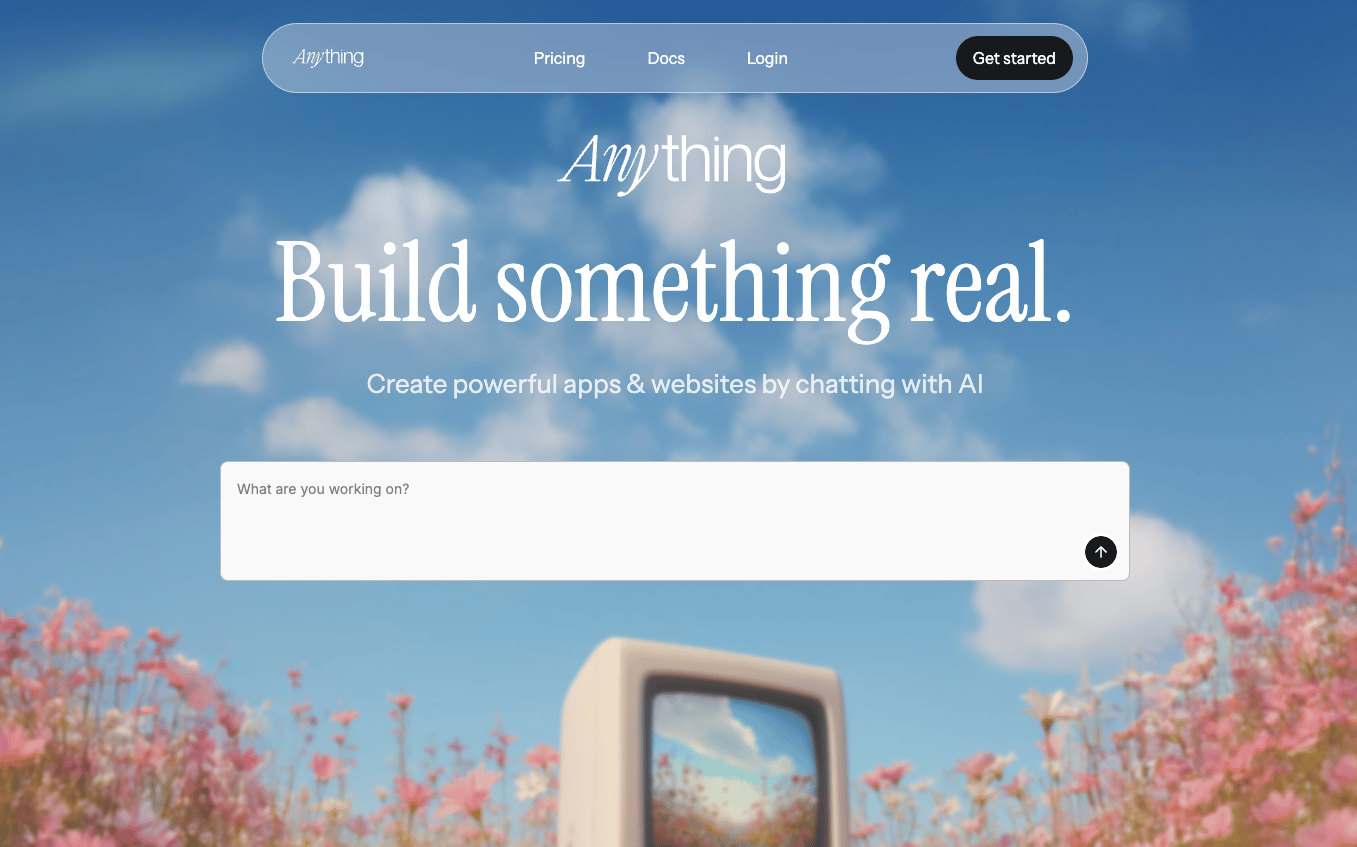
Anything is an AI app builder that produces applications and generates the code for developers. With its conversational interface, you can provide prompts to create a foundational application build and then it will create a mobile or web application using pages, reusable UI elements, backend logic for data processing and APIs, as well as user management and asset storage. It also has integrations with ChatGPT, Google Gemini 1.5, Claude 3.5 Sonnet, and more for AI-based feature creation.
Key features:
Automatic function creation for applications and back-end logic processes.
Style guide creation to help you choose from 20 pre-made professional style templates for consistent branding and project-wide styling.
AI integrations with models for feature creation, application design, PDF generation, maps, and other AI-powered features.
Thinking, Discussion, Debug, and Fast Mode to help you design your application depending on what components you’d like to focus on or query you want to solve.
Free: $0/month
Pro 20K: $16/month
Pro 50K: $40/month
Pro 100K: $80/month
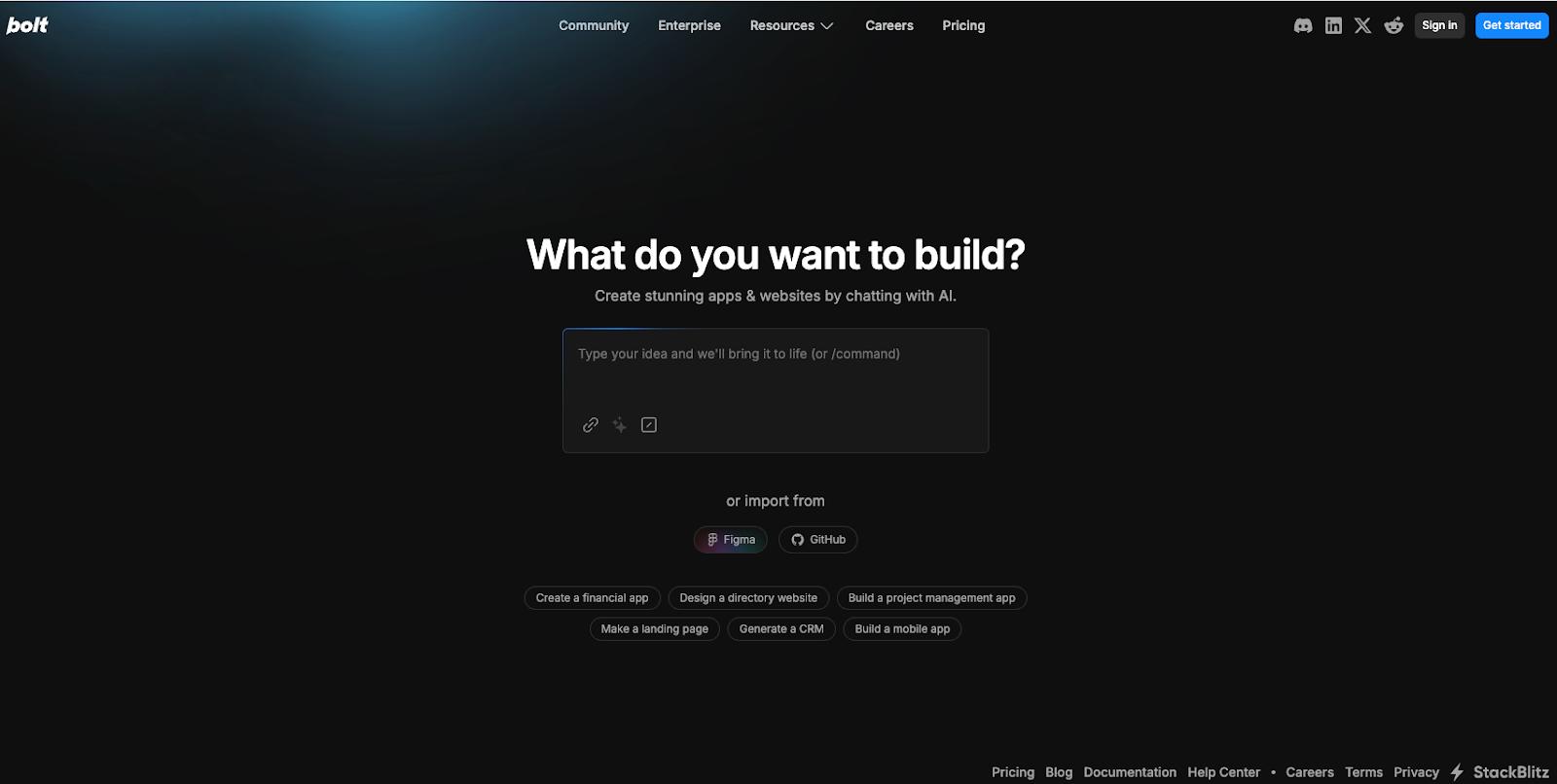
Bolt, from Stackblitz, is a browser-based IDE for websites, web apps, and mobile applications. It can generate these options through chat prompts and create full-stack JavaScript-based applications. You can bring your own prompt or have Bolt’s Enhance Prompt feature create a recommended prompt or add details to your original idea. Once Bolt generates your application and its code, you can access your prompt library or work in Discussion mode with Bolt AI to make changes and integrate features.
Key features:
Support for JavaScript-based web technologies, such as Node.js and JavaScript frameworks for browser-native code.
Integrations with Figma, Netlify, Supabase, GitHub, Expo, and Stripe for various application features such as design, databases, version control, and payments.
Community tutorials to help you create your first app, maximize token usage, and learn concepts around databases and authentication.
Free: $0/month
Pro: $20/month
Teams: $30/user/month
Enterprise pricing available upon request
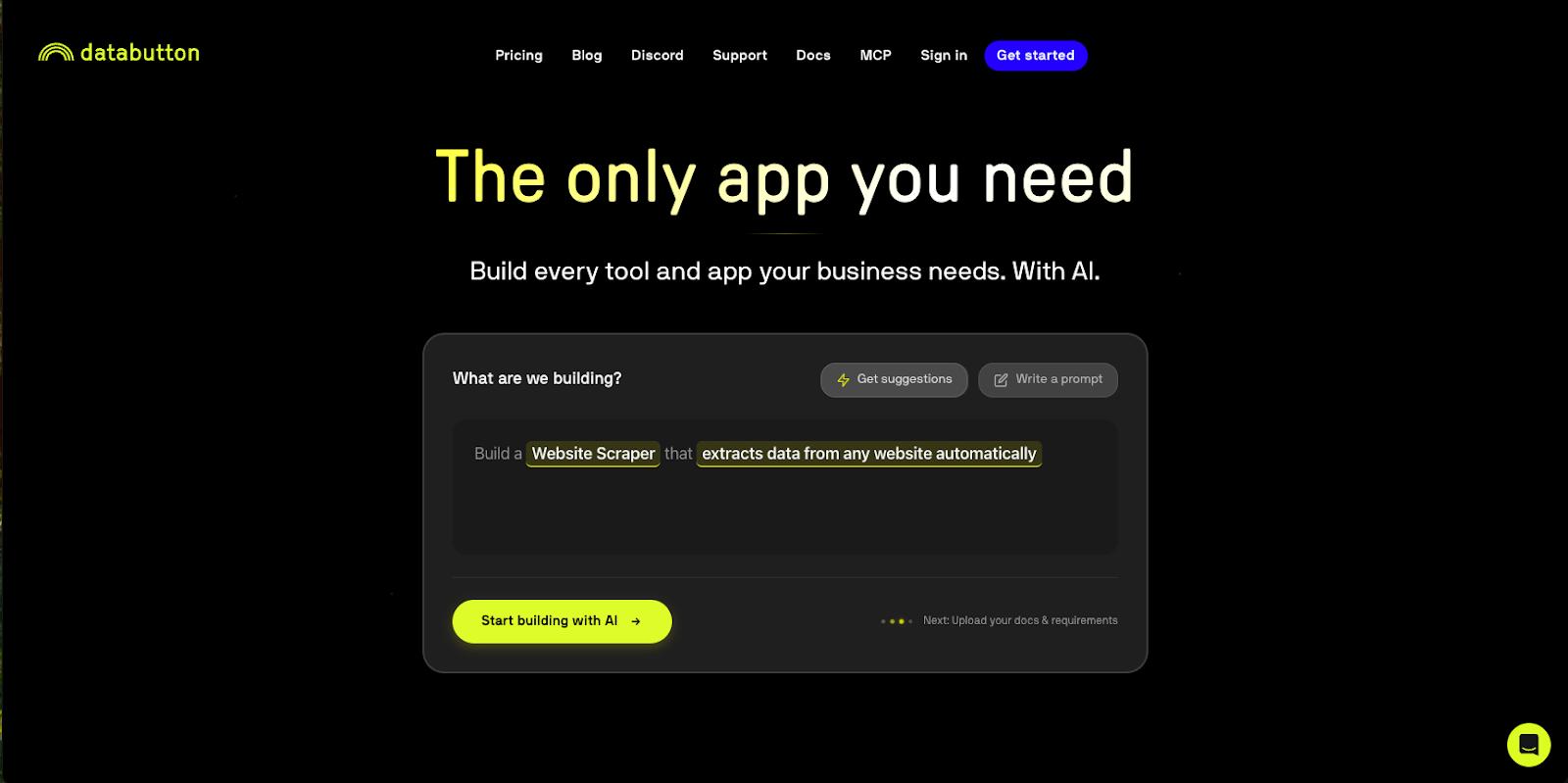
Databutton is designed to create full-stack business applications with language prompts and AI agents, acting as a collaborator throughout the app development process. Its builder lets you provide documentation, business requirements, and any design requirements. Its agents will then ingest this information, create files, write code, and finalize a first version of your application. You can then interact with the code through text prompts, edit application functions, and iterate with Databutton’s AI agent (which can provide code feedback and review).
Key features:
AI agent to help with code review, troubleshooting, and feedback.
“Start Task” button to have an agent review, think, and create code or complete a task for your web app, and provide feedback in the process.
Libraries that enable you to write reusable code for your application.
Data connectivity to build apps with your own datasets or connect to outside data sources.
Agent + Community: $20/month
Agent + Human support: $700/month
Agent + Human advisor: $4,000/month
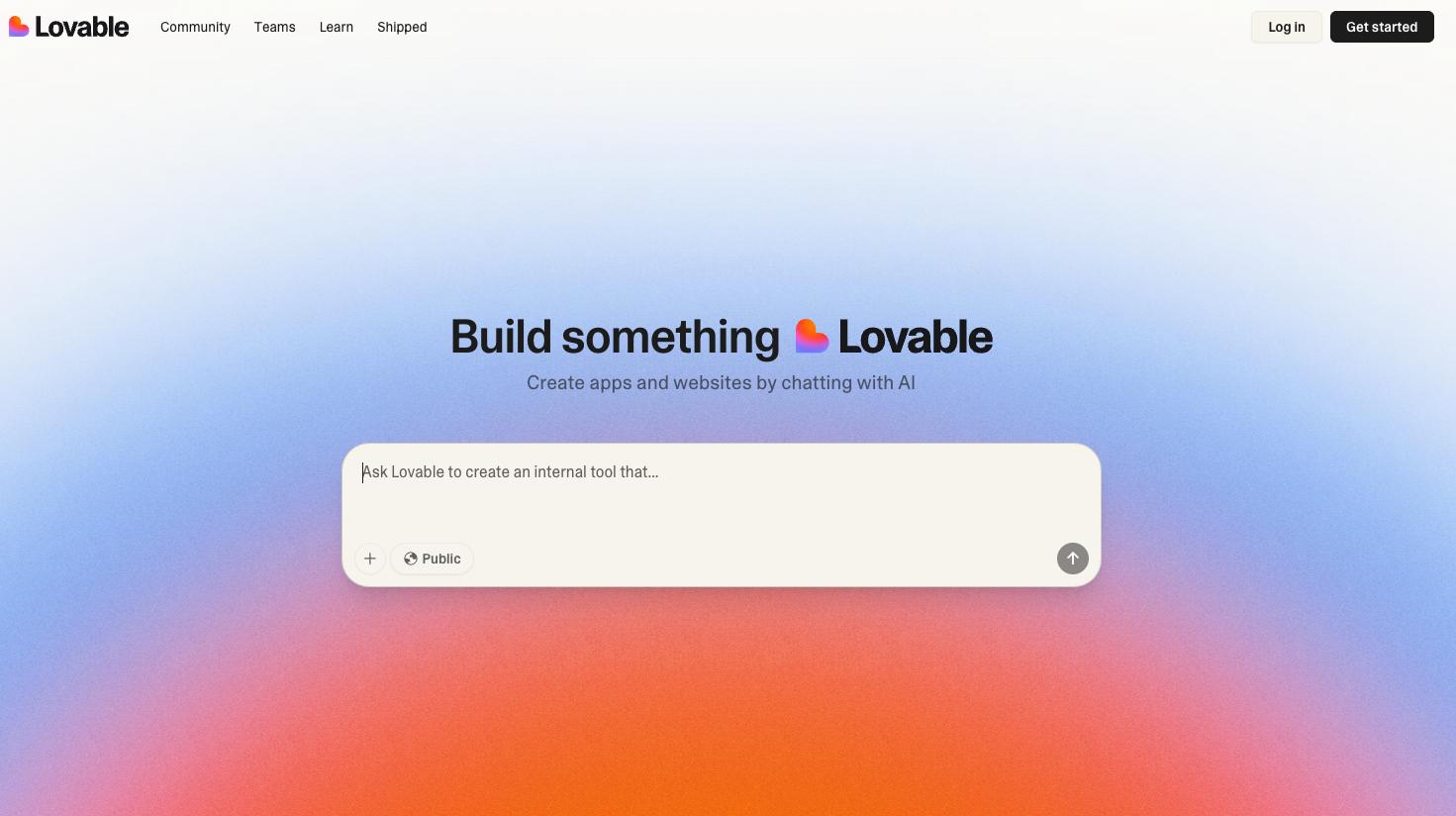
Lovable’s AI builder supports app, website, landing page, and analytics dashboard creation. For a low-code experience, you can use language prompts and its template library to get started and take inspiration from other development projects throughout the community. If you want a more hands-on AI development process, Loveable provides access to all generated frontend and backend code in its Dev Mode and provides features for full-stack development. You can also import design elements from Figma to ensure branding and design consistency.
Key features:
Template library and community shared projects to start projects or integrate community-created features into your application.
Integration with Figma to bring in design elements.
Access to code with Dev Mode for more technical development if required.
“Chat mode” allows you to edit and make updates to your design through language prompts instead of manually updating code.
Free: $0/month
Pro: $25/month
Business: $50/month
Enterprise pricing available upon request
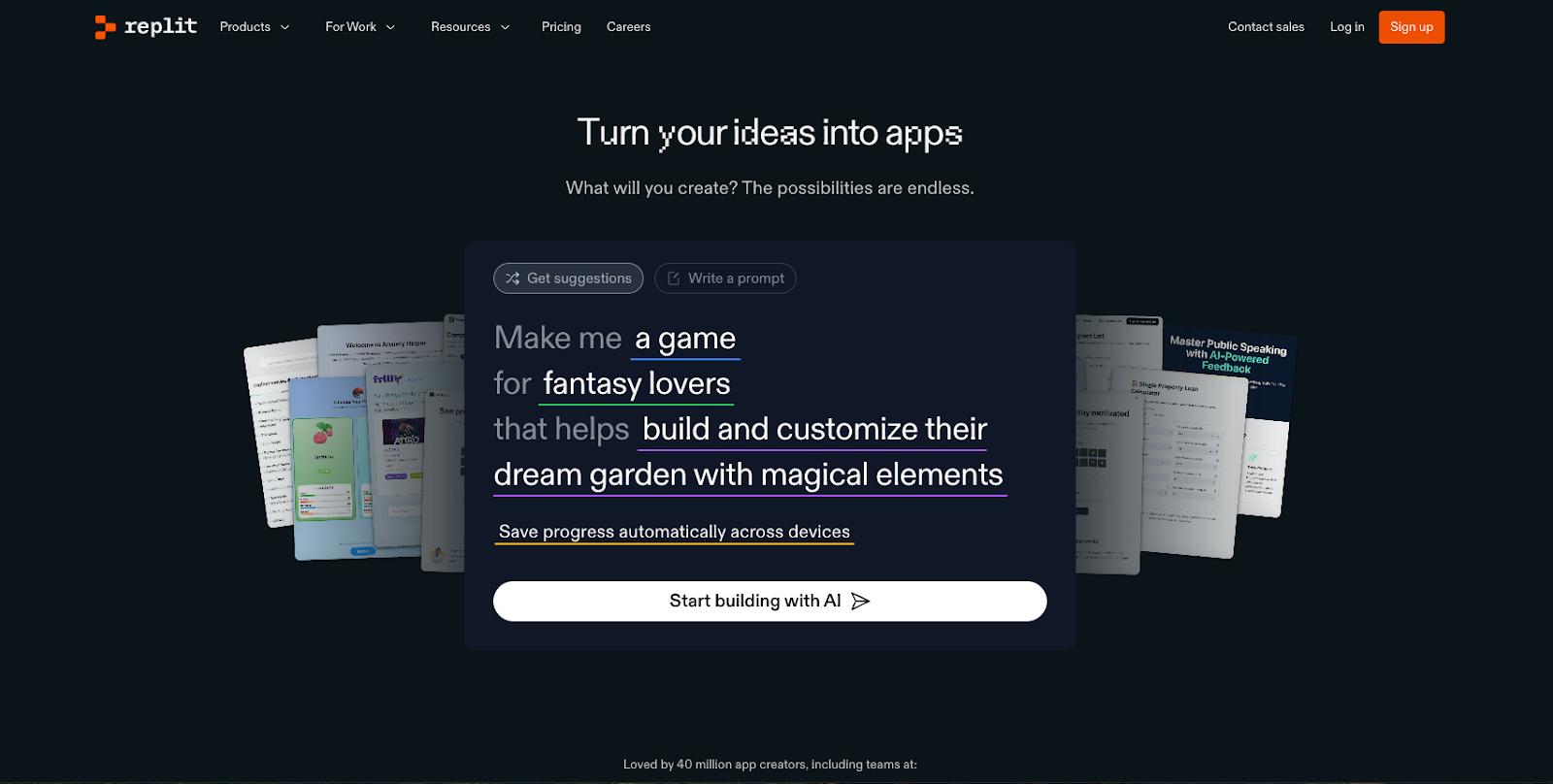
Using a vibe coding approach, Replit can help you create a website or an application through language prompts. You can either use its builder (available via web browser or mobile application) to get suggestions or write your own prompt to generate an application. The Replit Agent can create applications for all sorts of use cases, including business software, chatbots, and online shops. For design, you can import elements from Figma or use Replit’s Visual Editor to directly make changes to code and get instant visual previews. It also has integrations with AI models, authorization and payment software, analytics reporting, and data storage.
Key features:
Replit AI agent is available to help create your application through natural language prompts with Extended Thinking and High Power mode for more complex tasks.
Rollback feature to undo changes or see prompt history.
The instant visual preview feature shows any immediate design changes to your application as you create or integrate new design elements.
A built-in, fully managed database for persistent storage is available.
Free: $0/month
Replit Core: $20/month
Teams: $35/user/month
Enterprise pricing available upon request
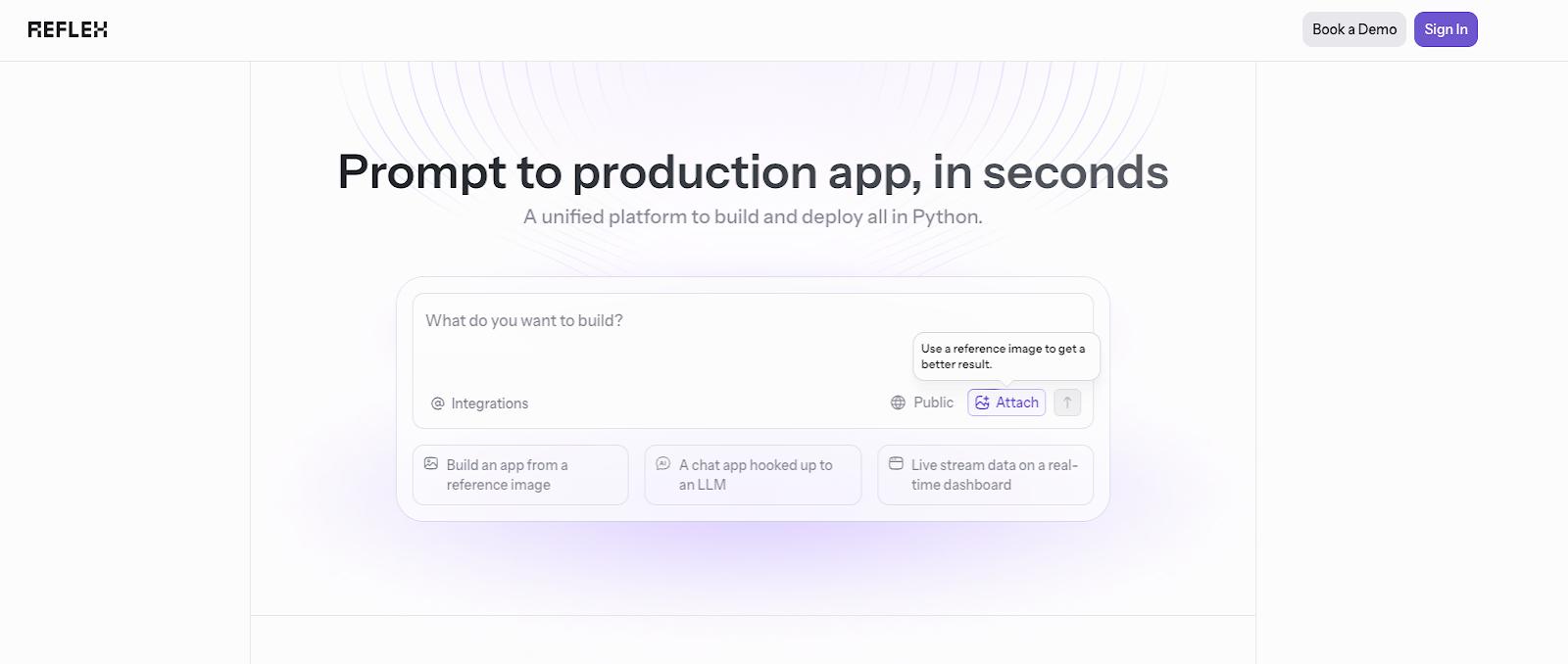
Reflex is an open source AI application builder designed to create production-ready Python applications. It provides Python full-stack development with auth, database, background tasks, and deployment built into the generated code. Geared towards more interactive data applications, you can also easily integrate it with any PostgreSQL, MySQL, or SQLite database. It also comes with an AI agent to help you review, edit, and collaborate on code development.
Key features:
Community template library available to provide inspiration or use built features as part of your project.
Code editor to access all your generated code and make any updates as needed, or work with the AI agent to update your code through prompts.
AI-optimized prompt templates for smarter prompting and optimized results, and an AI package installation manager.
Built-in API keys and tokens manager for increased security.
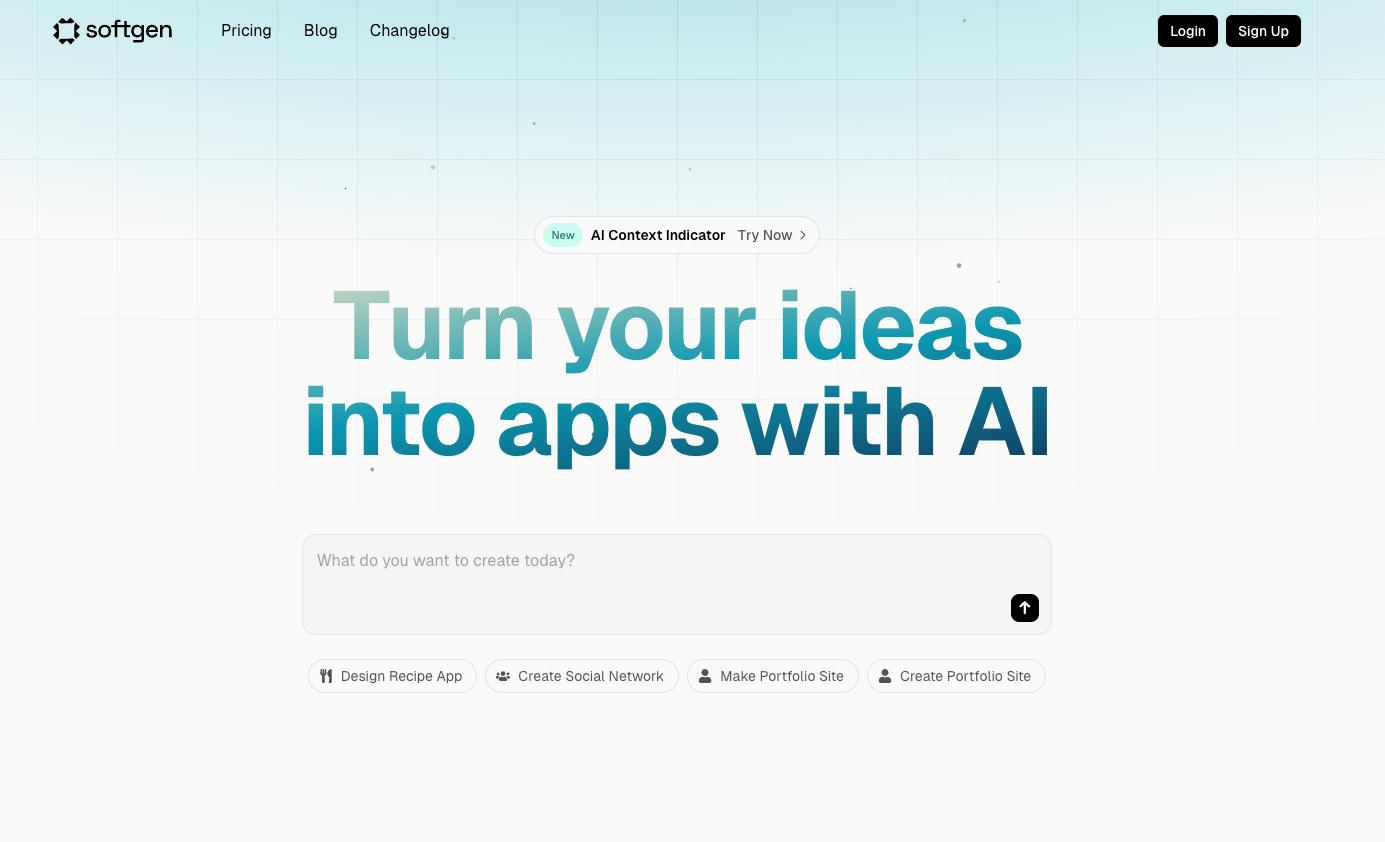
Softgen helps users build web applications from natural language prompts. Starting with a Next.js template, it will use your prompt to customize everything you’d like to include in your application. It will then generate frontend and backend code and connect any integrations to complete your application. You can then take the time to review and test your application as well as make any changes through language prompts.
Key features:
Cascade AI agent helps you refine your initial prompt and provide feedback for app generation as well as a development plan. The AI Dev assistant guides you through code review, feedback, and development.
Feature integrations for email blasts, payments, authentication, SEO feedback, and UI components.
Ability to export your code and retain ownership for 100% of your code.
Context window indicator that allows you to see available working memory for AI features and usage during development.
Free: $0/month
Entry: $25/month
Boost: $50/month
Fly: $100/month
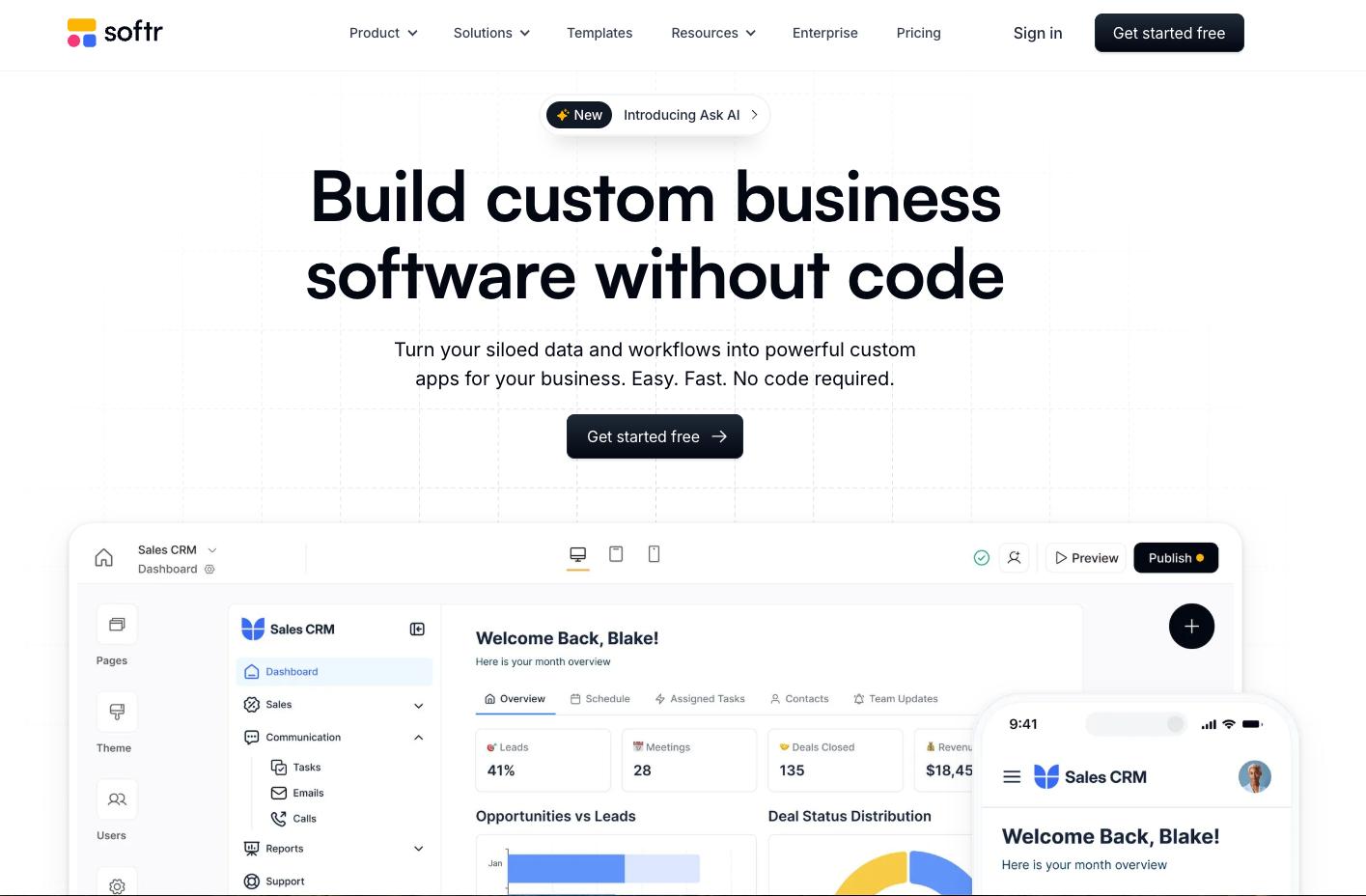
Softr is a no-code AI application builder that allows you to integrate your own data into custom applications. You can connect your data sources, define logic for functionalities and workflow visibility, drag and drop some design elements in place, and publish your application on desktop or mobile. You can also use its application generator to create a client portal, internal tool, directory, or membership platform via language prompts. For more robust app development, its app builder has features for workflow automation, mobile app conversion, an interface builder, database builder, and form creation.
Key features:
Drag-and-drop interface for application creation.
AI app generator available to create an application from language prompts.
Pre-built tool library for internal and customer facing features.
Large selection of available integrations for third-party applications.
Free: $0/month
Basic: $49/month
Professional: $139/month
Business: $269/month
Enterprise pricing available upon request
Create an AI Image Prompt Builder App with Streamlit and Python
The Impact of No-Code and Low-Code Technology on Small Businesses
How good are AI app builders?
AI app builders can provide a foundational level of design and creation. They can help create an initial design and structure of an application based on language prompts and help you generate a functional application. However, there are potential limitations when it comes to application maintenance, upkeep, and creating more in-depth features that require coding knowledge.
How do I choose an AI app builder?
Evaluate the application builder based on your business goals and the level of control you want over your application. Make sure it can meet your feature requirements, integrate organizational branding guidelines during design element creation, and adhere to necessary data and privacy standards.
DigitalOcean Gradient Platform makes it easier to build and deploy AI agents without managing complex infrastructure. Build custom, fully-managed agents backed by the world’s most powerful LLMs from Anthropic, DeepSeek, Meta, Mistral, and OpenAI. From customer-facing chatbots to complex, multi-agent workflows, integrate agentic AI with your application in hours with transparent, usage-based billing and no infrastructure management required.
Key features:
Serverless inference with leading LLMs and simple API integration
RAG workflows with knowledge bases for fine-tuned retrieval
Function calling capabilities for real-time information access
Multi-agent crews and agent routing for complex tasks
Guardrails for content moderation and sensitive data detection
Embeddable chatbot snippets for easy website integration
Versioning and rollback capabilities for safe experimentation
Get started with DigitalOcean Gradient Platform for access to everything you need to build, run, and manage the next big thing.
此内容由惯性聚合(RSS阅读器)自动聚合整理,仅供阅读参考。 原文来自 — 版权归原作者所有。