


Traditionally, most AI system interactions have been through text, whether from a user or product development standpoint. However, this has evolved with the emergence of AI voice generation tools, which give computers and applications a more literal voice that isn’t limited to robotic-sounding monotone.
Indeed, AI voices have become surprisingly good at sounding human—sometimes, almost too good—and raising security concerns about social engineering and ethical voice sourcing.
Trained on hours of speech data, these tools use advanced deep learning models to replicate tone, emotion, and even accents with remarkable accuracy. Whether you’re creating a podcast introduction, dubbing a video into another language, or imbuing your app with a conversational personality, AI voice generators make it easy to produce high-quality audio—no voice actors or recording equipment necessary.
Although this is a relatively new technology, believe it or not, the market is saturated. Let’s compare the top 10 AI voice generator tools for your personal or professional projects, their main features, and pricing structures.
Key takeaways:
AI voice generator tools are products that use LLMs and deep learning to create human-like voices from text or speech input.
Content creators, enterprises, and media firms use these tools across industries for content voiceovers, AI agents, chatbots, virtual assistants, and entertainment.
These tools offer capabilities that include voice control, translation options, and voice editing.
Current top AI voice generation tools include ElevenLabs, WellSaid, Altered, and KitsAI.
AI voice generator tools are programs that use large-language models combined with deep learning to produce human-like voices for various use cases, including video voiceovers, text narration, podcasts, and music creation. Depending on the platform, this can be facilitated with text or speech inputs.
AI-generated voices are used across industry sectors for various creative, business, and technical reasons, including:
Content creation and media: Podcasts, audiobooks, voiceovers, YouTube videos, voice translation, and dubbing.
Marketing and business: Product demonstrations, presentations, call center conversations, virtual assistants, voice chatbots, professional training, and onboarding materials.
Accessibility and disability: Voice restoration through voice cloning and natural voices for assistive technologies such as screen readers.
Product integration: Voice assistants, voice interfaces, productivity assistants, and AI agents.
Music and entertainment: Songwriting, music production, language accents, video game character voices, and animation voiceover.
AI voice generators are an exciting new technology, but you might be wondering—what are the most important things to know before integrating them with my projects? Though they can save time and increase accessibility, there are also legal and ethical concerns around voice use and data privacy to consider.
The main benefits of using AI voice generation tools relate to time savings, scalability, and accessibility, including:
Create cost-effective voiceovers with a variety of voice types, accents, and narration styles—all within one platform.
Voice generation supports large-scale and various types of projects, including audiobooks, learning materials, and presentations, at a significant time savings compared to manual voiceover recording.
Improved accessibility via text-to-speech capabilities and voice generation options for people with visual or speech impairments.
Real-time translation and dubbing options to quickly adapt content across multiple languages and audiences.
For all the opportunities that come with AI voice generation tools, there are legal concerns and data privacy issues to acknowledge, along with potential branding issues or the possibility of consumer distaste.
You’ll want to be thinking about:
Consent from the human behind a voice is not necessarily a given with the inputs that make up voice cloning, deepfake generation, and voice creation. To avoid legal issues, understand your chosen platform’s stance on voice recording consent and usage terms.
Depending on the particular industry and nature of the recording content, voice recordings and associated projects may require specific security storage and protocols. These measures vary depending on the AI voice generator tool.
AI voices are becoming more realistic, but certain providers still struggle with human authenticity, emotions, and dialogue nuance.
Overuse of AI-generated voices for videos, promotions, or voiceovers runs the risk of making content feel less authentic.
Regardless of how you use AI voice generation tools, evaluating options relates to the importance of features like voice variety, editing controls, and voice quality.
Here are the top 10 voice generator tool options to choose from.
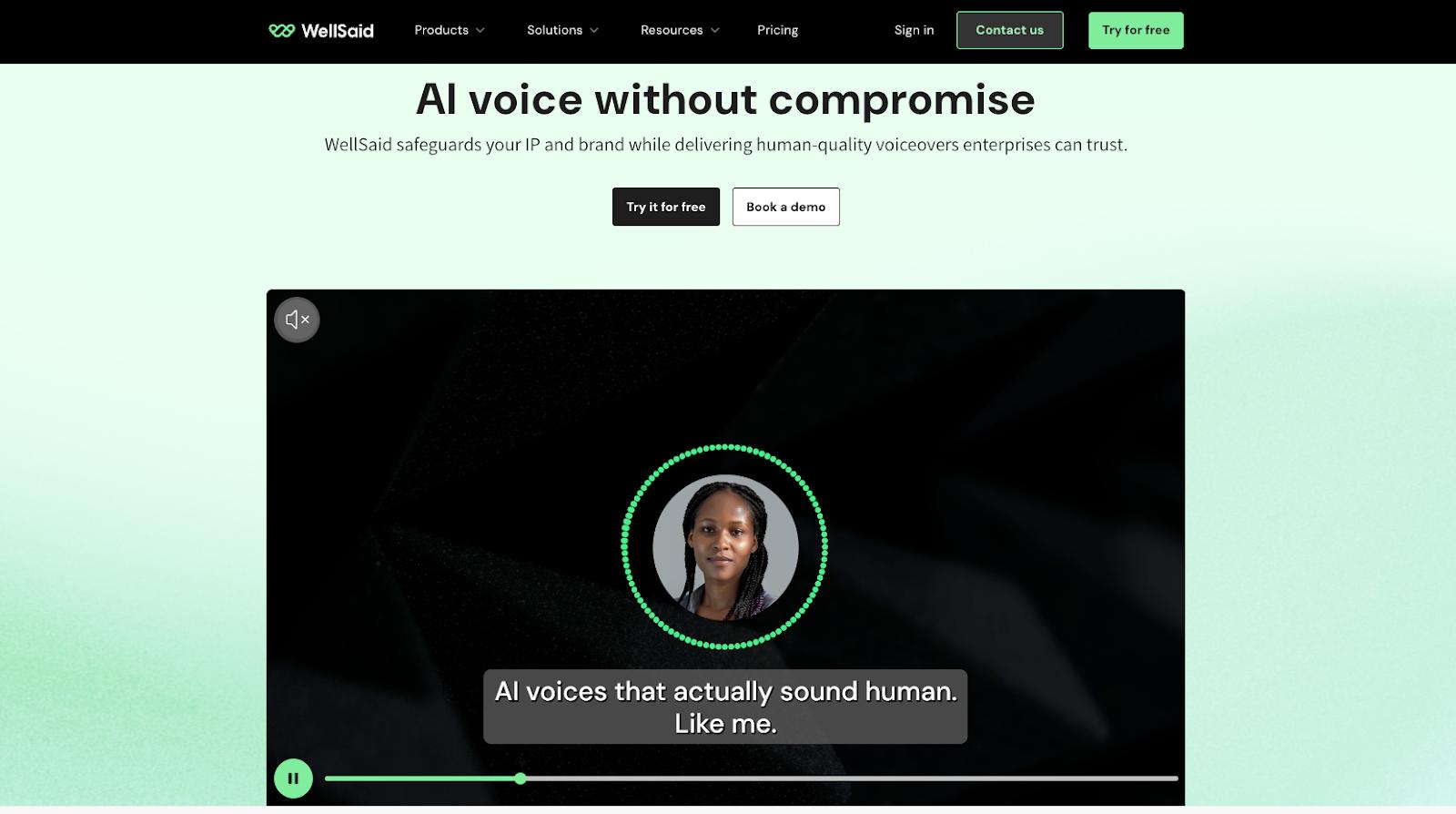
WellSaid is a text-to-speech AI tool that can help you generate speech for both personal and professional use cases, where any content you create is legally yours and you own the IP rights. The company works with real voice actors who have licensed their use of their voices. Choose a voice, and create your script incorporating a library of tones, accents, and languages.
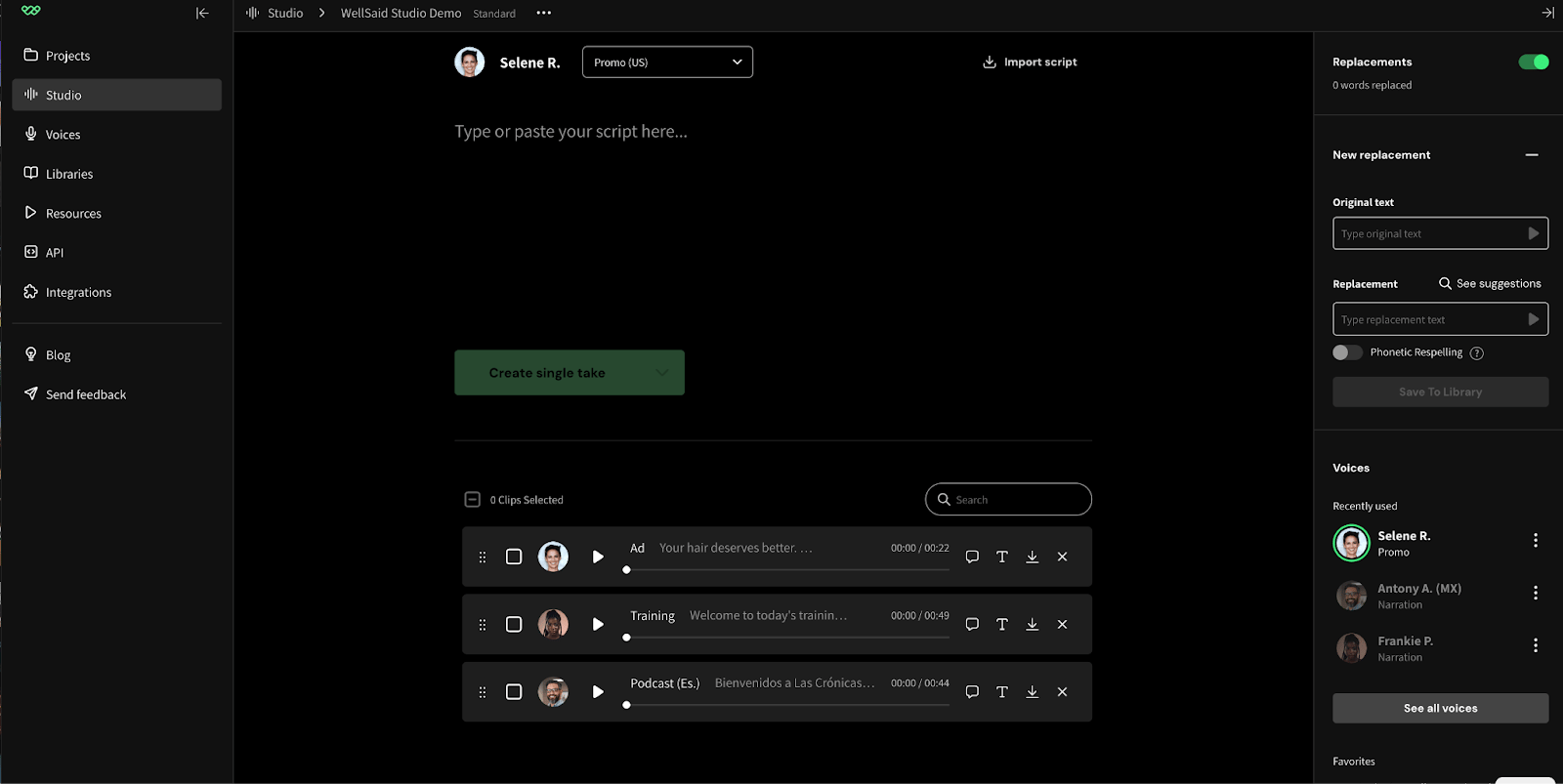
WellSaid’s Studio notably provides functionality for real-time editing, building out a custom phonetic library for preferred pronunciations and accents, and an AI Director that helps you fine-tune tempo, pacing, pauses, and rework your script as needed with unlimited retakes. And if you can’t find an ideal voice within the pre-recorded voice actor library, you can alternatively generate a custom voice to fit a desired tone.
WellSaid’s key features:
AI Director and a marketplace of pre-recorded voices to use for your scripts
GDPR, SOC2 Type 2 compliance, and all voices are licensed for commercial use by voice actors
Features for real-time collaboration and sharing, such as editing permissions, dedicated workspaces, and clip editing tracking
Adobe Premiere Pro, Adobe Express, and API integrations
WellSaid pricing:
Free 7-day trial with 1 user seat, access to all languages, but no downloads.
Creative (individuals and content creators): $55/month/user with all English voices, MP3 format, 720 downloads per year, and commercial usage rights.
Business (growing teams and small businesses): $160/month/user for 1-5 user seats, MP3, WAV, and OGG formats, team workspaces, 1,300 downloads per year, and Adobe Integrations
Enterprise: Get in touch with no seat limit, team workspaces, 4,300 downloads per year, caption file downloads, and dedicated support
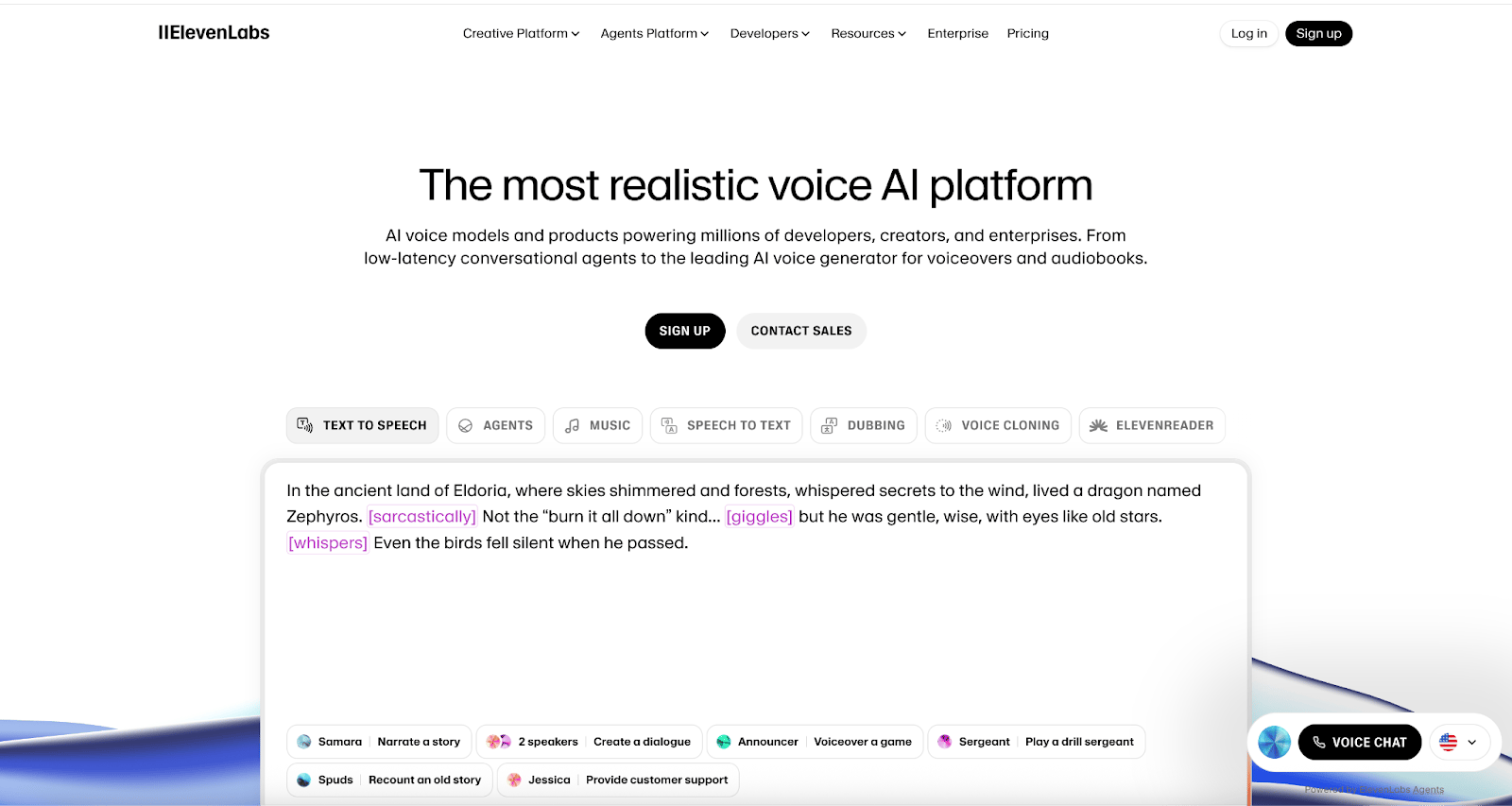
ElevenLabs is one of the most well-known AI voice generation tools, offering several connected platforms for creating and using AI-based voices. Its Creative Platform, Agents Platform, and Development Platform offer a wide breadth of features for use cases that include text-to-speech, virtual assistants, music, dubbing, and voice cloning. ElevenLabs Studio maintains a library of 10,000+ voices to choose from for your projects, music generation capabilities, plus Speech Correction for mistakes, and a Voice Isolator to create crisp audio sans background noise.
ElevenLabs’ key features:
Agent Platform to create voices and responses for virtual assistants
Studio for real-world sound and music integration, custom sound effects, and voiceover editing
Voice design via text prompts based on ElevenLab’s latest Text-to-Speech model
Voice cloning capabilities to create a replica of your own voice for project use
ElevenLabs pricing:
Free for curious individuals with 10K credits, text-to-speech, music, Agents, and Studio
Starter (AI audio hobbyists): $5/month with 30K credits, instant voice cloning, dubbing studio, commercial licensing, and music for social and ad use
Creator (Users making premium content): $11/month with 100K credits, professional voice cloning, usage-based billing, and 192 kbps audio quality
Pro (Users with sustained content production): $99/month with 500K credits, 44.1kHz PCM audio output, 500 minutes of text-to-speech, and 1,100 minutes of Agents
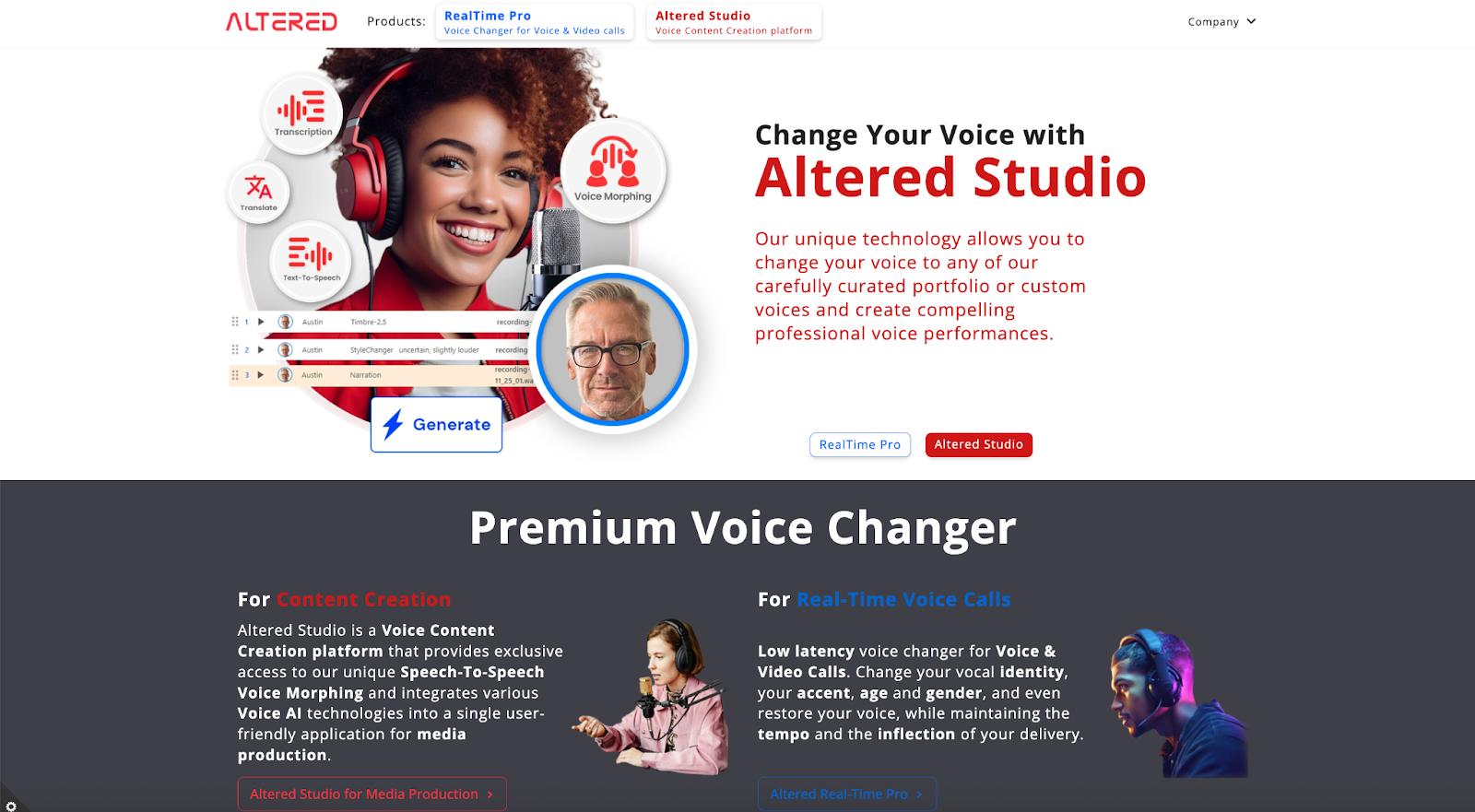
Altered is a premium voice changer that provides three main products: RealTime Pro Voice Changer, Euphonia, and Altered Studio Voice Content Creation. Its RealTime Pro offering provides voice skins that mask your original voice and accent translations, where you can change your accent completely (such as American or British English) for voice and video calls in real time. It also has real-time voice augmentation to help users with dysphonia (voice hoarseness or raspiness) and voice disfluencies (filler words, pitch variations, or false sentence starts) communicate more effectively through its Euphonia product. The Altered Studio provides a voice changer for media production, a voice editor, voice cleaning, and text-to-speech generation.
Altered’s key features:
Real-time voice skins and accent translations
Voiceover transcription and translation for multiple languages
Voice restoration support for dysphonia and voice disfluencies
Enterprise-grade voice changer to modify tone of voice and accents
Altered pricing:
RealTime Pro: Call Center ($20/month) with accent translation models, all voice skins, and account management for multi-seat accounts; Euphonia ($20/month) with models that alleviate stuttering and various forms of dysphonia and voice disfluencies, and all voice skins
Altered Studio: Free with 10K AI tokens and local voice cloning; Creator ($30/month) with 325K AI tokens, voice morphing for accent and speaking style; Professional ($90/month) with 1M AI tokens, unlimited local voice morphing and cloning, and 48kHz sample rate output
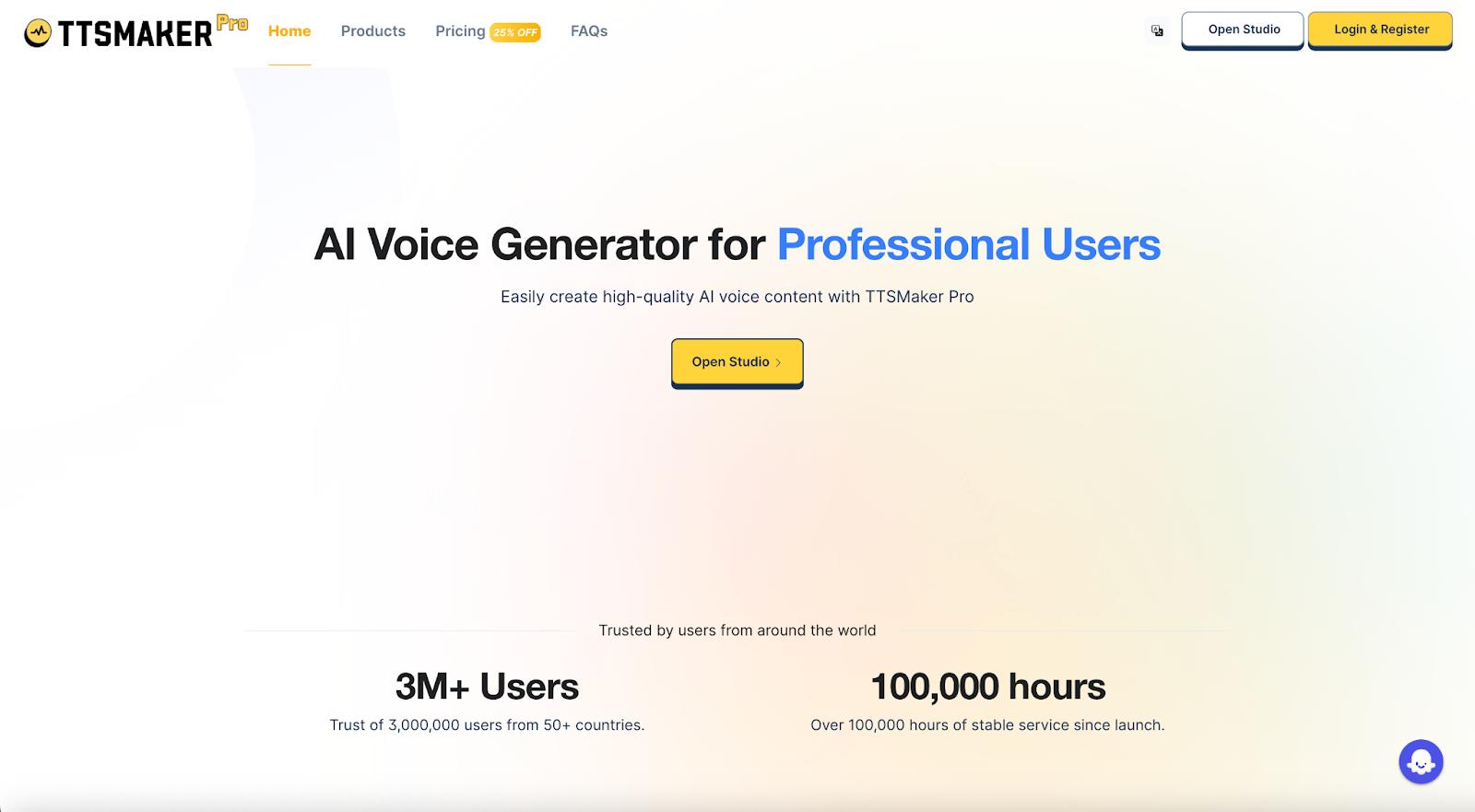
TTSMaker offers an extensive free text-to-speech platform that supports 100+ languages and 600+ voice styles. The Pro version offers higher character conversion quotas, unlimited voice support, unlimited downloads, and dedicated customer support. Its editor provides features to adjust speech speed, pitch, pause placement and length, and add background music.
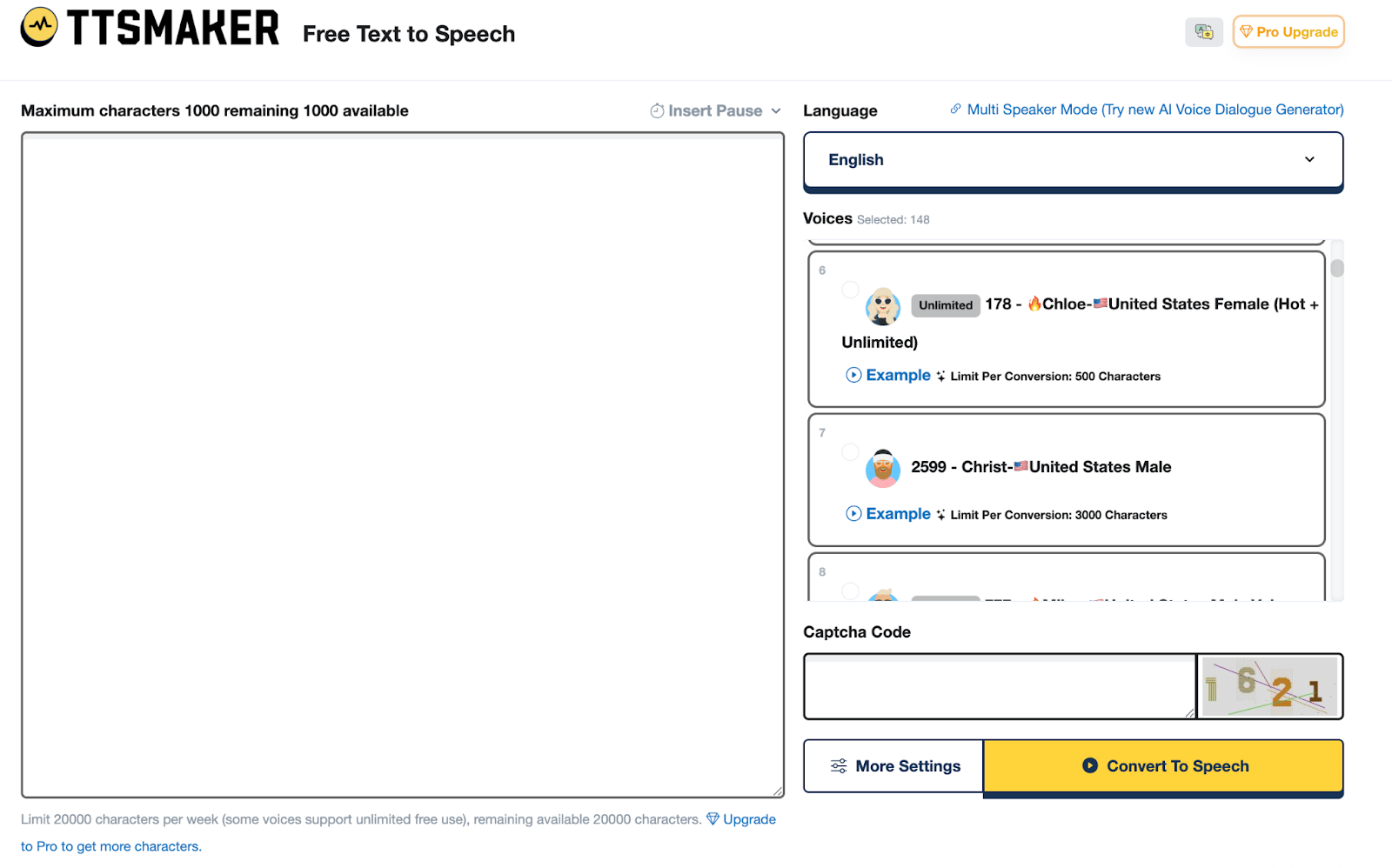
File exports are available for MP3, OGG, AAC, OPUS, and WAV formats, and TTSMaker will provide an SRT subtitle file in addition to your audio, making subtitle synchronization on video platforms such as YouTube easier.
TTSMaker’s key features:
Support for use cases such as video voiceover, audiobooks, educational videos, application development, and customer service systems
Audio file downloads and subtitle file downloads are available for sharing and collaboration, which makes it easy to sync audio and subtitle file downloads
Developer API supports retrieving a list of supported languages and voices, checking token status, and generating temporary URLs for projects to share
Editing options for voice emotion, language, and speaking style
TTSMaker pricing:
Free web version with support for text-to-speech generation (20,000 characters/week), background music, plus speech and volume editing
Lite (beginners): $14/month with support for 300K characters per month, unlimited downloads, 24-hr conversation history, and AI voice generator with up to 10K characters per conversation
PRO Mini (creators): $24/month with support for 600K characters per month, AI voice generator with multi-emotional settings, voice dialogue generator, API support, and commercial use
PRO Max (professionals): $33/month with support for 1.2M characters per month, AI voice and dialogue generator, API support, and commercial use
STUDIO (organizations): $140/month with support for 6M characters per month, 24-hour email support, API support, AI voice and dialogue generator for up to 300 projects, and commercial use
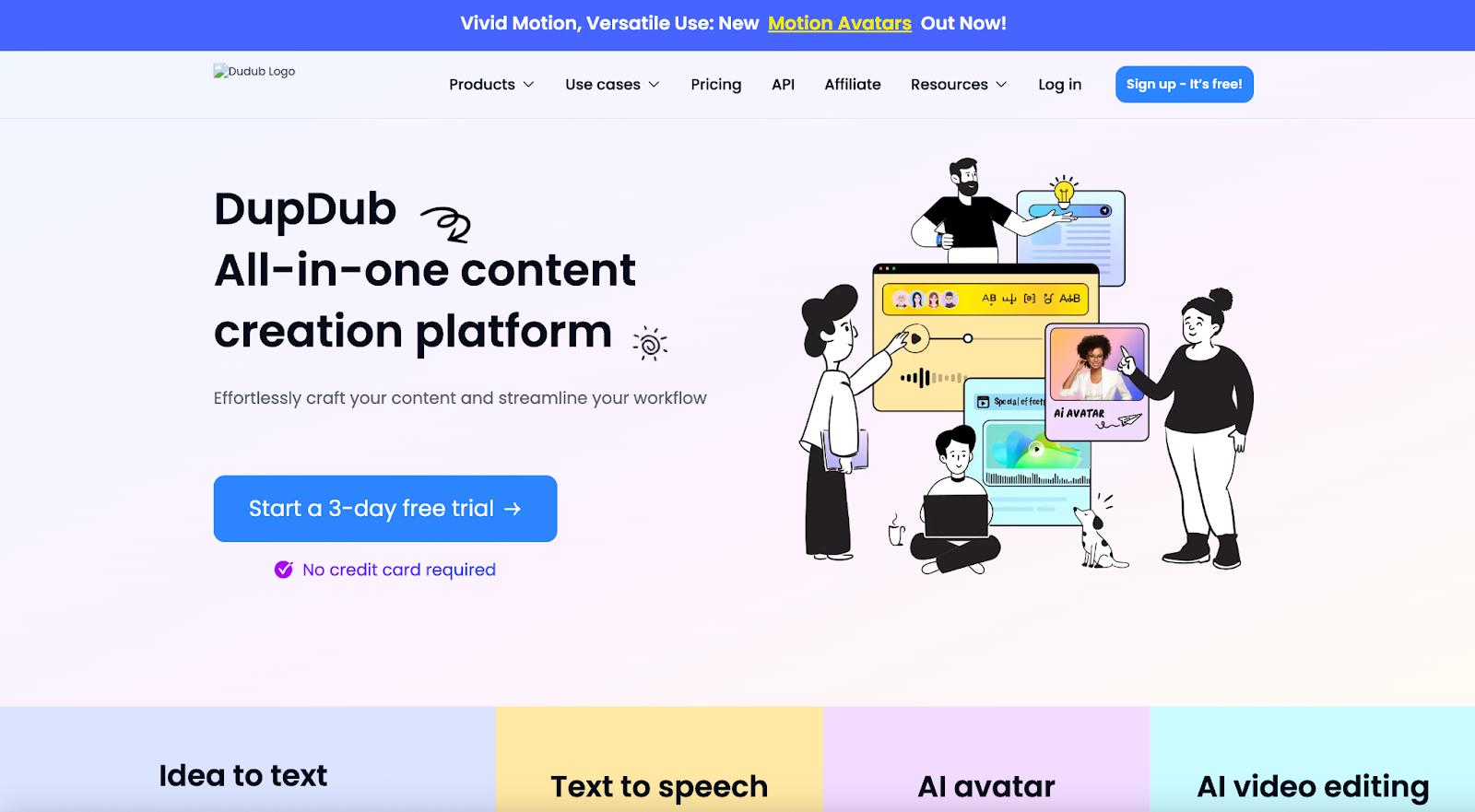 DupDub provides an all-in-one content platform for written, audio, and visual content creation–making it ideal for creators who want to be able to simultaneously generate visual and audio content. The platform offers access to 700+ text-to-speech voices and 1000+ voice styles, and it supports multiple languages. Its editing features make it possible to combine multiple voiceovers into one track, correct pronunciation, dictate rhythm and conversation flow, plus adjust speed and voice pitch. You can also use it to add background music and sound effects to produce a specific atmosphere. There are also features for voice cloning, subtitle generation and alignment, AI avatars, plus handy Canva and GPT integrations.
DupDub’s key features:
Support for multiple voiceovers within a single file, alongside background music and sound effects
Access to 90+ languages and 700+ AI voices for your projects
Editing features to change voice speed, pitch, tone, and pronunciation
Integrations for Canva, GPTs, and a developer API
DupDub pricing:
Free 3-day trial with 10 credits, 700+ AI voiceovers, 1 instant cloned voice, and access to all 13 AI tools
Personal (individuals): $15/month with 150 credits, AI avatar, 3 instinct cloned voices, unlimited commercial license, AI transcription up to 125 min, and API access
Professional (pro creator): $40/month with 500 credits per month, 5 instant cloned voices, unlimited commercial license, AI transcription up to 416 mins, AI avatar, and generation queue priority
Ultimate (startups): $150/month with 2,500 credits per month, AI voiceovers up to 2K minutes, AI avatar, AI transcription up to 2K minutes, unlimited commercial license, and 10 instant cloned voices and avatars
Scale (businesses): $250/month with 144K credits per year, monthly credit refreshes, AI voiceovers for up to 400 or 2K hours, AI avatars, AI transcription up to 2K hours, video translation up to 200 hours, API access, and unlimited storage
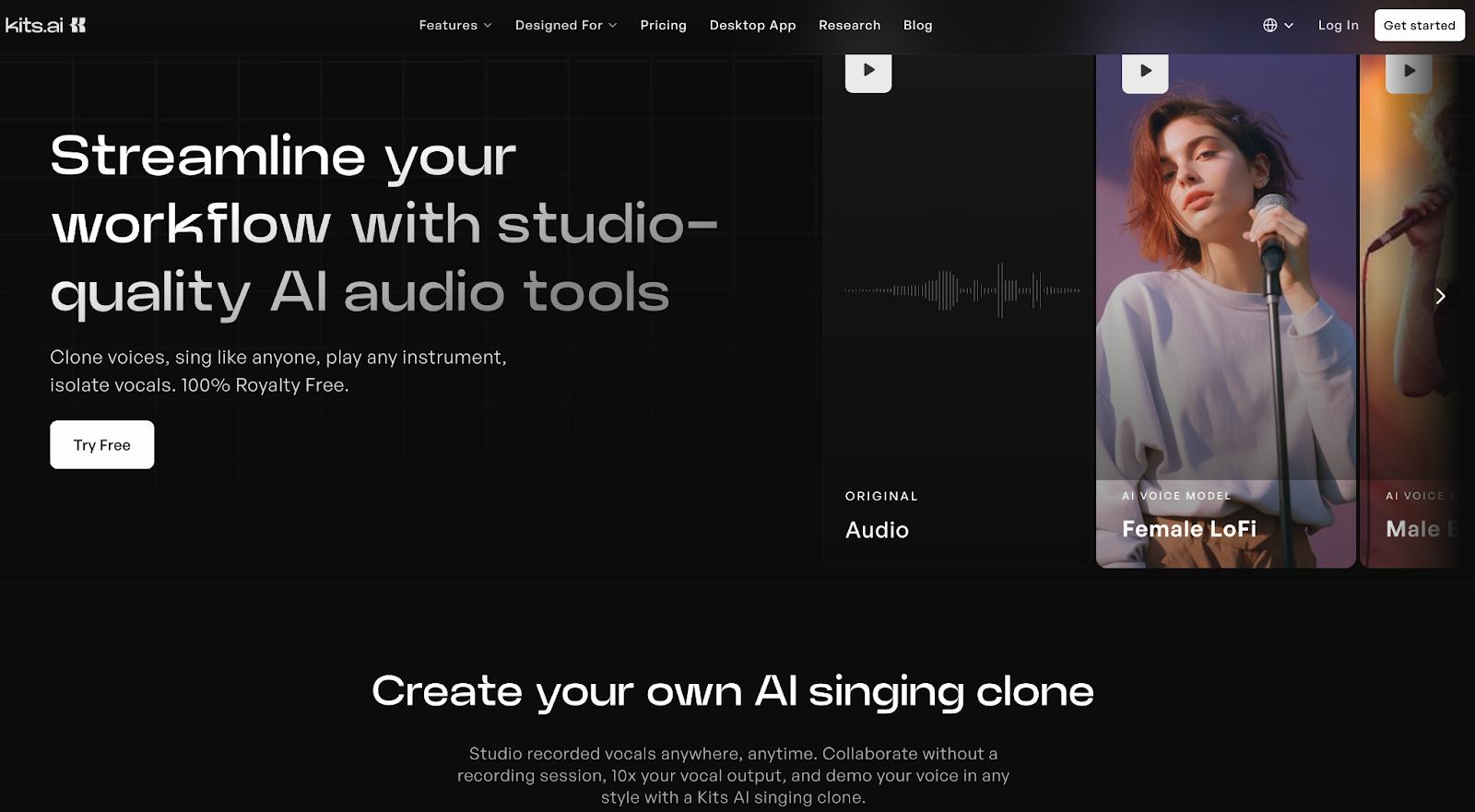
KitsAI is a voice generation tool with features for music creation, voice designing, and voice blending. The KitsAI Studio allows you to correct pitch, add vocal effects, create harmonies, and sound mix to create music tracks. You can either use its voice generator or voice variants and adjust the tone, breathiness, and vibrato to get your desired signer or narrator. KitsAI also provides access to an instrument library, options for voice changers (royalty-free vocals), and capabilities for AI audio mastering.
KitsAI’s key features:
Pitch editing, voice remover, AI mastering, and voice repair capabilities
Voice generator and voice changers for varying pitches, tones, and accents
Community voice library, API integration, and text-to-speech generation
Voice Designer to create unique voices and Voice Variants to provide further adjustments
KitsAI pricing:
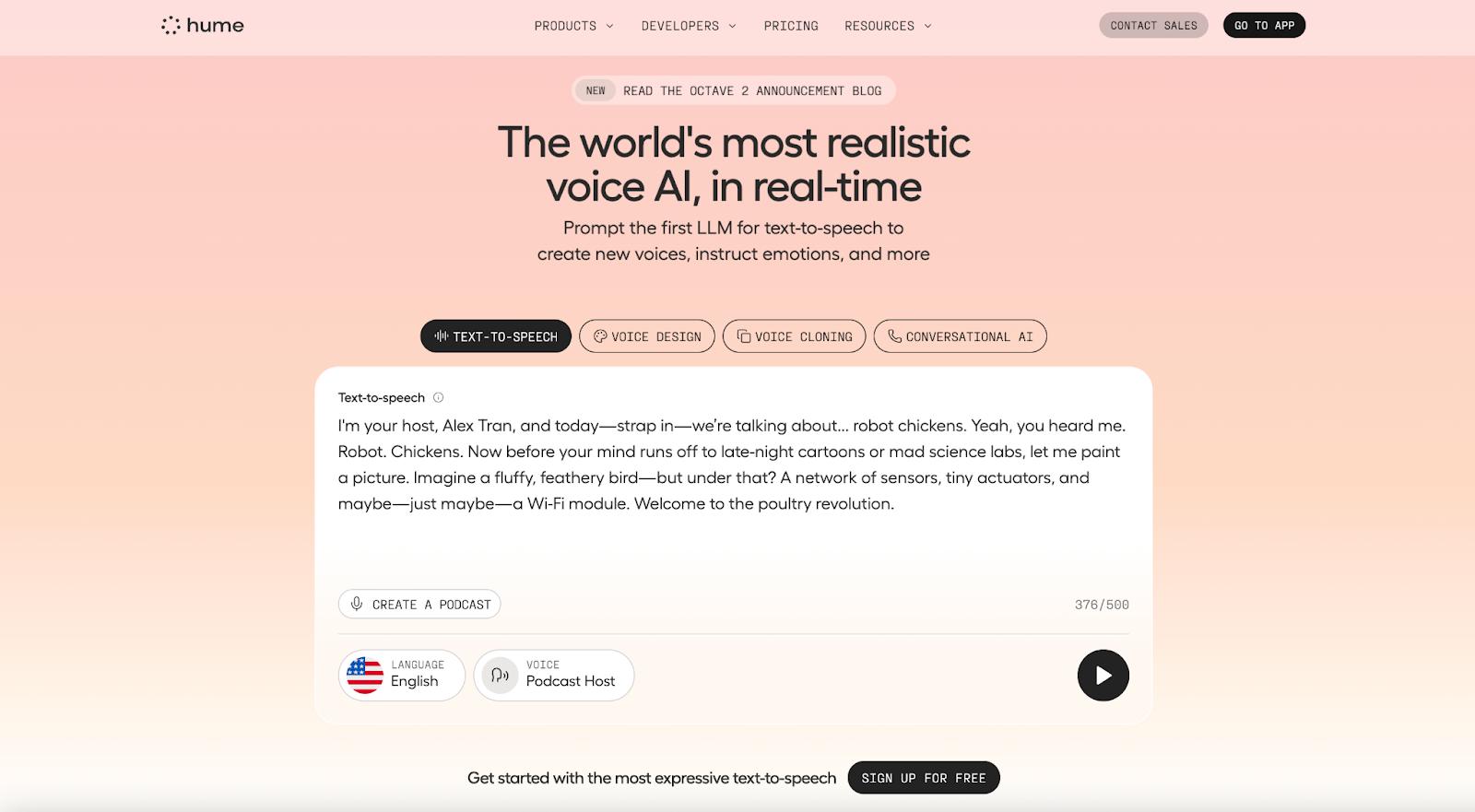
Hume is a large language model designed for text-to-speech, voice generation, voice cloning, and conversational AI voice creation. Its proprietary AI model, Octave, is a voice-based LLM that can understand context, emotions, and cadence to create almost any style of accent or voice based on a prompt or script. You can use it to create custom voices, modify speech and pacing, and provide feedback for expression control. Use Instant Mode to generate voices with a low-latency response time (200ms). Hume’s Creator Studio is also available for producing long-form media, such as podcasts, audiobooks, and voiceovers, with support for multiple narrators and providing voice feedback.
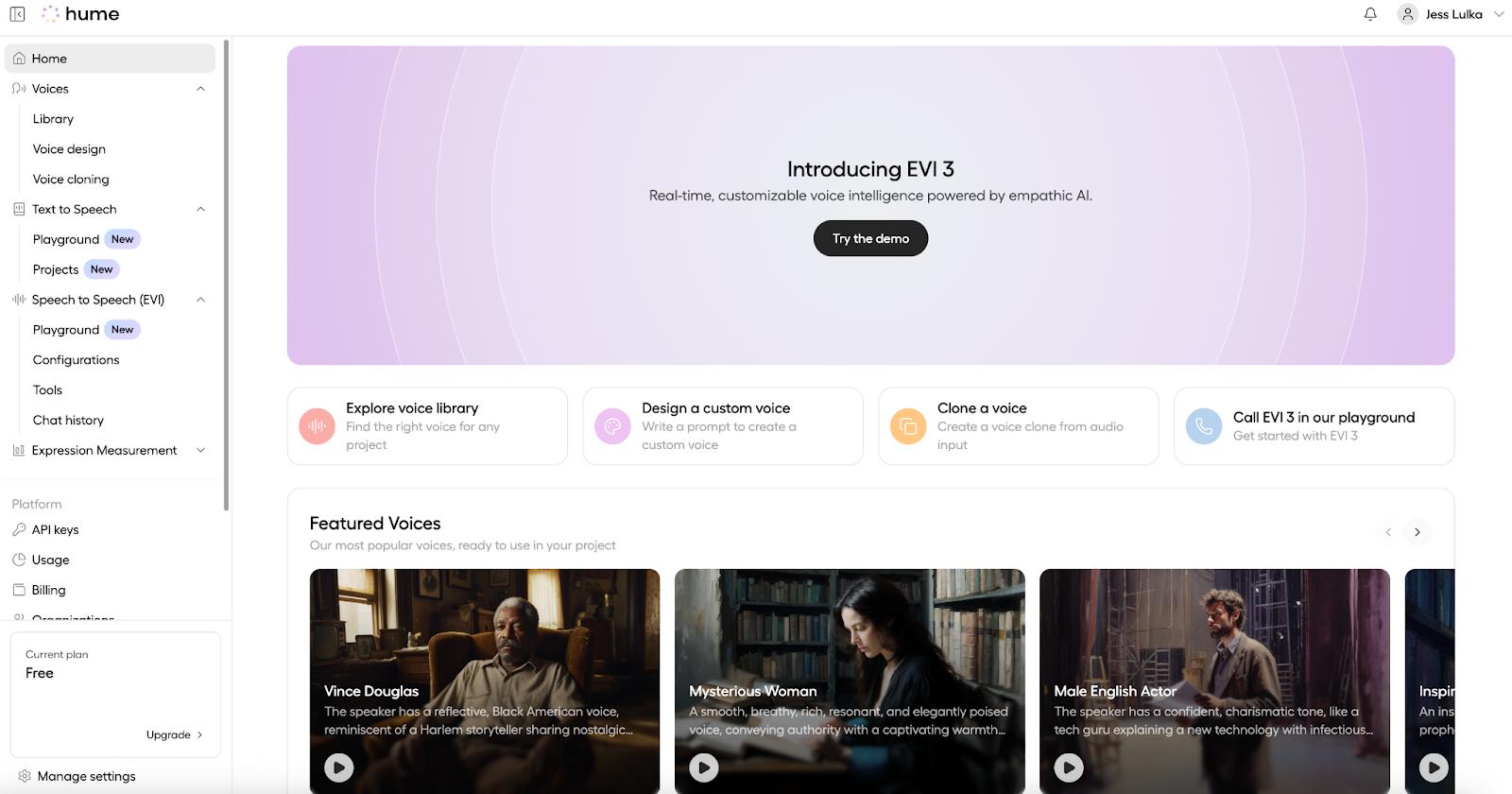
**Hume’s key features:
Text-to-speech LLM that can generate voices based on word prompts
Support for voice design, voice cloning, and conversational AI voicebots
Developer SDKs available for Python, React, Swift, .NET, C#, and TypeScript
Creator Studio for long-form voice content creation
Hume pricing:
Free (individuals)
Text-to-speech: 10K characters/month, 15 requests/min
Speech-to-speech: 5 minutes of model use
Voice cloning creation
Starter (hobbyists): $3/month
Text-to-speech: 30K characters/month, 15 requests/min, 20 projects
Speech-to-speech: 40 minutes of model use
Voice cloning creation
Creator (content creator): $14/month
Text-to-speech: 140K characters/month, 75 requests/min, 1K projects, commercial license
Speech-to-speech: 200 minutes of model use
Unlimited voice cloning creation and usage
Pro (consistent AI voice user): $70/month
Text-to-speech: 1M characters/month, 75 requests/min, 3K projects, commercial license
Speech-to-speech: 120 minutes of model use + additional pay-as-you-go use
Unlimited voice cloning creation and usage
Scale (small business): $200/month
Text-to-speech: 3.3M characters/month, 150 requests/min, 10K projects, commercial license
Speech-to-speech: 5K minutes of model usage + additional pay-as-you-go use
Unlimited voice cloning creation and usage
Business (organization or company department): $500/month
Text-to-speech: 10M characters/month, 225 requests/min, 20K project
Speech-to-speech: 12,500 minutes of model usage + additional pay-as-you-go use
Unlimited voice cloning creation and usage
Enterprise: Get in touch
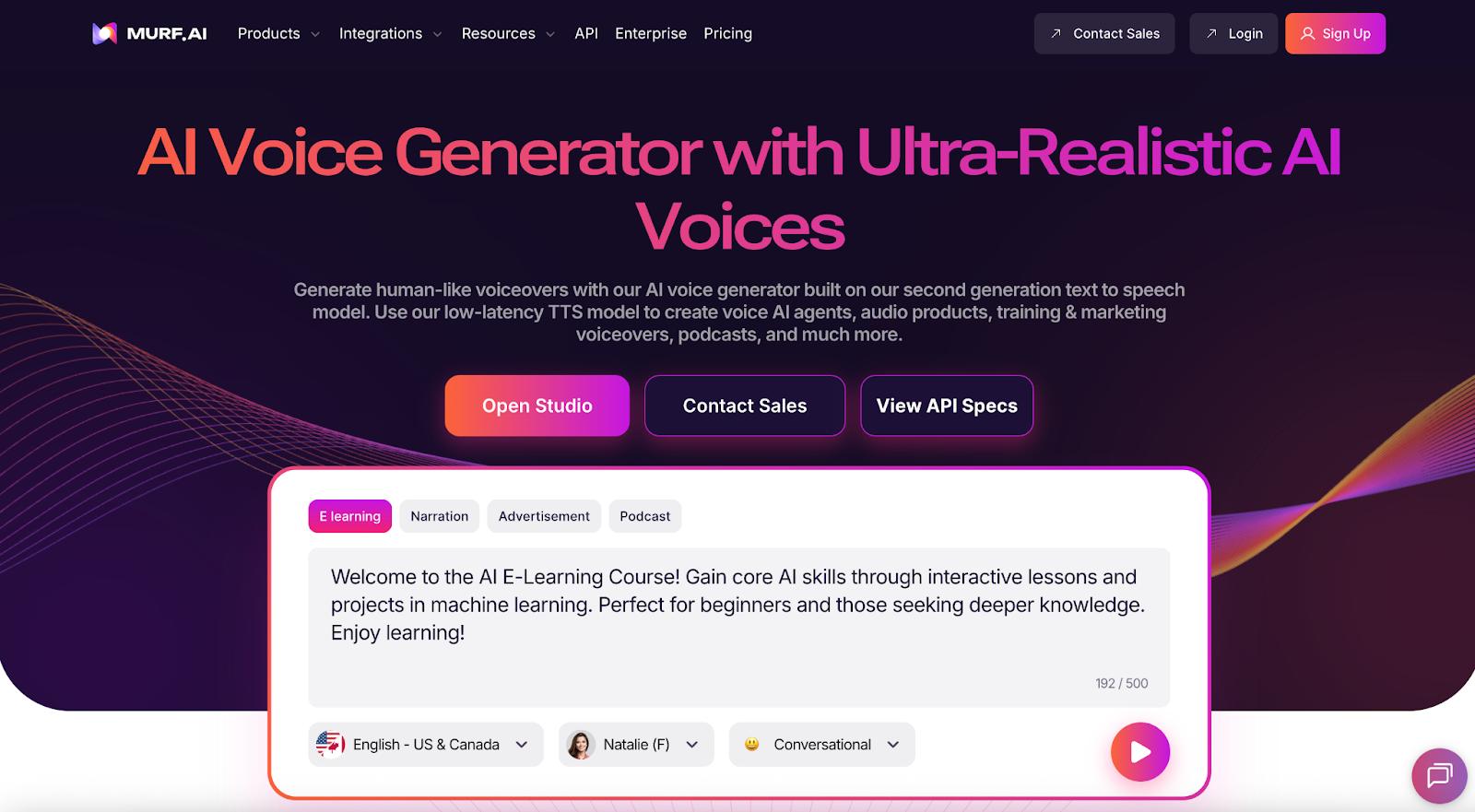
Murf.ai’s voice generation offering provides functionality for text-to-speech, AI dubbing, voice cloning, and voice changing. The full AI Voice Solutions Suite includes 200+ AI voices and 10+ speaking styles for you to choose from, plus editing capabilities to modify pitch, speed, tone, intonation, and word pronunciation. Use AI dubbing capabilities to translate audio into multiple languages while keeping the message’s original intent. For developers, the Murf API provides a text-to-speech model and access to voice APIs for voice changing, cloning, translation, text-to-speech, and dubbing.
Murf.ai’s key features:
Text-to-speech API that supports +150 voices across 35 languages
Support for AI dubbing, voice cloning, and voice changing
Editing capabilities to change voice pitch, speed, tone, and pronunciation
Integrations for Canva, Adobe Captivate, Adobe Audition, Google Slides, PowerPoint, and HTML embed code generation
Studio:
Free: 10 projects, 10 minutes of voice generation
Creator: $29/month with 100 projects, 24 hours of voice generation, unlimited downloads, commercial rights, and access to 200+ voices
Business: $99/month with 500 projects, 96 hours of voice generation, business license, audio-to-text, and custom editing features
Enterprise: Custom pricing with custom projects, unlimited voice generation, sharing and collaboration, AI translation, service agreements, plus PO and invoicing
API: Text-to-speech ($0.03/1K characters); translation ($0.02/1K); voice changer ($0.10/min)
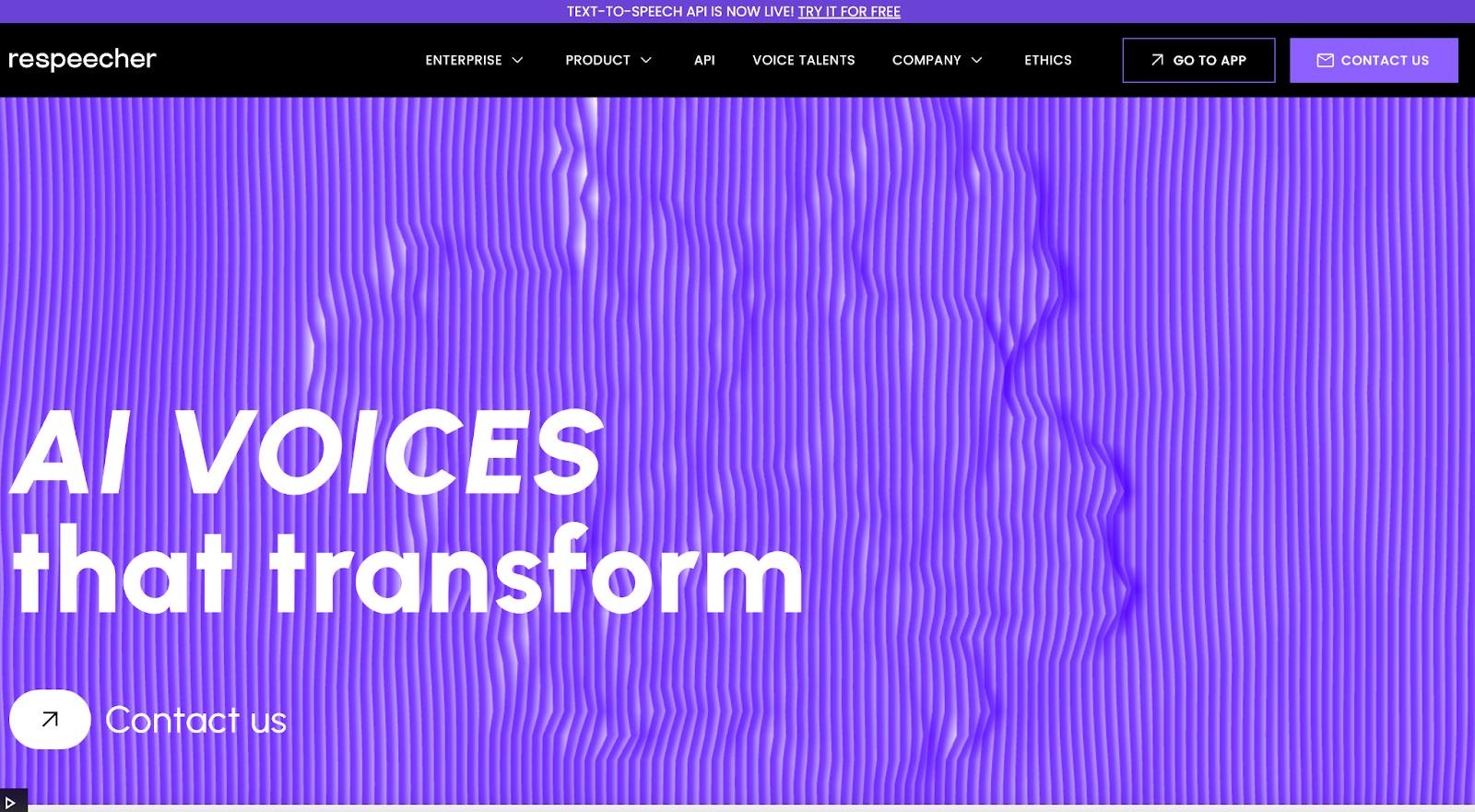
Respeecher is a voice lab and voice marketplace available as an application and a plug-in for text-to-speech voice generation in use cases across media such as film, TV, animation, and game development. The company offers an AI voice marketplace where you can access officially licensed voices from voice-over artists and AI-generated voices to use for your projects. The voice editor offers settings to modify pitch, emotion, enunciation, and pacing. Its plug-in enables you to convert speech and text to AI voices across applications.
Respeecher’s key features:
Voice marketplace with a variety of voice options from human talent
Use of 150+ narration styles and 10+ accents available for API
AI Voice Maker to create distinctive voices
APIs available for text-to-speech and speech-to-speech translation in AI software
Respeecher pricing:
Text-to-speech API: $2/hr
Voice marketplace:
Pay-as-you-go or TTS only ($8/month)
Creator ($44.50/month) with 400K characters and 90 minutes of speech-to-speech
Power ($249.50/month) with 3 minutes of characters and 900 minutes of speech-to-speech*
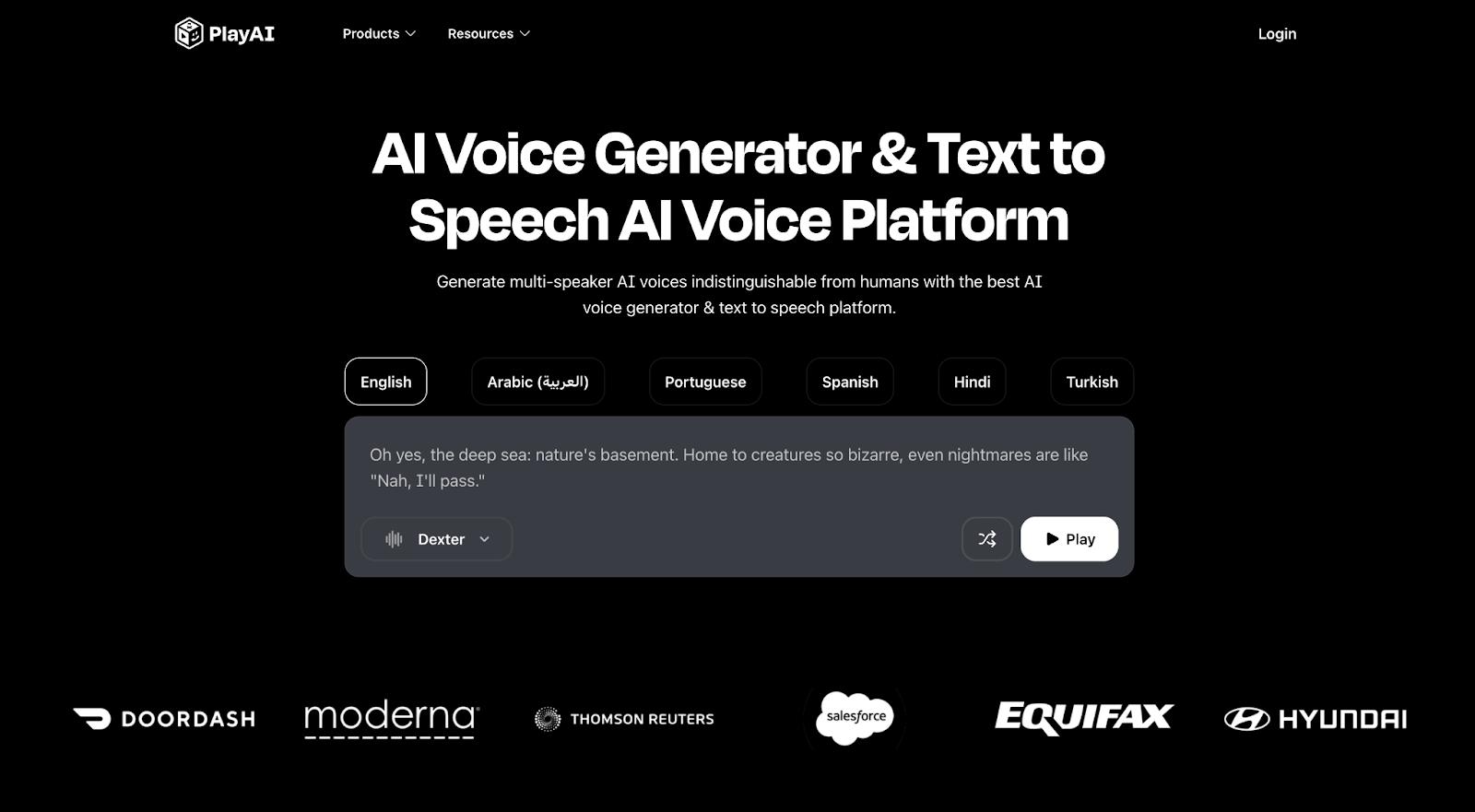 PlayAI (formerly PlayHT) offers an AI voice generator, text-to-speech AI voice platform, and editing tools to create your desired voice audio. It offers back-and-forth conversations and multiple speakers in 40+ languages, plus capabilities to add custom pronunciations, editing options for rate, pitch, emphasis, and conversation pauses. Its Voice Changer capabilities allow you to modify a voice with specific filters while keeping the original voice’s emotion and delivery the same. Sharpen audio with the Audio Cleaner tool to create studio-quality recordings sans background noise or unnecessary speech.
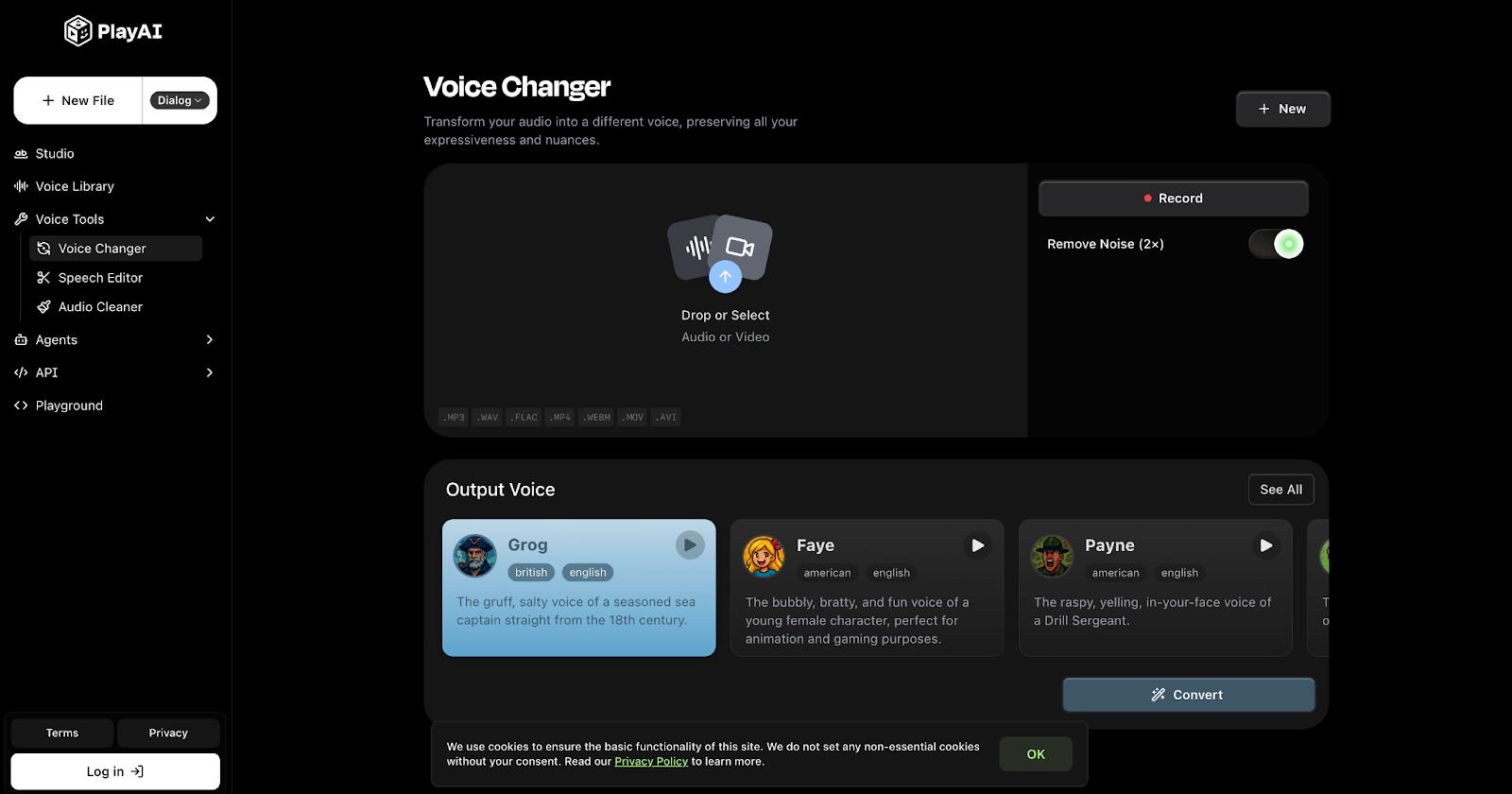
PlayAI’s key features:
Support for 30+ languages and 200+ voices
Multi-voice support and features for conversation creation
Editing capabilities for rate, pitch, pauses, and emphasis
Custom pronunciation tools
PlayAI pricing:
Free (individuals): 30 minutes of speech credits, 1 instant voice clone
Starter (hobbyist): $9/month with 50 minutes of speech credits, 10 instant voice clones, 1 private agent, unlimited private playnotes
Creator (content professional): $49/month with 300 minutes of speech credits, 50 instant voice clones, concurrent usage features
Pro (AI content creator): $99/month with 700 minutes of speech credits, 100 instant voice clones, concurrent usage features
Scale (startup or business department): $299/month with 2,500 minutes of speech credits, 1K instant voice clones, and 5 professional voice clones
Business (organization): $999/month with 11K minutes of speech credits, 2K instant voice clones, and 10 professional voice clones
Enterprise (organizations at scale): Custom pricing with volume discounts, SLA, more available capacity, and dedicated support
What is the most realistic AI voice generator in 2025?
Realistic is relative to you as a specific user, but some AI voice generation tools offer libraries where you can choose voices from real human voice actors to generate content and offer a variety of languages and accents to use for your projects. These include WellSaid and Respeecher. Otherwise, you can use the tool editing options to change specific voice aspects (tone, pitch, narration style) to create a more realistic voice. ElevenLabs is one such offering.
Can AI voice generators clone my voice?
Yes, there are AI voice generators that offer voice cloning. These include ElevenLabs, Hume, Murf AI, and DupDub.
Are AI voice generator tools free or paid?
Most tools have a free and paid tier. The difference between these two options is the amount of content you can upload, editing capabilities, and technical support available.
How do AI voice generators compare to hiring voice actors?
AI voice generators can save time and money when compared to hiring traditional voice actors. However, even with the available editing capabilities, you might find it still sounds somewhat robotic or less nuanced than a human voice actor.
Which AI voice generator supports multiple languages?
Most AI voice generators can support multiple languages, but capabilities will depend on what language you need support for and what you want to use the AI voice for. You can find multiple language support for text-to-speech, live translation, and dubbing, depending on the application. Current options include ElevenLabs, DupDub, Murf AI, and Altered.
DigitalOcean Gradient Platform makes it easier to build and deploy AI agents without managing complex infrastructure. Build custom, fully-managed agents backed by the world’s most powerful LLMs from Anthropic, DeepSeek, Meta, Mistral, and OpenAI. From customer-facing chatbots to complex, multi-agent workflows, integrate agentic AI with your application in hours with transparent, usage-based billing and no infrastructure management required.
Key features:
Serverless inference with leading LLMs and simple API integration
RAG workflows with knowledge bases for fine-tuned retrieval
Function calling capabilities for real-time information access
Multi-agent crews and agent routing for complex tasks
Guardrails for content moderation and sensitive data detection
Embeddable chatbot snippets for easy website integration
Versioning and rollback capabilities for safe experimentation
Get started with DigitalOcean Gradient Platform for access to everything you need to build, run, and manage the next big thing.
此内容由惯性聚合(RSS阅读器)自动聚合整理,仅供阅读参考。 原文来自 — 版权归原作者所有。