
惯性聚合 高效追踪和阅读你感兴趣的博客、新闻、科技资讯
阅读原文 在惯性聚合中打开

推荐订阅源

云风的 BLOG
云风的 BLOG
The GitHub Blog
The GitHub Blog
Y
Y Combinator Blog
博客园 - 三生石上(FineUI控件)
T
The Blog of Author Tim Ferriss
宝玉的分享
宝玉的分享
Hugging Face - Blog
Hugging Face - Blog
WordPress大学
WordPress大学
V
Visual Studio Blog
小众软件
小众软件
Cyber Security Advisories - MS-ISAC
MongoDB | Blog
MongoDB | Blog
V
V2EX
钛媒体:引领未来商业与生活新知
钛媒体:引领未来商业与生活新知
博客园 - 【当耐特】
Microsoft Azure Blog
The Cloudflare Blog
H
Hackread – Cybersecurity News, Data Breaches, AI and More
freeCodeCamp Programming Tutorials: Python, JavaScript, Git & More
Engineering at Meta
Engineering at Meta
L
LangChain Blog
Martin Fowler
Martin Fowler
GbyAI
GbyAI
博客园 - 司徒正美

博客园 - Mose

CS学习 NOI2002_ Galaxy银河英雄传说86 [Elite 2008 Dec USACO]Jigsaw Puzzles SGU 223 little kings BSOJ2772 状压DP BZOJ 3132(上帝造题的七分钟-树状数组求和+2D逆求和数组) 埃及分数 [usaco]2013-jan Liars and Truth Tellers 真假奶牛 【区间DP】codevs3657 括号序列题解 ubuntu安装php-curl拓展 MIT挑战(如何在12个月内自学完成MIT计算机科学的33门课程|内附MIT公开课程资源和学习顺序 大白话Docker入门(一) Hexo博客搭建全解 代码查重工具sim virtual judge 本地部署方案 POJ题目分类推荐 (很好很有层次感) 解决Ubuntu下Sublime Text 3无法输入中文 [pascal入门]数组 [codecademy]css Ubuntu录制gif动态图
[codecademy]fonts in css
Mose · 2017-03-10 · via 博客园 - Mose

Great job! You learned how to style an important aspect of the user experience: fonts!

Let's review what you've learned so far:

  1. The font-family property changes the typeface of text.
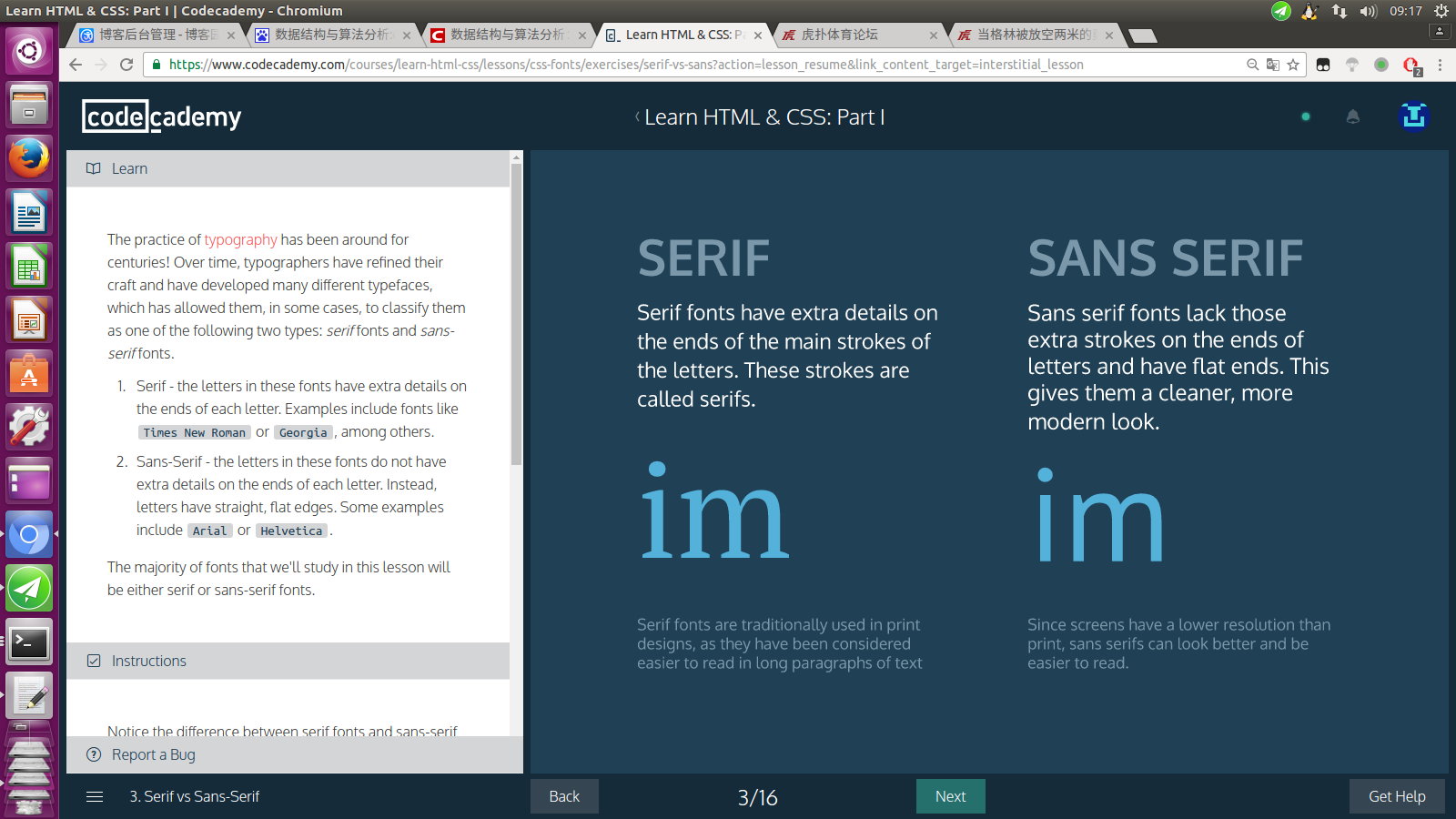
  2. Serif fonts have extra details on the ends of each letter. Sans-Serif fonts do not.
  3. Fallback fonts are used when a certain font is not installed on a user's computer.
  4. Google Fonts provides free fonts that can be used in an HTML file with the <link> element.
  5. Font size can be specified using pixels, ems, or percentages.
  6. The vertical spacing between lines of text can be modified with the line-spacingproperty.
  7. The horizontal spacing between words can be modified with the word-spacingproperty.
  8. The spacing between letters, the kernel, can be modified with the letter-spacingproperty.
  9. Text can appear bold with the font-weightproperty.
  10. Text can appear in italics with the font-style property.
  11. Text can appear in all uppercase or all lowercase with the text-transformproperty.
  12. Text can be aligned with the text-alignproperty.

So far, you've learned how to style color and fonts. Note, however, that all of the styling you've used is always applied to all elements of one type on a web page. For example, a pselector in the stylesheet targets all <p>elements on the web page. How can we be more selective about the elements we'd like to style?

In the next unit, you'll learn how to organize and label your HTML code so that you can be more selective with your CSS styling.