





New in ExchangeDefender: Policy Import & Export
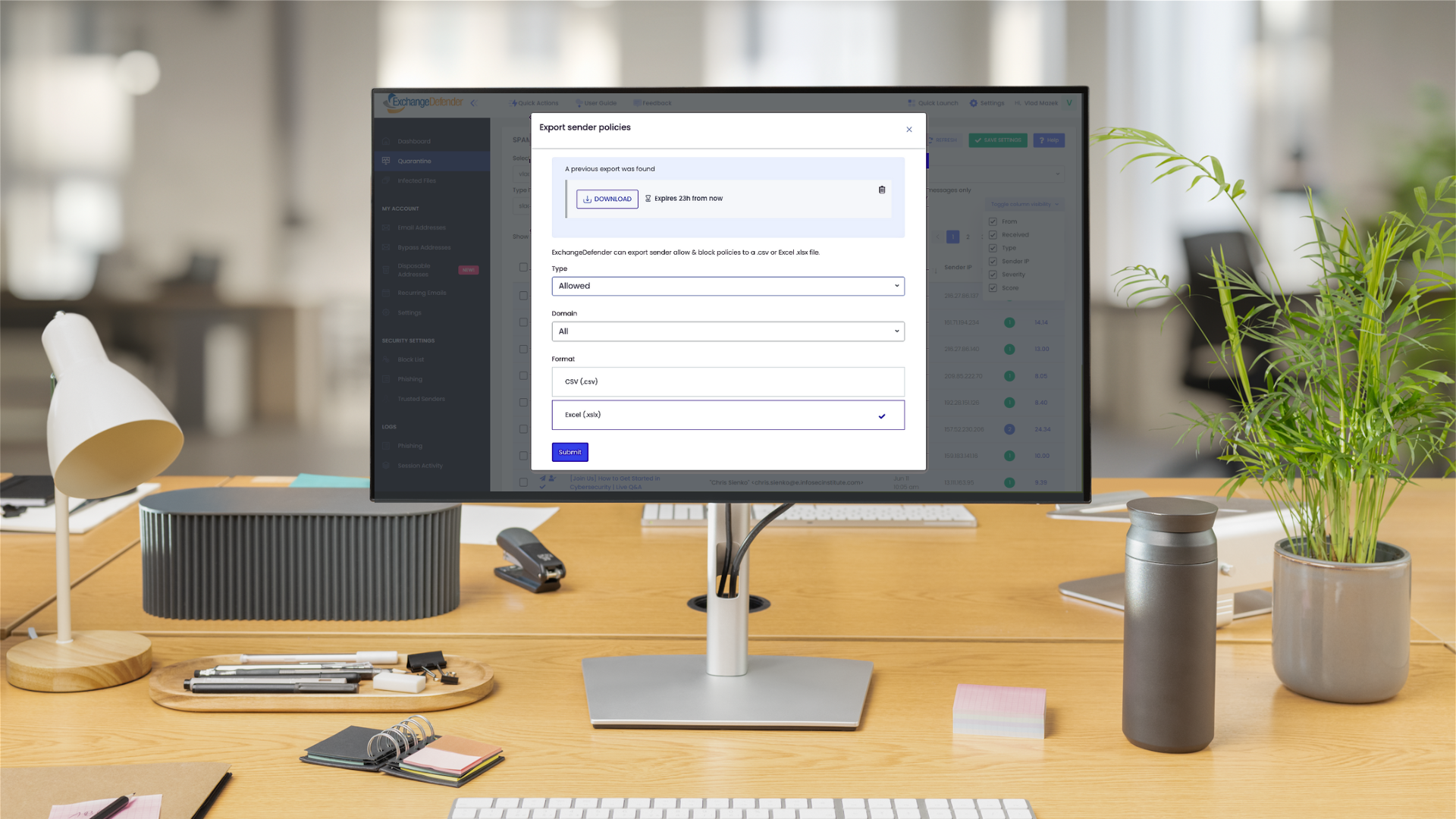
We’re excited to roll out a brand-new feature in ExchangeDefender that makes managing your Allow/Block lists faster, smarter, and more flexible: Policy Import & Export.
Your Allow/Block lists are one of the most powerful tools you have for controlling what lands in your inbox. With ExchangeDefender, you already get this control at three levels:
- Service Provider (big-picture defaults),
- Domain (organization-wide policies),
- User (personalized lists managed directly by each user).
ExchangeDefender makes them available on the Service Provider level, Domain level where they apply to every user in the organization, and User level where they are managed by the end user themselves by interacting with ExchangeDefender and their mail flow. Now you have the ability to export and import allow and black lists and manage your policies in bulk.
Why We Built This
Sure, partners have been asking for it—but that’s only part of the story. More and more, compliance teams, auditors, and SOC analysts want visibility into these policies. On top of that, IT admins are looking for better ways to integrate with SIEM, pull data into logs, or just do some long-overdue cleanup.
With Import & Export, you’ve got the flexibility to:
- Verify compliance with external audits.
- Sync policy data with your security tools.
- Clean up legacy lists in one shot.
How It Works
Head over to admin.exchangedefender.com.
- Users: Go to Trusted Senders.
- Domain Admins: Go to Allow / Block List.
You’ll see shiny new Import and Export buttons right at the top. Go to your Trusted Senders (as user) or Allow / Block List (as domain admin) and you will see an Import and Export button on the top left. The interface is simple and intuitive.
Exporting Policies
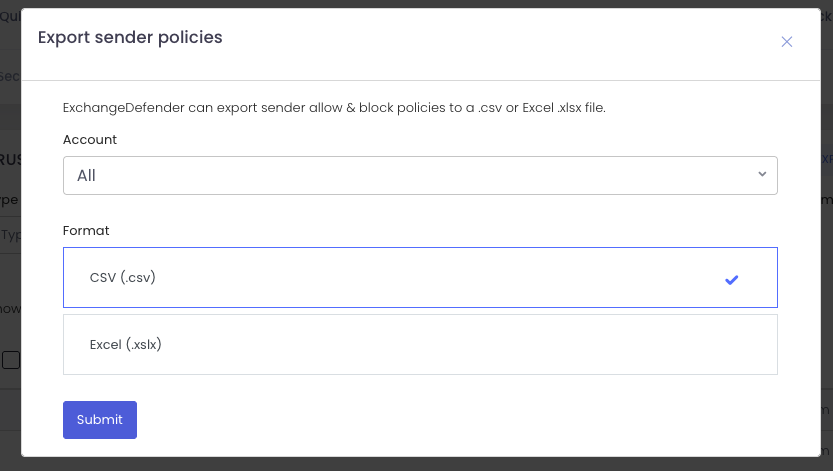
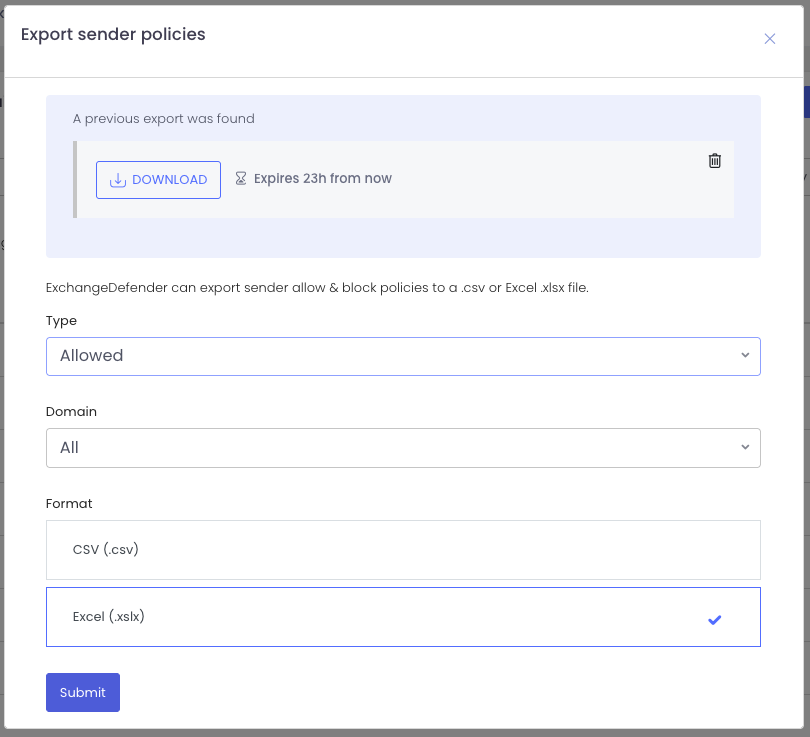
Need a backup or want to feed your SIEM? Click Export, pick your scope (allow or block), and choose your format (.csv or .xlsx).
Your download link appears instantly and sticks around for 24 hours. Want another copy? Just export again. Need to clean up old exports? One click deletes them. Easy.
Importing Policies
Time for some inbox spring-cleaning? That’s where Import shines.
When you upload, you’ll pick the domain and policy type (allow or block). At this point, you can:
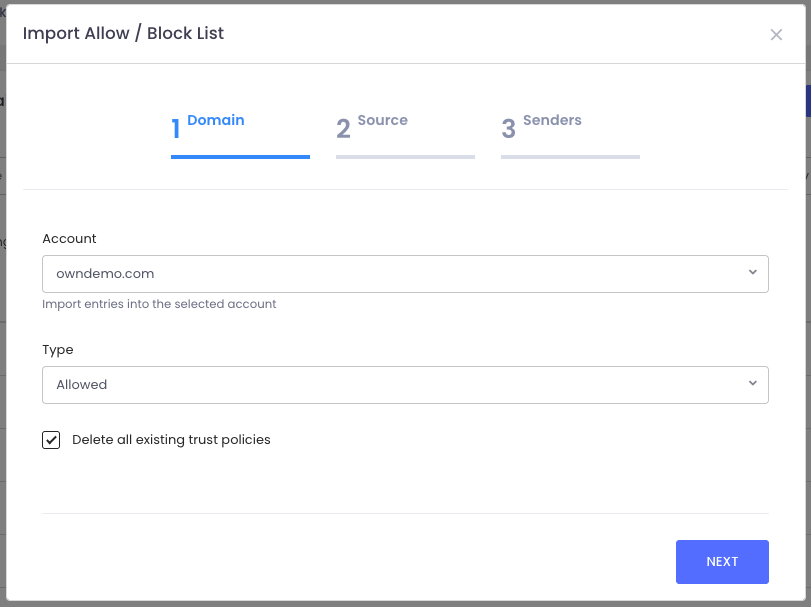
- Start fresh by checking “Delete all existing policies” (highly recommended for cleanup).
- Or simply add to your existing lists.
From there, just upload your file and ExchangeDefender takes care of the rest—your policies are instantly updated.
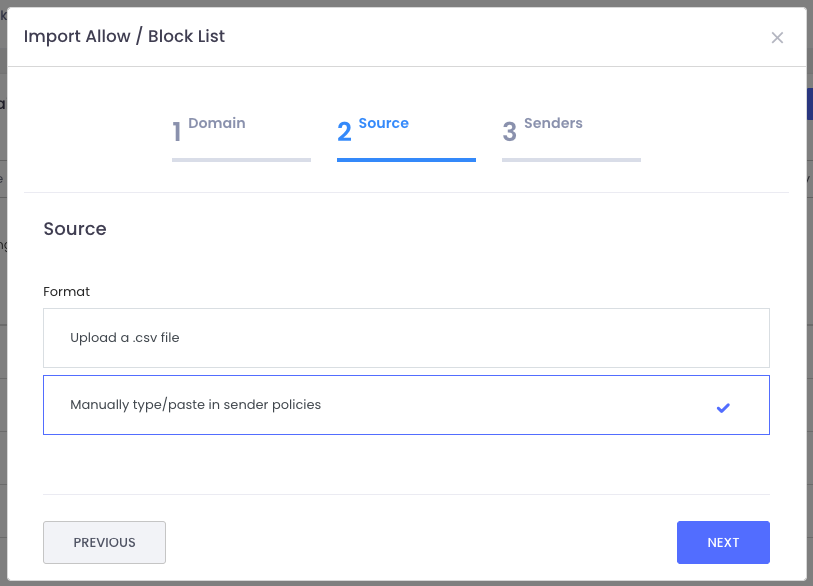
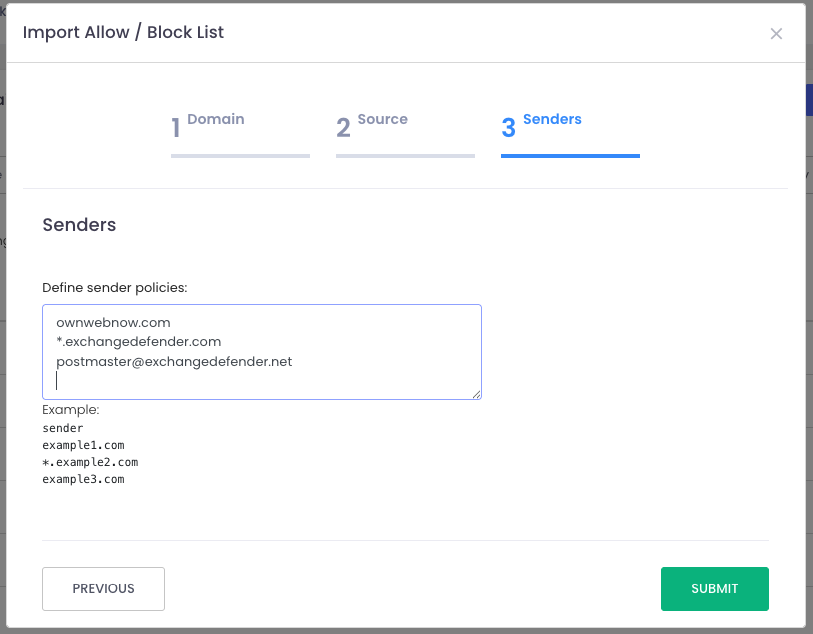
Just import the file and the system will create all policies for you. Or you can type them in manually, which is great for everyone that wants to see visually what they are adding to the policy list and you don’t want to click a thousand times to do that.
This feature is all about giving you more control, efficiency, and peace of mind when it comes to managing your Allow/Block lists.
We hope this helps streamline your workflow and keeps your policies tidy. Got ideas for how we can make ExchangeDefender even better? We’d love to hear them—reach out on social media or at support.exchangedefender.com.