惯性聚合 高效追踪和阅读你感兴趣的博客、新闻、科技资讯
阅读原文 在惯性聚合中打开

推荐订阅源

WordPress大学
WordPress大学
V
Visual Studio Blog
P
Privacy International News Feed
月光博客
月光博客
Threat Intelligence Blog | Flashpoint
L
Lohrmann on Cybersecurity
N
News and Events Feed by Topic
K
KPMG report finds enterprise disconnect between AI and its ROI | CIO
Apple Machine Learning Research
阮一峰的网络日志
阮一峰的网络日志
Webroot Blog
Webroot Blog
T
Threatpost
宝玉的分享
宝玉的分享
The Last Watchdog
The Last Watchdog
小众软件
小众软件
L
LINUX DO - 最新话题
C
Cisco Blogs
T
Troy Hunt's Blog
Schneier on Security
酷 壳 – CoolShell
酷 壳 – CoolShell
www.infosecurity-magazine.com
雷峰网
雷峰网
G
GRAHAM CLULEY
有赞技术团队
有赞技术团队
Know Your Adversary
Know Your Adversary
博客园 - 叶小钗
罗磊的独立博客
V
V2EX
博客园 - Franky
P
Proofpoint News Feed
SecWiki News
SecWiki News
腾讯CDC
cs.CL updates on arXiv.org
Jina AI
Jina AI
博客园 - 三生石上(FineUI控件)
S
Secure Thoughts
钛媒体:引领未来商业与生活新知
钛媒体:引领未来商业与生活新知
Google DeepMind News
Attack and Defense Labs
人人都是产品经理
人人都是产品经理
The Cloudflare Blog
PCI Perspectives
PCI Perspectives
V2EX - 技术
V2EX - 技术
Google DeepMind News
Last Week in AI
Last Week in AI
aimingoo的专栏
aimingoo的专栏
Cisco Talos Blog
Cisco Talos Blog
N
News and Events Feed by Topic
让小产品的独立变现更简单 - ezindie.com
S
SegmentFault 最新的问题

博客园 - springsnow

npoi读取word 内容控件 Vue3中 watch、watchEffect 详解 如何使用 Vue SFC Playground toRefs学习 Vue3中如何响应式解构 props useTemplateRef使用 以后台方式启动RealVNC 在VS2022和VS2012共存的电脑上安装VS212扩展注意事项 VS中配置AnkhSVN源代码比较文件排列方式 DBever导入越南文Excel 复制对象中的一部分属性给另一个对象(对象部分属性解构到新对象) 使用metaWebBlog接口实现博客文章同步 .Net Core3.1上用EFCore的反向工程生成 水淼·文件批量处理器 如何高效的在博客园上编写MD格式的博客(插件pycnblog,推荐) 自动备份软件 —— Syncovery 7.98s Pro、Enterprise VMware 第三方百度网盘客户端 PanDownload、速盘、panlight 本地电脑视频播放器推荐PotPlayer、KMPlayer
使用VSCode撰写和发布博客园文章
springsnow · 2024-03-12 · via 博客园 - springsnow

1、在VSCode中,安装扩展“博客园cnblogs客户端”,用来管理博客园。
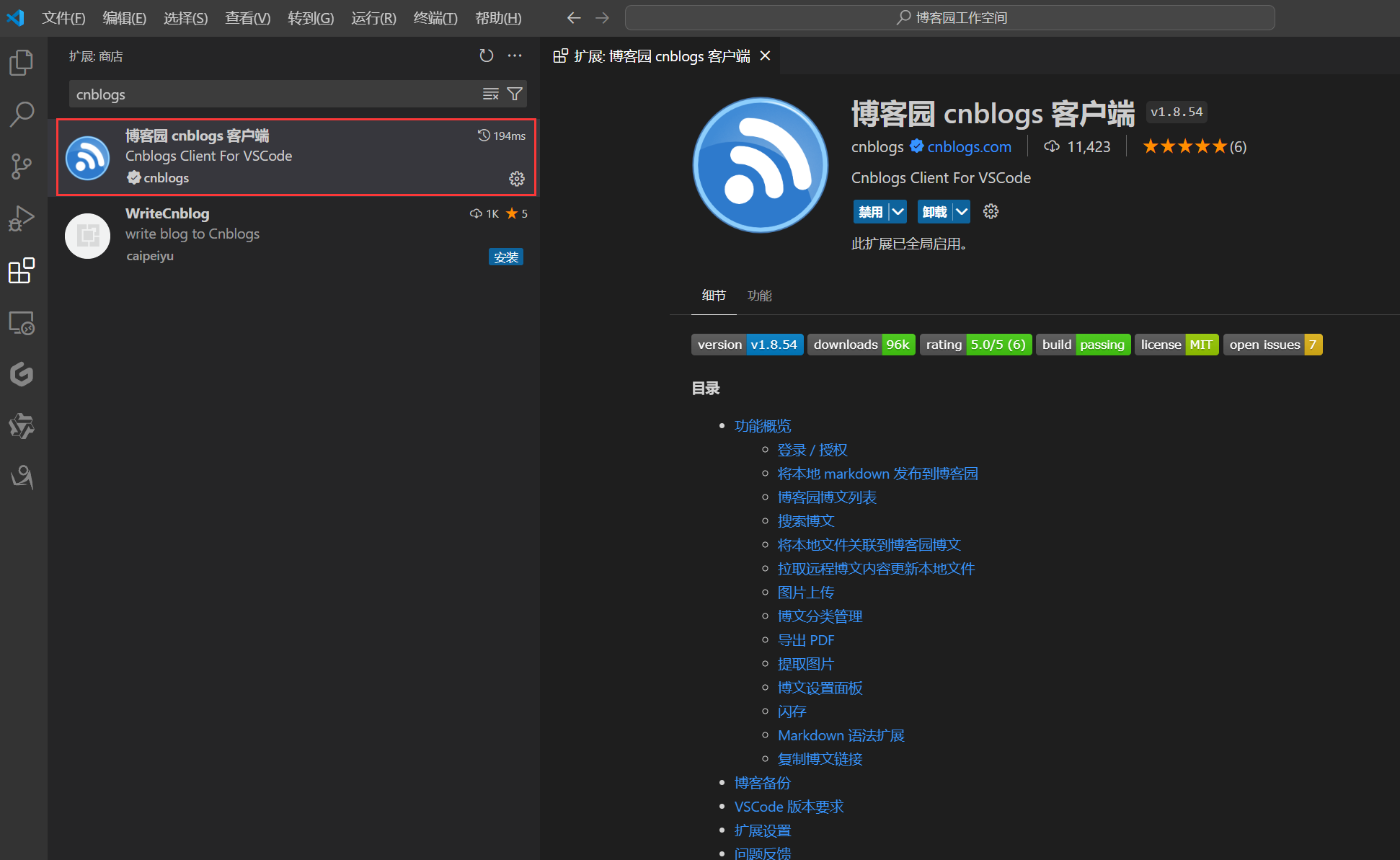
1710216010453

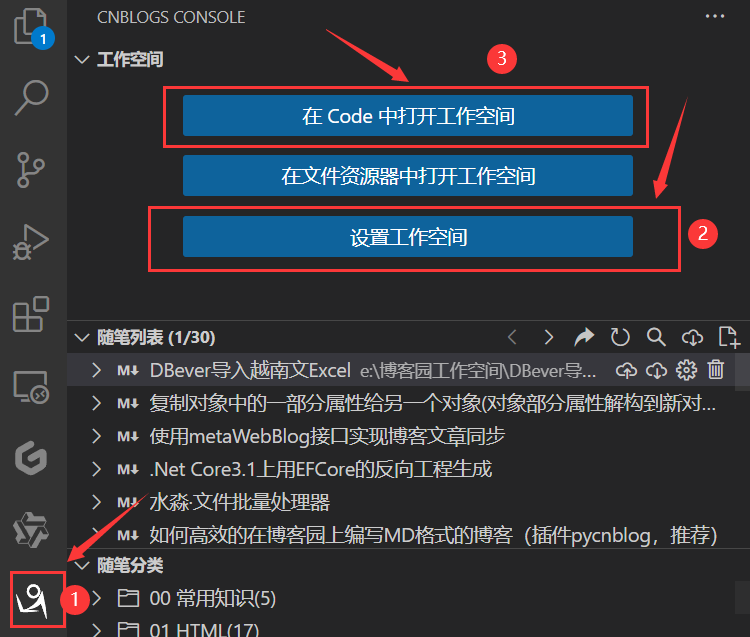
从VSCode打开博客园

1710216670557

2、安装“Office Viewer”扩展,用来书写MarkDown,所见即所得。
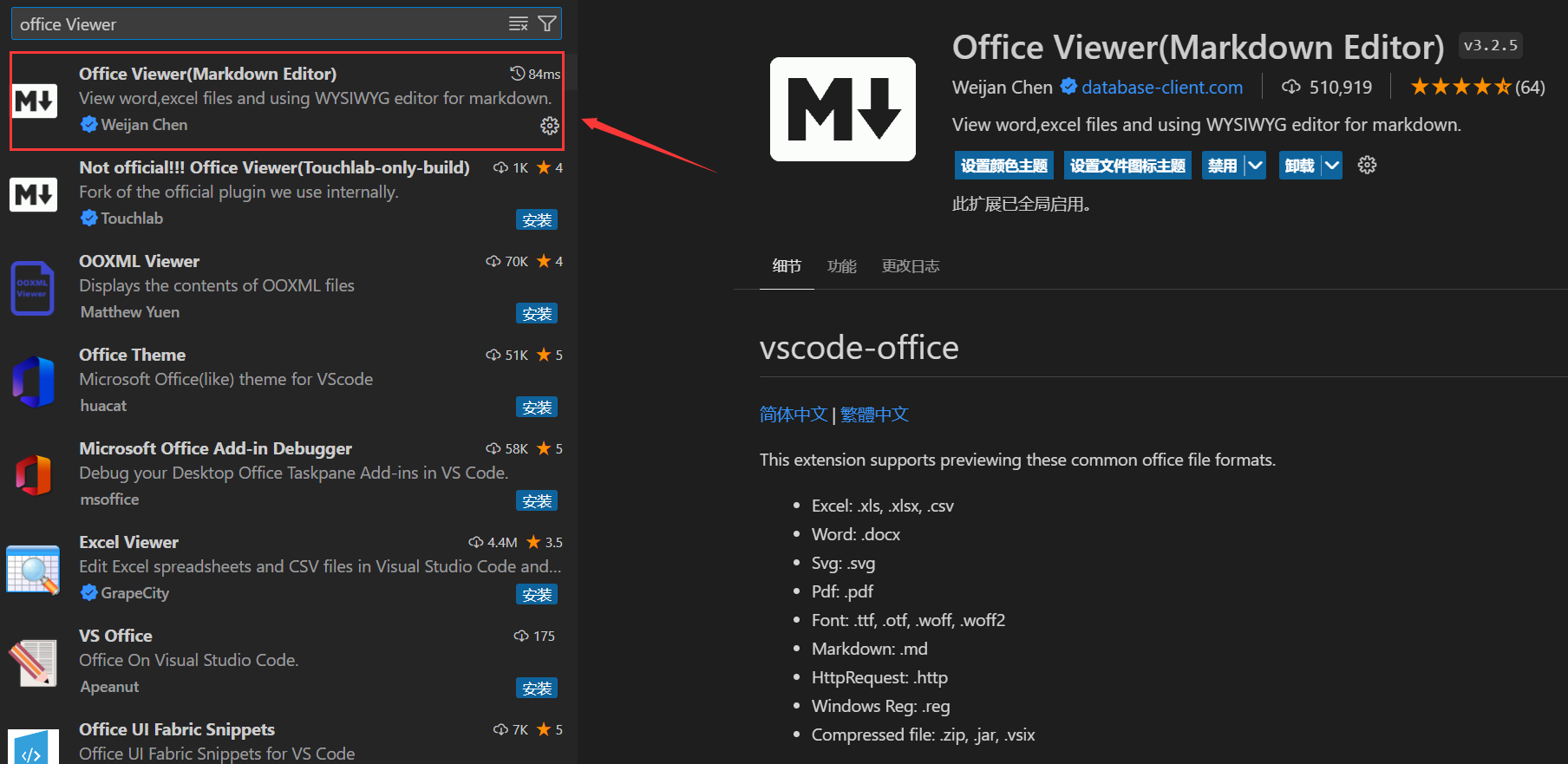
1710216492406

3、在桌面上新建一个快捷方式,默认使用VSCODE打开VS Code中的博客园工作空间。
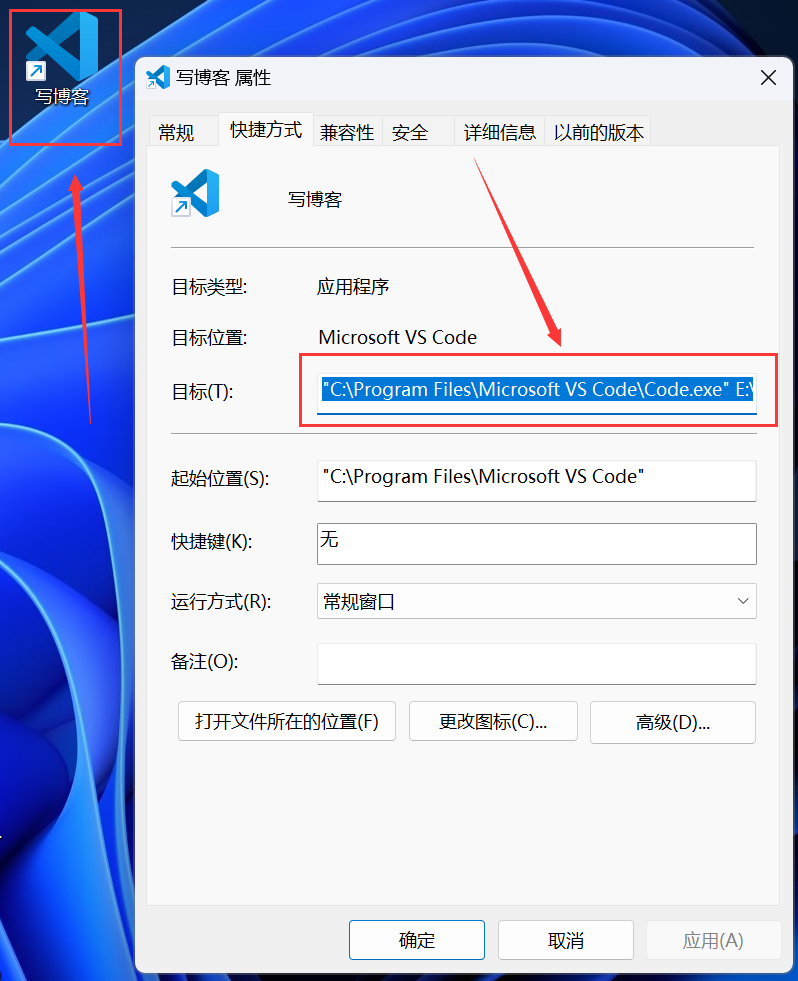
1710216747086

posted on 2024-03-12 12:14  springsnow  阅读(156)  评论(0)    收藏  举报

刷新页面返回顶部