




 (Image credit: Windows Central | Edited with Gemini)
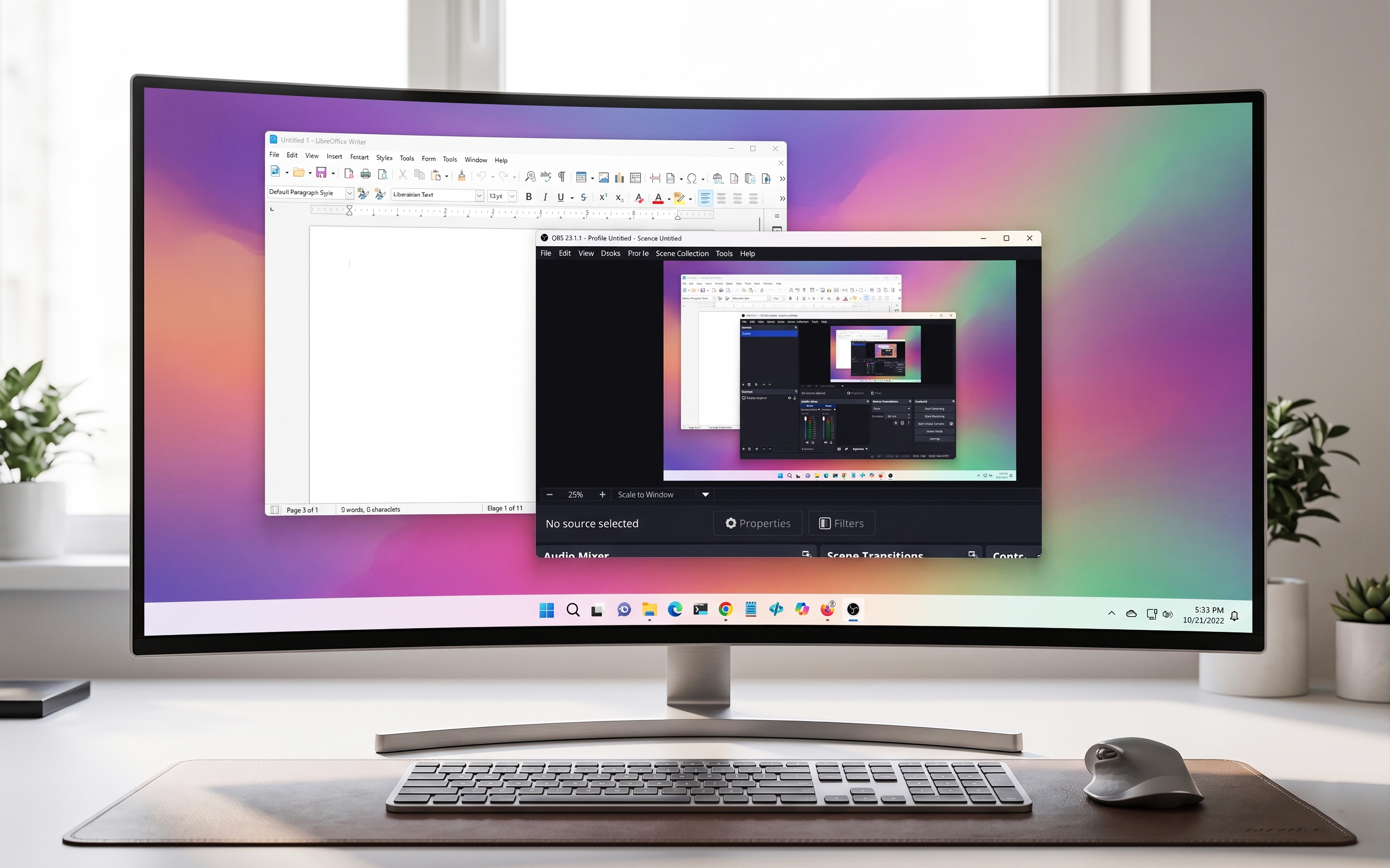
On Windows 11, open-source software continues to gain traction among users who want more control, better privacy, and tools that do not lock them into subscriptions or ecosystems. In Reddit communities like r/software, a consistent pattern emerges that points to a small set of apps that repeatedly earn strong recognition for reliability, performance, and long-term usability.
In this thread, users are not targeting an operating system, such as Windows 11 or Linux. They're only sharing the apps they consider the best, and many of them also run on Microsoft's desktop operating system.
Article continues below
The applications are not sorted in any particular order.
Firefox remains one of the most recommended browsers in the open-source space. Reddit users consistently highlight its balance of privacy, customization, and performance. Given its strong extension support and frequent updates, it remains a dependable alternative to Chromium-based browsers.
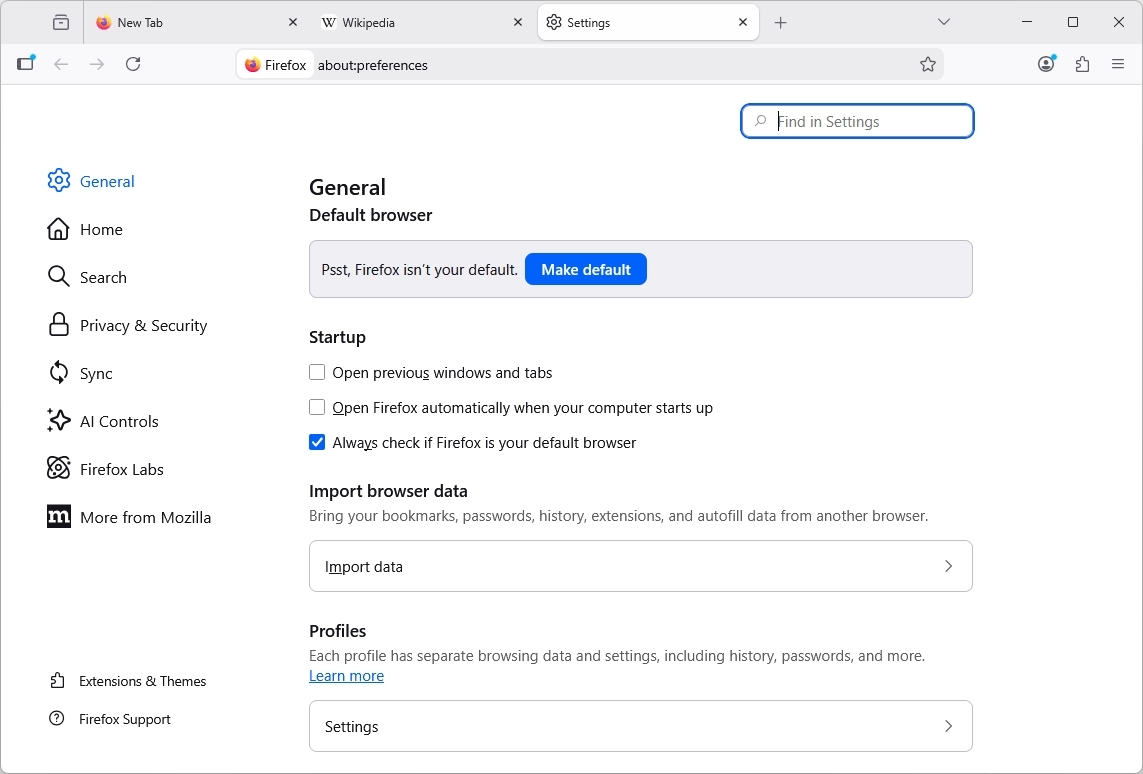
It's notable that the browser continues to rank among the top recommendations, even as Mozilla has already been introducing AI-driven features, an area that has drawn skepticism from parts of its core community. Perhaps the kill switch to turn off all AI integration has helped to maintain the user base.
Mozilla Firefox is available for download through its official page.
Security-focused users frequently point to Bitwarden as the most practical open-source password manager. It offers encrypted vault syncing across devices and eliminates the need to rely on browser-stored credentials or paid alternatives.
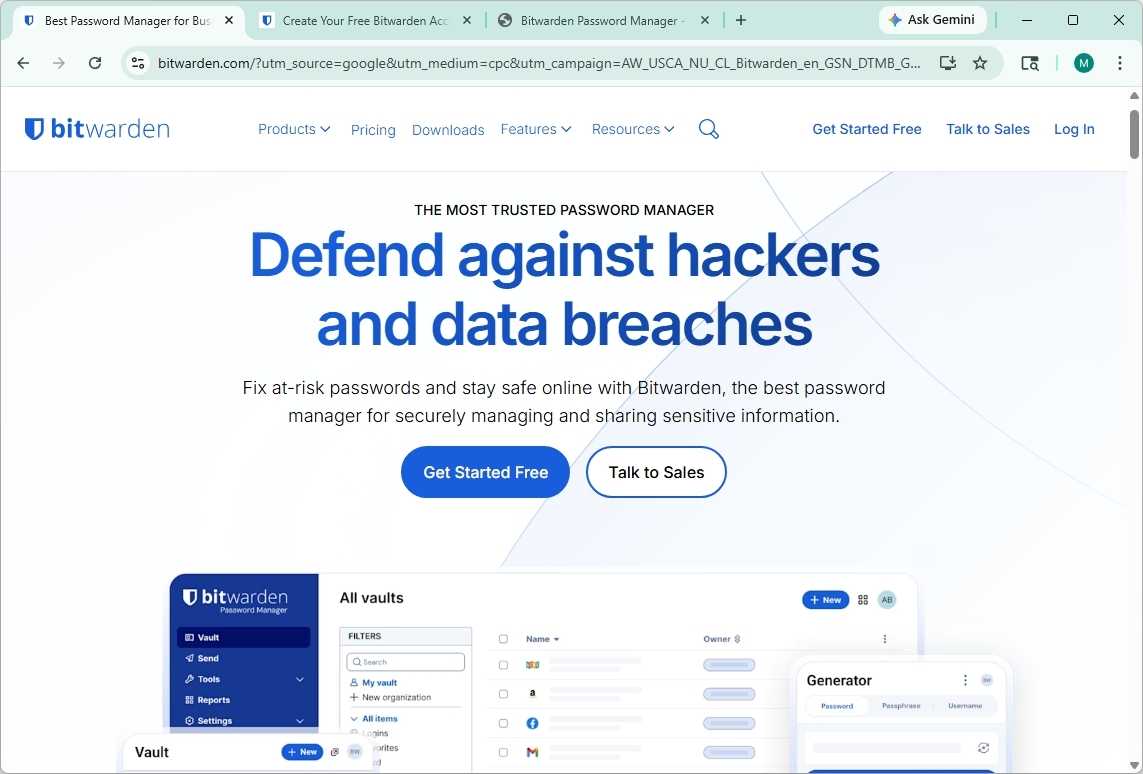
What keeps it at the top of Reddit recommendations is its balance of simplicity and security. The default Bitwarden service is cloud‑hosted, so users can get started immediately without running their own server. It delivers end‑to‑end encryption, clean browser integration on Windows 11, and essentials like password generation, autofill, and secure notes. All without unnecessary complexity. For anyone moving away from built‑in browser password managers, it's often the first tool suggested.
Bitwarden is cloud‑hosted by default, though advanced users can self‑host it if they choose.
VLC is often described as the "plays anything" media player. It handles nearly every file format without requiring additional codecs, making it a must-have utility for Windows 11 systems.
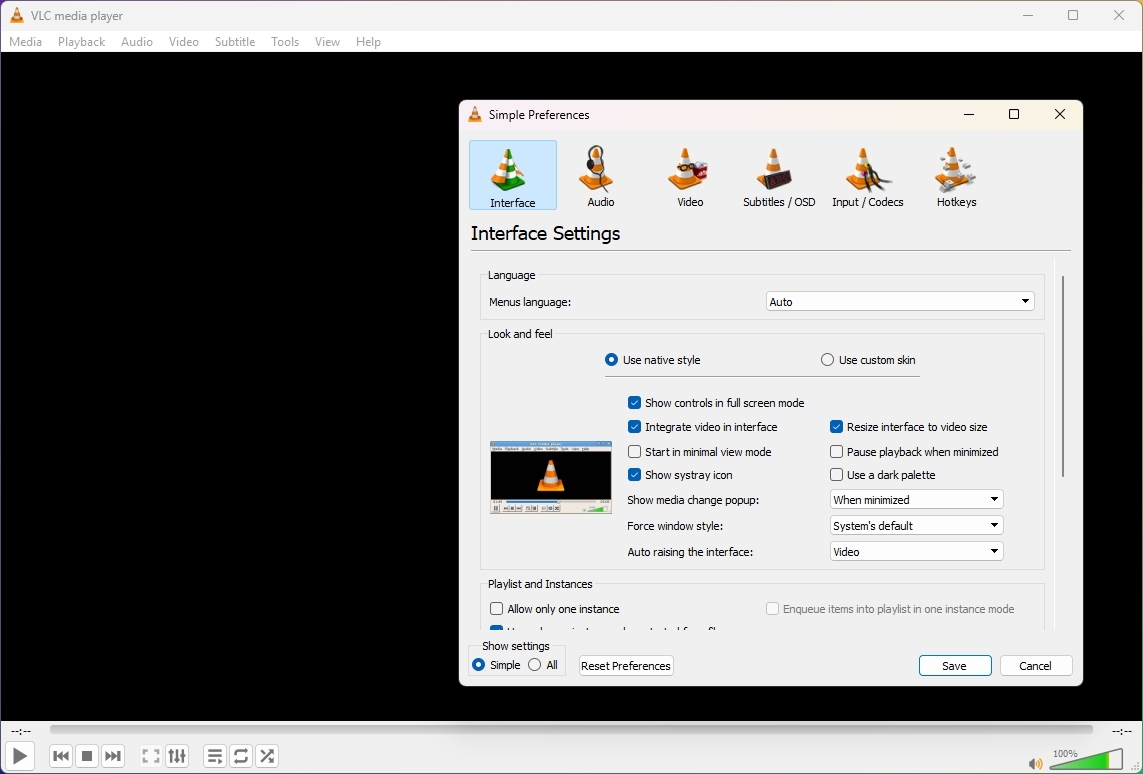
Although I'm not surprised by this pick, as I also have it installed on my main computer, it's surprising how long users have stuck with this application, considering that there are other options, such as MPV, which is a minimalist and highly customizable media player focused on high-quality playback and performance.
VLC is available for download through its official page.
OBS Studio is the standard for screen recording and live streaming. From casual screen capture to professional content creation, it remains one of the most powerful open-source tools available.
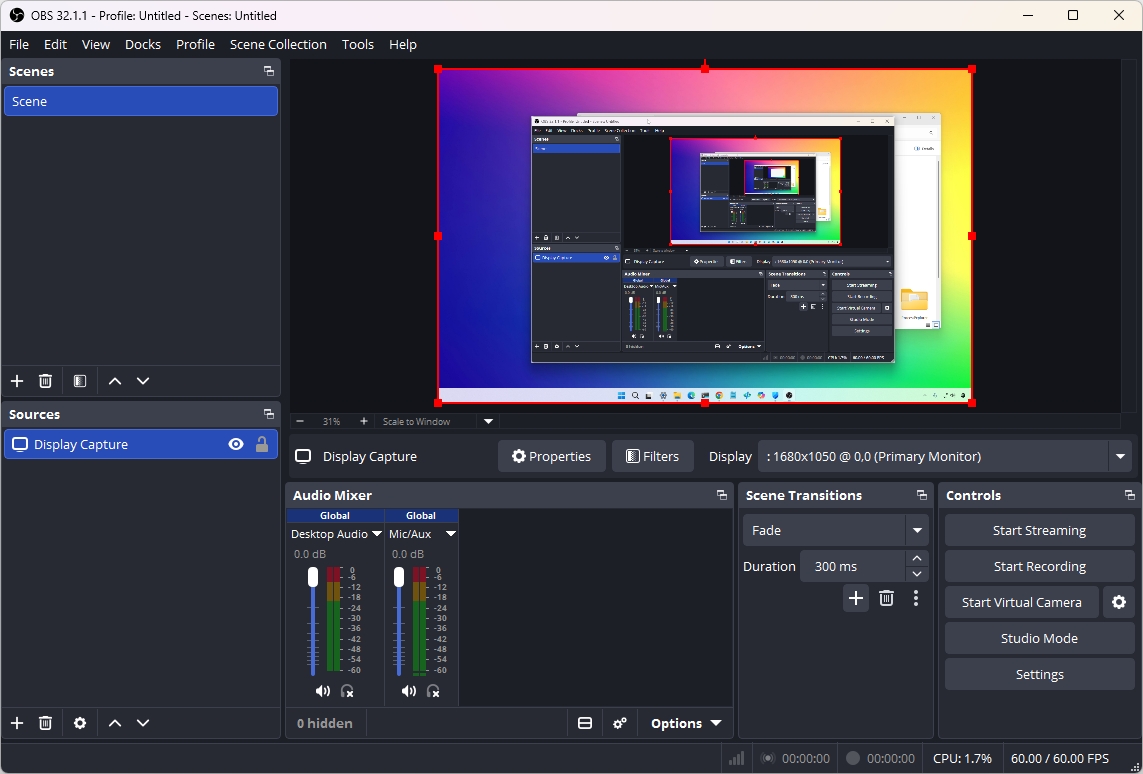
Part of its popularity on Reddit and across the internet stems from its flexibility. You can build complex scenes, mix multiple audio and video sources, and customize everything from overlays to transitions.
On Windows 11, it also benefits from hardware acceleration support, which helps maintain performance even during demanding recording or streaming sessions. Whether you are creating tutorials, recording gameplay, or running a live broadcast, it is one of the few tools that scales from beginner use to advanced production without requiring a paid upgrade.
OSB Studio is available for free through its official page.
On Reddit, users also pointed out LibreOffice, which offers a full office suite experience without subscription costs. It covers documents, spreadsheets, presentations, and more, making it a strong alternative for both home and business users.
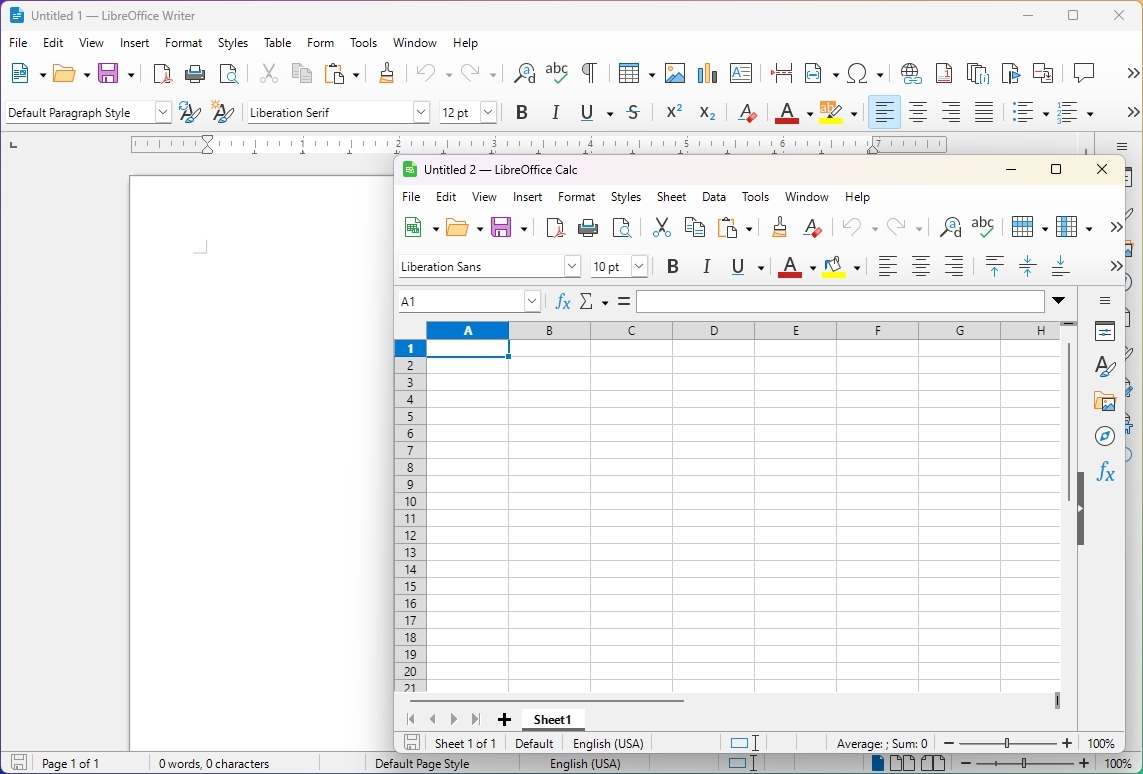
The appeal of these apps on Windows 11 comes from offering familiar tools without tying users to a cloud-first workflow. It supports common Microsoft Office file formats, works entirely offline, and continues to receive regular updates from a large open-source community.
While it may lack some advanced collaboration features found in subscription-based platforms, it remains a reliable choice for users who prioritize ownership, privacy, and long-term accessibility over ecosystem lock-in.
You can download LibreOffice from its official page.
A long-standing favorite, 7-Zip delivers fast and efficient file compression. Reddit users often recommend it as an essential utility that replaces multiple paid tools.
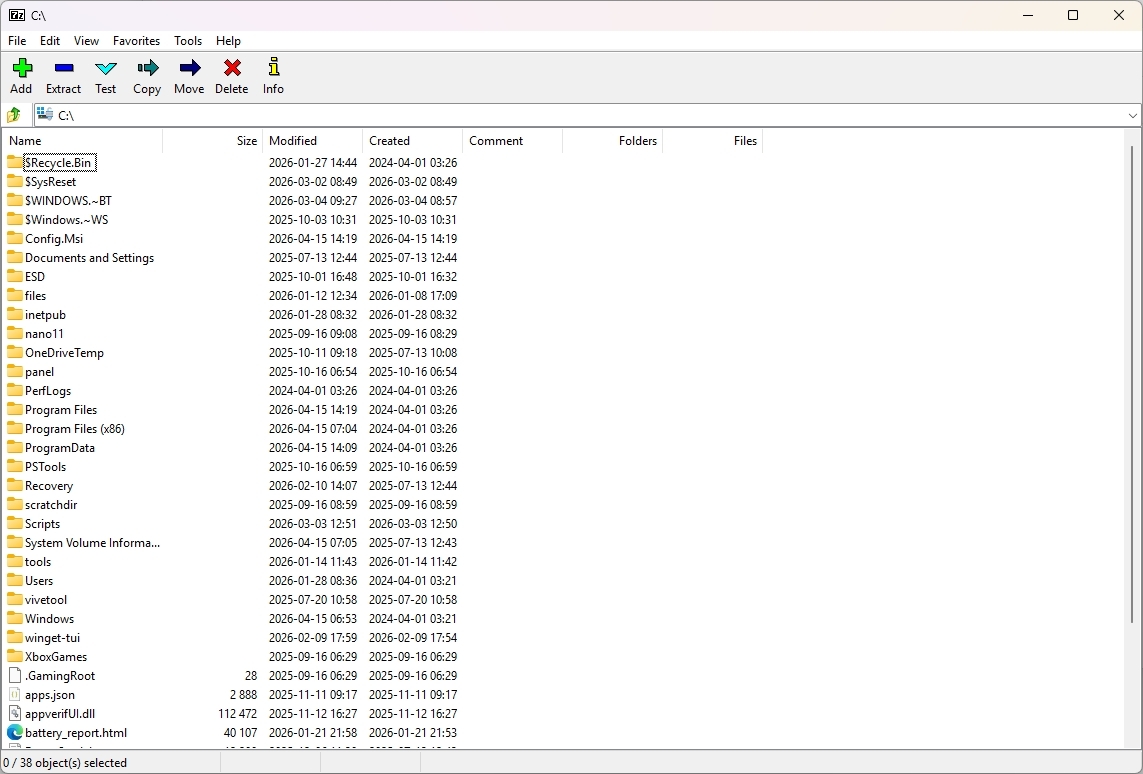
I also agree that 7-Zip is an essential tool, even though Windows 11 has its own archive support that lets you work with various file types, such as ZIP, TAR, and 7z. It doesn't work with encryption, so a tool like 7-Zip is always needed.
LocalSend is a fast, secure way to transfer files directly between devices over a local network, without relying on any cloud services or third-party servers.
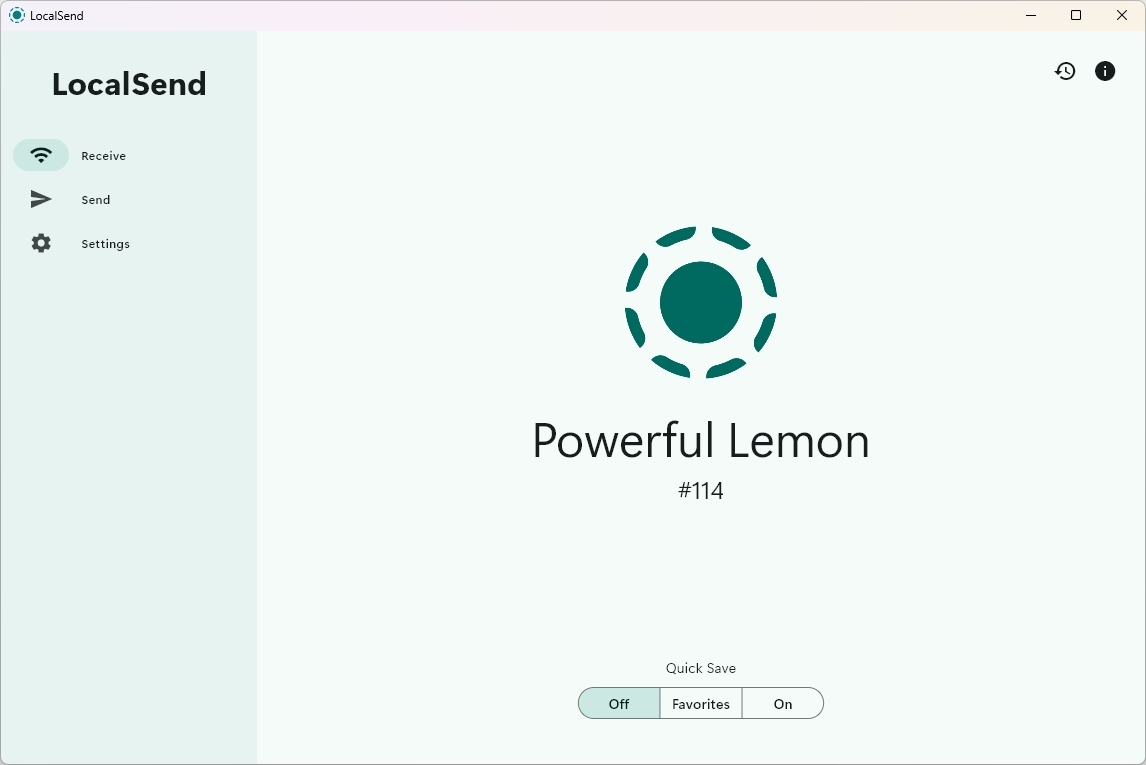
What makes it stand out is its simplicity and privacy-first design. There are no accounts, no uploads to external infrastructure, and no hidden background syncing processes. You select a file, pick a nearby device, and transfer it instantly. On Windows 11, it feels especially seamless to move files between devices, including mobile devices, on the same network.
It is often compared to the AirDrop feature in macOS, but its appeal goes beyond convenience. For Reddit users, it represents a clean, trust-based approach to file sharing where users retain full control of their data from start to finish.
You can download the LocalSend app free from this GitHub page.
I think most people have used GIMP at some point or at least tried it once. I still have it installed on my computer, but I rarely use it. Even so, it continues to hold a strong position in Reddit discussions as one of the most established open-source creative tools.
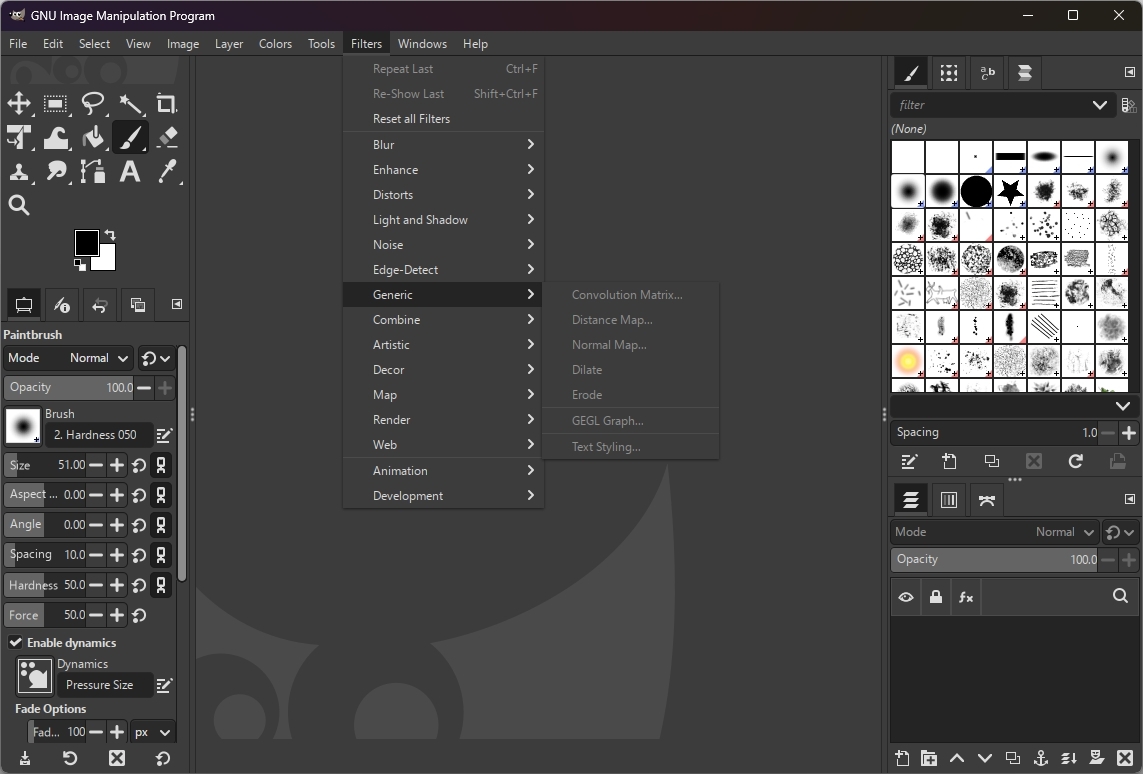
GIMP is widely regarded as the go-to open-source alternative to Photoshop, and for good reason. It covers a broad range of image editing tasks, from basic photo adjustments to more advanced manipulation and composition work. While its interface may feel less polished than modern commercial tools, it makes up for it with flexibility, deep customization options, and a strong plugin ecosystem.
Over the years, it has also improved its workflow and usability, but it still carries a learning curve that can discourage casual users. Despite that, it remains a dependable option for anyone who wants a capable, free editor that runs well on Windows 11 and is actively maintained by a long-standing open-source community.
GIMP is available for free download from its official website.
Blender stands out as one of the most advanced open-source applications available today. It supports 3D modeling, animation, rendering, and even video editing, making it a full production suite.
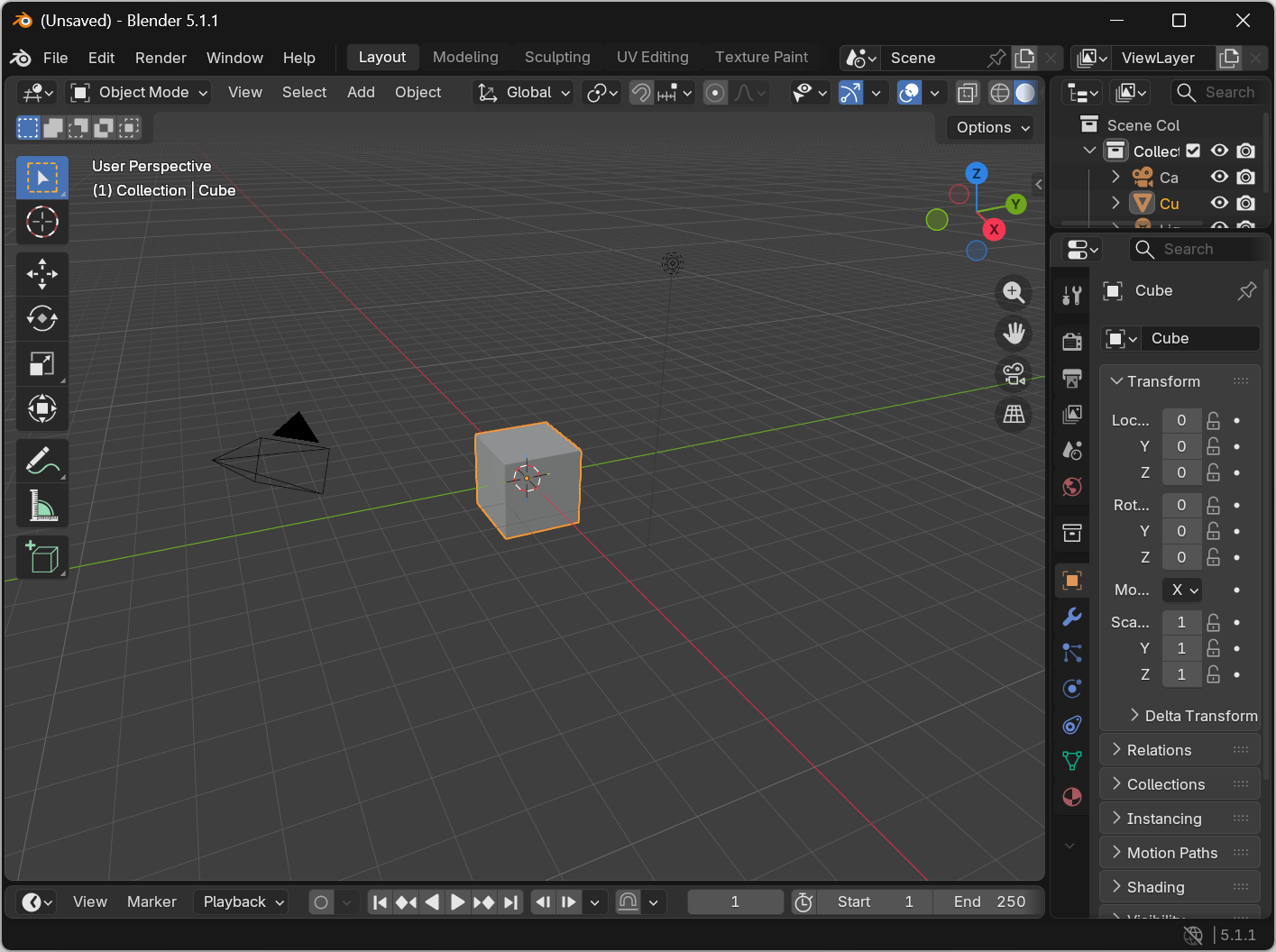
The thing that makes Blender especially impressive is the scope of what it replaces. It's not just a modeling tool, but a complete pipeline used for everything from character design and visual effects to motion graphics and short films. Over time, it has evolved into a professional-grade platform that rivals paid industry tools while remaining completely free and open source.
On Windows 11, Blender also benefits from strong GPU acceleration support, which makes real-time rendering and complex scene work much smoother on capable hardware. While it can be intimidating for beginners due to its depth, Reddit users consistently highlight it as one of the few tools where the learning curve directly translates into near-professional output capability.
Blender is available for free download from its official website.
PowerToys brings a collection of productivity-focused utilities directly into Windows 11. Features like FancyZones, PowerRename, and Command Palette make it a favorite among power users.
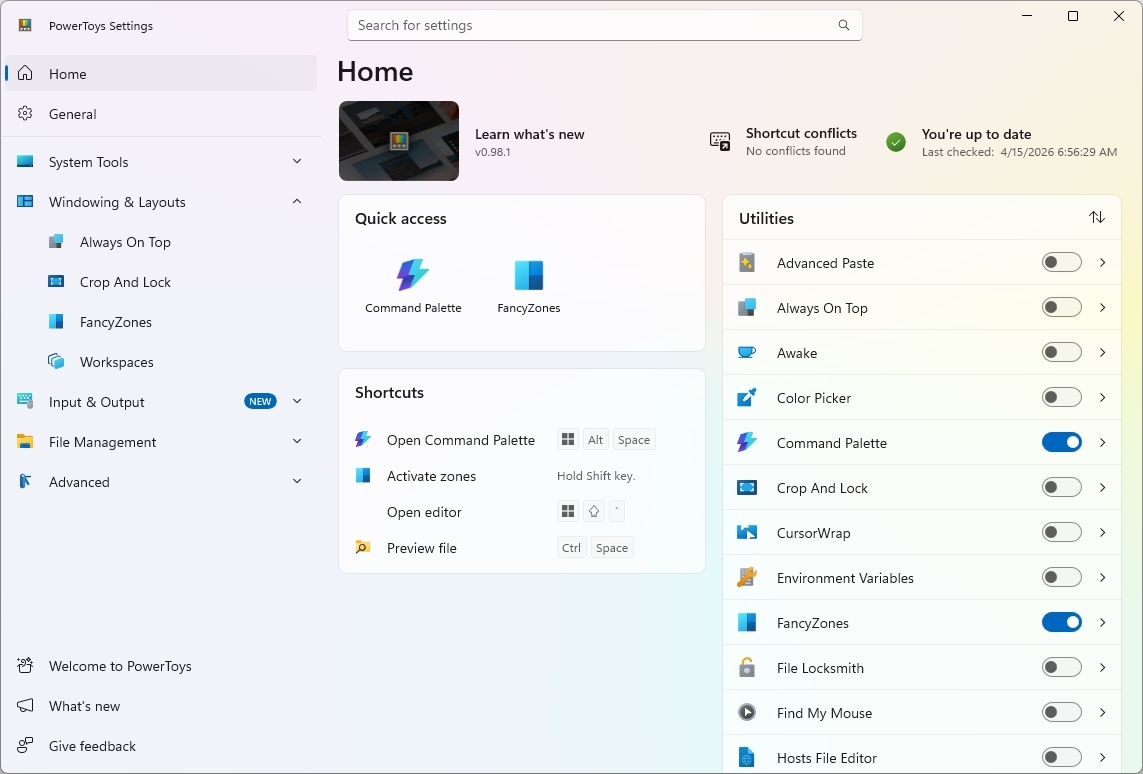
The utility is from Microsoft, but it's an open-source project, and what makes it especially valuable is how seamlessly it integrates into the operating system. Instead of replacing core features on Windows 11, it enhances them with lightweight tools that improve everyday workflows.
FancyZones, for example, gives users advanced window snapping layouts, while PowerRename simplifies bulk file renaming tasks that would otherwise require third-party utilities. Also, Command Palette gives advanced users faster access to apps, settings, and system tools through a single, lightweight interface.
These are only a few examples to mention the tool in the list, as it includes a long list of modules that truly enhance the operating system.
Microsoft PowerToys is available for free download from its official GitHub page.
While building this list, I also came across several strong open-source recommendations that deserve recognition but ultimately did not make my final cut.
Krita stood out as one of the most frequently mentioned tools for digital artists. I nearly included it because it was mentioned multiple times in the Reddit discussion. However, since I already included GIMP to cover image editing more broadly, I decided to keep the list balanced rather than overlapping categories.
On the productivity side, Syncthing is another standout. It is widely praised for its ability to sync files securely across devices without relying on cloud services. I considered adding it to the main list, but I ultimately prioritized tools that serve more general everyday use cases. That said, Syncthing remains one of the strongest options for users who want full control over their data and a self-hosted style environment.
When we take a closer look at the thread, we quickly see that Reddit tends to surface tools that solve real problems, and what stands out about this list is that they also fit well within the Windows 11 experience.
The common thread isn't just that they're open source. It's that they prioritize control, transparency, and long-term usability in ways that increasingly complement how people use their devices today. Whether it is avoiding subscriptions, maintaining consistent updates, or offering cross-platform flexibility, these apps align with a growing demand for software that works on your terms.

On Windows 11 specifically, that matters more than ever. As the platform continues to evolve with cloud integration, AI features, and subscription-based services, these tools offer suitable alternatives.
At the same time, this is not about replacing everything with open source. It's about choosing the right tools where they make the biggest impact. A browser, a password manager, a media player, and a few productivity utilities can dramatically improve the experience without adding complexity.
If you're setting up a new installation or refining your current setup, these Reddit-backed apps are more than just popular picks.
What are your favorite open-source apps? Let me know in the comments!
Explore more in-depth how-to guides, troubleshooting advice, and essential tips to get the most out of Windows 11 and 10. Start browsing here:
Join us on Reddit at r/WindowsCentral to share your insights and discuss our latest news, reviews, and more.
Mauro Huculak has been a Windows How-To Expert contributor for WindowsCentral.com for nearly a decade and has over 22 years of combined experience in IT and technical writing. He holds various professional certifications from Microsoft, Cisco, VMware, and CompTIA and has been recognized as a Microsoft MVP for many years.
You must confirm your public display name before commenting
Please logout and then login again, you will then be prompted to enter your display name.
此内容由惯性聚合(RSS阅读器)自动聚合整理,仅供阅读参考。 原文来自 — 版权归原作者所有。