







The Xbox Ally is a great gaming handheld for enjoying Xbox Cloud gaming and Xbox titles in general on the go. Although one thing we can all agree on is that it's pretty bad at storing AAA games and tons of smaller games at once due to having a limited storage size of 512GB.
Thankfully, Sandisk's 512GB Extreme microSD USH-A Card is a great way to solve this because it can double the Xbox Ally's storage capacity while protecting your budget as it's currently on sale for $109.99 at Amazon.
Why buy the Sandisk Extreme microSD card for gaming handhelds?
Image
1
of
4
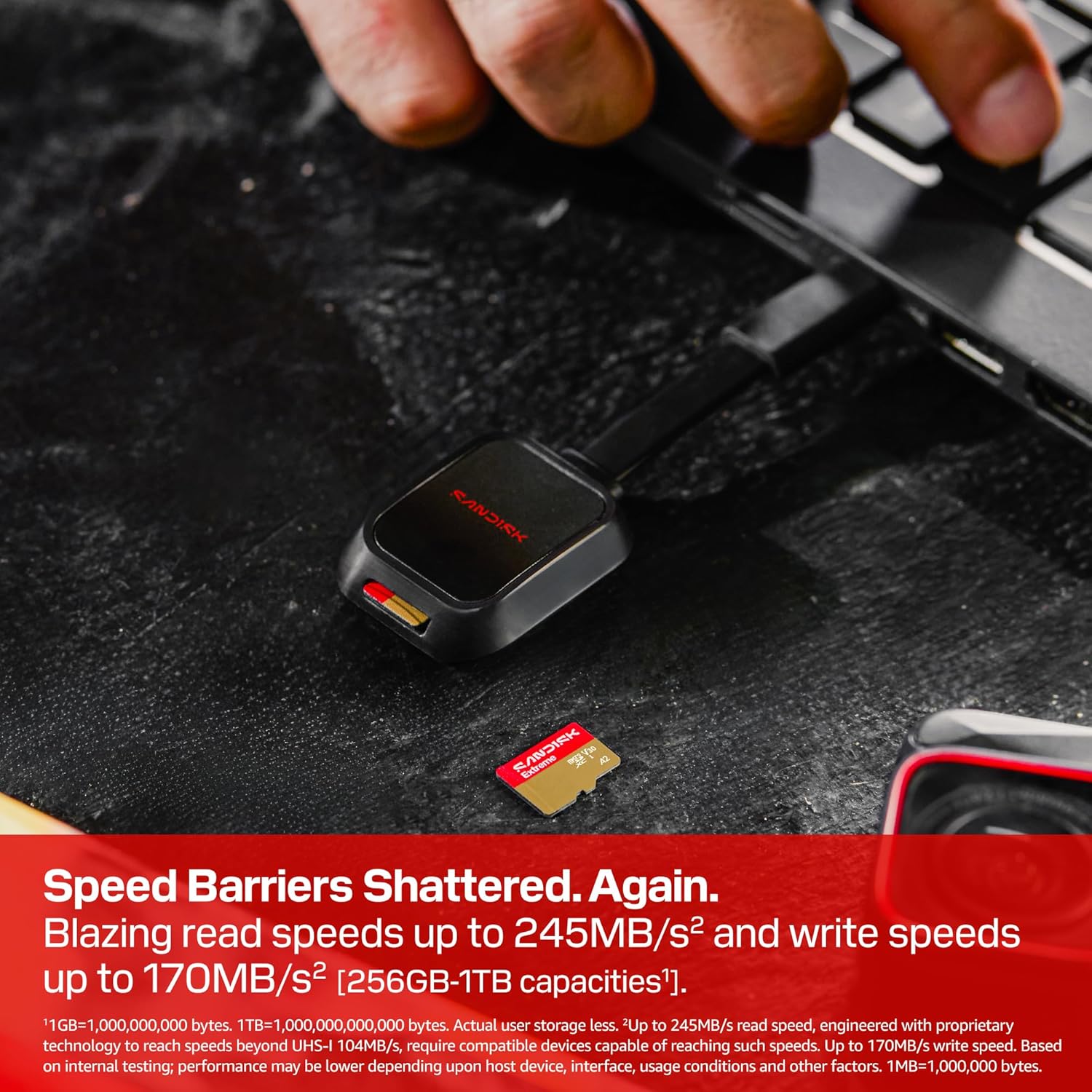
Aside from having a sizable storage capacity of 512GB, the Sandisk 512GB Extreme UHS-I microSD features 245MB/s Read Speeds and 170MB/s Write Speeds.
With these speeds, your Xbox Ally will be able to download games/updates much faster, and you will cut loading times by a huge margin, so you won't waste time staring at loading screens.
This microSD is also capable of storing photos or video footage in gorgeously detailed 5K[3] or 4K UHD resolutions with video speed class ratings of U3 and V30[4].
On top of that, it's waterproof, shockproof, temperatureproof, humidityproof, dropproof, magnetproof, X-rayproof, and wear-outproof.
For these reasons, the Sandisk 512GB Extreme microSD takes the cake for being the "Best budget UHS-I for doubling storage size" among our favorite microSD cards for Xbox Ally, and one we highly recommend now that its pricey $184.99 MSRP has been reduced to a more reasonable price of $109.99 at Amazon.
Alternative discounts
Amazon is also selling various sizes of the Sandisk Extreme microSD with the following discounted prices:
- 1TB microSD — $221.94 at Amazon (was $369.99)
- 256GB microSD — $64.90 at Amazon (was $99.99)
- 128GB microSD — $39.99 at Amazon (was $65.99)
- 64GB microSD — $27.99 at Amazon (was $36.99)
FAQ
What devices is this microSD compatible with?
The Sandisk Extreme UHS-I microSD card is compatible with Xbox Ally, Xbox Ally X, Nintendo Switch, Steam Deck, ASUS ROG Ally, ASUS ROG Ally X, Lenovo Legion Go, Android tablets and smartphones, GoPro cameras, and DJI drones.
Will I need to format first before using it?
The Sandisk Extreme USH-I microSD card comes preformatted. However, it is best that you format the card for the device you intend to use it on in order to optimize its performance rates.
What should I do if the card gets corrupted?
If the SanDisk Extreme UHS-I microSD card ever gets corrupted, stop using it at once, remove it from the device it's connected to, and use Data Recovery software to fix it.
Don't format your microSD before commencing data recovery; otherwise, all the corrupted files will be unsalvageable.

Join us on Reddit at r/WindowsCentral to share your insights and discuss our latest news, reviews, and more.