




Reading Time: 11 minutes
When it comes to creating podcast episodes, a lot of your time can be taken up with recording and editing processes, especially if audio quality is important to you – and it should be if you care about growing your listener base and retaining them.
Alitu is a web-based app that simplifies the whole process. Recording your audio is made easier and editing is automated, saving you precious time and worry.
In this article, we’ll break down what Alitu is, how it works and the benefits and limitations. We will also answer common FAQs, compare with other similar apps, tools and software and ultimately help you decide whether it’s right for you.
First things first, why was Alitu created?
We decided to go directly to the source and ask this question:
We made Alitu for the podcasters that really want to focus on the content, not the tech. The podcasters who want to focus their time on learning how to be better presenters, entertainers, teachers and preachers. Alitu is for the podcaster who wants to grow a bigger and more engaged audience, without spending hours every week on technical and repetitive work. We simplify, we automate, so you can focus on speaking and growing.
Jacob Anderson – Head of Growth at Alitu and The Podcast Host
The second question to answer is, what is Alitu?
Alitu describes itself as ‘The Podcast Maker’, and it certainly does make the process of creating podcast episodes A LOT easier.
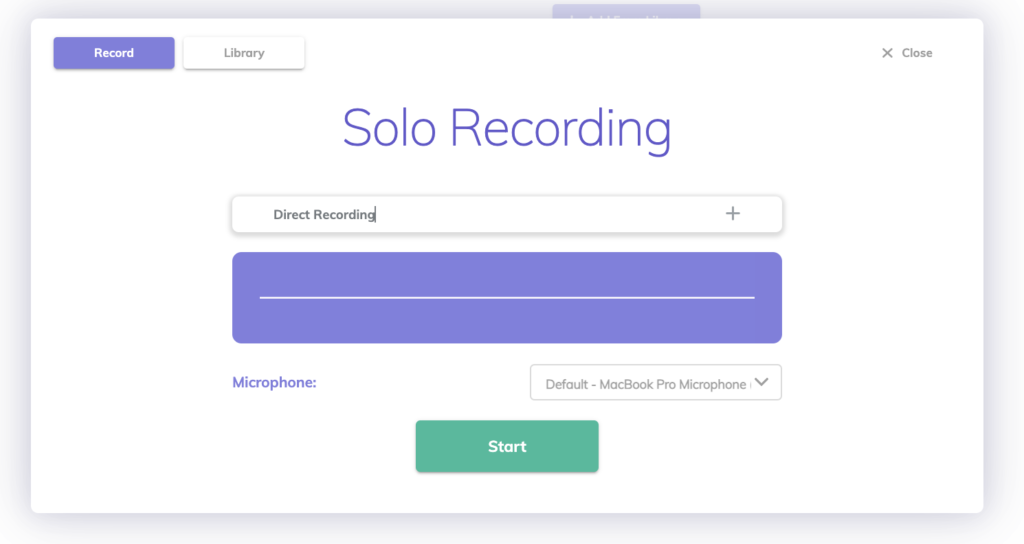
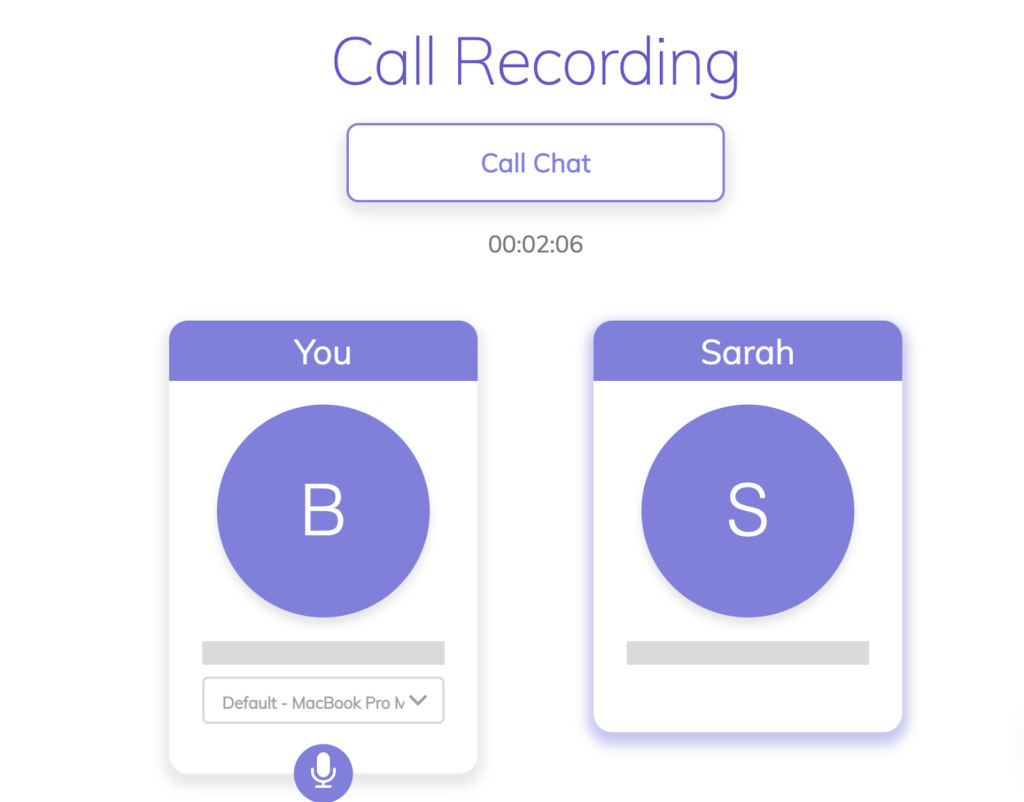
You have two main options with the platform:
2. Upload pre-recorded podcast audio files to the platform
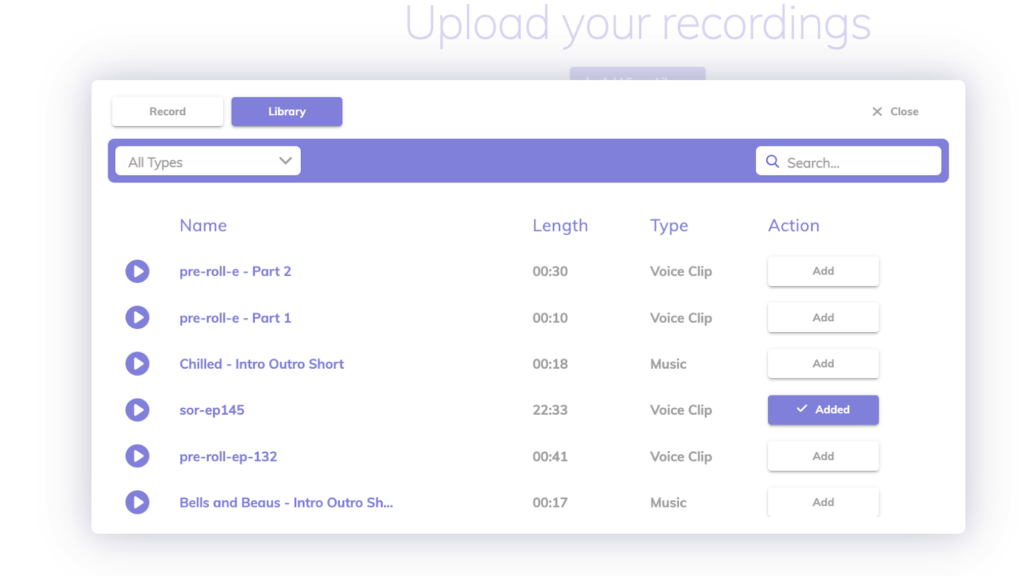
Once the audio is uploaded, Alitu then automatically cleans up your audio, such as removing unwanted background noise and standardising the volume.
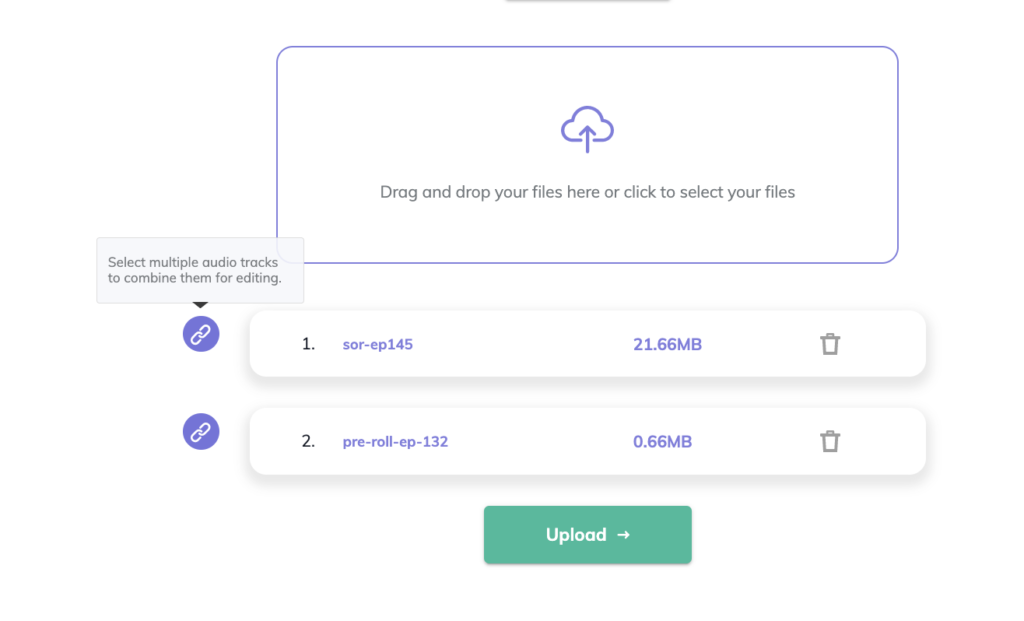
Pro tip: Alitu also allows you to upload multiple pre-recorded files that you can then link together.
This is useful if, for example, you recorded an interview with another person on Zoom. With Zoom, after you have finished recording and you have downloaded the audio, there will be two seperate audio files (as long as ‘Record a separate audio file for each participant’ is enabled in your settings). One file for your voice and another file for your interview guest. With Alitu, you can upload the files and the app will directly link them together for you.
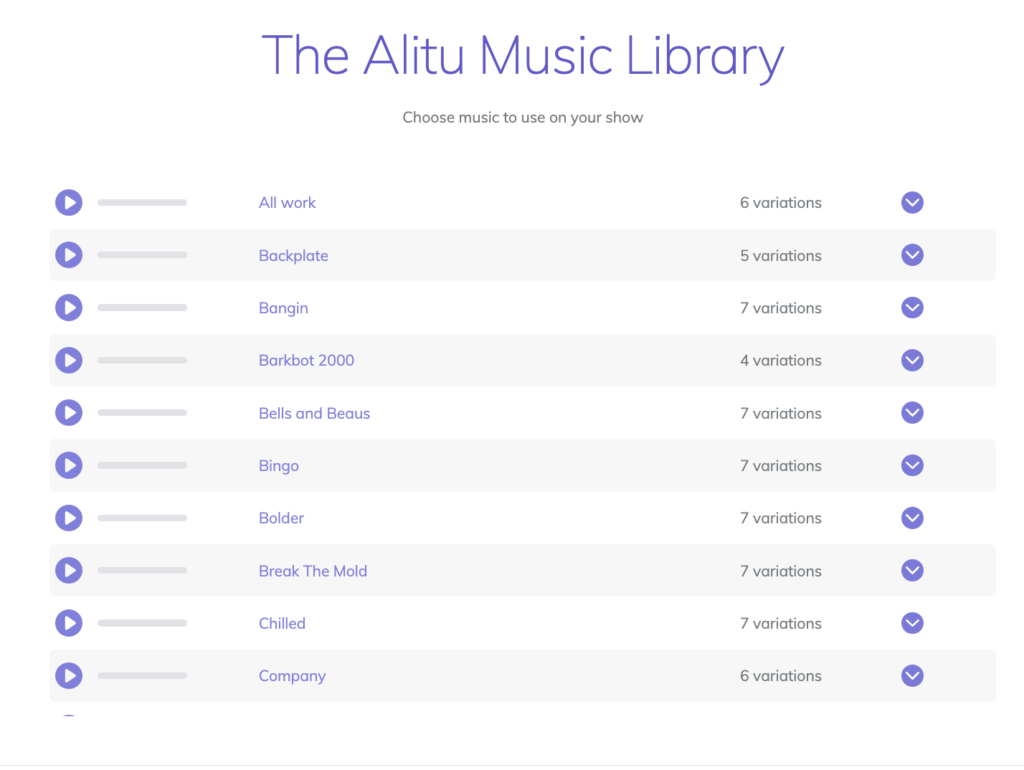
After Alitu has automatically cleaned up your audio, you can do further edits such as deleting ‘erms’, long pauses or coughs, you can also add other audio clips and music (eg for your intro and outro) either by uploading your own or from Alitu’s free music library.
Yes, as previously mentioned, you can record audio with Alitu for your podcast. You can record either a solo episode or an interview with a guest directly in the platform, and do tweaks to the audio.
Recording directly in the platform means you cut out extra steps involved with recording your audio elsewhere (using another tool) e.g. saving and downloading the file to then and then uploading to edit on Alitu. Alitu eliminates the need for more (and potentially costly) recording software.
If you are recording an interview with a guest, use Alitu’s Record Call function, which allows you to invite your guest into a call room (similar to Zoom, Zencastr or Skype), and then record that conversation. This really simplifies the workflow, as both you and your guest can do everything from within Alitu.
Alitu makes this whole process easier, as everything can be done in one place. No need for extra recording tools or software.
As mentioned, Alitu’s main draw is its simplicity, taking the, often time consuming, work out of editing your audio for an episode. Here’s a step by step guide (with screenshots) of how to get your podcast episode ready with Alitu.
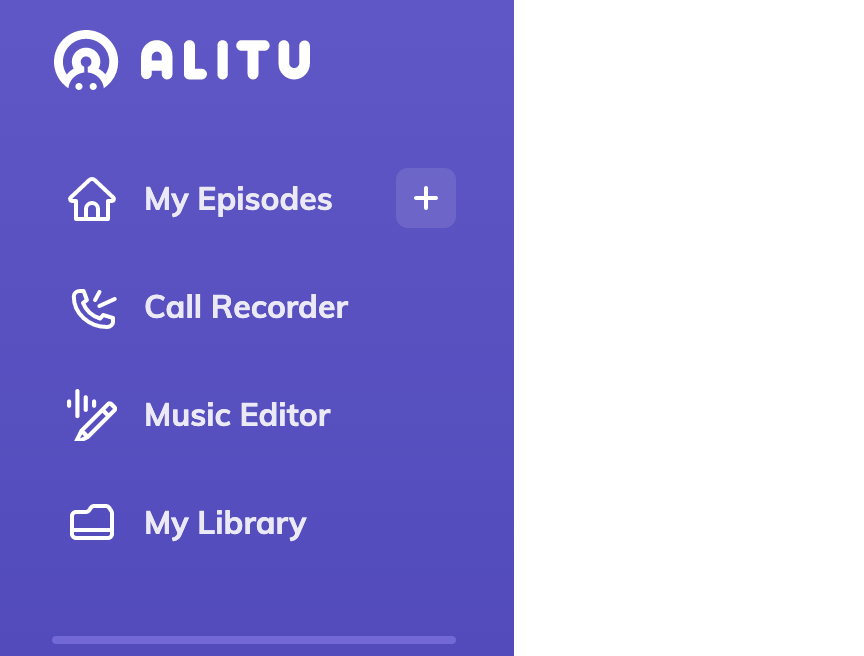
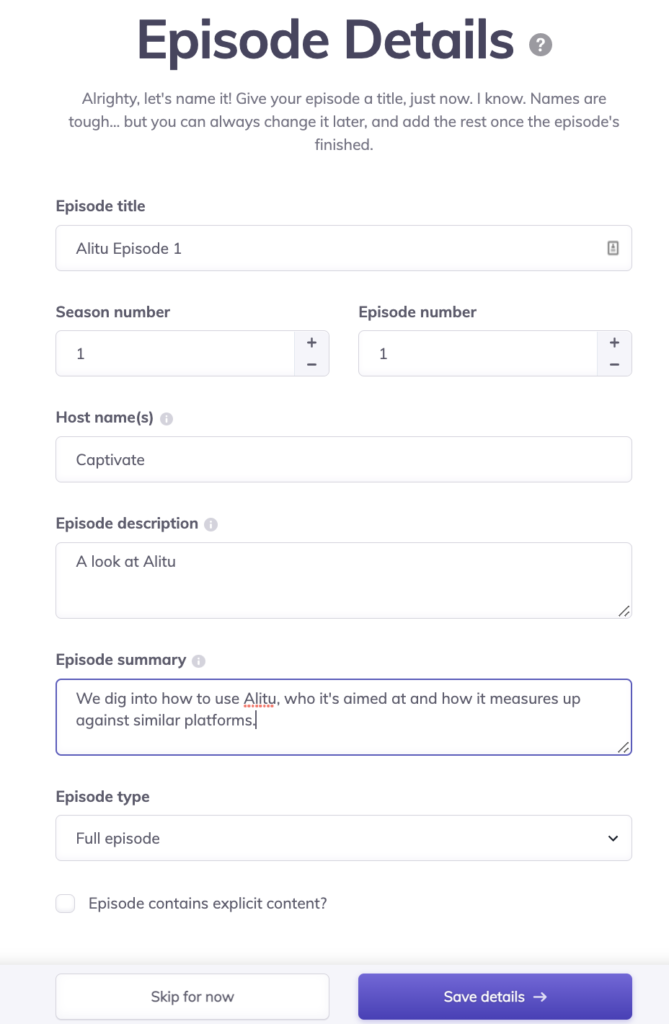
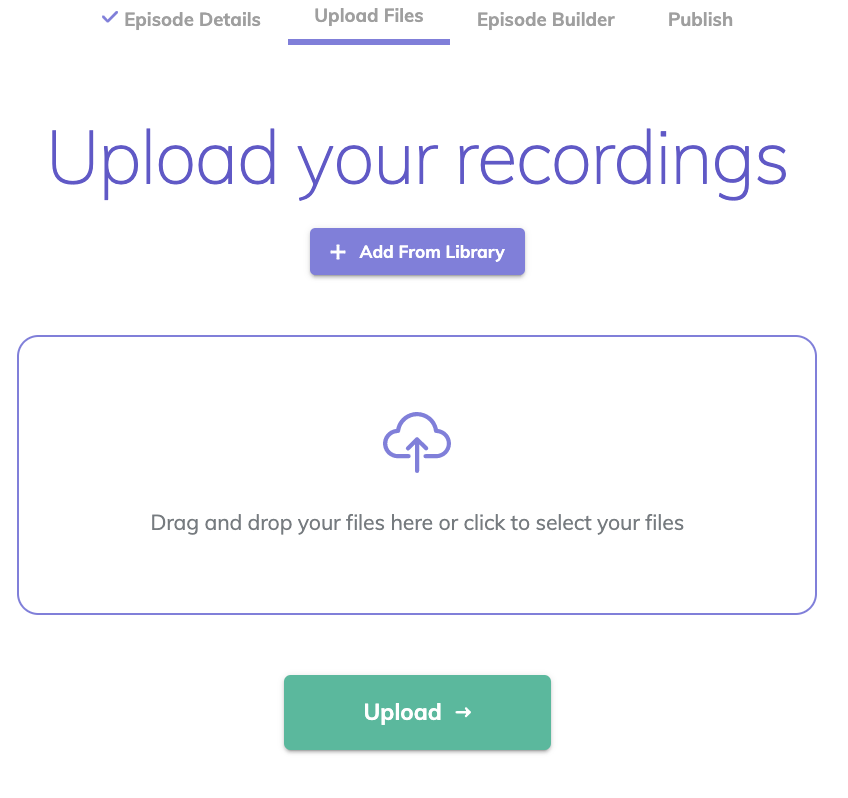
Solo – Remember that you can also record directly into Alitu. If you are recording a solo podcast, simply select the option to Record when you open up your library.
Interviews – If you are recording an interview with a guest, select the Call Recorder option instead.
Once you’ve uploaded/recorded your audio, Alitu automatically sorts out the levels and cleans up the audio for you.
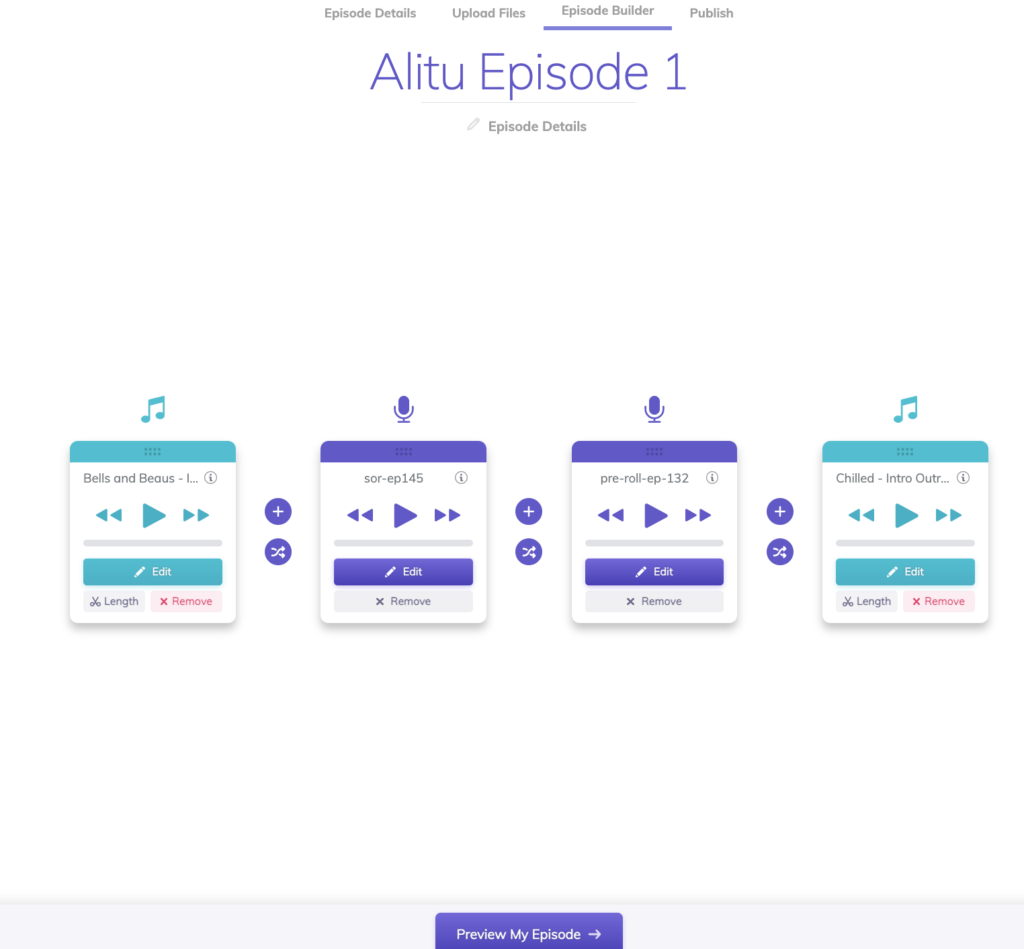
Now it’s time to sequence your episode within the Episode Builder, Alitu lays out all your uploaded files so that you can play around with the order of your podcast episode.
Episode Builder has the following features:
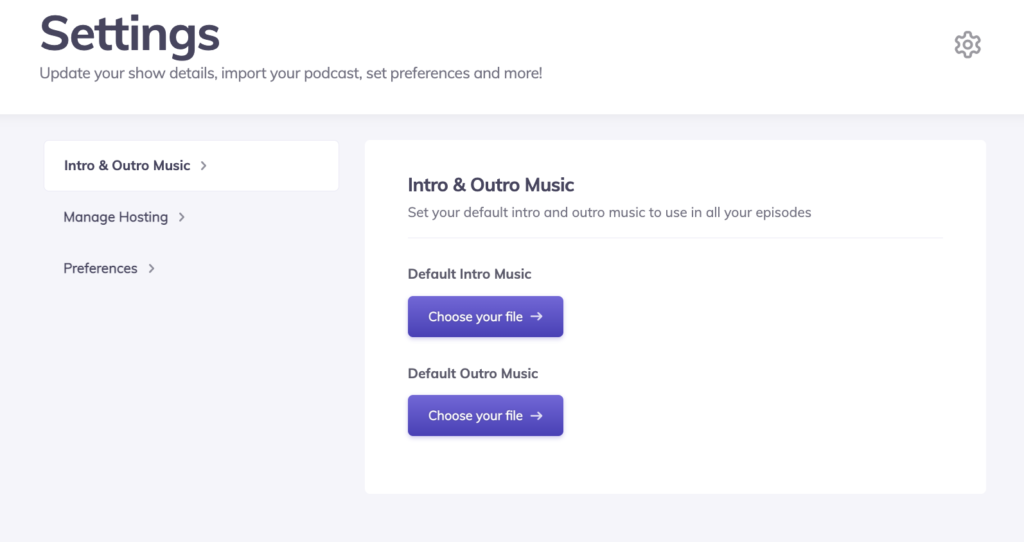
To make things even easier, in Settings you can add default intro and outro music, meaning that whenever you create a new episode, Alitu will automatically add these in for you. An awesome time saver if you ask us!
Reading Time: 17 minutes We take a deep dive into Buzzsprout podcast hosting, its pros and cons, and how it weighs up to Captivate when it comes to support, service, features and, of course, pricing.
We all make mistakes (and strange noises) while recording, so if you click Edit on any of your seperate audio files, it brings up a waveform which you can edit, such as removing unwanted parts of the audio.

From here, you can listen to your finished episode audio, and then publish the episode straight to your podcast host. Alitu integrates with a number of hosts, but of course you’re going to publish to Captivate, right?
If you’re not already a Captivate user, sign up now for a 30 day free trial!😁
If you don’t see your podcast host, you can export your audio and upload manually instead.
You can also create an audiogram-style video for your episode, with a moving soundwave. These audiograms can be shared to YouTube or to social media – they’re essentially a moving soundwave. An easy way to turn your audio content into a visual mp4 file.
So, is Alitu something you should use? Well, that depends on who you are.
If you are a podcaster who:
Alitu is a fantastically useful tool. Everything is automated and the user interface is friendly and simple.
However, if you’re a podcaster with a lot of experience in recording/editing audio, already use advanced software and are confident in making your audio sound great, you can probably tell already that Alitu isn’t really aimed at you.
Alitu focuses on making technical aspects easier and quicker with automation, meaning you don’t have the option to make more advanced tweaks to the audio yourself.
Alitu is $32/month, or $320/year when paid annually (that’s £24/month or £240/year). Paying annually comes at a discount, working out at just shy of $27/month. Both monthly and annual plans come with a 30 day free trial as standard.
That’s more expensive than Descript’s pro plan, which clocks in at $24/month, and pretty comparable to Adobe Audition, which will set you back $31.49/month. Don’t just look at price when comparing tools though, as each tool has different features and offerings, and Alitu is all about automation and saving time.
With automation, pretty much everything is done for you (we say pretty much everything, as of course you still need to research/plan your podcast, and record of course!)
Alitu automatically enhances your audio files by automatically levelling out your audio and removing any annoying background noise. Probably really attractive to the newbie podcasters right off the bat, as in-depth audio editing can be intimidating and time consuming if you don’t have experience.
Alitu doesn’t require a big time investment to learn the ropes: it has a self explanatory user interface (UI), so you can get stuck in pretty much as soon as you log in. This is another big plus point for those newer to podcasting. For this audience simplicity is key, and Alitu strikes a healthy balance between that simplicity while still maintaining an impressive feature set.
Logic Pro X is $199 (£174.99), and a lot of the features available will require a lot of time investment for a new user to make use of. While it’s not free, Alitu is a lot more affordable, and for a beginner, a lot less scary!
Its audio levelling and noise removal also means you can get a great sounding show without splashing out on professional-level gear. Result!
You can record remotely with another person directly in Alitu, and then the audio is ready to be used in your episode straight away. This makes long distance interviews (or just long distance co-hosting) nice and easy, with no separate Digital Audio Workstation (DAWs) and calls!
Alitu recommends uploading .wav files for the best quality starting point from which to edit, but supports uploading in all of the following formats:
m4a, .mp3, .flac, .mp4, .wav, .ogg, .aiff, .aif, .acc, .aac, .pcm, .wma, .alac, .mp4, .avi, .mov, .flv, .wmv, .mkv, .webm, .mka
You can access and edit your files easily from within Alitu, with a bank of your own recordings, uploads and music – as well as access to Alitu’s music library.
Add your default music intros and outros in Settings on the app and then whenever you create a new episode, Alitu will automatically add these in. A handy time saver!
You don’t have to manually export the files from Alitu, and then upload to your host, Alitu handily integrates with most podcast hosting providers.
That of course includes Captivate – if you aren’t already a member then sign up now for a 30-day free trial!
Like all great tech companies (cough, Captivate, cough), Alitu gives you 30 days free to see if their platform is for you. Sign up for a trial here.
Like most things in this world, Alitu costs money! There are free recording and editing options out there, such as Garageband and Audition, but they of course don’t offer what Alitu does e.g. automation and simplicity to get that professional sound quality.
Alitu certainly has an enticing feature set, but it’s up to you to decide if the added convenience is worth that $32/month price tag.
Alitu is a web based app, meaning that you have to be connected to the internet when recording and editing. Not so easy for example if you want to do some editing on a train journey and your internet is constantly dropping in and out.
Yes, automation is a benefit and limitation. While it’s certainly useful for newbies and those wanting to save time, Alitu’s automation means you don’t have control over bitrates, compression, file formats, high-level editing, or other advanced settings. This will be a deal breaker for some more experienced podcasters, those who want more control over the nitty-gritty of their editing.
Alitu doesn’t allow multiple microphone inputs, so you can’t record with more than one mic at once in person. This would make doing an in-person interview or co-hosted show a little difficult, though you can record multiple people remotely with their Call Recording feature.
You can’t get in-depth with Alitu like you can with Logic or Audition – it’s great at what it does, but it’s not aimed at those who want to dig deep into editing their files.
Though you can only export or download your finished episode as an mp3 file, this does make sense as most directories only accept this format.
Alitu doesn’t allow you to record video as well as audio for your podcast, as Zencastr does, so if you have a video podcast then it’s likely not for you.
It does, however, allow you to create an audiogram, so you can easily post your episode to YouTube or onto social media.
There are a great deal of recording and editing platforms out there, and Alitu carves out a nice niche as a platform which saves time but still creates great quality recordings without investing a lot of time into learning how to edit in depth.
If the price puts you off, you’ll probably want something free, like Audacity or Garageband (Mac only), but bear in mind they don’t have the same features as Alitu such as automating the editing of things. If you’re looking for something more involved, as you’ve already got experience in editing, you’ll want to consider Logic Pro or Audition.
Let’s look how Alitu compares to other similar tools out there.
1. Alitu vs Anchor
Anchor is free, and is more of an all-in-one package when compared to Alitu: it offers podcast hosting, recording, editing and monetization.
As the old saying goes, jack of all trades, master of none – and Anchor is a good example of this. It does all of the above competently, but doesn’t offer the professional recording level that Alitu does.
2. Alitu vs Audacity
Audacity is another free option, though this time more focussed on recording and editing. You can record directly into Audacity, dub over other recordings, or import your files.
It also allows you to edit your files together into episodes – the big things it’s missing compared to Alitu are the music library, automatic levelling, background noise removal and call recording.
3. Alitu vs Zencastr
Zencastr leans in towards recording, rather than the editing side of things.
Its free plan allows you to record up to 4 people together, with an unlimited number of recordings. On the $20/month plan (their only paid plan), you can record those people in 1080p video as well as the audio, and you’re allowed 10 hours/month of audio or video editing.
Reading Time: 9 minutes We break down the best podcast apps available on the market now for podcasters including listening, recording and editing.
While Alitu doesn’t have the capability to record or edit video in the platform, you can create the Audiograms mentioned above in order to easily share your show to Youtube or social media.
All in all, Zencastr fills a different niche to Alitu, and is what you need if you want to record a video podcast, but it definitely falls behind on the editing side.
4. Alitu vs Descript
Descript boasts a different feature set to Alitu, allowing 30 hours of transcription each month (on their Professional plan), as well as a UI which allows you to edit your podcast by editing the text of the words you said. If you want to change a mistake, you can edit the word and Descript will create an AI clone of your voice to alter it.
It’s nifty stuff, and the Professional plan comes in at $24/month. Read up on the feature sets and decide what’s best for you – Alitu’s auto mastering, or Descript’s intuitive editing by text.
5. Alitu vs Garageband
This is a nice simple one – Garageband is free audio editing software for iOS. You can record directly or upload files. It’s simple to use, but not particularly optimised for podcasting, as it’s commonly used for music too.
It doesn’t have the big features Alitu has, like the automation of audio levelling or background noise cleanup, but, then again, it’s completely free!
6. Alitu vs Logic Pro X
Logic Pro X is a super in-depth Digital Audio Workstation which allows you to edit up to 1000 tracks per project in stereo or surround sound. Logic is essentially a paid for, premium version of Garageband, so a lot of the features are again geared towards musicians.
It will set you back $200, and is in a whole different ball park to Alitu, aimed at musicians/producers. It has an incredible feature set, one that could perhaps be a little scary to newbies.
Users on Trustpilot were favourable towards Alitu, praising its simplicity and its Call Recording feature.
Here’s what other users have said of the platform:
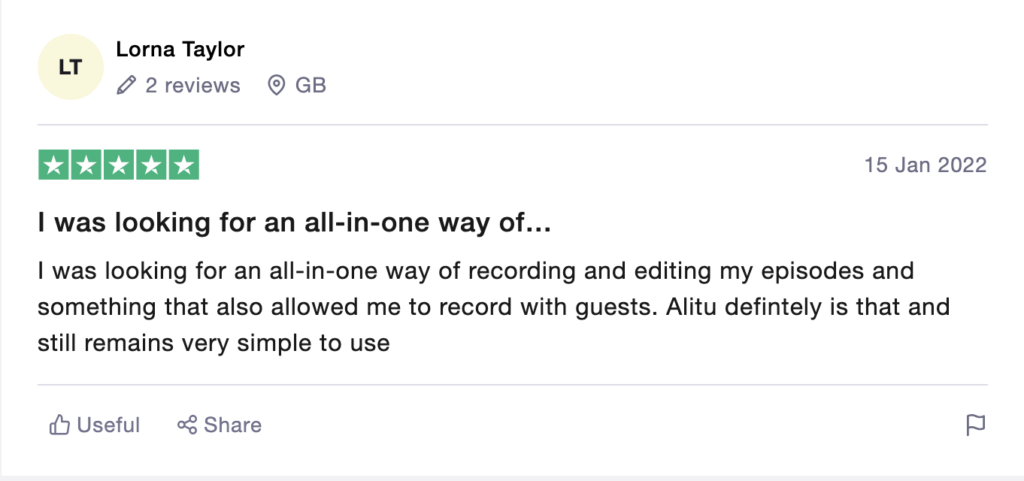
The combination of recording, editing and exporting your audio makes Alitu a simple one-stop-shop for creating your podcast episodes!
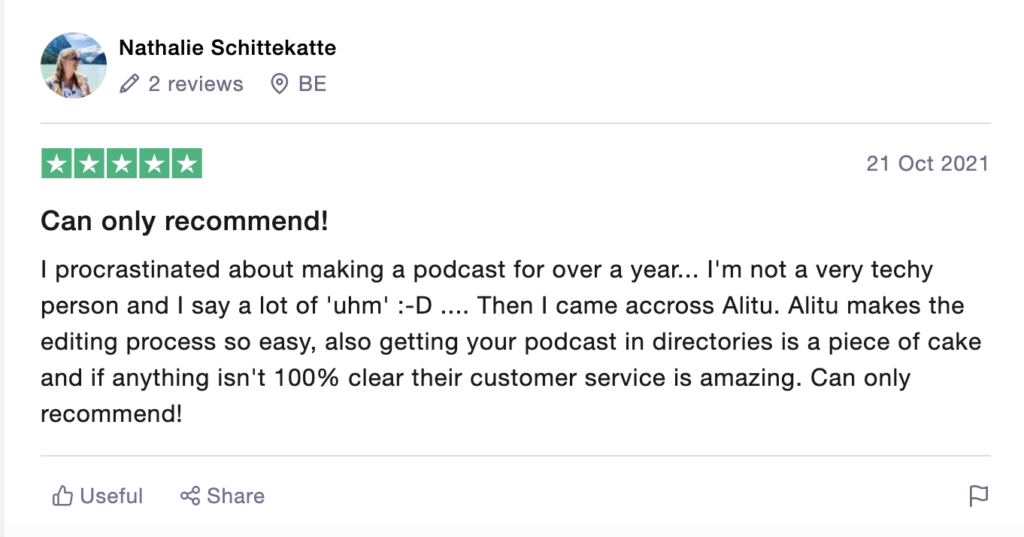
The software is perfect for those who are newer to editing, making the process of getting a great quality episode out there super simple, with direct publishing to Captivate and other hosts.
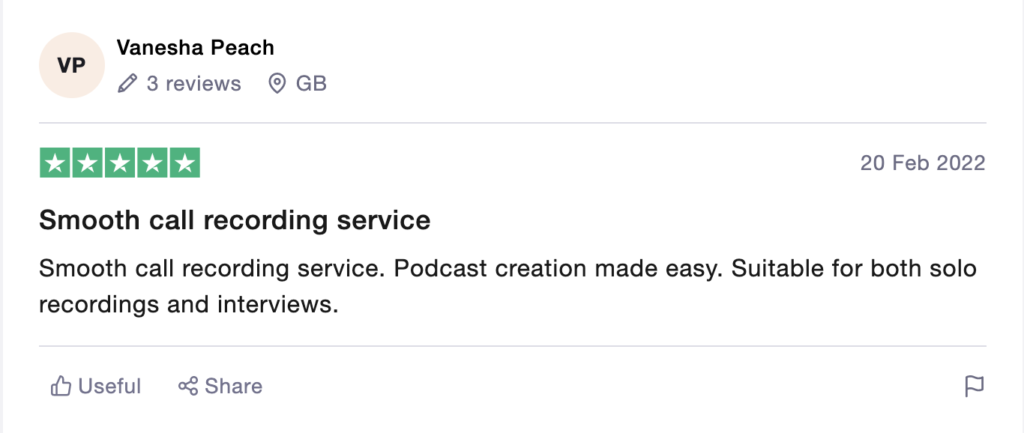
Fully integrated call recording allows for remote interviews to be recorded and used in episodes straight away.
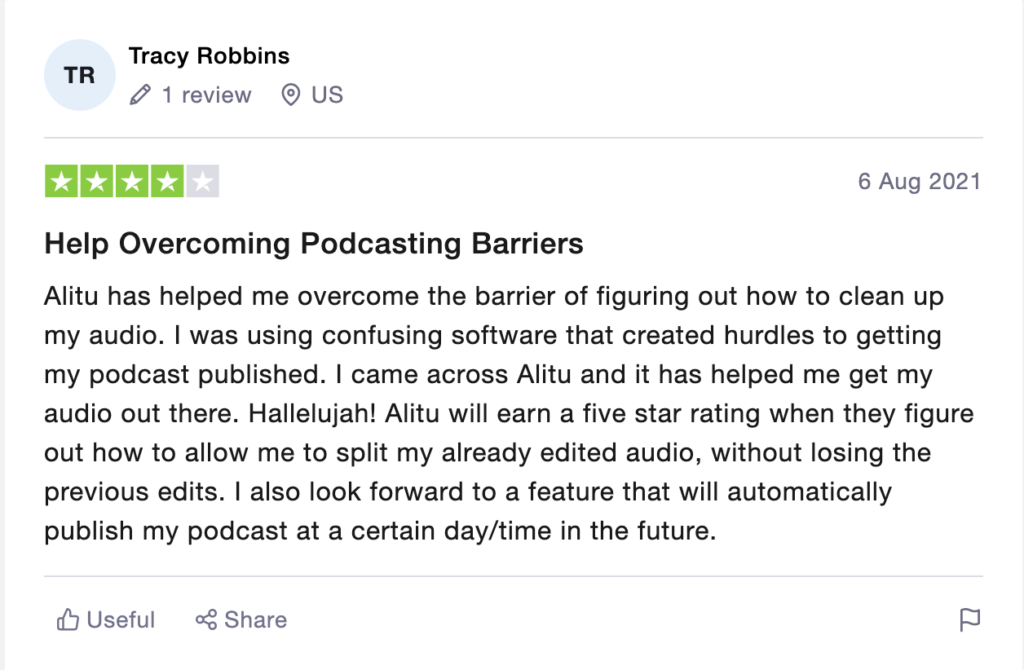
Alitu makes recording and editing your podcast episodes a whole lot easier. Which is great if you are looking to simplify the process of creating podcast episodes and save time – which we could all do with more of, right?
Key features include automatically cleaning audio and removing background noise, solo recording, call recording for remote guests, easy sequencing in the Episode Builder and direct publishing to podcast hosts.
It’s a great platform for podcasters who want to level up their audio quality but don’t have much knowledge in that area or time to learn.It doesn’t allow you to go super in-depth with bitrates, compression etc., so if you’re interested in high level podcast editing, Alitu probably isn’t the software for you. What it does well is allow podcasters to level up their audio quality and at a reasonable price – so if that’s you, give it a free trial here!
此内容由惯性聚合(RSS阅读器)自动聚合整理,仅供阅读参考。 原文来自 — 版权归原作者所有。