







Reading Time: 9 minutes
There are many podcast app options out there for listening to, recording and editing podcasts, it can be overwhelming to know which one to choose. In this blog, we’ll break down which apps are great in which areas, and help you decide what’s best for you.
Firstly, app is a pretty broad term, and it will mean different things to different people. Normally, it’s used to describe a computer program or software application which has been designed to run on a mobile device such as a phone, tablet, or watch. However, nowadays, the term app is used more broadly, and not specifically for describing programs or software for mobile devices. Therefore, for the purposes of this article, the apps we refer to aren’t strictly for mobile devices.
Now we have that covered, what is a podcast app? A podcast app is any program or piece of software which you can listen to your favourite shows, or plays a role in podcast creation, recording and editing. Anything from Spotify to Garageband is fair game!
The most popular podcast app in the US is Spotify with a third of US podcast listeners, closely followed by Apple Podcasts, with a quarter of all US podcast listeners. It’s no surprise that these two giants are at the top, nor is it a surprise that the most used type of podcast apps are listener apps, given that there will be more people that listen to podcasts than those who create them.
Apple and Spotify didn’t have any major competitors, the next nearest app on the list was iHeartRadio, but they only amassed 6.2% of the audience share. Seems that Apple and Spotify are untouchable!
Interestingly, even though Spotify is the more popular app, Apple saw the most podcast downloads by a significant amount, amounting to 70.8% of all downloads, while Spotify amounted to just 8.9%. Experts say this disparity in data could be down to Apple Podcasts’ automatic download feature, which immediately saves new episodes for subscribed listeners. Unfortunately, Apple Podcasts doesn’t report on how many of these downloads are listened to, but PodNews estimates that around 31% are not.
In the report, Amazon Music saw significant increases since September 2021, its audience share rose by 126%, with downloads increasing by 132%. Experts say the platform introducing ad-free listening in November 2022 to Prime members could be an attributing factor to this.
Listener apps, also known as podcast directories, are platforms on which listeners can access, download and listen to podcasts. These can be podcast specific, like PocketCasts, or podcasts could be just one aspect of what they offer, like Spotify. Some listener apps are limited to a single operating system in the way that Apple Podcasts is limited to iOS.
The clue’s in the name with these – apps with which you can record podcasts. There’s a multitude of options out there, including both free and paid options. We broke down the best options out there down in detail in our article that reviewed the best podcast recording tools and software.
These are apps which can be used to edit podcasts. There’s a lot of overlap between editing apps and recording apps, but not all of them can do both. Again, you have free and paid options, so it depends on your budget and podcasting needs.
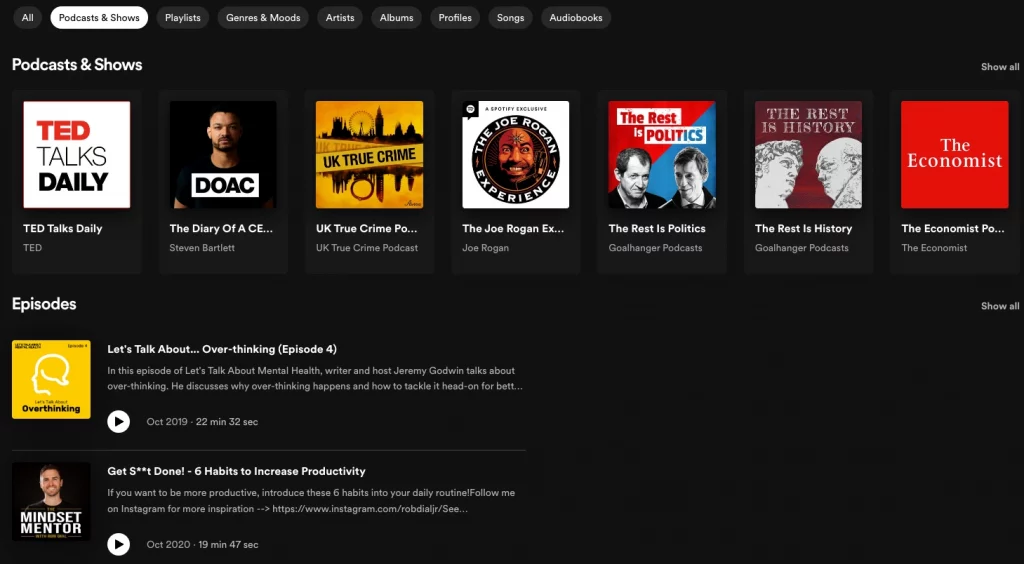
With a suite of exclusive podcasts, including the Joe Rogan Experience (and with 11 million people tuning in this is one of the biggest podcasts in the word), Spotify commands a hefty share of the listener market. The Swedish company profited from big name recognition as a music streaming giant, as well as not being limited to a single operating system to claim its spot at the top.
If you already use Spotify to listen to your music, it makes sense to use it for podcasts too.
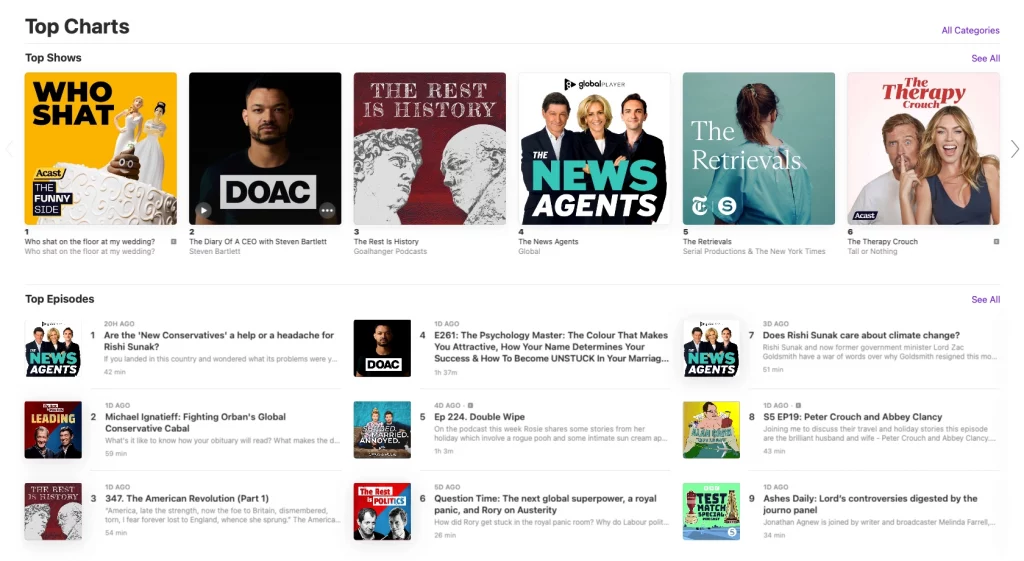
Another podcasting giant, Apple Podcasts is free for those on iOS devices. You can link across your Apple tech, meaning if you’re listening to a podcast on your Mac, your preferences will track through to your iPhone. If you’re an Apple user, this is a super convenient choice.
Player FM is a cross-platform independent podcast player and podcast library, allowing its users around the globe to search, discover, save and listen to over 20+ million free podcasts, covering a variety of different topics. Their podcast library is updated multiple times a day with the latest shows and episodes.
PocketCasts is a simple yet multi-faceted podcast app, providing seamless listening, search and discovery tools for its users. They offer hand-curated podcast recommendations for easy discovery, and you can enjoy your favourite shows without the need to subscribe.
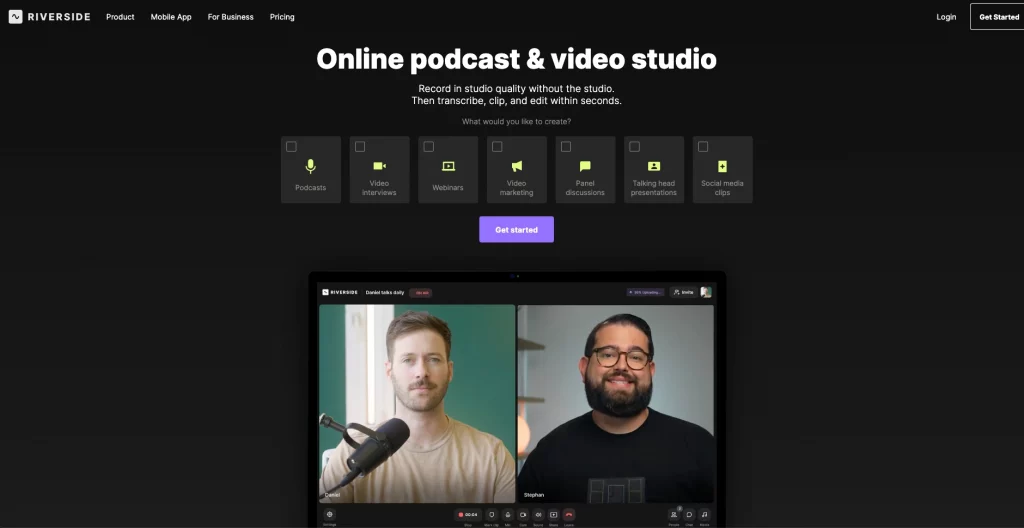
Riverside is a great choice for recording audio and video content: you can record with other participants remotely, with each speaker having a separate track, so no latency or buffering issues will show up in your final recording. You can access Riverside from within your browser, or from an iOS app.
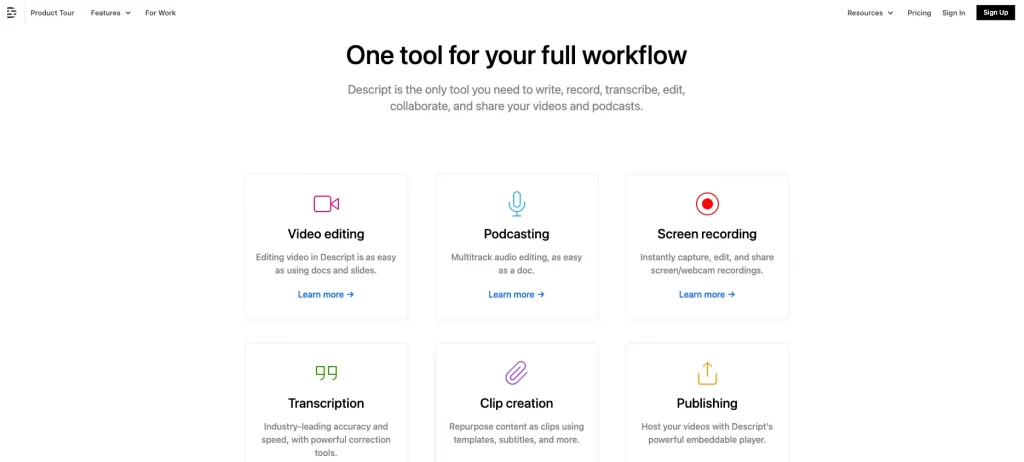
Descript is a transcript-based recording platform: when you record your audio, a transcript is automatically generated. You can then edit the actual recording by simply editing the transcript text – if you add words in, an AI-generated version of your voice will say them in the recorded file.
A pretty popular choice among podcasters, Zoom benefits from the familiarity of remote working & general pandemic life (remember that?). Most people you know will have used it, making it a great choice for a guest-based podcast. You can record tracks locally, making editing easier at a later time.
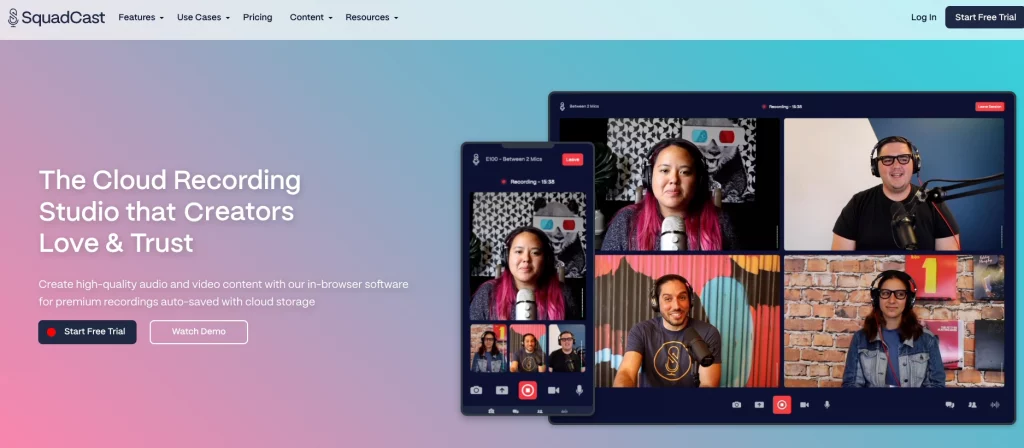
Broadly similar to Riverside, SquadCast is a remote recording solution which allows you to create high quality video and audio files. All recordings are local, so any buffering or bad connection won’t affect the quality of your interviewees tracks, and uploaded to the cloud straight away so that they are accessible from any device.
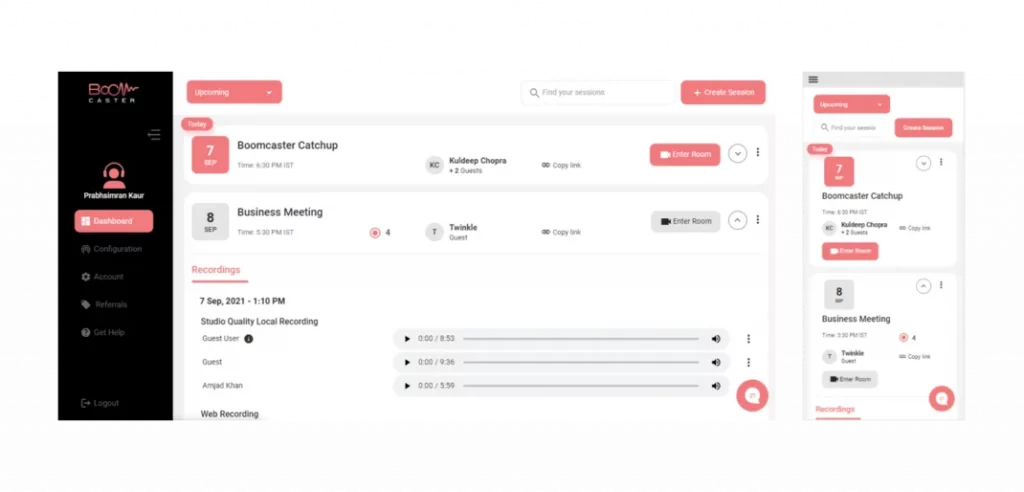
A high-quality remote recording solution, Boomcaster is browser-based and doesn’t require any downloading or recording on behalf of the guest. They have audio and video capacity, live streaming and customization options so that you can use your podcast logo.
You can read our in-depth review of recording software here.
Audacity is a real workhorse – nothing fancy, but it does quality recording and editing for free. It’s super simple to get to grips with, and while it lacks the bells and whistles of some fancier options, you can chop up your audio on a variety of platforms, from iOS to Windows to Linux.
Another free option, this one is exclusively for iOS users. While it was intended for music production, Garageband offers recording and editing tools that can be easily co-opted by podcasters. If you’re familiar with Apple software, this will be a super easy tool to get to grips with.
Alitu’s main draw is how easy it makes podcast editing and recording for you. You can automate fancy things like audio levelling and cleaning up background noise, allowing for a professional level recording without the steep learning curve.
Read our in depth blog about podcast editing options here.
Reading Time: 17 minutes We take a deep dive into Buzzsprout podcast hosting, its pros and cons, and how it weighs up to Captivate when it comes to support, service, features and, of course, pricing.
There’s not really a definite answer that will apply to all podcasters for this one – it depends on what device you’re using, your budget and what you’re familiar with. For example, Apple Podcasts is great for iOS users but can’t be used on Android phones. On the other hand, Spotify is more accessible, with both iOS and Android users able to use it.
At the end of the day, most listening apps do the same thing – it’s just going to be down to what you’re already used to.
Most podcast listening apps have a free version – in fact, all of the ones mentioned in this article do! Of those, two which are entirely free (i.e., there’s no “premium” paid version) are Google Podcasts and Apple Podcasts.
Usually, paying for a premium app, or for the premium version of the app you’re already using, will mean you can listen ad-free. It’s up to you to decide whether that’s worth the money. If you’re an Apple user, there’s no reason to pay for a premium version, though, given that Apple Podcasts allows for ad-free listening as standard.
There’s something to be said for all of the options listed above: the free or more budget options do allow you to record competently, while also saving money to spend on other aspects of your show.
The paid ones we listed cost money for a reason, though – apps like Descript are super intuitive and offer a seamless recording and editing experience.
Stitcher specialized in the distribution, and monetization of podcasts, and created original shows through networks such as Earwolf and Witness Docs. Being one of the oldest podcast apps, launched back in 2008, they announced in June 2023 that the app would close in August 2023.
In their newly added “Stitcher Farewell” section on the website, they said, “SiriusXM, the owner of Stitcher, is focused on incorporating podcasts into its flagship SiriusXM subscription business. Subscribers can listen to podcasts within the SiriusXM app and will see an all-new listening experience later this year.”
From podcast fans to creators, there is a huge range of options out there for recording, editing and listening to podcasts. We’ve aimed to cater for all budgets in this article, and there are some great free choices as well as some intuitive and time-saving paid options.
In each niche, most apps accomplish broadly the same thing – it’s down to your own personal preference and experience as to what works best for you. We’ve given you the information to decide, so you can make an informed choice as to how to listen to, record and edit your podcasts.
When it comes to listener apps, you may decide to use an app that is based on your mobile, for example, Apple Podcasts for iOS. Then again, you may decide that Spotify features are better for your needs, which can be used on all types of mobile, no matter if you’re team Apple or Android!
With editing and recording apps, take a look at the features that we’ve highlighted. For recording, Zoom is a great option, but remember, unlike Descript, SquadCast and Riverside, it’s not strictly for podcasting. Maybe Riverside’s live streaming to social media is what you need, or Descript’s overdub AI feature is ticking your boxes, and then there’s SquadCast accessibility with no need for guests to download software on their device.
With editing, Audacity is trusted by many podcasters and is free, and with a tonne of resources on the internet, whilst there is a learning curve, you’ll be using them like a pro in no time. Garageband is the same but is only compatible on Apple devices, just ignore features that are for musicians and not podcasters, such as the metronome. On the other hand, maybe you want to make things really easy for yourself and use something like Alitu. Whilst it’s not free the features and benefits justify the price tag as when it comes to editing, they do everything automatically for you!
Let us know on Twitter what you use for listening, recording and editing your podcasts!
Ben is a content writer and podcast support expert for Captivate, and has been with the team since 2021. He has a first-class degree in Journalism, and uses these skills to help new and veteran podcasters alike level up their content: reviewing tech, crafting product guides and sharing cutting edge podcasting news. Ben is always on hand to help Captivate podcasters with anything they run into, from when they first import their show to advanced questions like how to grow your audience or where to start with monetization. He loves what he does, and is committed to helping podcasters grow their show using Captivate. He’s always been a podcast fan - current favourites include Steven West’s ‘Philosophize This’ and Bob Mortimer’s ‘Athletico Mince’.
此内容由惯性聚合(RSS阅读器)自动聚合整理,仅供阅读参考。 原文来自 — 版权归原作者所有。
