


When disaster strikes—whether it’s ransomware, hardware failure, or human error—businesses need a way to recover entire systems, not just files. This is where Bare Metal Recovery (BMR) comes in. Unlike traditional restore methods that bring back only selected files or applications, BMR can rebuild an entire system environment from scratch, restoring not just the data but also the operating system, applications, and configurations.
In this blog, we’ll dive deep into the definition of BMR, why it matters, how it works, its benefits and challenges, and its evolution. Finally, we’ll explain how Catalogic DPX delivers BMR to ensure business continuity even in the most demanding environments.
Bare Metal Recovery (BMR) is the process of restoring a complete system—including the operating system (OS), applications, and data—onto a machine that has no software installed, commonly referred to as a bare machine. The term “bare metal” reflects that the restore is being applied to hardware (or a VM) without any pre-installed OS or middleware.
Unlike traditional backup and restore processes that may require reinstalling the OS and applications before restoring user data, BMR is a one-step process that recreates the entire environment from a single backup image.
In today’s digital environment, downtime is not an option. Gartner estimates that the average cost of IT downtime is $5,600 per minute, which can add up to over $300,000 per hour. Businesses simply cannot afford to spend days rebuilding systems from scratch.
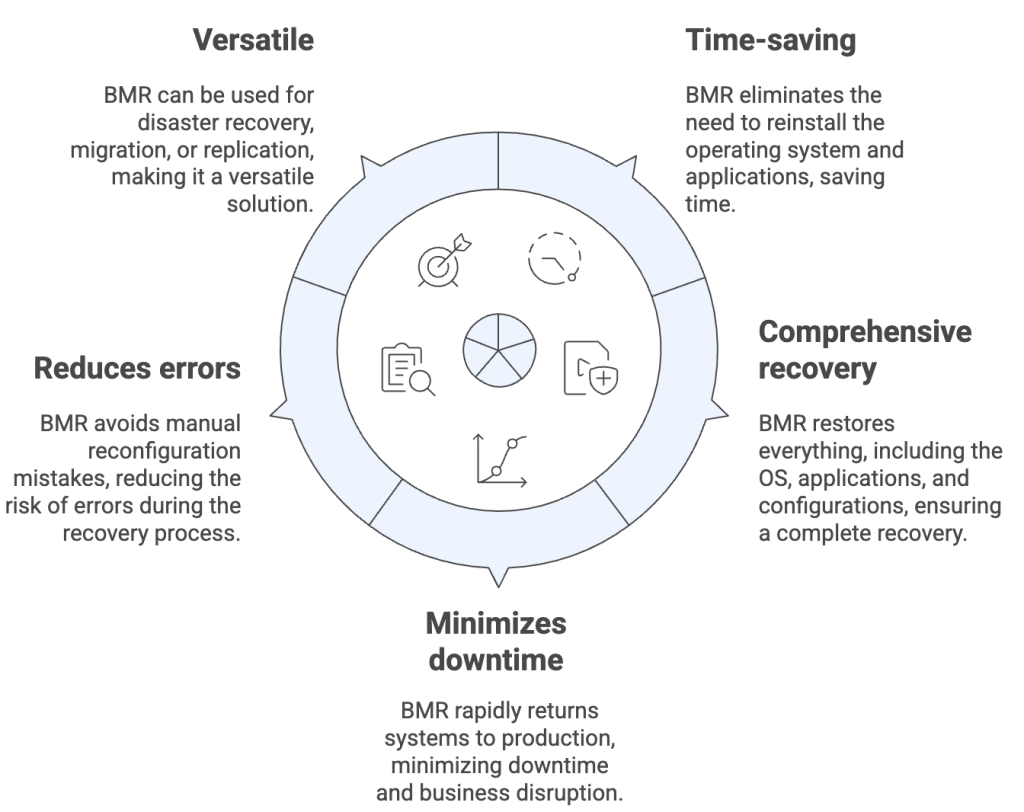
BMR matters because:
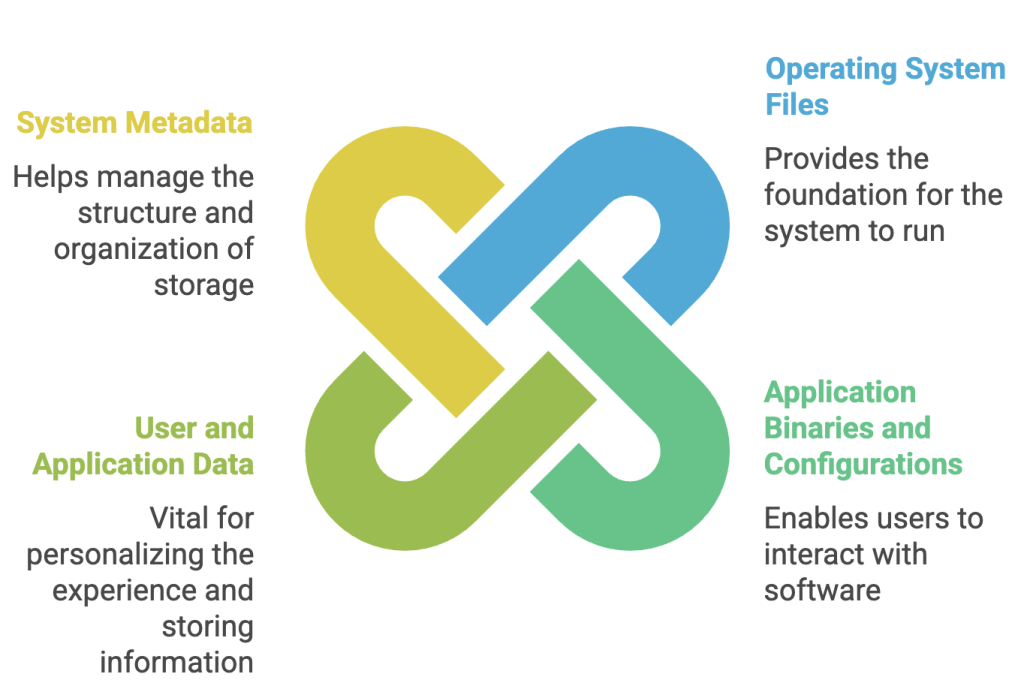
The core principle of BMR is that block-level backups (or system images) are captured and stored. These backups include:
 The recovery process generally follows these steps:
 Limitations and Challenges
Catalogic DPX offers a robust, disk-based Bare Metal Recovery solution designed for enterprises that need fast, consistent, and secure recovery of entire systems.
The recovery process with DPX begins by preparing the bare machine. Ensure the hardware is identical or at least compatible with the original system, and that the disk capacity is at least 10% larger than the source. Next, boot the system into the Bare Metal Recovery (BMR) environment by loading the DPX ISO or USB and launching the recovery wizard. Once in the wizard, authenticate the storage by connecting to your vStor or NetApp repositories. From there, select the appropriate restore job by choosing the correct node, volume, job, and snapshot. After verifying your selections, initiate the restore by confirming any overwrite prompts and starting the recovery process. Once the restore completes, reboot the system—your restored machine is now ready for production use.
DPX BMR offers enterprise-grade reliability, built on decades of Catalogic’s expertise in data protection and recovery. It provides deep application awareness, supporting complete recovery of mission-critical workloads such as SQL, Exchange, and Oracle. The solution also delivers flexible storage integration, working seamlessly with both vStor and NetApp repositories. Designed for comprehensive disaster recovery, DPX BMR complements DPX replication and immutability features to ensure business continuity. This makes it especially effective for specialized physical systems, as it restores the full system state—including operating system, applications, and data—onto replacement hardware with ease.
Bare Metal Recovery is no longer a “nice-to-have” but a must-have capability for modern IT and OT environments. Whether restoring a cloud VM, a critical SQL Server, or a specialized industrial workstation, BMR ensures organizations can recover not just their data but their entire operational state.
Catalogic DPX Bare Metal Recovery goes beyond standard BMR by combining block backup technology, application awareness, and flexible storage integration. For enterprises in both IT and industry-specific environments, DPX offers the confidence that when disaster strikes, recovery is not just possible—it’s fast, reliable, and complete.
此内容由惯性聚合(RSS阅读器)自动聚合整理,仅供阅读参考。 原文来自 — 版权归原作者所有。