


By Steve Tu, Senior Director of Product
If you’re unfamiliar with multicloud, it can be tricky to know where to start. This complete guide covers the basics of multicloud, how it could benefit your business, and how to get started.
Even if you’ve barely dipped your toes in the cloud, you’ve probably seen the term multicloud floating around a lot – and for good reason. With a predicted 94% of organizations having a multicloud network by 2024, it’s a setup many are turning to in the shift from traditional infrastructure.
Essentially, multicloud is just that: multiple clouds. If a business is opting for multicloud, instead of “using one vendor for cloud hosting, storage, and the full application stack, in a multicloud configuration they use several.” When we talk about multicloud, we’re typically referring to the suite of the key players in Cloud Service Providers (CSPs), namely Amazon Web Services (AWS), Microsoft Azure, and Google Cloud, who take up 33%, 21%, and 10% of cloud market share respectively as at Q4, 2021 – but there are dozens of others out there.
Put simply, multicloud refers to the use of cloud services from more than one provider. A multicloud strategy can include some or any combination of the following: multiple cloud vendors, multiple cloud accounts, multiple cloud availability zones, and/or multiple cloud regions or premises.
Multicloud networking, in particular, is the connectivity and/or management of connectivity with multiple clouds, which enables a holistic cloud computing deployment model rich in functions.
The National Institute of Standards and Technology defines the different cloud computing deployment models this way:
Multicloud networking utilizes a variety of network virtualization, integrations, and application-layer technologies to ensure that the applications delivered from multiple clouds are accessible to an enterprise end user.
There are a number of networking challenges to using multiple clouds:
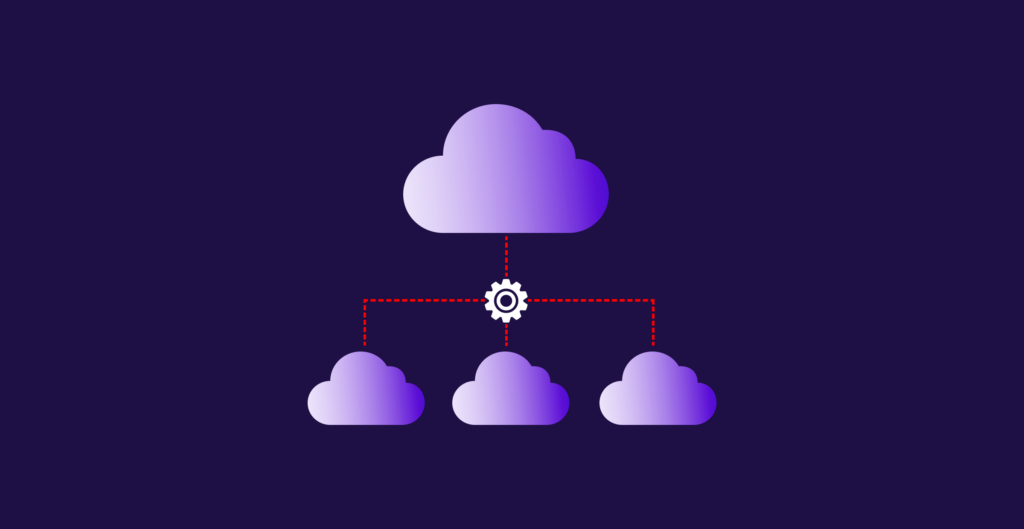
Multicloud networking technology can offer a rich set of features to solve this need for greater visibility and insight into the networking that makes cloud services work, optimizing returns on cloud investments. A multicloud architecture by its nature is end-to-end, and is more than just a network of data centers and public clouds; it also includes the ability to connect applications to each other as well as to campus and branch sites.
Multicloud network technology also provides the following benefits:
The complexity, costs, and risks of running a multicloud environment may appear multiplied, but with the right set of tools to monitor and administer a network of networks efficiently, companies can mitigate some of that managerial complexity and risk.
The most common way to connect your Wide Area Network (WAN) to the cloud is to use a public internet connection to a cloud service provider. There are two ways to do so, both of which use a VPN:
There are many potential pitfalls to running VPN tunnels over the internet to the public cloud – especially scalability and complexity. Read more in our blog post, The Hidden Cost of Running Cloud-Hosted IaaS.
Another way to connect your WAN to the cloud is to purchase private cloud ports from your CSPs. Using private cloud port services like AWS Direct Connect or Microsoft Azure ExpressRoute can provide better performance and security than public internet connectivity to those clouds. The connections are private, direct, and managed by the hyperscaler, and therefore less vulnerable to BGP hijacking over the public internet or other cybersecurity risks.
However, there’s a major limitation of this method for multicloud. The connections are one to one, meaning that you must configure a private connection on your end of the infrastructure in the form of an MPLS circuit, an Ethernet connection, or a digital cross-connect service inside a data center or as provided by a carrier. The use case for private cloud ports is really best suited for high-traffic applications that are best hosted with one cloud.
If you’re part of the 90% of enterprises that use multiple cloud services, you might need a method that is 1) more flexible, and 2) more scalable. This is where private cloud hubs and SDCI providers come in.
There are numerous private cloud hubs to choose from in the colocation industry. Many of the large data center operators claim to offer easy, pre-provisioned private connections to multiple cloud providers.
The catch is, of course, that you have to colocate within the four walls of the data center operator to access their private cloud hub. If you’re connecting to numerous CSPs, you’ll have to manage security, billing, and SLAs with each of those cloud providers. The data center operator won’t be able to help you. Private cloud hubs also don’t generally offer additional CSP on-ramps across different Data Center Operator (DCO) environments, which prevents you from maximizing resiliency.
In short, you’ll likely be paying a fairly high price for the flexibility of connecting to multiple clouds in one place if you’re not already colocated in the private cloud hub’s data centers.

A similar method to using private cloud hubs is using SDCI. With SDCI, you can establish short-term or long-term private connections to many different cloud providers in a point-and-click manner. These network connections are pre-provisioned across numerous data center operators, so you’re not limited to the four walls of a single colocation provider.
When it comes to SLAs, SDCI providers essentially act as network service providers offering their own SLA so their customers don’t have to deal with numerous cloud providers with different technical and administrative needs. The SDCI provider’s network is tightly integrated with the networks of the major CSPs, making it easy for customers to quickly turn up multicloud connections and make for easier multicloud management.
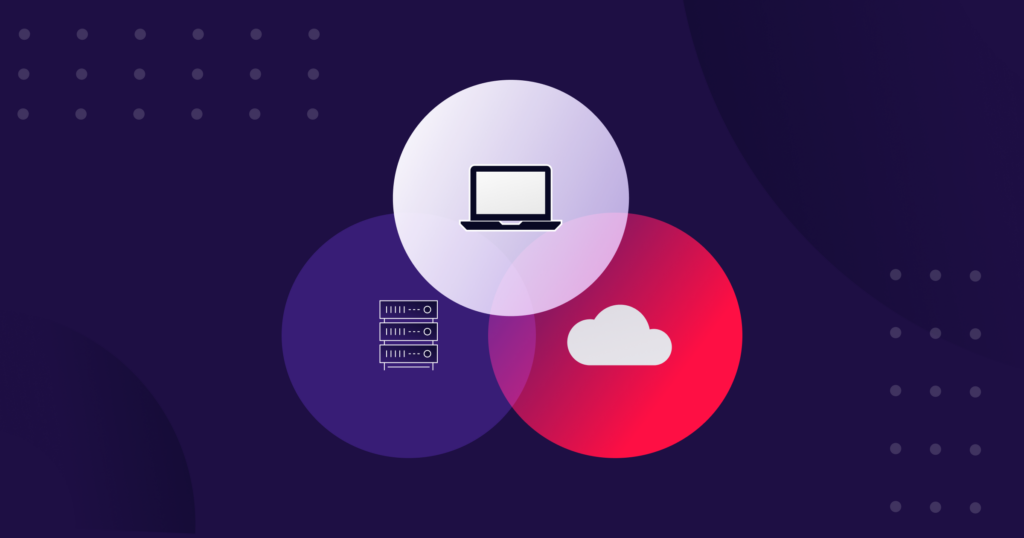
Multicloud connectivity is the way network engineers connect disparate cloud environments together – but how exactly does it all work?
Each public cloud service provider, whether it’s AWS or Microsoft Azure, has its own network capabilities. Often, these capabilities and traits are particular to each cloud. For example, a dedicated connection in AWS is called AWS Direct Connect, while in Azure, it’s called ExpressRoute.
There are several ways to connect cloud environments together:
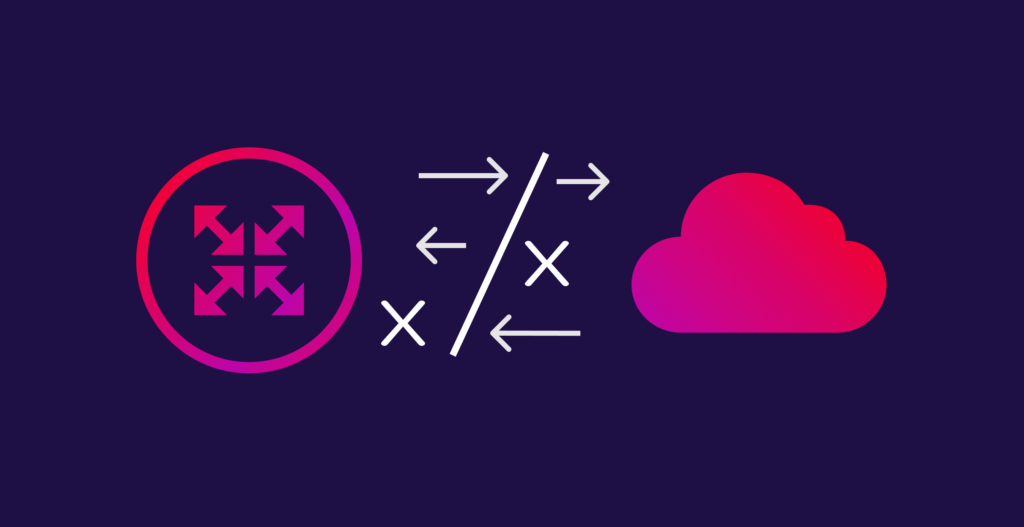
The pros Using your own data center as a network hub or node between cloud environments in a hybrid multicloud network design has many advantages. As with any on-premises infrastructure, the enterprise has more control over their cloud network. They can apply their own multicloud security policies to data coming back to their data center from their cloud environments, ensuring that compliance is in the enterprise’s hands.
The cons This method can come at a higher cost as traffic needs to hairpin back to the data center and between cloud environments, meaning higher potential egress fees. Network performance could also be adversely affected due to the increased distance between the cloud environment and the data center; if the data center isn’t in the same geographical region as the cloud region, application performance may suffer due to increased latency. Network performance can also be impacted by a lack of enterprise equipment to handle bursty bandwidth – especially prevalent with ongoing global supply chain issues.
Utilizing a data center as a critical point in your multicloud network also increases the risk of downtime due to reliance on a physical point of presence, which has a higher chance of failure.
The pros Using one’s carrier to manage MPLS connections to clouds is one of the most hands-off approaches a cloud networking team can take. The carrier simply runs a private line to the cloud provider and manages that connection for the enterprise. The major cloud providers often have partnerships with major carriers, making it easy for the enterprise to hand off cloud-to-cloud connectivity to their carrier and a carrier-managed device.
The cons This is typically the most expensive method, however, as MPLS circuits are not only pricey, but come with long-term contracts. Installing and de-installing these connections could take weeks, as the process is typically manual. And for those enterprises that value control of their networks, the carrier, not the enterprise, manages the connectivity and the equipment.
When signing up to a long-term MPLS contract, IT teams also need to accurately plan what they will need to consume; an inaccurate prediction will result in wasted costs from overprovisioning, or worse, not enough bandwidth in times of peak demand.
The pros The increasingly common practice of spinning up a cloud router virtually is the easiest and fastest way to connect disparate cloud environments and the application workloads hosted within them. A virtual cloud router can be provisioned close to your cloud regions with flexible terms, meaning you can spin it up and down as needed. Network performance will also likely improve because traffic doesn’t have to hairpin back to a data center.
Plus, IT teams can shift network monitoring and maintenance responsibilities to their provider, giving them one less thing to worry about and potentially reducing data center equipment maintenance costs.
The cons Many virtual cloud router providers don’t offer their service as a dedicated virtual machine instance, preventing customers from having their own dedicated private network. Look for a provider which provides a dedicated private connection.
Internet connectivity to the cloud makes the most sense for low-bandwidth use cases. If you have a legacy application in the cloud that doesn’t require high availability, it makes sense to rely on VPN tunnels. They’re easy to manage, and they’re cheap.
Private connectivity is typically a must for business-critical applications. The improved security, network performance, and reliability makes the extra cost worth it for, say, your internal ERP or CRM system, which is critical for internal employees to be able to access via secure private links for compliance.
MPLS circuits are also reliable and predictable, typically suited for mission-critical applications. But MPLS connectivity can be expensive and rigid due to long-term contracts and lengthy install and de-install times, making private connectivity a more agile option.
The most common method used is IPsec or VPN tunnels to each public cloud environment. It’s easy to set up and best used in low-bandwidth use cases where you’re not passing large amounts of data between your data center and the cloud. Another common method is direct, dedicated connectivity to your public cloud provider. Examples include AWS Direct Connect or Azure ExpressRoute.
The easiest way to connect to multicloud, however, is to use NaaS, which gives you access to any cloud you wish in nearly any cloud region in the world, via an on-demand, software-defined portal. Rather than set up a VPN, which has bandwidth and reliability constraints, or turn up individual connections to each public cloud, you can do everything in one place, in a point-and-click manner, with software-defined networking.
Each public cloud provider has their own secure, dedicated offering that promises faster connectivity at various bandwidth levels. AWS Direct Connect, for example, offers a dedicated connection at 1 Gbps, 10 Gbps, or 100 Gbps. Azure ExpressRoute provides similar circuits with bandwidth limits of 50, 100, 200, and 500 Mbps, and 1, 2, 5, and 10 Gbps. Using a virtual cloud router will also allow your data to move directly from cloud to cloud for a much faster setup.
With organizations using an increasing number of public clouds to support an increasing number of distributed applications thanks to hybrid work, they can improve security in multicloud connectivity or networking in several ways.
There are several private connectivity methods available to network engineers, including dedicated connections from cloud service providers, managed MPLS circuits from carriers, or a software-defined private connection from NaaS. All methods improve multicloud security by bypassing the public internet, which is vulnerable to node flooding and BGP route hijacking.
Applying a consistent, applications-based security policy across both your cloud environments and your on-premises infrastructure is hard to do. Companies often architect a hybrid multicloud network to ensure mission- or business-critical data comes back to the on-premises infrastructure for security policies to be applied.
Secure Access Service Edge (SASE) enables enterprises to apply network security solutions as-a-service. Examples include: DNS and URL filtering, Firewall as a Service (FWaaS), Zero Trust Network Access (ZTNA), and others. Enterprises can then orchestrate their network in a point-and-click, software-defined manner.
With interconnected workloads distributed across on-premises data centers and multiple public clouds, network engineers have their work cut out for them when it comes to ensuring secure multicloud networking.
Today’s enterprise network needs to be designed with application awareness in mind. Some applications are mission-critical while others are legacy and perhaps, lower priority. Security policies aren’t one-size-fits-all. Applying a dynamic, rules-based multicloud security policy driven by the importance of the application to the business, rather than the underlying infrastructure, is a challenge to every IT or networking team. New technologies like SD-WAN, SASE, and Security Services Edge (SSE) all enable this orchestration via a centralized controller with extensive visibility of business applications.

Secure multicloud network architectures take into account:
The following tips can help you improve security for your multicloud deployment:
For applications in multiple clouds that need to be highly available, apply your most stringent security policies consistently across those clouds. Use automated tools to synchronize and orchestrate policies between cloud providers. These rules should be driven by the specifics of the workload including whether it is business critical, the sensitivity of the data, and compliance obligations.
Be the DevSecOps lead in your organization and automate security scans of new Virtual Machines (VMs) or containers deployed in multiple cloud environments.
By using software-defined network and security services, you’ll be able to monitor logs, alerts, and events from disparate cloud providers as well as receive alerts and notifications.
Every public cloud has different security and compliance offerings, and managing different workloads of differing levels of criticality on different clouds can make compliance very complex. Audit compliance across clouds periodically for violations and suggest remediations.

Both “multicloud” and “hybrid cloud” refer to cloud deployments that integrate more than one cloud; however, they are different in the kinds of cloud infrastructure they include. A hybrid cloud infrastructure blends two or more different types of clouds, while multicloud blends different clouds of the same type.
Why is this important to know, and can you determine which setups will work for your organization? Security and cost are the key considerations.
Once a cloud is established, whether it be public or private, it is open to the same security risks as any other cloud; the main security feature in any cloud is its discoverability (or lack thereof). So, all else being equal, a private cloud is more secure because fewer people know it is there, but it will still need protection through firewalls, network monitoring services, encryption, and any other unique security features an organization chooses to implement.
With a hybrid cloud, security choices and protocols are determined by the cloud provider, may be lessened in order to appeal to a wider variety of clients, and pose the risk that one client could mistakenly open another’s data to a breach.
For businesses in industries with high regulatory standards for their data, a hybrid cloud deployment will allow for storing some data in a more tightly controlled environment, such as a private cloud or on-premises data center. It’s important to note, though, that these tightly controlled environments are not necessarily more secure. Public cloud vendors may have more resources for applying patches and protecting data than individual businesses, depending on their cybersecurity budget.
Public clouds have the advantage of less overhead and less direct management than other cloud infrastructure types, as the cloud vendor handles most of the responsibilities around maintaining the data center.
So, businesses with budget constraints may find that a fully public cloud or multicloud deployment will allow them to gain the benefits of the cloud at a lower cost, with multiple companies “sharing the bill.” Because a hybrid cloud environment will include a private cloud component, this may introduce a level of complexity and cost that doesn’t occur when using public networks.
Other factors to consider include the time and effort required to migrate to the cloud, which can be resource-intensive; the reliability gains of deploying multiple clouds by enabling for more effective cloud bursting (a configuration method that uses cloud computing resources whenever in-premises infrastructure reaches peak capacity); avoiding vendor lock-in (dependence on any single cloud vendor) by using multiple clouds; and boosting performance and reducing latency by moving to a public cloud that hosts servers at the network edge.
The level of modernization that digital transformation requires simply can’t be done on outdated legacy infrastructure. Multicloud connectivity is a key underpinning to digital transformation because it provides the ready access to data that AI and big computing projects require.
The right storage strategy is important to harmonize on-premises and cloud platforms and avoid poor time-to-insights, or worse, inaccurate insights. In addition, transformation requires agility. Multicloud provides the modern, flexible storage needed to bridge the gap between public and private clouds, paving the way to digital-transformation success.
Cross-cloud connectivity—put simply, cloud-to-cloud connectivity—allows businesses to share data securely across different regions and providers. As more and more organizations realize that there isn’t a “one cloud fits all” solution, they have shifted towards a hybrid or multicloud mode, and that requires the ability to link between those environments. This is usually done via VPNs, VPC peering, or direct links between environments, such as between an organization’s on-premises and public clouds.
It’s best to consider what cross-cloud capabilities you may need during your planning process so that you’ve taken any security and technological needs into account. Cross-cloud connectivity should be deployed after you have gained access to public hyperscale or SaaS providers’ on-ramps and enabled your switching infrastructure.
So, how can you turn all of this information into an actionable strategy for you to deploy the perfect multicloud setup for your business? In short, you can get started with the following steps:

With Megaport Cloud Router (MCR), you can enjoy a fast, secure, and scalable way to connect your suite of clouds with a dedicated private connection, offering full cloud-to-cloud connectivity.
This means your data can move between your various cloud architectures directly, without having to stop off at a data center first (known as hairpinning) – reducing latency and time, as well as giving you control over your bandwidth and architecting your multicloud network for redundancy.
Without physical infrastructure, customers can leverage cloud-to-cloud networking, private peering between leading public cloud, IaaS (Infrastructure as a Service), and SaaS (Software as a Service) providers, and direct connectivity to any provider on the Megaport Software Defined Network.
Without the need for physical infrastructure, customers can spin up Virtual Cross Connects (VXCs) on demand with easy multicloud management via the Megaport Portal. This all adds up to a faster, more flexible multicloud network.
此内容由惯性聚合(RSS阅读器)自动聚合整理,仅供阅读参考。 原文来自 — 版权归原作者所有。