





Amazon’s slogan may be “From A to Z,” but if you own a pre-2013 Kindle, you’ll be unable to download a single letter more come May 20, 2026. That’s when the company is shutting down support for those old Kindles and Kindle Fire tablets. It’s not unusual for a brand to drop support of perfectly functional devices, but you can’t blame owners for being upset with Amazon’s planned obsolescence.
The good news is that, if you own one of these older Kindle e-readers, you can still use it—to an extent. But there are also other options if you decide you’re done entirely with Amazon’s e-reader.
To identify your Kindle to see if it’s one of those affected, go into its settings menu, navigate to Device Options, and then click Device Info. Here you can see in plain language which one you have, with no incomprehensible serial numbers to decode. Amazon also has a page you can consult that’ll help you identify your Kindle based on its looks and features.
If you already know which yours is, here’s the short list of Kindles losing support:
Headlines have circulated claiming that Amazon will brick the Kindles. That’s not accurate. Amazon will severely cripple them, but not to the extent of bricking them. When a device is bricked, it becomes unusable due to a change in its software. You can’t even factory reset. It effectively becomes a doorstopper, a paperweight, a useless collection of silicon, plastic, and whatever else composes its now useless physical form. You know, a brick.
On May 20, when Amazon ends support for the old Kindles and Kindle Fires, the devices won’t stop working. Owners will still be able to read titles already downloaded to the devices. But they won’t be able to purchase any new titles for them, download any titles to them, or borrow titles via Amazon’s Kindle Library.
If somebody deregisters or factory resets their old Kindle or Kindle Fire, then the device will be unable to log back in to the owner’s Kindle account. At that point, then yeah, your Kindle is bricked and it’ll be time to recycle it and replace it.
You’ve got about four weeks to download new titles to your old Kindle if you want to keep using it for a while. Go ahead and gorge yourself on new e-books. You won’t get another chance on your current device. That’ll at least buy you some time until you need to replace it with another e-reader.
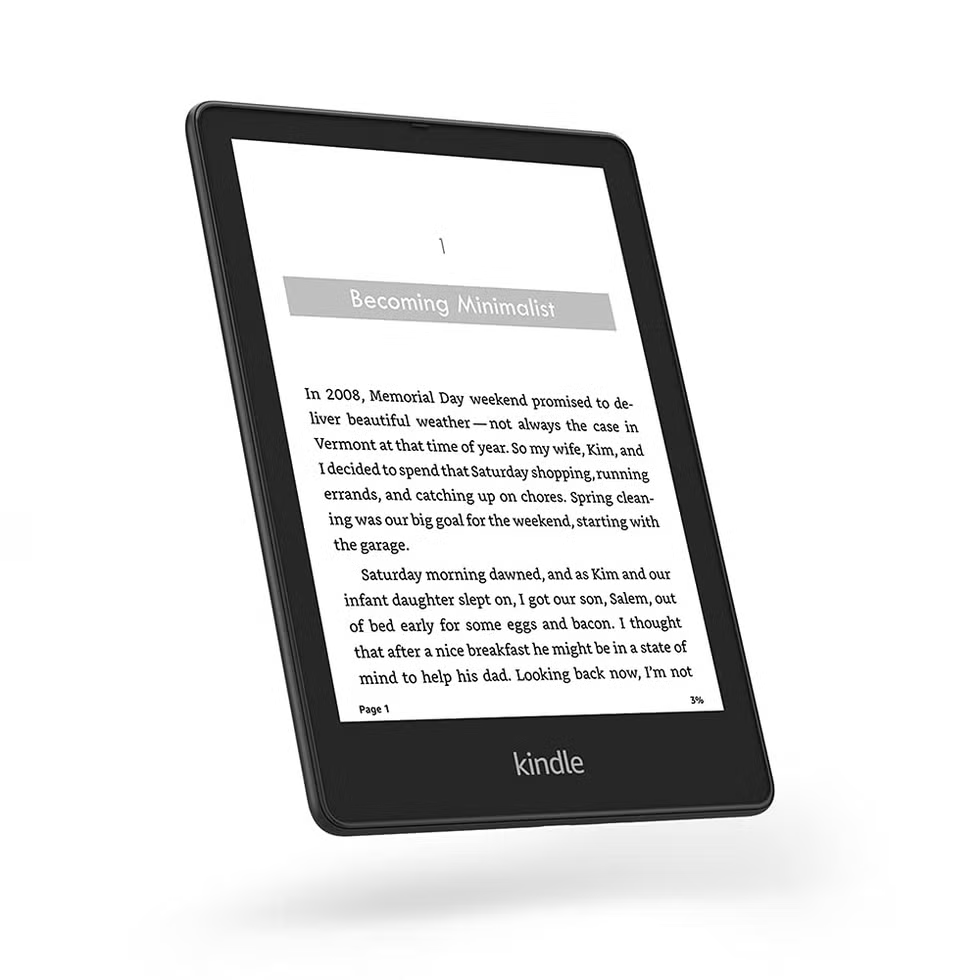
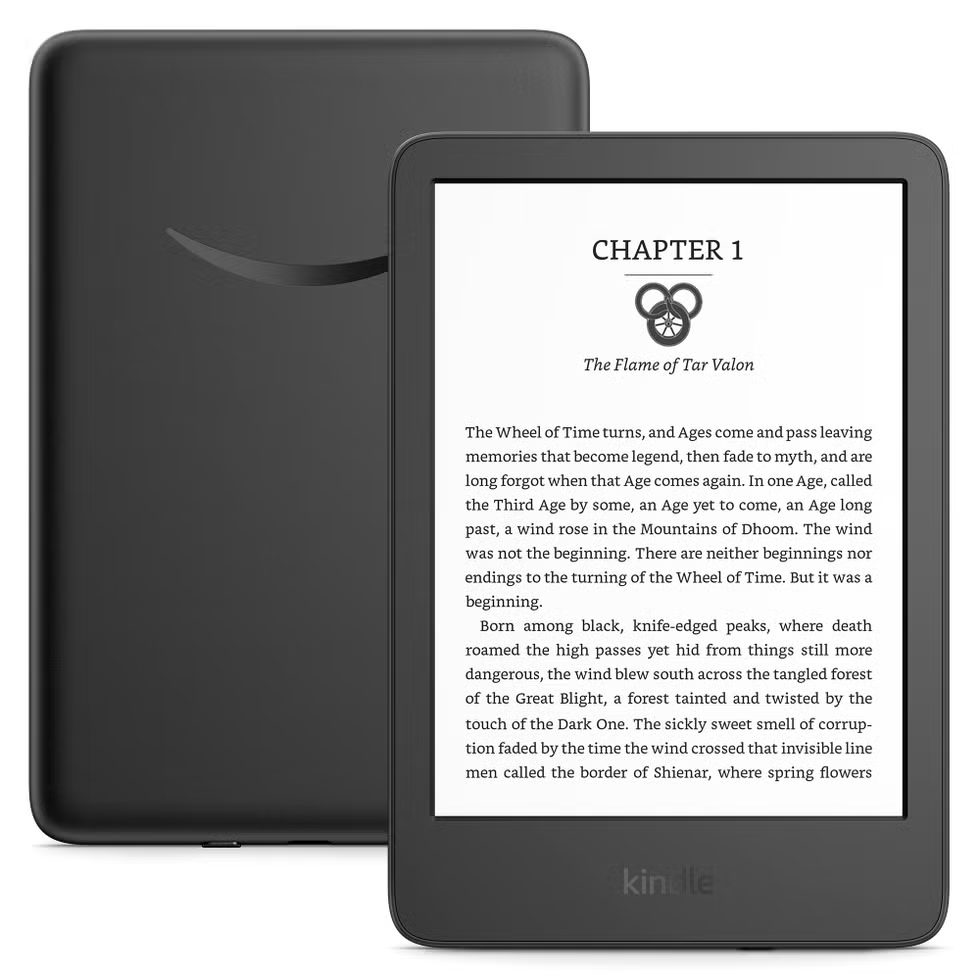
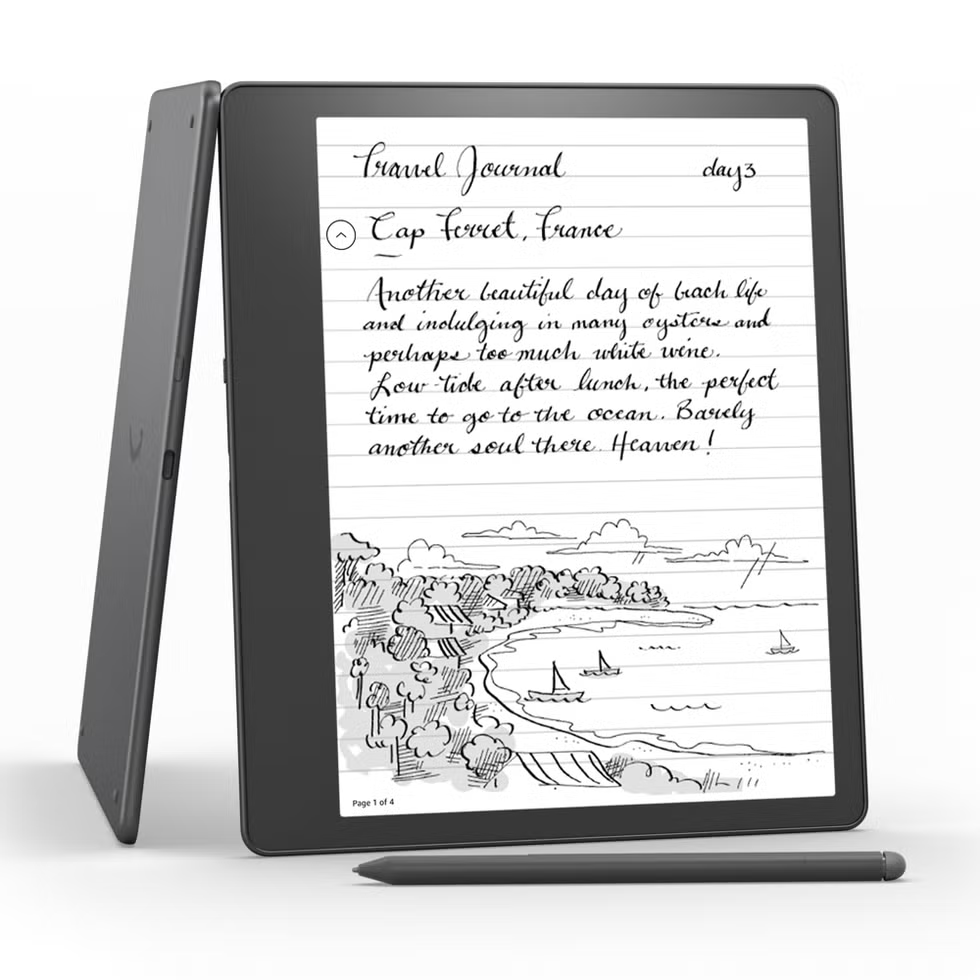
If you want to stay within the Kindle ecosystem and keep access to your existing collection of Kindle e-books, you have a few choices. The obvious one is to buy another Kindle. Any Kindle sold today, such as the Kindle Paperwhite (16GB) and Kindle Scribe (16GB), will still presumably maintain access for many years. It took Amazon 14 years to cut off access to the old Kindles, so I wouldn’t worry about buying a new Kindle and finding yourself in this same situation before we’re out of the 2020s.
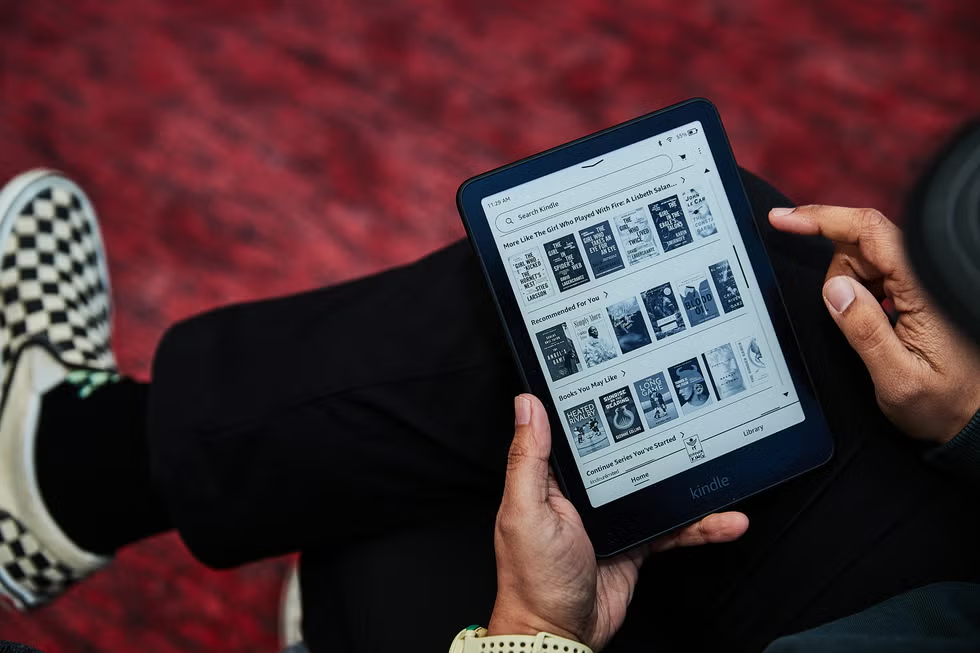
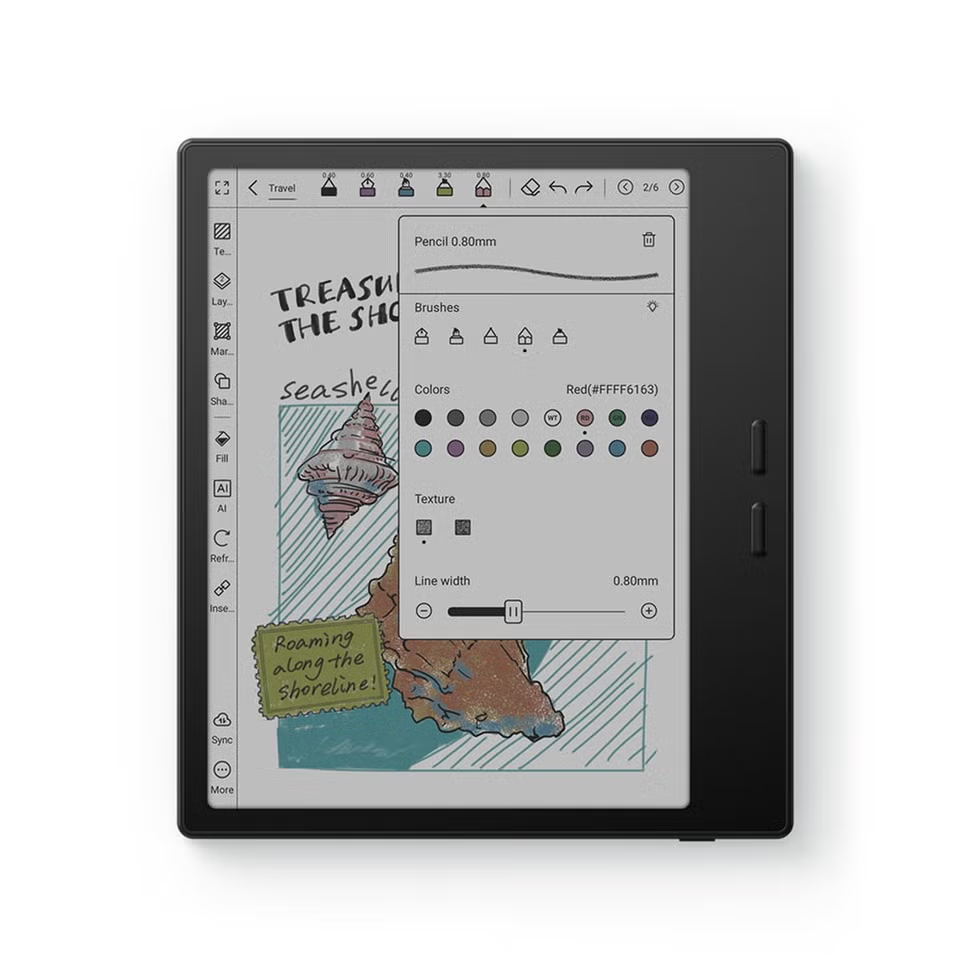
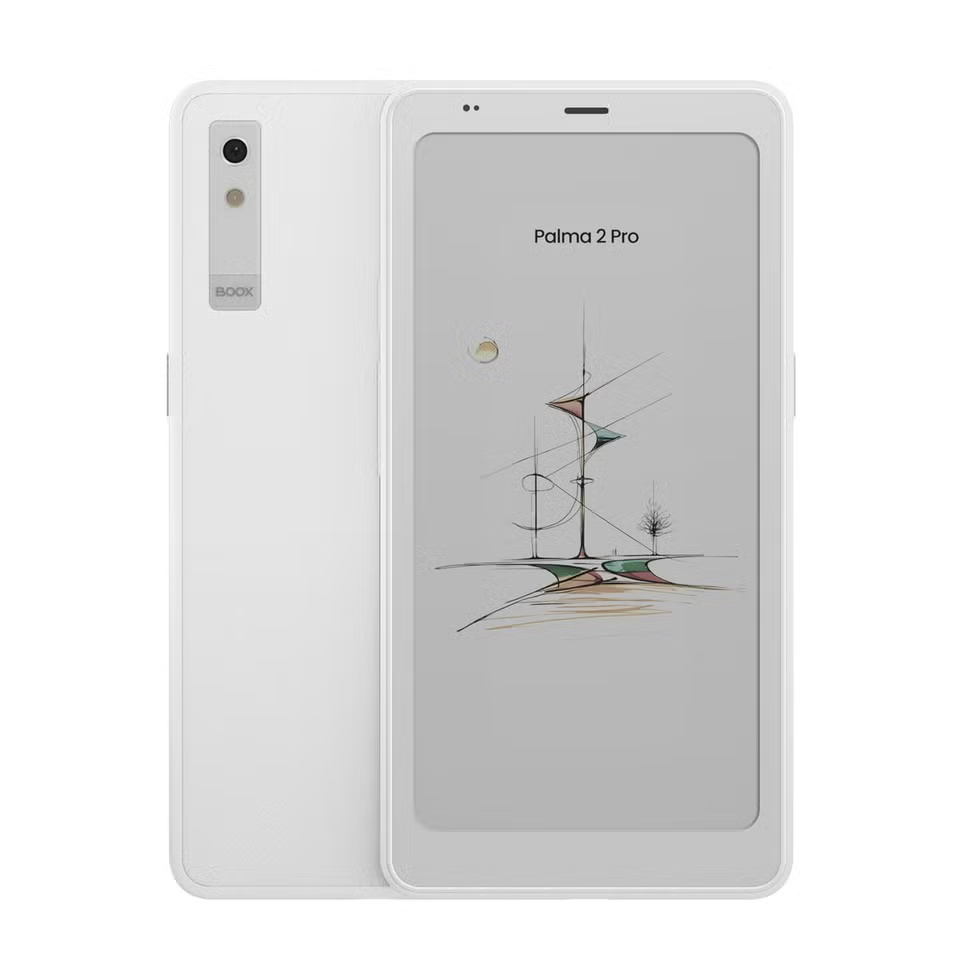
But if you’re annoyed at Amazon and don’t want to buy another Kindle, I get it. Not all other brands’ e-readers can download and display Kindle e-books, but some can. If the e-reader runs the Android operating system and allows unrestricted access to the Google Play Store, like the Onyx Boox does, you can download the Kindle app to it and read your Kindle e-books through the app.
But if the e-reader is locked into its own proprietary platform, like Kobo’s are, then you won’t be able to download the Kindle app needed to read Kindle e-books. That’s the case with Barnes & Noble Nook e-readers too. The exceptions are Nook tablets that use the Android operating system, such as the newly announced Nook Reading Tablet 8.7. Those can download the Kindle app and, therefore, Kindle e-books. It’s not an e-reader, though. It’s more of a budget Android tablet.
The kicker is that selling your old Kindle is off the table because the secondhand buyer would be unable to set up their Kindle account and use it. You can trade the old device into Amazon for an Amazon gift card and a 20 percent off coupon for a new Kindle purchase, though I ran a few sample pre-2013 Kindles into the retailer’s valuation tool and came away with offers as low as $5. Most seemed to be $20 to $25, which isn’t that good. But hey, it’s better than zero.

Matt Jancer has been in the industry for 15 years and lives in his favorite urban death maze, New York City. He’s traded words for money on behalf of more than 15 magazines. Some of his longest-running bylines were spent covering cars, motorcycles, outdoors gear, health and fitness for Car and Driver, Outside, Esquire, Smithsonian, Playboy and Wired. When he’s not writing about motorcycles and our place in the wilderness for a living, he’s writing for enjoyment, riding his motorcycle, and mountain climbing out West. He believes everyone needs at least one hobby they have none of their ego invested into, and so guitar noises and cooking smells have been known to emanate from his apartment. Oh yeah, and he thinks pigeons are way underrated.

Will Egensteiner has been reviewing products for 10 years, testing and writing about everything from climbing gear to video game consoles to cars. He began his career as an intern at Popular Mechanics, then worked as an editor at Outside, spearheading the magazine's gear coverage and biannual Buyer's Guide. Now that he's back, he leads product reviews for PopMech, as well as Runner's World, Best Products, and Biography. His favorite stuff to review is still outdoors equipment, and he can tell you from memory what ePTFE stands for.
此内容由惯性聚合(RSS阅读器)自动聚合整理,仅供阅读参考。 原文来自 — 版权归原作者所有。