


Made with Slidev - presentation slides for developers.
Transcript
As you see, I am maintaining a range of projects, across different organizations and teams. Some are quite large with a lot of users and contributors, some are smaller, like the upstream libraries. In order to keep them maintained, I figured out a methodology, I’d call it "Notification-driven Developement".
Since there are too many repositories to keep track of, why don’t we let notifications to do the lead? At some level, I think how many notifications you have for a project is a good indicator of how active the project is. For example, some underlying libraries that has been silent for a while probably means it’s relatively stable and doesn’t need much maintenance, or no one is actually using them. Either way, the notifications can show you where the community is focusing on.
Same as many of you, I get a lot of notifications every day.
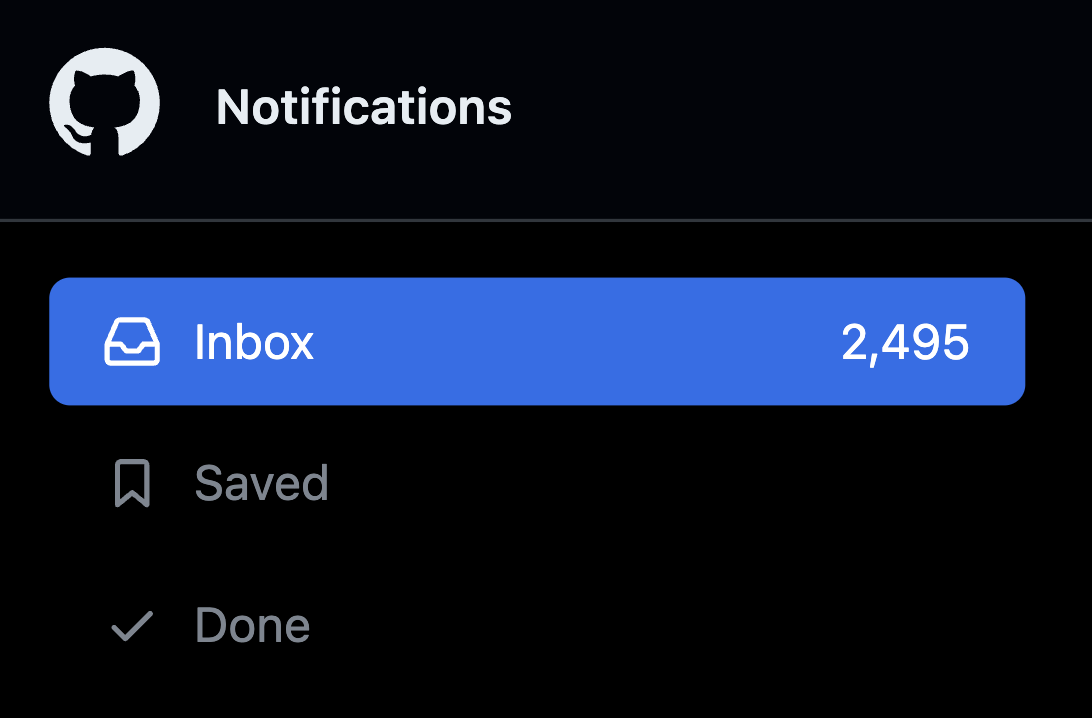
This could look quite scary. Well don’t worries, the number is made up. But we know that if we leave them there, the number will only grow and eventually hit the point that would make you feel overwhelmed. Which is something I believe we all want to avoid.
So, my approach is that - I do Inbox-Zero, everyday. Well, at least, I try to achieve that everyday.
Why Inbox-Zero?
You must be curious what’s the benefit of doing Inbox-Zero. Here are some of my thoughts.
The first point is to be responsive. Providing feedback on time is one of the important ways to maintain a healthy community and make contributors feel welcomed. You will see people sending appreciation messages when you reply to them in a timely manner. It feels good, and also encourages them to contribute more.
The second point is to keep your maintenance work in control. If we are able to tackle most of incoming notifications everyday, we don’t accumulate too much work that might beyond our capacity.
Then naturally, you will know better of what to focus on since now we have smaller maintenance scope.
0. Reduce Notifications Created
Before we start to talk about how to manage notifications, let’s first talk about how to reduce the number of notifications created beforehand. Like writing good contribritions guide, have good issue forms and templates, and so on. These could help contributors have more information, and at some level, reduce the number of duplications or low quality issues. I won’t dive into details here, but instead I’d like to share a interesting tip that could help you manage those information better.
GitHub supports a magic repository called .github. You can create one under your organization or personal namespace. Put the contributions guides and the templates in that repository, and they will be automatically applied to all the repositories under the organization or your account. This could greatly save your time and effort to maintenance those community health especially when you have a lot of repositories.
1. Seek for Notifications
Now let’s talk about how I manage the notifications. The first tip is to seek for notifications, and don’t let them seek for you. I would highly recommand you to turn off your email notifications or the push notifications on your phone, if you haven’t. You don’t want to being interrupted by notifications when you are working on something else, or in the middle of sleeping. Instead, I would look for notifications proactively, at the beginning of the day, or when I finished my current task.
You can either use GitHub Notifications Inbox to do so, or you can also give to try on  Volta, project management tool our team is building on top of GitHub. Allowing you to track your notifications and milestones in a more intractive way. It’s free for open source, so I would definitely recommand you to give it a try to see if it fits your workflow. Today, I will focus more on using GitHub’s native notifications inbox.
2. Group Notifications
The second tip I would love to share is to group your notifications by repository, instead of solely on time. When you looking at a list of notifications like this, it’s easy to get lost of which repository they are from, or that is happening in which project.
To do so, you will see there is a "Group by repository" button on the top right corner of the notifications inbox. Click it, it will now divide the notifications into different groups, and you can see the repository name on the top of each group.
I found this is a huge time saver, as I can now focus on one repository at a time, and avoid doing context switching too often. You can then filter out the notifications for each repository easier.
3. What to Focus
Then the last point to to know what to focus, and set priority. I will try to filter out the noises, dismiss the unrelated notifications, so I can keep the notifications inbox as my temporary todo list.
In practice, I will first dismiss issues and PRs that are closed or merged, when I didn’t participant in. In the other words, I trust the decision made by my team. A closed issue usually means the conversion is over, or we would encourage people to create new issues if it’s still relevant. This along already saved me a lot of time.
Then I will dismiss a range of notifications immediately as well. For example, the notifications from bots. We might have some deployment bots, or the bots automatically ask for reproductions or missing informations, for those, I will dismiss until here are human interactions.
Then also smaller things like new commits pushed to a working-in-progress PRs, or GitHub Actions been canceled, etc.
Following these rules, I have been manually dismiss them for a long while, until someday I feel it’s still a lot of work to do so. So, I wrote a userscript, a piece of JavaScript you injected into GitHub on your local to automate this. It’s called refined-github-notifications. Be aware it’s quite hacky and opinionated, but I wish it could be a good starting point for you to build your own automation.
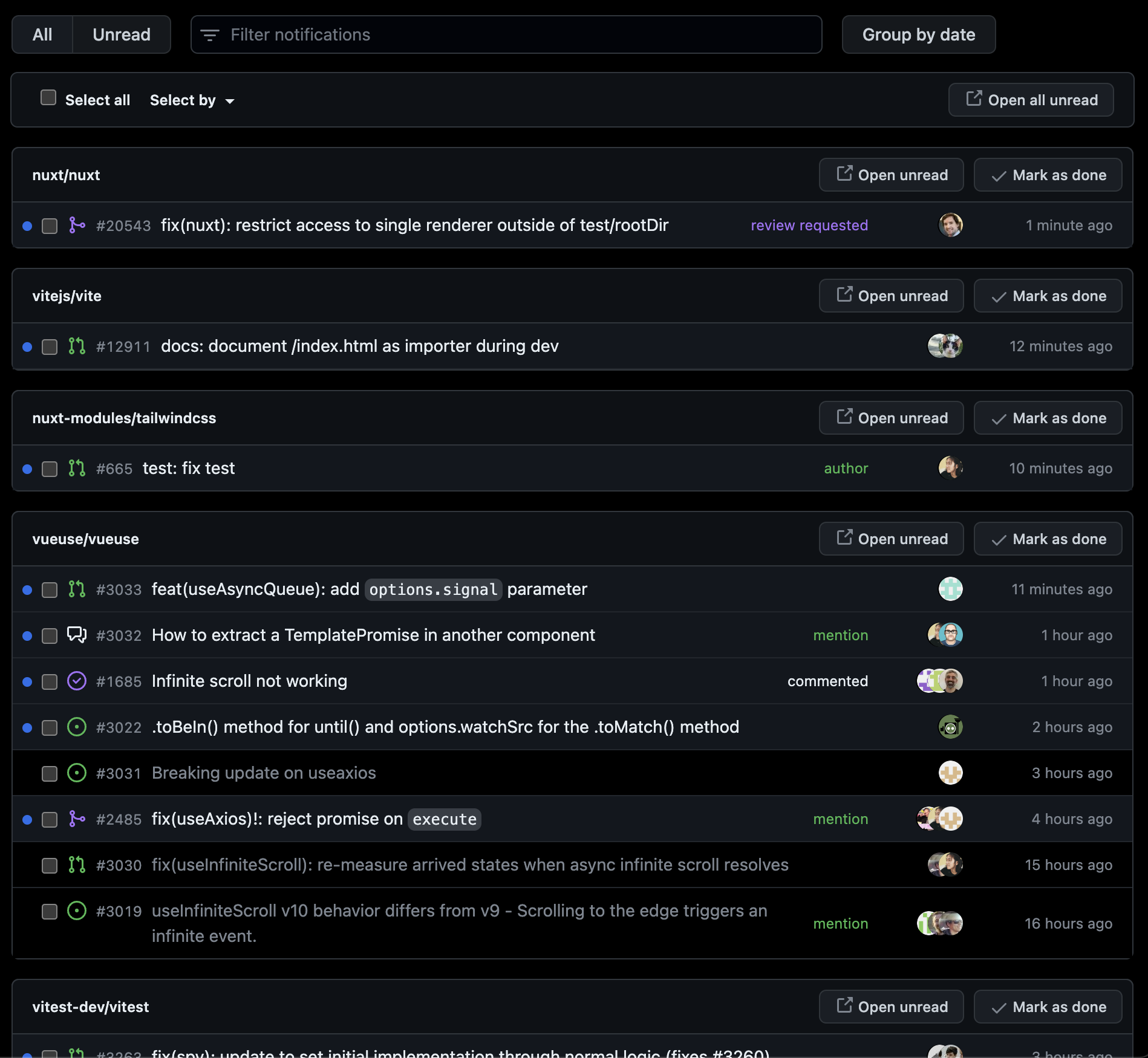
It does a few things, that I see a huge improvement to my workflow. First, it automatically dismiss the "unrelated" notifications I just mentioned.
Then it colorize the notifications by types. As you see, review request becomes purple, and metion and author becomes green and so on. This would help to determind which issue to check first when you scanning the list.
Then it keep only single instance of the notification tab. I commonly found myself opening multiple tabs of the notifications inbox, and they are usually opened in different time and has different state. It could be quite confusing as you will see the notifications that you might already handled. So this userscript will keep only one instance of the notifications tab, and when you open a new one, it will close the previous one.
And lastly, it automatically refresh the page to keep the notifications always update to date.
Wrapping Up
So to wrap it up, there are a few finally points I would love to share. The goal is indeed not the make the Inbox-Zero itself, but just one way I use to keep the maintenance scope managable and avoid to let it grow out of control.
Applying to notifications, I will also do Reply and forget. I will usually reply to the issue or PR, and then dismiss the notification and "forget" about it. As we know the new notifications will come up once you get replied. This would help to reduce the frustration of long-distance back-and-forth conversations.
And of course, use the tools to help you focus and manage them.
Finally, the most important point to enjoy what you are doing and keep good work-life balance.
Thank you!