




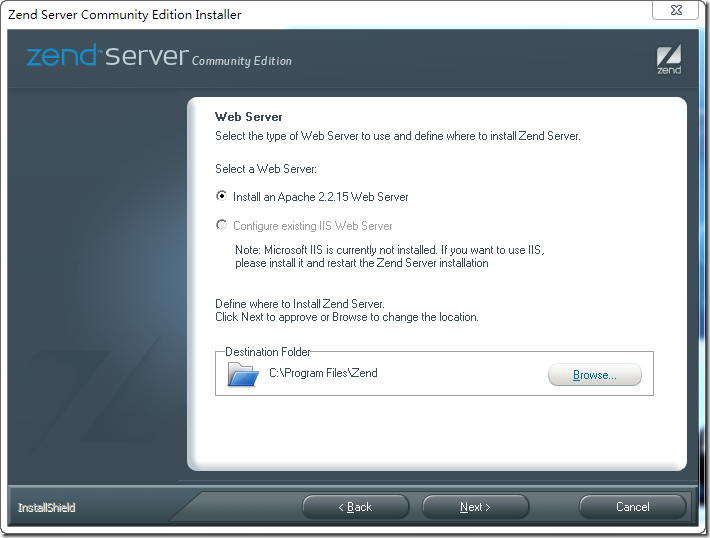
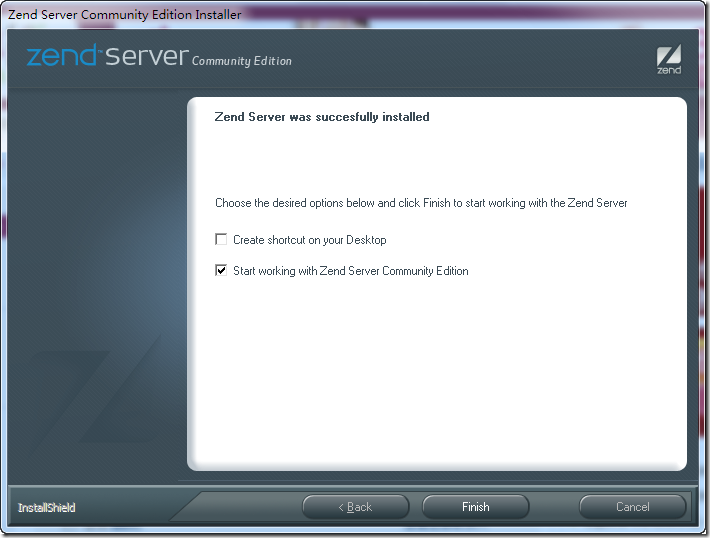
运行安装文件(ZendServer-CE-php-5.3.2-5.0.1-Windows_x86.exe)开始安装,选项请参照我的选择。
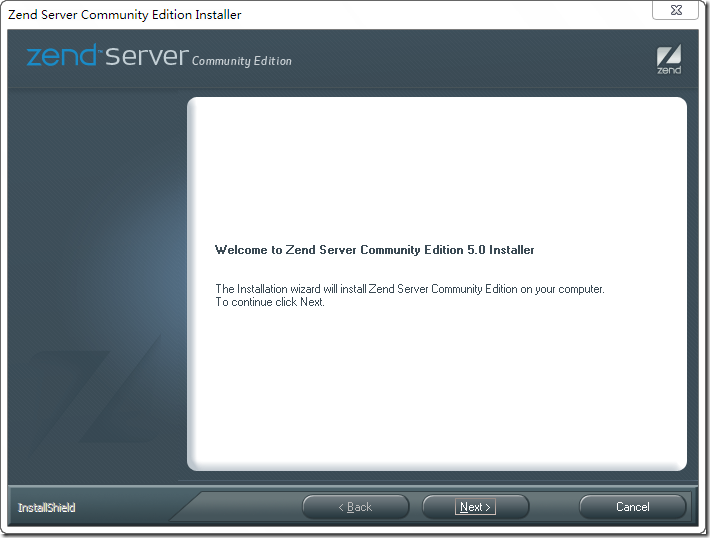
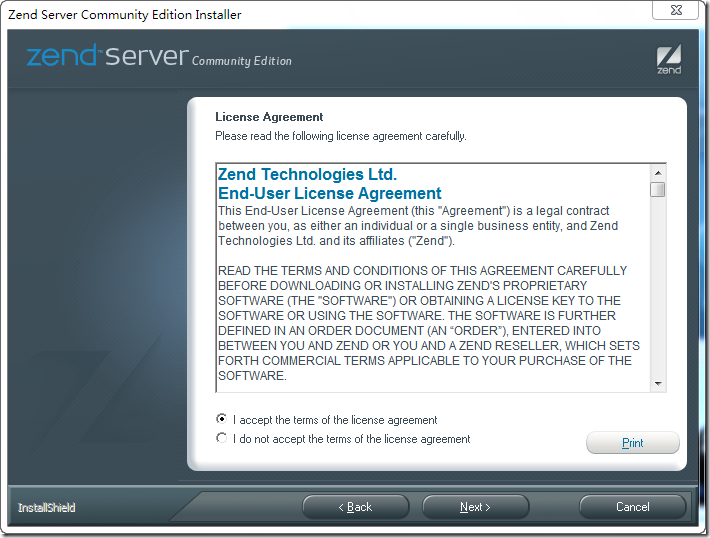
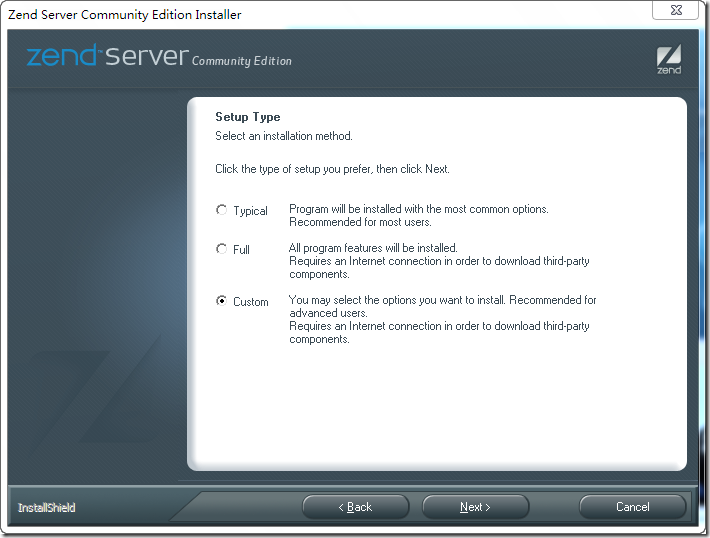 这里不做改动,维持默认选择即可
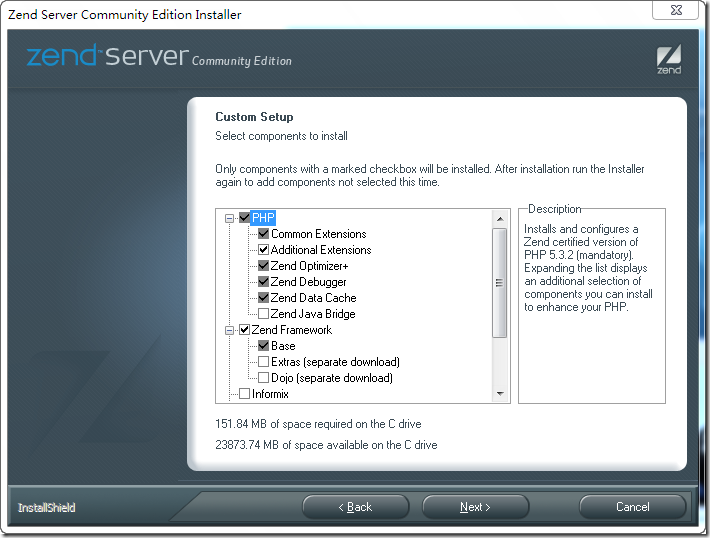
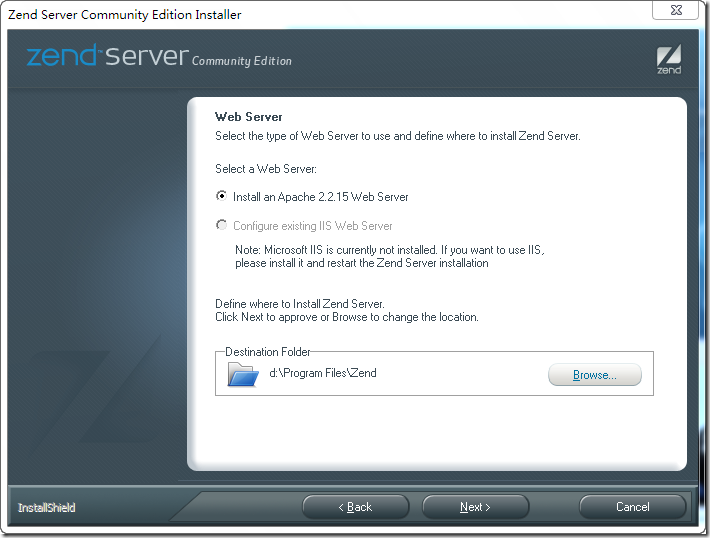
点击Browse按钮更改安装目录,比如这里设置的是D盘
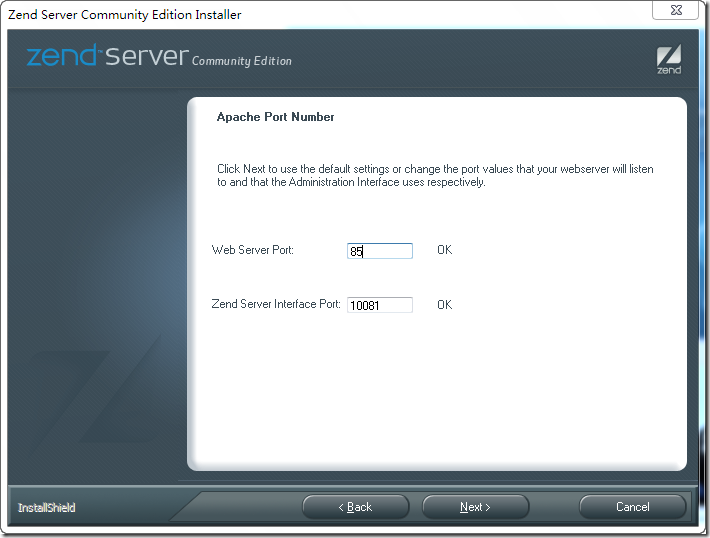
 更改Web Server Port为85 以避免跟IIS冲突,如果你没有IIS那么没有关系的。
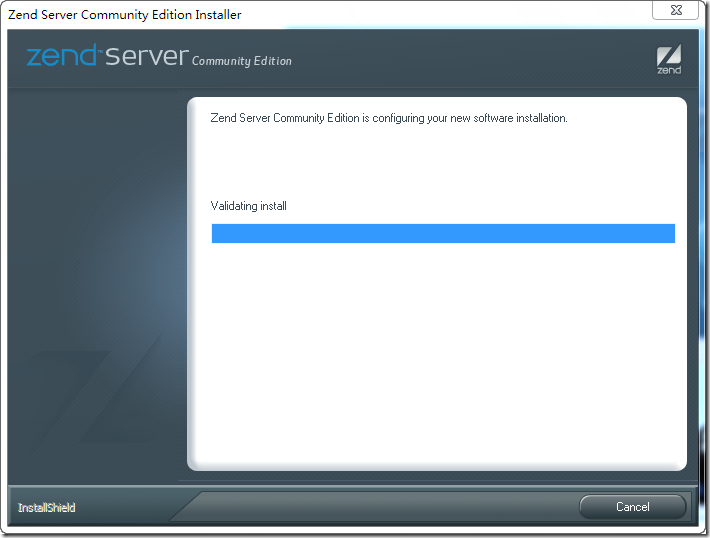
错误1:
安装完成因Zend Server存在配置文件编码的错误,需要手工做更改。
用记事本打开D:\Program Files\Zend\ZendServer\etc\ZendEnablerConf.xml文件。
将
锘??xml version="1.0" encoding="UTF-8"?>
更改为
<?xml version="1.0" encoding="UTF-8"?>
否则会无法启动zend server,网页显示错误500。
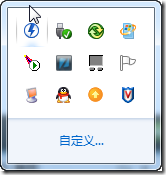
在控制面板中打开Apache Service Monitor(右键点击图中第二排第一个图标)
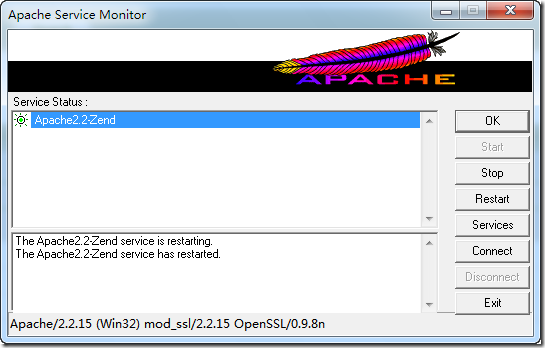
重新启动Apache(点击Restart按钮)
 在浏览器中打开地址:http://localhost:10081/ZendServer/
也可在开始菜单中找到Zend Server的快捷方式打开Zend Server配置界面做一下配置
勾选同意协议单选框。 为Zend Server设置一个密码 去除Email通知选择 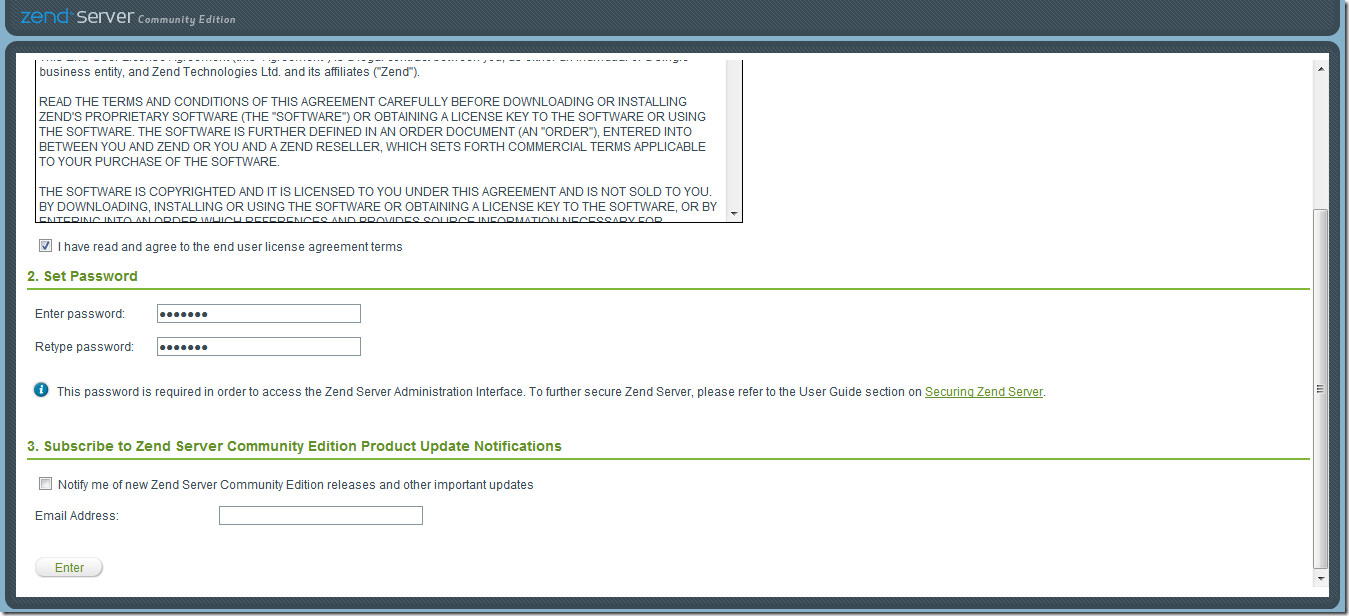 配置完成后进入到Zend Server控制面板
这里提醒一下的是Server Setup > Directives 中的Error Handling and Logging组中的display_errors在日后开发中会常用到。
主要作用是打开或者关闭PHP的错误提示。
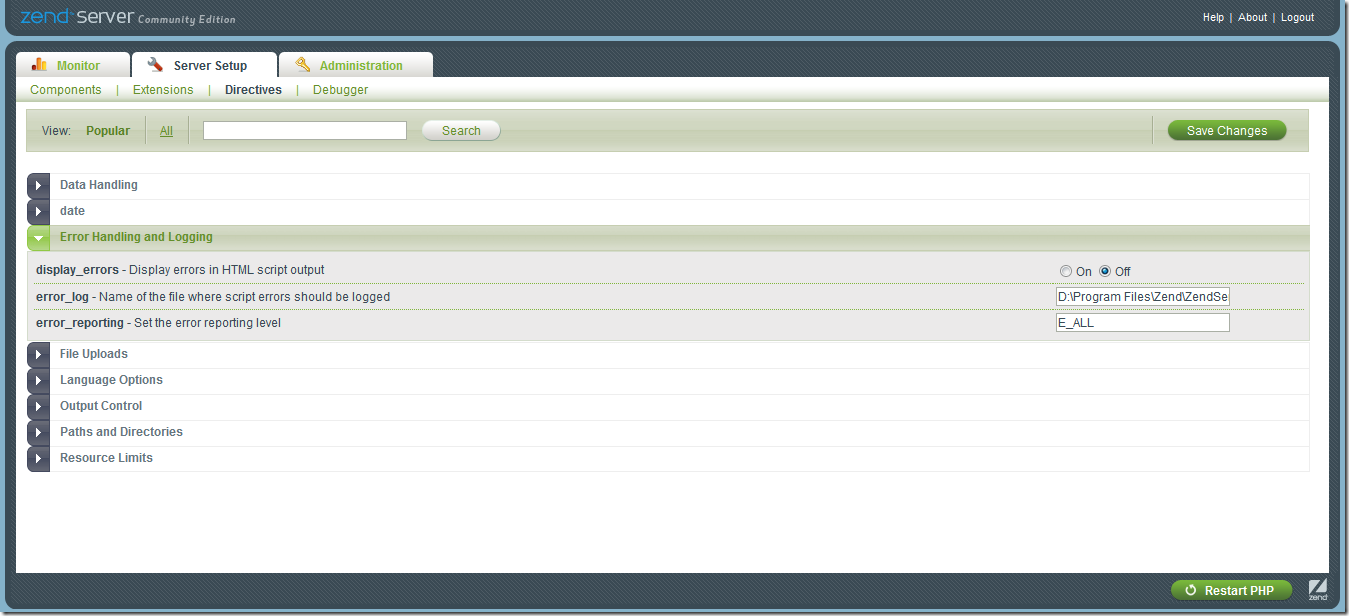
错误二:输入http:/localhost/无法打开。这个主要是起先你设置的时候,设置的端口号不是80,而默认是访问这个端口的。
可以如此访问:http://localhost:85/
修改端口号:
    例如可以将Apache监听的端口改为81或其他任何一个未被使用的端口。 Apache修改监听端口的方法为: 打开 httpd.conf 修改 Listen 80 为 Listen 81 Apache
可以同时监听一个以上的端口实现多个Http服务 只要添一行 如 Listen 82 即可 同样IIS也可以修改默认的端口以避开冲突 修改方法类似 打开
Administrative Tools -> Internet Services Manager 点选 Default Web Site(或其他自定义的Site) -> 右击选Properties 点选 Web Site -> Advanced...
 修改TCP Port 为有效值即可。
这里有更详细的设置情况:http://bbs.cfan.com.cn/thread-189702-1-1.html
错误三:默认路径
appache默认路径一般是 X:\Program Files\Zend\Apache2\htdocs X表示你的盘符。
那么现在我想改到其他地方应该怎么办?
那需要修改httpd.conf(在此E:\Program Files\Zend\Apache2\conf目录下)
找到DocumentRoot开头的选项,修改为你想要的路径就可以。
例如:
DocumentRoot "D:\MyExperiment\php"
#
# Each directory to which Apache has access can be configured with respect
# to which services and features are allowed and/or disabled in that
# directory (and its subdirectories).
#
# First, we configure the "default" to be a very restrictive set of
# features.
#
<Directory />
Options FollowSymLinks
AllowOverride None
Order deny,allow
Deny from all
</Directory>
#
# Note that from this point forward you must specifically allow
# particular features to be enabled - so if something's not working as
# you might expect, make sure that you have specifically enabled it
# below.
#
#
# This should be changed to whatever you set DocumentRoot to.
#
<Directory "D:\MyExperiment\php">
记住所有你的修改,在保存之后,都必须重新启动appace服务才行。
此内容由惯性聚合(RSS阅读器)自动聚合整理,仅供阅读参考。 原文来自 — 版权归原作者所有。